
90 AI tools · Free to start
Every AI tool for images and video, in one place
Generate from a text prompt or your own photo, then edit, upscale and finish it. 90 tools, 100 free credits every day.


Popular right now
The tools people use most. Each opens in your browser with real examples.
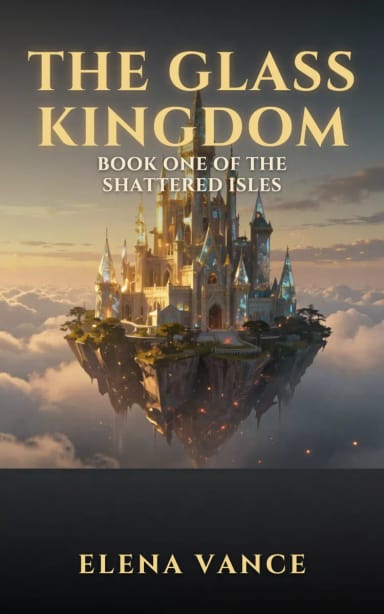 Book Cover GeneratorMake a book cover with AI: describe it, pick a genre, type your title.
 Caricature MakerUpload a photo and turn it into a personalized caricature with a free AI caricature generator. Pick a style, exaggerate the features, and download a fun, shareable result in under 20 seconds.
 AI RelightChange the lighting of any photo with AI. Pick neon, warm, cool blue, spotlight or cinematic and let the AI re-light the scene in seconds.
 Background RemoverCreArt's Background Remover cuts the subject out of any photo for free, without sign-up, and gives you a transparent PNG, a pure white background or a solid color, usually in under 20 seconds.
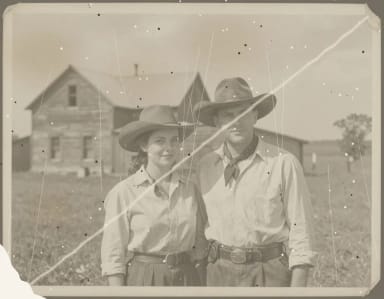 AI Photo restorationCreArt's AI photo restoration repairs old, damaged photos for free, without sign-up: it removes scratches, creases, stains and dust, rebuilds torn corners and brings back faded contrast, usually in under 20 seconds.
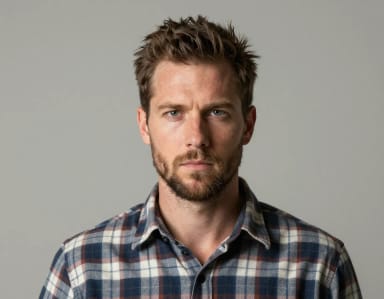 Wanted Poster GeneratorTurn any photo into a classic old-west wanted poster with your own name and reward, spelled exactly as you type them. Free to try — edit the text any time and download in seconds.
 AI Headshot GeneratorTurn an everyday selfie into a professional headshot with AI: a blazer or suit, a studio or office background and your own face, ready for LinkedIn and your CV in under 20 seconds.
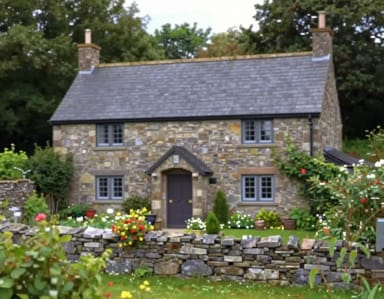 Image UpscalerCreArt's Image Upscaler enlarges photos 2x or 4x with a dedicated AI upscaling model: a 1,000 × 1,500 px photo becomes 4,000 × 6,000 px. You see the exact output size before you start. Free to try, no sign-up.
Find the right tool for the job
Eight families of tools, from image generation to interior design.
- AI Image GeneratorCreate images from textAll 8 tools →
- AI Video GeneratorMake videos from text or photosAll 7 tools →
- AI Image EditorRemove, replace and editAll 5 tools →
- AI Photo FiltersTurn photos into artAll 8 tools →
- AI Portrait StudioPortraits, headshots and fun editsAll 13 tools →
- AI Photo EnhancerUpscale, restore and fix photosAll 7 tools →
- AI Interior DesignRedesign rooms and gardensAll 8 tools →
- AI Design GeneratorLogos, posters, covers and moreAll 26 tools →
Made for your work
Solutions for how you work
From idea to image
Go from rough concept to polished visual in minutes
CreArt combines generation, editing, and enhancement workflows in one place. Start with a prompt, iterate fast, and export ready-to-use assets without jumping across tools.
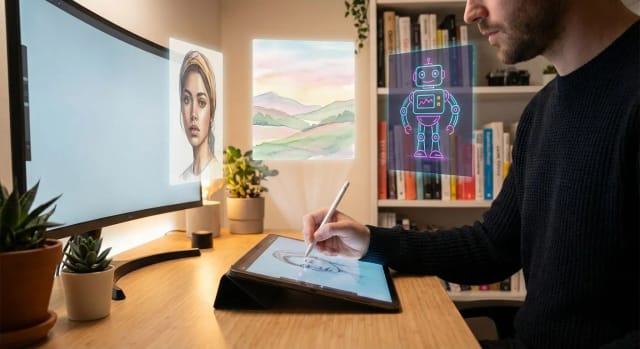
Editing without friction
Retouch, redesign, and refine without complex software
Remove objects, upscale detail, transform style, or redesign spaces with focused AI tools. Keep quality high while reducing production time for your team.
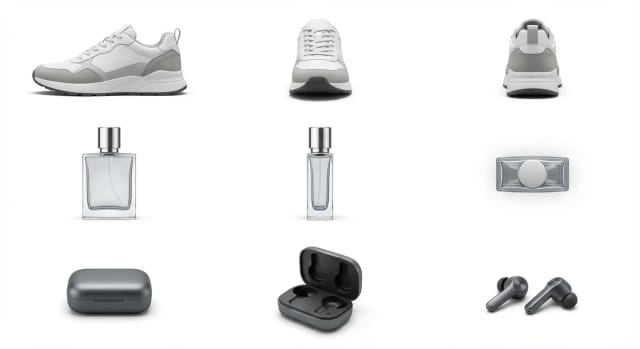
Why teams use CreArt daily
Purpose-built blocks for generation, enhancement, and delivery so you can move from brief to final asset with less overhead.
Focused AI workflows
Dedicated tools for generation, editing, portraits, design, and style transforms.
Faster iteration cycles
Test multiple directions quickly and compare outputs before committing to final assets.
Consistent visual quality
Enhancement and cleanup flows help maintain sharp, publish-ready results.
Simple team handoff
Shared, predictable workflows make collaboration easier between marketing and design.
No heavy setup
Start from web-based tools instantly, without complex desktop pipelines.
Built for practical output
Produce assets that are ready for social, ads, product pages, and creative experiments.
How the workflow works
Three simple steps to move from raw input to production-ready visual.
Pick the right tool
Choose a generator or editor based on your goal: create, transform, clean, or upscale.
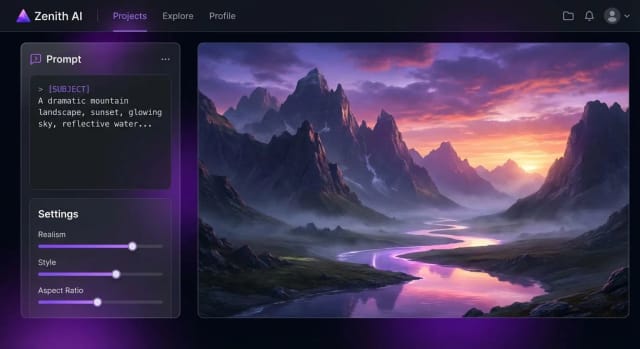
Generate and iterate
Run multiple variations, adjust prompts or inputs, and compare outputs quickly.
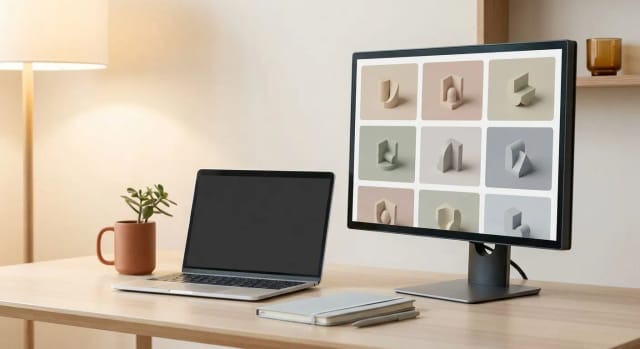
Export and publish
Download your selected result and drop it into your campaign or content workflow.
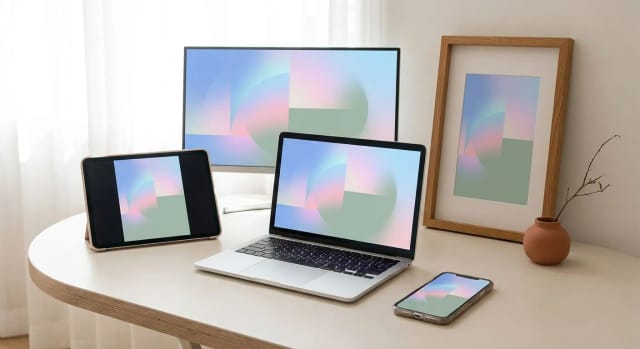
Before and after improvements you can expect
A typical transformation path when using CreArt tools across generation and enhancement.
| Feature | Details |
|---|---|
| Input quality | Starting images may be noisy, low-resolution, or compositionally rough. |
| Output sharpness | Enhanced outputs improve detail, clarity, and perceived professional finish. |
| Creative direction | Multiple style variants allow faster exploration before final approval. |
| Time to publish | Unified workflows reduce manual editing steps and speed up delivery. |
Frequently asked questions
Quick answers before you start building with CreArt.
Still have a question? Visit the help center →