
AI Tools for Content Creators
AI tools that turn a video title and a selfie into thumbnails, then banners, emotes, profile pictures and UGC photos for brand deals, each in its own tool.
Loading the background…
The title and your face are added in your browser, so the text is always spelled right and your photo isn't uploaded. The JPG stays under YouTube's 2 MB limit.
Make it now
What do you want to create today?
The channel kit, from the assets you already have: your face, your title, your last frame. Nothing here needs a designer.
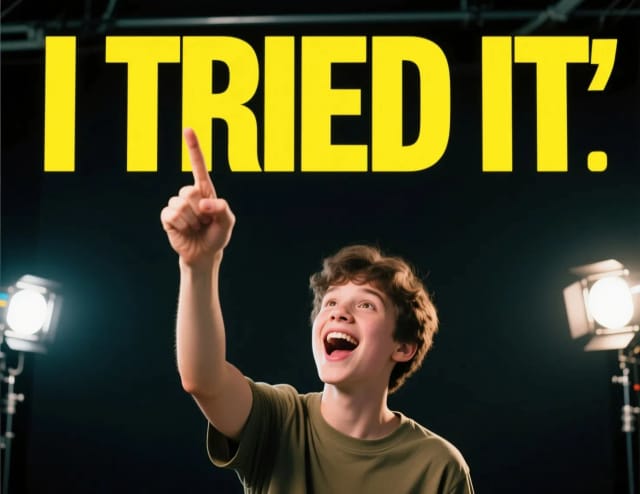
A thumbnail from your title
ImageFace, big readable text, contrast that survives at 120px wide.
Start now →
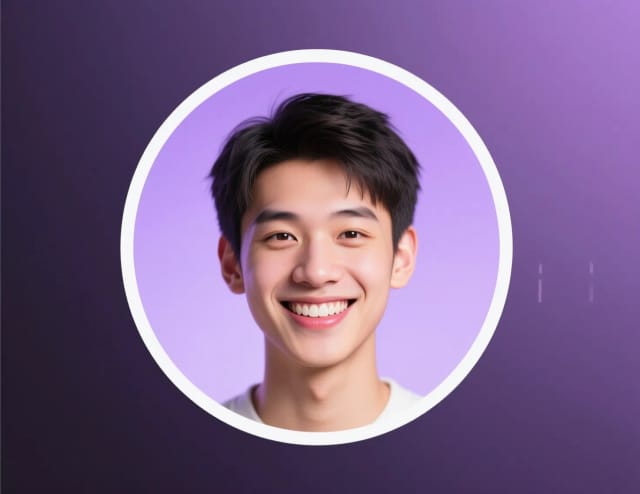
A profile pic that reads tiny
ImageYour avatar for YouTube, TikTok and Twitch — clean at 48px.
Start with your photo →
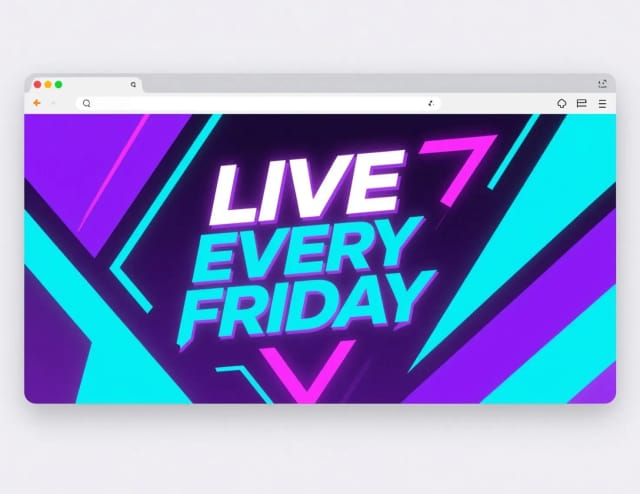
A channel or stream banner
ImageThe header that makes the channel look established from day one.
Start now →
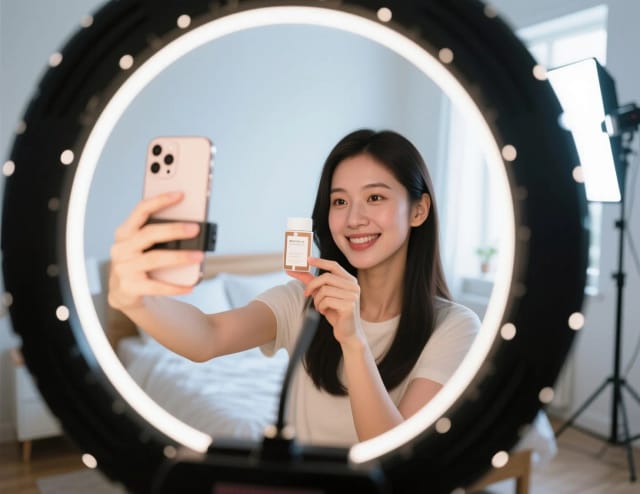
A UGC-style brand ad
ImageThe portfolio piece brands pay creators for — from one product photo.
Start with your photo →

Emotes for your chat
ImageYour face or an idea as a chat emote, cut out and sized 112, 56 and 28 px.
Start now →
Viewers decide in a glance — the thumbnail decides the click, and it’s the one asset you remake every single upload.
The workflow
How the pros run it, start to finish
The visuals pipeline for a one-person channel — thumbnail first, because nothing else matters if nobody clicks.
- 1
Nail the thumbnail
Design for 120 px wide: one face, one emotion, three words max. If you squint and can’t read it, neither can a phone.
- 2
Keep your face consistent everywhere
Same recognizable avatar on every platform is how strangers become subscribers.
- 3
Channel art that matches
Banner, panels and overlays in the same palette as your thumbnails — the channel page should feel like one brand.
- 4
Emotes your chat will use
Emotes are read at 28 px: one face, one expression, a thick outline. Your own face beats a generic one.
- 5
Clips from stills
Animate your best frames into shorts b-roll instead of re-shooting.
Good to know (beyond the tools)
- A/B your thumbnails: YouTube’s "Test & compare" runs three versions — make them actually different, not three crops of one image.
- Export profile pictures at 800×800 even though platforms show them tiny; re-uploads compound compression.
How to use it
Write the title
Three to five big words. The title is set in your browser, so it is always spelled right.
Add your face
Upload a selfie with your face and shoulders. It is cut out in your browser and never uploaded.
Pick a background
A sample, a frame from your own video, or a new scene the AI paints from a short description, free with Auto.
Check and download
Look at the phone preview, keep the title out of the corner where YouTube shows the length, and download the 1280×720 JPG.
Content creators
How it works
AI tools for content creators handle the visual work that eats your upload schedule: a thumbnail that pops in the feed, a banner that makes your channel look established, an avatar that carries your brand across every platform. You write the title, add your face from a selfie, pick a background and download.
The thumbnail maker alone justifies the habit. It's the one asset you remake for every single upload, and it's the one that decides whether the click happens at all.
Everything runs from assets you already have — a working title and a photo of your face. No design software, no stock library, no starting from a blank canvas.

Title, face and background
You give the maker three pieces. The title is set as real text in the font and colors you pick, so it is never misspelled. Your selfie is cut out in your browser with a white outline, and you can move it and change its size. The background is a sample, a frame from your own video, or a new scene the AI paints from a short description.
Only the scene uses AI, with the free Auto model; the title and your face are added in the browser. The maker marks the corner where YouTube shows the video length, and the phone preview shows how it reads at feed size. To clean up a frame from your video before you use it, the photo enhancer fixes light and sharpness.
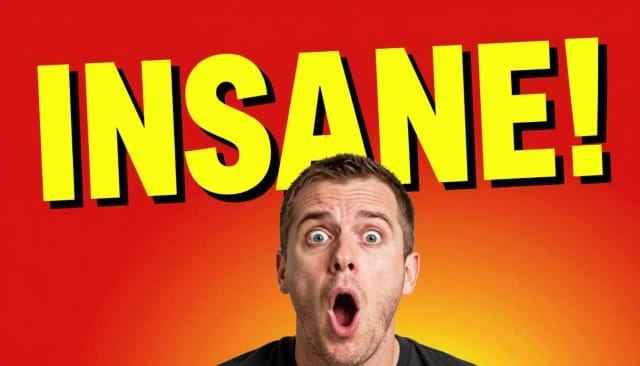
One selfie, the rest of the channel kit
Doing this by hand means opening an editor, cutting yourself out, hunting for a font, matching colors and exporting — for every video. This replaces that loop with a title and a click, and it scales past thumbnails.
The same selfie works in the other tools: the emote maker turns it into chat emotes sized for Twitch, the profile picture maker into an avatar for every platform, and the YouTube banner maker builds the channel header in the same colors. If you want a cleaner base portrait first, the AI headshot generator turns an everyday selfie into a sharp professional shot.
Who it's for
YouTubers
Remake the one asset that matters most — the thumbnail — for every upload, without opening an editor each time.
Streamers
Turn a selfie into chat emotes and a profile picture, and make a channel banner in the same colors.
Solo creators without a designer
Get on-brand visuals from a title and a photo when there's no design team and no budget for one.
Creators chasing brand deals
Produce UGC-style ad creatives to pitch sponsors and show what a promo would look like.
Multi-platform posters
Keep one look across YouTube, TikTok, Twitch and socials by reusing the same photo and accent colors everywhere.
Pricing
Free
$0
- 100 credits every day
- The Auto model, on our own servers
- No card needed
Paid plans
Basic · Starter · Creator
- 1,600 to 10,000 credits a month
- Every AI model, including premium ones
- AI video, and no ads in the mobile app
Why creators use it
YouTube thumbnail maker
Turn a title and a selfie into a 1280×720 thumbnail: your face cut out, a title that is always spelled right, and a background from your video or a new AI scene.
YouTube banner maker
Generate channel art that fits the header dimensions and matches your thumbnails, so the whole channel reads as one brand.
Avatars and emotes
Reuse the same photo to create a profile avatar and a set of chat emotes that stay recognizable everywhere you post.
UGC ads for brand deals
Show a sponsor's product in hand, unboxed or in use, the way creators shoot it, ready to pitch or run as a promo.
On-brand every time
Pick your title font and colors once and reuse them on every upload, so the channel reads as one brand.
New scene, same title
Paint a few AI scenes behind the same title and face, and keep the one with the strongest hook.
FAQ
Still have a question? Visit the help center →
What are the best AI tools for content creators?
How does the AI thumbnail maker work?
Can I make a YouTube banner with this tool?
Can I create UGC ads with AI?
Do I need design skills to use it?
Is it free to use?
What can I change on the thumbnail?
Will the thumbnail actually look like me?
CreArt is not affiliated with, endorsed or sponsored by YouTube, Twitch, TikTok or LinkedIn. YouTube is a trademark of Google LLC. Twitch is a trademark of Twitch Interactive, Inc. TikTok is a trademark of ByteDance Ltd. LinkedIn is a trademark of LinkedIn Corporation.
Win the click before they watch
Packaging decides whether your content gets seen — these make it look intentional.

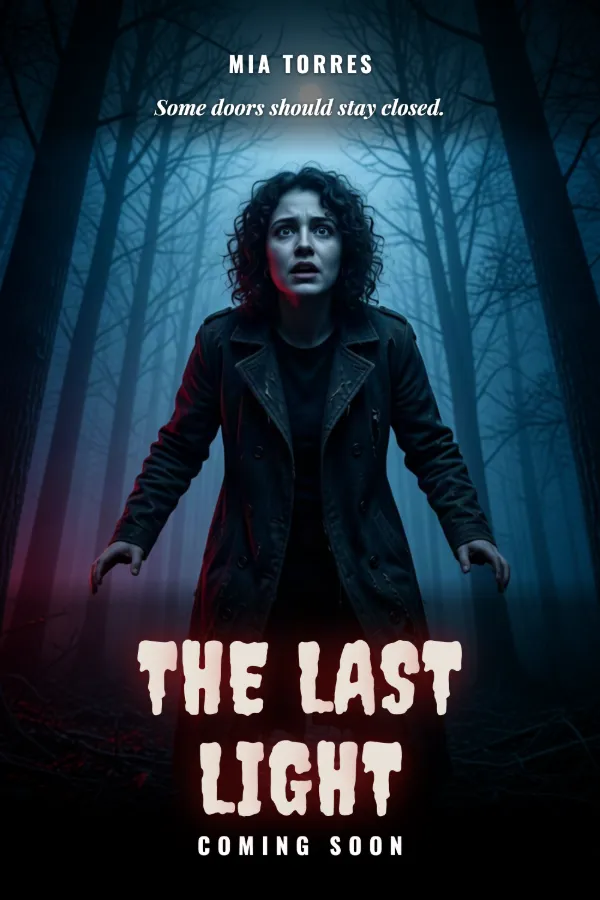
Your face, your brand, everywhere
Avatars, profile pictures and stylized portraits that stay consistent across platforms.


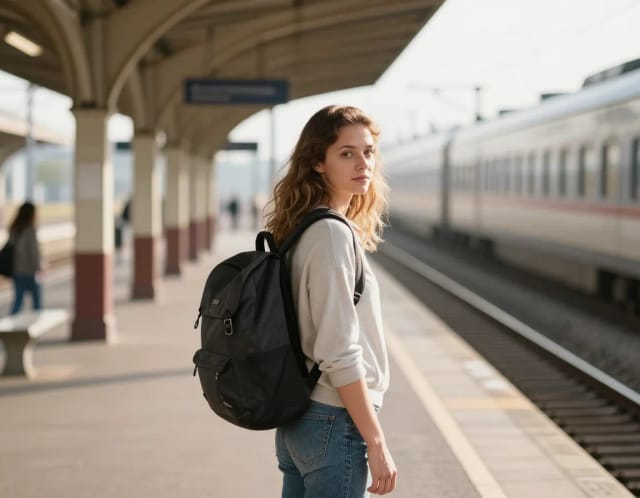
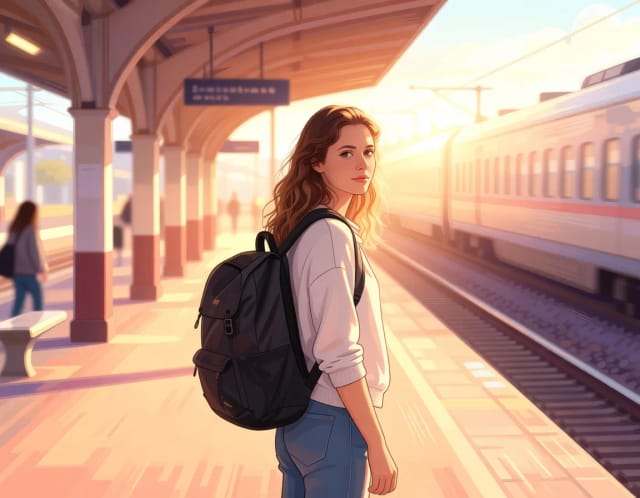

Emotes, emojis and stickers
Small visuals for chat, comments and community posts.



Ready to make something?
Open the tool, try the free Auto model and download the result.