
AI Art Generator
Turn a text idea or a photo into art: anime, oil painting, watercolor, pixel art, Van Gogh and more. Free with the Auto model and no sign-up, usually in under 20 seconds.
20 free tries a day with Auto · No sign-up
20 free tries a day with Auto · No sign-up
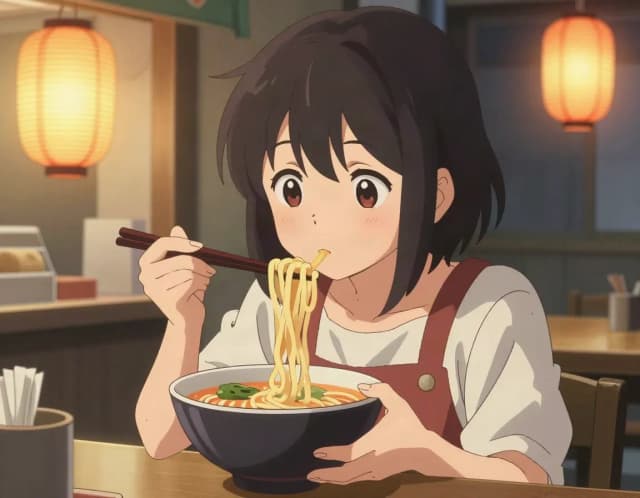
How it works
How to make AI art from text or a photo in 3 steps
Describe or upload, pick a style, download.
Describe an idea or upload a photo
From text: type what you want to see, like «a fox sleeping under a maple tree». From a photo: upload a picture, or try the park bench or the harbor, and the people, pets and composition stay.
Pick one of 14 styles
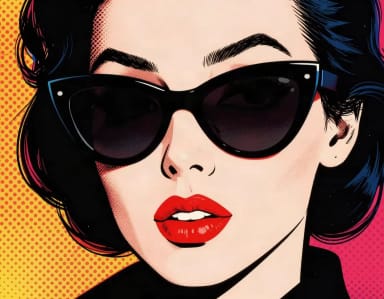
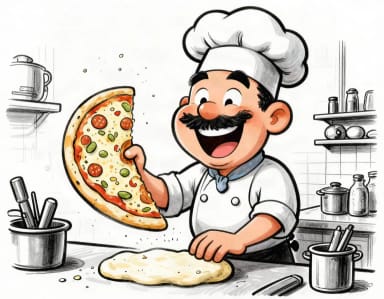
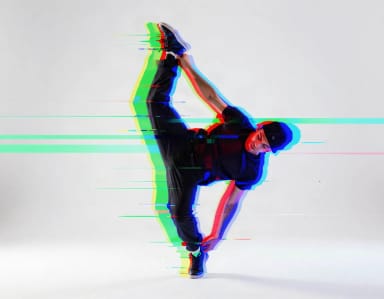
Eight styles from text (anime, oil painting, watercolor, pencil sketch, pixel art, pop art, caricature and glitch art) and six for photos (pencil, pop art, synthwave, psychedelic, watercolor and Van Gogh; pop art, synthwave, psychedelic and watercolor come with Pro).
Generate and download
Your artwork is usually ready in under 20 seconds, free with the Auto model and with no sign-up.
From a photo
Image to image AI: turn a photo into art
Switch to From a photo, upload a picture (or try the park bench or the harbor) and pick a style. The AI redraws your photo as a pencil drawing, a pop art print, a synthwave scene, a psychedelic illustration, a watercolor or a Van Gogh painting, keeping the same people, pets, pose and composition. Pencil and Van Gogh are free with the Auto model; pop art, synthwave, psychedelic and watercolor come with Pro.
Image to image works best with one clear subject and good light. Add a short note if you want a change, such as «make it night» or «add snow».
Each style also has its own tool: Photo to Sketch for pencil, Photo to Painting for oil, and the rest in AI Photo Filters.
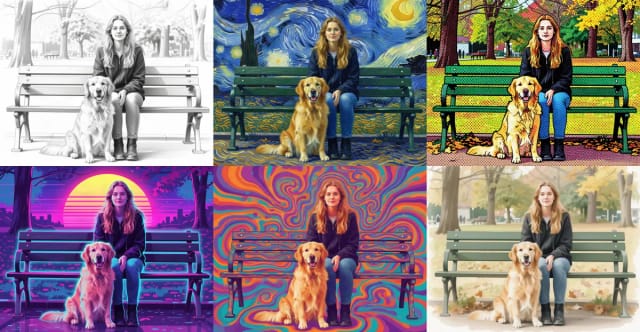
How it works
What the AI Art Generator does
From a written idea to a finished piece — how the generator turns words into artwork.
CreArt's AI Art Generator turns a text idea or a photo into an original artwork, free with the Auto model and with no sign-up. Describe what you want to see and pick one of 8 styles, or upload a photo and pick one of 6. The style leads the picture, so an oil painting looks like oil and pixel art looks like pixels.
For a whole anime character or scene, the AI Anime Generator has ten anime styles; for a funny portrait of a real person, use the Caricature Maker.
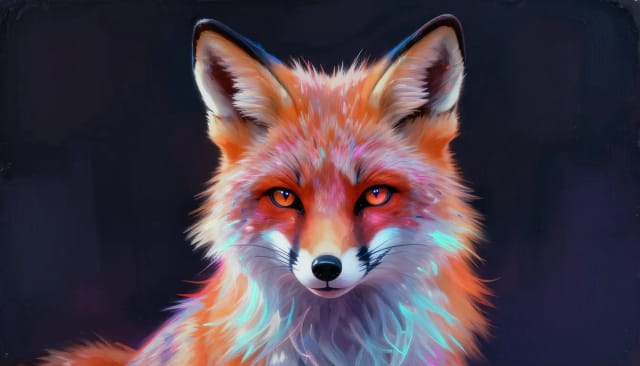
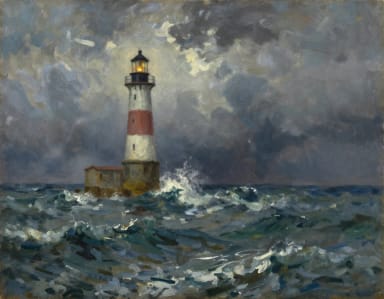
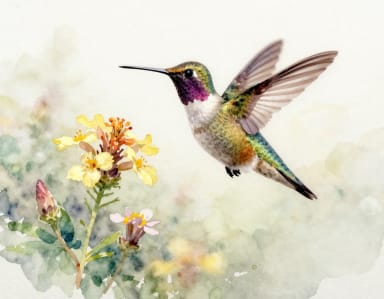
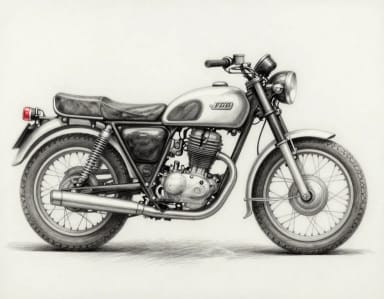
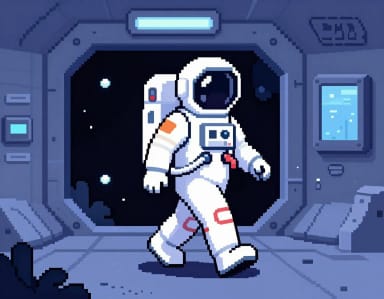
One idea, fourteen styles
Oil, watercolor, pixel art, pop art: see how far the same subject can travel. Click a style to start there.
Why every generation is an original image
Each generation starts from noise, so the same prompt gives a new picture every time: change a word or a style and run it again until it feels right.
Glitch Art here is a look you describe. For real RGB shift, scan lines and pixel sorting on a photo of your own, use the Glitch Effect.
Hours of drawing collapsed into a sentence
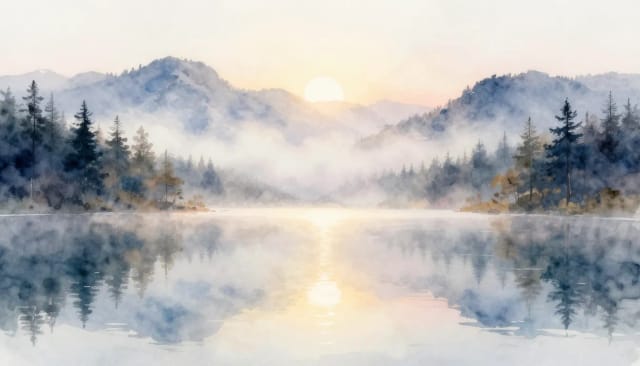
Painting in oils, inking a comic panel or placing pixels one by one takes years of practice. Here you describe the scene and pick the look, then use the result as a wallpaper, a gift, a story illustration or a print.
Readable words are not its strong point, so the generator keeps text out of the artwork: add titles and captions afterwards in a design tool.
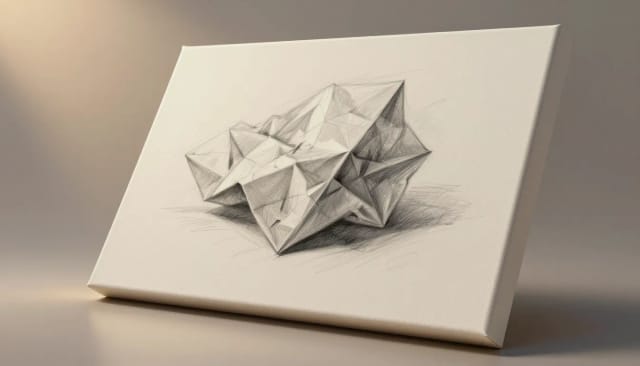
Who it's for
Who the AI Art Generator is for
Marketers and social teams
Spin up on-brand visuals for posts, ads, and campaigns without waiting on a designer or paying for stock every time you need an image.
Content creators and bloggers
Illustrate articles, thumbnails, and newsletters with original AI generated images that match your topic instead of generic photos everyone else uses.
Hobbyists and home decorators
Turn a description into a piece of wall art, a phone wallpaper, or a gift print — no drawing skill required, just an idea.
Game and character designers
Explore character concepts, environments, and mood boards quickly, iterating on wording until the look matches what you're building.
Small business owners
Create product visuals, promo graphics, and branded artwork in under 20 seconds so your store or site looks polished on any budget.
Pricing
AI Art Generator pricing
Make AI art for free with the Auto model, no account needed. Pick a plan when you want more images a day or other models.
Free
$0
- 100 credits every day
- The Auto model, on our own servers
- No card needed
Paid plans
Basic · Starter · Creator
- 1,600 to 10,000 credits a month
- Every AI model, including premium ones
- AI video, and no ads in the mobile app
Why CreArt
Why use this AI art generator
A free AI image generator built for original results, fast iteration, and real control over the output.
From text or from a photo
Describe any idea, or upload a photo and turn it into art: image to image is built in.
14 styles that show
Eight styles from text and six for photos, each written so the style leads the picture.
Your photo stays recognizable
From a photo, the same people, pets, pose and composition, redrawn in the style you pick.
Free with Auto, no sign-up
Make art for free with the Auto model every day, without an account: all 8 text styles, plus Pencil and Van Gogh from a photo.
Pick the shape
From text, choose square, portrait or landscape before you generate.
Usually under 20 seconds
No brushes, no software to learn: try another style straight away.
Art prompts to build on
Four finished pieces, wording included. Start from one instead of a blank box.
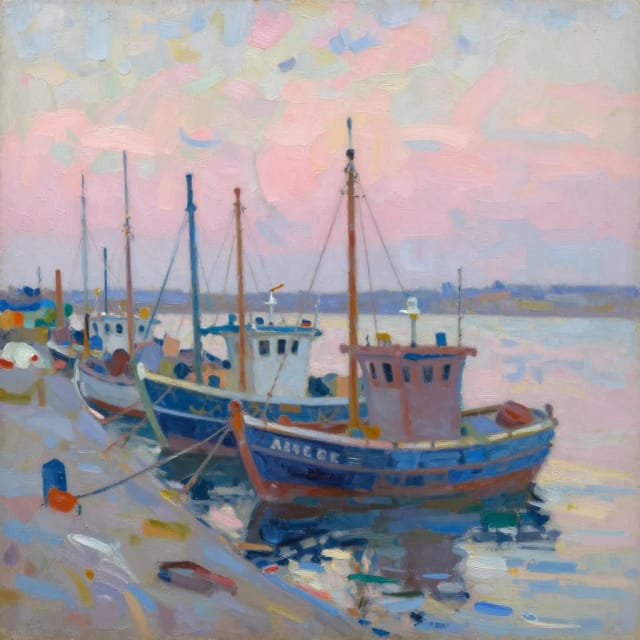
Impressionist harbor
impressionist oil painting of a fishing harbor at dawn, loose visible brushstrokes, soft pinks and blues, style of plein air painting
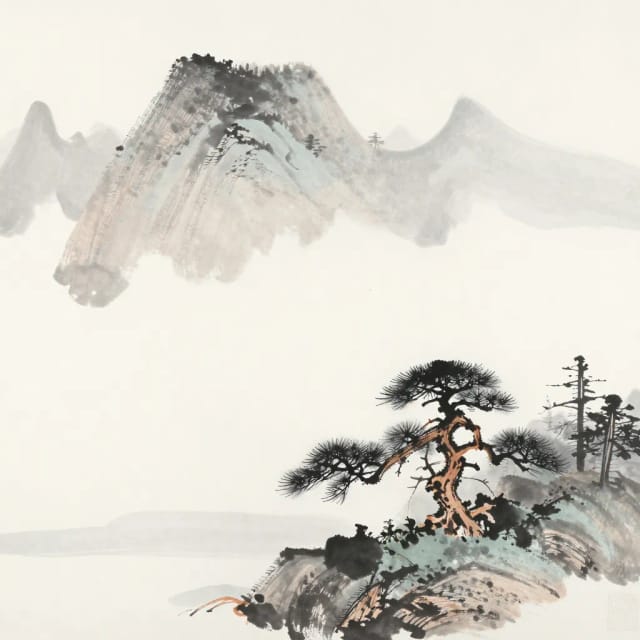
Ink wash mountains
traditional japanese ink wash painting of misty mountains with a lone pine, minimal strokes, generous negative space
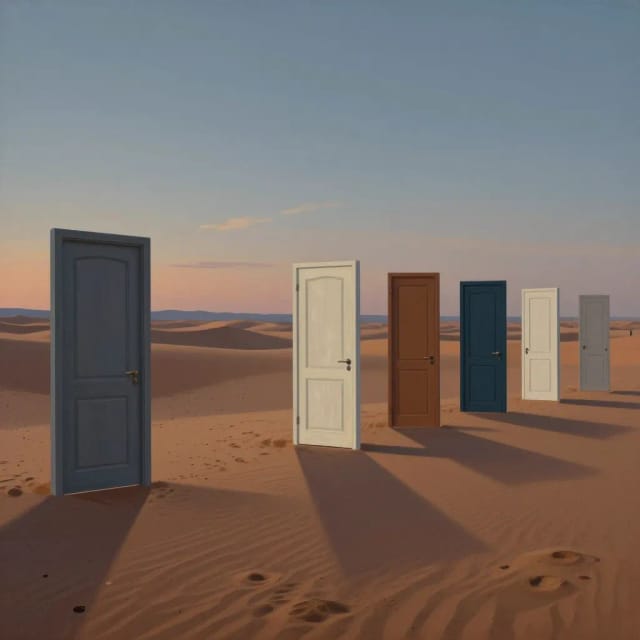
Surreal desert doors
surrealist painting of a row of mismatched doors standing alone in a desert at dusk, long shadows, dreamlike atmosphere
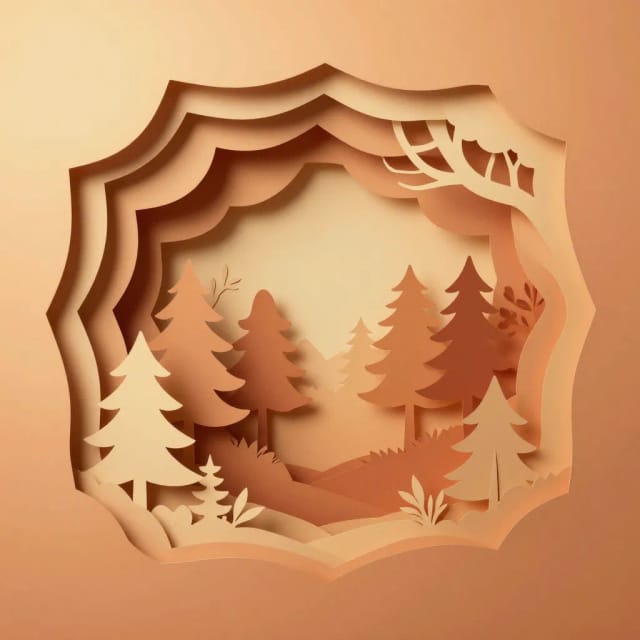
Cut-paper layers
layered paper-cut art illustration of a forest scene with depth, warm gradient background, crisp shadows between layers
FAQ
Frequently asked questions about the AI Art Generator
Still have a question? Visit the help center →
What is image to image AI?
How do I turn a photo into AI art?
Is there a free AI art generator with no sign-up?
What is the difference between image to image and text to image?
What styles can I create?
Will my photo stay recognizable?
How does AI generate art?
Can you sell AI generated art?
How can you tell if art is AI generated?
What is the best AI art generator for beginners?
CreArt is not affiliated with, endorsed or sponsored by Etsy. Etsy is a trademark of Etsy, Inc.
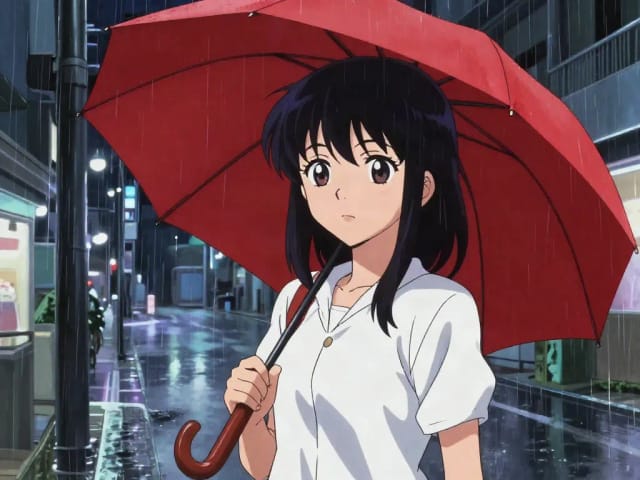
AI Anime Generator
Turn a text idea into anime-style art. Pick a look, generate and download it, usually in under 20 seconds — no drawing skills required.
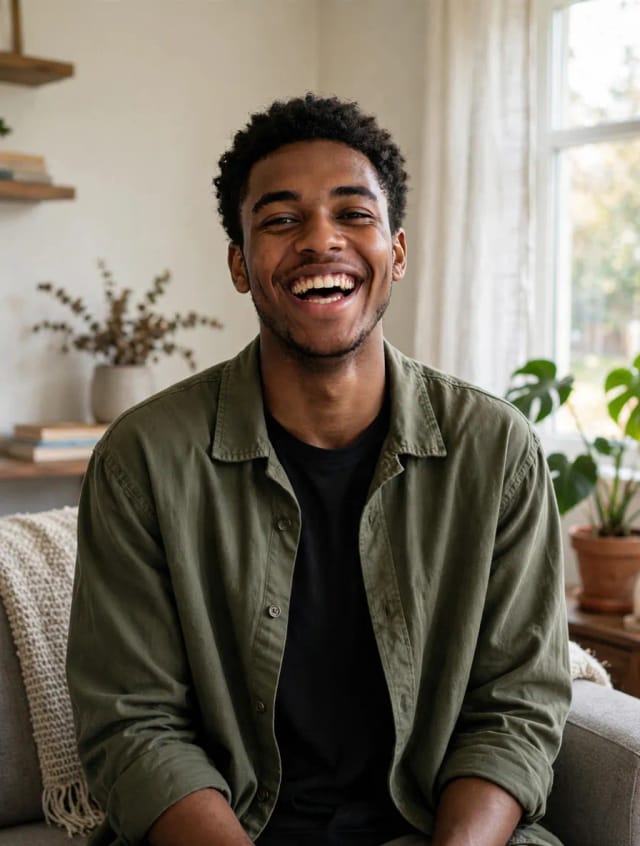
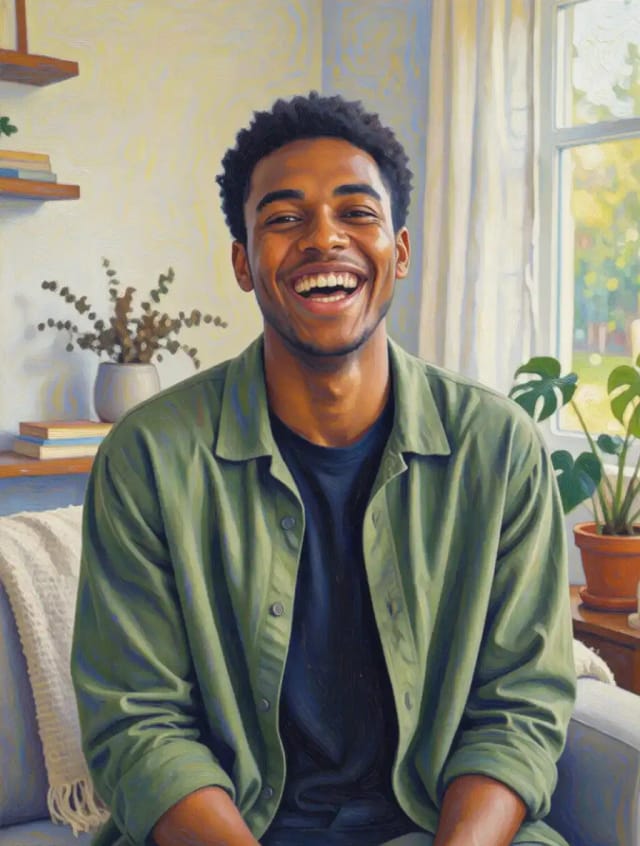
Photo to Painting
CreArt's photo to painting tool turns any photo into a painting, from a portrait painting to an oil painting look, free and without sign-up. Pick impressionist, baroque, palette knife, acrylic, expressionist or pop art; it usually takes under 20 seconds.
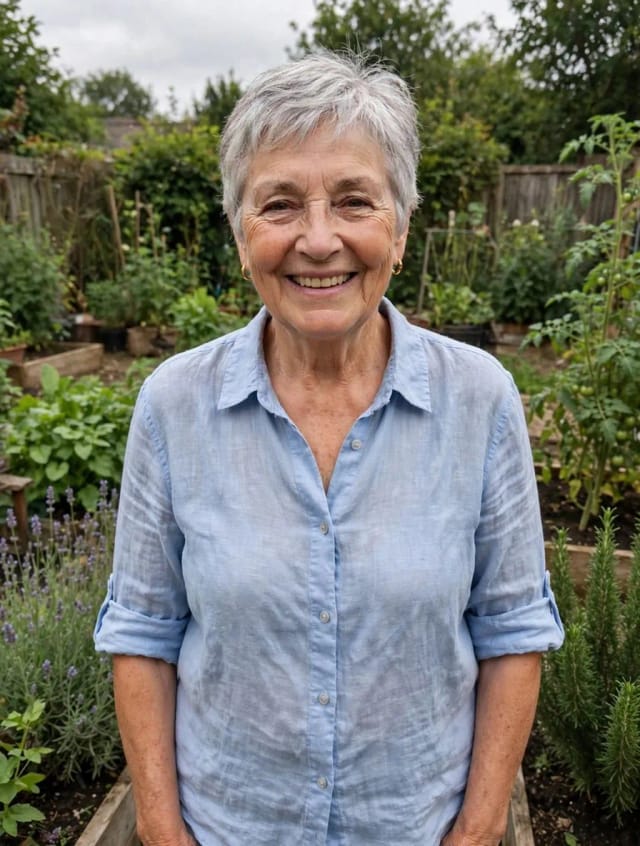
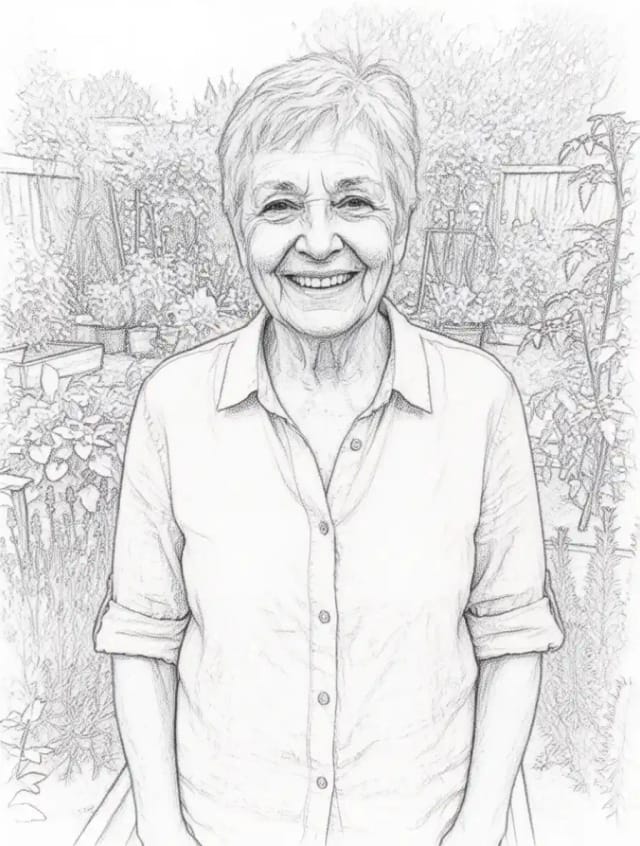
Photo to Sketch
CreArt's photo to drawing tool turns any photo into a pencil sketch, line drawing or eight other drawing styles for free, without sign-up, usually in under 20 seconds.
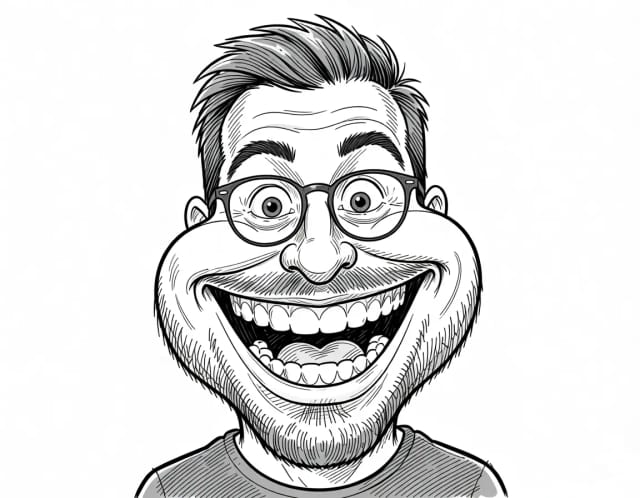
Caricature Maker
Upload a photo and turn it into a personalized caricature with a free AI caricature generator. Pick a style, exaggerate the features, and download a fun, shareable result in under 20 seconds.
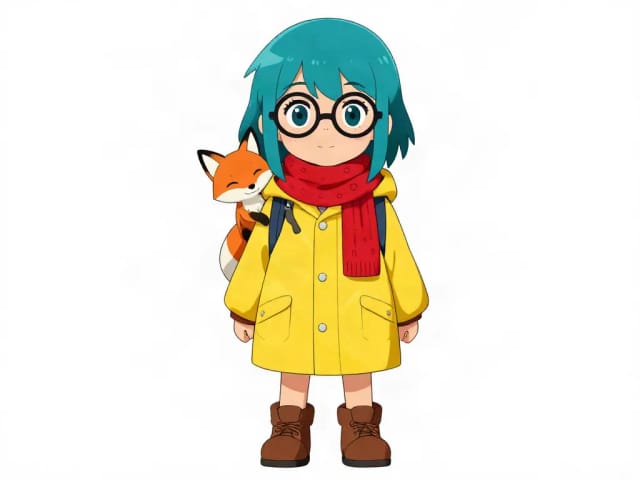
AI Character Generator
Describe your character and CreArt's free AI character generator draws it in 10 styles, from anime to claymation, with no sign-up. Then put the same character in any new scene.
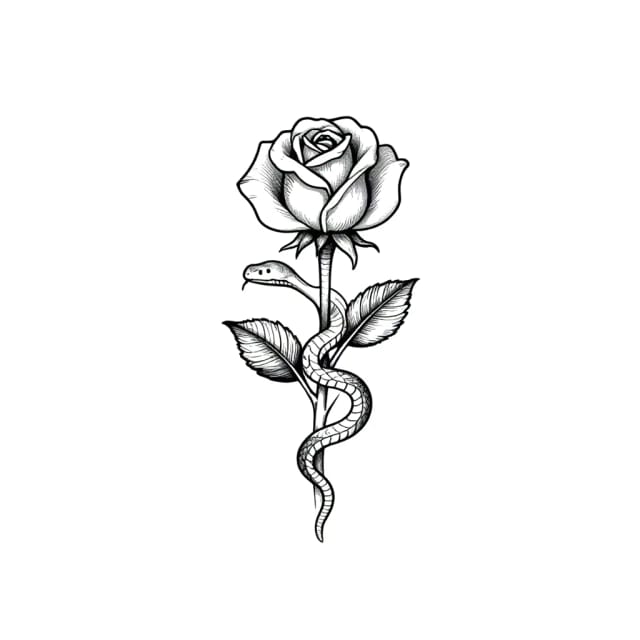
AI Tattoo Generator
Describe your idea, pick a style and try the tattoo on your skin before you ink. Add a name, get a stencil. Free, no sign-up.
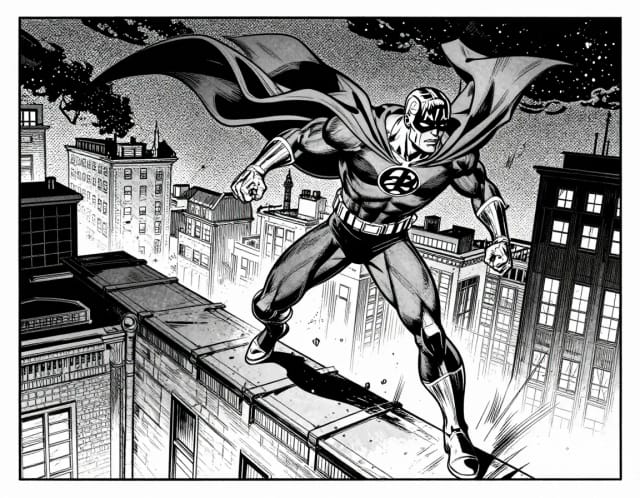
AI Comic Generator
Describe a scene, pick an art style, and get finished comic panels in seconds — no drawing skills needed.
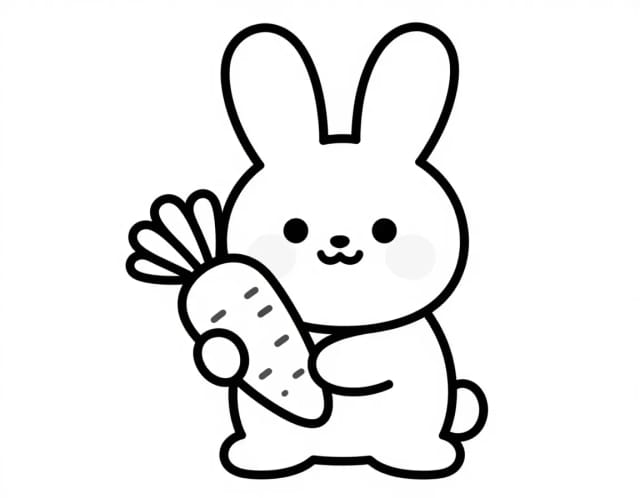
AI Coloring Page Generator
Turn a photo or a text idea into a printable black-and-white coloring page, free and with no sign-up. Clean line art for kids, classrooms and relaxed coloring, usually in under 20 seconds.
Ready to make something?
Open the tool, try the free Auto model and download the result.