
AI Tools for Musicians
A release-day visual kit for independent artists: build one album cover with AI, then reuse it for the Canvas loop, the gig poster and the "out now" ad.
What's your music about?
Style · Hip-hop
Your name and title
Optional: tap the photo button to be on the cover.
10 free tries a day with Auto · No sign-up
What's your music about?
Style · Hip-hop
Your name and title
Optional: tap the photo button to be on the cover.
 Example
Make it now
What do you want to create today?
One release, one pack: everything below comes from the single cover you make first — that’s the whole launch kit.
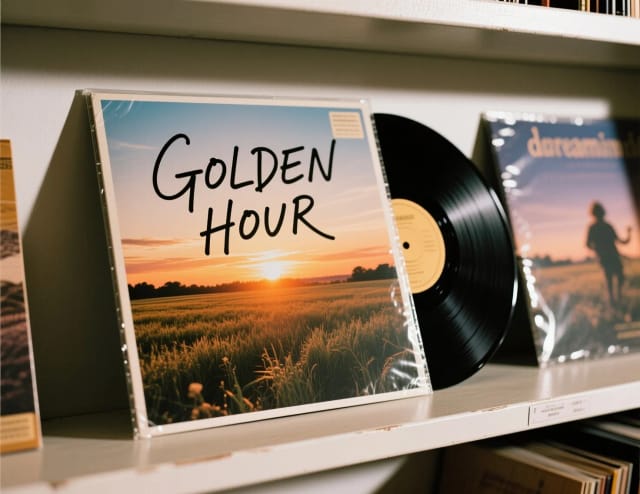
The cover art
ImageA 3000×3000 cover that stays legible at 80px in a playlist row.
Start now →
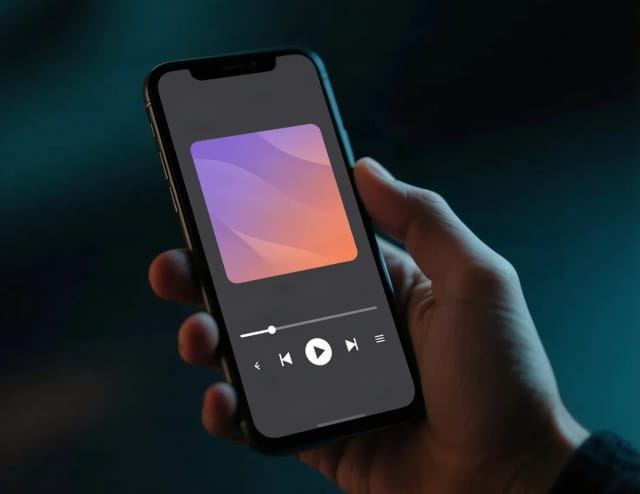
A Spotify Canvas from the cover
VideoUpload the cover and get a short loop of motion for your Canvas and socials.
Start with your photo →
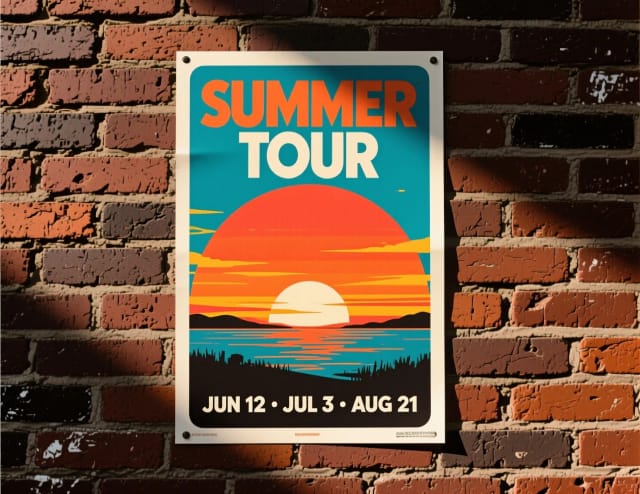
The gig & tour poster
ImageDates, venue, your artwork — print it or post it.
Start now →
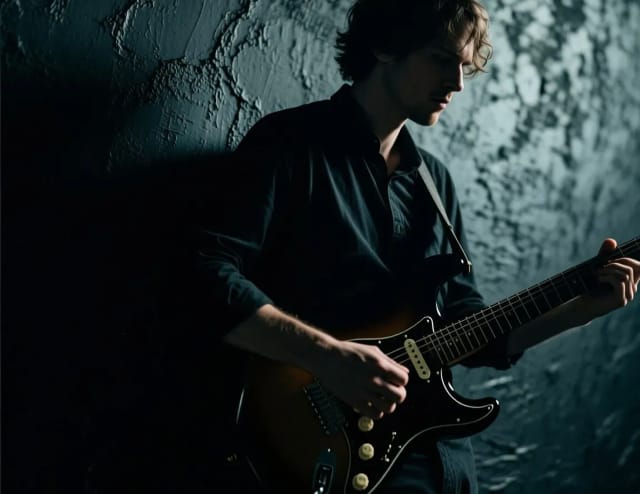
Press photos from a selfie
ImageStylized artist shots for the EPK, the playlist pitch and the venue.
Start with your photo →
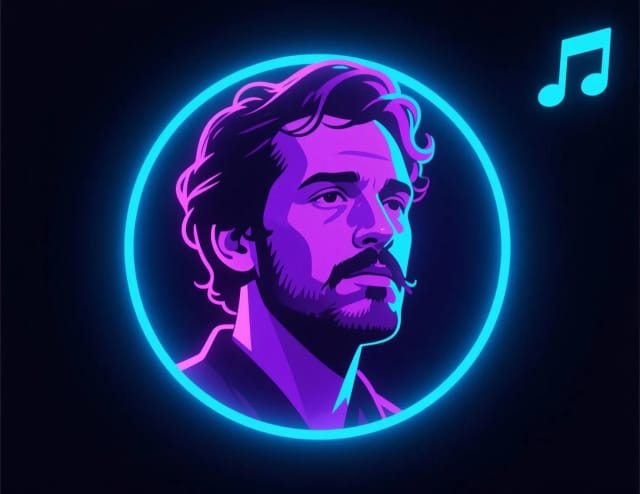
A profile pic for your artist pages
ImageSpotify, Instagram, YouTube Music — one avatar that matches the era.
Start with your photo →
Your Canvas can be your cover, animated. Make the cover once and reuse it for the poster, the loop and the profile pic.
The workflow
How the pros run it, start to finish
Release-day visuals for artists who spend the budget on sound: cover, posters, press shots and motion.
- 1
The album cover
Streaming platforms want 3000×3000 minimum, which is what the download gives you. Check it still works as a 60 px thumbnail in a playlist.
- 2
Gig posters from the same world
Reuse the cover’s palette and type so the poster and the record read as one release.
- 3
Press shots that don’t look like a passport
Venues and blogs will ask for landscape AND portrait crops — export both.
- 4
Make the cover move
Spotify Canvas is a 3–8 s vertical loop — animate your cover art instead of shooting new footage.
- 5
Merch-ready extras
Stickers are the cheapest merch that travels — simple shapes survive small printing.
Good to know (beyond the tools)
- Distributors reject covers with social handles, URLs or pricing on them — keep the art clean.
- Check your distributor’s AI-art policy before release day, not after.
Related guides
How it works
From sound to release visuals in 4 steps
Describe the record once and build the launch set around it.
Describe the mood and concept
Write what the track sounds like and what you picture — colors, setting, references. Add the artist or album name if you want it on the art.
Pick a cover style
Choose one of 16 styles, from hip-hop, indie and lo-fi to metal, jazz, synthwave and Y2K chrome, or add your own photo to build the cover around.
Generate and iterate
Get the album cover in seconds, then keep adjusting the prompt until the art matches the music. No design software involved.
Derive the rest of the launch
Upload the finished cover to the image-to-video tool for a Canvas loop, or to the poster maker for the gig poster.
What it does
One cover, a whole release rollout
Design the square once and pull the rest of the launch from it.
AI tools for musicians handle the visual side of a release so you can spend your budget on the recording, not the design. You describe the sound, pick a direction, and generate the album cover first, then reuse it for a gig poster and a short looping clip in the same look.
The idea is to work from a single source. Make the album cover first — moody synthwave, raw punk, late-night jazz, whatever fits the record — and every other piece of the launch derives from that square. Add your artist or album name if you want it printed on the art, or leave the type off and keep it clean.
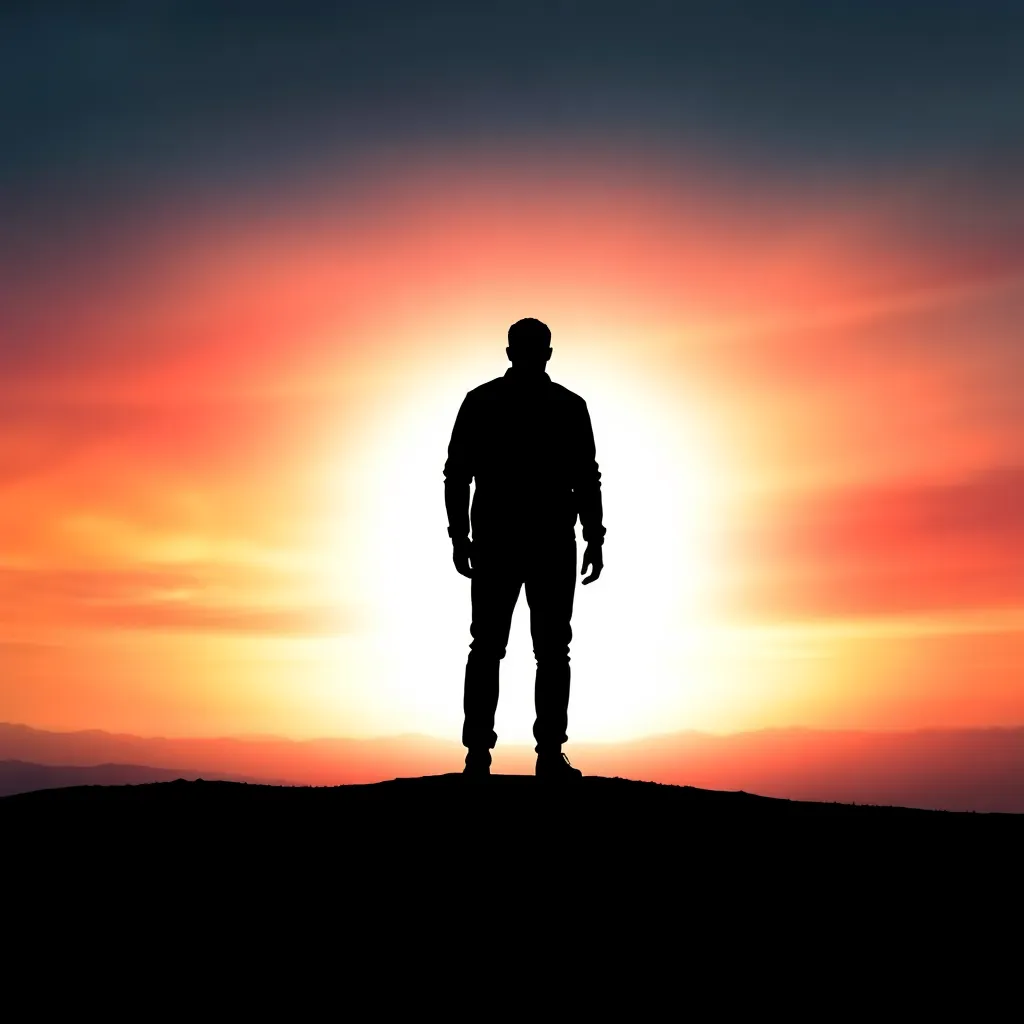
Start from a brief or a band photo
Start from a written brief or an uploaded photo. Type a mood and concept, choose one of 16 cover styles, and the generator turns it into finished art in seconds.
If you already have a band photo or a shot you want to build around, drop it in and let the tool style it into a cover. Iterate as many times as you need until the look matches the track. When the artwork is set, you can send the same file through the image upscaler so it holds up at print size for the gig poster.
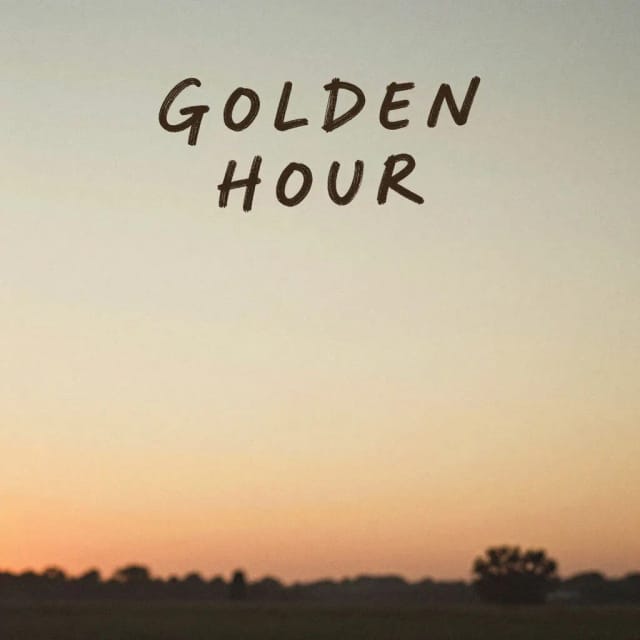
Four assets that read as one campaign
Doing this by hand usually means hiring a designer or fighting with layout software the week before a drop. Here each piece takes a few minutes in its own tool, and you keep control of the direction instead of waiting on revisions.
Because each piece starts from the same cover, the Canvas loop, the "out now" ad and the poster read as one campaign rather than four unrelated images. If you want to reuse a subject across formats, run it through the background remover first, or clean up a low-light band photo with the photo enhancer before it becomes cover art.
Who it's for
Who AI tools for musicians are built for
Independent artists dropping a single
You handle the whole release yourself and need cover, Canvas and ad art that match, without hiring anyone.
Bands promoting a show
Turn the release artwork into a gig poster so Friday's show and the record share one visual identity.
Producers and beatmakers
Package instrumental drops and beat tapes with covers that read the right genre, from lo-fi to hip-hop.
Small labels and managers
Spin up consistent launch visuals for multiple artists fast, keeping design costs off the release budget.
DJs and electronic acts
Build mix art, EP covers and social visuals that carry the same electronic look across every platform.
Pricing
Try it free, then scale for a full release
Start generating covers at no cost and upgrade when you need more runs for the whole launch.
Free
$0
- 100 credits every day
- The Auto model, on our own servers
- No card needed
Paid plans
Basic · Starter · Creator
- 1,600 to 10,000 credits a month
- Every AI model, including premium ones
- AI video, and no ads in the mobile app
Why artists use it
Why choose these AI tools for musicians
Built for release day, not for a design portfolio.
One cover, the whole kit
Make the album cover once and reuse it in the video, poster and ad tools, so the launch looks like a single campaign.
16 cover styles built in
Styles from hip-hop, indie and lo-fi to metal, jazz, synthwave and Y2K chrome give the AI album cover generator a starting point that already fits your genre.
Works from a prompt or a photo
Describe the sound in words or upload a band photo — the album cover creator can style either into finished art.
Budget goes to the sound
Skip the designer fee and the layout software. You get release-ready visuals without touching an editor.
Your name on the art, or not
Type the artist and album title and they are set as real text, always spelled right, or leave the fields empty for clean artwork.
Iterate until it fits
Regenerate as many times as you need. Tweak the prompt, switch the style, and stop when the art matches the track.
What are the best AI tools for musicians?
How do I make an album cover with AI?
Can I use an AI album cover on Spotify and Apple Music?
Do I need design skills to use this?
Can I make a gig poster from the same artwork?
Is there a free way to try these tools?
What cover styles are available?
Can I upload my own band photo?
CreArt is not affiliated with, endorsed or sponsored by Spotify or Apple Music. Spotify is a trademark of Spotify AB. Apple Music is a trademark of Apple Inc.
Release-day artwork
Covers and identity pieces that make a single look like a launch.



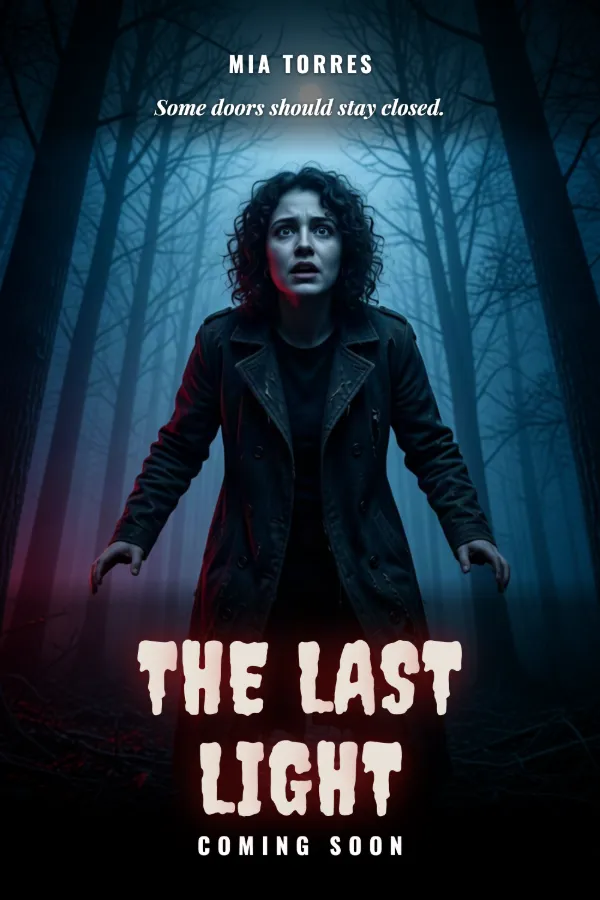
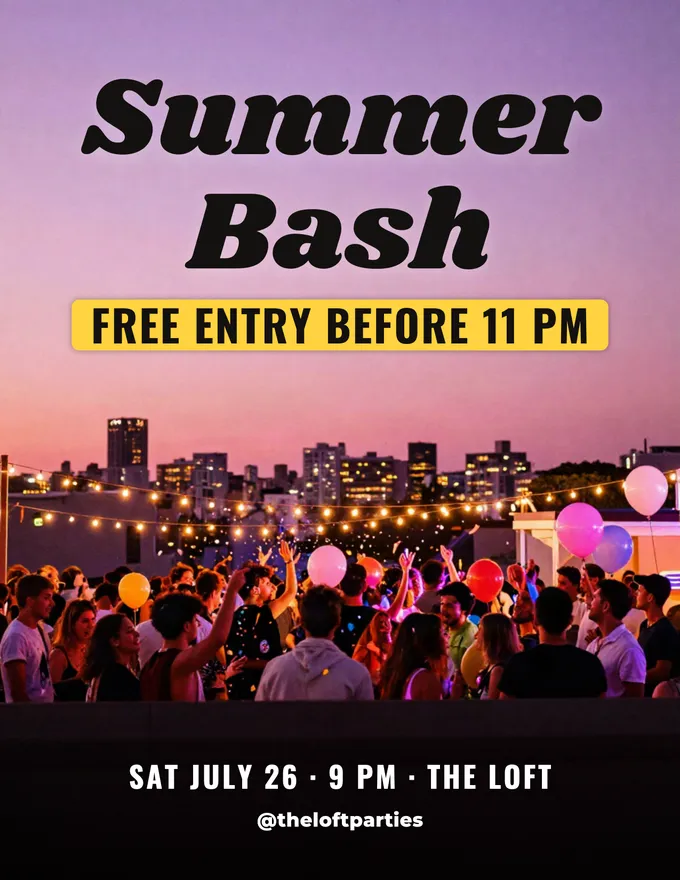
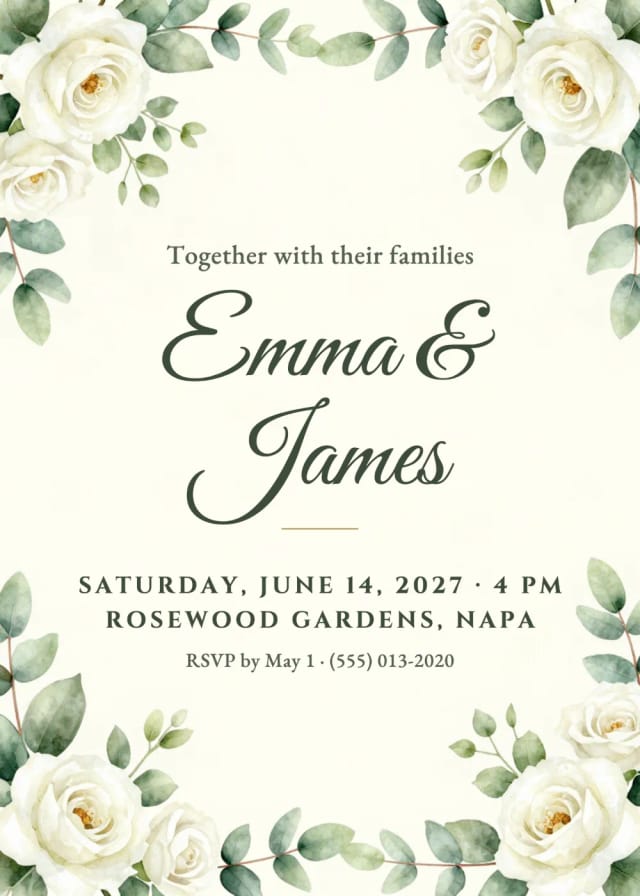
Promote every show
Posters, flyers and invites for gigs, tours and release parties.
Ready to make something?
Open the tool, try the free Auto model and download the result.