
T-Shirt Mockup Generator
CreArt's free T-Shirt Mockup Generator puts your design on 7 garments in 12 colors, front or back, usually in under 20 seconds. No sign-up.
Your design
Garment · T-shirt
Color · Black
View · On a man
10 free tries a day with Auto · No sign-up · Mugs, posters, books and more: Mockup generator →
Your design
Garment · T-shirt
Color · Black
View · On a man
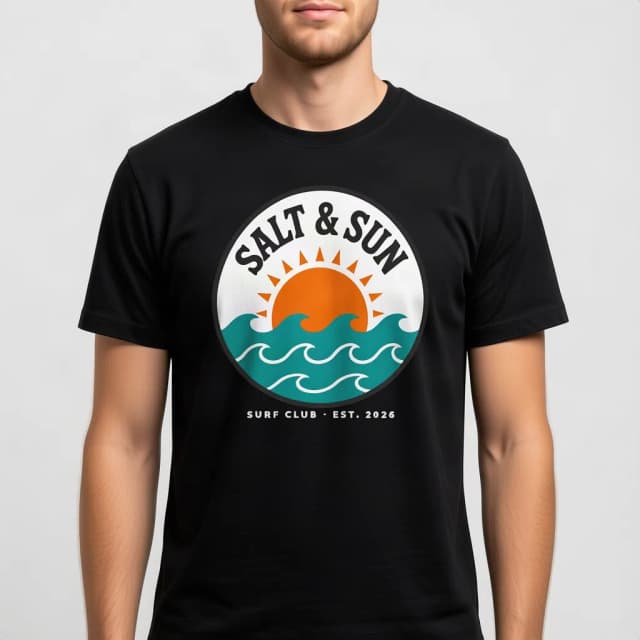
How to make a t-shirt mockup
Make a t-shirt mockup in 4 steps
No Photoshop, no PSD templates and no smart objects: upload, choose, create.
Upload your design
Add your logo, graphic or lettering as a PNG or JPG. A transparent PNG is best, but a design on a plain white or single-color background works too: the tool removes that background so only the design is printed. No design yet? Try the sample one.
Pick the garment and the color
Choose a t-shirt, oversized tee, long sleeve, polo, hoodie, sweatshirt or tank top, and one of 12 colors, from white, black and heather gray to navy, red, sand and mustard.
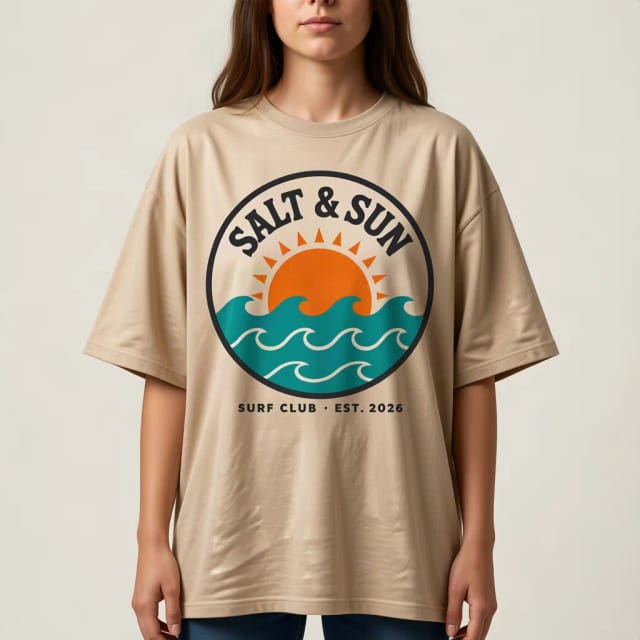
Choose how it is shown
On a man or a woman, flat lay, hanging, folded, ghost mannequin, or Back print to see the design across the upper back. Make the front and the back with the same file for a full listing.
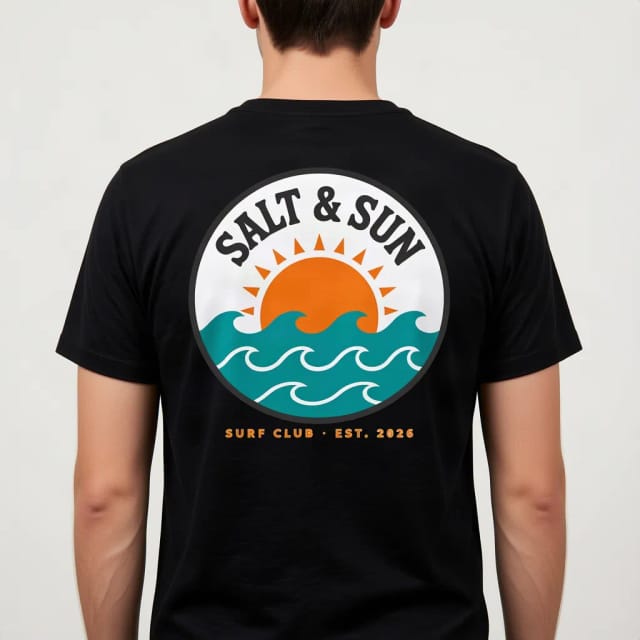
Create and download
Press Create my mockup. The AI prints your design into the fabric, following the folds and the light, usually in under 20 seconds, and you download the photo for your shop, your ads or a client.
One design on every garment and view
The same sample design, made with this tool. Tap one to start with that garment or view.
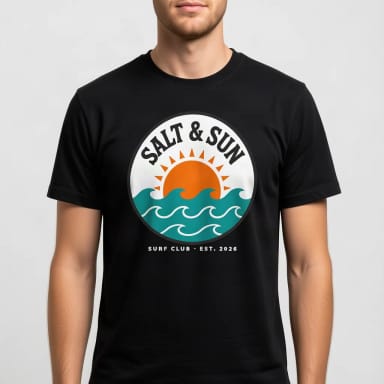
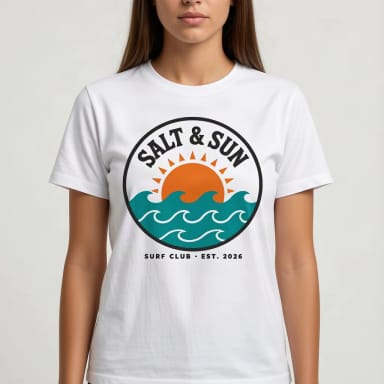
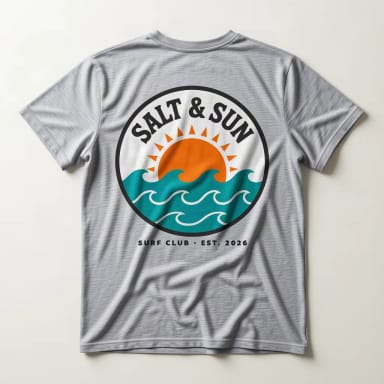
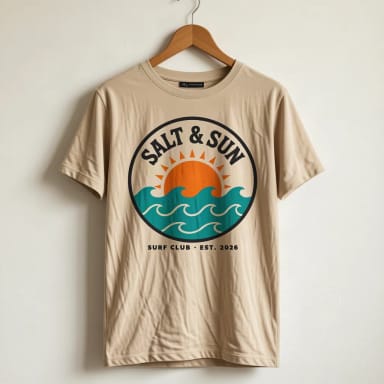
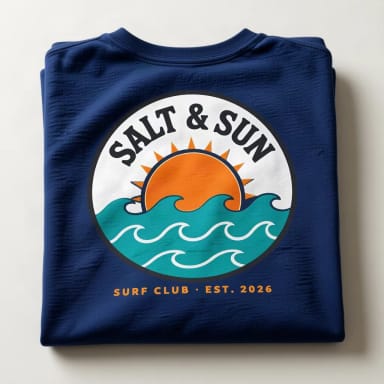
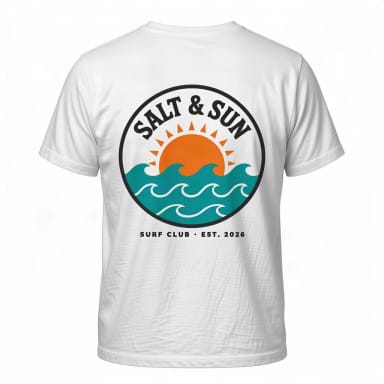
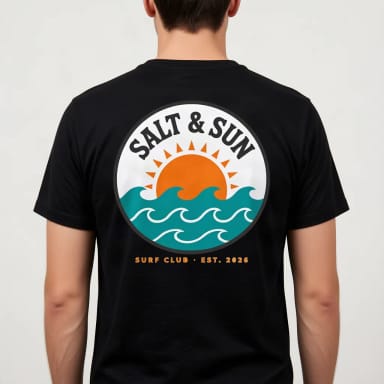
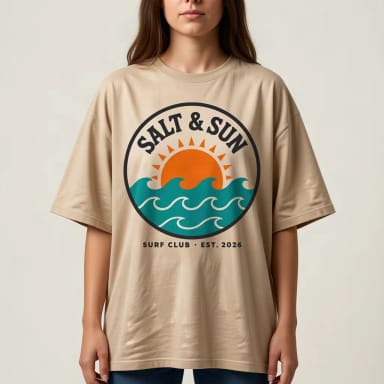
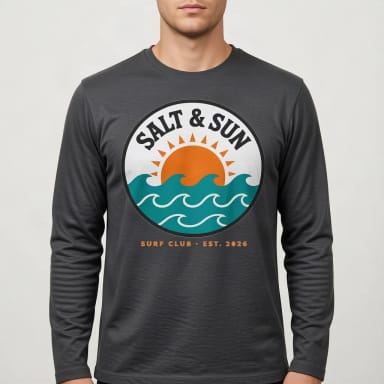
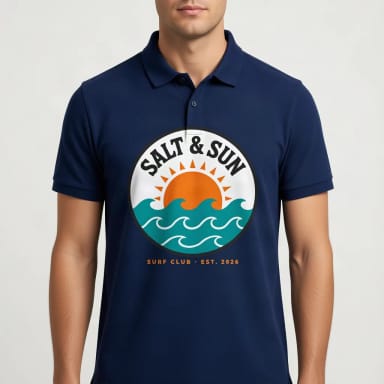
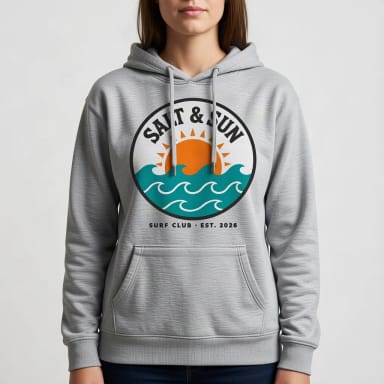
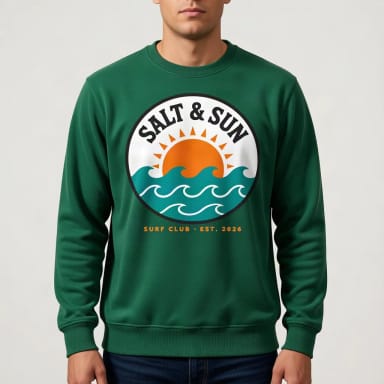
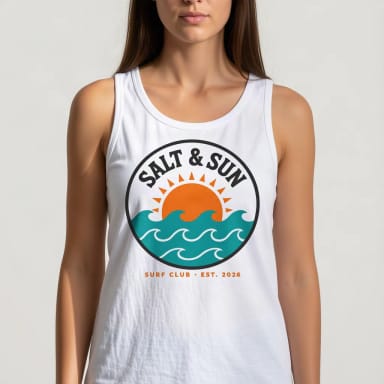
Front and back
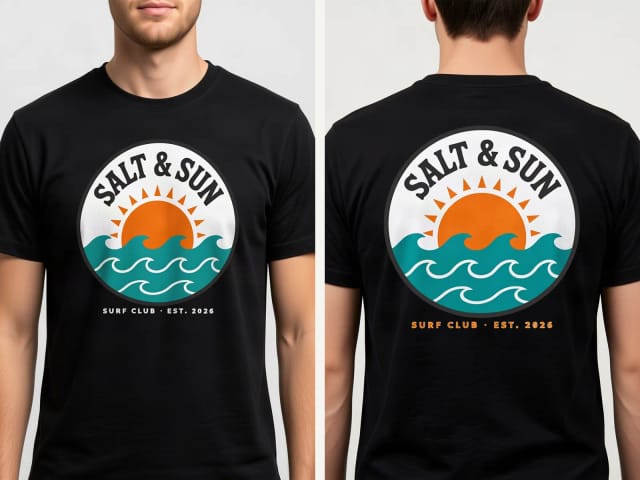
Front and back t-shirt mockups from one file
Pick “On a man”, “On a woman” or any other view for the front, then “Back print” for the back: the design is printed large across the upper back, the way most back prints are placed. Same file, same garment and color, so the two photos match in a listing.
Want a small logo on the chest and a big print on the back? Make the front with the logo file and the back with the large artwork. For the back, a design that reads well from a distance works best: bold shapes and big lettering.
Your file
Which design file works best
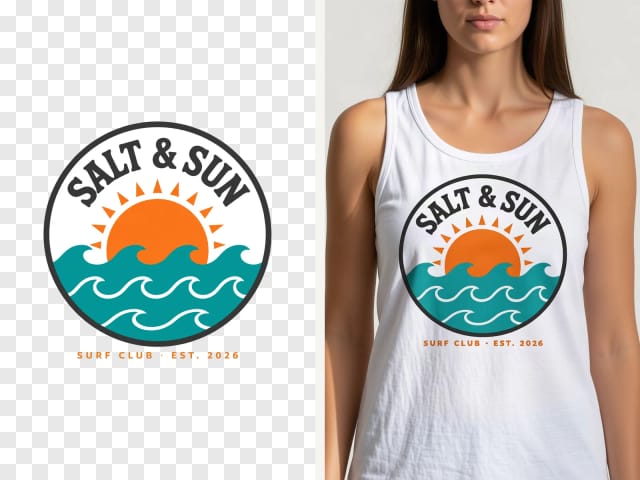
A PNG with a transparent background gives the cleanest print. A logo or graphic on a plain white or single-color background works too: before printing, the tool removes the background around the design, so you do not get a white box on a black shirt. White parts inside the design, like the inside of a letter or a badge, are kept.
What does not work as well: a photo with a busy background, which is printed as a rectangle; very thin lines or tiny text, which can blur in the fabric; and white designs on a white shirt, which simply do not show. If your file is small or soft, run it through the image upscaler first. No artwork yet? Make one with the AI logo generator.
Printed, not pasted
Why the print looks real
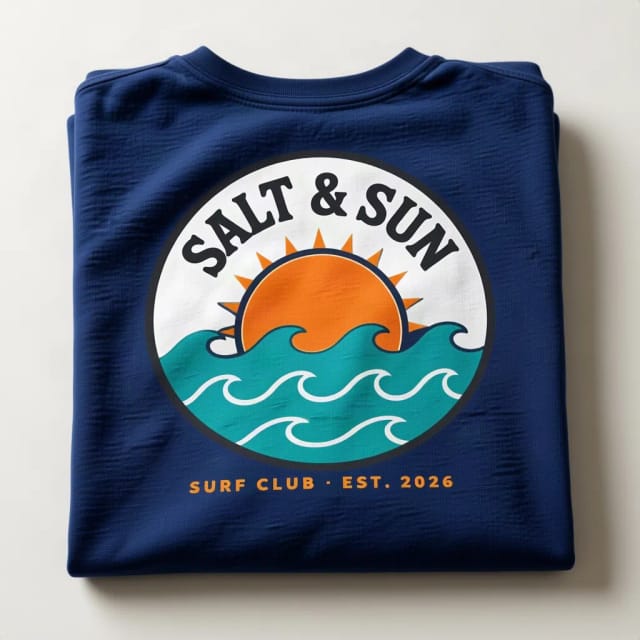
PSD templates paste your design on top of a stock photo with a smart object, and everyone in your niche uses the same few photos. Here the AI makes a new photo each time and prints the design into the fabric: it follows the folds and the stretch, takes the same light and shadows, and the knit texture shows through the ink.
It is told to keep your design as it is, letters included. The shapes and the words come out right almost every time, but small details can shift: thin text may come out a little bolder, or in a darker color on light garments. If something is off, create it again: every try is a new photo. Need mugs, posters or book covers? Use the mockup generator for products.
What you get
What the t-shirt mockup generator includes
Everything you can pick, in one table.
| Feature | Details |
|---|---|
| Garments | T-shirt, oversized tee, long sleeve, polo, hoodie, sweatshirt and tank top |
| Colors | White, black, heather gray, charcoal, navy, royal blue, red, maroon, forest green, sand, light pink and mustard |
| Views | On a man, on a woman, flat lay, hanging, folded, ghost mannequin and back print |
| Print placement | On the chest from the front, or large across the upper back with Back print |
| Your file | PNG or JPG; a plain background around the design is removed automatically |
| Price | Free with the Auto model, without an account; plans add more mockups a day |
Who it's for
Who this t-shirt mockup generator is for
Anyone who needs a believable shirt photo without a photo shoot or a sample order.
Print-on-demand sellers
Show each design on the garments and colors you sell, front and back, before you add it to the store.
Etsy shop owners
Swap the flat graphic on a white square for a shirt someone can picture wearing, in your own scene instead of the stock photo everyone uses.
Designers and illustrators
Show a client their logo on a hoodie or a polo before anything is printed.
Bands, clubs and small brands
Test merch ideas in different colors and pick the one that works before you order stock.
Why it works
Why sellers use this t-shirt mockup generator
Built for one job: a shirt photo you can list today.
7 garments, 12 colors
T-shirt, oversized, long sleeve, polo, hoodie, sweatshirt and tank, in the colors print-on-demand shops sell.
Front and back
Back print puts the design across the upper back, so a listing can show both sides from one file.
Background removed for you
A logo on a white or plain background is cut out before printing: no white box on a dark shirt.
Printed into the fabric
The design follows the folds, light and texture of the garment instead of floating on top.
Free, no sign-up
Make t-shirt mockups with the Auto model for free every day, without an account.
No PSD, no Photoshop
No templates to download, no smart objects to edit: upload, pick and create.
Pricing
Free to start, more when you sell more
Make t-shirt mockups for free with the Auto model, no account needed. Pick a plan when you need more mockups a day.
Free
$0
- 100 credits every day
- The Auto model, on our own servers
- No card needed
Paid plans
Basic · Starter · Creator
- 1,600 to 10,000 credits a month
- Every AI model, including premium ones
- AI video, and no ads in the mobile app
Is this t-shirt mockup generator free?
How do I make a t-shirt mockup?
Can I make a front and back t-shirt mockup?
Which garments and colors can I use?
What file should I upload?
Will my design and text stay exactly the same?
Can I make a hoodie mockup?
Can I use the mockups in my Etsy or print-on-demand listings?
Can I make mugs, posters or book cover mockups here?
Do I need Photoshop or a PSD template?
CreArt is not affiliated with, endorsed or sponsored by Etsy. Etsy is a trademark of Etsy, Inc.
Tote Bag Mockup Generator
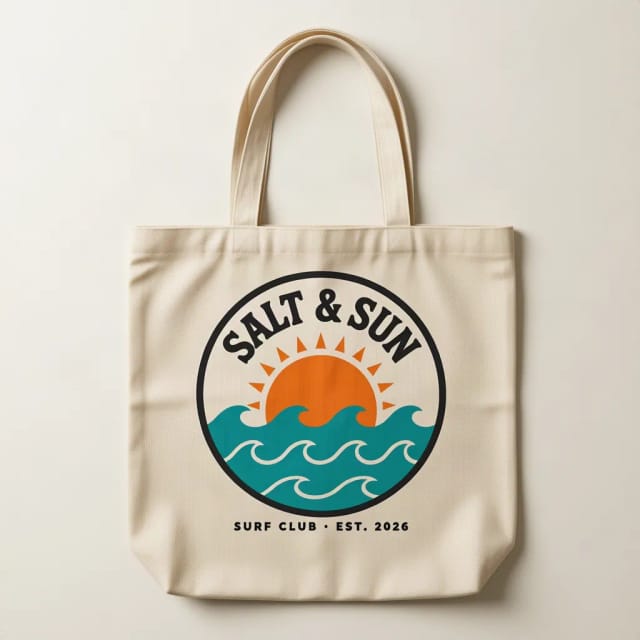
See your design on a canvas tote bag, flat, hanging or on a shoulder.
Mug Mockup Generator
See your design on a coffee, two-tone, enamel or travel mug, in hand or as a gift.
Sticker Mockup Generator
See your design as a die-cut, round or holographic sticker on a laptop or a bottle.
Cap & Hat Mockup Generator
See your logo on a cap, trucker, bucket hat or beanie, embroidered or printed.
Hoodie Mockup Generator
CreArt's free Hoodie Mockup Generator puts your design on a pullover or zip-up hoodie or a crewneck sweatshirt in 12 colors, front or back, usually in under 20 seconds. No sign-up.
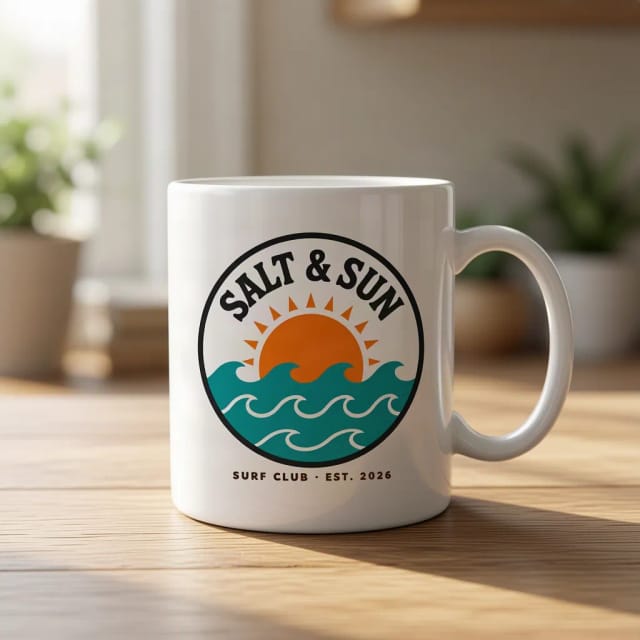
AI Mockup Generator
CreArt's free AI Mockup Generator puts your design on 15 products, from mugs and posters to book covers, usually in under 20 seconds. No sign-up.

AI Album Cover Maker
Make an album cover with AI: describe your music, pick one of 16 styles and add your name and title, spelled right. Free, no sign-up.

AI Logo Generator
Free AI logo maker: the AI draws your symbol and your name is set in real fonts, never misspelled.
Ready to make something?
Open the tool, try the free Auto model and download the result.