
AI Hair Color Changer
CreArt's free AI Hair Color Changer recolors only your hair in a selfie: 24 salon shades, balayage, ombré or any custom color, usually in under 20 seconds. No sign-up.
Your photo
Color · Platinum blonde
Technique
10 free tries a day with Auto · No sign-up
Technique
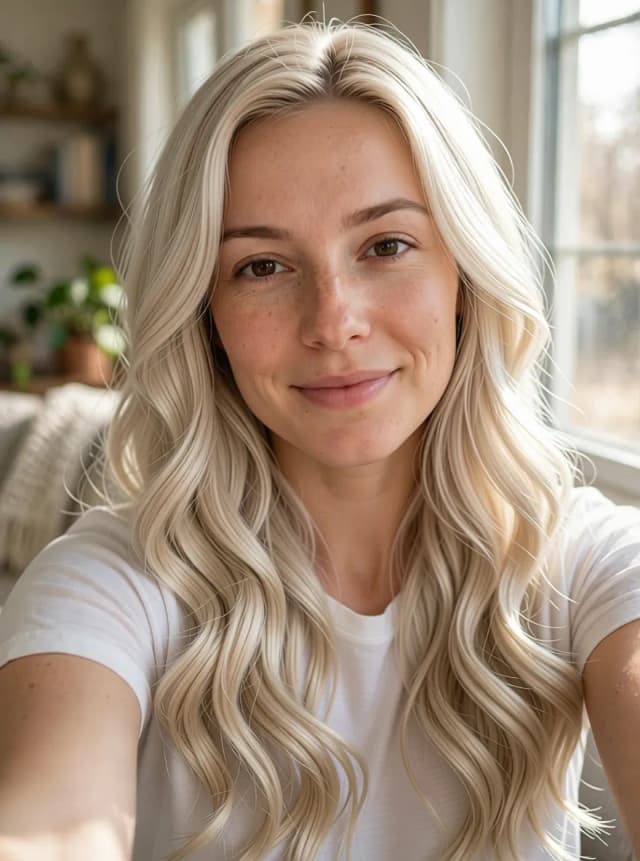

How to change hair color with AI
How to change your hair color in a photo in 4 steps
From your selfie to the new shade in a few clicks.
Upload your photo
Add a clear selfie facing the camera, in daylight, with your hair in view. No photo at hand? Start with one of the sample photos.
Pick a hair color
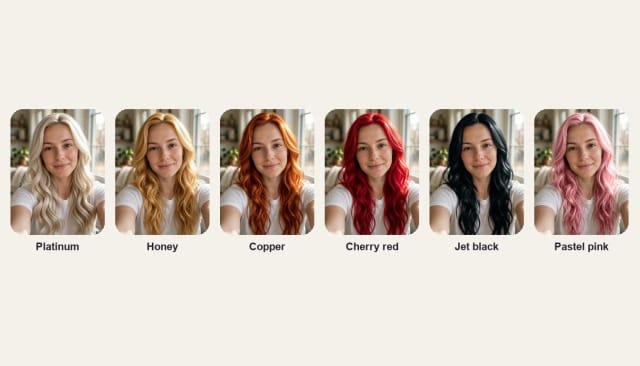
Choose one of 24 shades by family — blonde, brown, red, black and silver, or fashion colors — or pick any custom color from the palette.
Choose the technique
Dye it all over, or keep your own color at the roots with a soft balayage or an ombré that fades into the new shade.
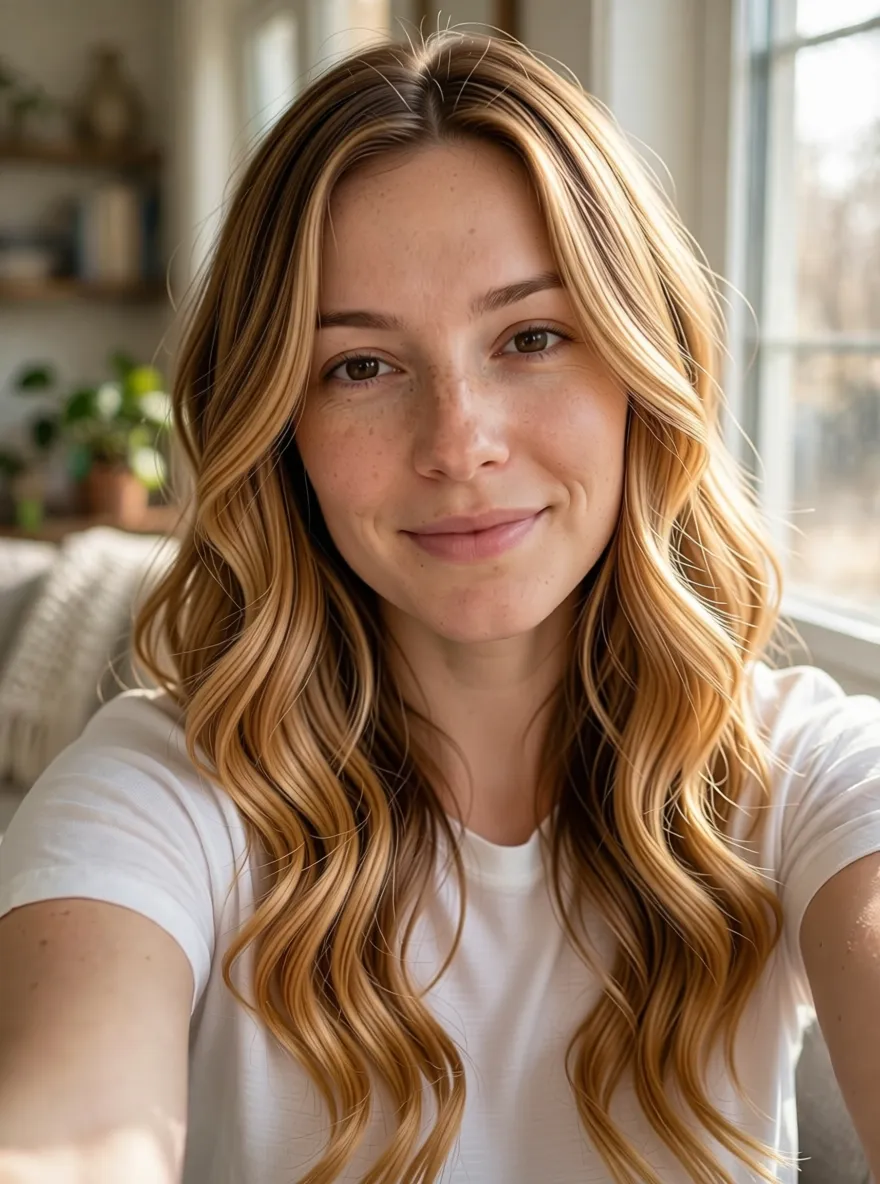 BeforeAfter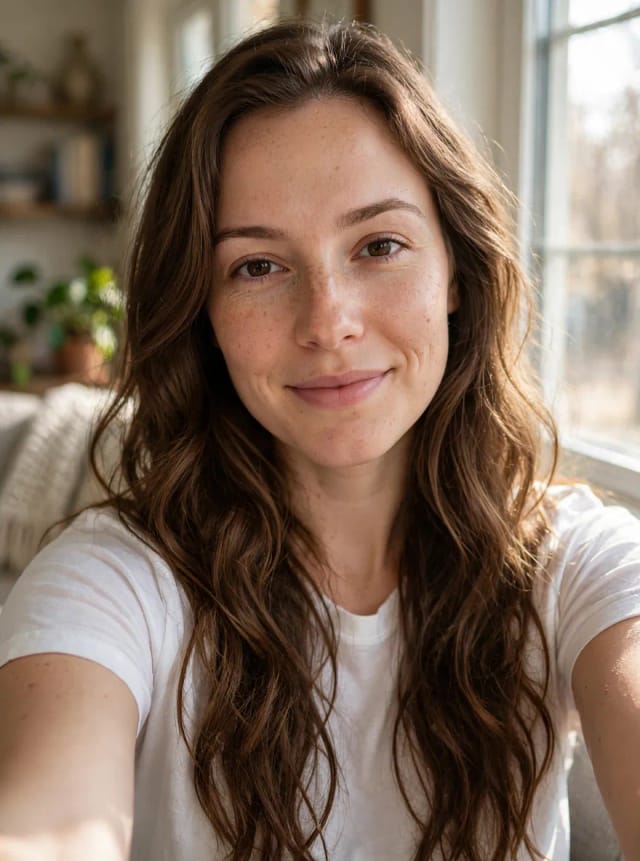
Compare and download
Slide between your original photo and the new color, try another shade, then download the one you like or show it to your stylist.
24 hair colors on the same photo
From platinum and honey blonde to cherry cola and pastel pink, each shade on the same selfie. Tap a color to try it on your photo.
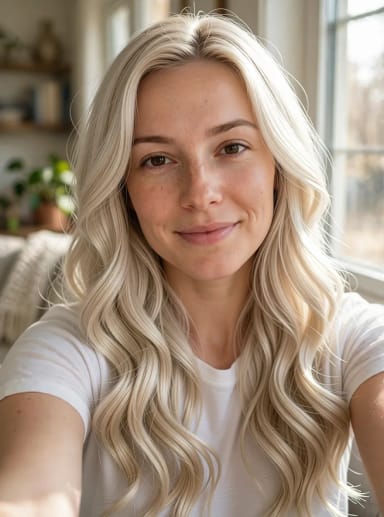
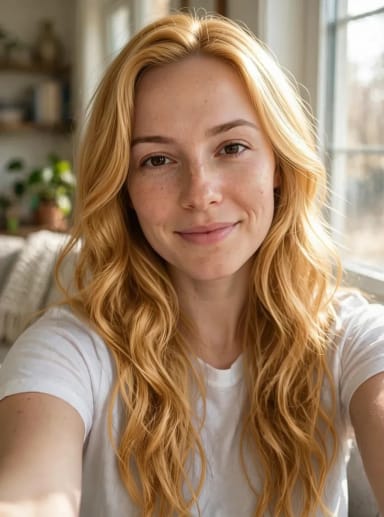
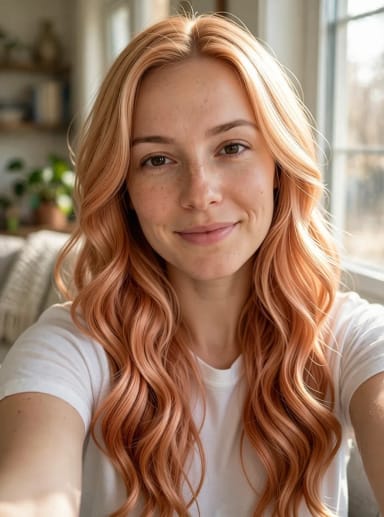
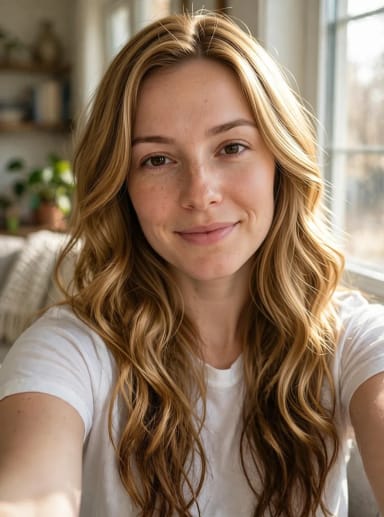
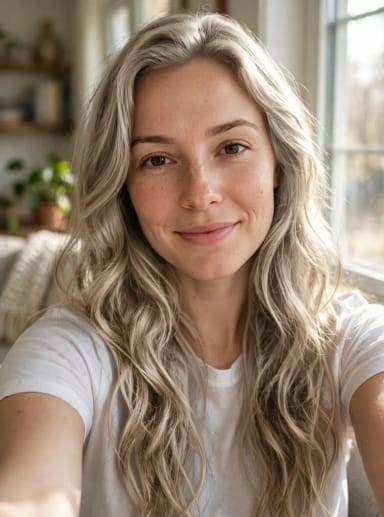
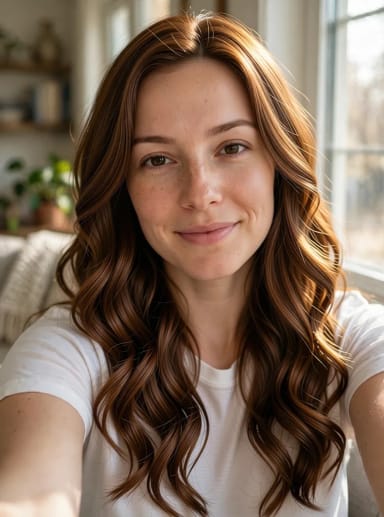
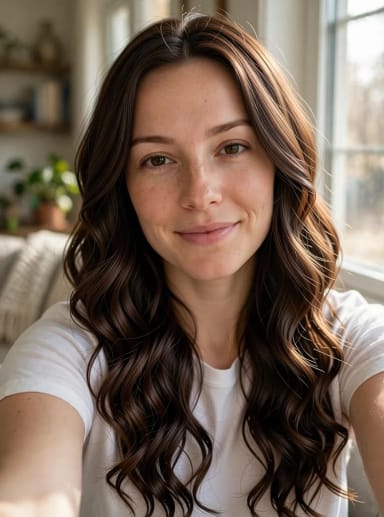
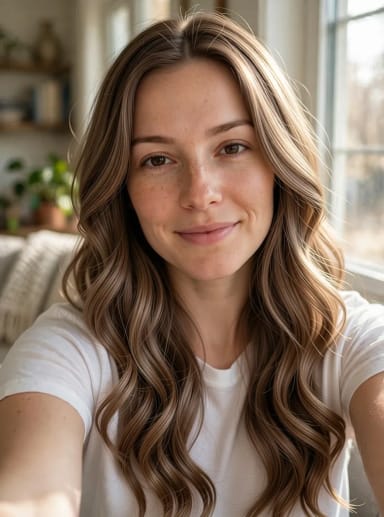
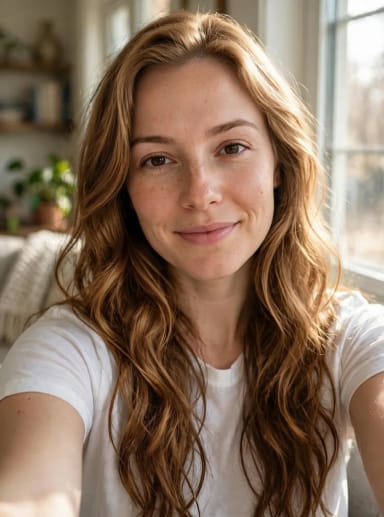
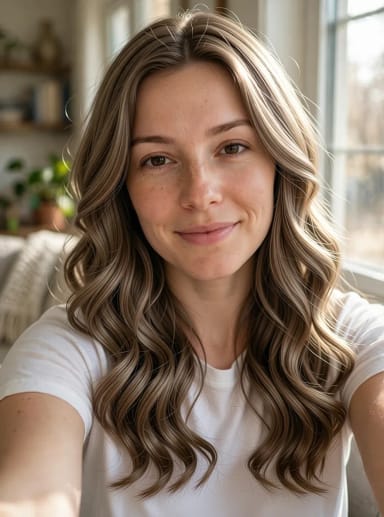
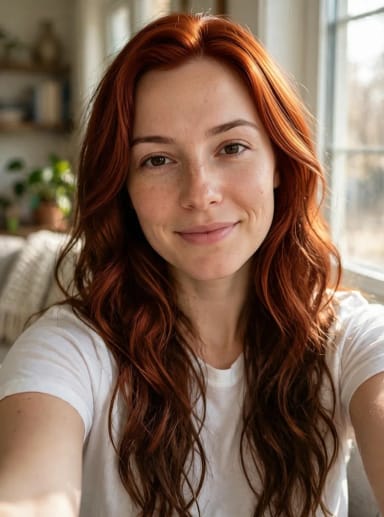
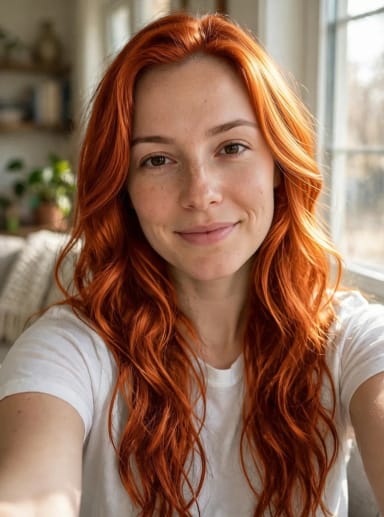
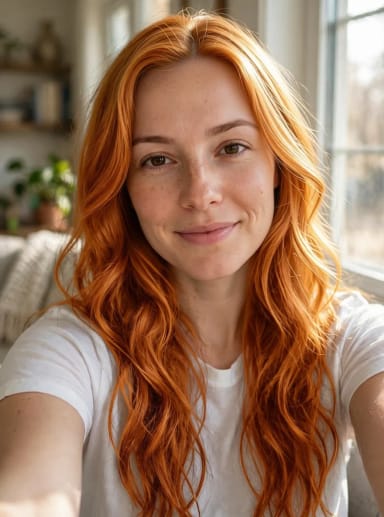
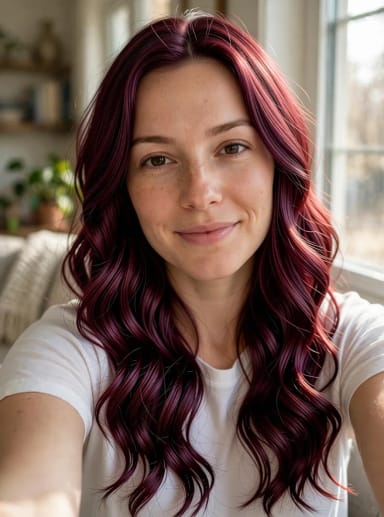
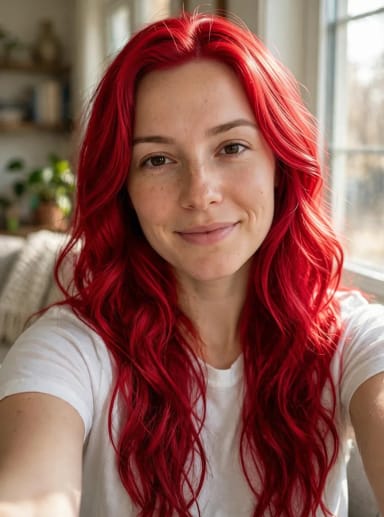
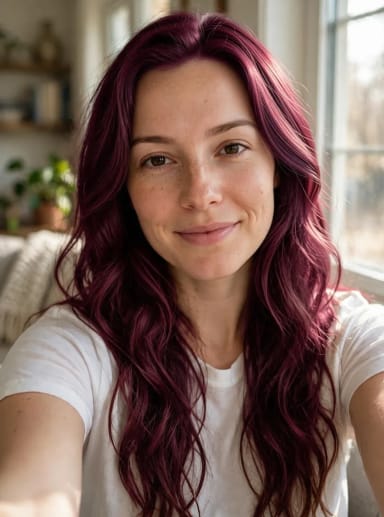
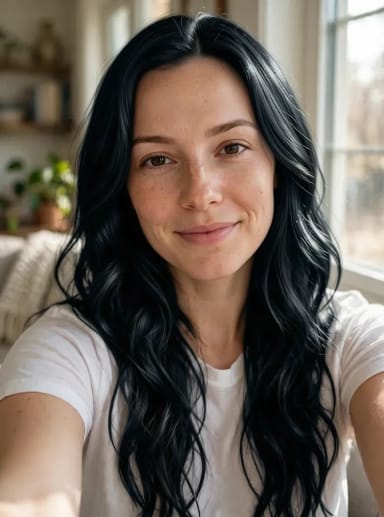
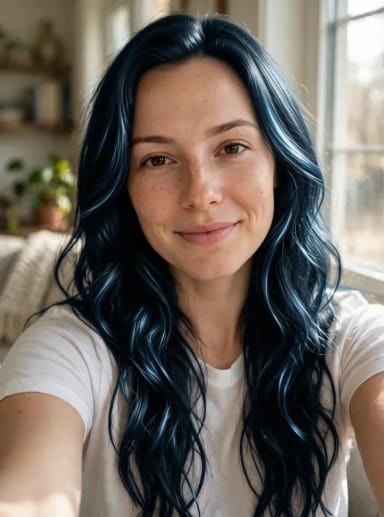
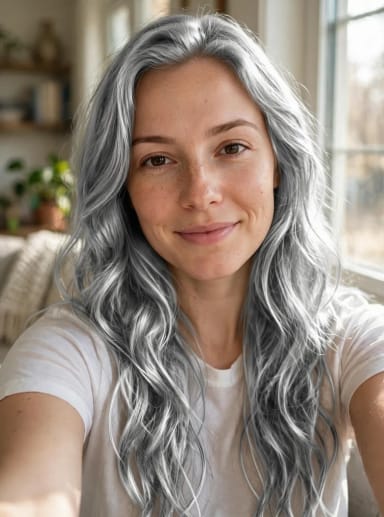
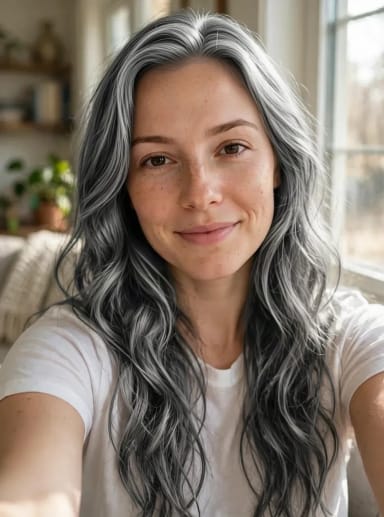
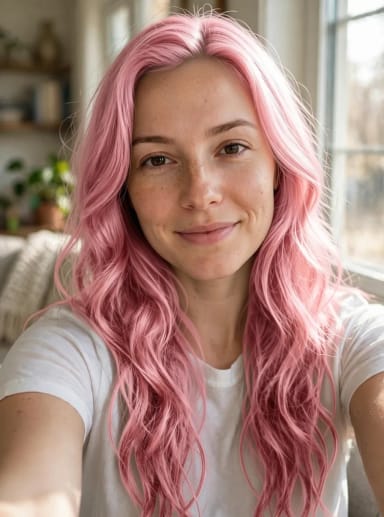
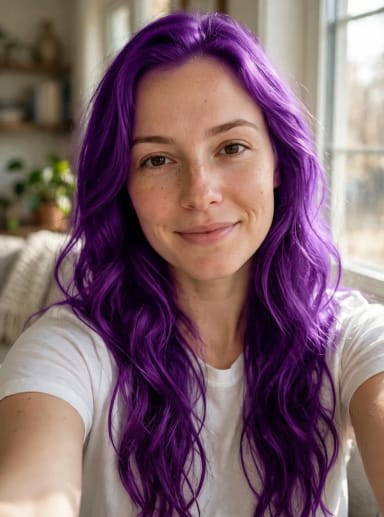
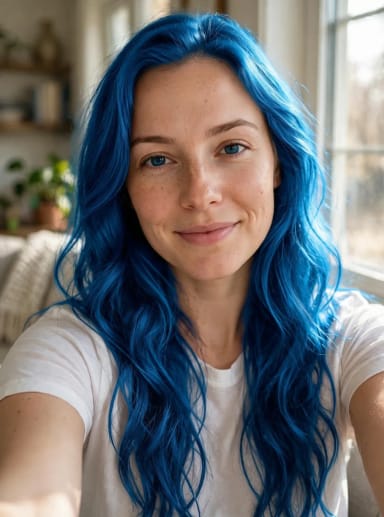
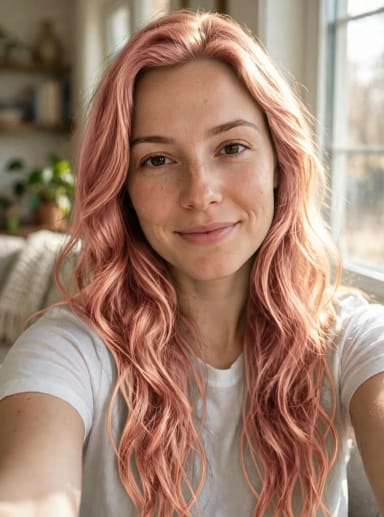
Photo tips
How to take the photo for the most realistic result
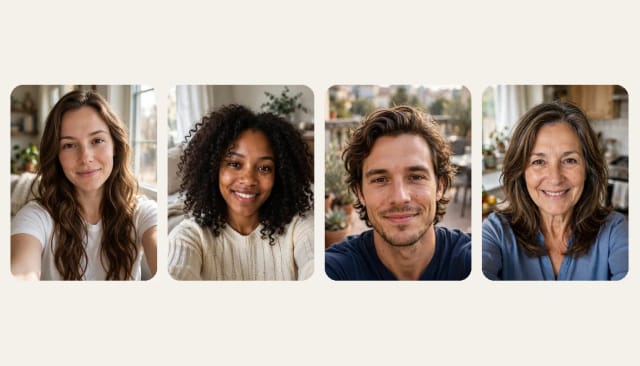
Face a window in daylight: harsh shadows, backlight and dim rooms hide the detail the AI needs to color each strand. Look straight at the camera and keep the framing close, from the top of your head to your chest.
Let your hair fall where it can be seen — over your shoulders if it is long — and skip hats, hoods and strong filters. It works with straight, wavy, curly and coily hair, short or long, and on men too. If your photo is dark or blurry, fix it first with the photo enhancer.
Skin tone guide
Which hair color suits your skin tone
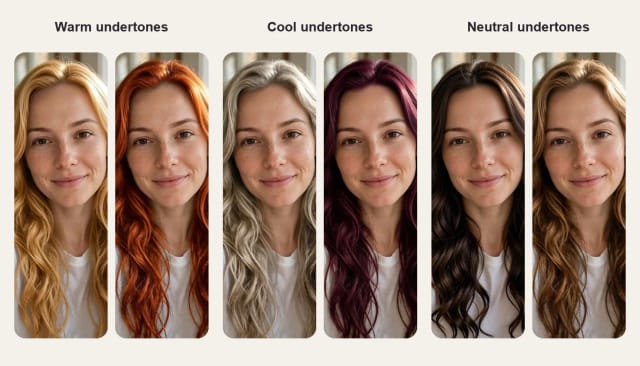
Look at the veins on your wrist in daylight. Greenish veins usually mean warm undertones: honey and strawberry blonde, copper, auburn and chestnut tend to flatter. Bluish or purple veins point to cool undertones: ash blonde, platinum, ash brown, burgundy and blue black. If you cannot tell, you are probably neutral, and most shades work, from chocolate brown to bronde.
These rules are only a starting point. The quickest way to know is to try three or four colors on your own selfie and compare them with the slider.
Balayage and ombré
Balayage or ombré, with any color
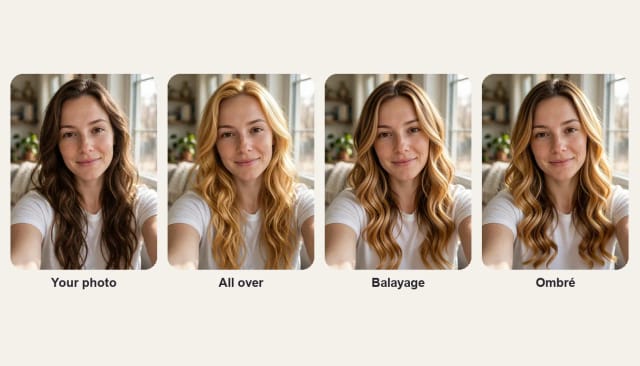
Not ready to dye it all? Choose Balayage to keep your own color at the roots and add soft, painted pieces of the new shade toward the ends, or Ombré for a gradual fade from your color on top into the new one. Both work with any of the 24 shades or a custom color.
Want a new cut as well? Try a new hairstyle on your selfie and then the color, or finish the look with the AI makeup generator.
Who it's for
Who the AI Hair Color Changer is for
Anyone weighing up a color change before making it real.
Anyone thinking about a new color
Curious about going blonde, red or pastel? See it on your own face first and skip the bleach you might regret.
People choosing a box dye
Compare a few shades on your selfie before you buy, so the color on the box is not a surprise.
Salon clients
Arrive with a realistic picture of the shade and the technique you want, balayage or ombré included.
Hairdressers and colorists
Show a client a quick preview of a new color on their own photo during the consultation.
Creators and cosplayers
Try bold colors for a character or a post without dyeing your hair or buying a wig.
Why choose it
Why try your hair color on a photo first
A hair color try-on that works from your real selfie, not a generic model.
24 shades plus any color
Blondes, browns, reds, black and silver and fashion shades, named like at the salon, or any color from the palette.
Balayage and ombré
Keep your own roots and add the new shade toward the ends, or dye it all over.
Only your hair color changes
Your face, haircut, length, curls, eyebrows and background stay exactly as they were.
Keeps the shape of your photo
A tall selfie stays tall: the result has the same framing as your photo, nothing cut off.
Works on every hair type
Straight, wavy, curly or coily, short or long, on women and men, dark hair included.
Free to try, no sign-up
Try colors with the Auto model for free every day, without an account.
Pricing
Try hair colors free, upgrade when you need more
Try hair colors for free with the Auto model, no account needed. Pick a plan when you want more try-ons.
Free
$0
- 100 credits every day
- The Auto model, on our own servers
- No card needed
Paid plans
Basic · Starter · Creator
- 1,600 to 10,000 credits a month
- Every AI model, including premium ones
- AI video, and no ads in the mobile app
FAQ
Frequently asked questions about the AI Hair Color Changer
Still have a question? Visit the help center →
Can AI change my hair color in a photo?
Is the AI Hair Color Changer free?
Will it work on curly or very dark hair?
Can I see myself with gray or silver hair?
What is the difference between balayage and ombré?
Can I try a color that is not on the list?
Which hair color suits my skin tone?
Can I change my haircut too?
CreArt is not affiliated with, endorsed or sponsored by LinkedIn. LinkedIn is a trademark of LinkedIn Corporation.
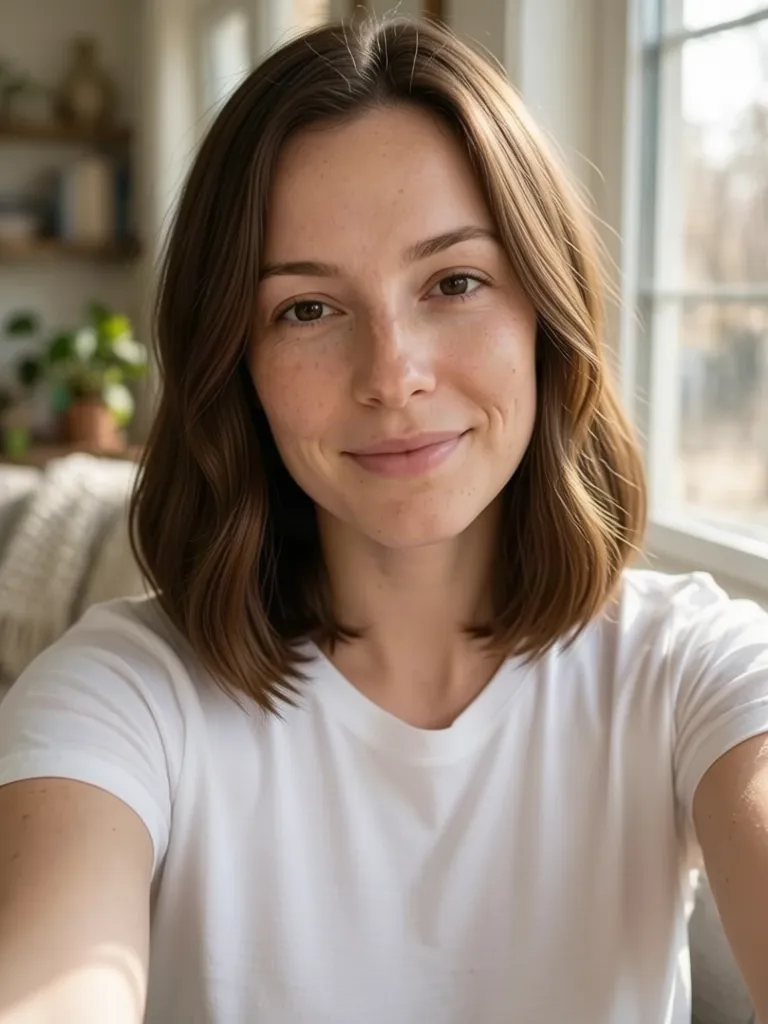
AI Hairstyle Changer
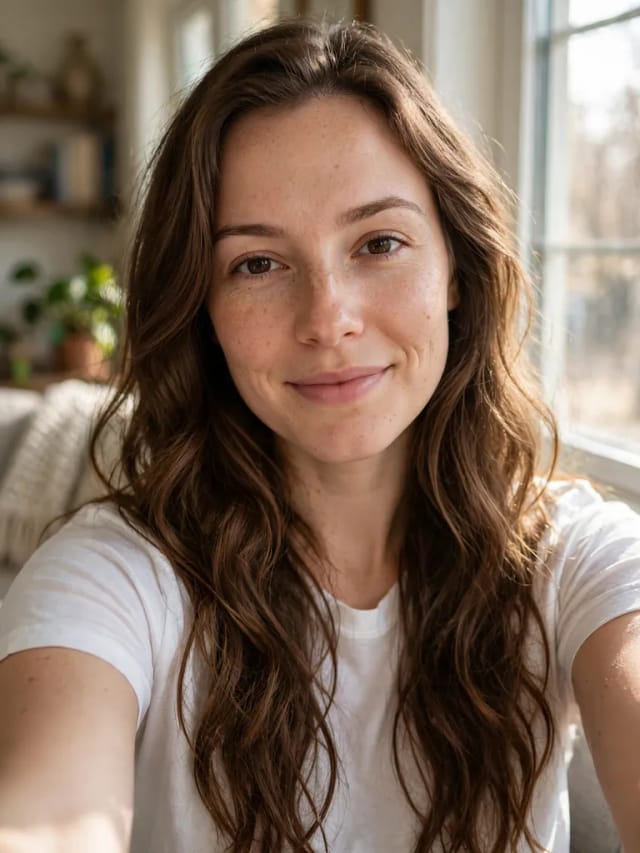
Upload a selfie and try 20 haircuts on your own face, from bangs or a pixie to a fade or a quiff, before you sit in the salon chair.
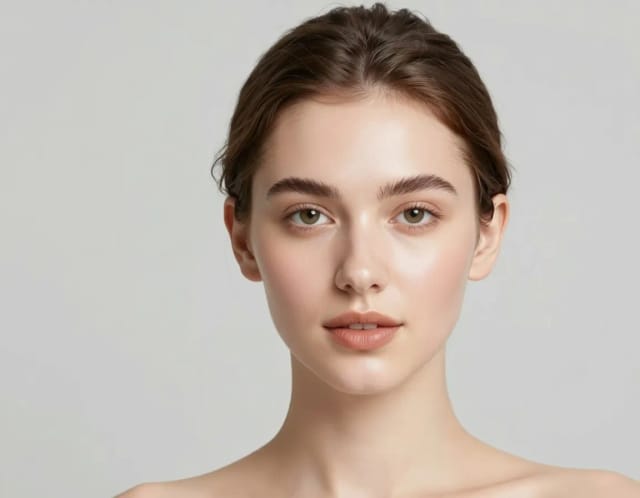
AI Makeup Generator
A free AI Makeup Generator that applies realistic lipstick, eyeshadow, blush and full glam looks to your own photo in under 20 seconds. No sign-up needed.
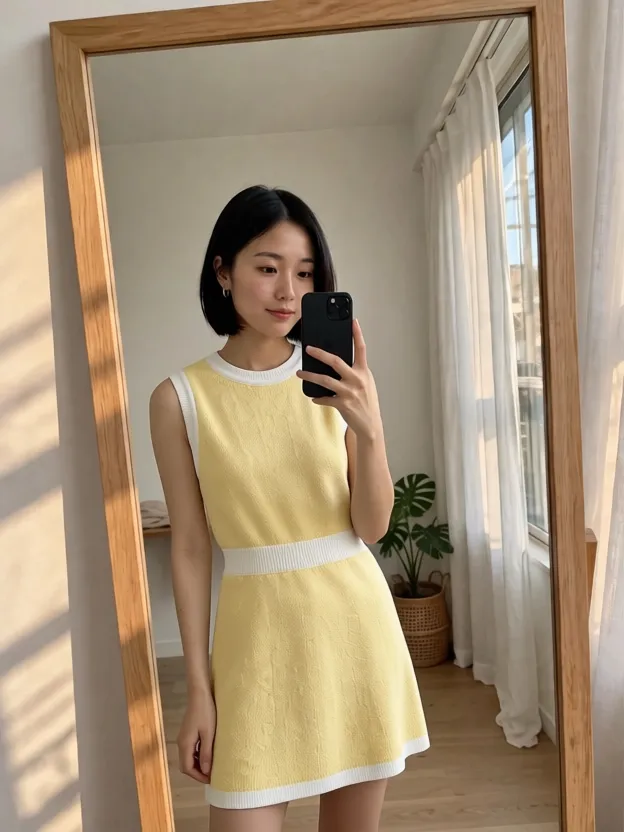
AI Clothes Changer
CreArt's free AI Clothes Changer dresses you in any garment from any shop, or in one of 14 styles, usually in under 20 seconds. No sign-up.

AI Headshot Generator
Turn an everyday selfie into a professional headshot with AI: a blazer or suit, a studio or office background and your own face, ready for LinkedIn and your CV in under 20 seconds.

Caricature Maker
Upload a photo and turn it into a personalized caricature with a free AI caricature generator. Pick a style, exaggerate the features, and download a fun, shareable result in under 20 seconds.
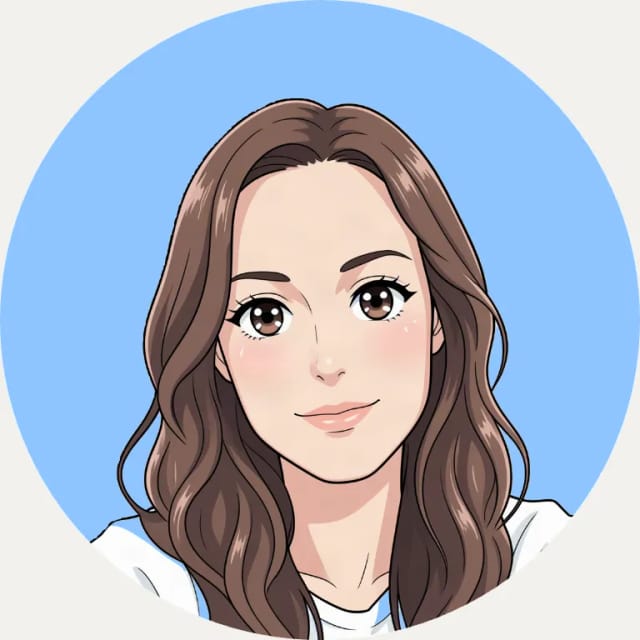
AI Profile Picture Maker
A free AI profile picture maker: your photo on a color background, sized for your social profiles, right in your browser. Or an anime, 3D, cartoon or pixel art avatar in under 20 seconds.
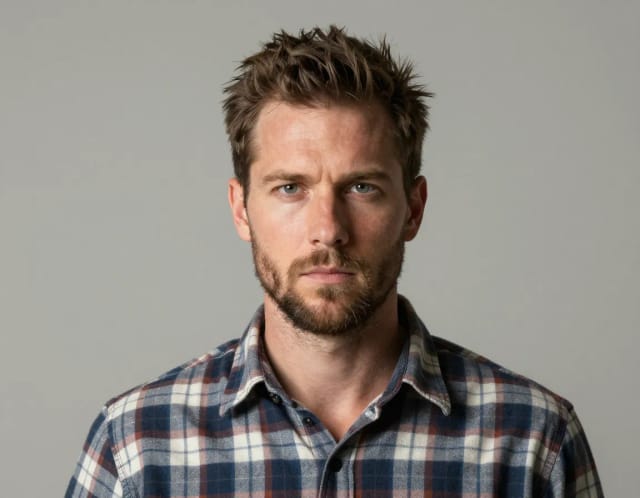
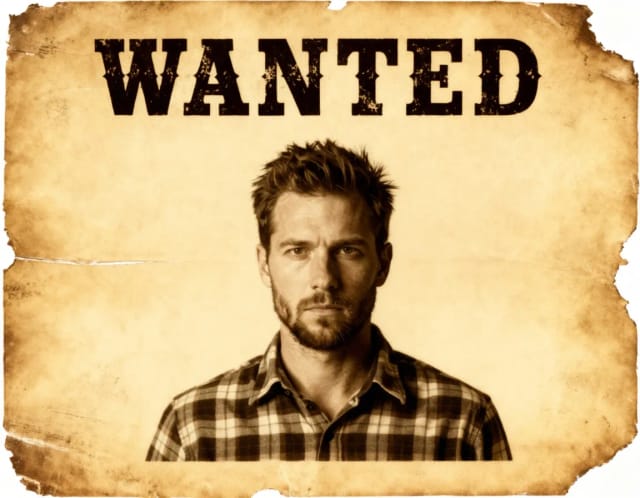
Wanted Poster Template & Generator
Turn any photo into a classic old-west wanted poster with your own name and reward, spelled exactly as you type them. Free to try — edit the text any time and download in seconds.
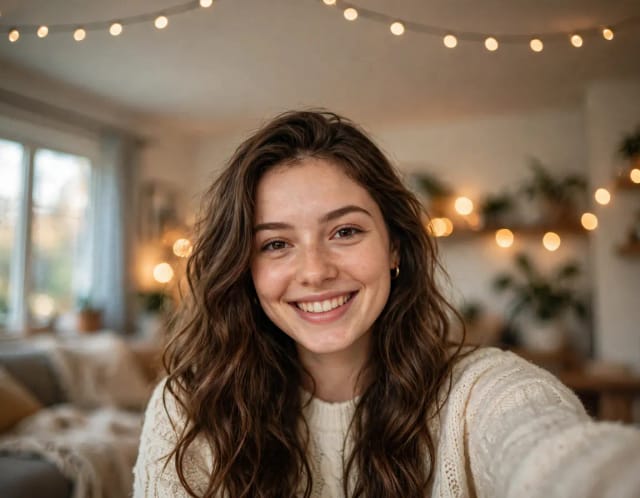

Add Santa Hat to Photo
Put a Santa hat on everyone in your photo, from selfies to group shots and pets. Pick a classic, knit, floppy, elf or reindeer hat. Free, no sign-up.
Ready to make something?
Open the tool, try the free Auto model and download the result.