
AI Photo Enhancer
CreArt's AI photo enhancer fixes blurry, grainy, dark and dull photos for free, without sign-up, usually in under 20 seconds. Pick what's wrong, or let Fix all do everything at once.
Your photo
What’s wrong? · Fix all
Not sure? “Fix all” cleans blur, grain, light and color in one go.
10 free tries a day with Auto · No sign-up
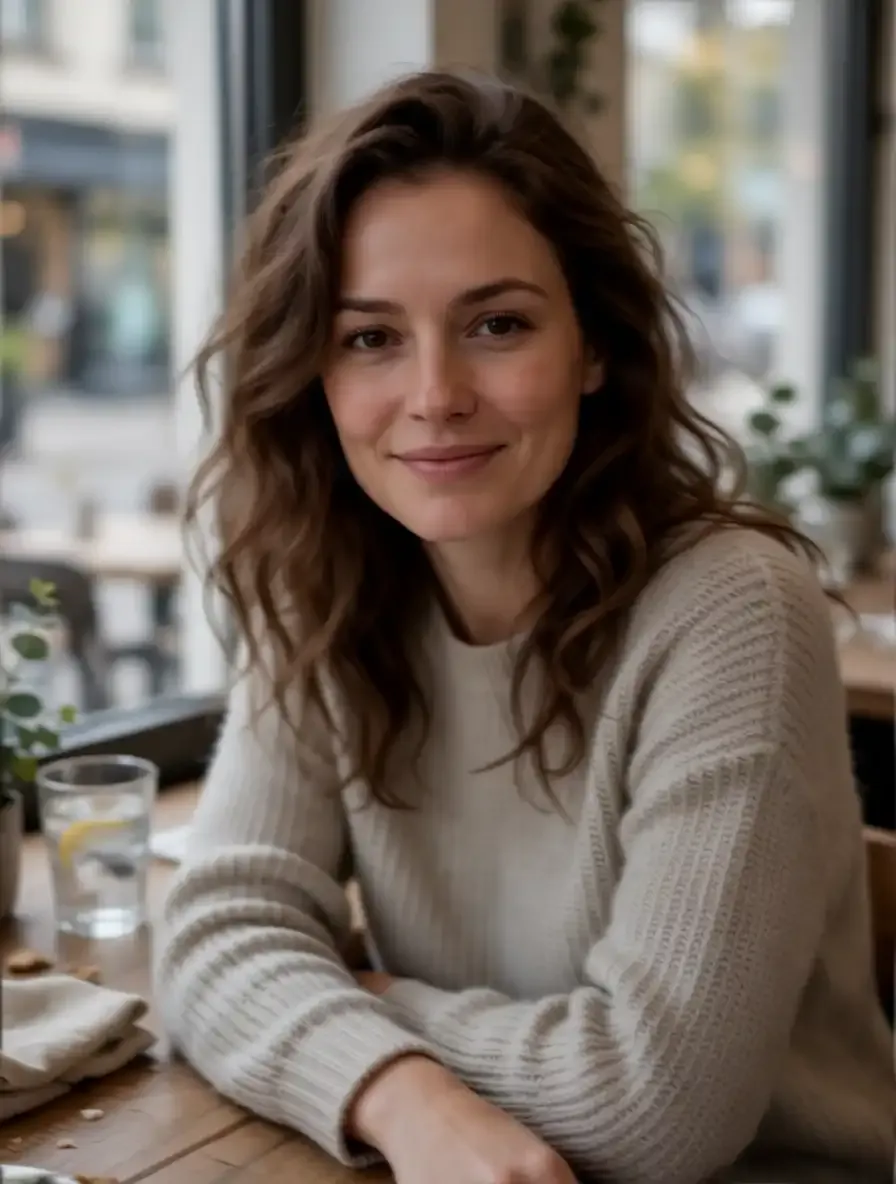

All AI Photo Enhancer tools
7 tools in this category. Pick the one that matches your task.
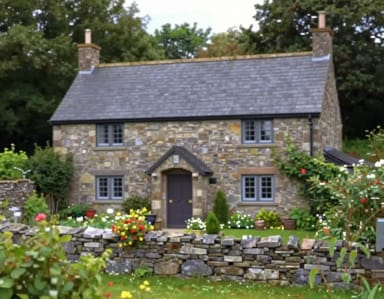 Image UpscalerCreArt's Image Upscaler enlarges photos 2x or 4x with a dedicated AI upscaling model: a 1,000 × 1,500 px photo becomes 4,000 × 6,000 px. You see the exact output size before you start. Free to try, no sign-up.
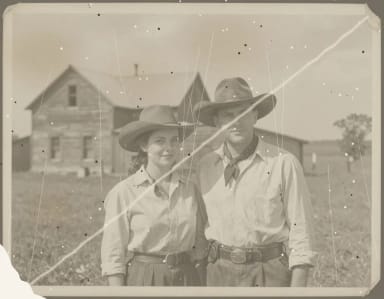 AI Photo RestorationCreArt's AI photo restoration repairs old, damaged photos for free, without sign-up: it removes scratches, creases, stains and dust, rebuilds torn corners and brings back faded contrast, usually in under 20 seconds.
 AI RelightChange the lighting of any photo with AI. Pick neon, warm, cool blue, spotlight or cinematic and let the AI re-light the scene in seconds.
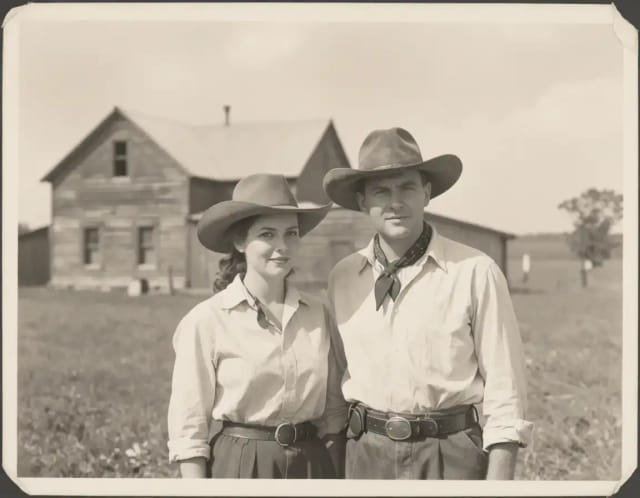
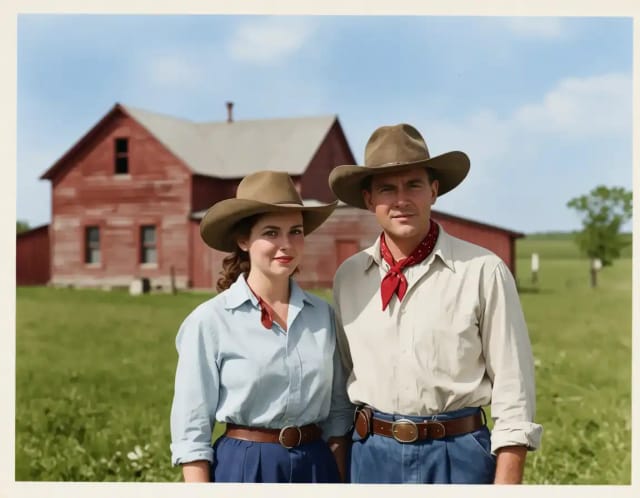
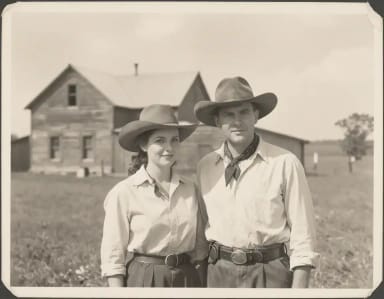 AI Image ColorizerCreArt's AI image colorizer turns black and white photos to color with its best guess of the original colors, free and without sign-up, usually in under 20 seconds. Add a color hint, like "red dress", when a detail matters.
 AI Unblur ImageCreArt's AI Unblur Image removes out-of-focus and motion blur from photos for free, without sign-up, usually in under 20 seconds. Turn on Prioritize faces to get eyes and skin back first.
 AI Image SharpenerCreArt's AI Image Sharpener brings soft photos back into focus for free, without sign-up, usually in under 20 seconds: crisp edges in eyes, hair, text and product details. Tell it what should be sharpest, or leave it blank.
 Blur BackgroundCreArt's Blur Background is a free AI tool that blurs the background of a photo and keeps the subject sharp, without sign-up and usually in under 20 seconds. Pick Strong blur for a clean portrait look or Cinematic bokeh for circles of light behind your subject.
Start here
What’s wrong with your photo?
Pick the problem — we’ll take you straight to the fix.
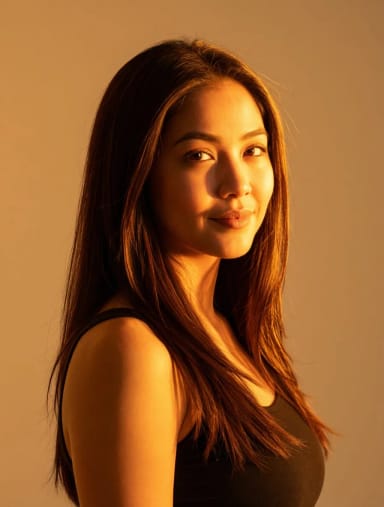
Get started
How to enhance a photo with AI in 3 steps
From a bad photo to a clean one, usually in under 20 seconds.
Upload your photo
Add the photo you want to fix: blurry, grainy, too dark or faded. JPG, PNG and WebP all work. No photo at hand? Start with one of the sample photos.
Pick what’s wrong
Choose the problem — Blurry, Grainy, Too dark, Dull colors, Face detail or Flat light — or leave it on Fix all to clean up everything at once.
Enhance, compare and download
Press Enhance photo, slide between the original and the result, and download it. Not quite right? Pick another fix and try again.
What it fixes
What this image quality enhancer fixes — and what it doesn’t
Blur and soft focus. Out-of-focus and slightly shaky photos come back sharp, with clean edges in eyes, hair and fabric. Grain and noise. Night and indoor photos lose the speckles and blotches of high ISO and heavy compression. Low light. Dark, underexposed photos get lifted shadows and balanced exposure. Dull colors and flat light. Faded or gray-looking photos get natural color, contrast and even light back.
What it doesn’t do: it fixes quality, not size, so for a bigger file to print you need an upscaler; it does not repair scratches, tears or stains on old prints, which is restoration; and it does not add color to black-and-white photos. The tools for each are below.
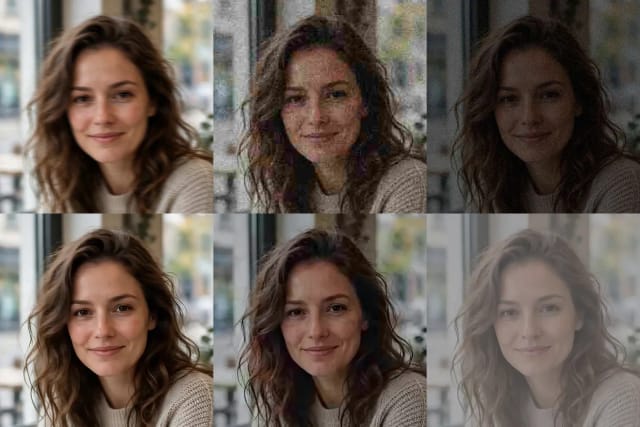
Image clarity
An image clarity enhancer for blurry and soft photos
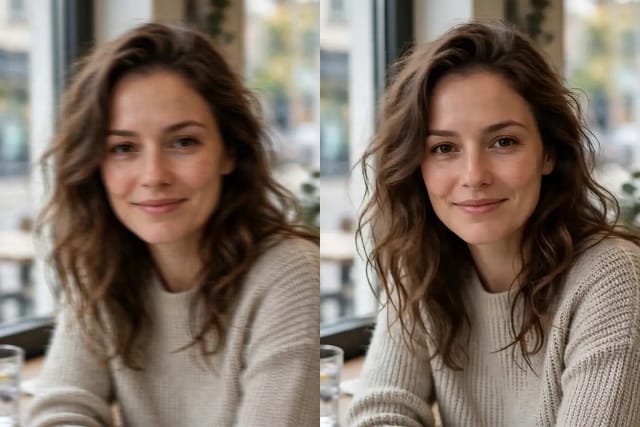
Most bad photos are soft rather than broken: a moving subject, a phone that focused on the background, a picture saved from a chat app. Pick Blurry, or Face detail when the problem is a portrait, and the AI rebuilds crisp edges and fine detail while keeping the same framing and colors.
Be aware of the limit: when a face is only a few pixels wide, there is no detail left to recover, so the AI draws a plausible one. Eyes, teeth or skin can then come out slightly different from the real person. Start from the sharpest copy you have. For motion blur in a whole scene, AI Unblur Image is the specialist; for a final crisp pass on details, the AI Image Sharpener.
Enhance, upscale or restore?
AI photo enhancement vs. upscaling vs. restoration
They sound alike but solve different problems. Photo enhancement fixes quality — blur, grain, light and color — not size: it returns the photo at about 1 megapixel. Upscaling makes the image bigger for prints and large screens: that is the Image Upscaler. Restoration repairs physical damage on old prints, such as cracks, tears and stains: that is AI Photo Restoration, and the AI Image Colorizer brings color back to black-and-white photos.
They also work together. Restore an old print, colorize it, then enhance it here; or enhance a dark party photo and give it new light with AI Relight.
Who it's for
Who the AI Photo Enhancer is for
Anyone with a photo that matters and came out badly.
Anyone with a blurry or dark phone photo
Rescue the one shot of a birthday, a trip or a concert that came out soft, grainy or too dark.
Online sellers and small shops
Clean up product photos taken at home before listing them, so they look sharp and true to color.
Families with old digital photos
Bring back low-resolution photos from early phones and cameras, and old pictures saved from chats.
Creators and social media managers
Fix a photo before posting so it still looks clean after the platform compresses it.
Why CreArt
Why use this photo enhancer
A free photo enhancer that tells you what it does and what it doesn’t.
Pick the problem, or fix all
Seven fixes named after what is wrong with the photo, so you don’t have to know what “denoise” or “HDR” means.
Fixes quality, keeps the scene
Same pose, background and framing: the AI works on blur, grain, light and color and leaves the composition alone.
Keeps the shape of your photo
A tall photo stays tall and a wide one stays wide, with nothing cropped.
Before and after, side by side
Slide between the original and the result before you download it.
Usually under 20 seconds
Measured on real generations: most photos are ready in under 20 seconds.
Free to try, no sign-up
Enhance photos for free with the Auto model every day, without an account.
Pricing
Enhance photos free, upgrade when you need more
Enhance photos for free with the Auto model, no account needed. Pick a plan when you need more tries.
Free
$0
- 100 credits every day
- The Auto model, on our own servers
- No card needed
Paid plans
Basic · Starter · Creator
- 1,600 to 10,000 credits a month
- Every AI model, including premium ones
- AI video, and no ads in the mobile app
FAQ
Frequently asked questions about the AI Photo Enhancer
Still have a question? Visit the help center →
How do I enhance a photo with AI for free?
Is this AI photo enhancer free without sign-up?
Does the AI photo enhancer increase resolution?
Will the enhancer change my face?
Can it fix a very blurry photo?
What is the difference between photo enhancement, upscaling and restoration?
How long does it take?
Which photos work best?
What file formats can I upload?
Related tools
Ready to make something?
Open the tool, try the free Auto model and download the result.