
AI Photo Filters
CreArt's AI Photo Filters are a free AI filter for any photo: upload it, pick one of seven art styles and the AI repaints it, without sign-up and usually in under 20 seconds.
Your photo
AI filter · Anime
10 free tries a day with Auto · No sign-up
10 free tries a day with Auto · No sign-up

All AI Photo Filters tools
8 tools in this category. Pick the one that matches your task.
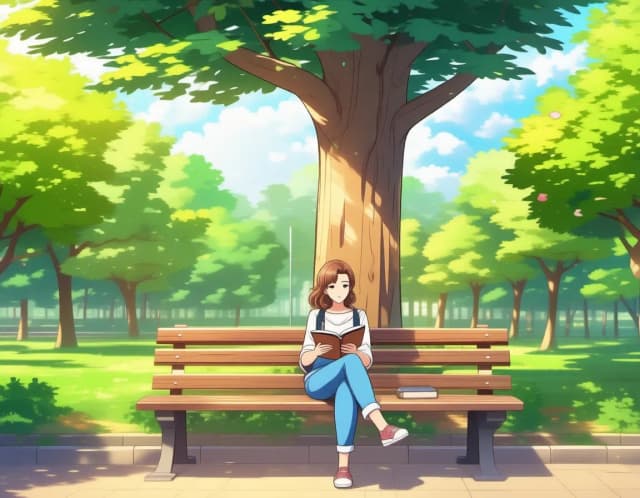
 Photo to AnimeCreArt's photo to anime converter turns your photo into anime art, free and without sign-up. Pick one of 6 styles, from a soft, hand-painted film look to black and white manga; it usually takes under 20 seconds.
 Photo to PaintingCreArt's photo to painting tool turns any photo into a painting, from a portrait painting to an oil painting look, free and without sign-up. Pick impressionist, baroque, palette knife, acrylic, expressionist or pop art; it usually takes under 20 seconds.
 AI Photo to CartoonCreArt's photo to cartoon tool turns your photo into a cartoon, free and without sign-up. Pick one of 6 styles, from a 3D animated-movie look to comic and storybook; it usually takes under 20 seconds.
 Photo to SketchCreArt's photo to drawing tool turns any photo into a pencil sketch, line drawing or eight other drawing styles for free, without sign-up, usually in under 20 seconds.
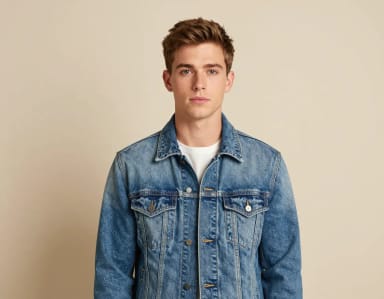 Glitch Effect for PhotosCreArt's Glitch Effect adds a glitch effect to any photo online, free and without sign-up: RGB shift, VHS, datamosh or cyber neon, usually in under 20 seconds.
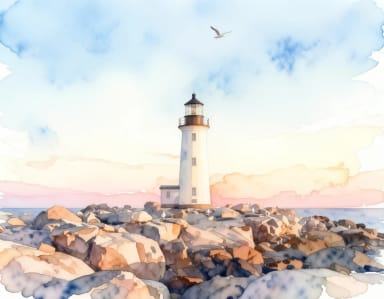 Photo to WatercolorTurn any photo into a soft, hand-painted watercolor painting with AI — upload, pick a style, and download in seconds.
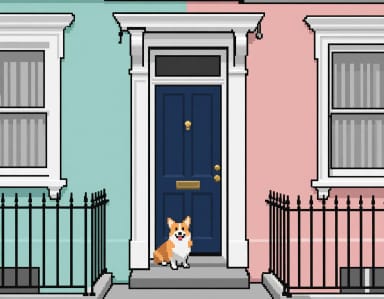 Pixel Art ConverterTurn any photo into pixel art online. Choose a pixel size and palette, then download clean retro-style artwork in seconds.
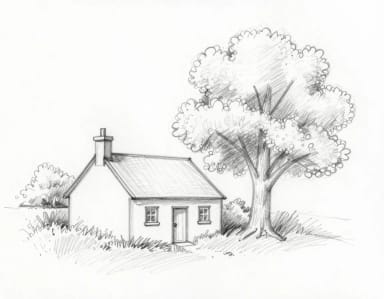 Sketch to ImageCreArt's sketch to image AI turns rough sketches, doodles and drawings into finished images. It is free, needs no sign-up and usually takes under 20 seconds: upload a drawing, pick a style like photorealistic, anime or watercolor, and add details if you want.
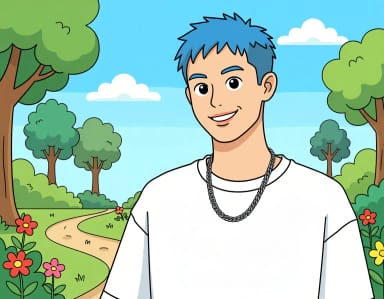
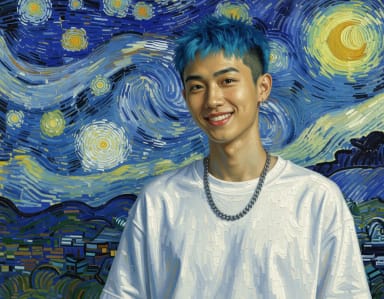
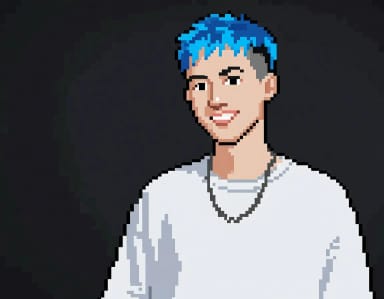
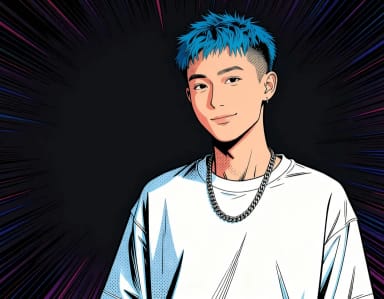
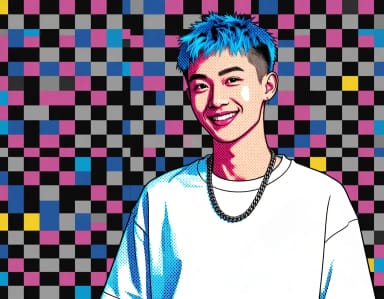
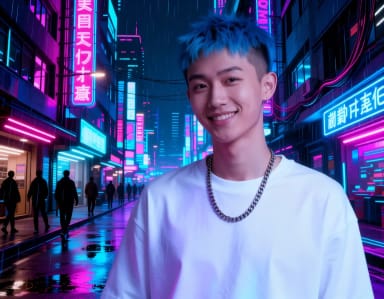
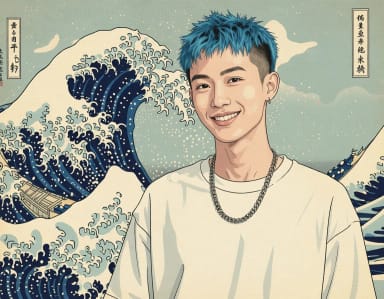
Same photo, every style
Which style is yours?
One photo, transformed ten ways — tap a style to try it with yours.
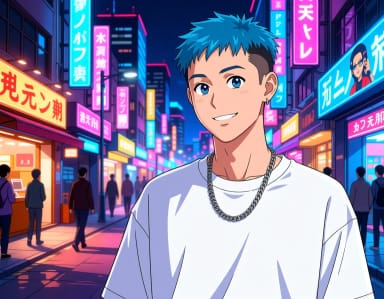
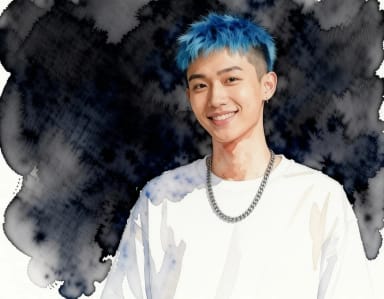
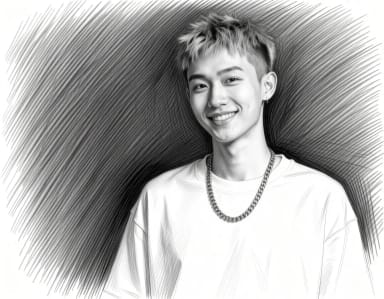
How to add filters to photos
Apply AI photo filters in 4 steps
Upload your photo
Drop in any image from your device — a portrait, a pet, a landscape, or a group shot. Higher-resolution photos give the filter more detail to work with.
Pick an art style
Choose anime, cartoon, oil painting, pop art, watercolor, pencil sketch or pixel art. Each style runs its own tuned prompt, so you get the right linework and texture without describing it yourself.
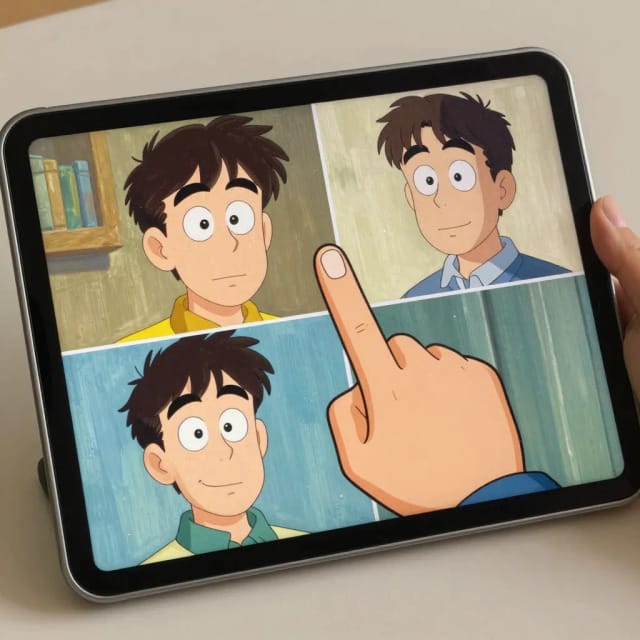
Compare styles
Run the same photo through another filter to compare: each one repaints it in a different art style.
Download the styled result
The AI repaints your photo, usually in under 20 seconds. Save the styled copy, ready for a profile picture, print or social post.
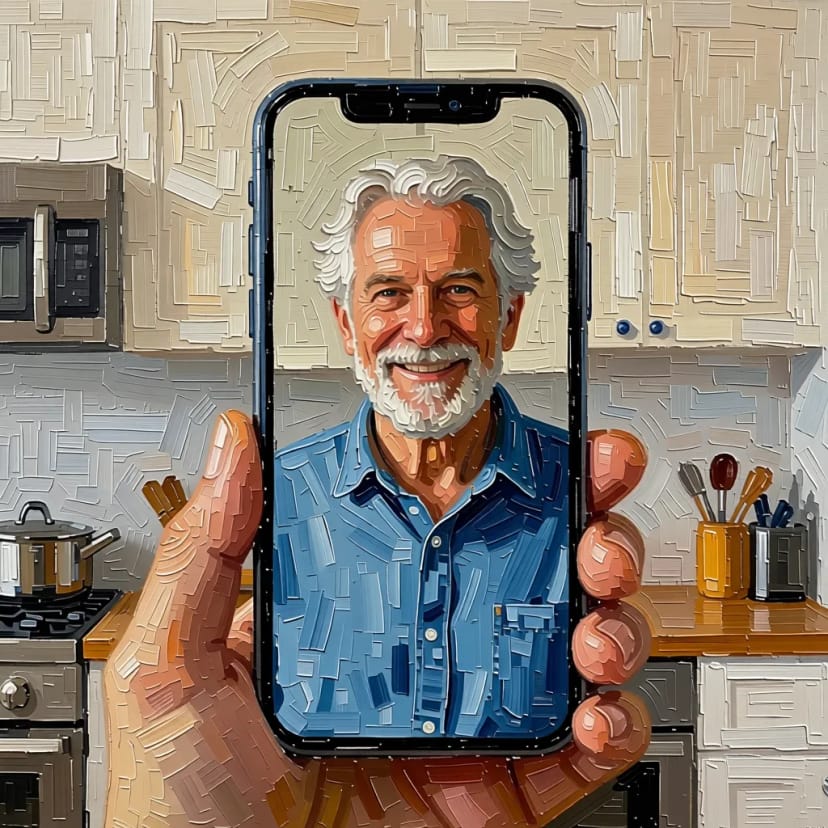 BeforeAfter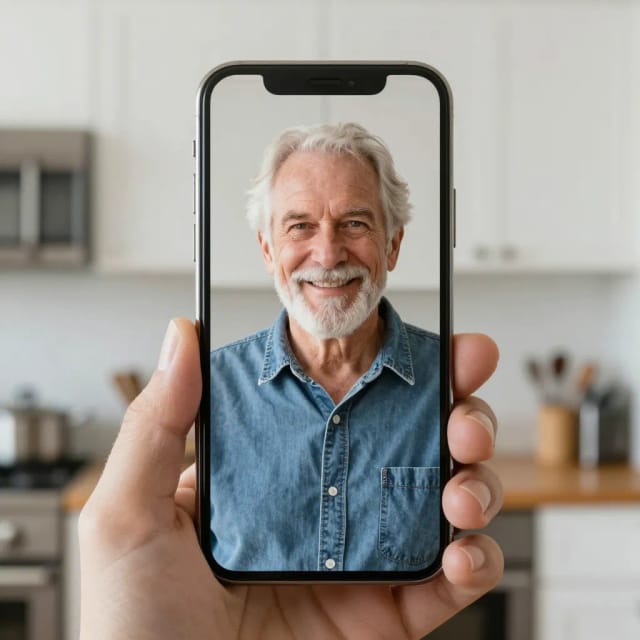
Trending AI filters


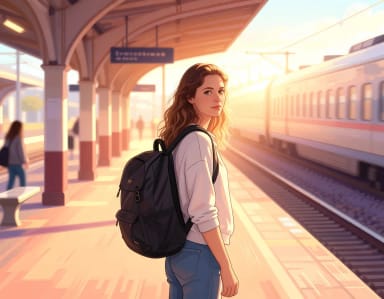

How it works
How AI photo filters turn your picture into art
AI Photo Filters is a free online tool that applies artistic effects to your photos, turning an ordinary image into a cartoon, anime, oil painting, pop art, watercolor, pencil sketch or pixel art version of itself. You upload a picture, pick one of the seven styles, and the AI repaints it while keeping the subject, pose, and composition recognizable.
Unlike a plain color filter that just tints the pixels, these photo filters redraw the image in the chosen art style. A portrait becomes a hand-inked anime character; a landscape takes on visible oil brushstrokes. If you'd rather build an image from a text description instead of a photo, the AI Image Generator covers that route.
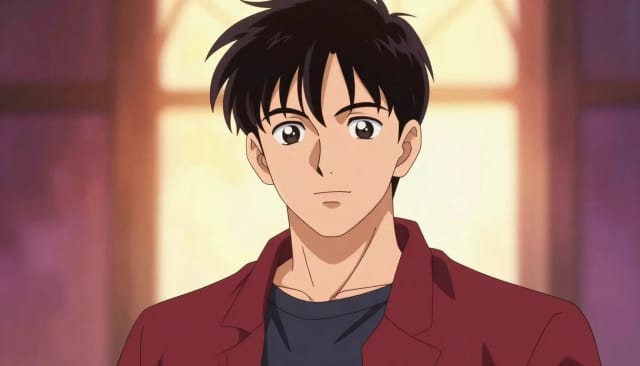
What's actually behind each filter preset?
Behind each filter is a prompt tuned for a specific look, so you don't have to describe brushwork or line style yourself. Choose "anime" and the model leans into clean linework and cel shading; choose "oil painting" and it adds thick, textured strokes and painterly lighting. For more looks in one style, each one has its own tool with more options. Each preset is an example of style transfer: content preserved, medium repainted.
The original photo stays untouched — you download the styled copy. Want to push a result further afterward? Run it through the Photo Enhancer to sharpen the output, or the Image Upscaler if you need a larger, print-ready file.
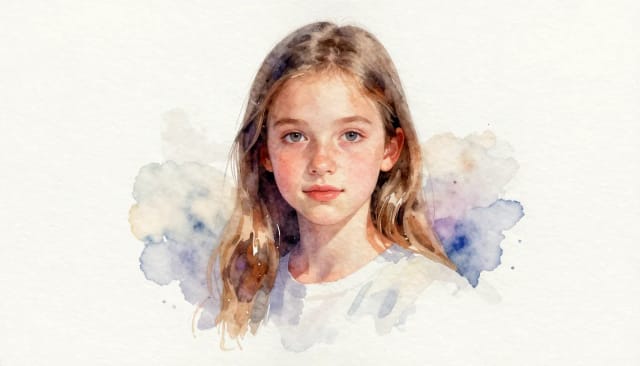
Artistic results without any drawing skill
Doing this by hand means hours in an editor, tracing lines or painting over a photo layer by layer. The filters get you a comparable result, usually in under 20 seconds, without any drawing skill, which is why it works for people who'd never open photo editing software.
It suits profile pictures, gifts, prints, and social posts. If you want to isolate your subject before styling — say, a clean portrait with no distracting background — the Background Remover pairs nicely, and creators exploring original artwork from scratch often start with the AI Art Generator.
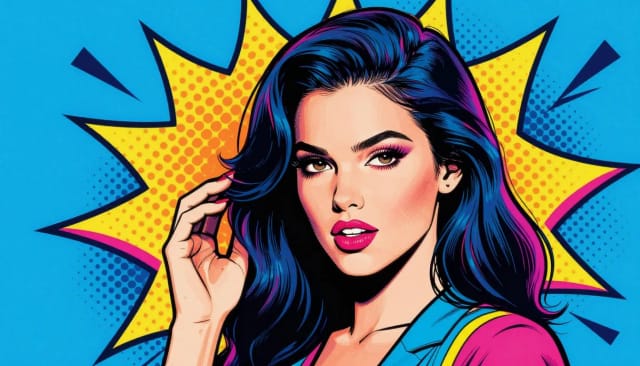
Who it's for
Who uses AI photo filters
Social media users
Anyone who wants a scroll-stopping profile picture or post can turn a normal selfie into an anime or cartoon version without touching an editor.
Gift and print makers
People creating personalized presents — a painted portrait of a partner, a cartoon of the family dog — can get a print-ready styled image in one pass.
Content creators and streamers
Creators building a visual identity use consistent cartoon or anime looks across avatars, banners, and thumbnails without commissioning an artist.
Casual users curious about AI art
If you've seen anime-filter photos online and want to try one on your own picture, the filters remove every technical barrier to getting the effect.
Pricing
Try the AI photo filters for free
Start applying AI photo filters at no cost and move to a paid plan when you want more generations and higher-quality output.
Free
$0
- 100 credits every day
- The Auto model, on our own servers
- No card needed
Paid plans
Basic · Starter · Creator
- 1,600 to 10,000 credits a month
- Every AI model, including premium ones
- AI video, and no ads in the mobile app
Why these filters
Why choose these AI photo filters
Repaints, not just recolors
These filters redraw the image in a real art style instead of laying a color tint over it. Lines, shading, and brush texture change, not just the palette.
Seven distinct looks
Cartoon, anime, and oil painting each come from a prompt tuned for that style, so a portrait can read as a clean anime character or a textured painted canvas.
Usually under 20 seconds
What would take hours of manual tracing or painting happens in one pass. Upload, pick a style, and the styled version is ready to download almost immediately.
No design skills required
You never touch layers, masks, or brushes. If you can pick a style from a menu, you can turn a photo into art.
Free photo filters online
Use it online with nothing to install. It works the same on desktop and mobile, so you can style a photo from your phone or laptop.
Your original stays intact
The tool creates a separate styled copy and leaves your source photo untouched, so you can try different styles on the same image.
Transform any photo into a new style
Turn selfies into anime or cartoon avatars
Convert a normal photo into an anime-style or cartoon avatar for profile pictures and social posts.
Make a pop art photo series
Turn a set of photos into bold pop art prints for a personal project or a gift.
Make pixel-art versions of your photos
Turn a photo into retro 16-bit pixel art for an avatar, a post or a print.
Make fine-art style prints
Reimagine a photo as a watercolor or oil painting worth framing.
What is the photo filter everyone is using?
Is there a free AI photo filter?
How do you put filters on photos?
How to add filters to photos for free?
What is the difference between these filters and Instagram photo filters?
How to remove filters from photos?
Which art styles can I apply to a photo?
Do the filters work on any type of photo?
Can I use the styled photo for a profile picture or print?
CreArt is not affiliated with, endorsed or sponsored by Instagram. Instagram is a trademark of Meta Platforms, Inc.
Related tools


Ready to make something?
Open the tool, try the free Auto model and download the result.