
AI Tools for Authors & Writers
Design your book cover once and reuse it for the trailer, the countdown posts, the teaser quotes and the character art — a full self-publishing launch kit powered by AI.
What's your book about? (optional)
Genre· Fantasy
Title and author
20 free tries a day with Auto · No sign-up · Your title is set on top, spelled exactly as you type it.
What's your book about? (optional)
Genre· Fantasy
Title and author
 Example
Make it now
What do you want to create today?
One cover, one launch: make the cover first — every other piece of the book launch derives from it.
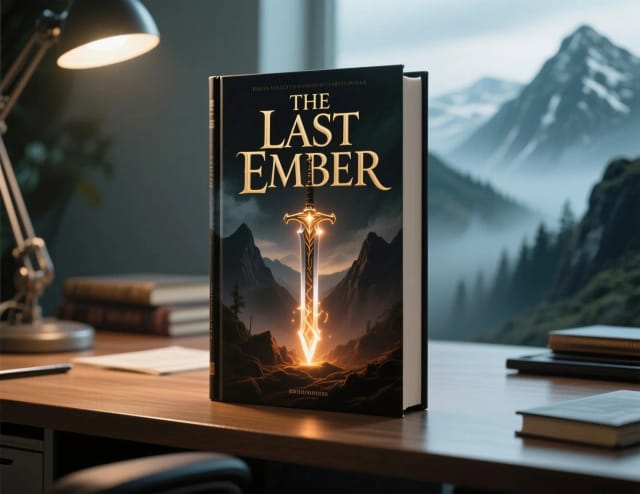
The book cover
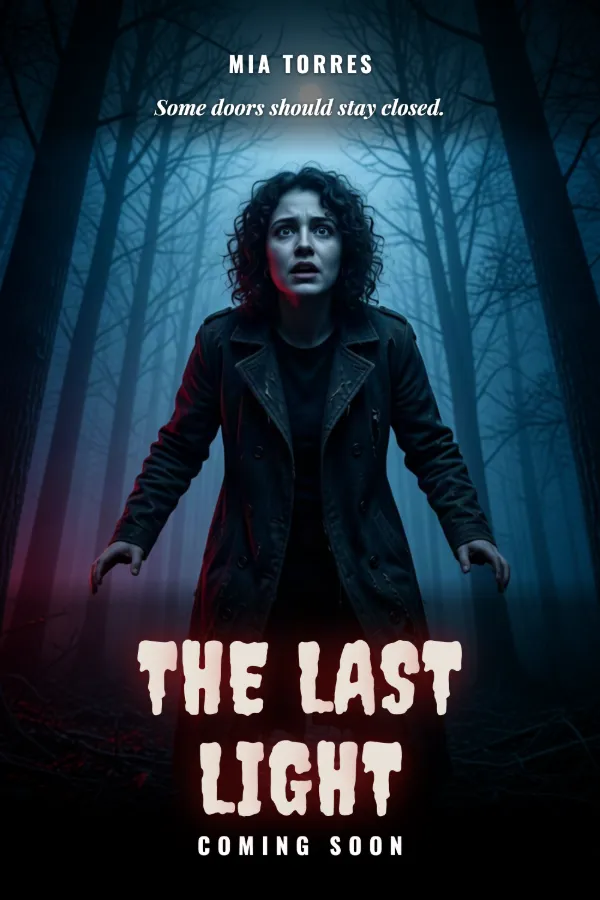
ImageKindle and Wattpad sizes — genre-true, legible as a thumbnail on the store page.
Start now →
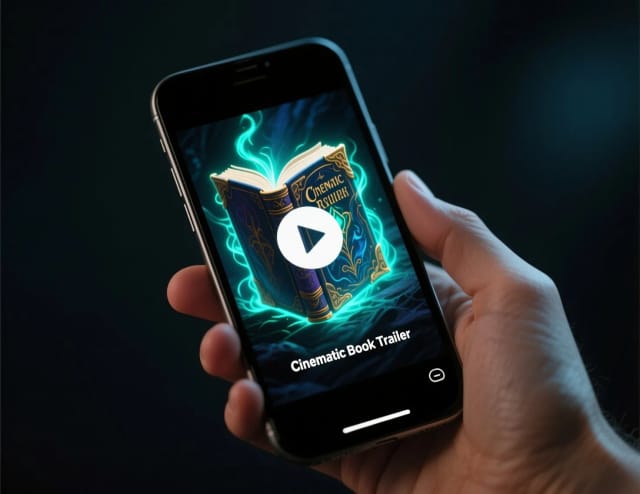
A book trailer from the cover
VideoA slow parallax over the artwork — the teaser for reels and the launch page.
Start with your photo →
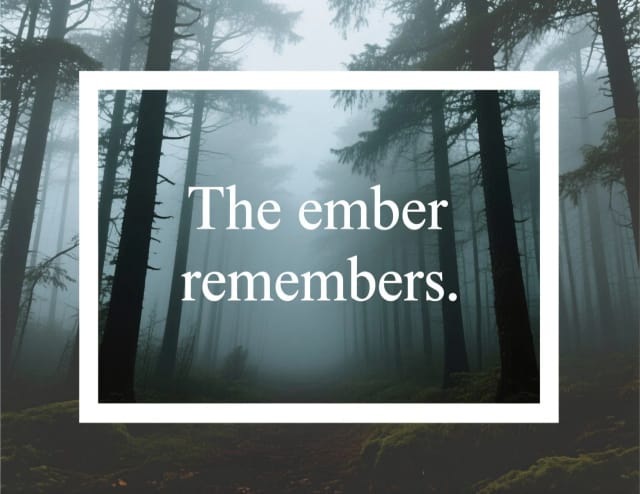
A teaser quote graphic
ImageA line from the book over a mood image — the series that feeds the launch.
Start now →
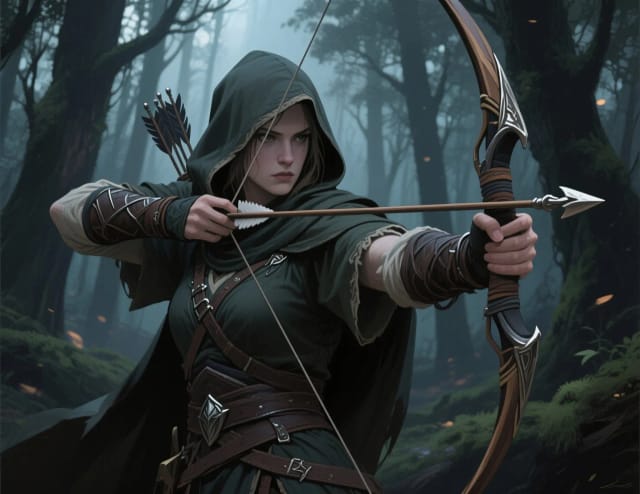
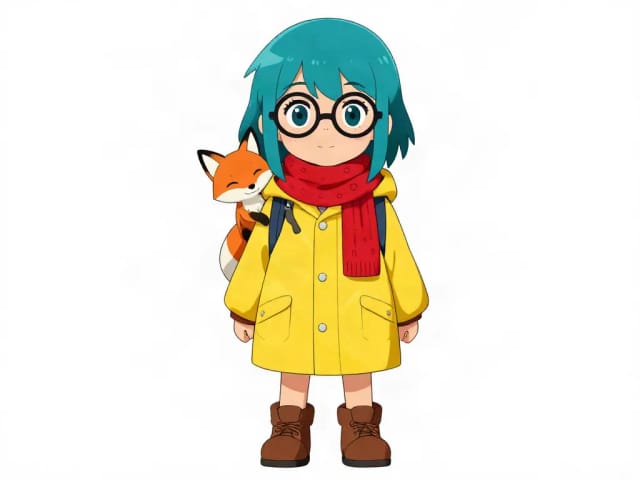
Your characters, illustrated
ImageCharacter art for the pinboard, the extras page and the fandom.
Start now →

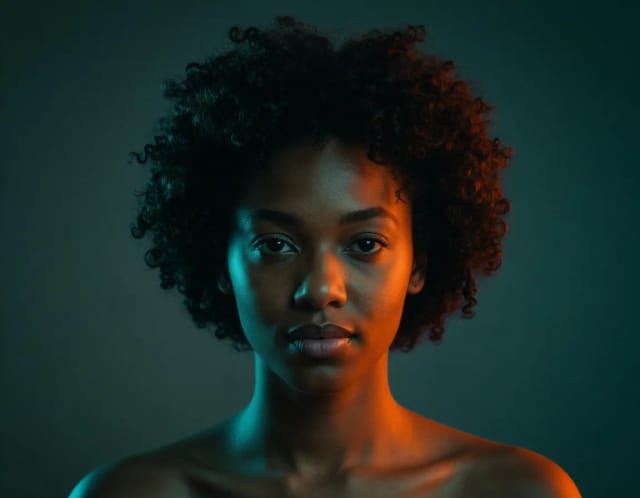
An author photo from a selfie
ImageFor the back flap, the store author page and the press kit.
Start with your photo →
A pre-release runs on about five graphics — cover reveal, coming-soon, countdown, teaser quote, trailer — and all of them start from the cover you make here.
The workflow
How the pros run it, start to finish
Publishing visuals without a publisher: the cover sells the click, everything else sells the world.
- 1
A cover that works as a thumbnail
Readers meet your book at 100 px in a store grid. Title readable, one strong focal point, genre signals on the surface.
- 2
Character art readers can pin
Consistent character images fuel fan art, Pinterest boards and your own social content.
- 3
An author photo you’re not embarrassed by
One warm, well-lit headshot — used everywhere, from the back flap to the podcast booking form.
- 4
Good to know (beyond the tools)
- Amazon KDP requires disclosing AI-generated cover art at publishing time — read the current policy before upload.
- Print covers need bleed and spine width calculated from page count; design the ebook cover first, extend later.
Related guides
How to use it
Build your book launch kit in 4 steps
Describe your book
Type what your book is about — the genre, the tone, the imagery you want on the cover. Add the title, subtitle and author name if you have them; all three are optional.
Pick a genre
Choose one of 12 genres, from fantasy and romance to poetry and memoir, so the artwork and the typeface match how books in your category look on the shelf.
Generate and refine
The AI returns a cover in seconds. Run the thumbnail test, tweak the prompt or style, and regenerate until it reads clearly at Amazon search-result size.
Reuse it for the launch
Upload the cover to the video tool for a short trailer clip, or to the poster maker for quote graphics, then download each piece.
How it works
One cover, a whole book launch
AI tools for authors are a set of design generators that make the visuals of a launch, each in its own tool: a cover, a short trailer clip, a "coming soon" post, teaser quote graphics and character art. You describe what your book is about, pick a genre, and the cover comes back at the Kindle size, with a Wattpad version — no design bill, no back-and-forth with a freelancer.
The cover is step one. Describe the genre, tone and imagery, add your title and author name if you have them, and iterate until it passes the thumbnail test: does it still read at Amazon search-result size? Once the cover works, the book cover maker artwork carries through to every other asset in the launch.

One look reused across your whole launch
The workflow is built to reuse a single look. Start from the cover, then derive the trailer frames, the countdown post and the pull-quote graphics from the same palette and typography, so your launch feels like one campaign instead of five mismatched images.
For series work, generate character art for your story bible and social posts, and describe original scenes with the AI art generator when you need cover illustrations or chapter headers. Everything exports clean, and you can drop a subject onto a transparent background with the background remover for quote cards and mockups.
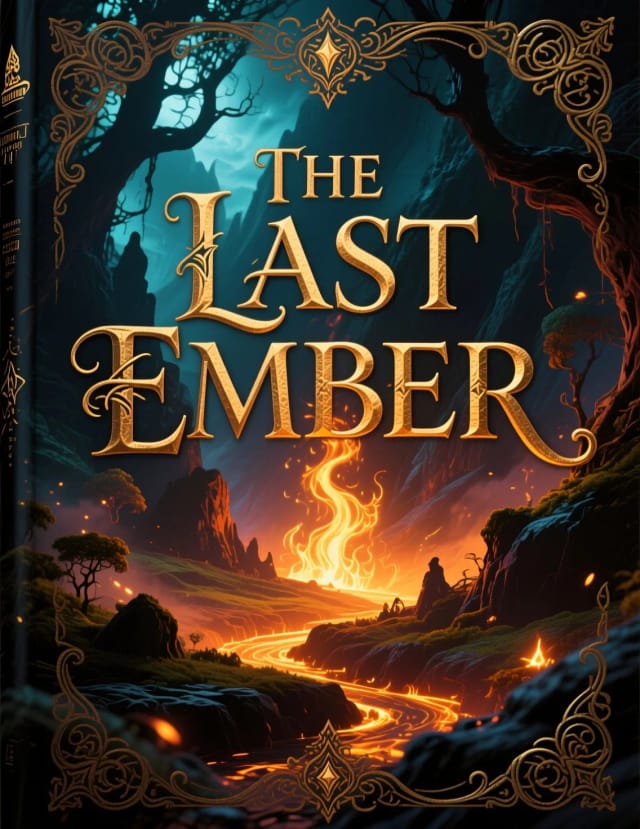
Covers that sit next to trad-published titles
Doing this by hand means either learning design software or paying per asset for a cover, a trailer and a social kit that may never match. Here you write a prompt for the cover and reuse it across the other tools, in 12 genres, each with its own typeface, from fantasy and romance to poetry and memoir.
Your title and author name are set as real type, so they are spelled exactly as you wrote them. The point is speed without the amateur look: covers that sit comfortably next to trad-published titles in your category, made in minutes rather than weeks.

Who it's for
Who AI tools for authors are built for
Indie and self-published authors
Writers releasing on Amazon KDP or IngramSpark who need a cover, trailer and social kit that look professional without hiring a designer for each piece.
Series and fantasy authors
Authors building a world across several books who want character art and matching covers for their story bible, newsletter and launch posts.
First-time authors on a budget
New writers publishing their debut who can't justify a full freelance design package but still need a cover that competes on the shelf.
Prolific genre writers
Romance, thriller and sci-fi authors shipping several titles a year who need to spin up branded launch assets fast without a bottleneck.
Author-marketers and small presses
People running the promo side of a launch who need countdown posts, teaser quotes and trailer frames that all share one look.
Pricing
Start your launch kit for free
Try the cover maker and launch tools at no cost, then upgrade when you're ready to publish more titles.
Free
$0
- 100 credits every day
- The Auto model, on our own servers
- No card needed
Paid plans
Basic · Starter · Creator
- 1,600 to 10,000 credits a month
- Every AI model, including premium ones
- AI video, and no ads in the mobile app
Why authors use it
Everything an indie launch needs, starting from the cover
A cover that passes the thumbnail test
The AI book cover generator sizes and styles your cover to work at Amazon search-result scale, where the buying decision actually happens — not just full screen.
12 genres that fit the shelf
From fantasy and thriller to poetry and memoir, each genre has its own look and typeface, so yours doesn't look out of place.
One look across every asset
The book trailer, the countdown post and the quote graphics can all reuse your cover artwork, so the whole launch reads as a single campaign.
Character art for your series
Generate character portraits for your story bible, newsletter and social feed — useful for series authors building a world over several books.
No design bill
These self publishing tools replace a freelance cover, a trailer editor and a social kit, so a launch that used to cost hundreds comes together on your own budget.
Kindle and Wattpad sizes
Download at 1600 × 2560, the size KDP recommends for eBook covers, plus a 512 × 800 version for Wattpad.
What are the best AI tools for authors?
Can AI make a book cover?
Is the book cover maker free to use?
What styles can I choose for my cover?
Can I make a book trailer with the same artwork?
Do I need design skills to use these self publishing tools?
What size does the cover come out in?
Can I generate character art for my series?
CreArt is not affiliated with, endorsed or sponsored by LinkedIn, Kindle, Amazon or Wattpad. LinkedIn is a trademark of LinkedIn Corporation. Kindle and Amazon are trademarks of Amazon.com, Inc. Wattpad is a trademark of Wattpad Corp.
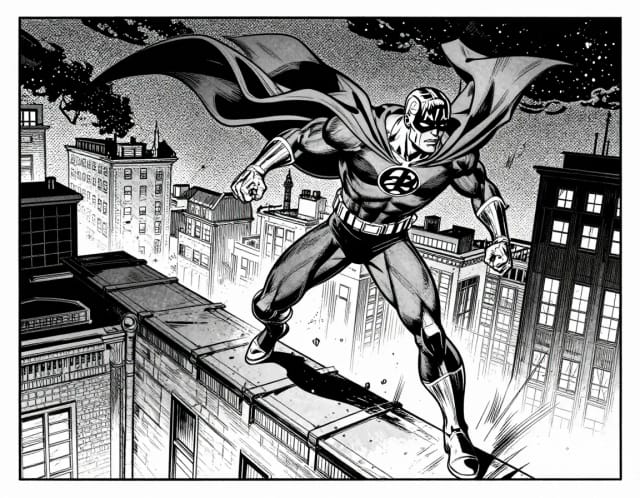
Covers that compete
Genre-aware covers and the art that goes on and inside them.
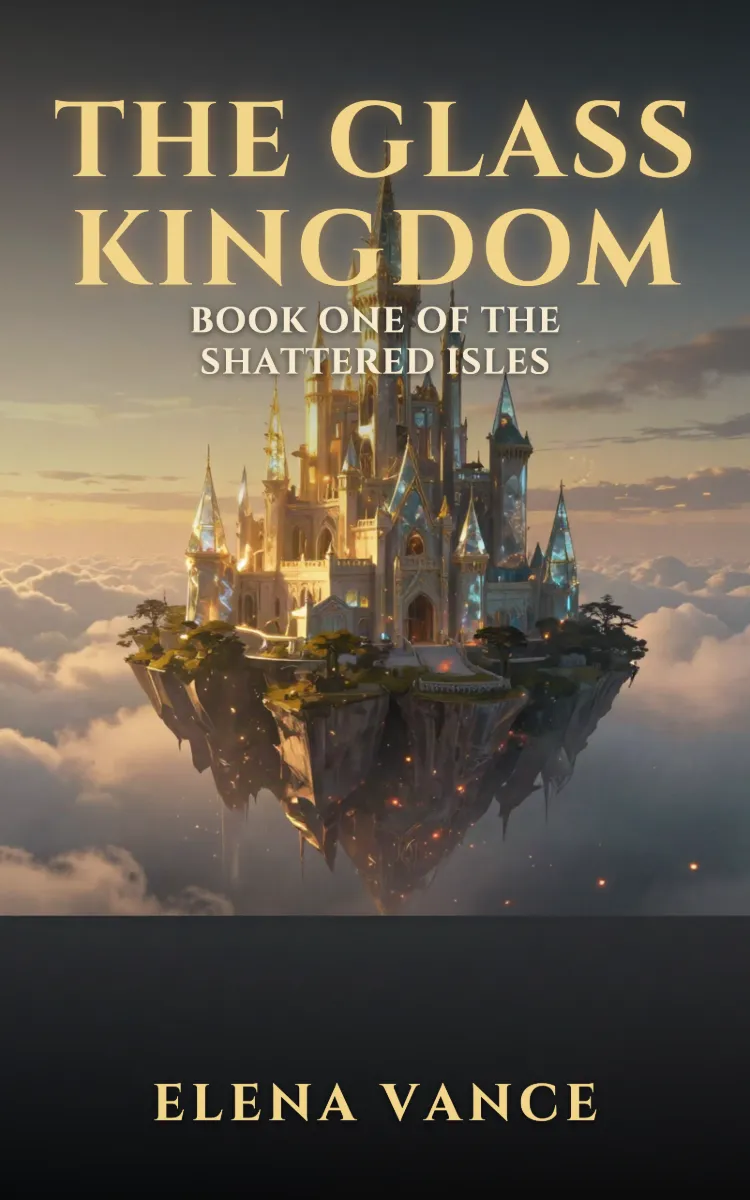

Bring your characters to life
Reference art for your series bible, your readers and your comic adaptations.
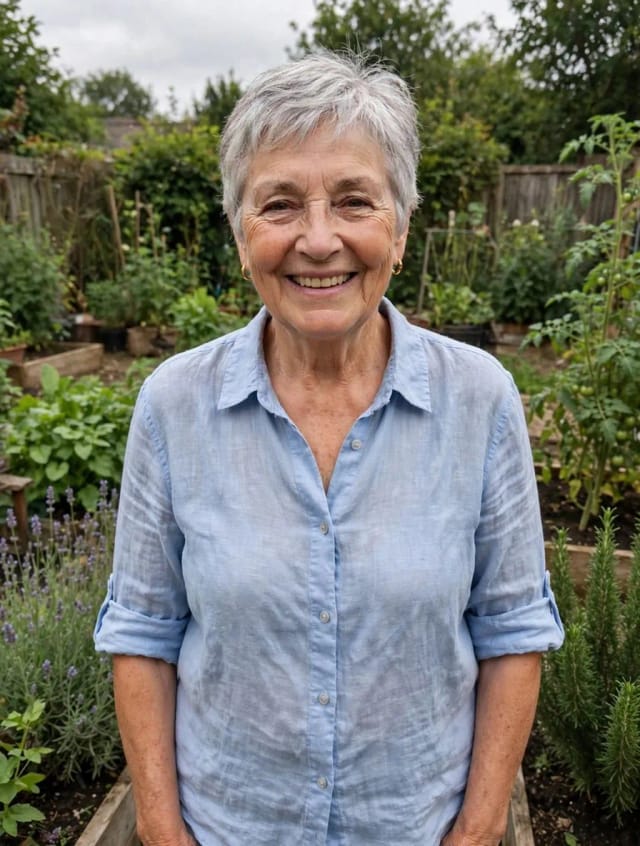
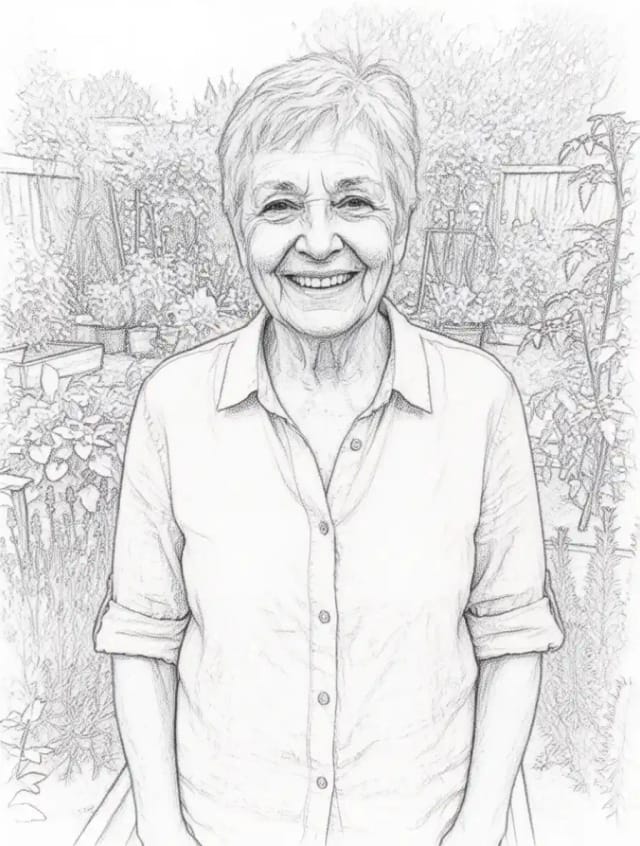
Your author brand
The jacket photo and the promo pieces around every launch.

Ready to make something?
Open the tool, try the free Auto model and download the result.