
AI Tools for Photographers
AI tools for photographers that run your marketing side: mini-session and booking flyers made from your own photo, plus restoration, upscaling and short clips for your shots.
Your photo
Text style· Event & workshop
Your text
Free · No AI, no credits · Your photo stays on your device: the text is set on top in your browser.
Your photo
Text style· Event & workshop
Your text
Setting your flyer…
Make it now
What do you want to create today?
CreArt doesn’t take your photos — it does your marketing. Everything here is the business side of the studio, from assets you already have.
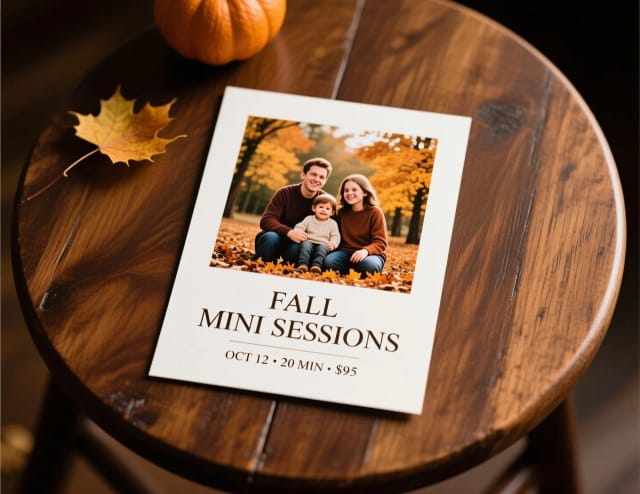
A mini-session flyer
ImageYour photo as you shot it, with your dates and price — the announcement that fills the calendar.
Start with your photo →
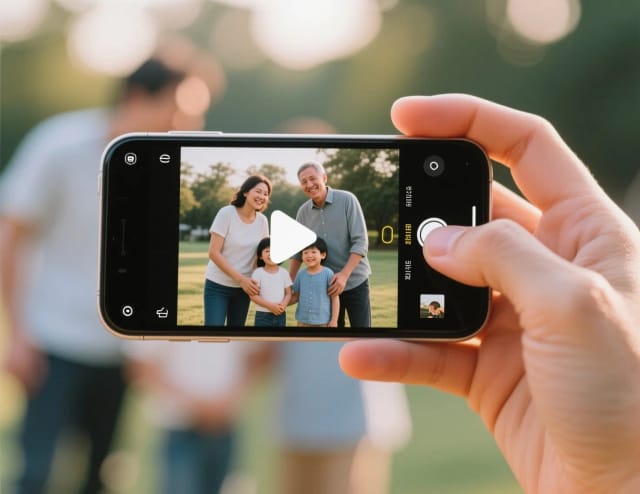
A short clip from your best shot
VideoA slow Ken Burns move over one photo — your work, in motion.
Start with your photo →
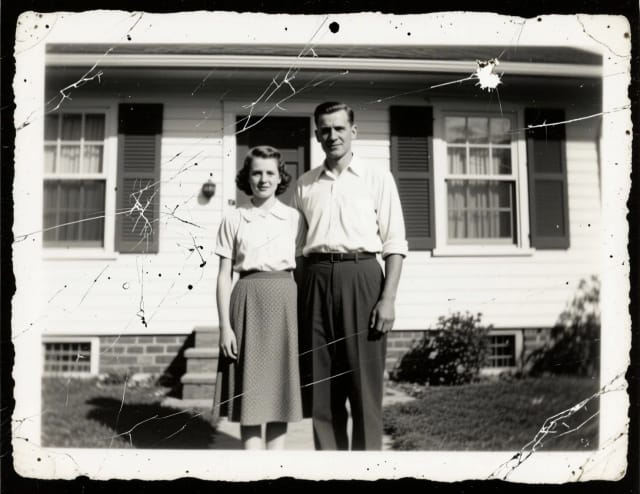
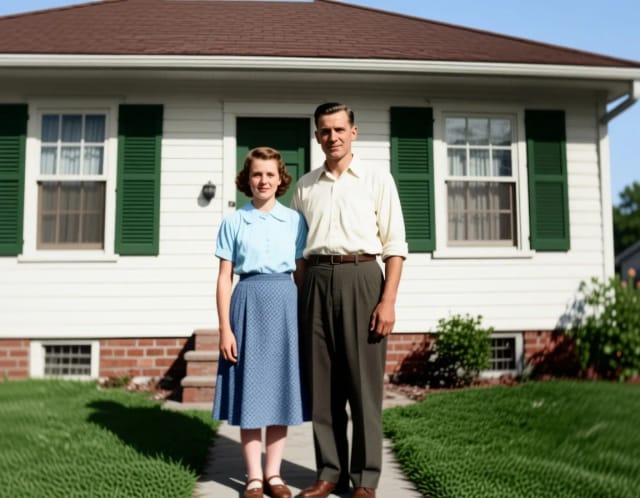
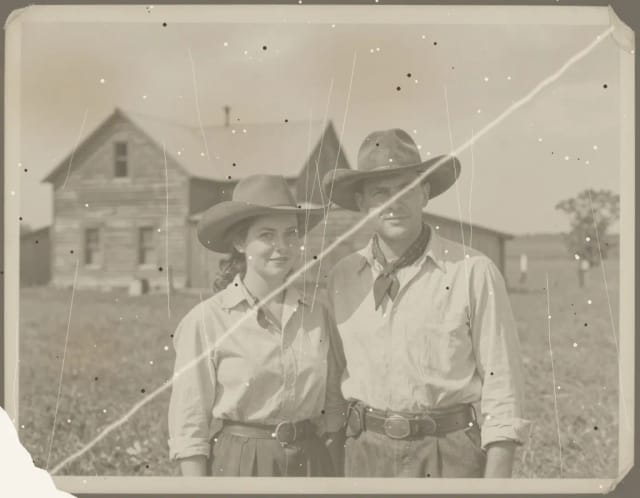
Restore an old photo (as a service)
ImageDamaged family photos are a paid add-on clients ask for — deliver it in minutes.
Start with your photo →
A logo for the studio
ImageThe watermark, the invoice header, the corner of every deliverable.
Start now →
Mini-sessions sell out on the strength of the announcement — the flyer and the booking post decide it before anyone sees the portfolio.
The workflow
How the pros run it, start to finish
The post-production assistant: rescue, restore, retouch and deliver — without an evening at the desk per gallery.
- 1
Rescue the almost-keepers
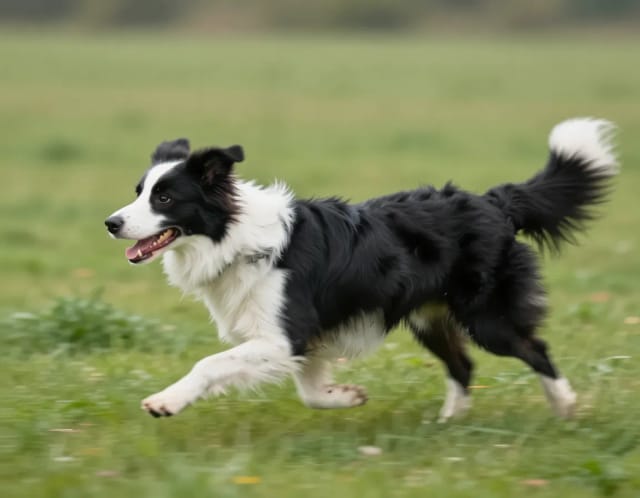
The one shot where the moment is perfect but focus isn’t — unblur before you cull it.
- 2
Restore the family archive
Scan prints at 600 DPI first; restoration works with what you give it.
- 3
Clean up the scene
Photobombers and exit signs disappear faster than a clone-stamp session.
- 4
Deliver bigger than you shot
Client wants a wall print from a crop? Upscale, then check the print math — see the DPI guide.
Good to know (beyond the tools)
- Tell clients when AI touched a face — retouching norms are personal, and consent beats surprises.
- For prints: 300 DPI at final size. A 4000 px image is a 13-inch print, not a poster.
Related guides
How to use it
Upload your photo
Pick a favorite frame from a recent shoot — the one you'd want clients to see first. It becomes the background of your flyer as it is: nothing is redrawn by AI.
Add your text
Type the headline, the offer (like "20 min · 10 edited photos"), the date and place, and your website or handle.
Pick a style
Nine styles set the typeface and colors of your text, from Event and Holiday to Business. Move the headline to the top or the bottom, or change its font and color.
Download and post
Download it as US Letter, A4 or a 4:5 post for Instagram, and share it on your booking channels or send it to a client.
Photographers
How it works
AI tools for photographers are apps that automate the work around your shoots — the promotion, the booking posts, the restoration requests — instead of the editing itself. CreArt is built for exactly that half: it puts the photos you already have on a mini-session flyer or a booking announcement, turns one into a short clip, and restores old prints, so you spend booking season shooting instead of fighting template tools.
On the flyer, AI doesn't touch your photo: it is the background as you shot it, and your text is set on top in your browser. No design skills, no template subscription.

A flyer from a photo and a brief
Start from your photo. Pick a favorite frame, type the headline, the offer, the date and your website, and choose one of nine styles for the text. Your photo stays exactly as it is: the flyer only adds the text and, where the picture is busy, a soft shade behind it so it reads.
Need the source shot to look its best first? Run selects through the free photo enhancer to fix lighting and clarity, or push a smaller crop up to print size with the AI image upscaler before it ever lands on a flyer.
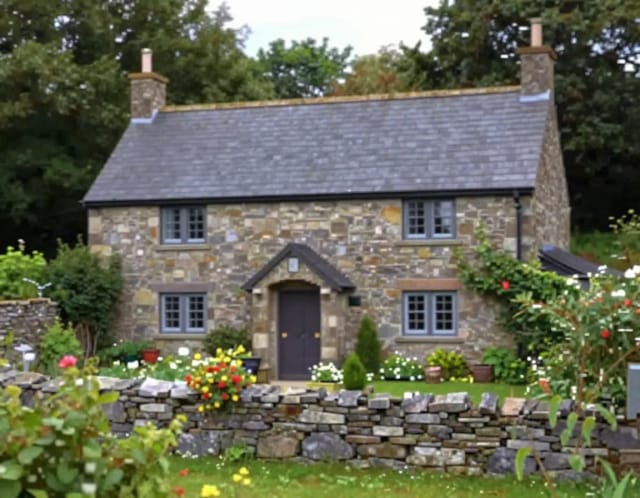
Ready to send to clients the same day
Doing this by hand means opening a design app, hunting for a template, matching fonts to your brand and exporting three sizes for Instagram, stories and print. CreArt collapses that into a photo and a few lines of text, with US Letter, A4 and Instagram sizes in one place.
And it plugs into the rest of your studio kit: drop your subject onto a clean background with the background remover for a product-style booking graphic, or spin up a matching mark with the logo generator if your brand still doesn't have one. The output is ready to post or send to a client the same day.
Who it's for
Portrait and family photographers
Announce mini sessions and seasonal openings with flyers built from your own portraits, ready before your calendar fills up.
Wedding and event shooters
Turn a standout frame into a booking flyer with your package and your contact, ready to send.
Newborn and boudoir studios
Promote limited slots with on-brand flyers made in your browser: with Use your photo, the picture never leaves your device. Still pick images your clients agreed to show.
Real estate and product photographers
Spin up listing-style flyers and offer graphics from your shots, matched to your colors and sized for every channel.
Solo photographers without a designer
Run the whole marketing side yourself — flyers, booking posts, restoration work — without a design app or a template subscription.
Pricing
Free
$0
- 100 credits every day
- The Auto model, on our own servers
- No card needed
Paid plans
Basic · Starter · Creator
- 1,600 to 10,000 credits a month
- Every AI model, including premium ones
- AI video, and no ads in the mobile app
Why photographers use it
Mini session flyers in minutes
Turn one strong frame into a mini session flyer with your headline, offer and date set on top — no design app, no template hunting.
Marketing built around your work
Every flyer starts from your own photo, used as it is, so your promo looks like your photography — not stock and not an AI redraw.
No AI, no credits
The flyer with your photo is put together in your browser: nothing to generate, nothing to pay, and the photo doesn't leave your device.
Restore and rescue client shots
Bring a damaged family photo back to life with AI photo restoration, or sharpen a slightly soft select before it goes public.
Your photos stay yours
CreArt doesn't claim ownership of the photos you upload. What you can do with the results depends on the terms of your plan.
Sized for every channel
Download the same flyer as US Letter, A4 or a 4:5 Instagram post.
FAQ
Still have a question? Visit the help center →
What are the best AI tools for photographers?
How do I make a mini session flyer?
Do AI tools edit my photos or just my marketing?
Can AI restore old or damaged photos for clients?
Is there a photography price list template I can customize?
Do I keep the rights to my photos?
Are these AI tools free for photographers?
CreArt is not affiliated with, endorsed or sponsored by Instagram. Instagram is a trademark of Meta Platforms, Inc.
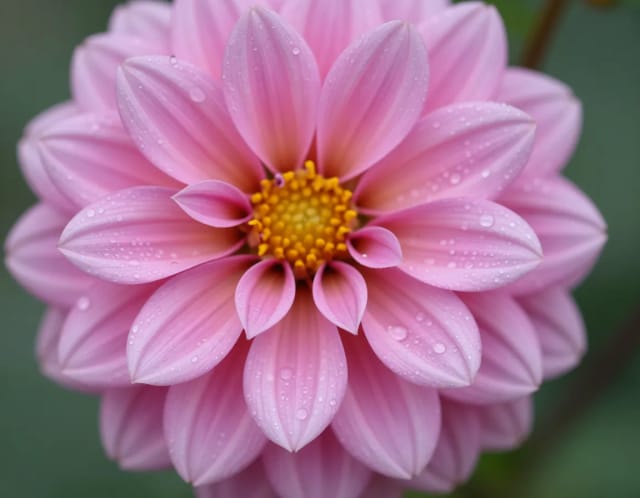
Rescue and sharpen every shot
The fixes clients ask for most, automated: sharper, bigger, cleaner.
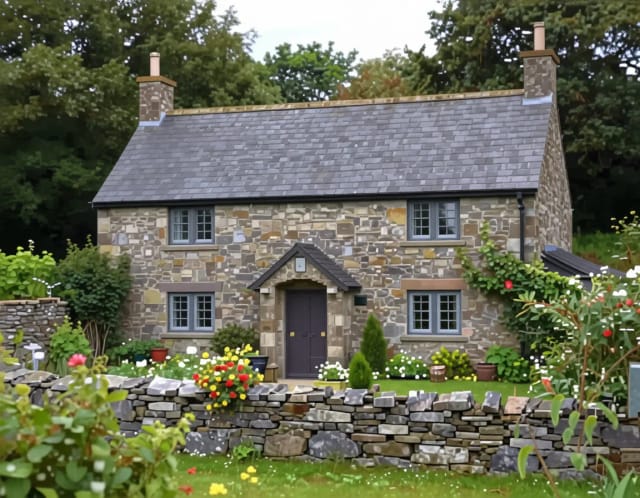
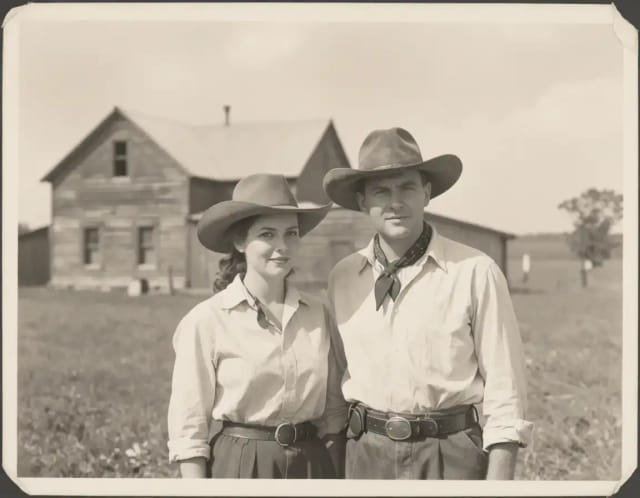
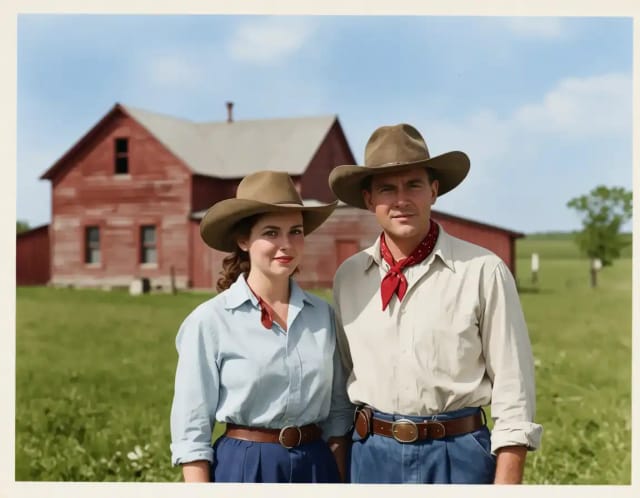
Restore the past
Damaged prints, faded film and black-and-white memories — restoration work that used to take hours.
Control the background
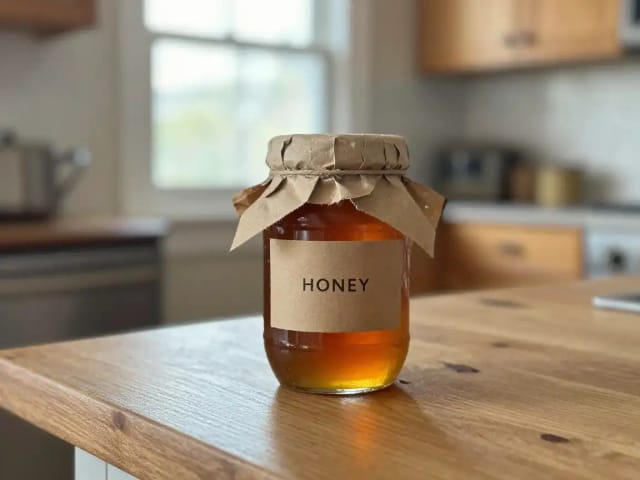
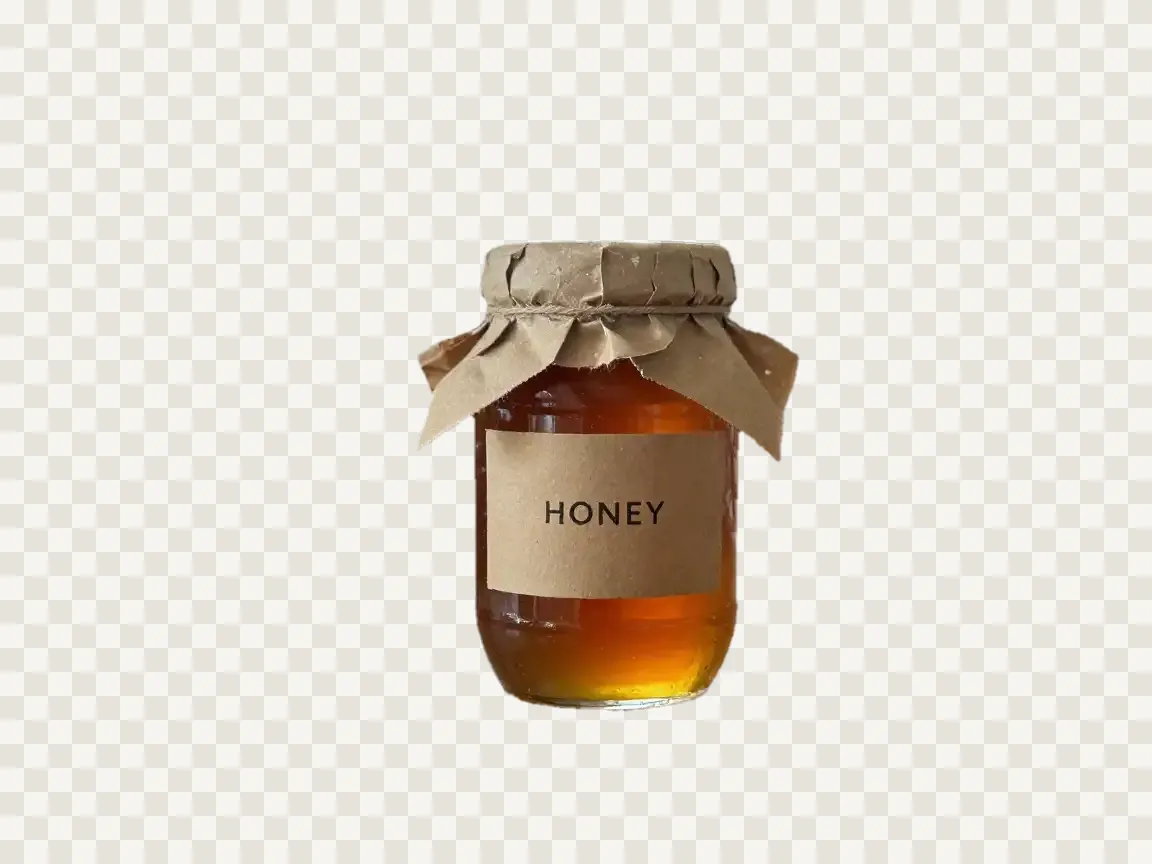
Isolate subjects, swap scenes or add depth without a reshoot.
Ready to make something?
Open the tool, try the free Auto model and download the result.