
AI Tools for E-commerce Sellers
Turn one product photo into a full listing kit — clean white-background shot, lifestyle scenes, a UGC-style ad and a short video, without a studio day or an agency.
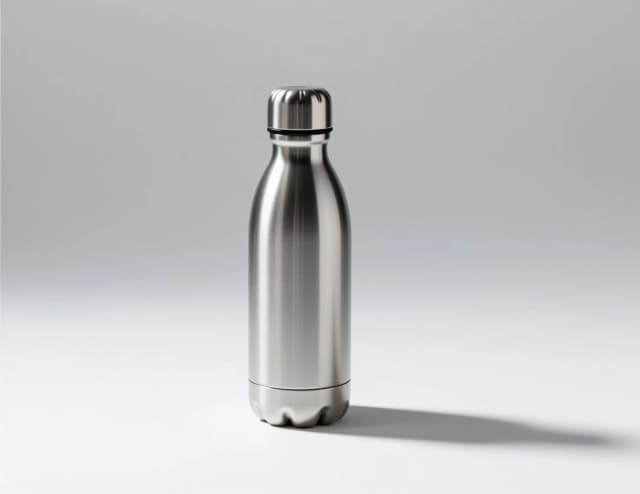

Make it now
What do you want to create today?
One phone photo of your product is enough — every card below turns it into another slot of a listing that converts.
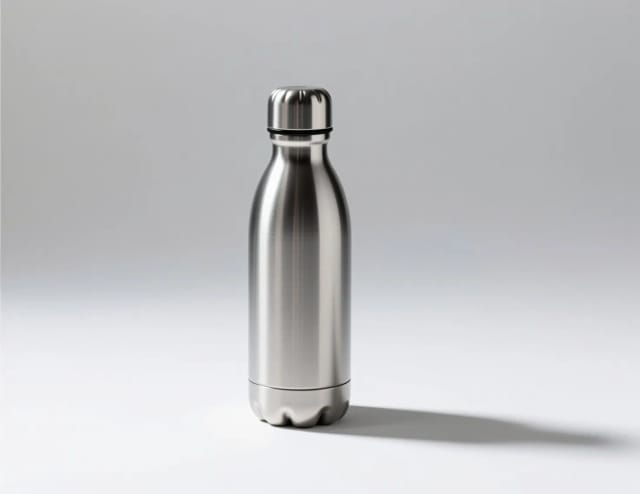
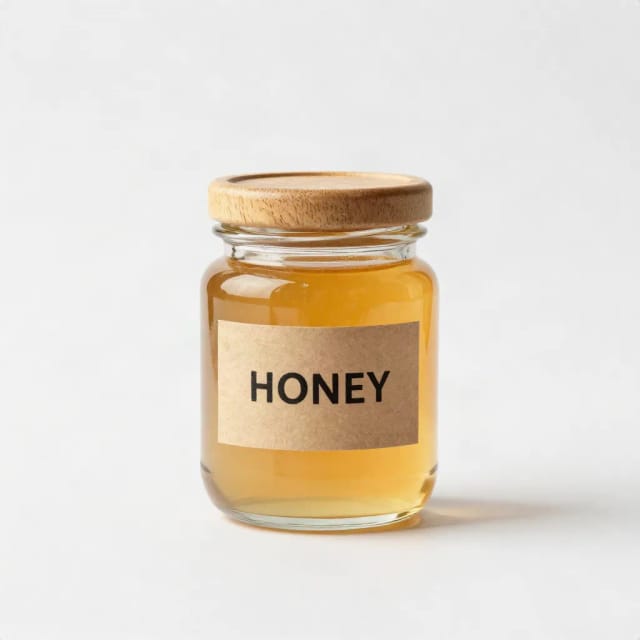
A clean white-background shot
ImageMarketplace-ready main image (pure white, sharp edges) from any photo.
Start with your photo →

Lifestyle scenes for your product
ImageYour product on a desk, in hands, at golden hour — no studio, no reshoot.
Start with your photo →
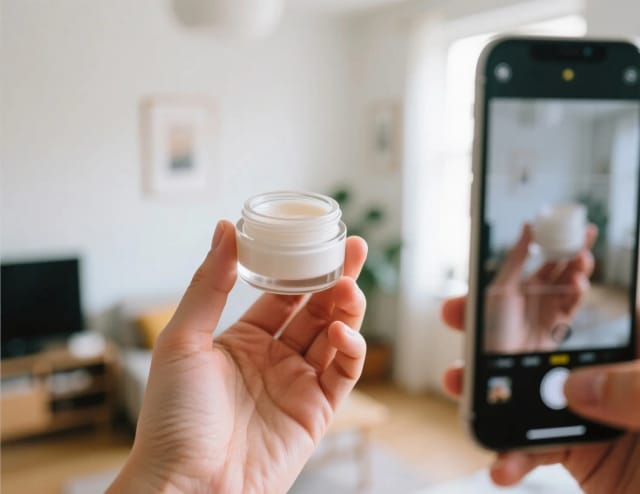
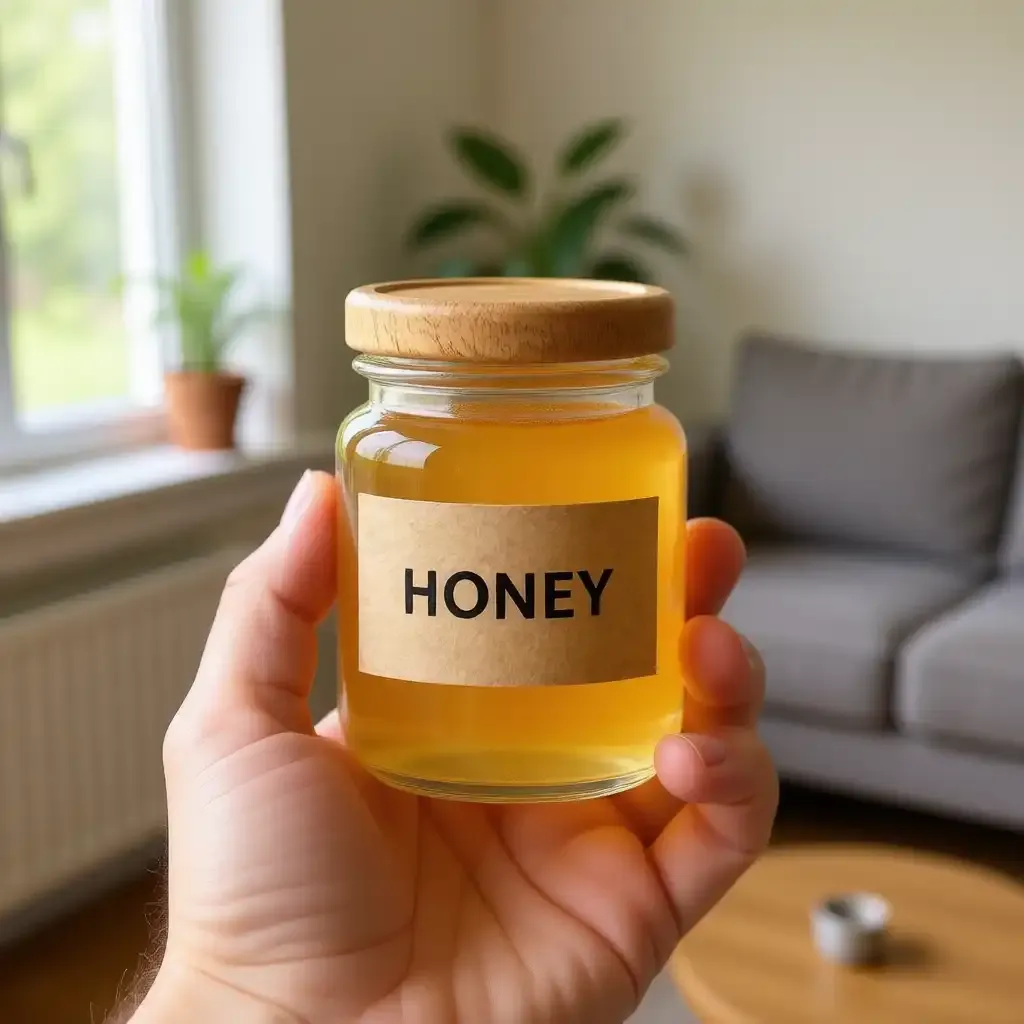
A UGC-style ad
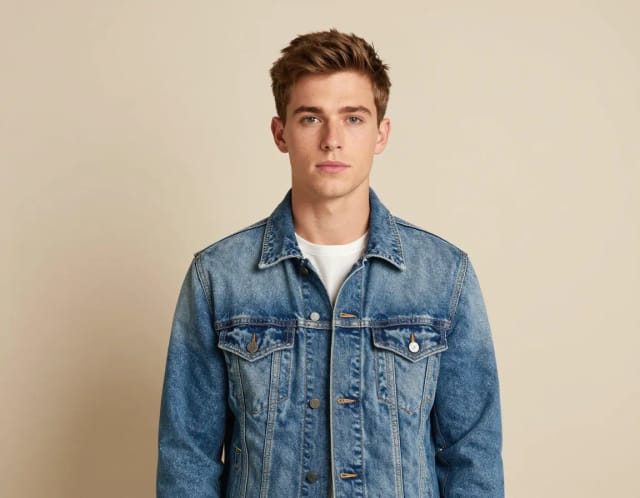
ImageThe "real person holding it" look brands pay creators for — from one photo.
Start with your photo →
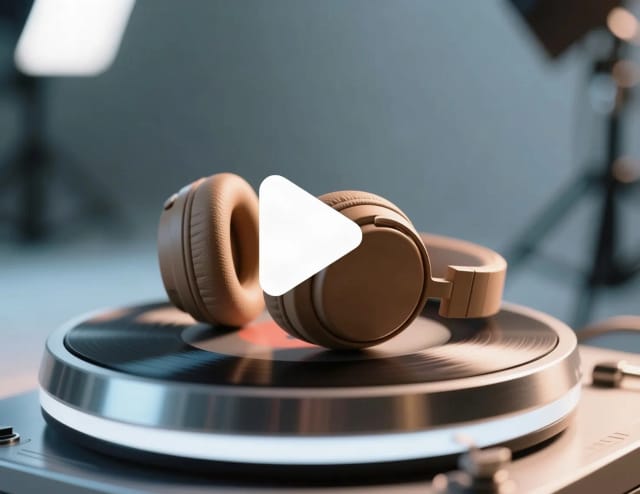
A short product video
VideoAn orbit around your product for the listing gallery and reels.
Start with your photo →
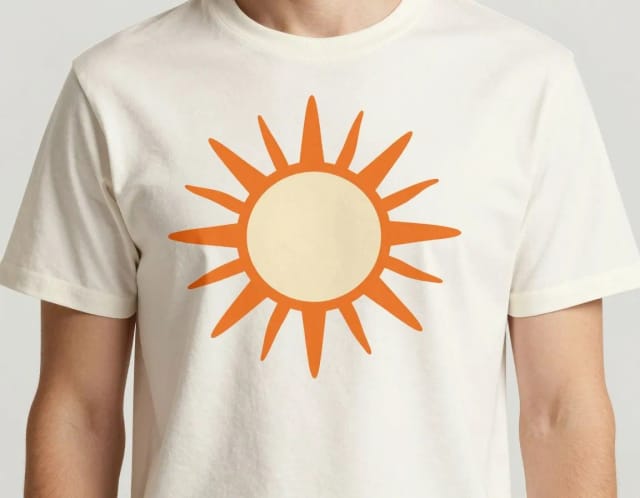
Your design on a t-shirt or mug
ImagePrint-on-demand mockups from flat artwork — before printing a single unit.
Start with your photo →
Fill every image slot of the listing — clean main shot, lifestyle scenes, video — from the one photo you already have.
The workflow
How the pros run it, start to finish
From phone shot to premium listing: the photo pipeline online sellers run for every SKU.
- 1
Shoot once, near a window
Soft daylight, product on a plain surface, four angles. Everything else downstream is AI.
- 2
Cut the background
Pure white for the marketplace main image (Amazon requires it), transparent for your store theme.
- 3
Fix the light, keep it consistent
A consistent catalog reads as a trustworthy store. Relight the odd dark shot instead of re-shooting it.
- 4
Build the lifestyle scene
Same product, real-world context — lifestyle images carry social ads while the white version carries the listing.
- 5
Turn your best shot into the ad and the video
A 5-second zoom on the product adds motion to the listing gallery and your reels.
Good to know (beyond the tools)
- Marketplace rules first: Amazon main images need pure white background and the product filling ~85% of the frame — edit to the rule, not to taste.
- Never alter the product itself (color, size, accessories in shot): returns from misleading photos cost more than the sale.
- Name image files with the product keyword before uploading — it still helps image search.
How to use it
Upload one product photo
Snap your product on any surface with your phone and upload it. No lightbox or backdrop needed — the messier background gets removed automatically.
Pick where it should sit
Choose a scene: pure white for the marketplace, a desk or marble-counter lifestyle look, golden-hour warmth, or a studio gradient. The AI relights the product to match.
Add any extra wishes
Type a short optional note to fine-tune the shot — warm up the light, add a prop, or leave empty space on one side for ad copy.
Make the rest of the kit
Download the shot, then use the same photo in the UGC ads and image-to-video tools for an ad photo and a short product clip.
CreArt for your industry
How it works
AI for e-commerce is a set of tools that turns a single phone photo of your product into the full set of images a listing needs: a clean white-background main shot, lifestyle scenes, a UGC-style ad and a short product video. You upload one photo, pick where the product should sit, and the AI handles the cutout, the relighting and the scene.
Buyers judge the product by the photo, and the marketplaces reward the ones that get it right — clean, consistent images rank and convert better across your store, your ads and your social feeds. Instead of booking a studio, you get that consistency from the shots you already take on your phone.
Start with one product photo: this tool makes the marketplace and lifestyle shots, and the same photo goes into the UGC and video tools for the rest.

It all starts with the cutout
The work starts with the cutout. Whatever's behind your product on the kitchen table gets removed, and if you only need the transparent PNG you can pull that straight from the dedicated background remover for product photos and drop it wherever you like.
From there you choose a scene: pure white for the marketplace, a desk or marble-counter lifestyle setup, golden-hour warmth, or a studio gradient. The AI relights the product so shadows and reflections match the new surroundings instead of looking pasted in. A short prompt lets you nudge the details — add a coffee cup, warm up the light, keep more empty space for text.
If a shot comes back a little soft, the image upscaler that boosts resolution up to 4x sharpens it back to listing quality, and the automatic photo enhancer evens out lighting and color before you publish.

Shoot in the morning, live by lunch
Doing this by hand means a photographer, a light setup, an editor for the cutouts and often a separate freelancer for the video. That's a shoot day and an invoice for every product you launch, which stalls the moment your catalog grows.
Here it's one upload and a few clicks per product, so you can shoot a new arrival in the morning and have it live by lunch. The output stays consistent across the whole catalog, which is what makes a storefront look trustworthy.
Selling designs rather than physical stock? Put your artwork on mugs, tote bags and posters with the product mockup generator before you print a single unit, and build a matching wordmark in seconds with the AI logo generator.
Who it's for
Marketplace sellers
Amazon, Etsy and eBay sellers who need compliant white-background main shots plus lifestyle images for every SKU, without a photographer on retainer.
Shopify and DTC store owners
Founders building a storefront that needs to look consistent and trustworthy across dozens of products they add themselves.
Dropshippers and resellers
Sellers working from supplier photos who want original, on-brand AI product photos instead of the same stock images every competitor uses.
Social and performance marketers
Media buyers who need UGC-style ad creatives and short product videos that match the listing, produced fast enough to keep testing.
Print-on-demand and handmade makers
Creators who sell designs or small batches and want polished mockups and listing photos before committing to a production run.
Pricing
Free
$0
- 100 credits every day
- The Auto model, on our own servers
- No card needed
Paid plans
Basic · Starter · Creator
- 1,600 to 10,000 credits a month
- Every AI model, including premium ones
- AI video, and no ads in the mobile app
Why sellers use it
Marketplace-ready white backgrounds
Get the pure-white main image Amazon, Etsy and eBay expect, built on a background remover for products that cuts clean edges without a lightbox.
Lifestyle scenes without props
Place the product on a desk, a marble counter or in golden-hour light. The AI relights it so it looks shot there, not pasted on.
AI product photos at catalog speed
One upload per product means you can shoot a new arrival and have listing-quality ai product photos the same morning.
UGC-style ads that stop the scroll
Generate a UGC ads AI creative from the same photo, so your campaigns match the listing and go live without a separate shoot.
A short video for the product page
Turn the still into a brief product clip for the listing gallery and for paid social.
Consistent across the whole store
Every product comes out with the same lighting and framing, which is what makes a storefront read as trustworthy at a glance.
FAQ
Still have a question? Visit the help center →
What is AI for e-commerce?
Can I make AI product photos from a single phone picture?
Does it work as a background remover for products?
Is this a product mockup generator too?
Can it create UGC ads with AI?
What scenes can I place my product in?
Is it free to try?
Which marketplaces do the images work for?
CreArt is not affiliated with, endorsed or sponsored by Amazon, Etsy, eBay or Shopify. Amazon is a trademark of Amazon.com, Inc. Etsy is a trademark of Etsy, Inc. eBay is a trademark of eBay Inc. Shopify is a trademark of Shopify Inc.
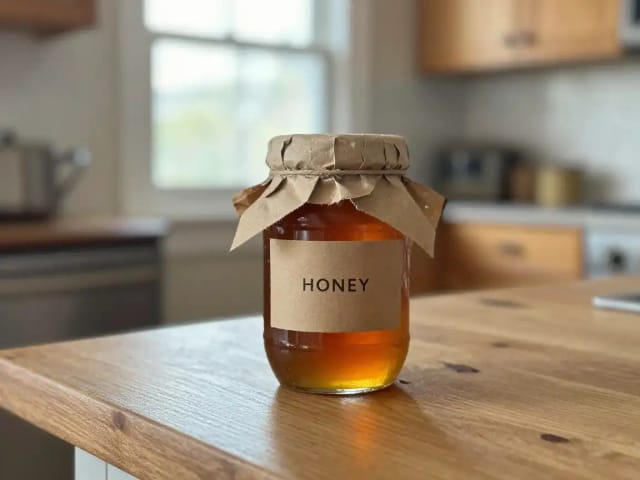
Product photos that convert
From phone shot to marketplace-ready: white background, better light, no clutter.

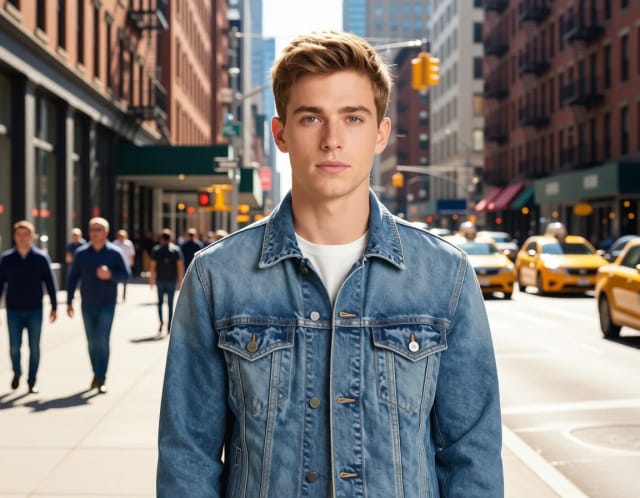




Creatives for every channel
The same product, dressed for the feed, the banner and the print flyer.

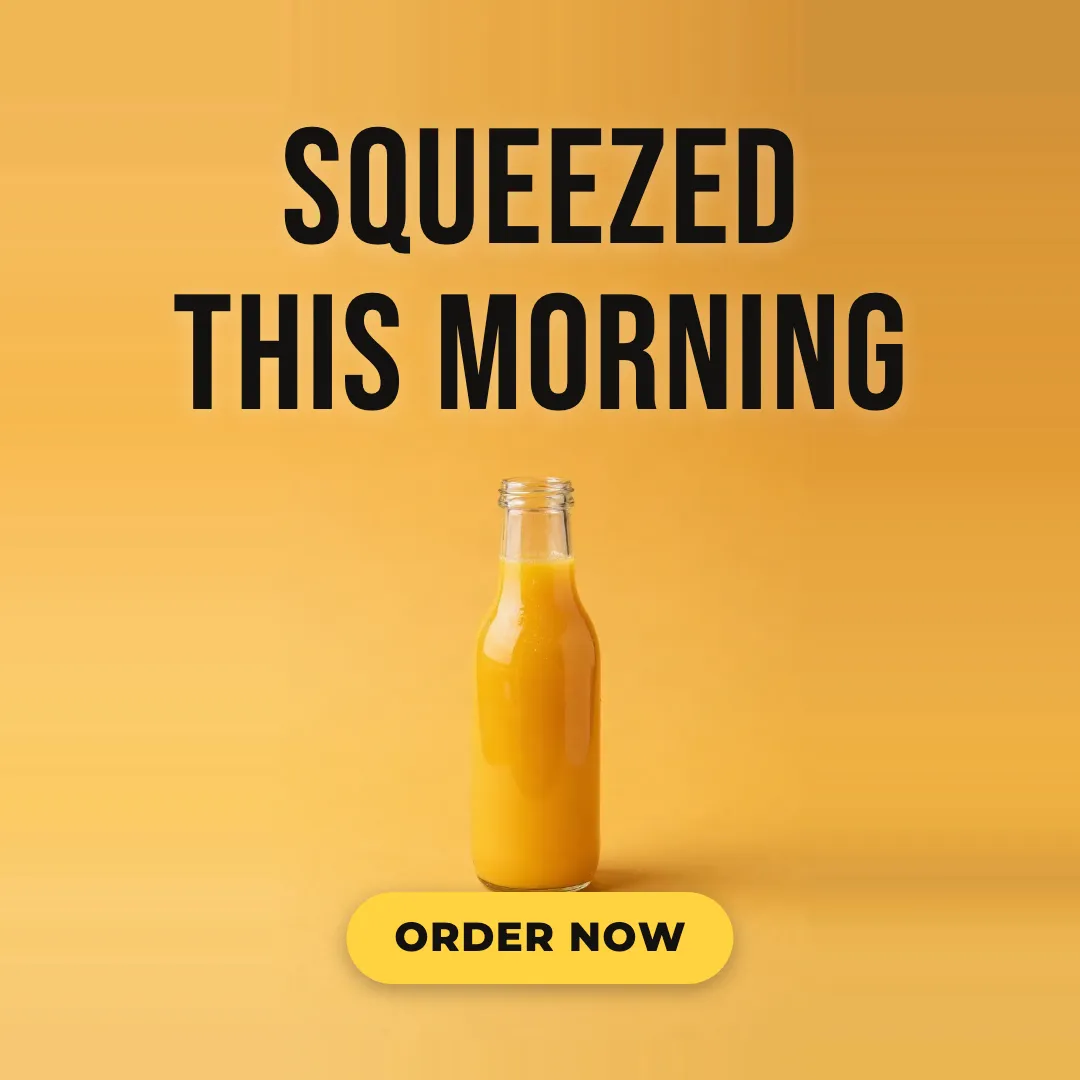

From still to sales video
Motion sells: turn your best product shots into short clips for ads and product pages.
Ready to make something?
Open the tool, try the free Auto model and download the result.