
AI Tools for Real Estate
AI tools for real estate agents: virtually stage empty rooms, fix dark listing photos, and turn one set of photos into flyers, "Just Listed" posts and walkthrough videos.
Your photo
Room
Style · Modern
10 free tries a day with Auto · No sign-up


Make it now
What do you want to create today?
Every card starts from photos you already have on your phone and ends in something you can post, print or send today.
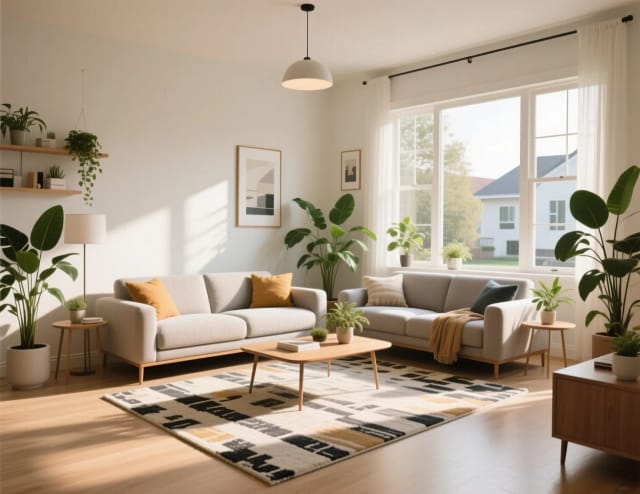
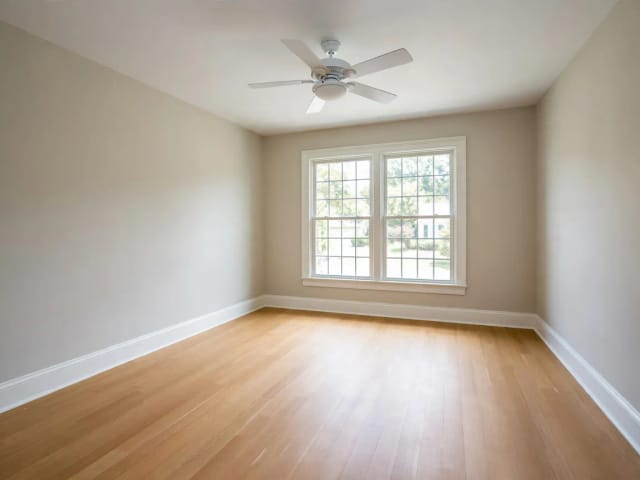
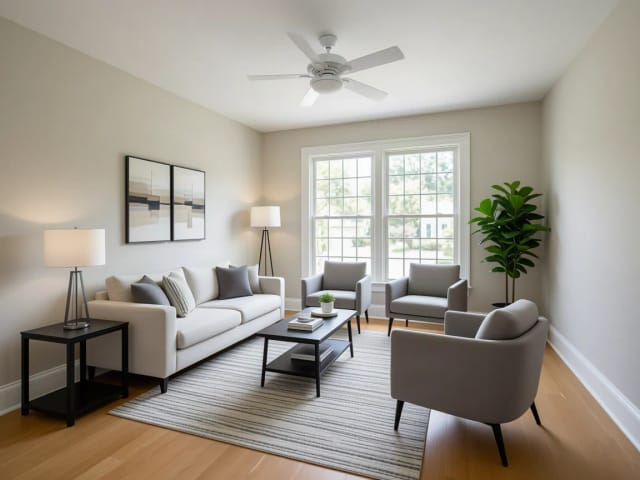
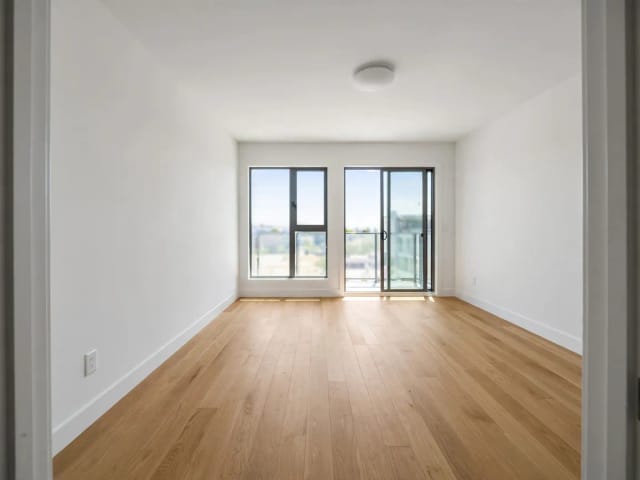
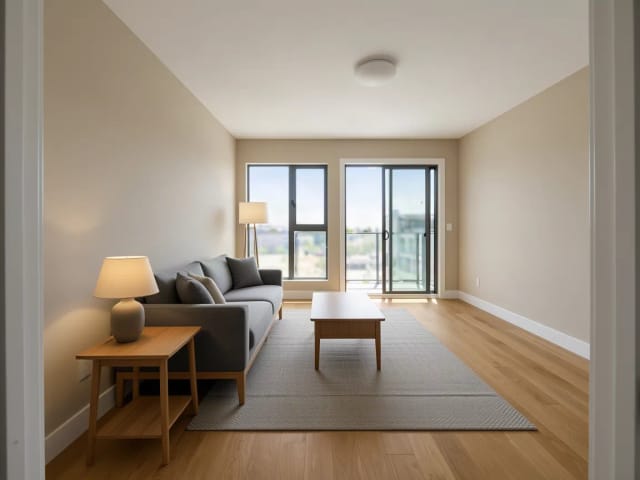
Stage an empty room
ImageUpload the empty room photo — get it furnished and MLS-ready in seconds.
Start with your photo →
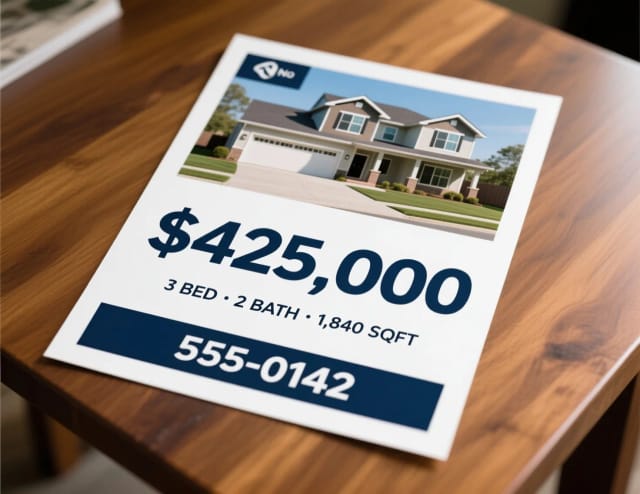
A listing flyer with price & contact
ImageOne hero photo plus the numbers buyers scan for: price, beds, your phone.
Start now →
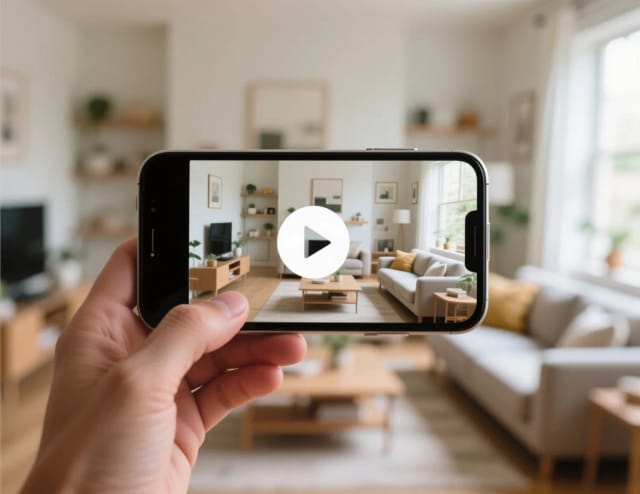
Turn photos into a walkthrough
VideoA slow pan across your best room — motion for Reels, TikTok and the listing page.
Start with your photo →
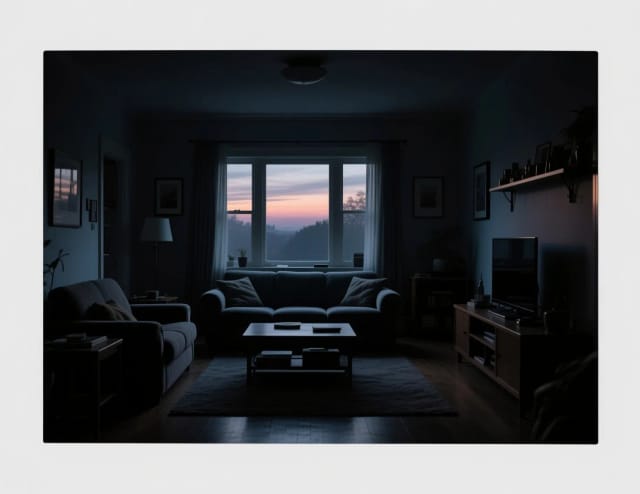
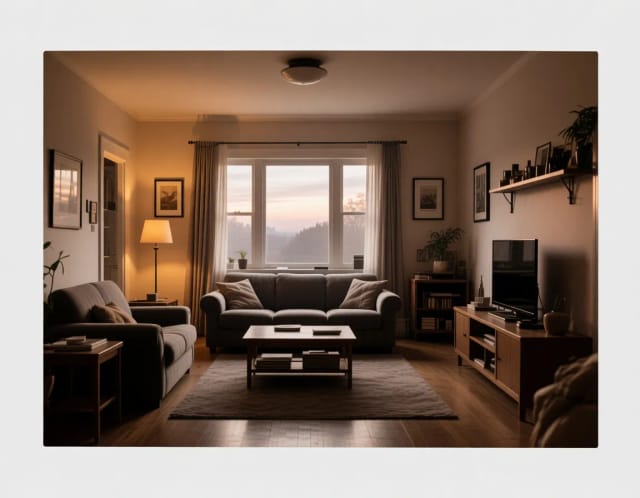
Fix a dark phone photo
ImageDark rooms read as small rooms. Relight it before you upload to the MLS.
Start with your photo →

A pro headshot from a selfie
ImageFor the sign, the card and every listing portal — no photographer needed.
Start with your photo →
Staged rooms, a flyer, a walkthrough clip and your headshot — every one of these pieces comes from photos you already have.
The workflow
How the pros run it, start to finish
From average phone shots to a listing that books viewings — in the order agents actually work.
- 1
Shoot wide, shoot straight
Phone is fine: shoot from chest height, keep verticals vertical, and get the corners in. Everything downstream improves from a decent base shot.
- 2
Fix the light before anything else
Dark rooms read as small rooms. Relight or enhance first — staging an underexposed photo just stages the darkness.
- 3
Declutter the frame
Bins, cables, fridge magnets — paint them out. Never remove permanent features (radiators, meters, damp): that crosses from cleanup into misrepresentation.
- 4
Stage the empty rooms
Furnished rooms help buyers read scale. If your MLS or portal requires it (most do), label staged images as virtually staged — it also builds trust.
- 5
Make the flyer and the ad
One hero photo, the three numbers buyers scan for (price, beds, m²), one call to action.
- 6
Turn stills into a walkthrough
A slow pan across your best rooms gives social posts the motion a still carousel lacks.
Good to know (beyond the tools)
- Disclose virtual staging in the listing copy — portals penalize undisclosed edits, and buyers who feel tricked don’t make offers.
- Shoot exteriors at dusk: window light sells. If you can’t, relight can warm a flat afternoon shot.
- Keep the unedited originals; some MLS rules require providing them on request.
Step by step
Upload an empty room photo
Take a photo of the empty or dated room on your phone and upload it. One clear, wide shot is all you need to start.
Choose what the room should become
Pick a purpose — living room, bedroom, dining room, home office, kids room, nursery or kitchen — so the furniture matches how buyers will actually use the space.
Choose a style and add notes
Pick one of 10 staging styles, from modern to Japandi, and add a short note if you want, like "light wood floors, neutral tones", to steer it toward your target buyer.
Download and reuse across your marketing
Save the staged photo, then send the same image into the flyer maker and the video tool for a "Just Listed" flyer and a walkthrough clip.
Real estate
How it works
AI for real estate is a set of tools that turns the photos you already have into a finished listing: it virtually stages empty rooms, brightens dark phone photos, and builds the flyer, the social post and the walkthrough video from the same set of images. You upload a photo, pick what you want, and get a usable result in seconds — no designer, no photographer, no editing software.
The idea is simple. Restyle an empty bedroom so buyers can picture living there, brighten a listing photo shot against a bright window until it looks like it came from a proper camera, or turn the best shot into marketing before you've booked anyone. Every tool works from a single photo, so you're never starting from a blank page.
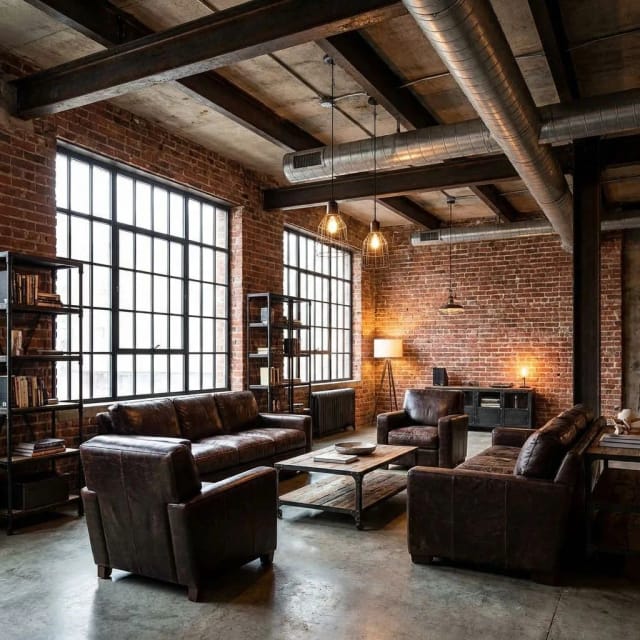
Start with staging, fix the photo first
Start with virtual staging when a room is empty or dated. Upload one photo, choose whether it should read as a living room, bedroom, dining room, home office, kids room, nursery or kitchen, and the virtual staging tool fills it with furniture that fits the space. If the photo itself is the problem — too dark, orange from indoor lighting, or grainy — run it through the free AI photo enhancer first, or push the resolution up with the image upscaler when a shot looks soft on screen.
Staging notes are optional. Leave them blank for a clean, neutral result, or add a line like "warm Scandinavian style, light wood floors" to steer the look toward the buyer you're targeting.
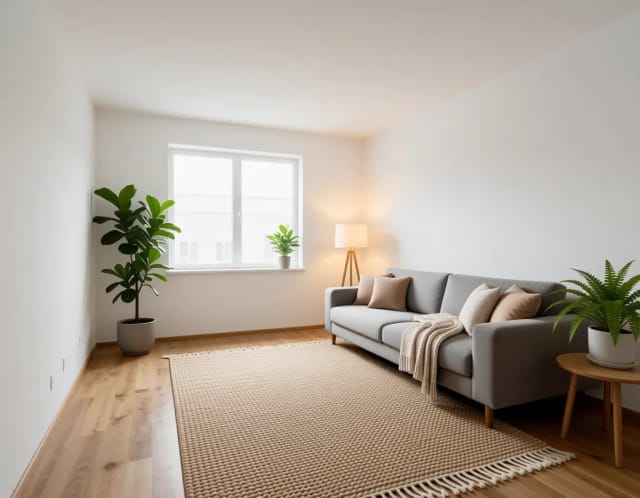
One shoot becomes the whole marketing kit
When the photos are ready, the same set becomes your whole marketing kit. Drop the strongest image into the real estate flyer maker and you have a printable sheet for the open house in one click. Feed a room into the image-to-video tool and it becomes a short walkthrough clip for Instagram, TikTok or your Facebook page.
That's the point of doing it this way. A single listing shoot stops being just MLS photos and turns into the flyer, the "Just Listed" post and the video — the pieces a marketing team would normally bill you for, done in an afternoon.
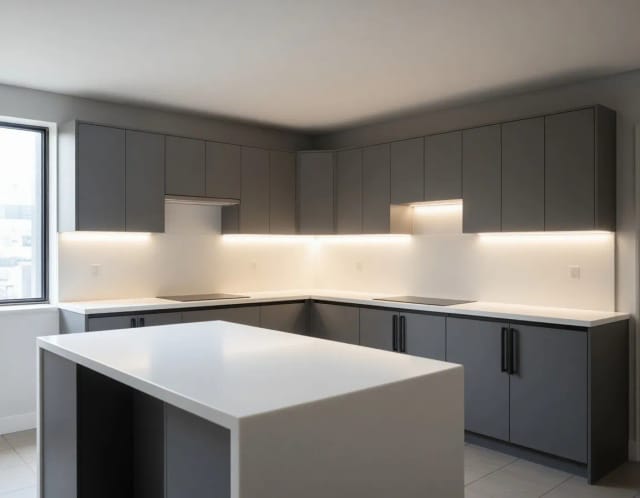
Who it's for
Listing agents
Stage empty units, fix the photos you shot on-site and build the flyer and video for each listing without waiting on outside vendors or blowing the marketing budget.
Solo agents and small teams
Handle staging, photo cleanup and social posts yourself when there's no in-house designer or stager. One tool covers the pieces you'd otherwise outsource per listing.
Property managers and landlords
Show a furnished version of a vacant rental so prospective tenants can picture the space, and turn the same photos into a quick listing post.
Real estate marketers
Produce consistent flyers, "Just Listed" graphics and walkthrough videos across a full portfolio of listings without a shoot for each one.
FSBO sellers
Sell your own home with staged photos, a clean flyer and a short video, without hiring a stager, photographer or designer.
Pricing
Free
$0
- 100 credits every day
- The Auto model, on our own servers
- No card needed
Paid plans
Basic · Starter · Creator
- 1,600 to 10,000 credits a month
- Every AI model, including premium ones
- AI video, and no ads in the mobile app
Why agents use it
Virtual staging from one photo
Fill an empty or dated room with furniture that fits, so buyers see a home instead of bare walls. Choose the room type and the staging matches how the space is meant to be used.
Fix dark and dull listing photos
Brighten rooms shot against windows, correct the orange cast from indoor lighting and sharpen soft images — the difference between a listing people scroll past and one they click.
Real estate flyers in one click
Turn your best photo into a printable flyer for the open house without opening any design software. No template hunting, no layout fiddling.
Listing videos for social
Make a short walkthrough video from a single room photo, ready for Instagram, TikTok and Facebook where buyers actually spend their time.
No designer or photographer needed
Every step runs from photos you already took on your phone, so you're not waiting on a stager, a photo editor or a video team to get a listing live.
Free to try, results in seconds
Upload a photo and see a staged result in seconds before you commit to anything. Test it on a real listing and judge the output yourself.
FAQ
Still have a question? Visit the help center →
What is AI for real estate?
How does virtual staging AI work?
Is virtual staging allowed on the MLS?
Can it fix dark or low-quality listing photos?
Can I make a real estate flyer from a photo?
Can I make a listing video from photos?
Do I need design or photography skills to use it?
Is it free to try?
CreArt is not affiliated with, endorsed or sponsored by Instagram, Facebook, TikTok or LinkedIn. Instagram and Facebook are trademarks of Meta Platforms, Inc. TikTok is a trademark of ByteDance Ltd. LinkedIn is a trademark of LinkedIn Corporation.
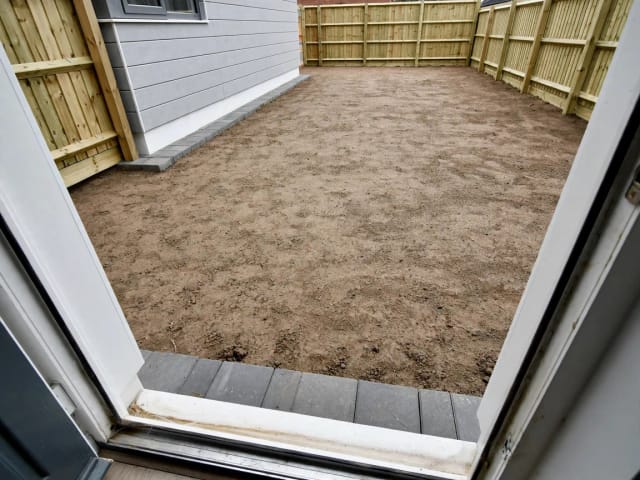
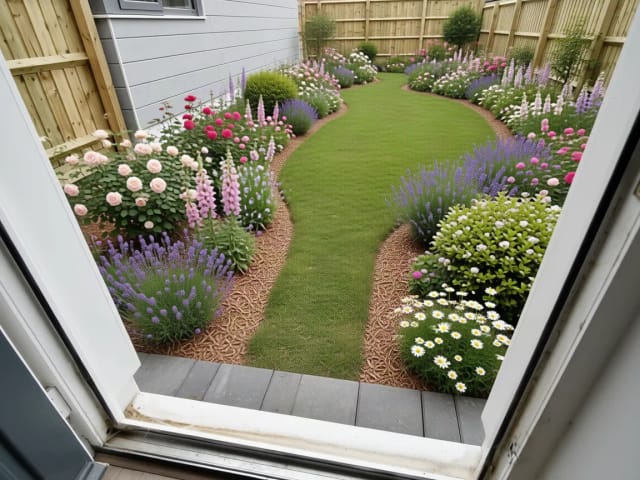
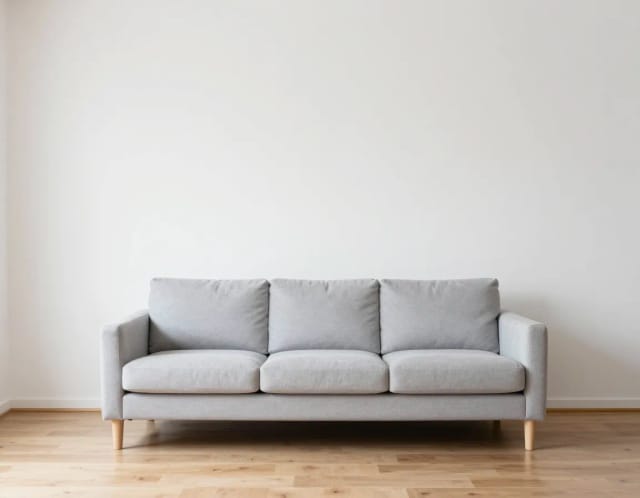
Show buyers the potential of every space
Restyle rooms, kitchens and outdoor areas from one photo — the closest thing to virtual staging without the staging bill.
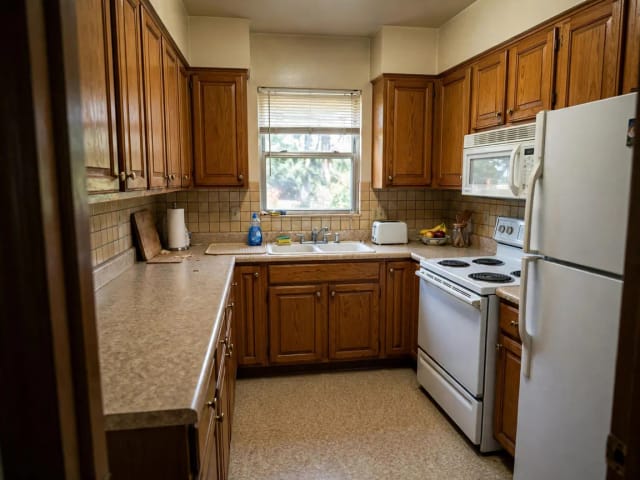
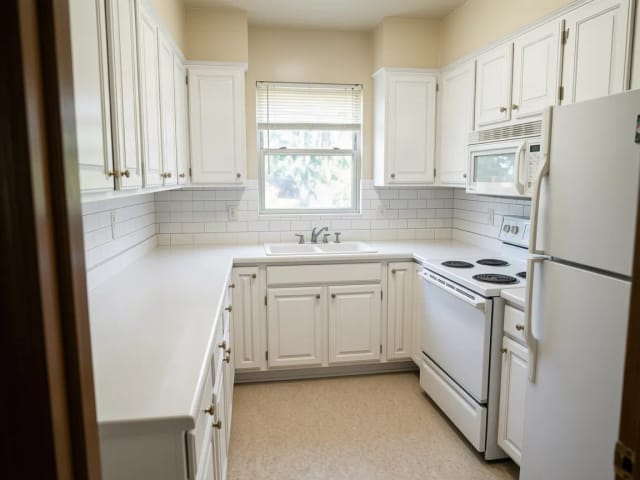
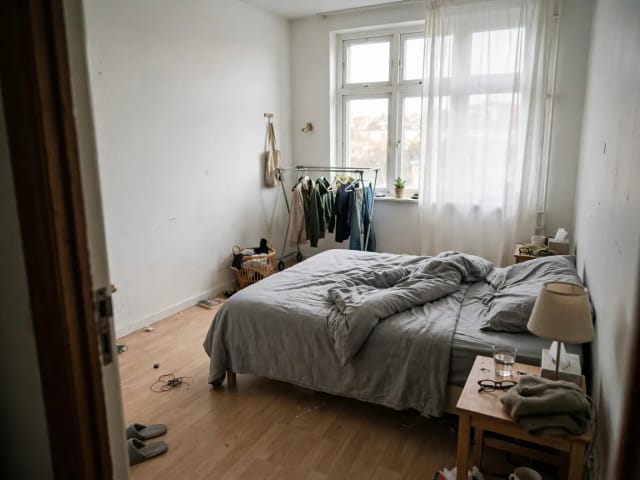
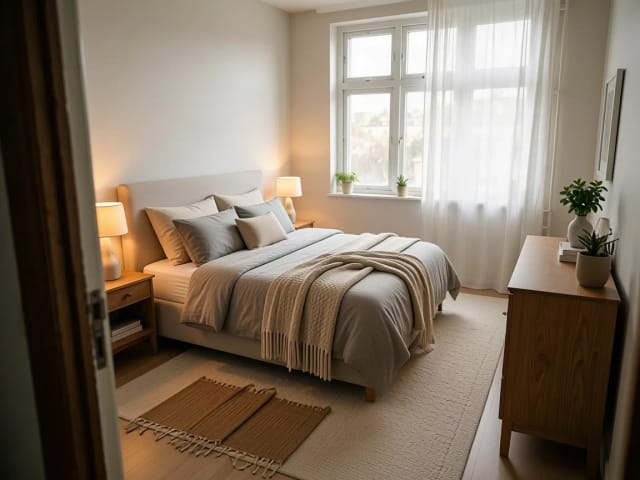

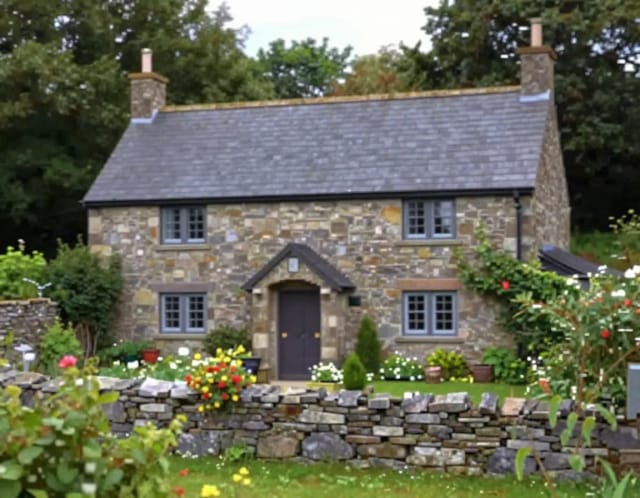
Make every listing photo look professional
Fix the photos you already have: sharper, brighter, cleaner — and without that one thing you wish wasn't in the frame.






Build your personal brand as an agent
A trustworthy headshot and consistent branding sell you before they sell the house.



Ready to make something?
Open the tool, try the free Auto model and download the result.