
Graffiti Generator
Write your name or any word in graffiti letters, free and with no sign-up: 8 letter styles, 6 color sets and real walls, ready to download. Or turn an idea into AI graffiti art.
Loading the wall…
The letters are drawn in your browser, so the PNG really is transparent: ready for stickers, T-shirts and edits.
Step by step
How to write your name in graffiti in 3 steps
Type it, style it, download it.
Type your name or word
Write a name, a nickname, a crew name or any short word. It shows up on the wall in graffiti letters as you type.
Pick the letters, colors and wall
Choose Tag, Bubble, Drip, 3D Block, Brush, Spray, Rough or Marker, one of 6 color sets and a wall. Drag the letters to move them, and use Size and Tilt to fit the space.
Download it
Save the whole wall as a picture, or just the letters as a transparent PNG for stickers, T-shirts and edits.
Your name in graffiti
Graffiti letters generator: your name in 8 styles
Type your name, a nickname or any word and it appears on the wall in graffiti letters while you type. Tag and Marker give you a quick signature, Bubble the round letters of a throw-up, Drip has paint running down, 3D Block deep shaded capitals, and Brush, Spray and Rough add texture.
The letters are real fonts drawn by your browser, not guessed by an AI, so every letter of your name is spelled right. Six color sets give each name its fill, outline and 3D shadow, from Sunburst and Fire to Chrome and Ice.
Want your name in tattoo lettering instead? The Tattoo Font Generator shows it in 36 tattoo fonts.
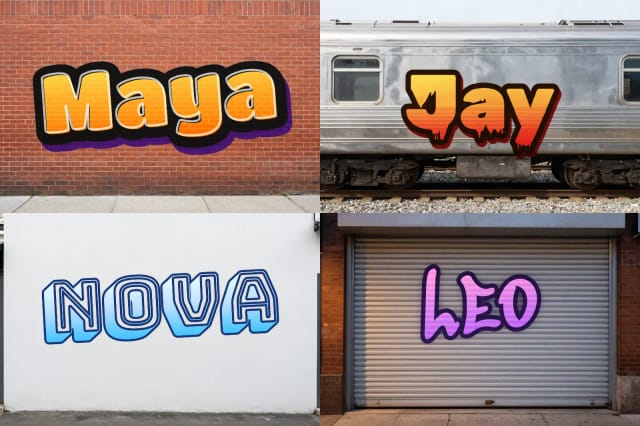
Walls
Graffiti text and tags on a real wall
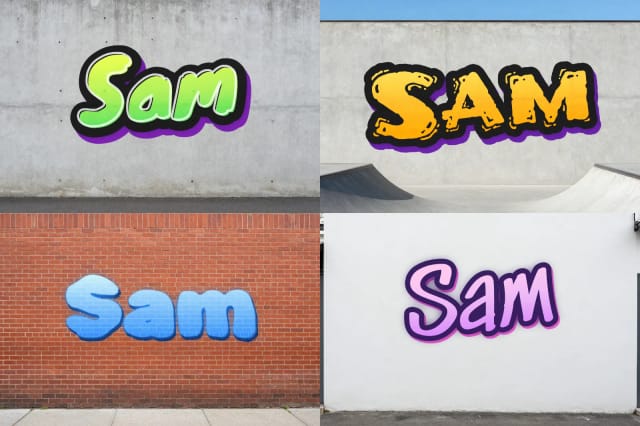
Pick a wall: red brick, the side of a subway car, a shop shutter, raw concrete, a skatepark or a clean white wall. Your text takes on a little of the wall texture, so it looks sprayed on, not pasted.
For another spot, describe it (a rusty shipping container, an old wooden fence, a bridge pillar) and Paint a new wall makes it with the Auto model, with space in the middle for your name.
Download the whole wall as a picture, or choose Letters only for a transparent PNG cropped to your text. It really is transparent, because your browser draws the letters.
AI graffiti art
AI graffiti art: a graffiti picture from an idea
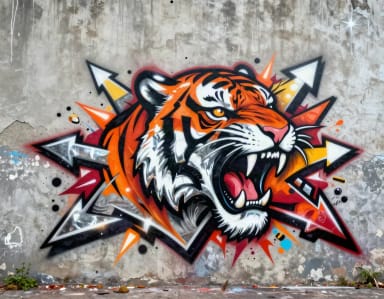
Switch to AI graffiti art to paint a picture instead of lettering: describe a character, an animal or a scene, such as a lion with a crown of flowers, and pick Wildstyle, Bubble, Stencil or Throw-up. The AI paints it as street art on a wall, usually in under 20 seconds.
AI image models tend to misspell words, so this tab asks for the picture only, with no letters: your name goes in Your name in graffiti. For looks beyond street art, try the AI art generator.
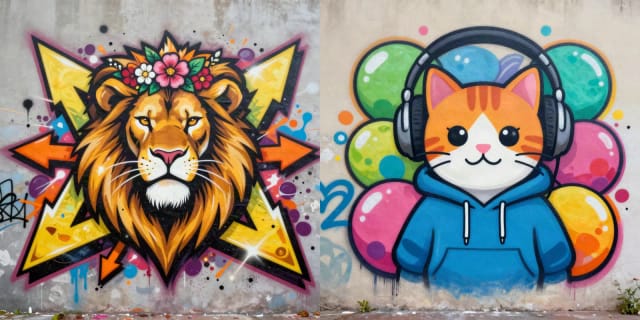
AI graffiti art in four styles
In the AI graffiti art tab, describe a picture and pick a style.
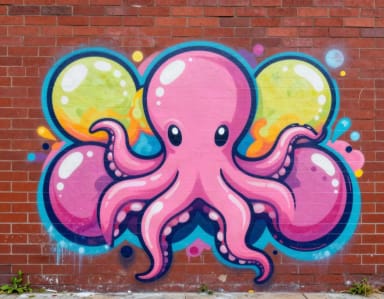
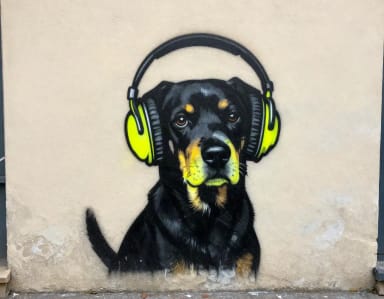
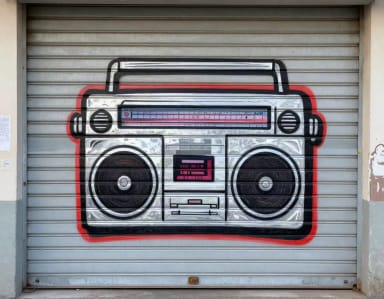
Doing this by hand means buying cans, finding a legal wall and practicing letters for months. Here you get something you can use right away: a sticker, a T-shirt print, a channel banner or a party sign.
The Letters only PNG drops straight onto merch and videos. For a full sticker design from an idea, use the AI sticker generator. To print a wall big, run it through the image upscaler first, and to grow a tag into a brand mark, try the AI logo generator.
Who it's for
Who the Graffiti Generator is for
Anyone who wants a name or a picture in street-art style without picking up a can.
Sticker and merch makers
Download your name as a transparent PNG and put it on stickers, decals and print-on-demand shirts, no design software needed.
Content creators and streamers
Make your channel name in graffiti for banners, avatars, thumbnails and intros that stand out in a feed.
Small brands and shop owners
Try a street-style version of your shop name, then grow it into a full brand mark with the AI logo generator.
Party and event planners
Put a birthday name, a crew or a hip-hop night on a wall for invitations, signs and posts in a couple of minutes.
Graffiti fans and beginners
Try your name in tag, bubble, drip and 3D letters before you sketch it in a black book or paint it for real.
Pricing
Graffiti Generator pricing
Writing your name in graffiti is free and needs no account. New walls and AI graffiti art are free with the Auto model too; pick a plan when you want more a day.
Free
$0
- 100 credits every day
- The Auto model, on our own servers
- No card needed
Paid plans
Basic · Starter · Creator
- 1,600 to 10,000 credits a month
- Every AI model, including premium ones
- AI video, and no ads in the mobile app
Why CreArt
Why use this graffiti maker
Your name in real graffiti letters, on a real wall, in a couple of clicks.
8 graffiti letter styles
Tag, Bubble, Drip, 3D Block, Brush, Spray, Rough and Marker: real fonts, so every letter of your name is spelled right.
6 walls, or paint your own
Brick, subway car, shop shutter, concrete, skatepark or a white wall, or describe a new wall and Auto paints it.
A truly transparent PNG
Download just the letters, cropped and transparent, for stickers, T-shirts, thumbnails and videos.
Move, resize and tilt
Drag your name anywhere on the wall and change its size and tilt. On a phone, pinch with two fingers.
AI graffiti art from an idea
Describe a character or a scene and pick Wildstyle, Bubble, Stencil or Throw-up for a full graffiti picture.
Free, no sign-up
Your name in graffiti needs no account and no credits: it is drawn right in your browser.
FAQ
Graffiti generator FAQ
Common questions about writing names and making art in graffiti.
Still have a question? Visit the help center →
What is a graffiti generator?
Is this graffiti generator free?
How do I write my name in graffiti letters?
What graffiti letter styles can I use?
Can I write any text in graffiti, not just a name?
What is the difference between a graffiti tag, a throw-up and a piece?
Can I download just the letters with a transparent background?
Can the AI write my name in graffiti?
Can I use my own wall?
Can I use my graffiti name on stickers or shirts?
Tattoo Font Generator
Type a name or a date, see it in 36 tattoo fonts and try it on your skin. Curve it, space it and download a PNG. Free, no sign-up.
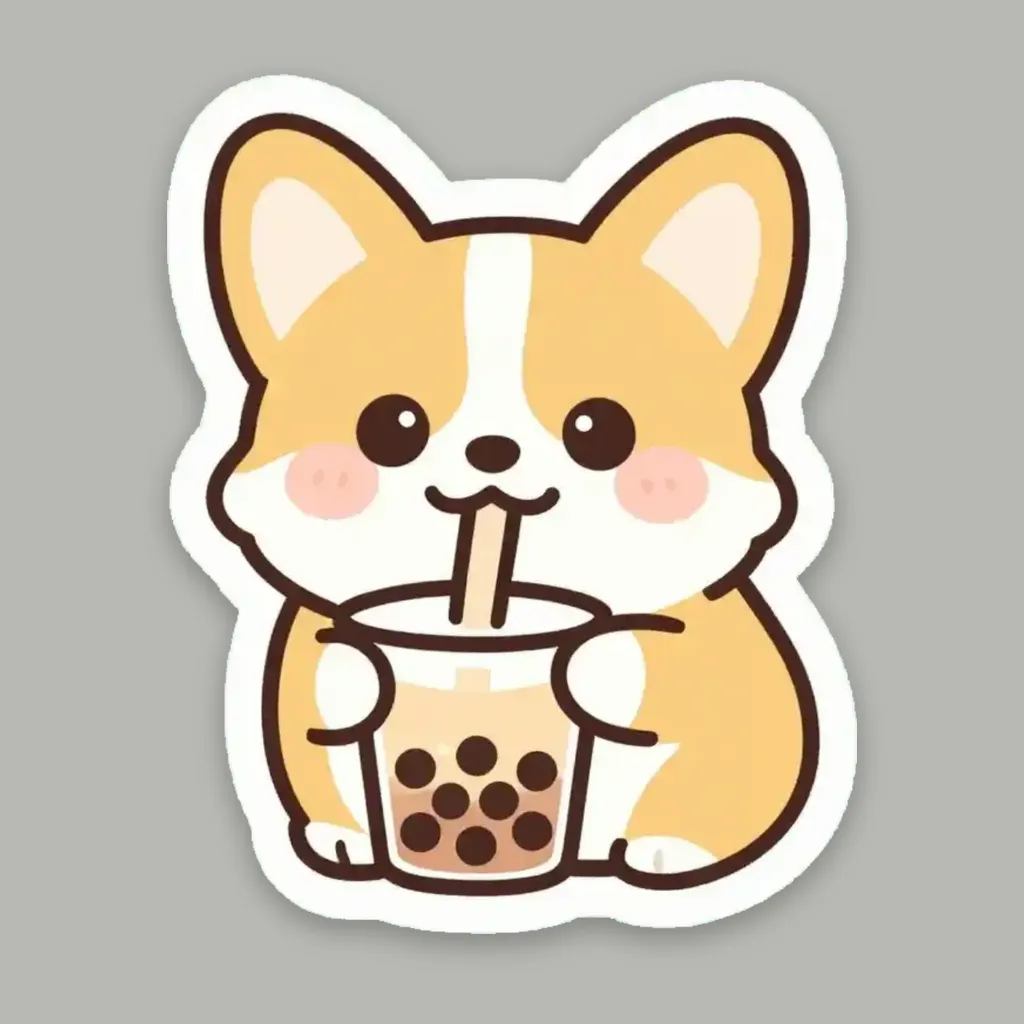
AI Sticker Generator
Turn a text idea or your own photo into a die-cut sticker, then print a sheet of 12.

AI Logo Generator
Free AI logo maker: the AI draws your symbol and your name is set in real fonts, never misspelled.

AI Art Generator
Turn a text idea or a photo into art: anime, oil painting, watercolor, pixel art, Van Gogh and more. Free with the Auto model and no sign-up, usually in under 20 seconds.
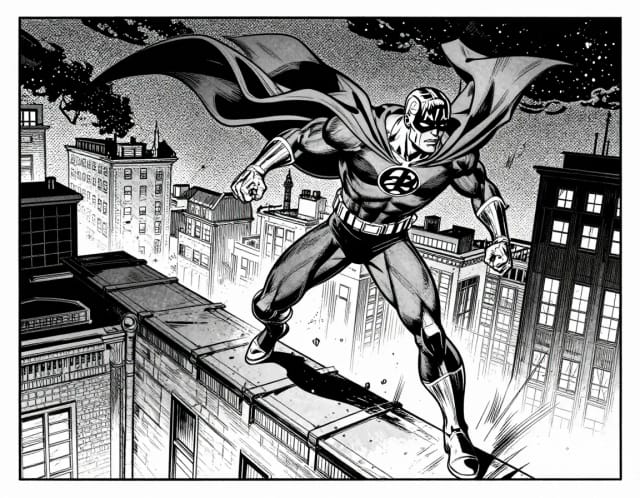
AI Comic Generator
Describe a scene, pick an art style, and get finished comic panels in seconds — no drawing skills needed.
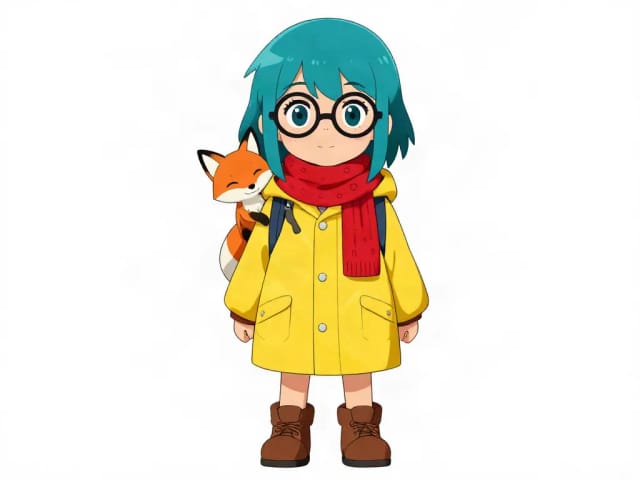
AI Character Generator
Describe your character and CreArt's free AI character generator draws it in 10 styles, from anime to claymation, with no sign-up. Then put the same character in any new scene.
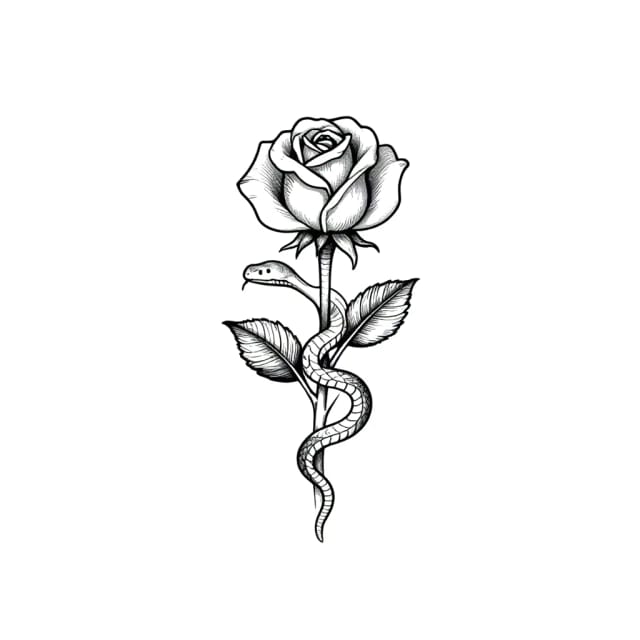
AI Tattoo Generator
Describe your idea, pick a style and try the tattoo on your skin before you ink. Add a name, get a stencil. Free, no sign-up.

AI Anime Generator
Turn a text idea into anime-style art. Pick a look, generate and download it, usually in under 20 seconds — no drawing skills required.
Ready to make something?
Open the tool, try the free Auto model and download the result.