
Photo to Sketch
CreArt's photo to drawing tool turns any photo into a pencil sketch, line drawing or eight other drawing styles for free, without sign-up, usually in under 20 seconds.
Your photo
Style · Pencil
10 free tries a day with Auto · No sign-up

How it works
How to turn a photo into a sketch in 4 steps
Upload your photo
Add the picture you want to convert — a portrait, a pet, a landscape, or a product shot. Clear, well-lit photos give the sharpest linework.
Choose a sketch style
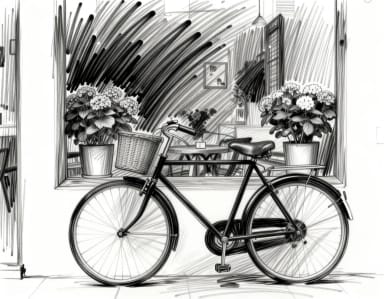
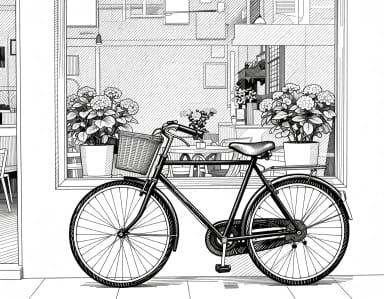
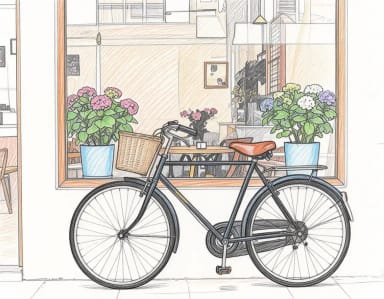
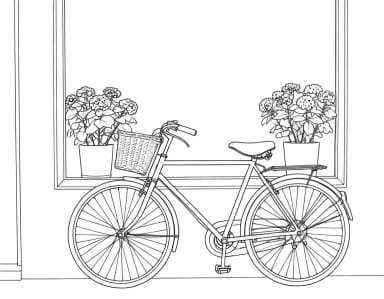
Pick one of 10 styles: pencil, charcoal, ink lines, colored pencil, line drawing, ballpoint pen, crosshatch, pastel, architect sketch or chalk. Each one changes the stroke, the shading and the paper.
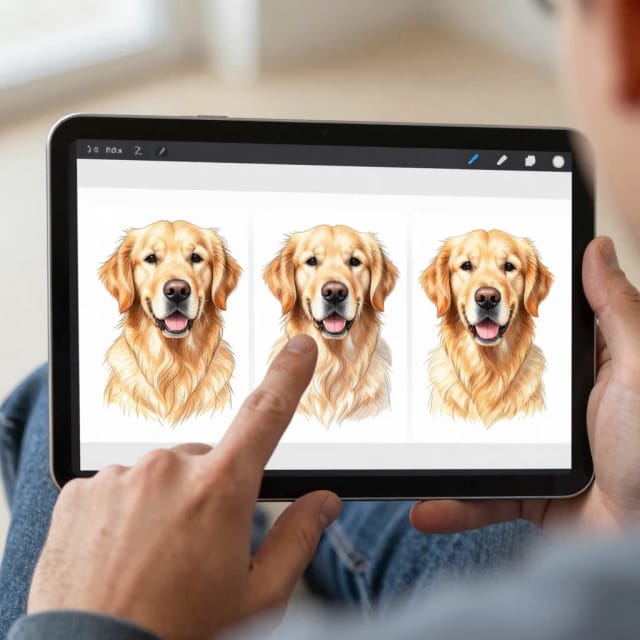
Generate and preview
The AI reads the edges and contrast in your photo and rebuilds them as sketch strokes, usually in under 20 seconds. Not the look you wanted? Swap the style and run it again.
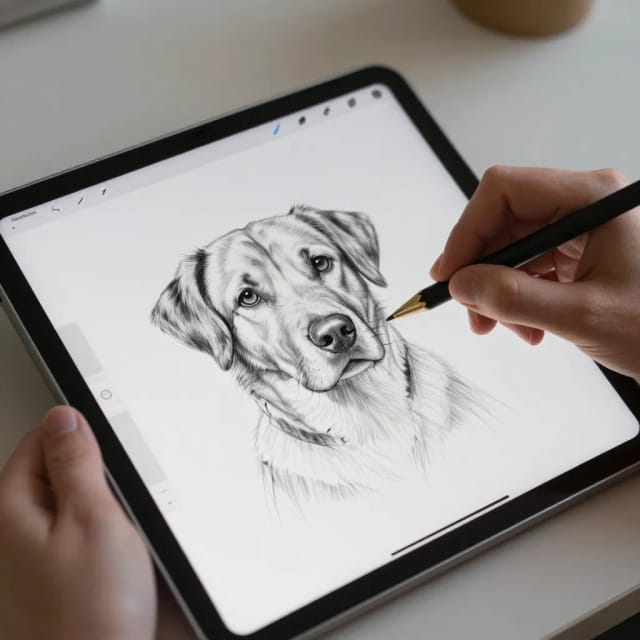
Download your sketch
Save the finished sketch, print-ready for coloring pages, gifts, avatars, or references.
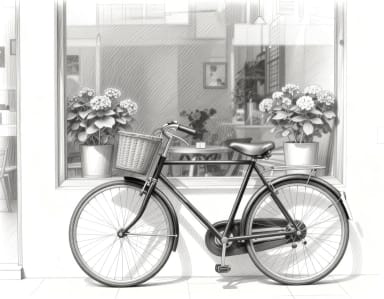
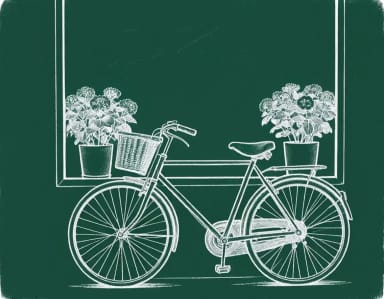
10 sketch styles on the same photo
One photo, ten drawing tools. See the stroke you want before converting your own picture.
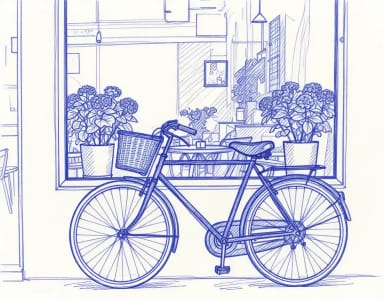
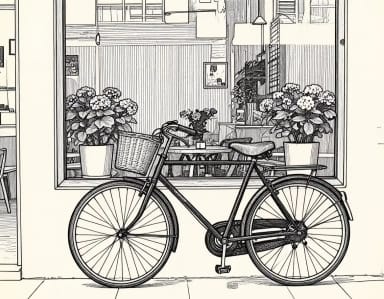
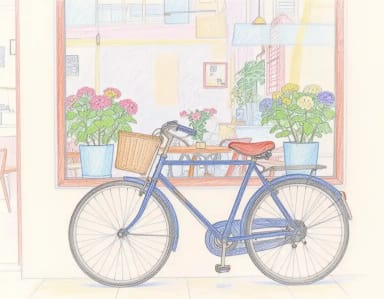
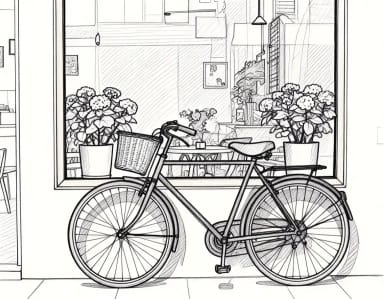
Portraits
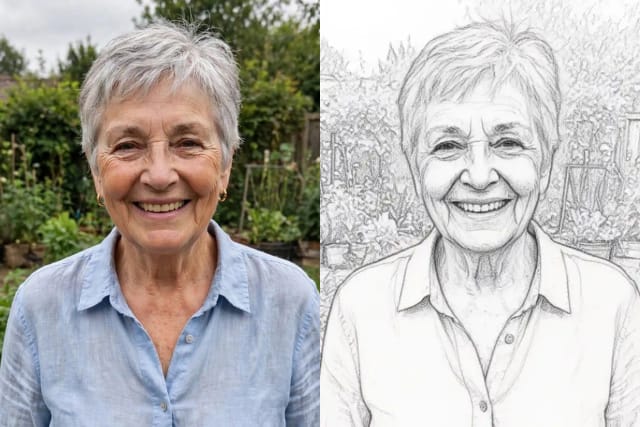
Sketch a face from a photo
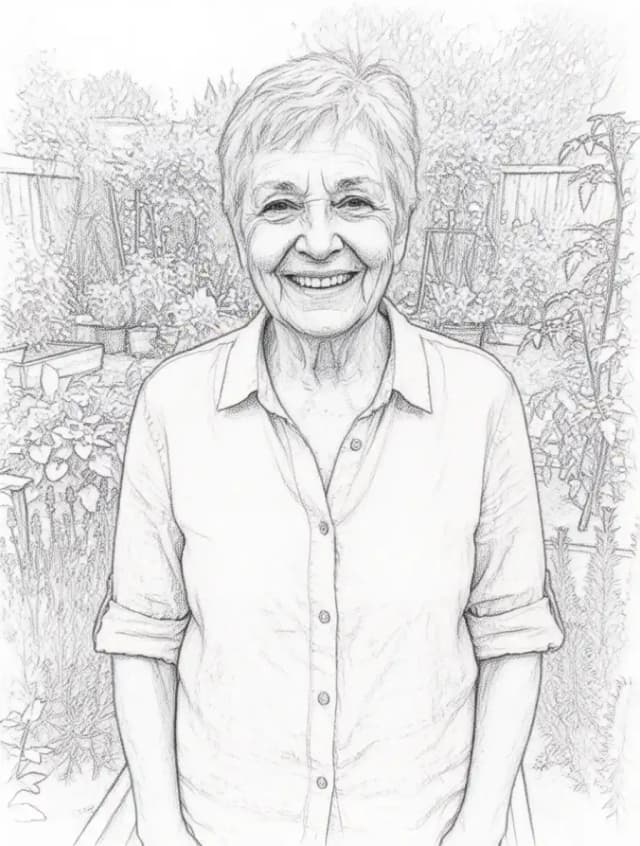
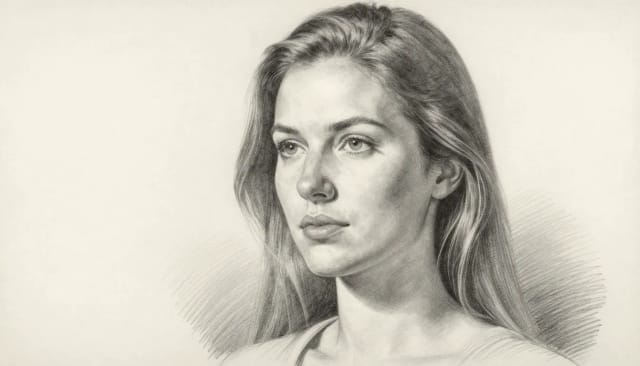
Faces are what most people turn into drawings: a parent, a partner, a pet, yourself. Use a front-facing photo in even light, with the face large in the frame. Pencil and charcoal give the most lifelike portrait sketch, with shading in the skin and hair; line drawing gives clean outlines for a stencil or a coloring sheet; ballpoint and chalk give a looser, hand-made look.
The AI redraws the face, so check small details before you print: a wrinkle, a strand of hair or the shape of the eyes can come out slightly different from the photo, and deep lines around the eyes sometimes read as thin glasses. If a detail matters, try the same photo again — every result is different.
How it works
How Photo to Sketch turns your picture into hand-drawn art
Photo to Sketch is an AI tool that converts any photo into a hand-drawn sketch — pencil shading, clean line art, or ink outlines. You upload a picture, pick the sketch style you want, and download the result, with no drawing skills required.
It reads the edges, contrast, and detail in your original photo and rebuilds them as sketch strokes, so a portrait keeps its likeness and a landscape keeps its depth. The output looks drawn by hand rather than run through a one-click filter. Want the opposite? Turn a sketch into an image with Sketch to Image.
Want a printable coloring page instead of a sketch of your photo? The AI coloring page generator draws one from a short description.
How photos become graphite lines and shading
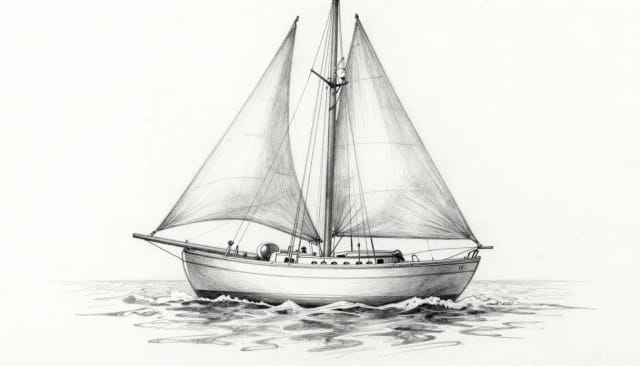
Behind the button, the AI separates the main subject from the background, maps where the strong outlines and soft gradients fall, and translates them into graphite-style lines and shading. That's why faces, fur, and fine texture survive the conversion instead of turning into mush — which is also the trick to knowing how to sketch a face from a photo without redrawing it yourself. Under the hood it's a form of style transfer — same scene, different medium.
Different styles change how heavy the linework is and how much shading stays in. A pencil portrait keeps midtones and hatching; a line drawing strips everything down to clean contours you can print, color in, or use as a stencil. If your source photo is dark or low-res, running it through the Photo Enhancer first gives the converter cleaner edges to trace.
Print-ready sketches for gifts, tattoos and more
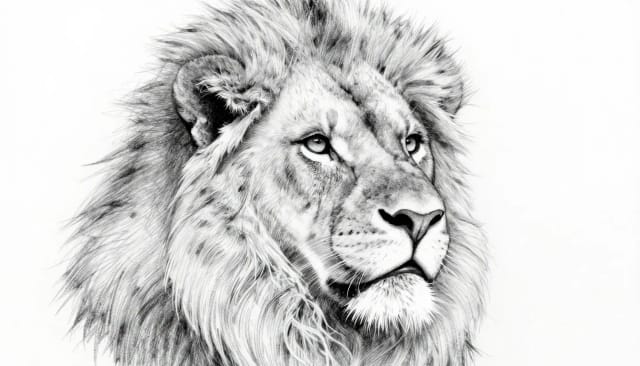
Sketching a portrait by hand takes hours and a steady set of skills. Here it's an upload and a download, and you can try several styles on the same face before committing to one — the simplest answer to how to turn a photo into a sketch without photo editing software.
The results are print-ready, so people use them for coloring pages, gifts, tattoo references, profile pictures, and product line drawings. If you're pulling a sketch to use as a tattoo reference, you can take it further in the AI Tattoo Generator, or clean up a busy background first with the Background Remover so only your subject gets converted.
Who it's for
Who Photo to Sketch is for
Gift makers
Turn a favorite photo of a couple, family, or pet into a pencil portrait for a framed print, card, or personalized present.
Parents and teachers
Convert photos into clean line art to make custom coloring pages and printable activity sheets from pictures kids recognize.
Tattoo clients and artists
Generate an ink-line or pencil reference from a photo before a session, so the design and shading are clear going into the studio.
Content creators and gamers
Make sketched profile pictures and avatars that stand out from ordinary photo uploads across social and gaming platforms.
Small sellers and makers
Turn product shots into tidy line drawings for packaging, instructions, listings, and brand assets without hiring an illustrator.
Pricing
Start converting photos to sketches for free
Try Photo to Sketch at no cost, then pick a plan when you need more sketches and higher-volume exports.
Free
$0
- 100 credits every day
- The Auto model, on our own servers
- No card needed
Paid plans
Basic · Starter · Creator
- 1,600 to 10,000 credits a month
- Every AI model, including premium ones
- AI video, and no ads in the mobile app
Why CreArt
Why use this photo to sketch converter
Ten sketch styles from one photo
Pencil, charcoal, ink, colored pencil, line drawing, ballpoint, crosshatch, pastel, architect sketch and chalk on the same picture: try a few before you pick one.
Keeps the likeness
The AI maps outlines and shading separately, so faces, fur, and fine detail stay recognizable instead of smearing into a generic effect.
Usually under 20 seconds
No drawing experience, no photo editing software, no manual tracing. Upload, choose a style, and download hand-drawn art, usually in under 20 seconds.
Print-ready output
Clean line art you can send straight to print — coloring pages, stencils, tattoo references, framed gifts, or product line drawings.
Free to try, no login
Start converting photos to sketches online for free without installing an app or creating an account first.
Works on any subject
Portraits, couples, pets, buildings, cars, and products all convert cleanly — not just human faces.
How do I turn a photo into a sketch?
How do I convert a photo into a sketch for free?
How do I sketch a face from a photo?
Can I turn a picture into a line drawing?
What sketch styles are available?
How do I make a photo look like a real hand-drawn sketch?
Can I convert pets, landscapes, and products, not just portraits?
Is the sketch good enough to print?
Do I need any drawing skills or photo editing software?
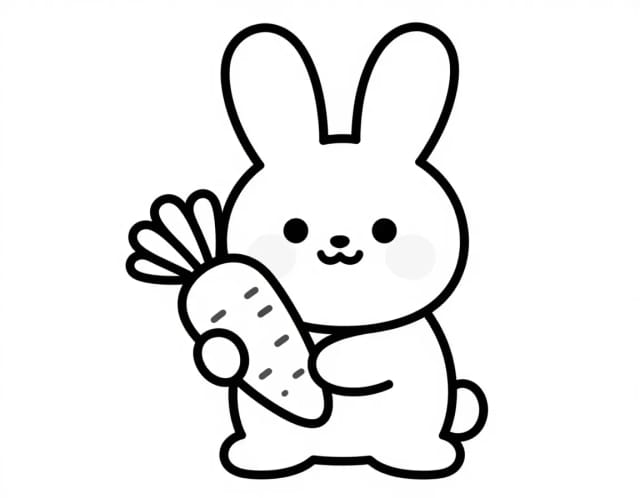
AI Coloring Page Generator
Turn a photo or a text idea into a printable black-and-white coloring page, free and with no sign-up. Clean line art for kids, classrooms and relaxed coloring, usually in under 20 seconds.
Sketch to Image
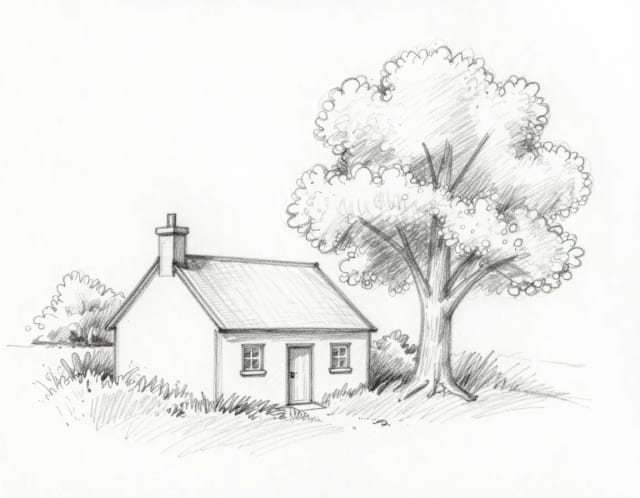
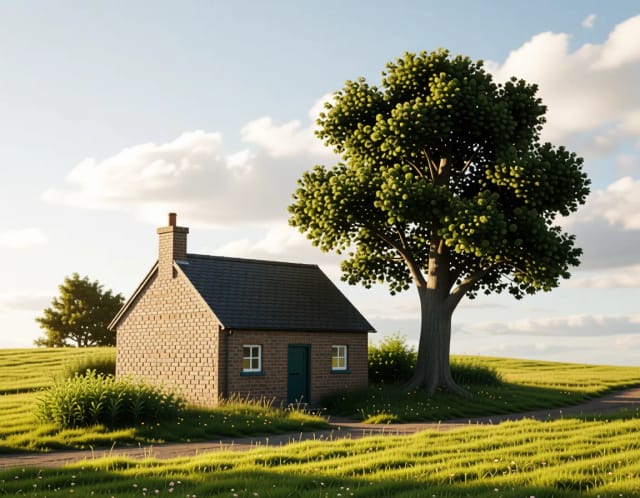
CreArt's sketch to image AI turns rough sketches, doodles and drawings into finished images. It is free, needs no sign-up and usually takes under 20 seconds: upload a drawing, pick a style like photorealistic, anime or watercolor, and add details if you want.
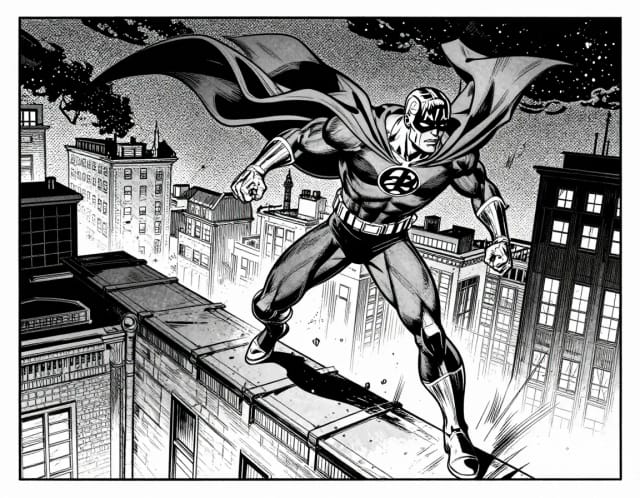
AI Comic Generator
Describe a scene, pick an art style, and get finished comic panels in seconds — no drawing skills needed.
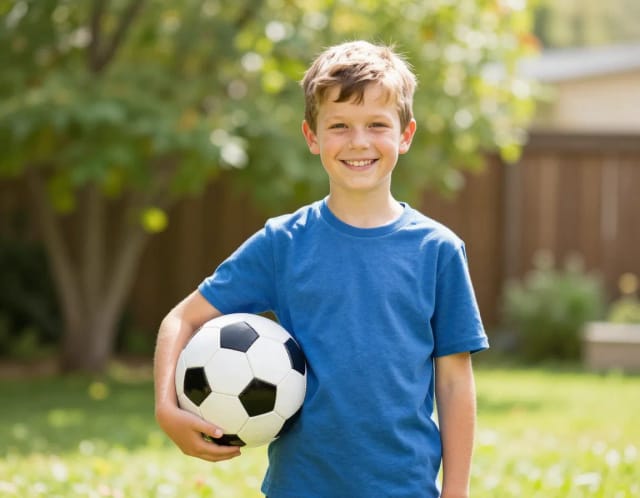
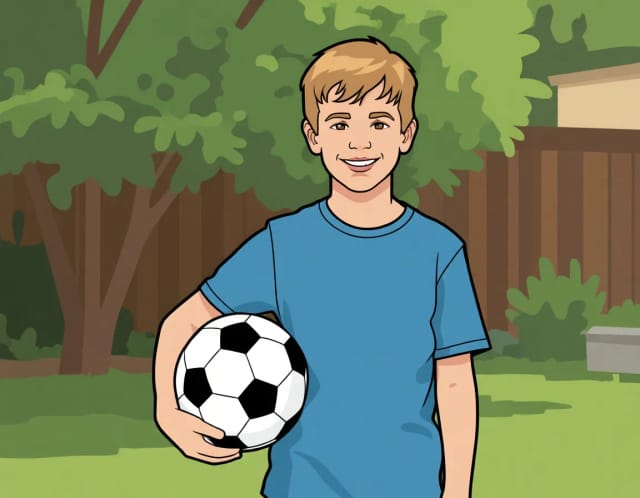
AI Photo to Cartoon
CreArt's photo to cartoon tool turns your photo into a cartoon, free and without sign-up. Pick one of 6 styles, from a 3D animated-movie look to comic and storybook; it usually takes under 20 seconds.
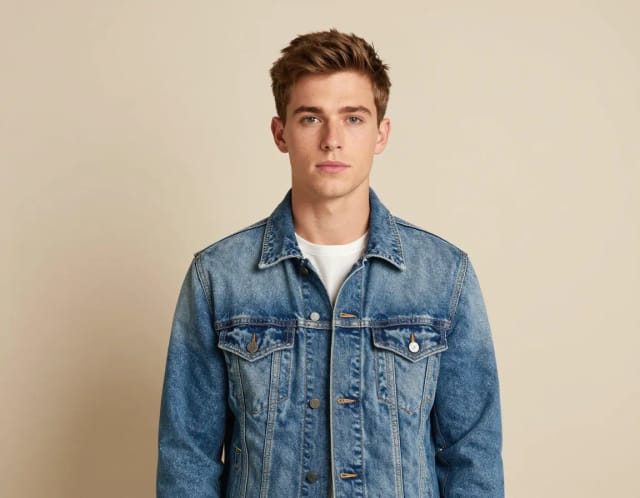
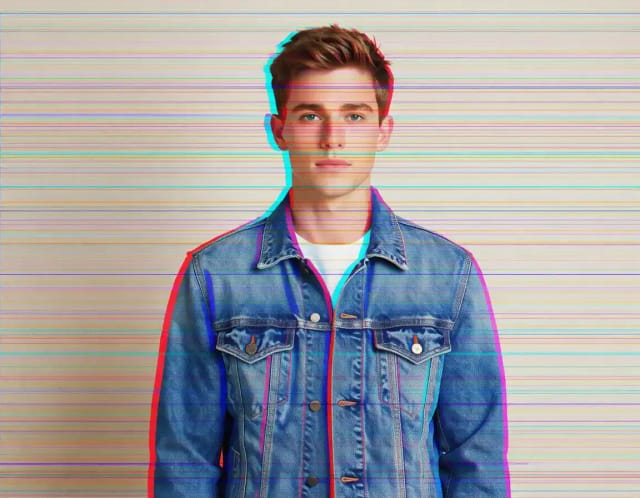
Glitch Effect for Photos
CreArt's Glitch Effect adds a glitch effect to any photo online, free and without sign-up: RGB shift, VHS, datamosh or cyber neon, usually in under 20 seconds.
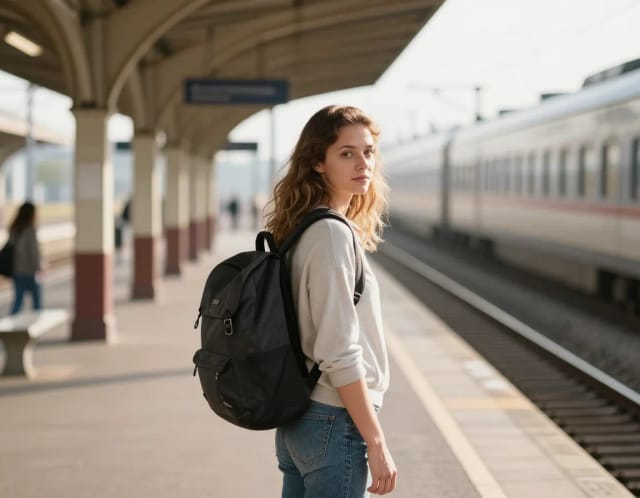
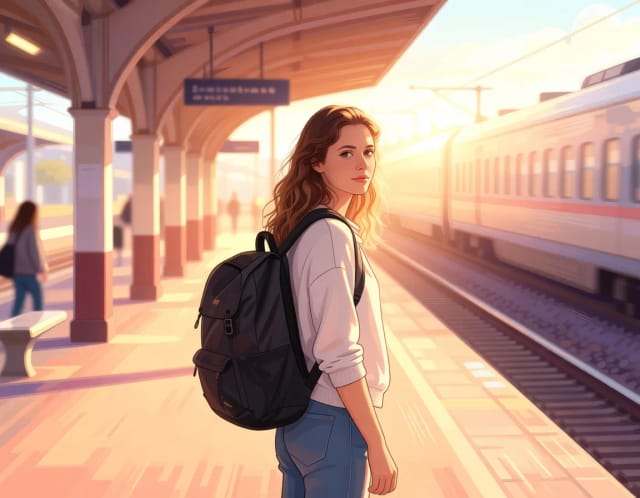
Photo to Anime
CreArt's photo to anime converter turns your photo into anime art, free and without sign-up. Pick one of 6 styles, from a soft, hand-painted film look to black and white manga; it usually takes under 20 seconds.
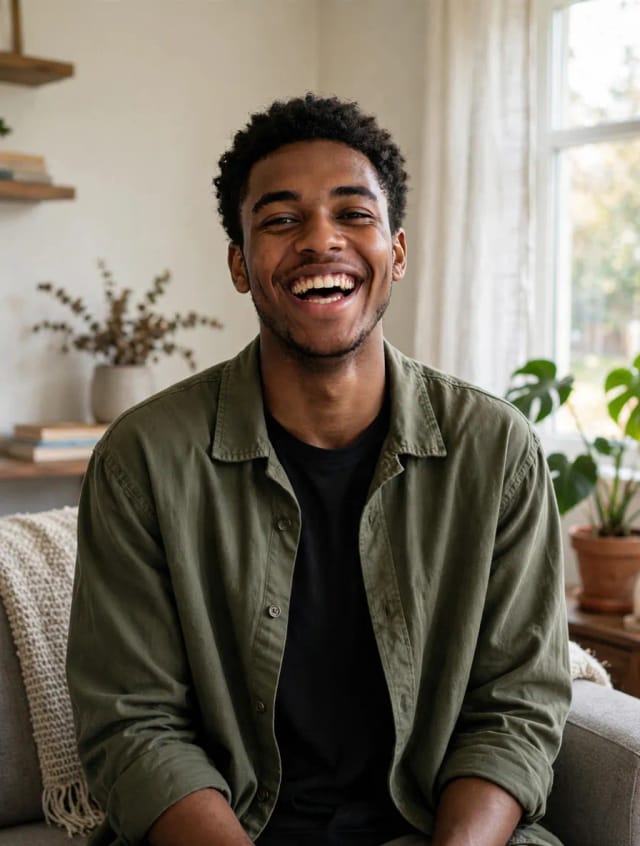
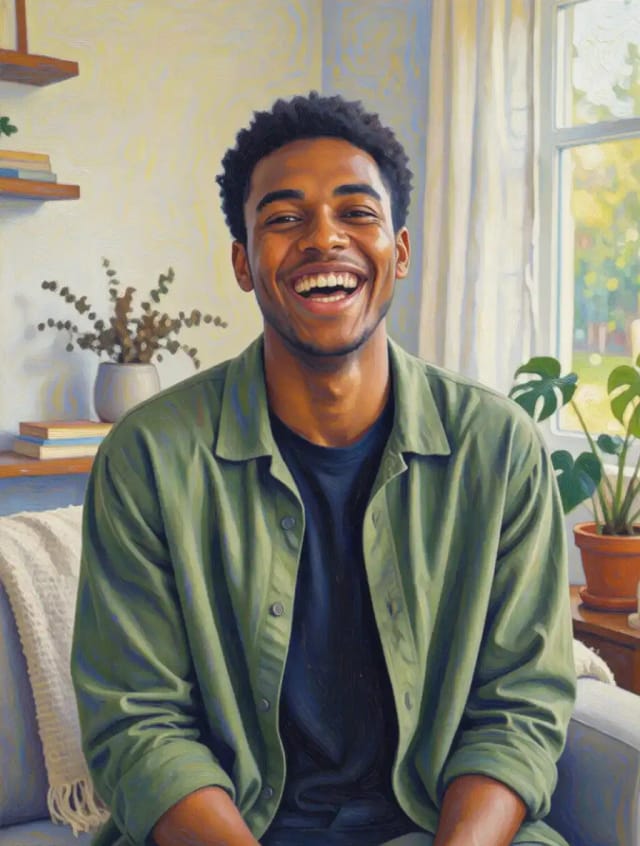
Photo to Painting
CreArt's photo to painting tool turns any photo into a painting, from a portrait painting to an oil painting look, free and without sign-up. Pick impressionist, baroque, palette knife, acrylic, expressionist or pop art; it usually takes under 20 seconds.
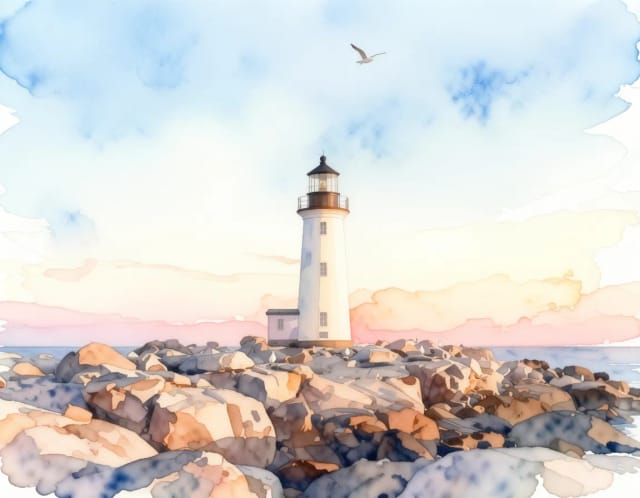
Photo to Watercolor
Turn any photo into a soft, hand-painted watercolor painting with AI — upload, pick a style, and download in seconds.
Ready to make something?
Open the tool, try the free Auto model and download the result.