
Book Cover Generator
Make a book cover with AI: describe it, pick a genre, type your title.
What's your book about? (optional)
Genre· Fantasy
Title and author
20 free tries a day with Auto · No sign-up · Your title is set on top, spelled exactly as you type it.
What's your book about? (optional)
Genre· Fantasy
Title and author
 Example
How to make a book cover
Make a book cover with AI in 4 steps
CreArt's free AI Book Cover Generator turns a one-line description of your book into a 1600 × 2560 cover, usually in under 20 seconds. The AI paints only the artwork: your title, subtitle and author name are set on top by your browser, so they come out spelled exactly as you typed them.
Describe your book
One line is enough: the setting, the main character or one striking image. Not sure? Use the sample idea for your genre, or leave it empty and let the genre set the scene.
Pick a genre
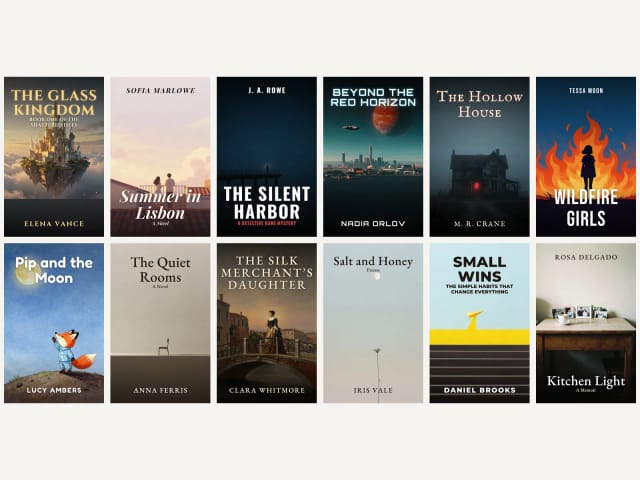
Choose one of 12: fantasy, romance, thriller and mystery, sci-fi, horror, young adult, children's, literary fiction, historical, poetry, self-help and business, or memoir. Each one has its own look and its own typeface.
Add your title and author
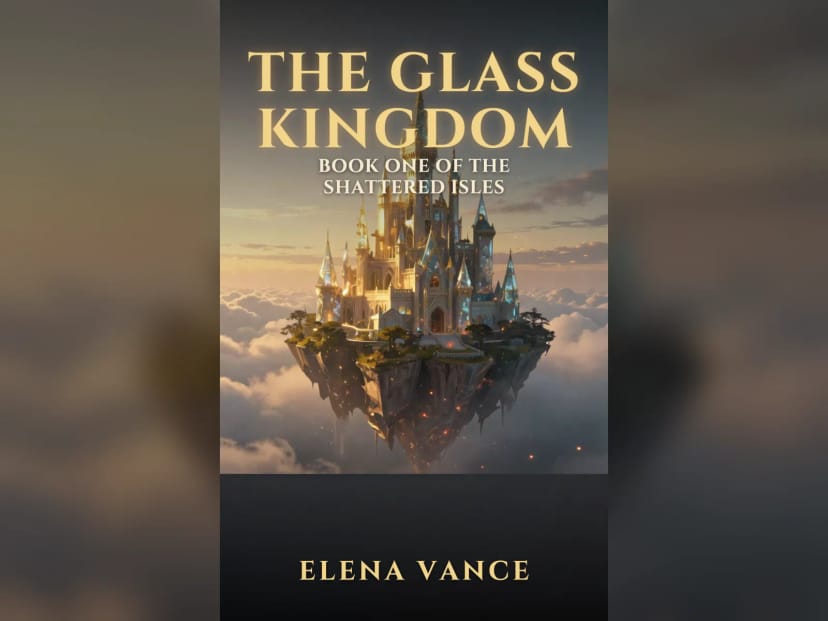
Type the title, your name and an optional subtitle. They are set on the cover as real type in the genre's typeface. Change the position, font or color at any time without generating again.
 BeforeAfter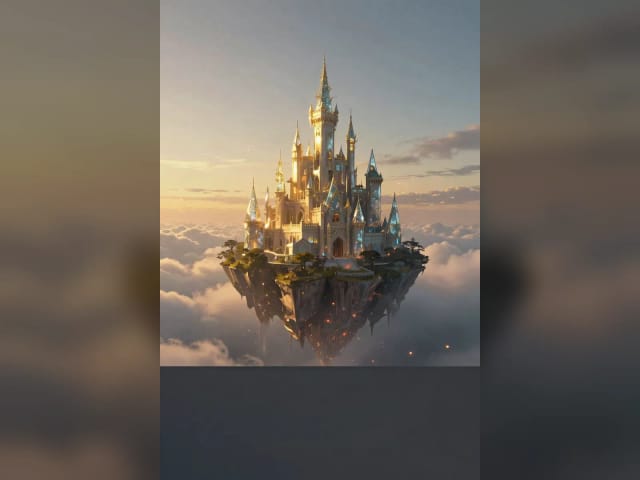
Download for Kindle or Wattpad
Download a 1600 × 2560 JPG, the size KDP recommends for eBooks, or a 512 × 800 version for Wattpad. Publishing on KDP? Tell Amazon the cover was made with AI when you upload the book.
Twelve genres, one cover each
Fantasy, romance, thriller, poetry and more, each with its own look and typeface. Tap a genre to make yours.
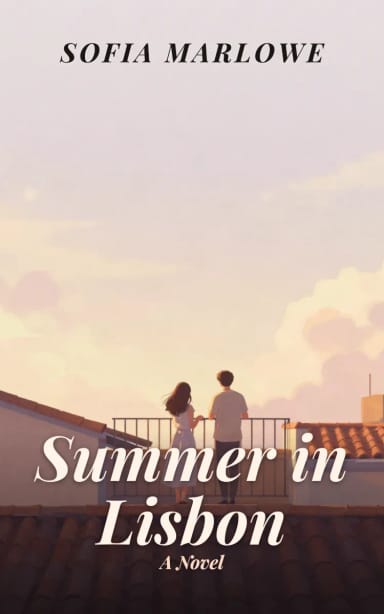
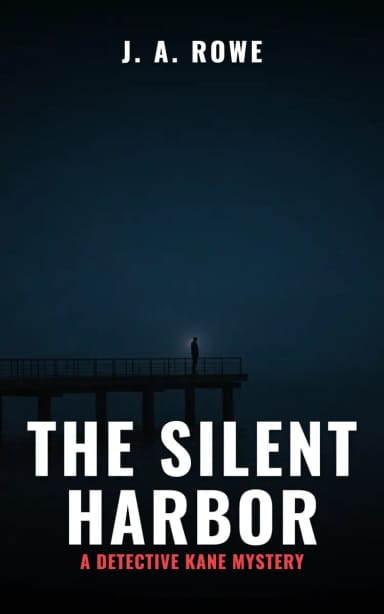
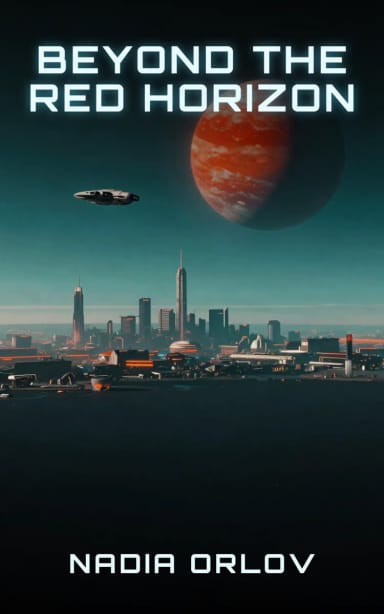
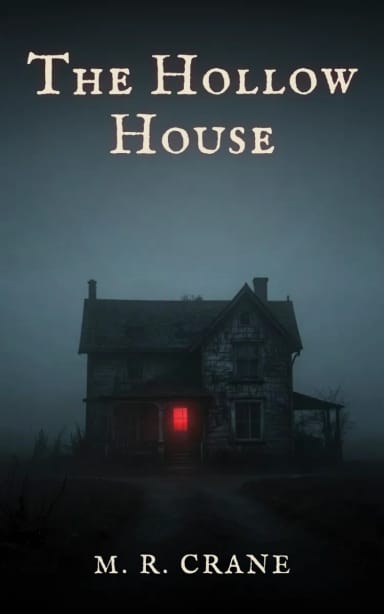
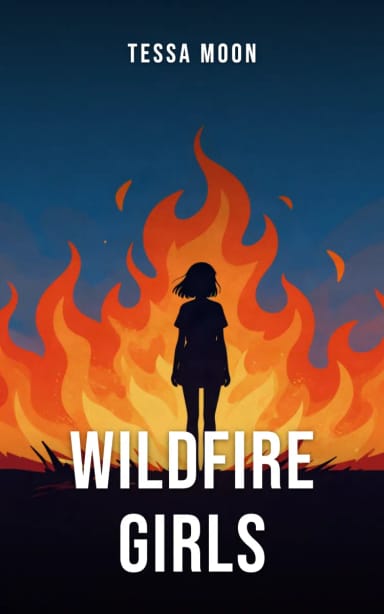
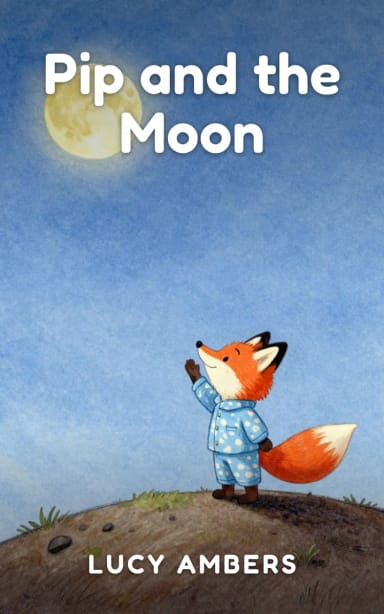
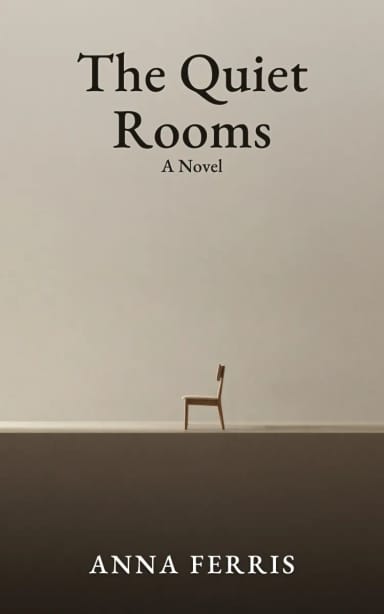
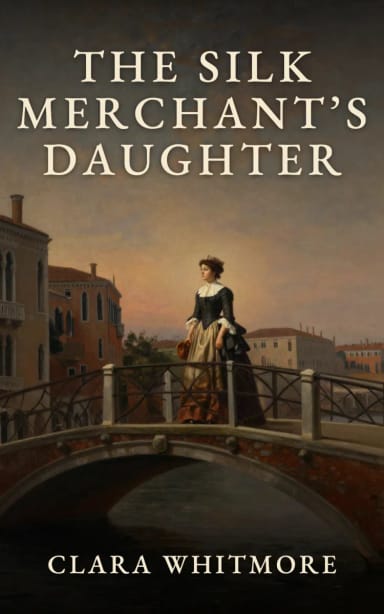
Fantasy
Fantasy book covers
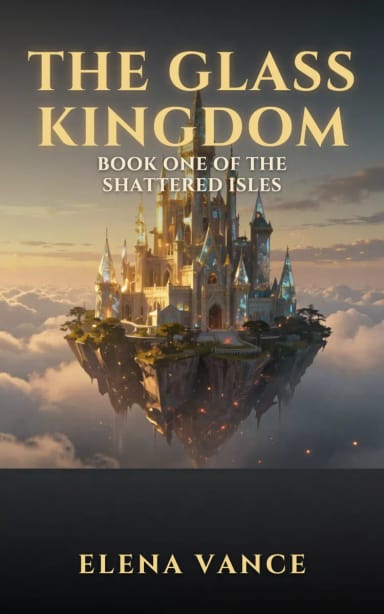
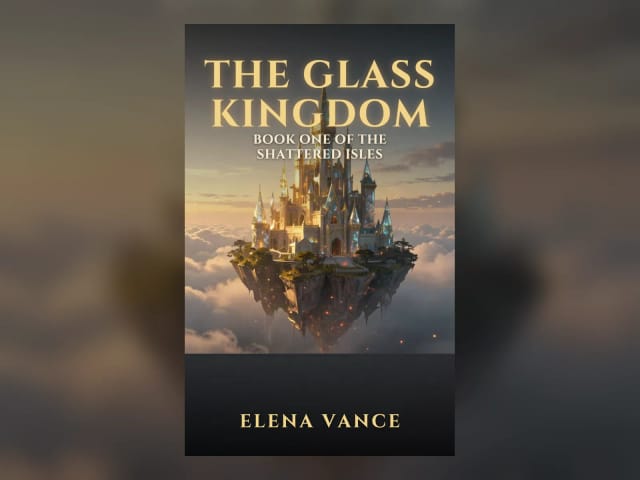
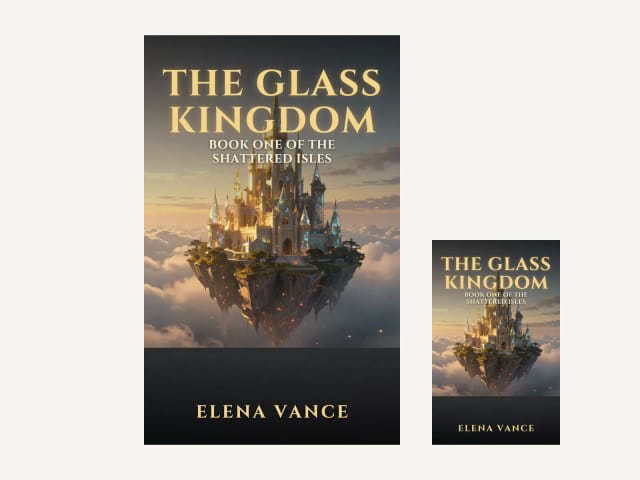
Fantasy readers look for scale and wonder: a castle on a cliff, a glowing sword, a dragon over a valley, painted in rich detail with warm golden light. The title usually sits at the top in classical capitals, and the series name goes underneath. Historical fiction shares that painterly look, with period costume and old-world places in dramatic light.
Pick Fantasy or Historical, describe one striking image instead of the whole plot, and the cover comes out in that painterly style with your title in a classic serif. For a series, keep the same genre and change only the scene, so the books look like a set.
Romance
Romance book covers
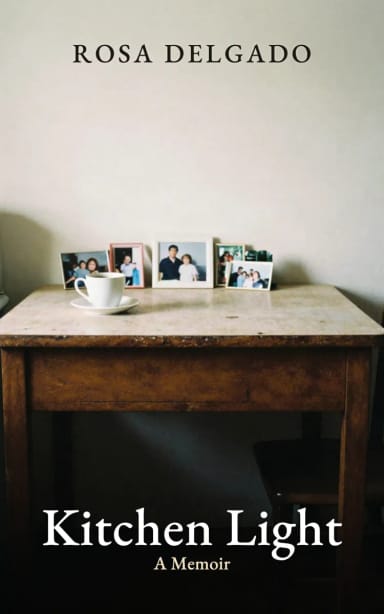
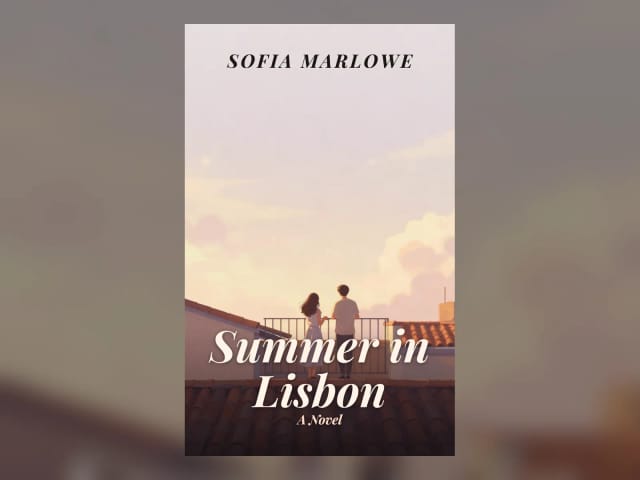
Romance covers sell a feeling: warm light, soft colors, a couple or a single figure, and a flowing serif or script title. On many romance covers the author name sits at the top and the title near the bottom, which is how this genre is set up here. Memoirs go more personal: an everyday scene in soft natural light, like an old kitchen table in the morning.
Describe the setting and the mood, like a summer balcony in Lisbon or a snowy cabin, and change the color of the title to match your palette. Making the cover for a story on Wattpad? Download the 512 × 800 version as well.
Poetry
Poetry book covers
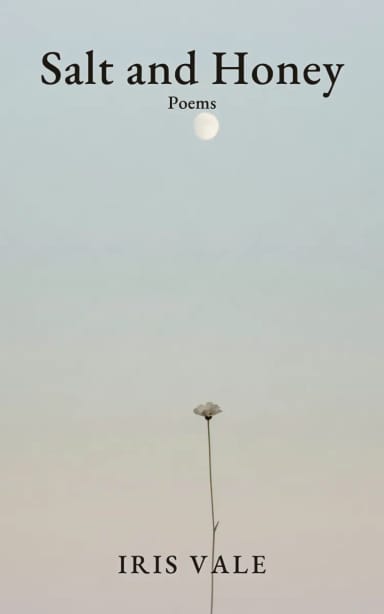
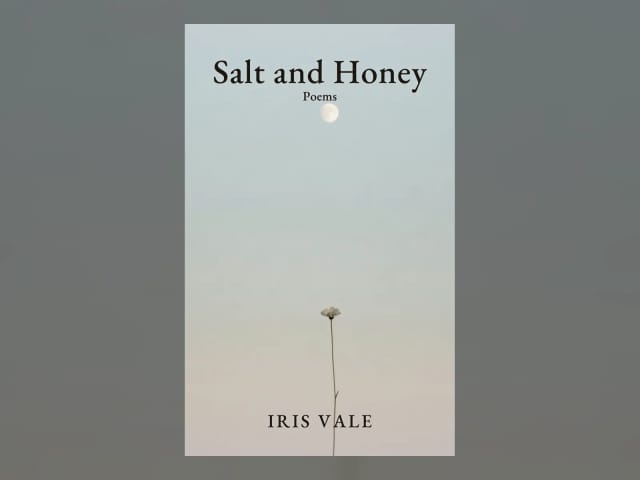
Poetry covers tend to be quiet: one delicate motif, like a flower, the moon or a bird, soft muted colors and plenty of empty space, with the title in a refined book serif. Literary fiction shares that restraint: one evocative object or place, a muted palette and quiet space.
Keep the description to a single image and let the space breathe. If the background comes out light, the text switches to a dark color by itself so it stays readable.
Thriller and horror
Thriller and horror book covers
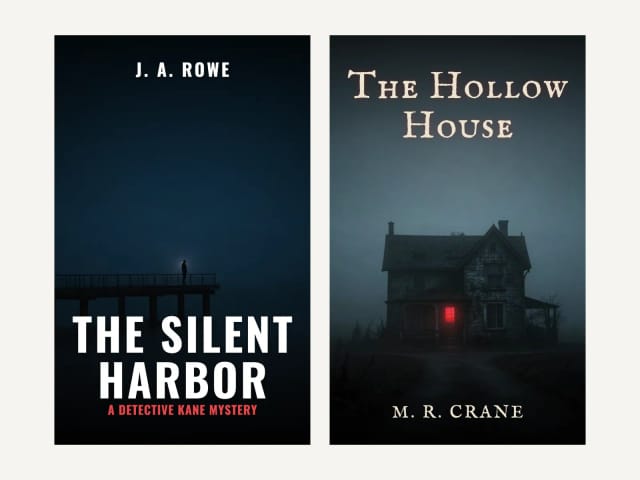
Thrillers and horror novels lean on darkness and contrast: one figure or one place, deep shadows and a single point of light. Thrillers usually put the author's name big at the top and a tall condensed title at the bottom; horror goes for an older, uneasy typeface.
Describe one tense moment, like a figure on a foggy pier or a house with one lit window, and the cover keeps the top and bottom dark enough for the text.
Sizes
Kindle and Wattpad covers, and what about print?
The main download is 1600 × 2560 pixels, the ideal size Amazon KDP gives for eBook covers (a 1.6:1 ratio). A second button gives you the same cover at 512 × 800 pixels, the size Wattpad uses for story covers.
This tool makes the front cover only. A paperback or hardcover needs a full wrap, with the back cover and the spine, sized by the trim size and the page count. The book cover size guide explains how to work it out. To see your cover on a real book, try the mockup generator.
Who it's for
Who this book cover maker is for
For anyone publishing a book who needs a cover without hiring out the design.
Self-published authors
A cover for your Kindle eBook in the size KDP recommends, with your title and name spelled right, before you spend on a designer.
Wattpad and web-fiction writers
A new cover for every story or season at 512 × 800, in the genre your readers expect.
Poets and short-story writers
A quiet, minimal cover for a collection or a chapbook, with a refined serif title.
Authors testing ideas
Try a few looks for a book or a series and take the one you like to a designer as a brief.
Why CreArt
Why authors use this book cover maker
Your title, spelled right
Title, subtitle and author are set as real type on top of the artwork, never misspelled by the AI.
12 genres with their own type
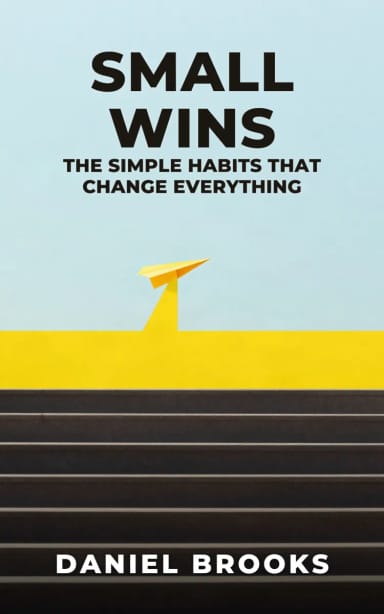
Fantasy, romance, thriller, sci-fi, horror, young adult, children's, literary, historical, poetry, self-help and memoir.
Edit the text anytime
Change the text, position, font or color after generating. No new generation, no credits.
Kindle and Wattpad sizes
1600 × 2560 for KDP eBooks and 512 × 800 for Wattpad, from the same cover.
Free to try, no sign-up
Make covers with the Auto model for free every day, without an account.
Describe it, or just pick a genre
Write one line about your book for a cover about your story, or leave it empty and let the genre set the scene.
Pricing
Plans for the book cover maker
Make book covers for free with the Auto model, no account needed. Pick a plan when you want more covers a day or the premium models.
Free
$0
- 100 credits every day
- The Auto model, on our own servers
- No card needed
Paid plans
Basic · Starter · Creator
- 1,600 to 10,000 credits a month
- Every AI model, including premium ones
- AI video, and no ads in the mobile app
FAQ
Frequently asked questions about the book cover maker
Still have a question? Visit the help center →
Is this book cover maker free?
Can I use the cover on Amazon KDP?
What size is a Wattpad cover?
Will my title be spelled right?
Can it make the back cover and spine for a paperback?
Which genres can I choose?
How do I make a fantasy book cover?
What makes a good book cover?
Can ChatGPT design a book cover?
Can I use the covers commercially?
CreArt is not affiliated with, endorsed or sponsored by Kindle, Amazon or Wattpad. Kindle and Amazon are trademarks of Amazon.com, Inc. Wattpad is a trademark of Wattpad Corp.
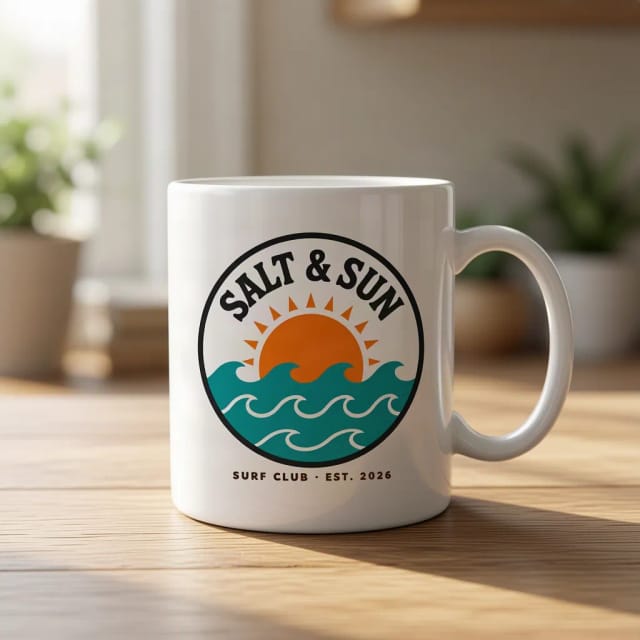
AI Mockup Generator
CreArt's free AI Mockup Generator puts your design on 15 products, from mugs and posters to book covers, usually in under 20 seconds. No sign-up.

AI Album Cover Maker
Make an album cover with AI: describe your music, pick one of 16 styles and add your name and title, spelled right. Free, no sign-up.
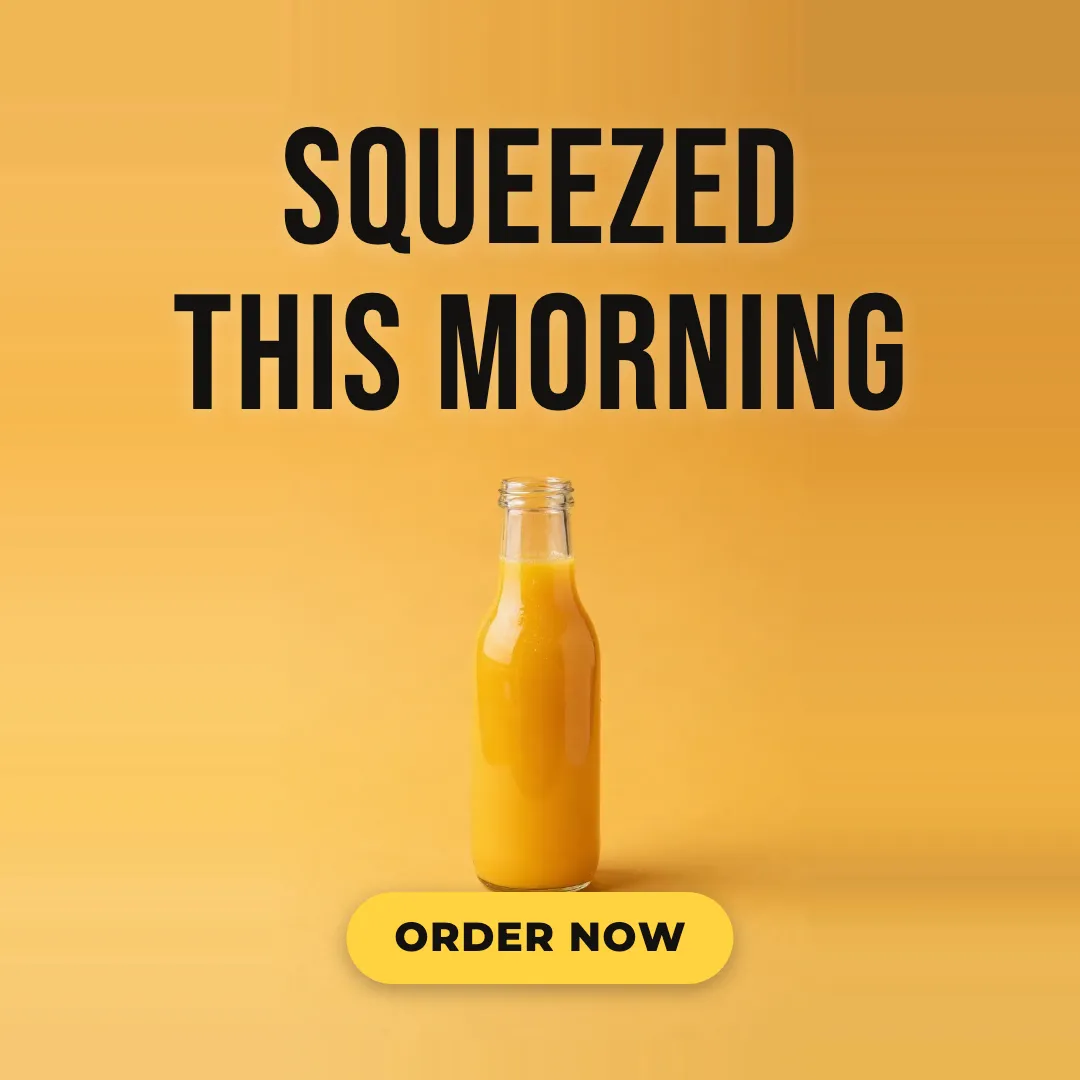
AI Ad Maker
Free AI ad maker: get an ad with your headline and button for Instagram and Facebook, in every size.
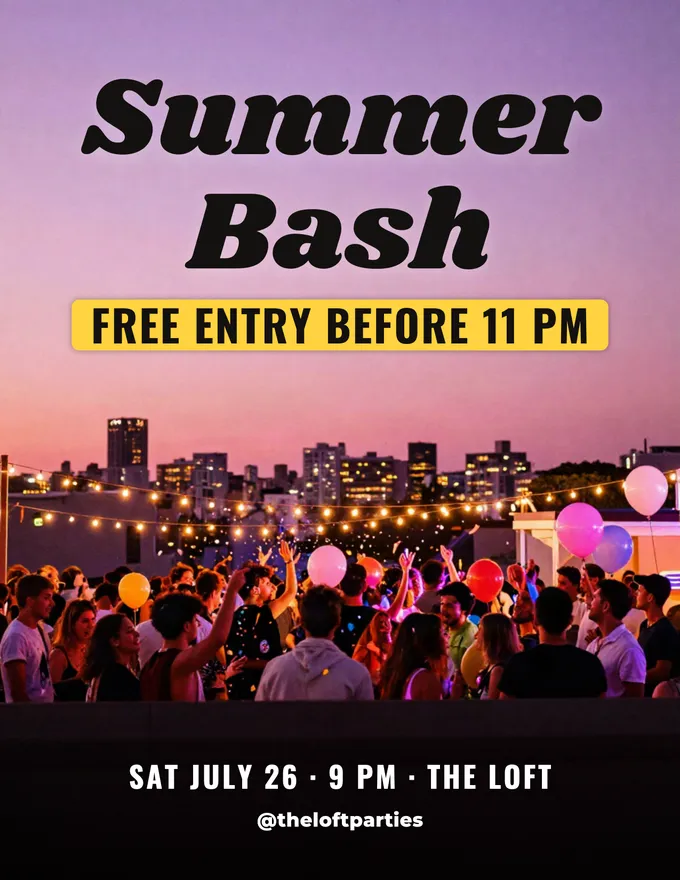
AI Flyer Generator
Make a flyer with AI: pick a type, add your text, download it to print.
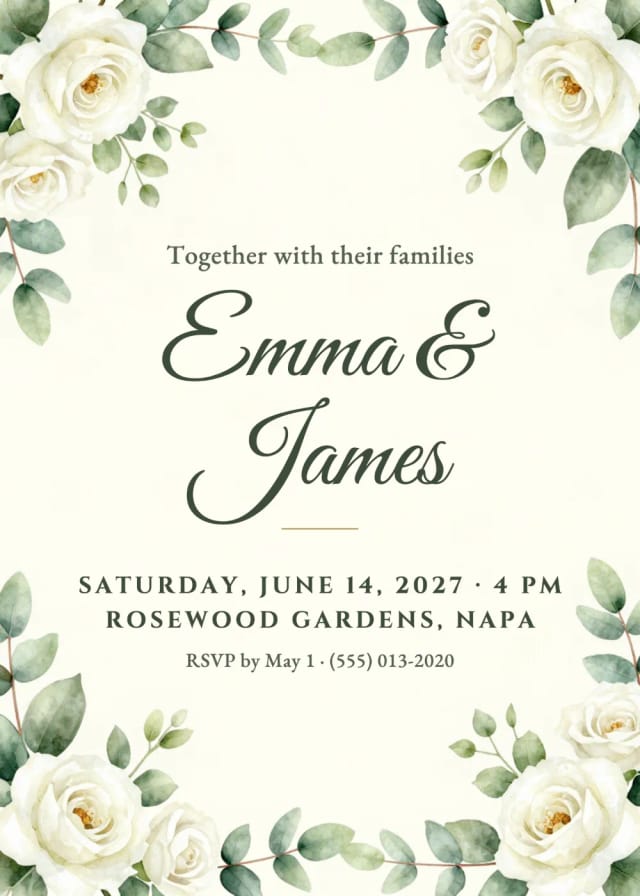
AI Invitation Maker
Free AI invitation maker: pick a style, add your details and a photo, then print it or send it.

AI Logo Generator
Free AI logo maker: the AI draws your symbol and your name is set in real fonts, never misspelled.
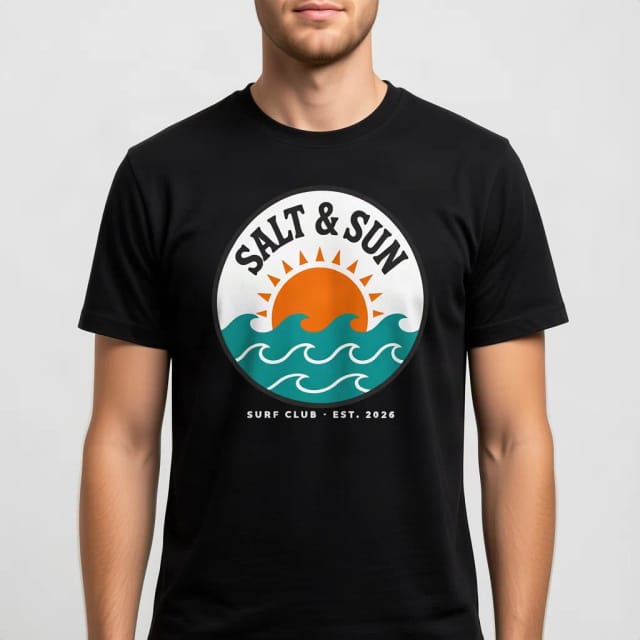
T-Shirt Mockup Generator
CreArt's free T-Shirt Mockup Generator puts your design on 7 garments in 12 colors, front or back, usually in under 20 seconds. No sign-up.
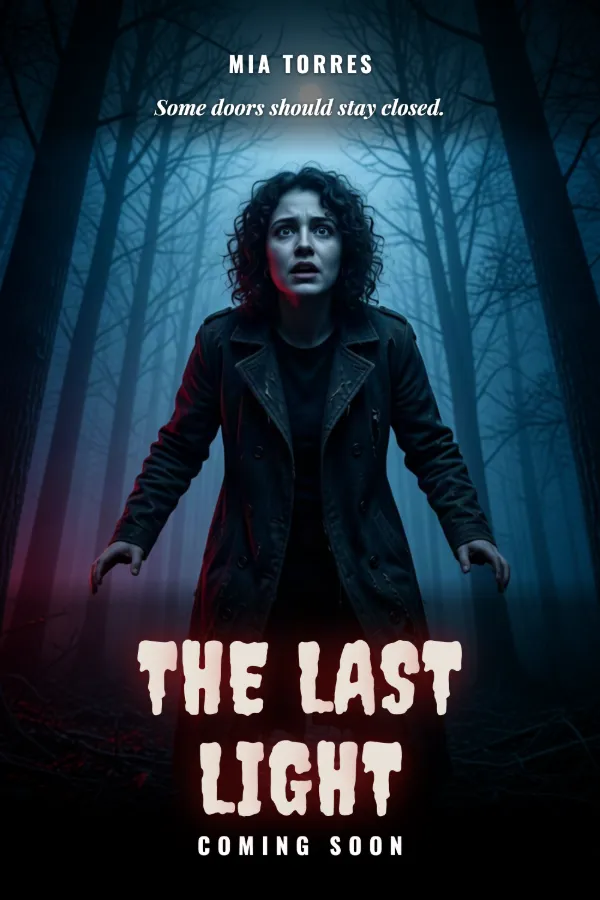
AI Poster Generator
Turn your photo into a movie poster: pick a genre and type your title.
Ready to make something?
Open the tool, try the free Auto model and download the result.