
AI Photo & Image Editor
CreArt's AI Photo Editor is a free online tool that edits a photo from a plain description: clean it up, remove people from the background, change the sky or the light, or add something new, without sign-up and usually in under 20 seconds.
Your photo
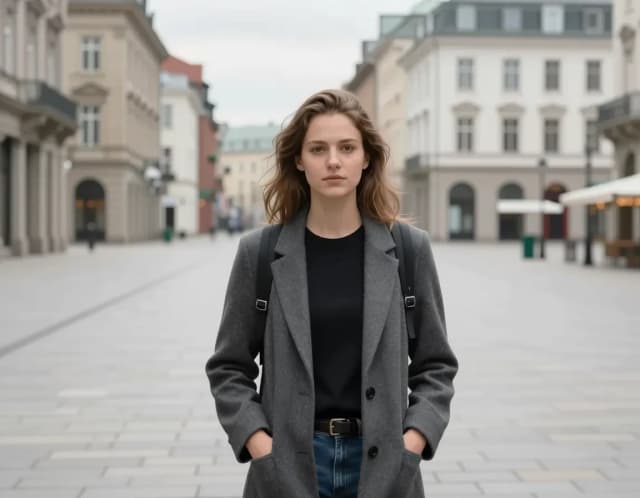
Quick edit · Remove people
10 free tries a day with Auto · No sign-up
10 free tries a day with Auto · No sign-up

All AI Photo & Image Editor tools
5 tools in this category. Pick the one that matches your task.
 Background RemoverCreArt's Background Remover cuts the subject out of any photo for free, without sign-up, and gives you a transparent PNG, a pure white background or a solid color, usually in under 20 seconds.
 AI Object RemoverCreArt's AI Object Remover is a free tool that erases unwanted objects and people from a photo: paint over them and the AI rebuilds the background, without sign-up and usually in under 20 seconds.
 AI Background ChangerCreArt's AI background changer replaces the background of any photo for free, without sign-up, usually in under 20 seconds: pick one of 10 scenes or describe your own.
 AI Action Figure GeneratorCreArt's AI Action Figure Generator turns a photo into an image of a collectible figure, free and without sign-up: pick a blister pack, an anime figure, a vinyl toy or a superhero, add a name for the box, and get it usually in under 20 seconds.
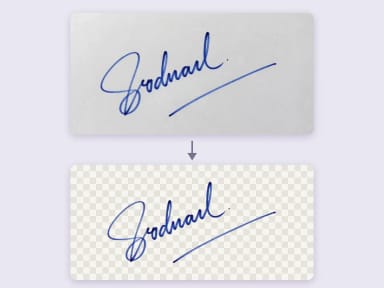 Remove Background from SignatureRemove the background from a photo of your signature for free, right in your browser: your signature never leaves your device. Keep the ink or make it black or blue, crop it to the edge and download a transparent PNG, with no sign-up and no watermark.
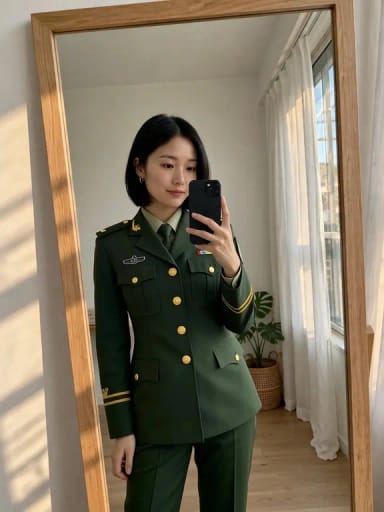
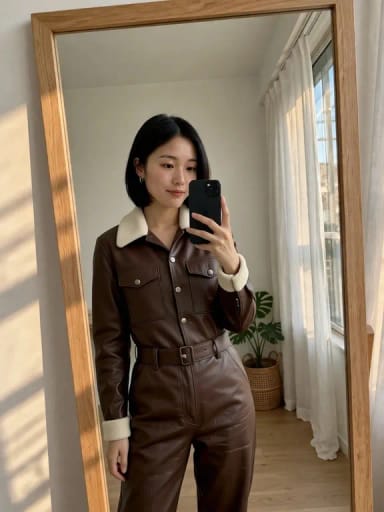
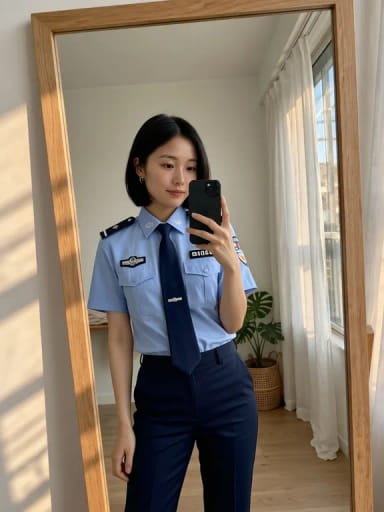
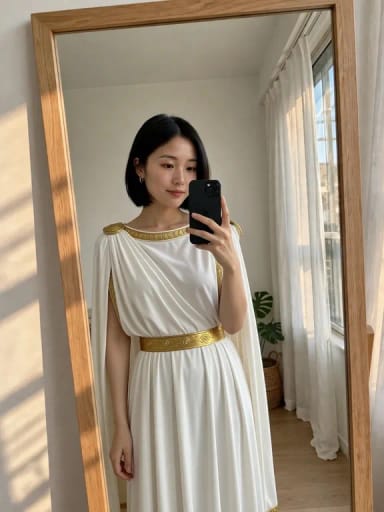
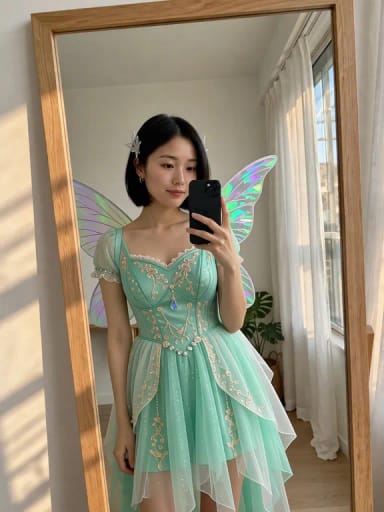
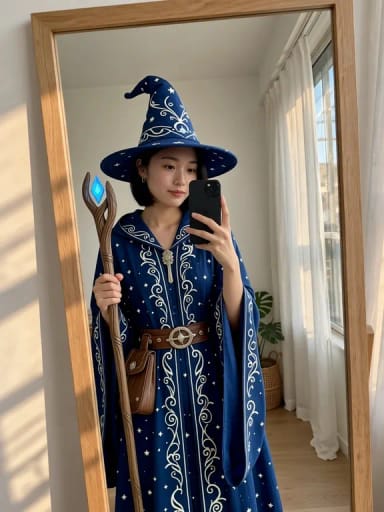
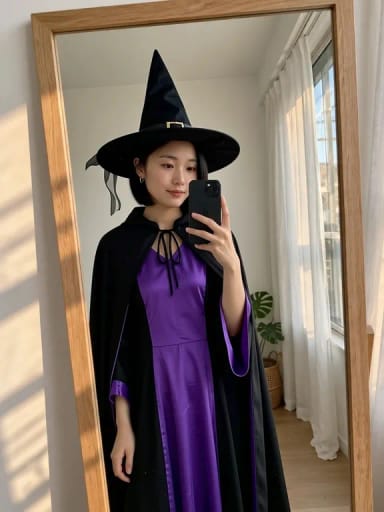
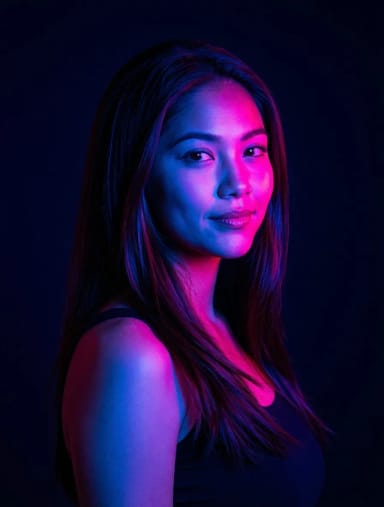
What you can do














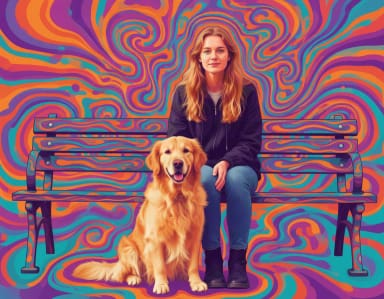
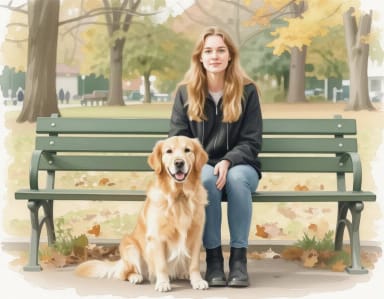
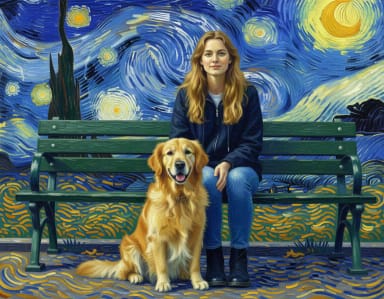
How it works
How to edit a photo with AI in 4 steps
Upload, pick an edit or describe it, and download. No editing skills needed.
Upload your photo
Drag in the image you want to fix — a portrait, a product shot or any photo with something you'd rather not see.
Pick a quick edit or describe your change
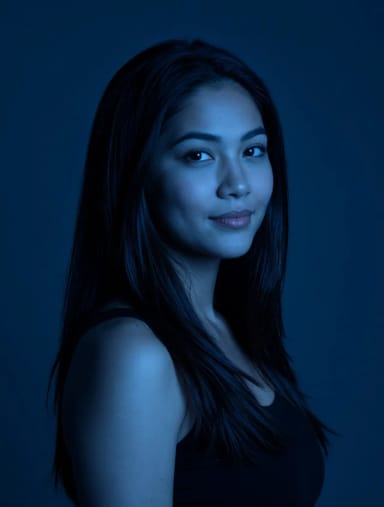
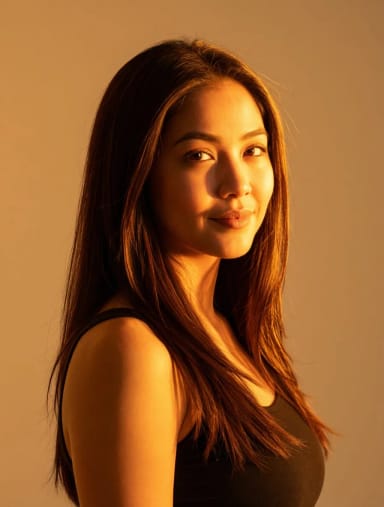
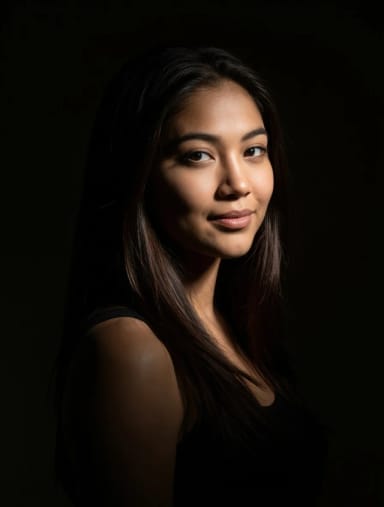
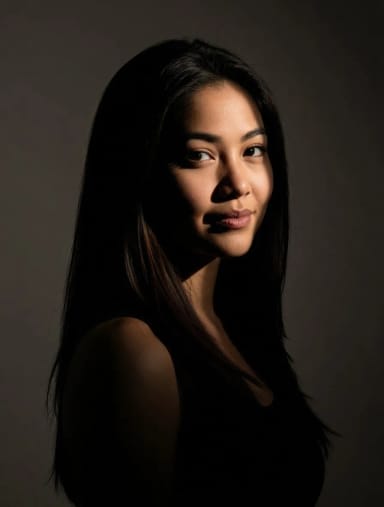
Choose a quick edit (remove people, remove background, blue sky, golden hour or day to night) or type the change you want in your own words.

Let the AI do the work
The AI makes the change and rebuilds whatever was behind it to match the rest of the photo, usually in under 20 seconds.
Refine and download
Run another pass if you want to fine-tune the result, then save the finished image in full quality.
How it works
What CreArt's AI Photo Editor does
Clean-up, people removal and scene changes driven by a description instead of layers and masks.
CreArt's AI Photo Editor is a free online tool that edits a photo from a plain-language description. You upload a photo, pick a quick edit or tell the AI what to change, and it does the pixel work: clearing people out of the background, cleaning up distractions, changing the sky or the light, or adding something new, with no selections or layers.
Most edits come down to a few recurring jobs: something you want gone, a scene you want to look different, or a detail you want to add. To erase one specific object, the AI object remover is built for that job, and to cut a subject out of its setting, the background remover does it in a single pass.
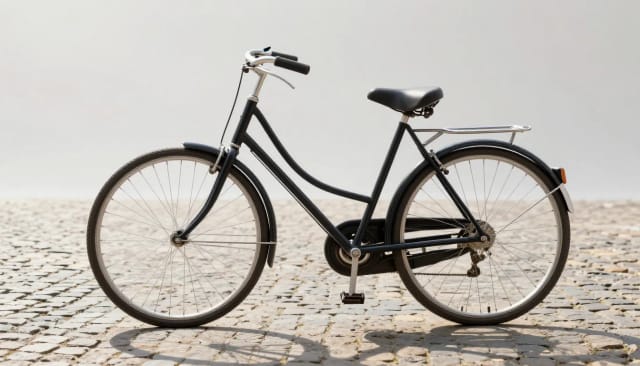
Generative fill
Generative fill from a description
Generative fill means adding or replacing something in a photo and letting the AI paint it in to match. Here you describe it, for example "add an open red umbrella in her right hand", and the AI adds it with light and shadows that fit the scene. There is no selection or brush: say where it goes.
It works best with one clear change at a time. Every result is different, so if the first one is not right, try again or describe it in more detail.
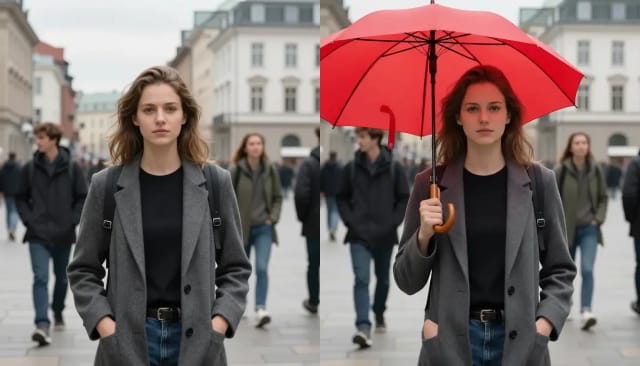
How the AI rebuilds what you remove
The editor reads the area you want changed and rebuilds it from the surrounding pixels, so a removed lamppost or a photobombing stranger is replaced with plausible background instead of a smear.
Built-in quick edits cover the requests that come up most: remove people, remove background, blue sky, golden hour and day to night. Results usually come back in under 20 seconds, so you can refine them over a few passes. Once an image is clean, the AI photo enhancer can balance the light and sharpen the final shot.
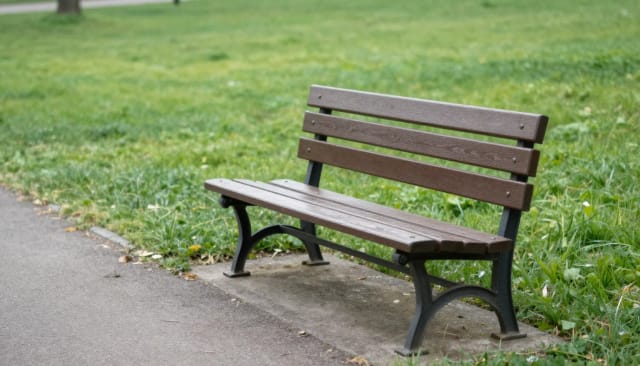
Faster than editing by hand
Doing this by hand means feathered selections, healing brushes and a lot of undoing. This free AI photo editor online turns that into a description and a click, which is why it suits people who edit often but are not retouchers by trade.
It also slots into a wider workflow. Clean up a product photo here, then push its resolution with the image upscaler before it goes on a listing, or start from nothing with the AI image generator when there is no source photo to fix.
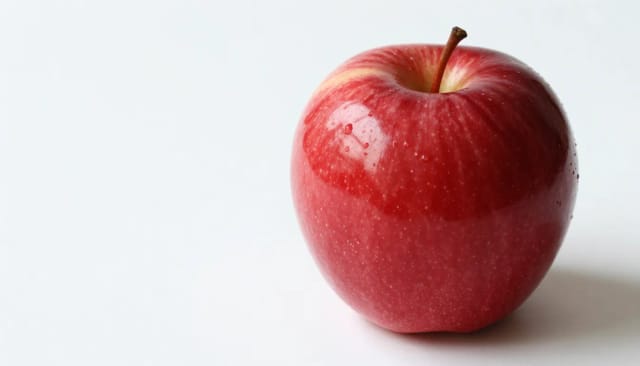
Who it's for
Who the AI photo editor is for
Built for people who edit photos often but aren't professional retouchers.
Online sellers
Clean up product shots — wipe out clutter, distracting signs or a messy background — before a photo goes on a listing or store page.
Social media creators
Remove photobombers, swap a grey sky for blue or add golden-hour light so a post looks intentional without a full editing suite.
Small businesses and marketers
Tidy up team photos, event shots and campaign images fast, without hiring a retoucher or learning professional software.
Everyday photo owners
Fix that one stranger in the holiday photo or the wire cutting across a landscape, using a description instead of a photo ai editor with a steep learning curve.
Bloggers and content teams
Prep images in bulk for articles and pages, then pass them through an enhancer or upscaler to finish the set quickly.
Pricing
Simple pricing for the AI photo editor
Start editing for free, without sign-up, and upgrade when you need more edits.
Free
$0
- 100 credits every day
- The Auto model, on our own servers
- No card needed
Paid plans
Basic · Starter · Creator
- 1,600 to 10,000 credits a month
- Every AI model, including premium ones
- AI video, and no ads in the mobile app
Why CreArt
Why choose this AI photo editor
A photo editor that reads your description and does the fiddly work for you.
No masking or layers
Skip feathered selections and clone stamps. Describe the change or pick a preset, and the editor figures out the pixels on its own.
Remove people and clutter
Erase photobombers, passers-by or clutter by naming them, and the AI rebuilds the gap from surrounding detail so the background looks untouched.
Generative fill
Describe what to add or replace and the AI paints it in with matching light and shadows, without selections.
One-click quick edits
Remove people, remove the background, drop in a blue sky, add golden-hour light or swap day to night without writing a prompt.
Usually under 20 seconds
Edits usually come back in under 20 seconds, so you can try a fix, judge it and refine it over a few passes.
Free to try, no sign-up
Run edits online with nothing to install and no account: Auto gives you 10 free tries a day.
FAQ
Frequently asked questions about the AI photo editor
What the editor can do, what it costs and how it compares to editing by hand.
Still have a question? Visit the help center →
What is an AI photo editor?
Is this AI photo editor free?
How does the AI remove people or objects from a photo?
Can I use generative fill here?
Do I need photo editing software or editing skills to use it?
What quick edits can I apply in one click?
Can I use it as a free AI photo editor online?
What if I just want to remove the background?
Related tools


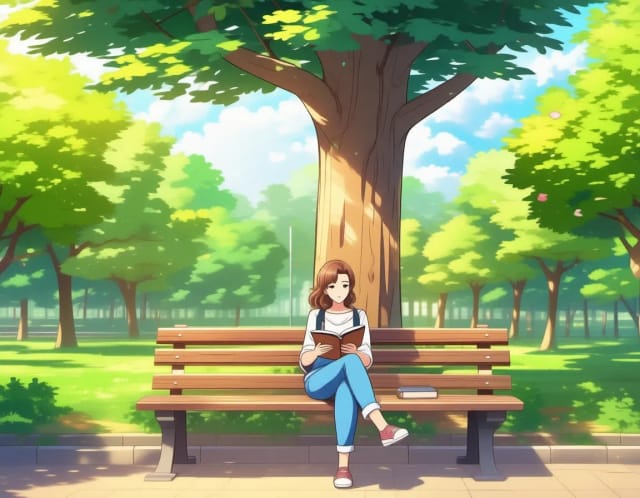

Edit photos without opening a photo editor
Clean up product photos
Remove backgrounds and stray objects so listings look consistent across every marketplace.
Swap a photo's background
Replace a cluttered or outdoor background with a studio backdrop or a new location.
Turn a photo into an action figure
Reimagine yourself or a friend as a boxed collectible for a shareable social post.
Remove your own watermarks
Clean up watermarks from images you own the rights to before reusing them elsewhere.
Ready to make something?
Open the tool, try the free Auto model and download the result.