
AI Object Remover
CreArt's AI Object Remover is a free tool that erases unwanted objects and people from a photo: paint over them and the AI rebuilds the background, without sign-up and usually in under 20 seconds.
How to remove objects from a photo
Remove any object from your photo in 4 steps
No selections, no cloning, no layer masks.
Upload your photo
Drag in the image you want to fix — a portrait, a product shot, a landscape, or a screenshot. No account needed to start.
Paint over what to remove
Brush over the object or person you want gone: the stranger in the background, the trash can on the left. A rough stroke is enough, no precise selection needed.
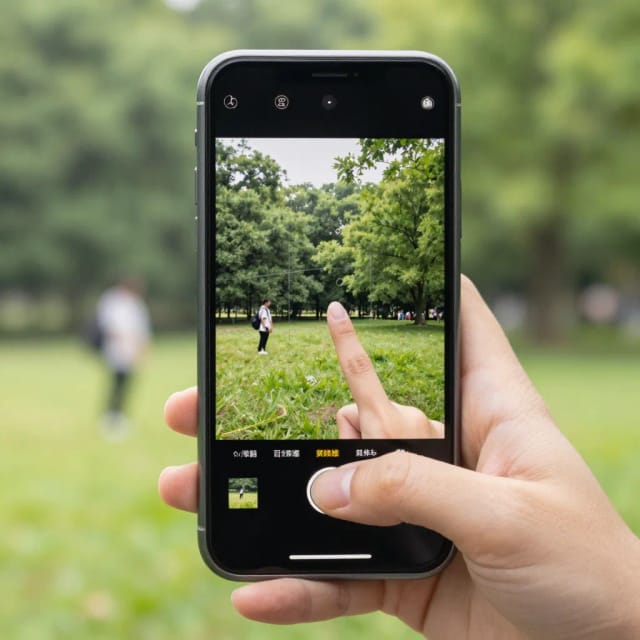
See the object erased and the background rebuilt
The AI removes it and fills the gap with matching texture, color and shadow, usually in under 20 seconds. Compare the clean result with your original.
Download your clean image
Save the clean image in the same framing, ready to post or run through another tool.
How it works
How the AI Object Remover cleans up your photos
From what it does to why it beats editing by hand.
The AI Object Remover is a free online tool that deletes unwanted objects and people from photos and fills the empty space so the edit looks natural. You upload an image, paint over what you want gone, and the AI rebuilds the background behind it, usually in under 20 seconds. Some apps call this a magic eraser.
It handles the parts of photo editing that used to eat up an afternoon: a stranger walking through your shot, a trash can in the corner of a product photo, a power line across a landscape. Instead of cloning and patching by hand, you paint over the problem and let the model rebuild what should be there. If you would rather describe the change in words, or change more than one thing, use the AI photo editor.
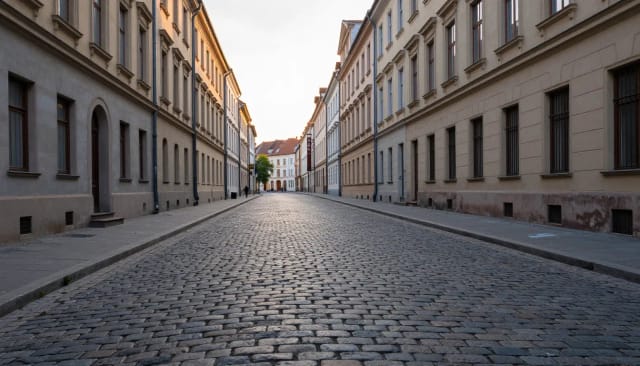
Under the hood, the tool doesn't just cut out the object — it analyzes the surrounding pixels and generates a matching fill so textures, shadows, and colors line up with the rest of the image. That's why a removed lamppost leaves believable sky behind it instead of an obvious smudge.
The framing stays the same as the photo you uploaded, so you can send the clean shot straight to the next step in your workflow. Many people run it through the image upscaler for extra sharpness or drop a product cutout onto a fresh backdrop with the background remover.
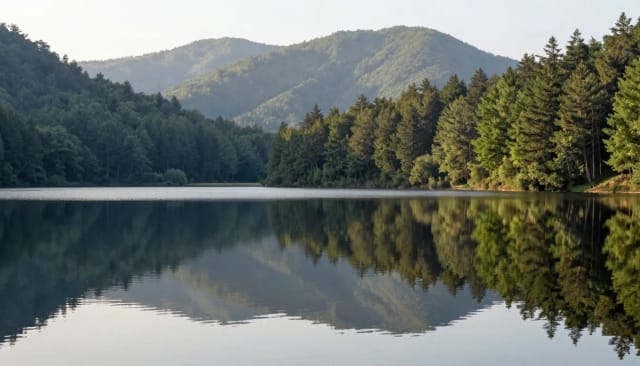
Doing this by hand means selecting edges precisely, cloning source areas, and blending until nothing looks off — slow work that punishes a shaky selection. The AI Object Remover skips that. You brush over what to remove and get a finished edit without touching a single layer mask.
It fits alongside the rest of CreArt's editing kit: fix uneven lighting and dull colors with the AI photo enhancer, or turn a casual selfie into something polished with the AI headshot generator. Each tool covers one job well, so you pick the one that matches what you're fixing.
Who it's for
Who the AI Object Remover is for
Online sellers and e-commerce teams
Clear props, price tags, and clutter from product photos so listings look clean and consistent, without paying for a retoucher on every shot.
Real estate and interior photographers
Remove trash cans, cars, cables, and reflections from property photos so rooms and exteriors read as tidy and inviting to buyers.
Social media creators
Erase photobombers and background distractions from travel and lifestyle shots before they go up, keeping the focus on the subject.
Everyday photo owners
Fix the strangers and signs that landed in an otherwise perfect memory, without learning a full photo editor to do it.
Designers and marketers
Pull unwanted elements out of stock and brand images fast, then hand the clean file straight to the rest of your design workflow.
Pricing
Pricing for the AI Object Remover
Start free, then pick the plan that matches how many images you clean up.
Free
$0
- 100 credits every day
- The Auto model, on our own servers
- No card needed
Paid plans
Basic · Starter · Creator
- 1,600 to 10,000 credits a month
- Every AI model, including premium ones
- AI video, and no ads in the mobile app
Why choose it
Why use this AI object remover tool
What you get compared to editing photos by hand.
Remove objects from a photo without editing skills
Skip the selection tools and clone stamp. You paint over what to delete and the AI does the erasing and the background fill, so a clean edit is a stroke and a click instead of a careful hour in an editor.
Backgrounds rebuilt, not smudged
The AI generates a fill that matches the surrounding textures, shadows, and colors. A removed sign leaves believable wall behind it, not a blurry patch that gives the edit away.
Remove people and objects
Clear a photobomber from a group shot or a distracting object from a product photo: the same brush handles people and stray items.
Keeps your framing
The clean image keeps the shape of the photo you uploaded, so it's ready for listings or social straight away, with no re-cropping.
Free to try, no signup to start
Upload an image and run your first removal without creating an account. Try the AI object remover free before deciding whether you need more.
Fits a full editing workflow
Send a cleaned shot to the upscaler for sharper detail or the background remover for a clean cutout. Each CreArt tool handles one job, so you chain the ones you need.
Honest limits
What removes cleanly — and what will not
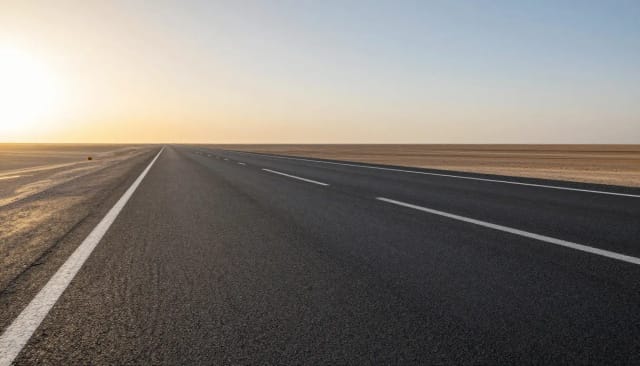
Objects surrounded by texture the AI can rebuild (grass, sky, walls, water, an empty street) vanish without a trace. That covers most cables, signs, trash bins and people standing against open ground.
In a crowd, the AI may fill the gap with another person, because what is behind a person there is more people. Objects touching your main subject, or covering half the frame, leave it guessing at too much: removing a person hugging another person will not end well.
Can AI remove objects from a picture?
How do I use AI to remove objects from a photo?
Is the AI object remover free?
Can it remove people from photos?
Will the edit look obvious?
Does removing an object lower the image quality?
What kinds of things can I remove?
How is this different from removing objects in photo editing software?
What is inpainting?

AI Photo & Image Editor
CreArt's AI Photo Editor is a free online tool that edits a photo from a plain description: clean it up, remove people from the background, change the sky or the light, or add something new, without sign-up and usually in under 20 seconds.


Background Remover
CreArt's Background Remover cuts the subject out of any photo for free, without sign-up, and gives you a transparent PNG, a pure white background or a solid color, usually in under 20 seconds.


AI Background Changer
CreArt's AI background changer replaces the background of any photo for free, without sign-up, usually in under 20 seconds: pick one of 10 scenes or describe your own.

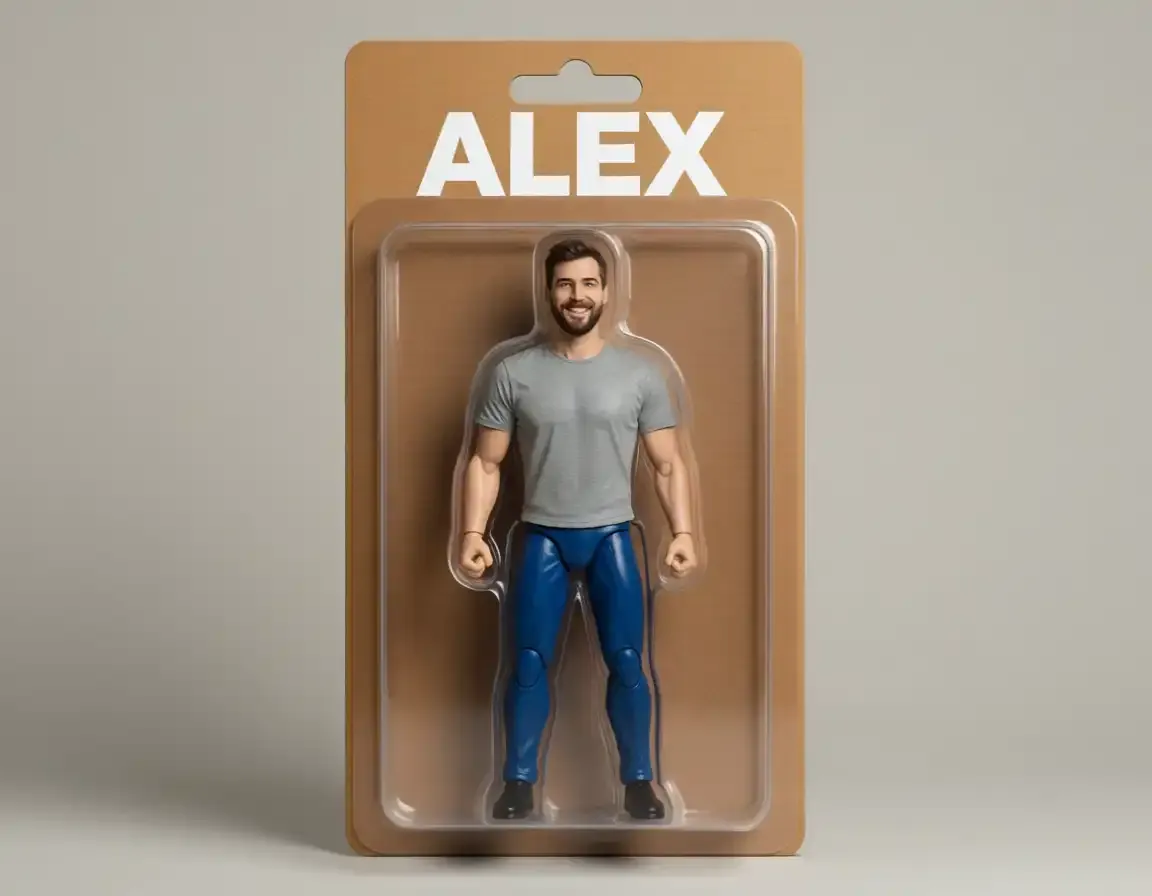
AI Action Figure Generator
CreArt's AI Action Figure Generator turns a photo into an image of a collectible figure, free and without sign-up: pick a blister pack, an anime figure, a vinyl toy or a superhero, add a name for the box, and get it usually in under 20 seconds.
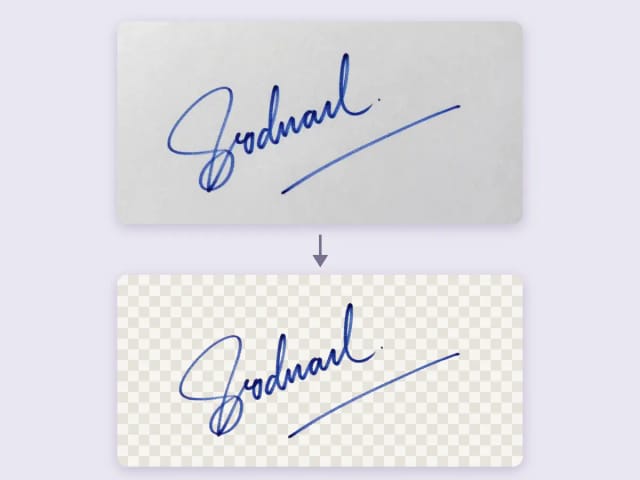
Remove Background from Signature
Remove the background from a photo of your signature for free, right in your browser: your signature never leaves your device. Keep the ink or make it black or blue, crop it to the edge and download a transparent PNG, with no sign-up and no watermark.
Ready to make something?
Open the tool, try the free Auto model and download the result.