
AI Photo Restoration
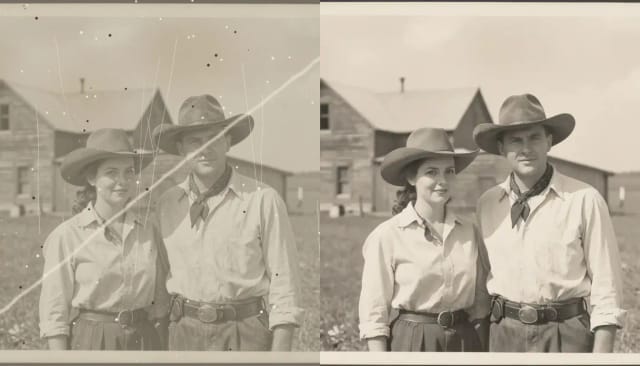
CreArt's AI photo restoration repairs old, damaged photos for free, without sign-up: it removes scratches, creases, stains and dust, rebuilds torn corners and brings back faded contrast, usually in under 20 seconds.
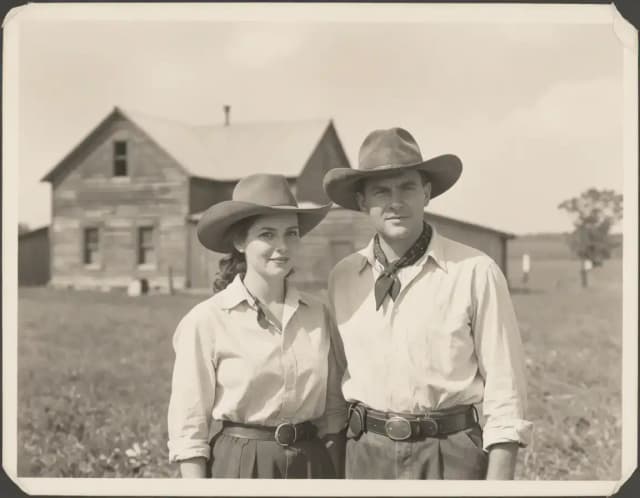

How it works
How to restore old photos in 4 steps
Scan or photograph the old photo
Scan the print, or take a photo of it with your phone: lay it flat in even light, without glare, and fill the frame. The original never leaves your hands.
Upload your old photo
Upload the scan or the phone photo. Scratched, creased, faded, yellowed or torn: the AI works on the damage you can see.
Let the AI restore it
The AI repairs scratches and creases, rebuilds missing areas and brings back faded contrast. Color is an extra: tick 'Also colorize' if you want it.
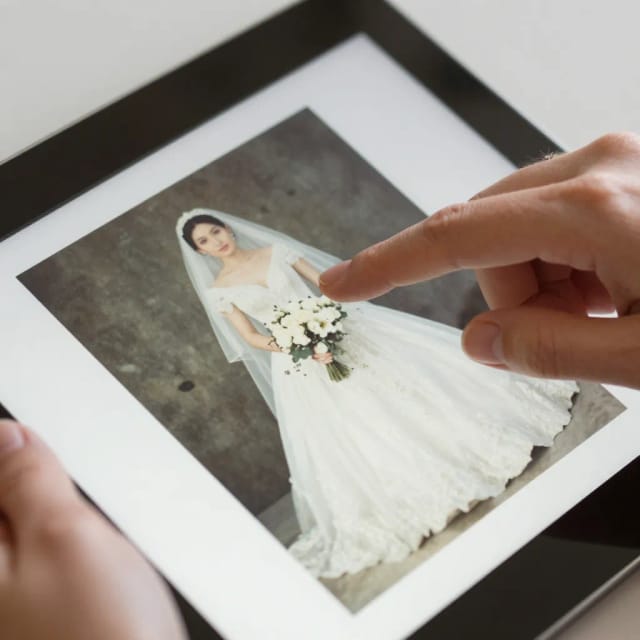
Compare and download
See the restored version next to the original, then download the clean result. If a scan still looks soft, run it through the sharpener or upscaler for a print-ready file.
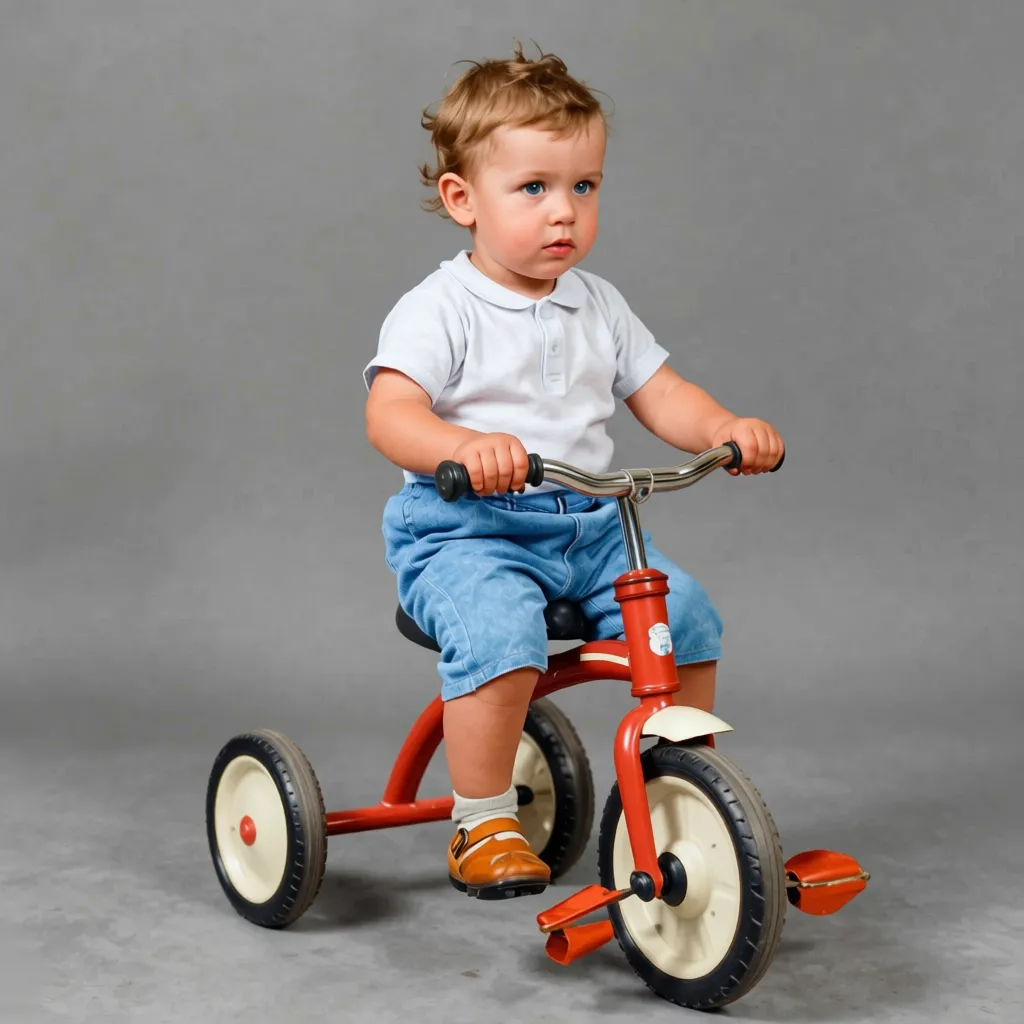 BeforeAfter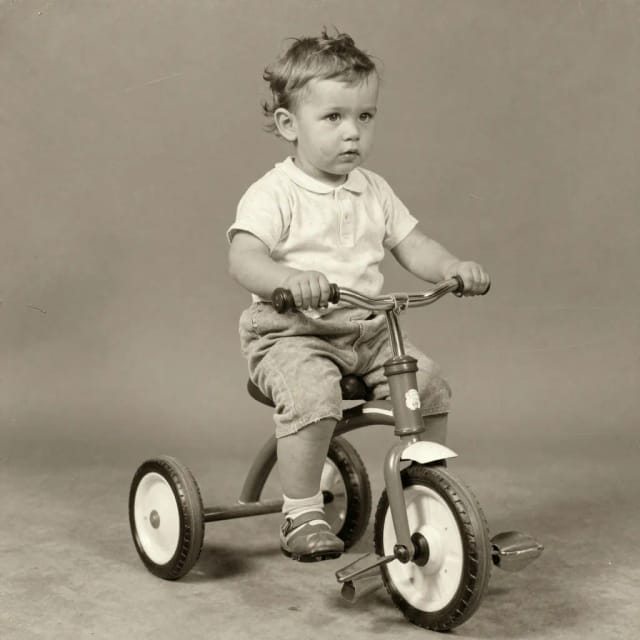
How it works
How AI Photo Restoration brings old pictures back to life
AI Photo Restoration is a free online tool that repairs old, damaged and faded photographs. You upload a scan or a phone photo of a print, and the AI removes scratches, creases, stains and dust, rebuilds torn or missing areas and brings back the contrast that time had worn away, usually in under 20 seconds.
It works on the kind of pictures most families keep in a shoebox: a wedding portrait with a crease across the middle, a childhood snapshot gone yellow, a photo with a corner ripped off. Color is an extra: tick 'Also colorize', or use the AI image colorizer for black and white photos that aren't damaged.
How the AI tells damage apart from the photo
The AI looks for what damage looks like (a thin bright line, a fold, a stain, a missing corner) and separates it from what the scene should be. A scratch running across a cheek is repaired from the detail around it instead of being smeared into the face.
That is why results look natural rather than blurred: faces stay recognizable and fabric and hair keep their structure. If a scan comes out soft, follow up with the AI image sharpener, or make it bigger with the image upscaler for large prints.
Cheaper and faster than a restoration studio
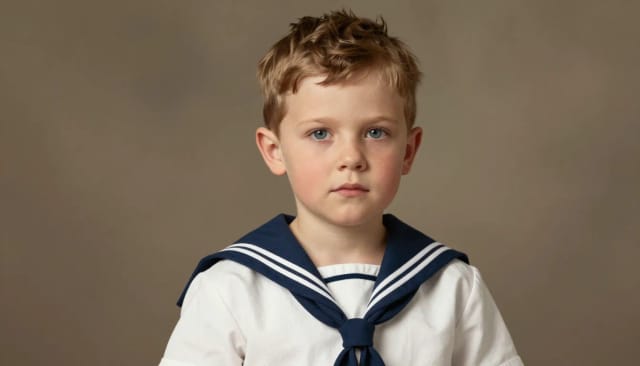
Restoring old photos by hand takes real skill and patience, and a restoration studio charges per photo and takes days. The AI does the repetitive repair work first, so you keep the result or start manual edits from a much cleaner base.
For a step-by-step guide, from scanning to printing, read how to restore old photos. To lift a portrait off a busy backdrop before printing, use the background remover.
Who it's for
Who restores old photos with this tool
Families digitising a shoebox
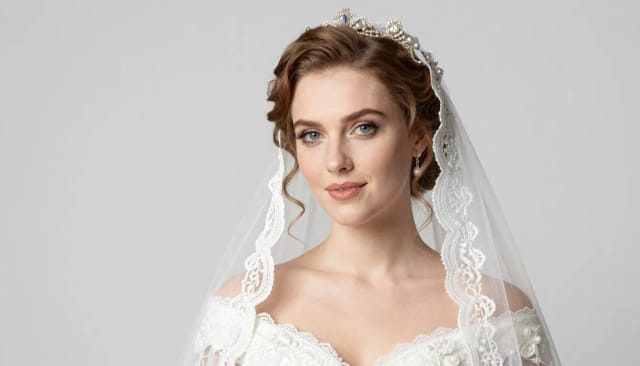
Anyone scanning decades of prints who wants creased, yellowed and torn family pictures cleaned up before archiving or sharing them.
People preserving a legacy
Those restoring photos of parents and grandparents for anniversaries, memorials or reunions, wanting faces to stay true to the originals.
Genealogy and history buffs
Family-tree researchers reviving old portraits and documents so faded faces and details are readable again.
Anyone avoiding a studio bill
People who don't want to pay per photo or learn photo editing software, and just need old photos restored quickly and cheaply.
Pricing
Restore old photos for free, upgrade for more
Try the AI photo restoration on your own damaged prints for free, then pick a plan when you need to restore more photos.
Free
$0
- 100 credits every day
- The Auto model, on our own servers
- No card needed
Paid plans
Basic · Starter · Creator
- 1,600 to 10,000 credits a month
- Every AI model, including premium ones
- AI video, and no ads in the mobile app
Why CreArt
Why restore old photos with this AI tool
Repairs real physical damage
Removes scratches, creases, dust spots and tears, and rebuilds ripped corners or missing edges based on the surrounding detail.
Keeps faces recognisable
The AI tells damage apart from actual features, so a scratch across a cheek gets fixed without smearing the face underneath.
Usually under 20 seconds
What takes hours of cloning and healing in an editor is usually ready in under 20 seconds, to keep or touch up further.
Optional colorize
Add tone to a black-and-white or heavily faded print with a single checkbox, turning an old grey snapshot into a colour image.
Free to try, no signup
Upload a damaged photo and see the restored version before committing to anything — no software to install.
Pairs with other fixes
Chain restoration with the upscaler or the sharpener to boost resolution and print old family pictures large.
Honest limits
What restoration recovers — and what is gone
Scratches, creases, spots and fading lift off remarkably well, because the damage sits on top of an intact image. Most attic photos are in this category.
Where the emulsion is missing — torn corners, water damage that dissolved a face — the AI reconstructs a plausible version, not the true one. On faces of loved ones, treat large reconstructions as an artist's impression.
How do I restore old photos?
Can I restore old photos online for free?
How do I restore blurry old photos on my phone?
Where can I restore an old photo for free?
Do I need to take my photo to a shop?
Does the AI colorize black-and-white photos too?
Will restoration change how faces look?
What kinds of damage can it fix?
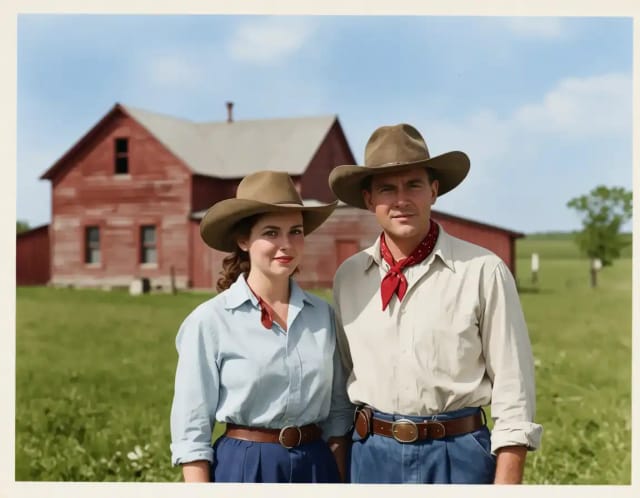
AI Image Colorizer
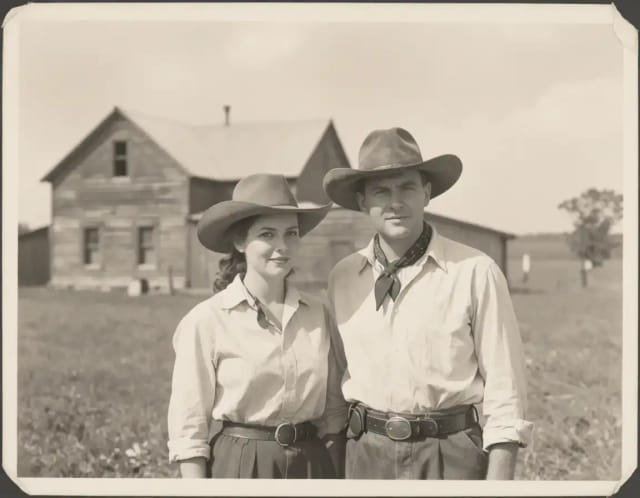
CreArt's AI image colorizer turns black and white photos to color with its best guess of the original colors, free and without sign-up, usually in under 20 seconds. Add a color hint, like "red dress", when a detail matters.
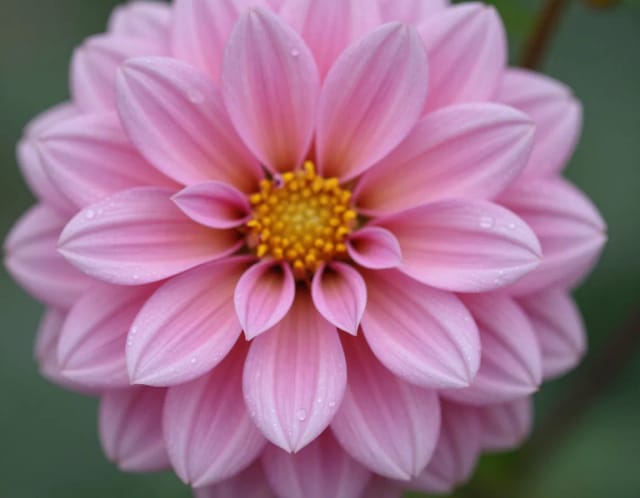
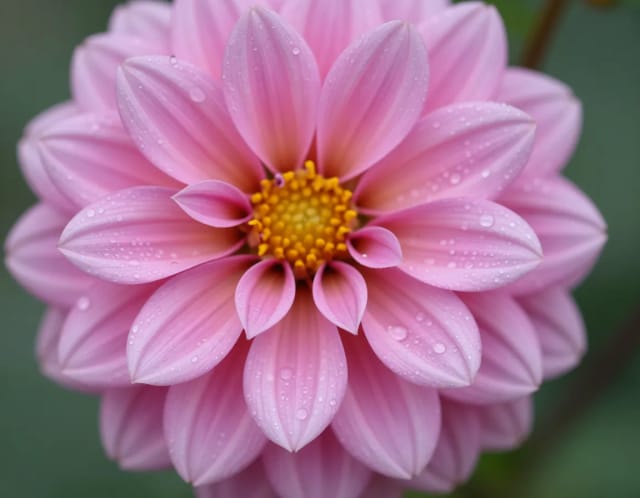
AI Image Sharpener
CreArt's AI Image Sharpener brings soft photos back into focus for free, without sign-up, usually in under 20 seconds: crisp edges in eyes, hair, text and product details. Tell it what should be sharpest, or leave it blank.
AI Unblur Image
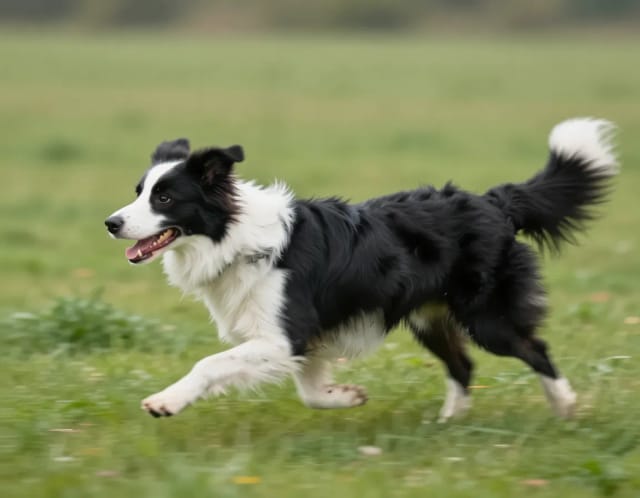
CreArt's AI Unblur Image removes out-of-focus and motion blur from photos for free, without sign-up, usually in under 20 seconds. Turn on Prioritize faces to get eyes and skin back first.
Blur Background
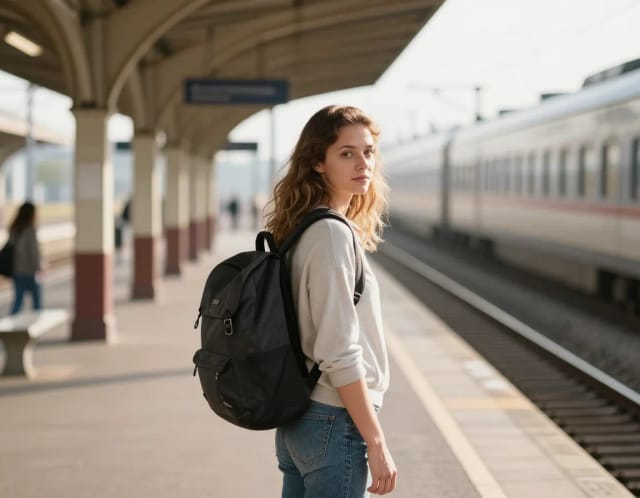
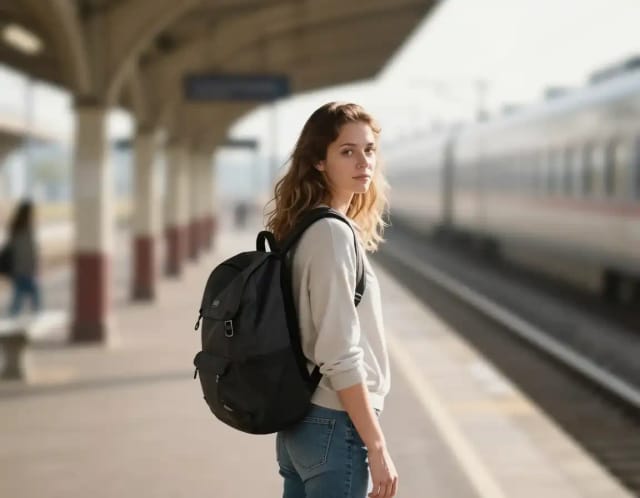
CreArt's Blur Background is a free AI tool that blurs the background of a photo and keeps the subject sharp, without sign-up and usually in under 20 seconds. Pick Strong blur for a clean portrait look or Cinematic bokeh for circles of light behind your subject.
AI Relight
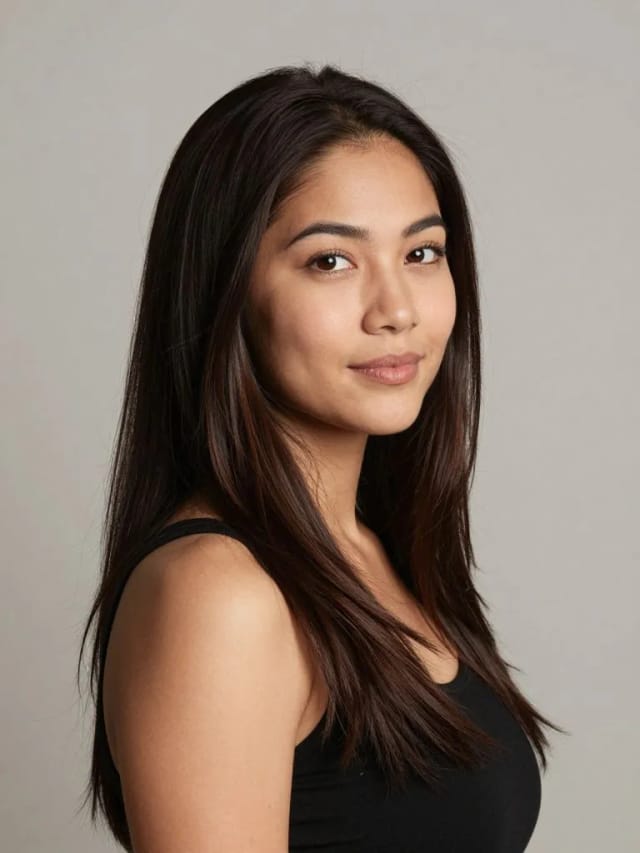
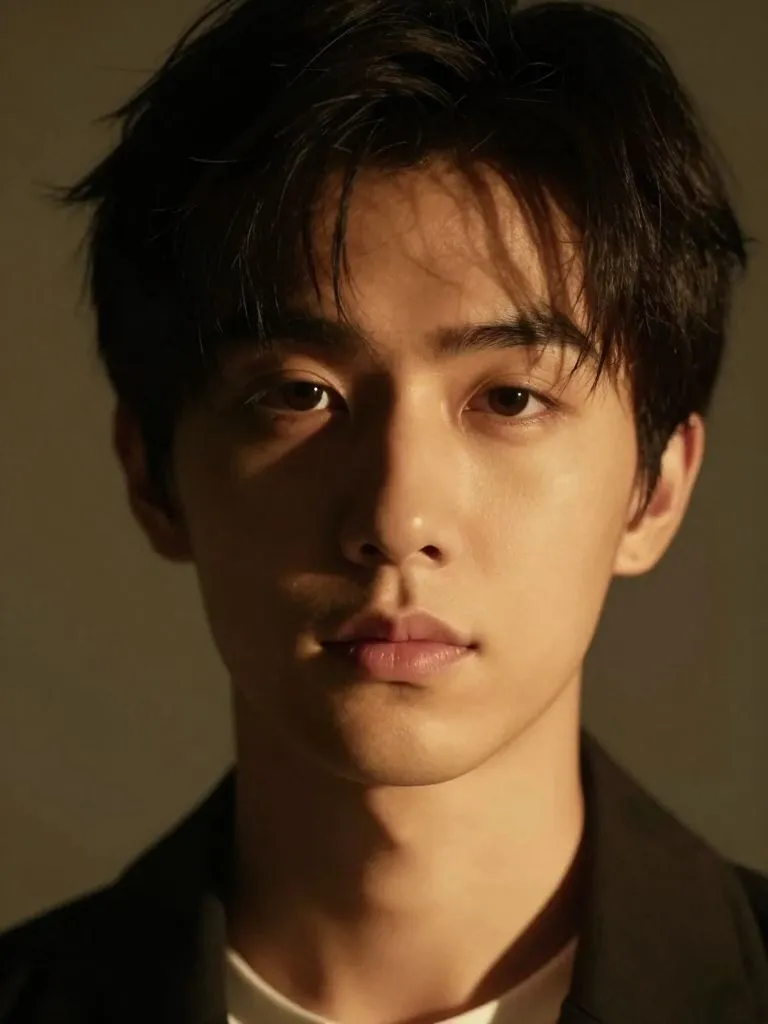
Change the lighting of any photo with AI. Pick neon, warm, cool blue, spotlight or cinematic and let the AI re-light the scene in seconds.
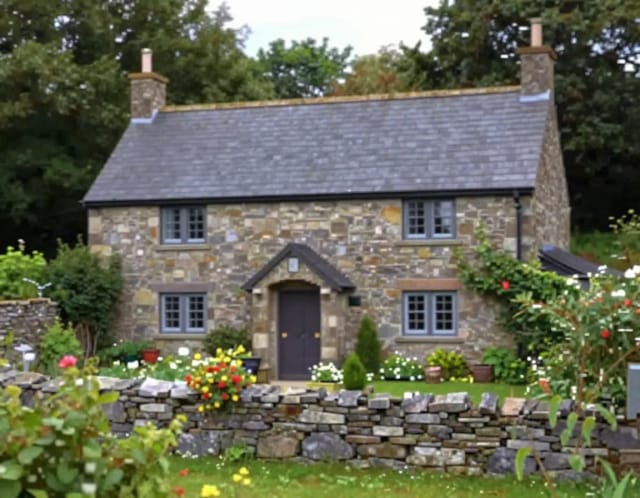
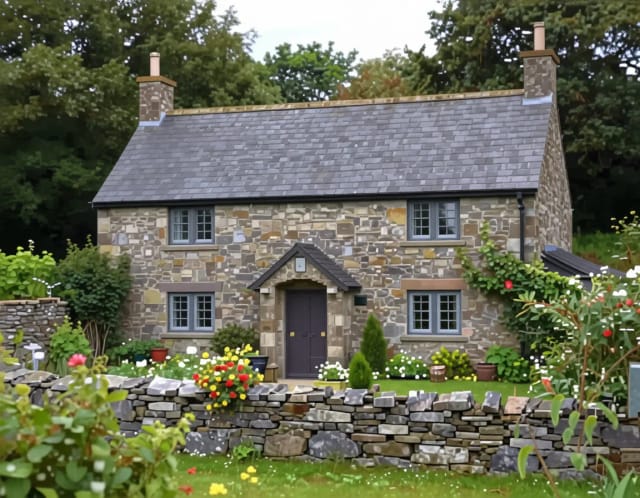
Image Upscaler
CreArt's Image Upscaler enlarges photos 2x or 4x with a dedicated AI upscaling model: a 1,000 × 1,500 px photo becomes 4,000 × 6,000 px. You see the exact output size before you start. Free to try, no sign-up.
Ready to make something?
Open the tool, try the free Auto model and download the result.