
AI Mockup Generator
CreArt's free AI Mockup Generator puts your design on 15 products, from mugs and posters to book covers, usually in under 20 seconds. No sign-up.
Your design
Product · Mug
Scene
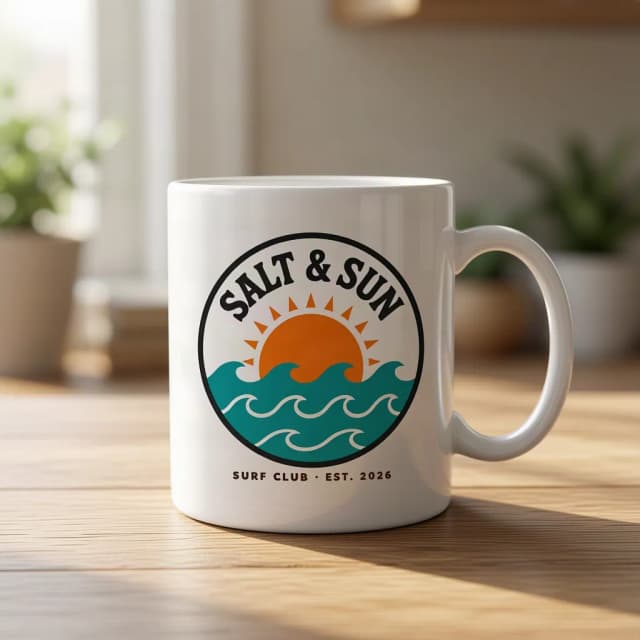
How to make a product mockup
Make a product mockup in 4 steps
From your design file to a product photo, without Photoshop or a template.
Upload your design
Add your logo, artwork or cover as a PNG or JPG. A plain white or single-color background around it is removed before printing. No design yet? Try the sample one.
Pick a product
Mug, framed poster, canvas print, book cover, notebook, phone case, phone screen, laptop screen, tote bag, cap, business card, box, water bottle, pillow or shopping bag. Clothing has its own page: the t-shirt mockup generator.
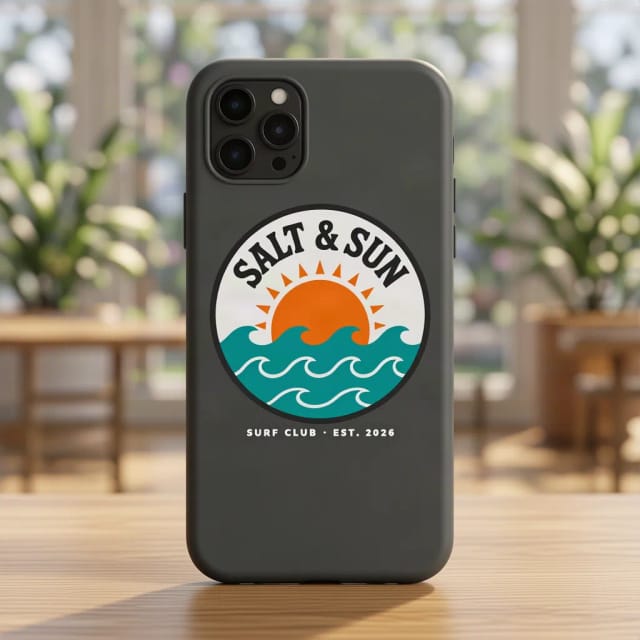
Choose the scene
Lifestyle puts the product in a real setting with daylight; Studio shows it on a plain light background.
Create and download
Press Create my mockup. The design follows the shape, curve and material of the product, usually in under 20 seconds, and you download the photo for your listing, your ads or a pitch.
Your design on 15 products
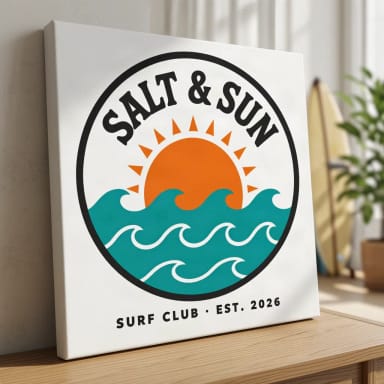
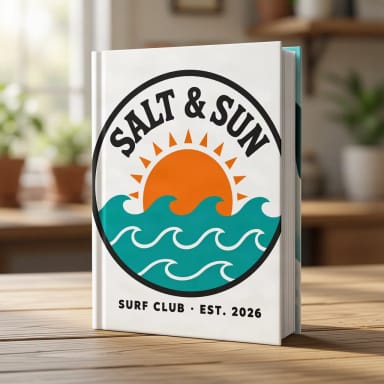
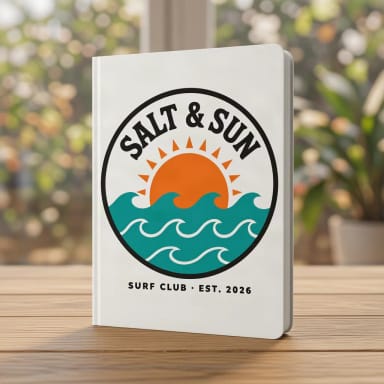
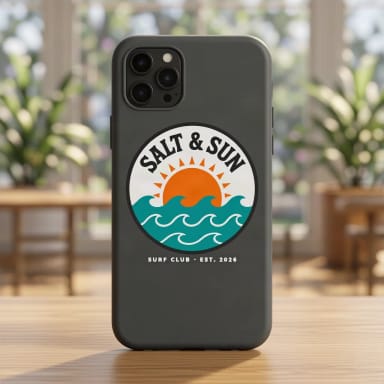
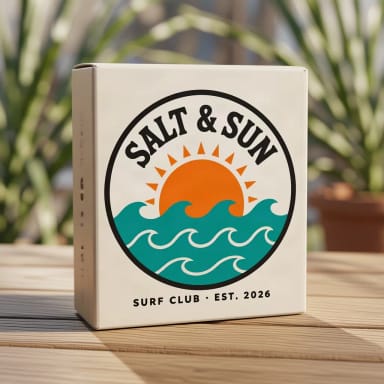
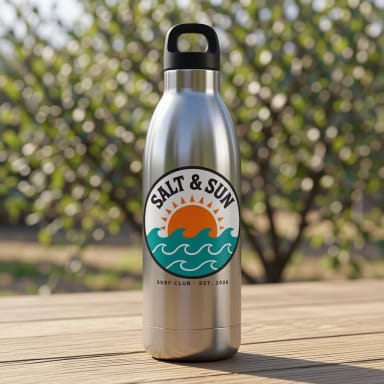
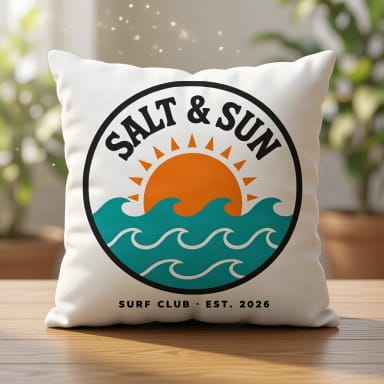
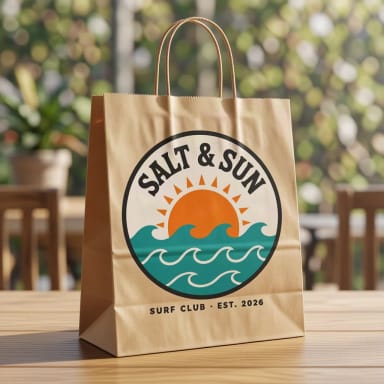
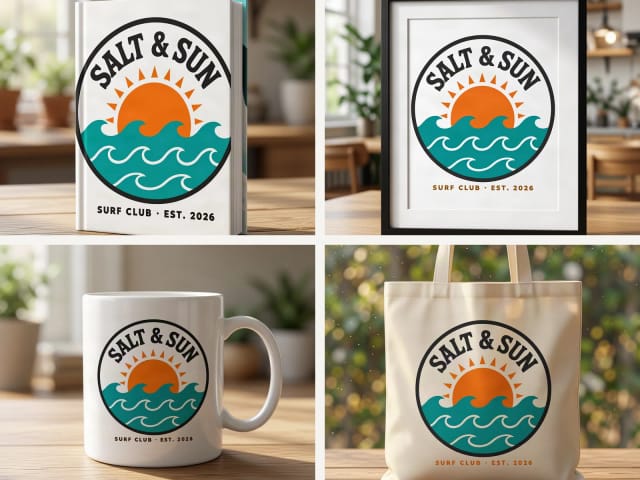
The same sample design on every product, made with this tool. Tap one to start with it.

Book, poster and print mockups
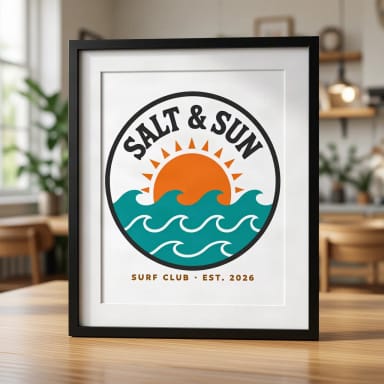
Book cover puts your design on the front of a hardcover standing on a table, a quick way to show a cover before it is printed. It shows the front cover only, not the spine or the back. Framed poster places the artwork inside a thin black frame with a white mat; Canvas print wraps it around a gallery canvas.
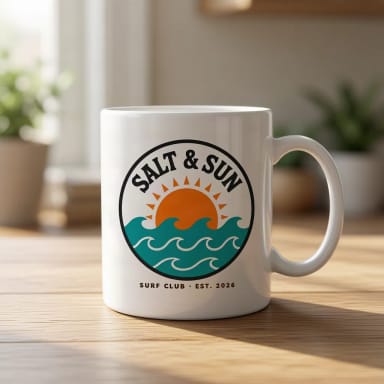
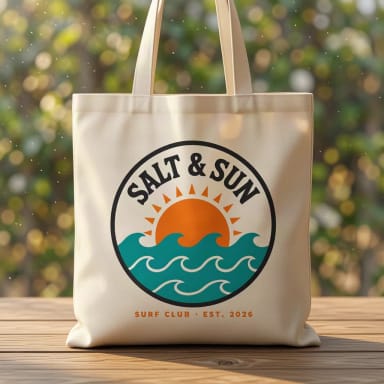
Mug prints the design on the side of a white ceramic mug, curving with it; for 11 and 15 oz, two-tone, enamel and travel mugs, wrap-around prints and gift shots, use the mug mockup generator. Notebook, pillow, water bottle and shopping bag work the same way: one upload, and the design takes the shape and the light of each product; for canvas, black-handle and all-over print totes, use the tote bag mockup generator. Writing the book too? Design the cover first with the book cover generator.
Stickers have their own page: die-cut, round and kiss-cut stickers in glossy, matte, holographic or clear vinyl, on a laptop, a water bottle or a notebook, in the sticker mockup generator.
Screens
Phone and laptop screen mockups
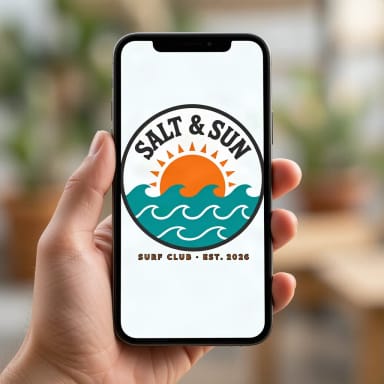
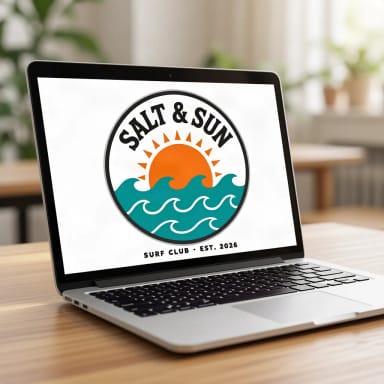
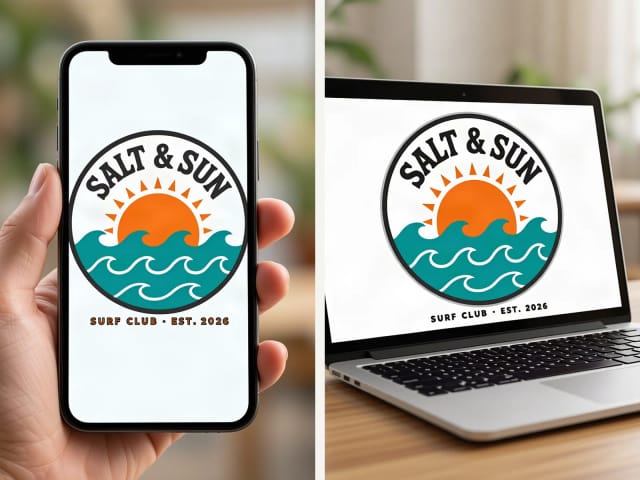
Phone screen shows your design on a smartphone held in a hand; Laptop screen puts it on an open laptop on a desk. Use them to present an app screen, a website, a wallpaper or a social post. The whole image is shown centered on the screen, so for a long web page upload the part you want people to see.
Phone case is different: it prints the design on the back of a matte case, like a real product you would sell.
Brand
Logo mockups for a whole brand kit
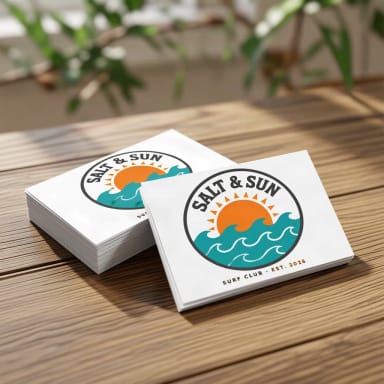
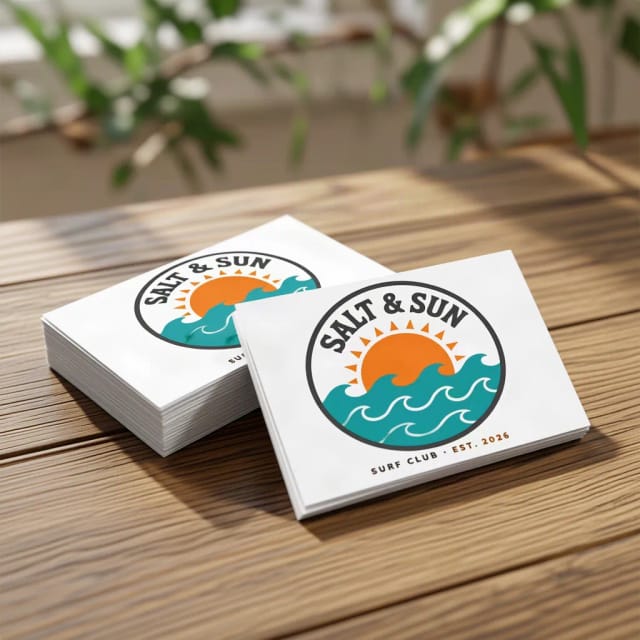
Business cards, a box, a shopping bag, a cap, a water bottle and a tote: with the same logo file you can show how a brand looks on its stationery, packaging and merch, and send it to a client before anything is printed.
A transparent PNG gives the cleanest result, but a logo on a plain white background is cut out automatically. The AI is told to keep the logo as it is, letters included; small details can shift, like thin text coming out darker, so if something is off create it again. Need the logo itself? Make one with the AI logo generator. Shirts and hoodies are in the t-shirt mockup generator.
What you get
What the mockup generator includes
Everything you can pick, in one table.
| Feature | Details |
|---|---|
| Products | Mug, framed poster, canvas print, book cover, notebook, phone case, phone screen, laptop screen, tote bag, cap, business card, box, water bottle, pillow and shopping bag |
| Scenes | Lifestyle (a real setting with daylight) or Studio (plain light background) |
| Clothing | T-shirts, hoodies and 5 more garments, in 12 colors, in the t-shirt mockup generator |
| Your file | PNG or JPG; a plain background around the design is removed automatically |
| Price | Free with the Auto model, without an account; plans add more mockups a day |
Who it's for
Who the mockup generator is for
Anyone who needs to show a design on a product before the product exists.
Etsy and print-on-demand sellers
Show the same design on a mug, a poster, a tote and a pillow, and list only what looks good.
Designers and agencies
Present a logo on business cards, packaging and merch instead of a flat file, and get the client to say yes sooner.
Self-published authors
Show your cover on a hardcover for the store page, the launch post or an ad.
App and web designers
Put a screen on a phone or a laptop for a portfolio, a pitch deck or a launch page.
Small brands
See your logo on a box, a bottle or a cap before you order stock.
Why use it
Why use this free mockup generator
Fifteen products from one upload, without templates or Photoshop.
15 products, one upload
From mugs, posters and book covers to phone screens, business cards and packaging.
Printed, not pasted
The design follows the shape, curve and material of each product, with the same light and shadows.
Lifestyle or studio
A real setting for social posts, or a plain background for a clean listing photo.
Background removed for you
A logo on a white or plain background is cut out before printing, so only the design lands on the product.
Free, no sign-up
Make product mockups with the Auto model for free every day, without an account.
No templates
Each mockup is a new photo made around your design, not the same stock template everyone else uses.
Pricing
Free to start, more when you list more
Make product mockups for free with the Auto model, no account needed. Pick a plan when you need more mockups a day.
Free
$0
- 100 credits every day
- The Auto model, on our own servers
- No card needed
Paid plans
Basic · Starter · Creator
- 1,600 to 10,000 credits a month
- Every AI model, including premium ones
- AI video, and no ads in the mobile app
Is this mockup generator free?
What products can I put my design on?
Can I make a book mockup?
Can I make a poster or mug mockup?
Can I show my app or website on a phone or laptop?
What is the difference between Lifestyle and Studio?
What file should I upload?
Is this an AI mockup generator or a template tool?
Can I use the mockups commercially?
Can I make a t-shirt or hoodie mockup here?
CreArt is not affiliated with, endorsed or sponsored by Etsy. Etsy is a trademark of Etsy, Inc.
Tote Bag Mockup Generator
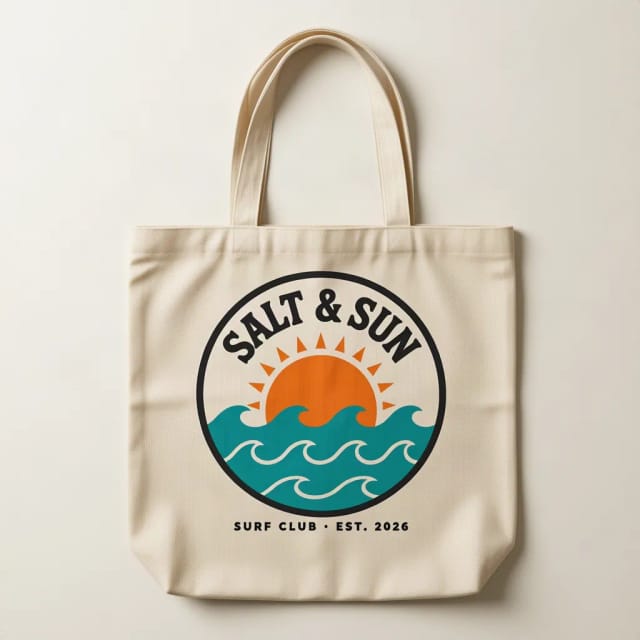
See your design on a canvas tote bag, flat, hanging or on a shoulder.
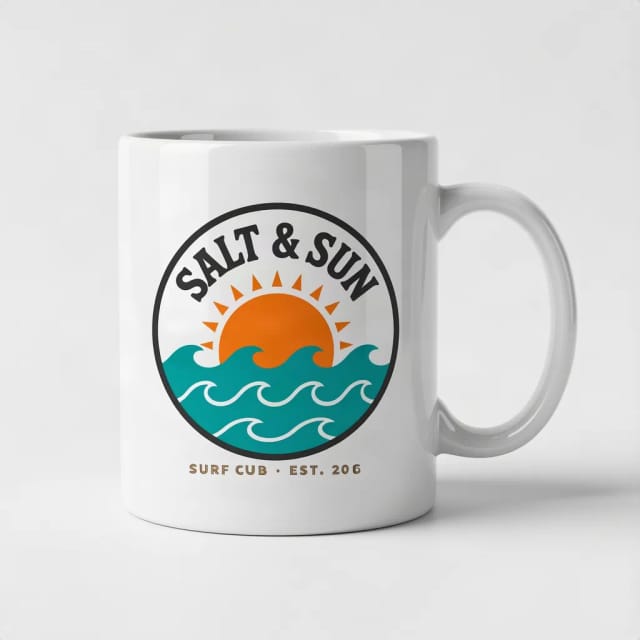
Mug Mockup Generator
See your design on a coffee, two-tone, enamel or travel mug, in hand or as a gift.
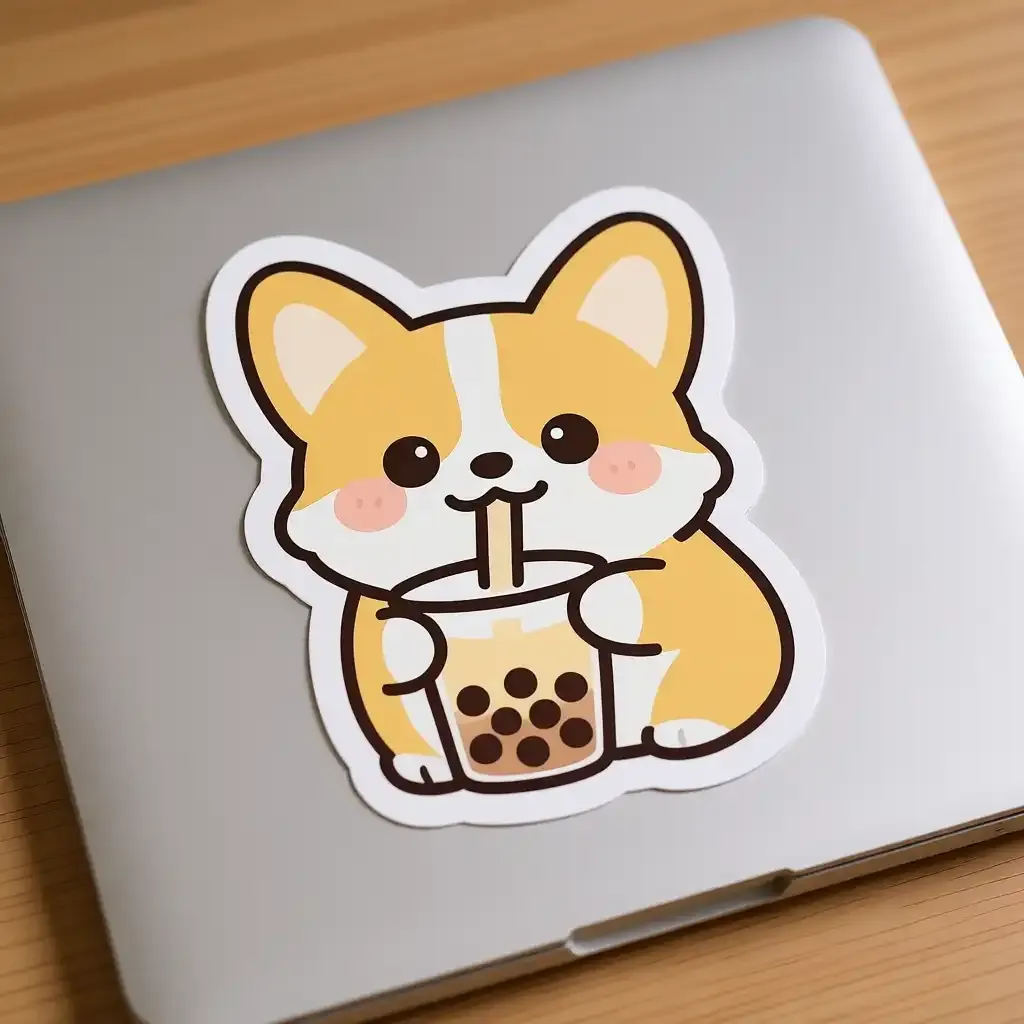
Sticker Mockup Generator
See your design as a die-cut, round or holographic sticker on a laptop or a bottle.
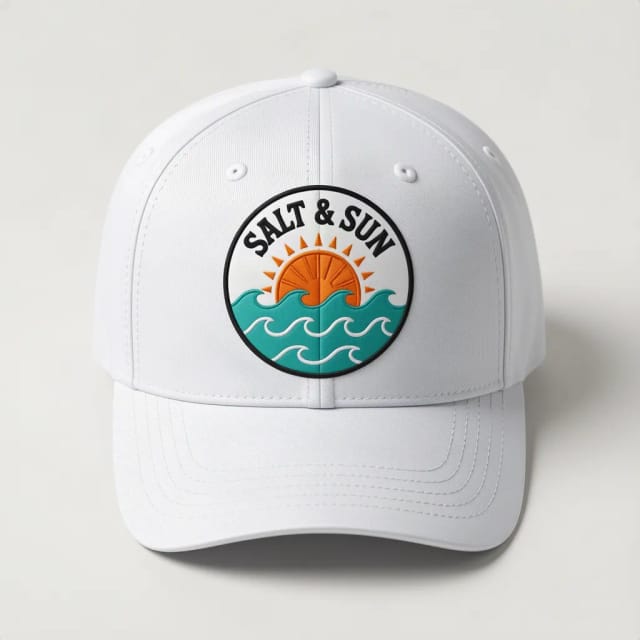
Cap & Hat Mockup Generator
See your logo on a cap, trucker, bucket hat or beanie, embroidered or printed.
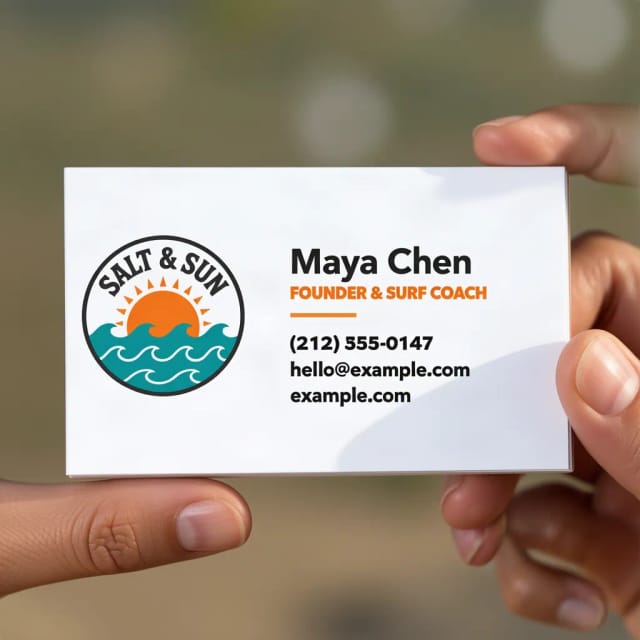
Business Card Mockup Generator
See your logo or card design on a business card, in hand or on a desk.
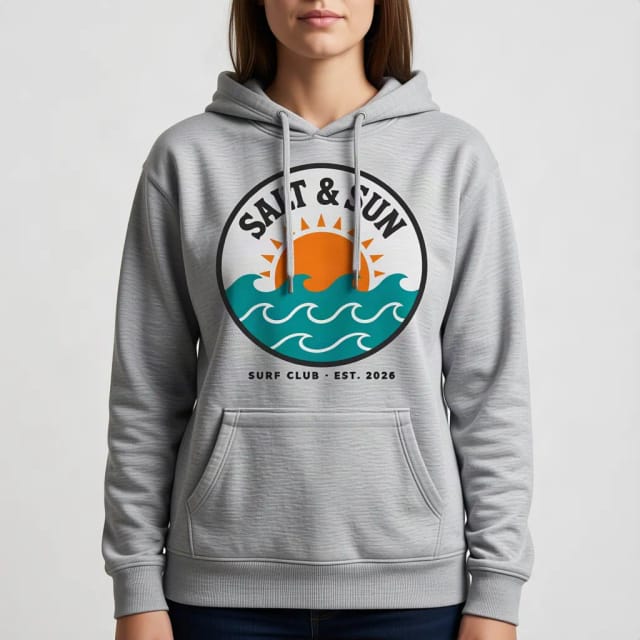
Hoodie Mockup Generator
CreArt's free Hoodie Mockup Generator puts your design on a pullover or zip-up hoodie or a crewneck sweatshirt in 12 colors, front or back, usually in under 20 seconds. No sign-up.

AI Album Cover Maker
Make an album cover with AI: describe your music, pick one of 16 styles and add your name and title, spelled right. Free, no sign-up.

AI Logo Generator
Free AI logo maker: the AI draws your symbol and your name is set in real fonts, never misspelled.
Ready to make something?
Open the tool, try the free Auto model and download the result.