
AI Interior Design
Free AI interior design for the room you have: upload a photo and see it in 14 styles, from Japandi to Art Deco, usually in under 20 seconds. Walls, windows and floor stay.
Your photo
Your wishes (optional)
Walls, windows and floor stay where they are. Furniture, decor and lighting change to the style.
Style · Modern
10 free tries a day with Auto · No sign-up
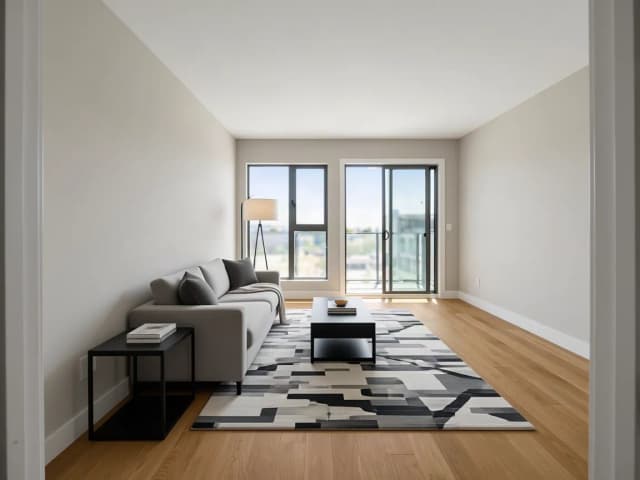

All AI Interior Design tools
8 tools in this category. Pick the one that matches your task.
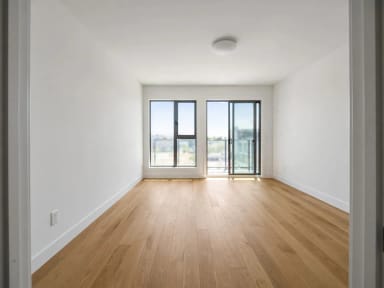 AI Room DesignerCreArt's free AI Room Designer redesigns a photo of any room in 14 interior styles and 8 room types, keeping your walls and windows, usually in under 20 seconds. No sign-up.
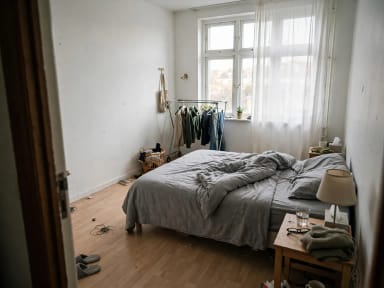 AI Bedroom DesignCreArt's free AI Bedroom Design turns a photo of your bedroom into ideas for 6 bedroom types and 16 styles, from cozy to hotel suite, usually in under 20 seconds. No sign-up.
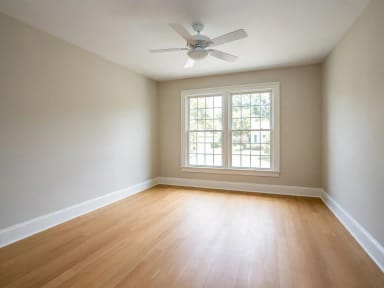 Virtual Staging AICreArt's free AI virtual staging furnishes a vacant listing photo in 10 buyer-friendly styles, or empties a furnished one, usually in under 20 seconds. No sign-up.
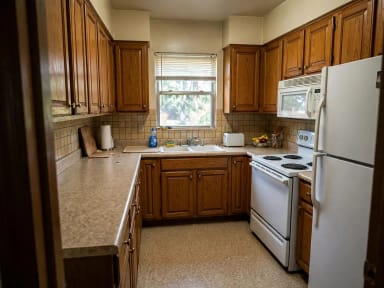 AI Kitchen DesignCreArt's free AI kitchen design remodels a photo of your kitchen in 8 styles, with any cabinet color, countertop and backsplash, usually in under 20 seconds. No sign-up.
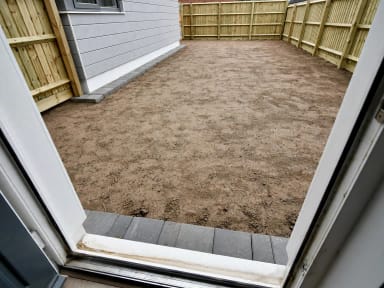 AI Garden DesignCreArt's free AI Garden Design replants a photo of your garden in 10 styles, for full sun, part shade or shade, usually in under 20 seconds. No sign-up.
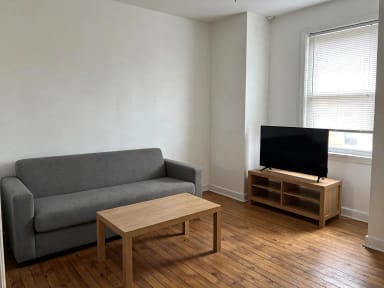 AI Home DecorCreArt's free AI Home Decor adds plants, wall art, textiles and lighting to a photo of your room in 10 styles, without moving your furniture.
 AI Landscape DesignTurn a photo of your yard into realistic AI landscape design concepts in seconds. Pick a style, see the redesign, and plan before you dig — free to try online.
 Paint VisualizerCreArt's free Paint Visualizer repaints a room's walls or the outside of your house in 12 colors or any color you name, usually in under 20 seconds.
By task
What do you want to do?
Pick a task, then a starting point: the tool opens with it already selected.
How it works
Design your interior with AI in 4 steps
One photo of your room is all you need. No account, no download.
Upload a photo of your room
Daylight, taken from a corner, with the walls and windows in view. Empty or furnished both work. No photo at hand? Try one of the sample rooms.
Pick an interior style
Fourteen styles, from modern, Scandinavian and Japandi to industrial, Art Deco and dark academia.
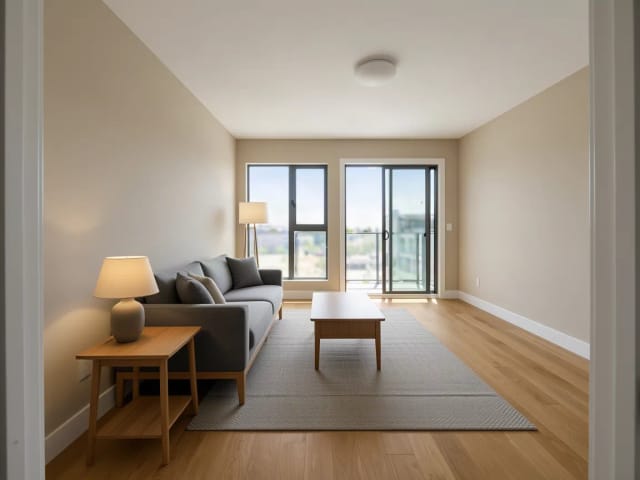
Add your wishes
Optional: keep the sofa, more plants, warmer light, a reading corner.
Compare and download
Slide between your photo and the new design, try another style on the same photo, and download the one you like.
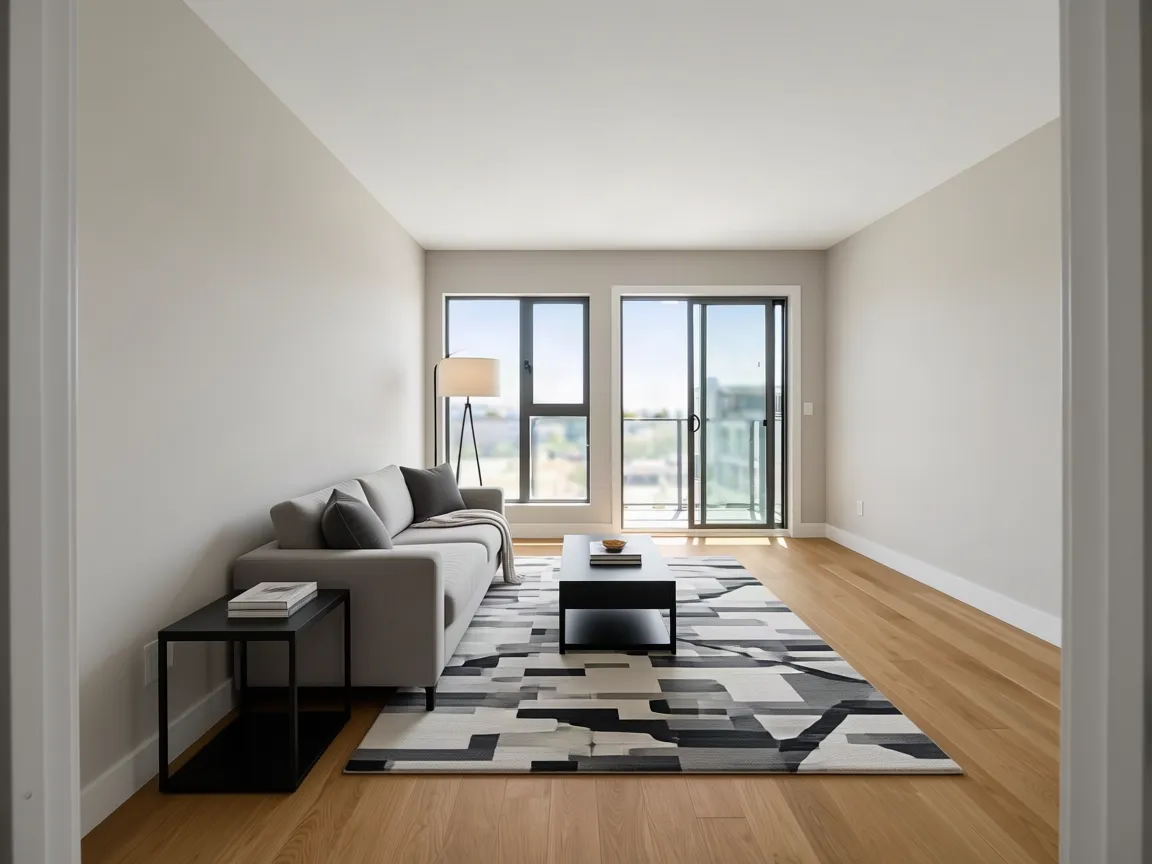 BeforeAfter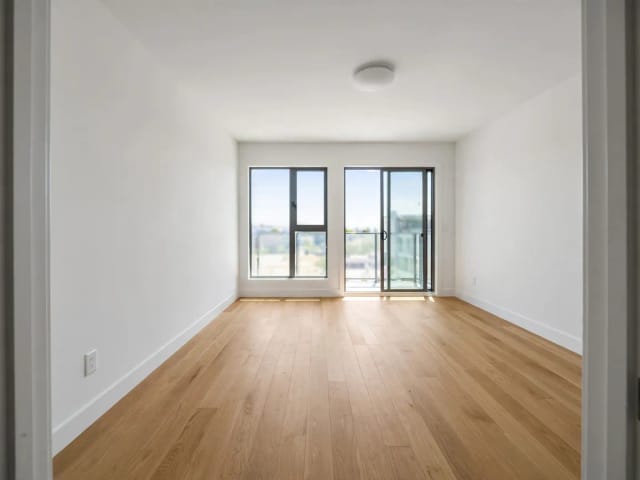
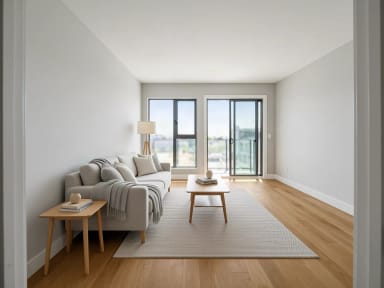
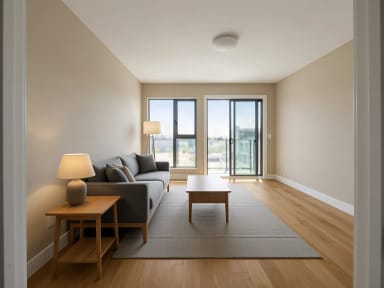
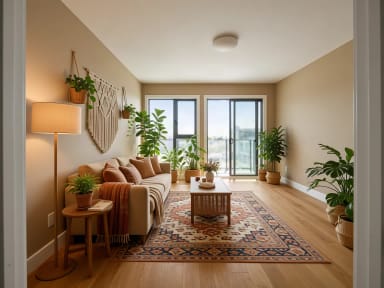
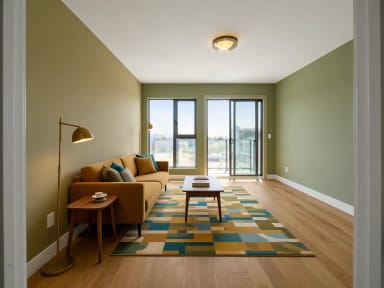
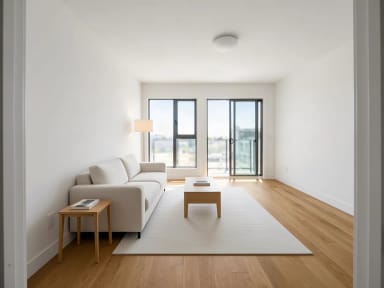
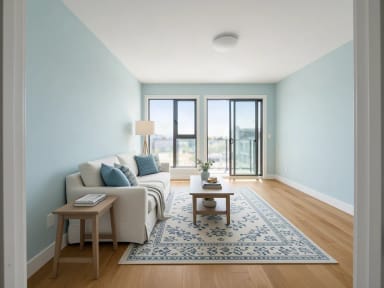
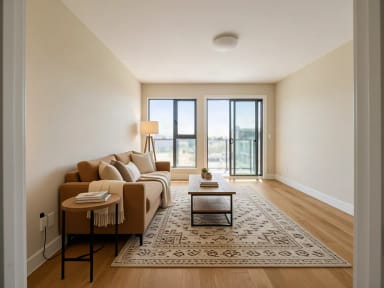
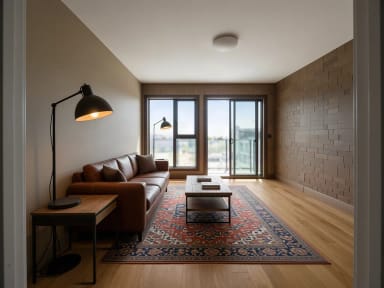
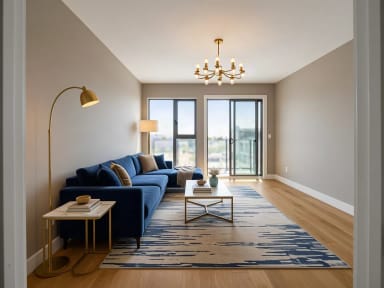
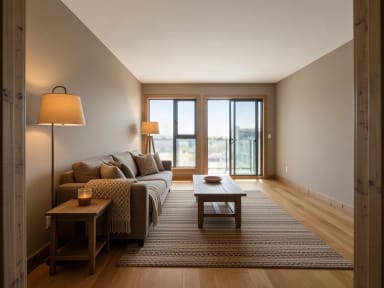
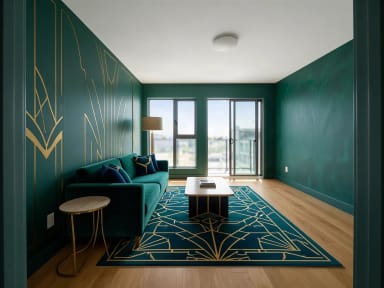
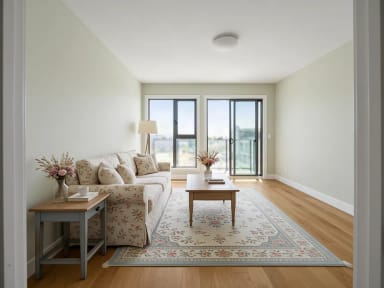
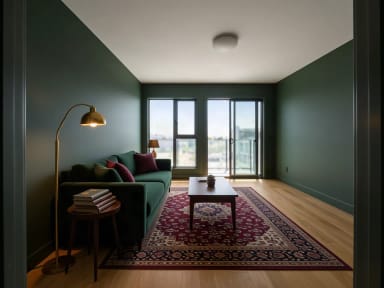
Interior design styles: 14 looks for the same room
Each style on the same empty living room, so you can compare them side by side. Tap a style to try it on your own photo.
Style guide
What defines each interior design style
The colors, materials and furniture that make each of the 14 styles recognizable.
Modern
Clean lines, a neutral palette of white, grey and black, and low, sleek furniture.
Scandinavian
Light woods, white and soft grey, cozy wool textiles and simple shapes: bright and practical.
Japandi
Japanese calm meets Scandinavian warmth: low wooden furniture, beige and charcoal, paper lamps.
Boho
Layered rugs and textiles, rattan and macramé, lots of plants and warm earthy tones.
Mid-century modern
Walnut furniture on tapered legs, mustard, teal and olive accents and retro lighting.
Minimalist
Very few pieces, calm empty space and a white and light-wood palette.
Coastal
Whites and soft sea blues, light woods and linen: airy and bright.
Farmhouse
Warm natural wood, black metal accents and cream textiles, rustic but modern.
Industrial
Dark metal, leather, raw wood, brick tones and Edison bulbs, like a converted loft.
Luxury
Velvet upholstery, marble surfaces, brass accents and statement lighting.
Rustic
Reclaimed wood, stone tones, chunky knits and warm cabin lighting.
Art Deco
Geometric patterns, emerald and navy velvet, brass and black lacquer, glamorous curves.
Cottagecore
Floral prints, vintage painted wood, lace, dried flowers and soft pastel colors.
Dark academia
Dark wood, deep green and burgundy, leather, stacked books and warm brass lamps.
Any style
One photo, fourteen interior styles
Upload a photo of the room you have and the AI redesigns it in the style you pick: new furniture, rugs, curtains, lighting and decor, while the walls, windows, doors, floor and camera angle stay where they are. The walls may be repainted to suit the style. It works on empty rooms and on furnished ones.
Try a few styles on the same photo and compare them before you buy anything. Each design usually takes under 20 seconds.
One family of tools
Which AI interior design tool do you need?
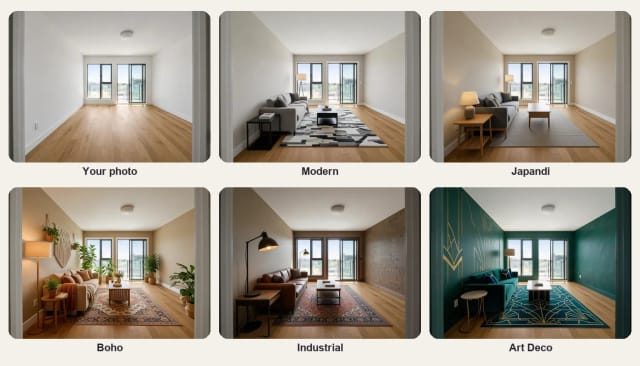
Start here to see a room in a new style. For a specific job, each tool has its own options: the AI room designer furnishes a room for a use, from home office to kids room; AI bedroom design has bedroom types and two extra styles; AI kitchen design changes cabinet colors, countertops and backsplash; the paint visualizer tries wall colors inside and outside; AI home decor adds plants, art and textiles without moving the furniture; AI garden design replants a garden; and virtual staging furnishes empty rooms for a listing.
What AI can and cannot do
What AI interior design can and cannot do
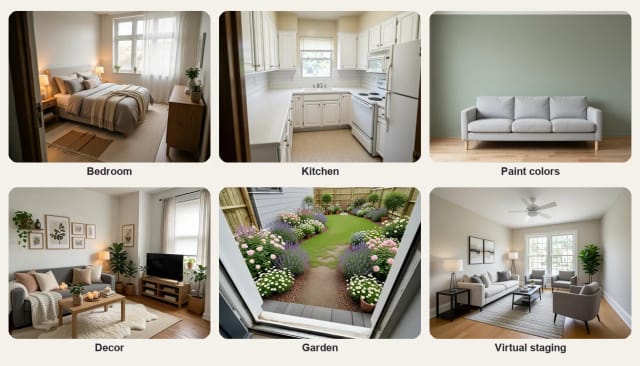
It can show your own room in a new style in seconds, keep the architecture as it is and give you a picture to compare, share or take to a store. It is a quick way to decide on a direction before spending money.
It cannot measure the room, check that a sofa fits or tell you where to buy each piece. Furniture and decor are suggestions, not real products, and colors on screen can differ from real paint and fabric. Use the result as a mood board.
Who it's for
Who AI interior design is for
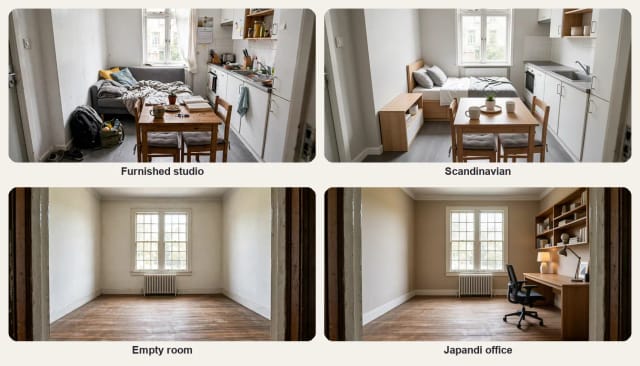
Anyone who wants to see a room differently before changing it.
Homeowners planning a makeover
Compare styles on your own room before you buy furniture or paint.
Renters and first apartments
Find a style that works with the space you have.
Real estate agents and hosts
Show buyers or guests what an empty room could look like; for listings, use virtual staging.
Interior designers
Turn a client photo into quick mood boards in several styles.
Anyone stuck on a style
See Japandi, industrial or Art Deco on the same photo and pick what you like.
Why choose it
Why use CreArt for AI interior design
A free interior design tool that works on a photo of your real room.
14 styles on your own photo
From modern and Scandinavian to Art Deco and dark academia, on the room you have.
Eight tools in one place
Rooms, bedrooms, kitchens, paint colors, decor, gardens, landscapes and virtual staging.
Your architecture stays
Walls, windows, doors, floor and camera angle stay where they are.
Keeps the shape of your photo
A wide photo stays wide, with the same framing as yours.
10 free tries a day
Design with the Auto model for free every day. Paid plans add more credits and models.
No sign-up
Upload a photo and start, without an account or a download.
Pricing
Plans for AI interior design
Design your rooms for free with the Auto model, no account needed. Pick a plan when you want more designs.
Free
$0
- 100 credits every day
- The Auto model, on our own servers
- No card needed
Paid plans
Basic · Starter · Creator
- 1,600 to 10,000 credits a month
- Every AI model, including premium ones
- AI video, and no ads in the mobile app
FAQ
Frequently asked questions about AI interior design
Still have a question? Visit the help center →
Is there an AI that can do interior design?
Is AI interior design free?
Can ChatGPT redesign my room?
Which app is best for interior design for free?
How do I use AI to design my room?
What are the main interior design styles?
What is the 3-5-7 rule in interior design?
Will it change my walls, windows or floor?
Can I design a kitchen, bedroom or garden?
Do I need an account?
Related tools




Ready to make something?
Open the tool, try the free Auto model and download the result.