
Image Upscaler
CreArt's Image Upscaler enlarges photos 2x or 4x with a dedicated AI upscaling model: a 1,000 × 1,500 px photo becomes 4,000 × 6,000 px. You see the exact output size before you start. Free to try, no sign-up.

How to use it
How to upscale an image in 3 steps
Pick the size before you start: the tool shows the exact result in pixels.
Upload your photo
Add the image you want to enlarge: a small product shot, an old scan, a screenshot or a thumbnail. JPG, PNG and WebP of up to 8 megapixels work.
Choose 2x or 4x
Each option shows the exact size you will get from your photo. 4x works on photos of up to about 3 megapixels; for bigger ones, 2x.
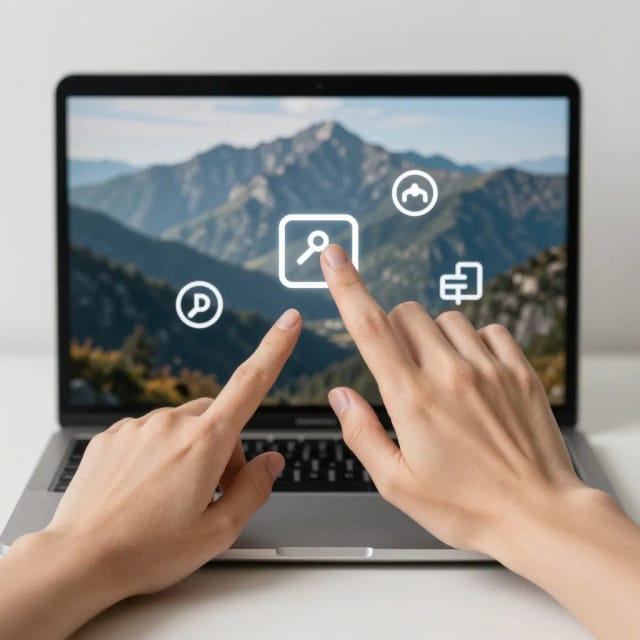
Upscale and download
Slide between the original and the upscaled image to compare, then download the high-resolution file.
How it works
How the CreArt Image Upscaler works
What the upscaler does to your photo, and what it leaves alone.
The Image Upscaler uses a dedicated AI upscaling model, not the photo editing model: it doubles or quadruples the width and height of your image and rebuilds edges and fine textures as it adds the new pixels, so the result looks sharp instead of stretched. Nothing in the scene is redrawn — same people, same objects, same colors, just more resolution.
That is the difference with the free AI Photo Enhancer: the enhancer fixes quality — blur, grain, low light — and returns a photo of about 1 megapixel, while the upscaler keeps the photo as it is and makes it bigger. For a small photo that is also blurry, enhance it first and then upscale the result.
Sizes and limits
2x or 4x: how big can it go?
2x doubles the width and height (four times the pixels) and works on photos of up to 8 megapixels, so a 12 MP phone photo needs to be smaller first. 4x multiplies them by four (sixteen times the pixels) and works on photos of up to about 3 megapixels, because the result is capped at 50 megapixels. A 1,000 × 1,500 px photo becomes 2,000 × 3,000 px at 2x and 4,000 × 6,000 px at 4x.
Upscaling sharpens and enlarges what exists; it cannot create detail that was never there. A 100 px thumbnail of a face becomes a larger, smoother approximation, not the original face. The better the input, the more faithful the result.
Who it's for
Who the Image Upscaler is for
Anyone stuck with an image that's too small or too noisy for the job.
Online sellers
Turn small supplier images into product photos big enough for marketplace zoom.
Print and design
Get a low-resolution image or logo render up to a size that survives printing.
Photographers
Enlarge a crop or an older, lower-resolution file for a bigger print or screen.
Families with old photos
Enlarge small scans so they are big enough to frame, after restoring them if they are damaged.
Marketers and social teams
Bring screenshots and reposts up to the resolution a banner or campaign needs.
Pricing
Simple pricing for every upscale
Upscaling is free to try without signing up: each upscale uses credits from your free quota, and a plan adds more.
Free
$0
- 100 credits every day
- The Auto model, on our own servers
- No card needed
Paid plans
Basic · Starter · Creator
- 1,600 to 10,000 credits a month
- Every AI model, including premium ones
- AI video, and no ads in the mobile app
Why choose it
Why use this AI image upscaler
Built to make small or noisy images usable again, without manual editing.
Real 2x and 4x
A dedicated upscaling model adds pixels for real: twice or four times the width and height.
Exact size up front
Before you upscale, each option shows the size you will get from your photo, in pixels.
Up to 50 megapixels
Big enough for posters and marketplace zoom, from photos of up to 8 megapixels.
Same image, more detail
Nothing in the scene is redrawn: the model rebuilds edges and textures as it enlarges.
Before and after slider
Compare the original and the upscaled image side by side before you download.
Pairs with the enhancer
Fix a blurry or grainy photo with the free photo enhancer first, then upscale it here.
FAQ
Frequently asked questions about the Image Upscaler
Still have a question? Visit the help center →
How do I upscale an image?
How much can I enlarge an image?
Is the image upscaler free?
What is the difference between upscaling and enhancing a photo?
Will upscaling make my photo blurry?
Does it change faces or the content of the photo?
Which images work best?
How many pixels do I need to print a photo?
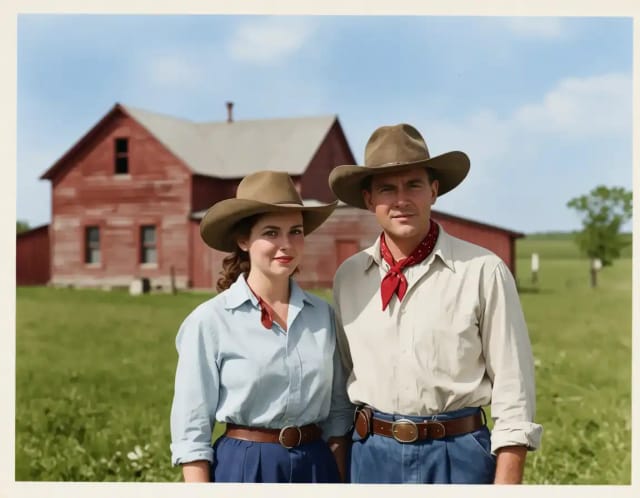
AI Image Colorizer
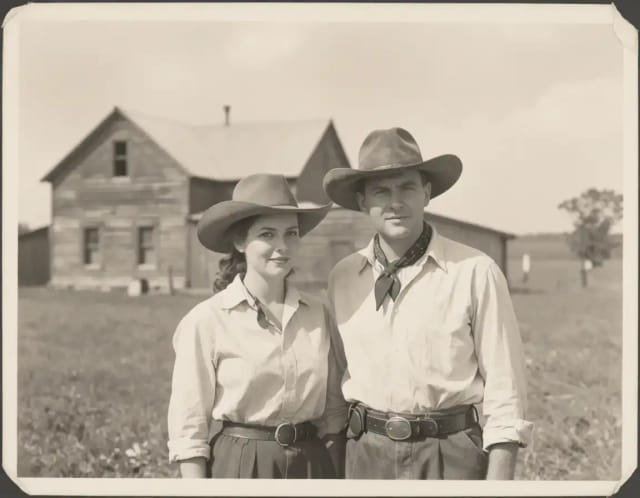
CreArt's AI image colorizer turns black and white photos to color with its best guess of the original colors, free and without sign-up, usually in under 20 seconds. Add a color hint, like "red dress", when a detail matters.
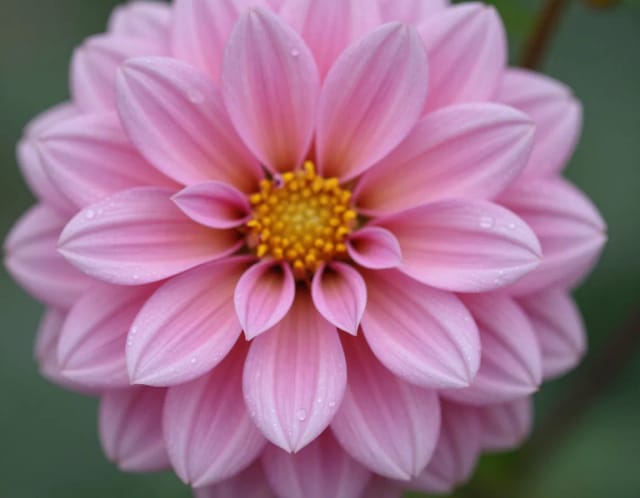
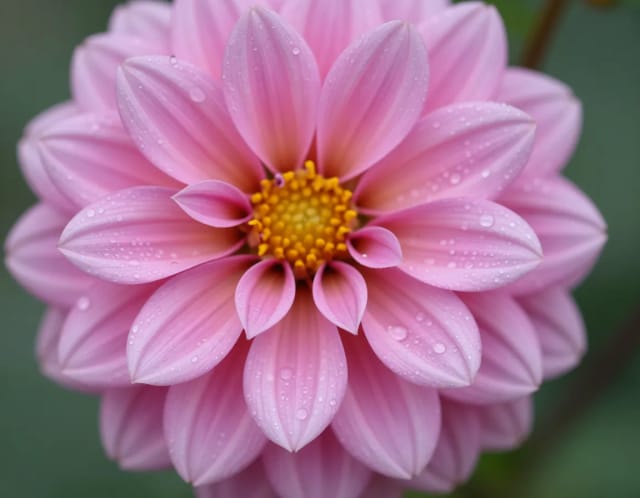
AI Image Sharpener
CreArt's AI Image Sharpener brings soft photos back into focus for free, without sign-up, usually in under 20 seconds: crisp edges in eyes, hair, text and product details. Tell it what should be sharpest, or leave it blank.
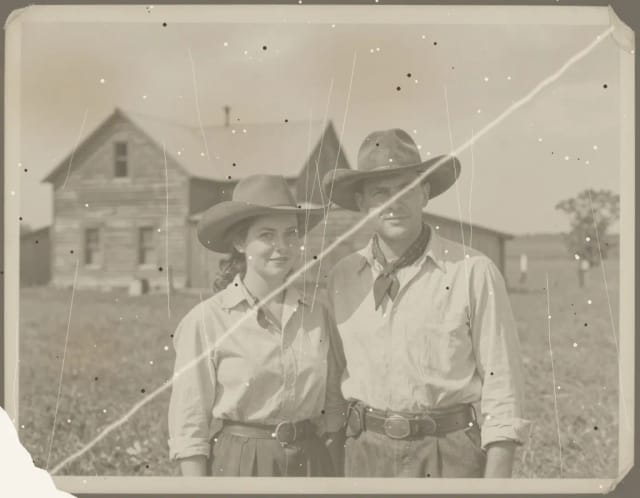
AI Photo Restoration
CreArt's AI photo restoration repairs old, damaged photos for free, without sign-up: it removes scratches, creases, stains and dust, rebuilds torn corners and brings back faded contrast, usually in under 20 seconds.
AI Unblur Image
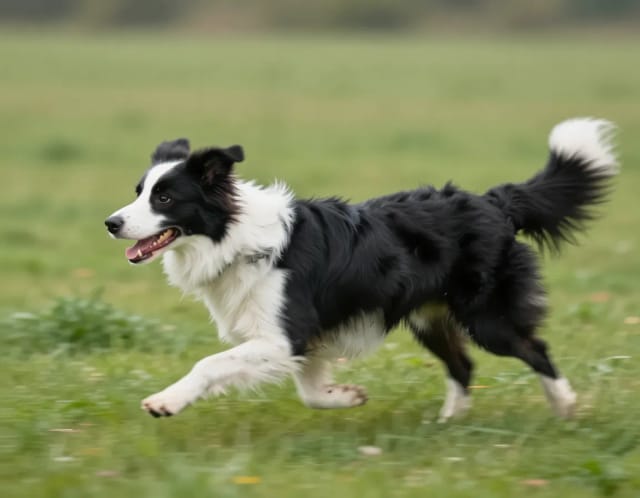
CreArt's AI Unblur Image removes out-of-focus and motion blur from photos for free, without sign-up, usually in under 20 seconds. Turn on Prioritize faces to get eyes and skin back first.
AI Relight
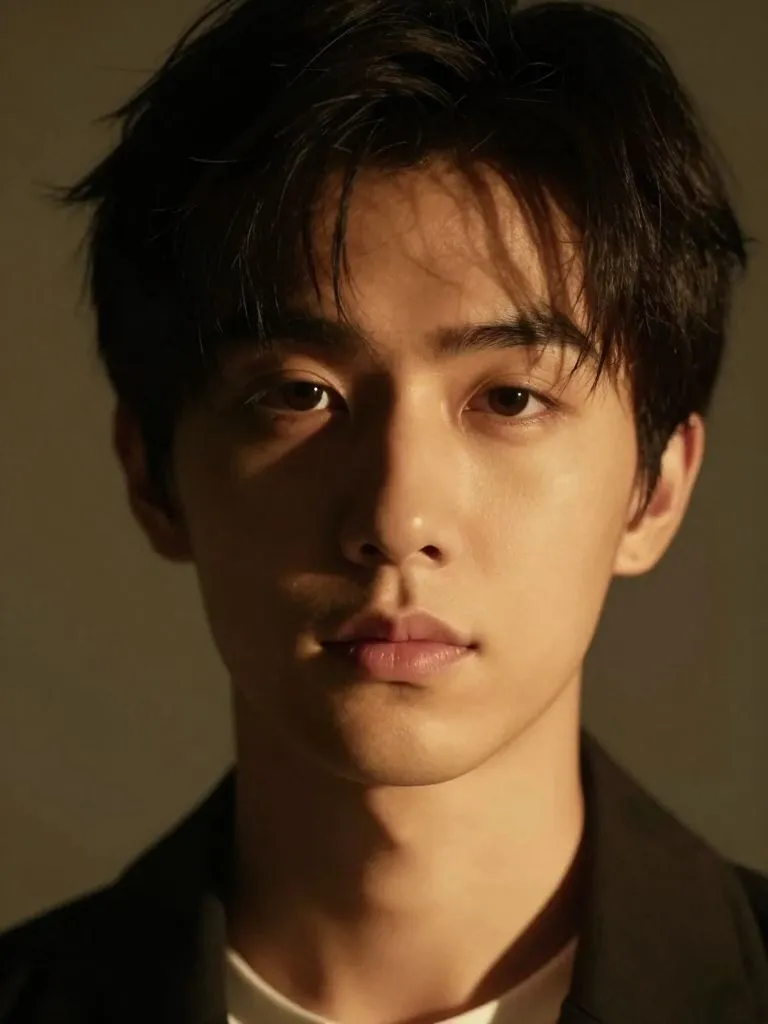
Change the lighting of any photo with AI. Pick neon, warm, cool blue, spotlight or cinematic and let the AI re-light the scene in seconds.
Blur Background
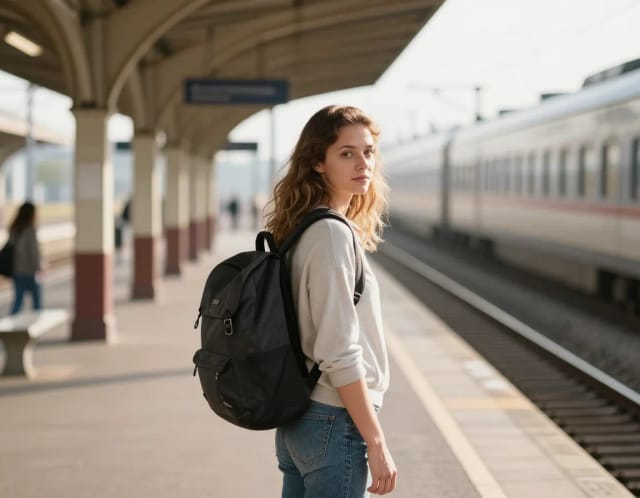
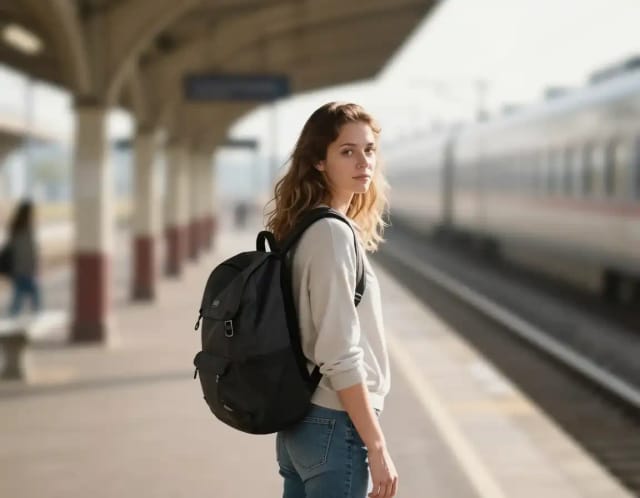
CreArt's Blur Background is a free AI tool that blurs the background of a photo and keeps the subject sharp, without sign-up and usually in under 20 seconds. Pick Strong blur for a clean portrait look or Cinematic bokeh for circles of light behind your subject.
Ready to make something?
Open the tool, try the free Auto model and download the result.