
Photo to Anime
CreArt's photo to anime converter turns your photo into anime art, free and without sign-up. Pick one of 6 styles, from a soft, hand-painted film look to black and white manga; it usually takes under 20 seconds.
Your photo
Anime style · Soft film
10 free tries a day with Auto · No sign-up

How it works
How to turn a photo into anime in 4 steps
No account, no editing skills — just upload, pick, and download.
Upload your photo
Drop in a selfie, portrait, pet photo or group shot, or try one of the sample photos. A clear, well-lit face gives the cleanest anime result.
Pick an anime style
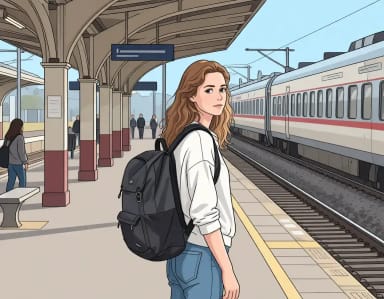
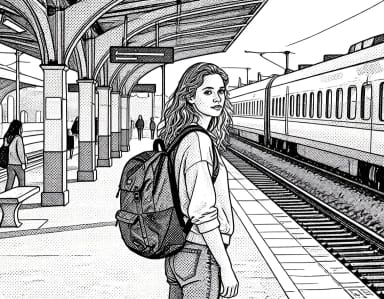
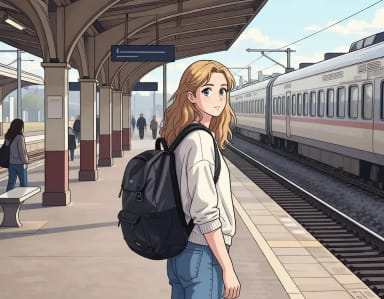
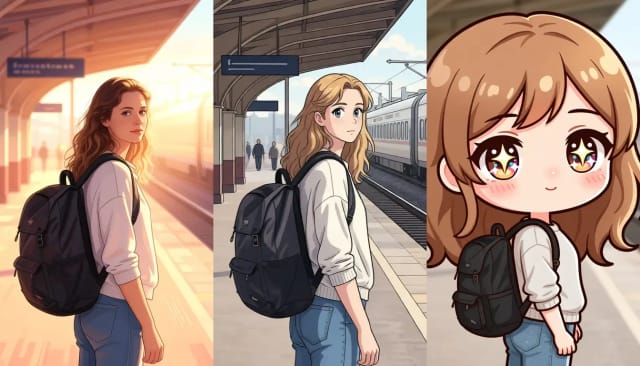
Choose from six looks: Soft film, Shonen, Webtoon, Manga, 90s retro or Chibi, depending on the vibe you want.
Let the AI convert your photo to anime
The tool redraws your picture, usually in under 20 seconds, keeping the face, hair and pose recognizable while applying the anime style.
Download your anime version
Save the finished image and use it as an avatar, profile picture, sticker, or print.
Which studio look fits your photo?
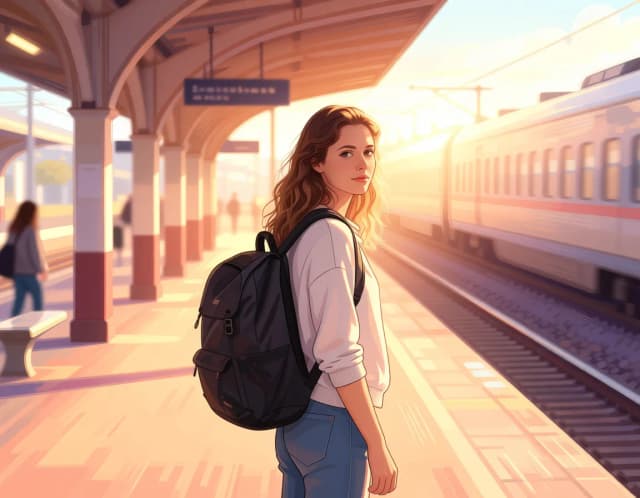
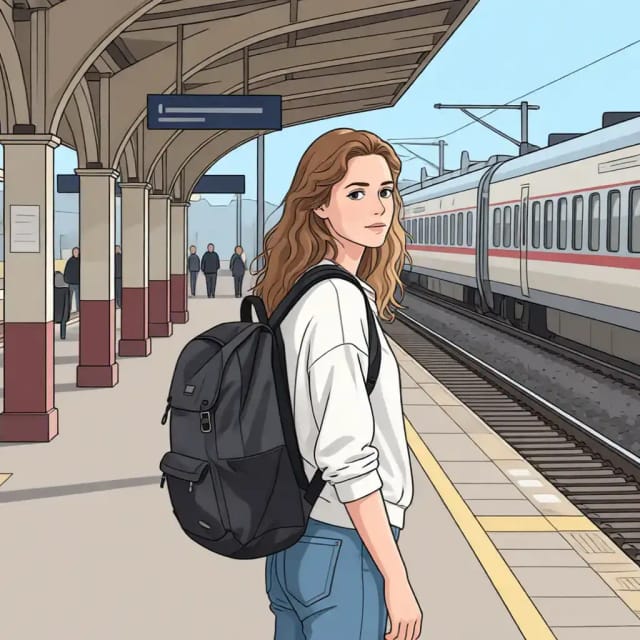
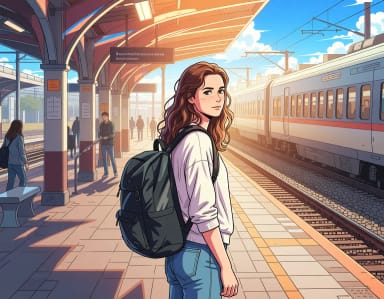
Soft film, shonen, webtoon, manga: the same portrait through each anime lens. Tap one to convert yours.

How it works
What the Photo to Anime converter does
From a single upload to a finished anime portrait, here's what the tool actually does.
Photo to Anime is a CreArt tool that converts a regular photo into anime-style artwork. You upload a picture, like a selfie, a portrait, a pet or a group shot, pick one of six anime looks, and the AI redraws it with clean line work, expressive eyes and the flat shading typical of anime and manga.
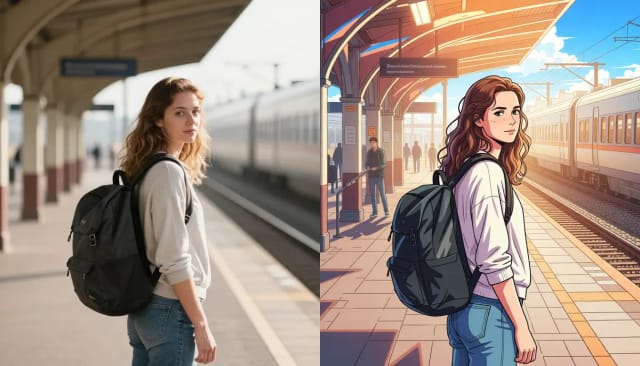
It keeps the features that make the photo recognizable (face shape, hair, pose, clothing) while restyling the whole image. The result is a finished anime version you can download and use as an avatar, profile picture or print.
How the AI redraws your photo as anime
The AI reads your photo before it redraws anything. It maps the face, hair, light and background, then rebuilds each element in the anime style you picked instead of laying a filter on top. That is why the result looks drawn rather than processed: shadows fall where they should, hair keeps its flow and the expression carries over.
Want an anime character from a description instead of a photo? The AI anime generator starts from words. To clean up the result, the background remover cuts out the subject.
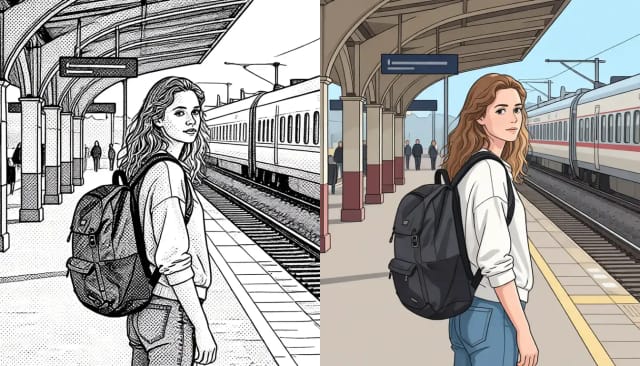
Try every anime style on one photo
Drawing an anime portrait by hand takes real skill and hours of work. Here a photo becomes anime, usually in under 20 seconds, and you can try all six styles on the same picture without redrawing anything.
If your photo is small or soft, run it through the image upscaler first, or turn the same photo into a clean professional headshot, so one upload becomes several pieces.
Who it's for
Who uses the Photo to Anime converter
Social media users
Anyone who wants an anime avatar or profile picture that still looks like them, for Instagram, Discord, or a gaming handle.
Anime and manga fans
Fans who want to see themselves, a friend, or a pet drawn in Shonen, 90s retro, or other anime styles without commissioning an artist.
Gift makers
People turning a photo into a personalized anime portrait to print, frame, or send as a birthday or holiday gift.
Creators and streamers
Streamers and content creators building anime-style avatars, stickers, and channel art from their own photos.
Pet owners
Owners who want their cat or dog reimagined as an anime character for stickers, cards, or wall prints.
Pricing
Plans for the Photo to Anime converter
Start converting photos to anime for free, and move to a plan when you need more.
Free
$0
- 100 credits every day
- The Auto model, on our own servers
- No card needed
Paid plans
Basic · Starter · Creator
- 1,600 to 10,000 credits a month
- Every AI model, including premium ones
- AI video, and no ads in the mobile app
Why CreArt
Why choose this photo to anime converter
Fast, flexible, and built to keep your photo recognizable.
Six distinct anime styles
Soft film, Shonen, Webtoon, Manga, 90s retro and Chibi each give a different feel. Run the same photo through all six to see which one fits.
Keeps you recognizable
The AI preserves face shape, hair, pose, and clothing, so the anime version still looks like the person or pet in the original photo.
Usually under 20 seconds
No manual drawing: the anime version of your photo is usually ready in under 20 seconds.
No drawing skills needed
You don't need to know how to animate a photo or draw a single line. Upload, pick a style, and the tool handles the rest.
Free to try, no sign-up
Works online with nothing to install. With Auto you get 10 free tries a day without registering.
Works with any photo
Selfies, portraits, pets, and group shots all convert. Clear lighting and a visible face give the best results.
How do I turn a photo into anime?
How do I make anime photos with AI?
Can I turn my photo into black and white manga?
Is the photo to anime converter free?
What kinds of photos work best?
Does it keep my face recognizable?
How many anime styles can I choose from?
Can I use the anime image as a profile picture?
Do I need to sign up to convert a photo to anime?
CreArt is not affiliated with, endorsed or sponsored by Discord or Instagram. Discord is a trademark of Discord Inc. Instagram is a trademark of Meta Platforms, Inc.
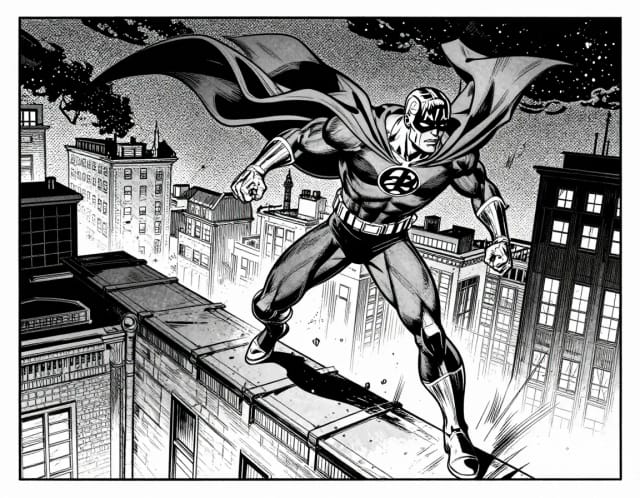
AI Comic Generator
Describe a scene, pick an art style, and get finished comic panels in seconds — no drawing skills needed.
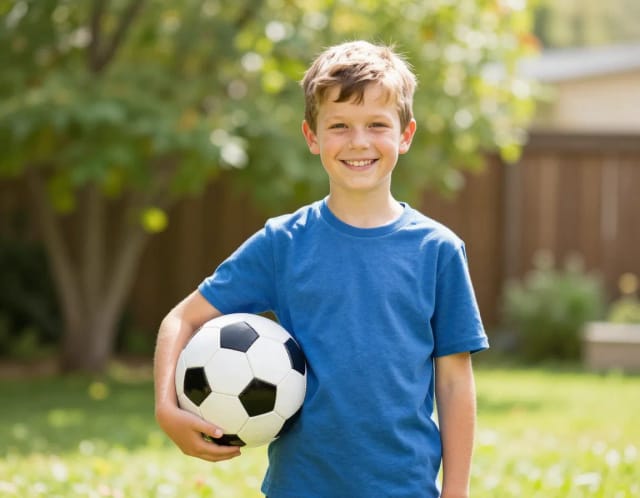
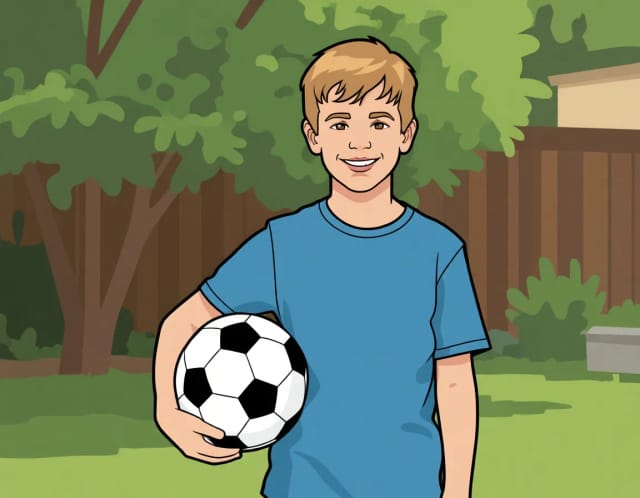
AI Photo to Cartoon
CreArt's photo to cartoon tool turns your photo into a cartoon, free and without sign-up. Pick one of 6 styles, from a 3D animated-movie look to comic and storybook; it usually takes under 20 seconds.
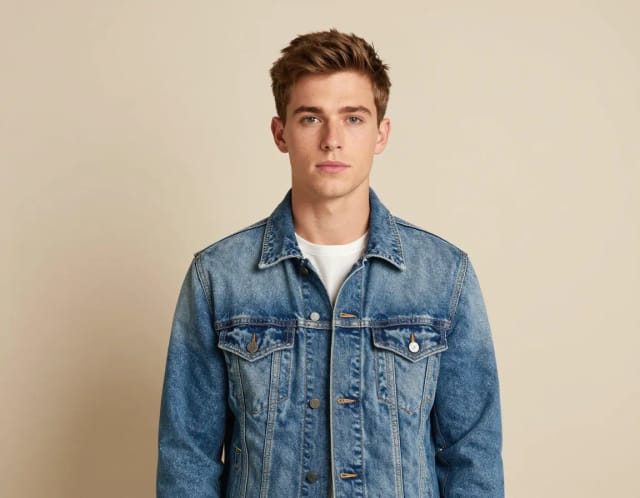
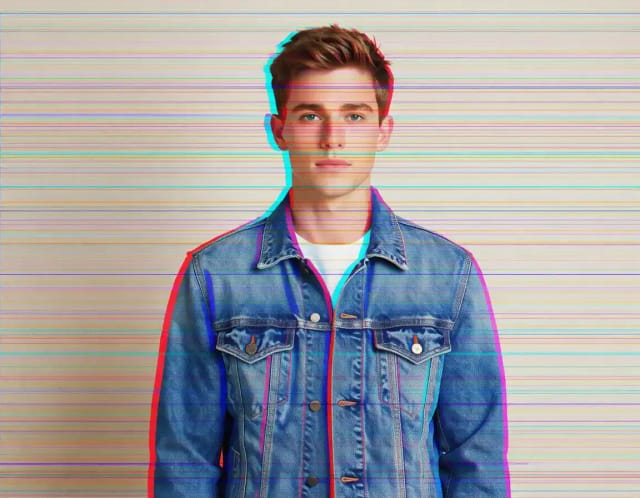
Glitch Effect for Photos
CreArt's Glitch Effect adds a glitch effect to any photo online, free and without sign-up: RGB shift, VHS, datamosh or cyber neon, usually in under 20 seconds.
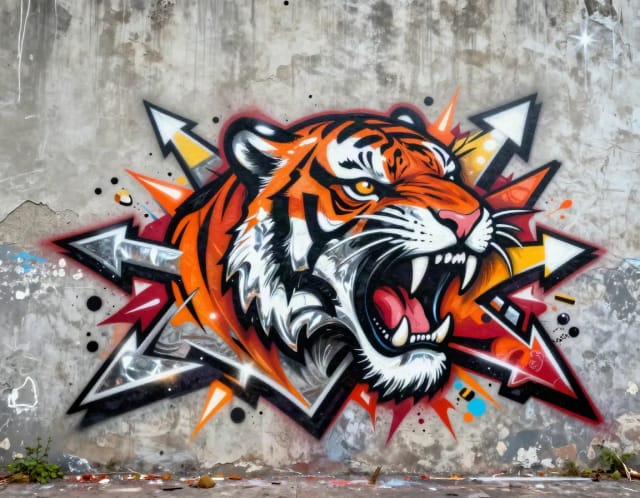
Graffiti Generator
Write your name or any word in graffiti letters, free and with no sign-up: 8 letter styles, 6 color sets and real walls, ready to download. Or turn an idea into AI graffiti art.
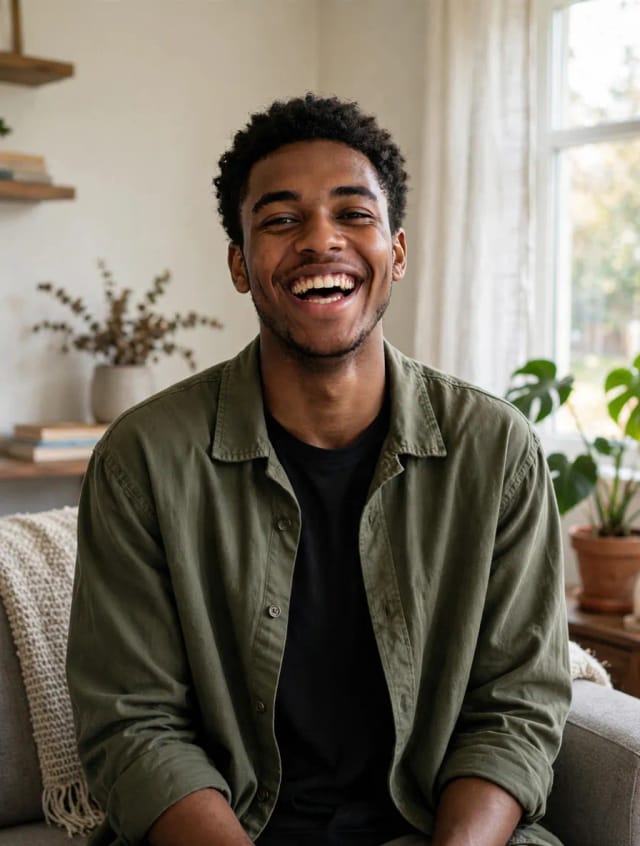
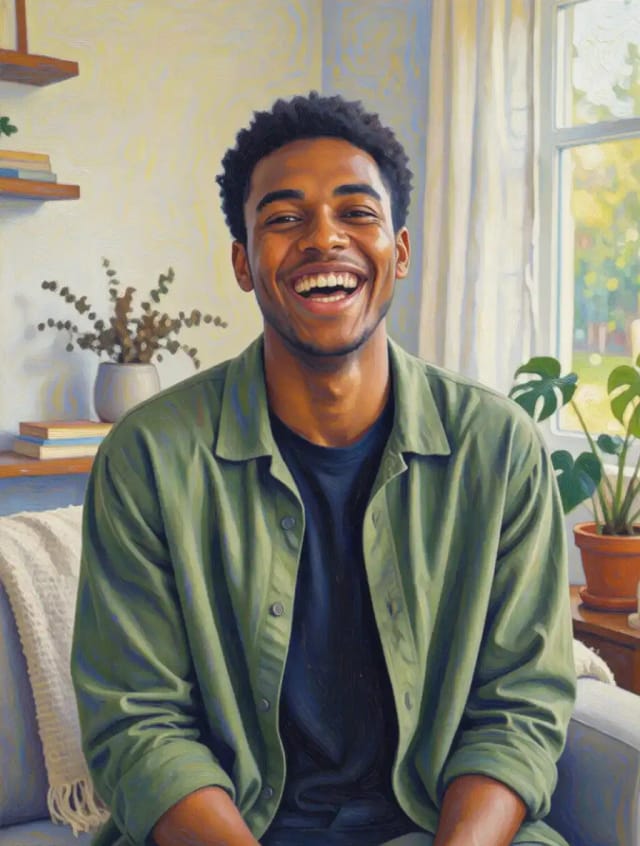
Photo to Painting
CreArt's photo to painting tool turns any photo into a painting, from a portrait painting to an oil painting look, free and without sign-up. Pick impressionist, baroque, palette knife, acrylic, expressionist or pop art; it usually takes under 20 seconds.
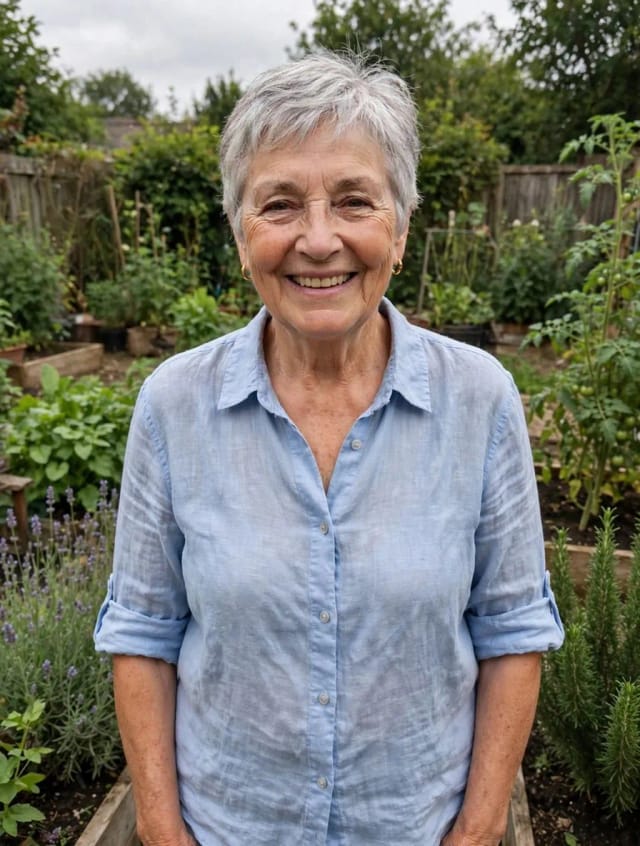
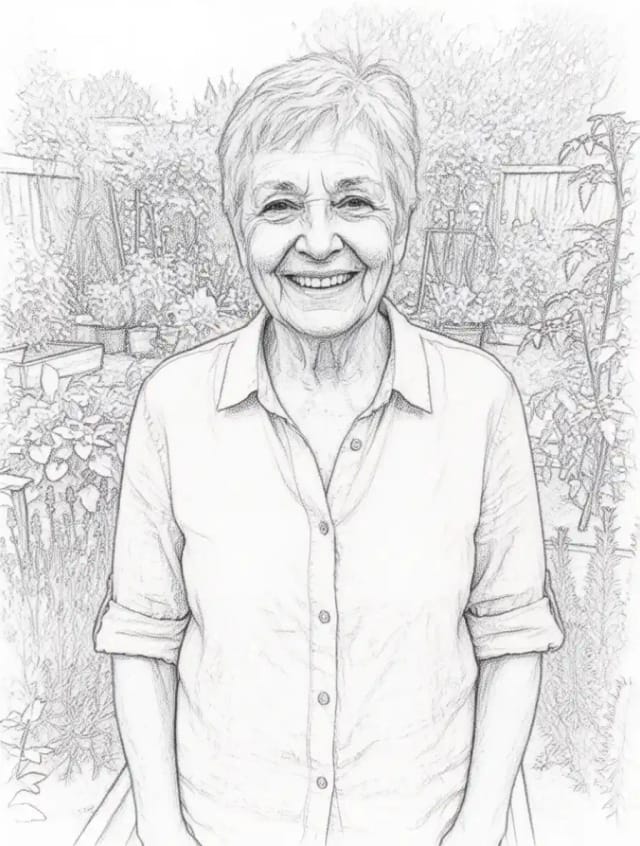
Photo to Sketch
CreArt's photo to drawing tool turns any photo into a pencil sketch, line drawing or eight other drawing styles for free, without sign-up, usually in under 20 seconds.
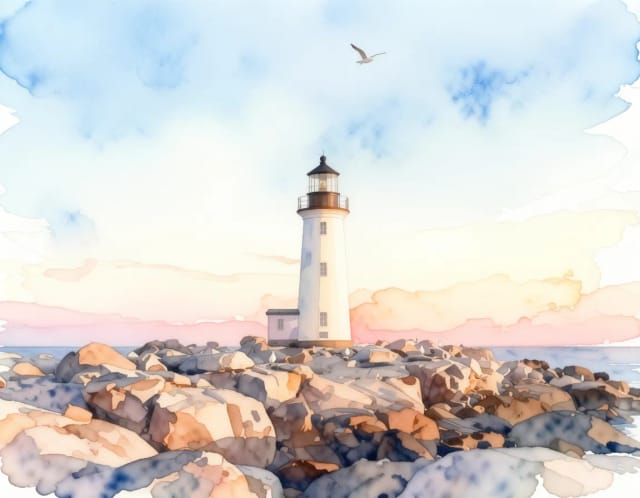
Photo to Watercolor
Turn any photo into a soft, hand-painted watercolor painting with AI — upload, pick a style, and download in seconds.
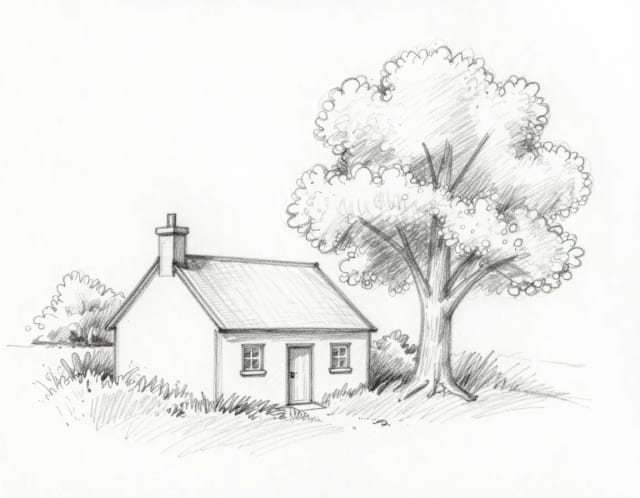
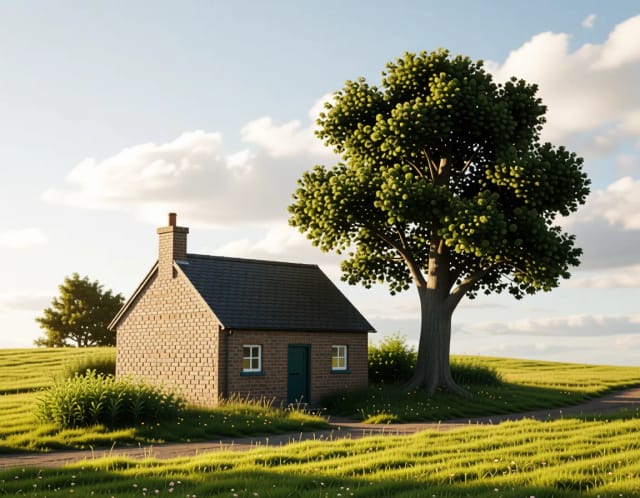
Sketch to Image
CreArt's sketch to image AI turns rough sketches, doodles and drawings into finished images. It is free, needs no sign-up and usually takes under 20 seconds: upload a drawing, pick a style like photorealistic, anime or watercolor, and add details if you want.
Ready to make something?
Open the tool, try the free Auto model and download the result.