
AI Bedroom Design
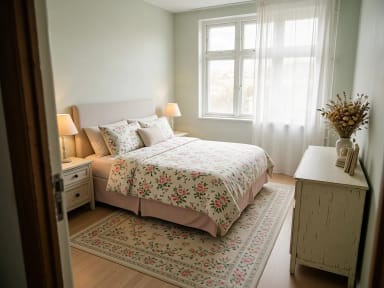
CreArt's free AI Bedroom Design turns a photo of your bedroom into ideas for 6 bedroom types and 16 styles, from cozy to hotel suite, usually in under 20 seconds. No sign-up.
Your photo
Bedroom type
Style · Modern
10 free tries a day with Auto · No sign-up
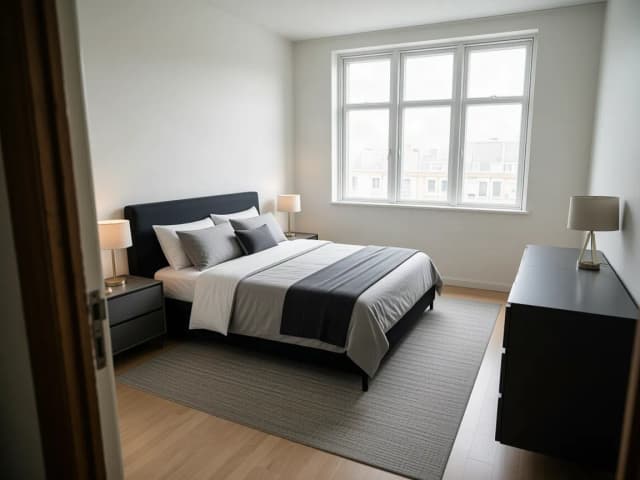

How to design my bedroom with AI
How to design your bedroom with AI in 4 steps
From a photo of your bedroom to a new idea in a few clicks.
Upload a photo of your bedroom
Take it from the doorway or a corner in daylight, with the bed, the window and the floor in view. It can be messy: the AI clears clothes and clutter. No photo at hand? Start with a sample bedroom.
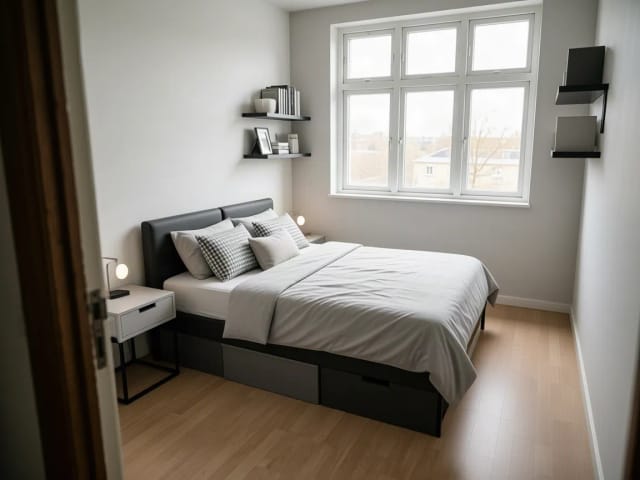
Pick the bedroom type
Master, small, guest, teen, kids or nursery. Each type changes the furniture: a king bed and two nightstands, under-bed storage, a luggage bench, a desk, toy storage or a crib.
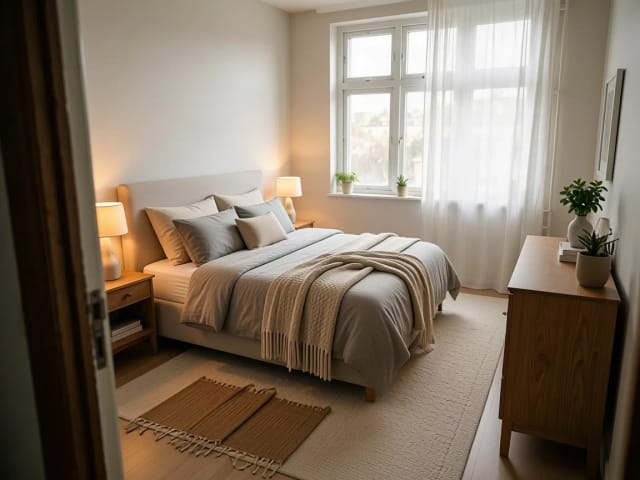
Choose a style
Sixteen styles, from cozy and Japandi to dark academia and hotel suite. Add a wish such as "a reading nook by the window" if you like.
Compare and download
Slide between your photo and the new bedroom, try another type or style on the same photo, then download the idea you like.
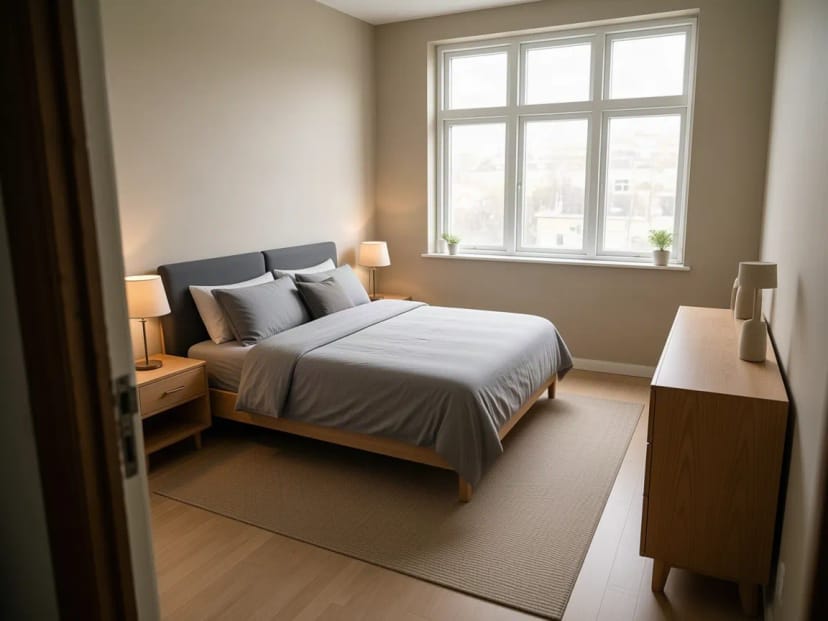 BeforeAfter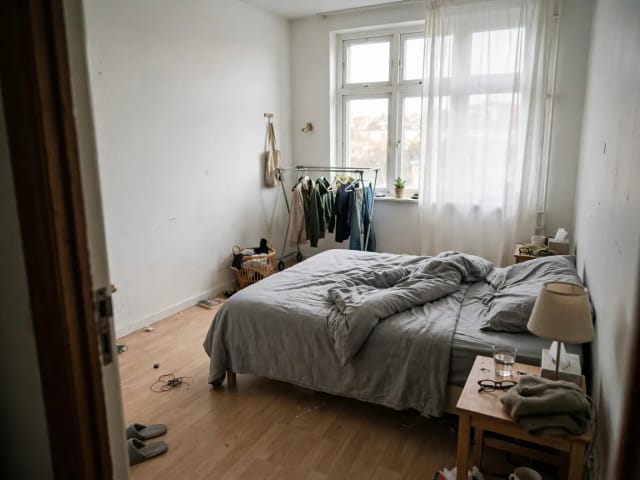
16 bedroom styles on the same room
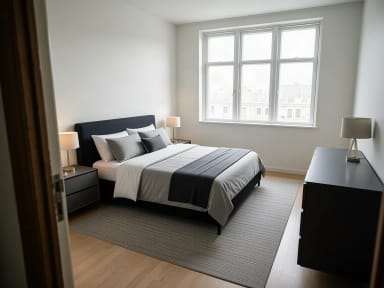
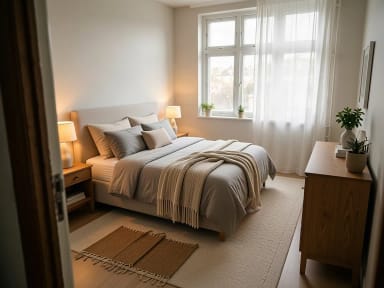
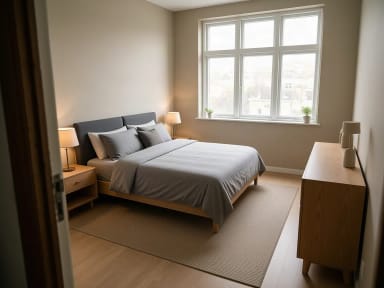
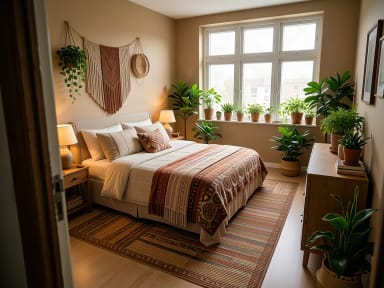
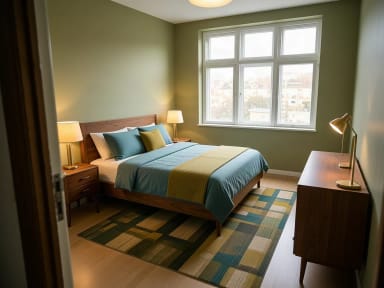
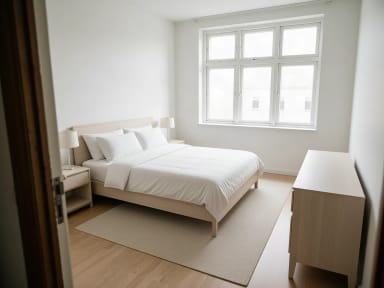
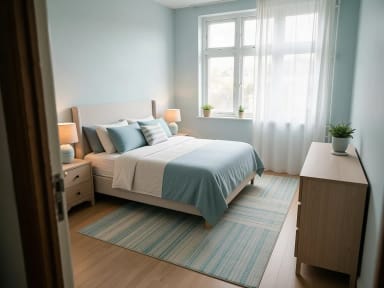
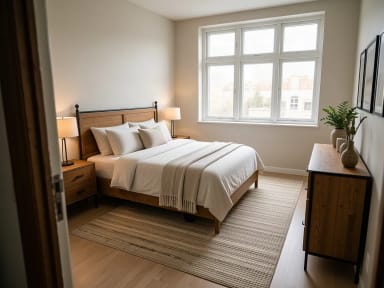
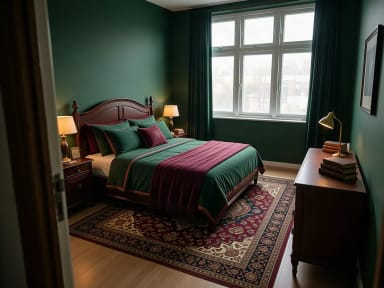
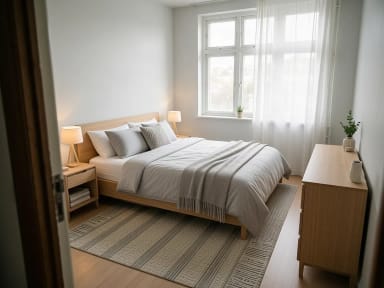
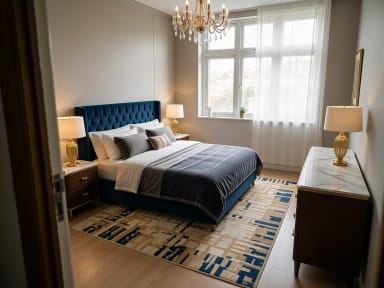
Cozy, Japandi, dark academia, hotel suite… each style on the same bedroom. Tap a style to try it on yours.
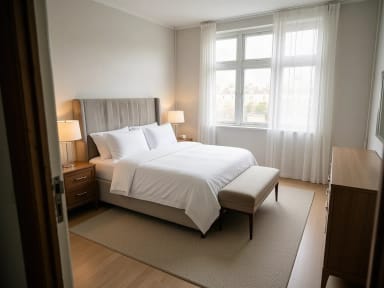
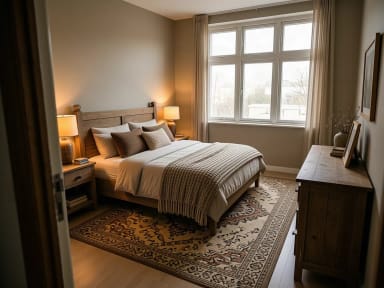
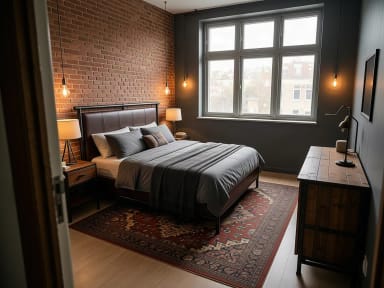
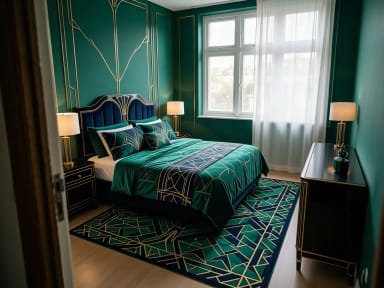
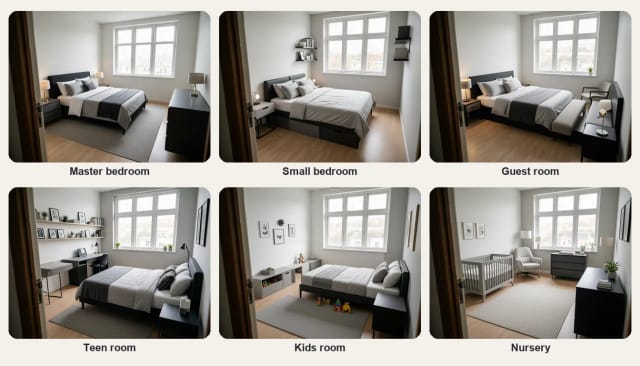
Bedroom ideas by type
Bedroom ideas for every kind of bedroom
Master bedroom: room for a queen or king bed, a nightstand and a lamp on each side, a dresser and a rug that frames the bed. Small bedroom: the bed against the wall, a slim nightstand, wall shelves instead of floor furniture and storage under the bed. Guest room: a double bed, a nightstand with a lamp, a luggage bench and a chair, so visitors have somewhere to put their things.
Teen room: a double bed, a desk with a chair and shelves for books and personal things. Kids room: a single bed, toy storage and a play rug. Nursery: a crib, a comfortable nursing chair and a changing dresser. Pick the type in step 2 and the AI furnishes your bedroom that way, in any of the 16 styles.
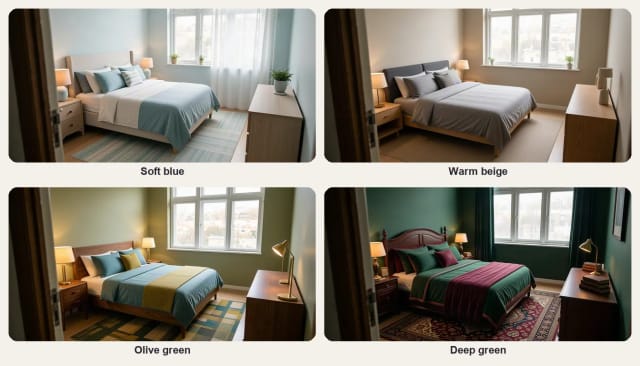
Bedroom colors
Bedroom color ideas to try before you paint
Calm, muted colors are the usual choice for a bedroom: soft blue, warm beige, sage or olive green and greige. Darker shades such as deep green or navy make a room feel cozy and enclosed, and work best with warm lamps and wood.
Each style repaints the walls to suit it: Coastal brings soft blue, Japandi warm beige, Mid-century modern olive green and Dark academia deep green. To test an exact paint color on your own walls, use the paint visualizer.
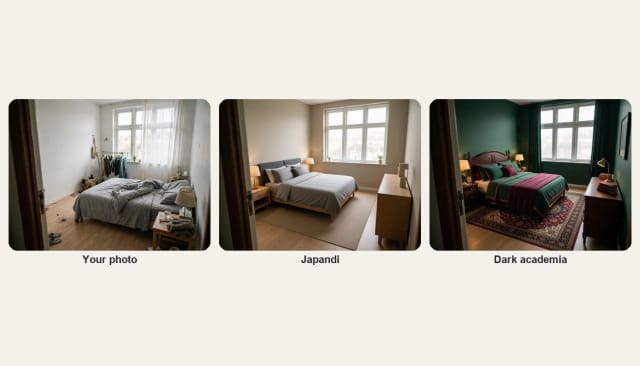
Before and after
From a messy bedroom to a finished one
Upload the bedroom as it is today: unmade bed, clothes on a rail, cables on the floor. The AI removes the clutter and personal things, replaces the furniture, bedding, curtains and lamps, and keeps the window, the door and the floor where they are.
Want to redesign the rest of the house too? Try the same styles on other rooms in your home, from the living room and kitchen to a home office or a studio apartment.
Who it's for
Who AI Bedroom Design is for
Anyone planning a new look for a bedroom before buying anything.
Couples refreshing the master bedroom
Agree on a style together by comparing a few options on a photo of your own room.
Anyone with a small bedroom
See how a smarter layout, wall shelves and under-bed storage could free up space.
Hosts preparing a guest room
Plan a welcoming guest room, or a room for a rental listing, before you buy the bed.
Parents planning a nursery or kids room
Try a crib, toy storage and soft colors in the real room before the baby arrives or the kids grow out of it.
Teens choosing their look
Try dark academia, boho or cozy on your own room and show your parents the idea.
Why choose it
Why use AI Bedroom Design
Bedroom ideas on your own room, not on someone else's photo.
Ideas for your bedroom type
Master, small, guest, teen, kids or nursery, each furnished for how it is used.
16 styles, cozy and hotel included
The 14 interior styles plus two made for bedrooms: cozy and hotel suite.
Clears the clutter
Clothes, cables and personal things disappear, so you see the room, not the mess.
Keeps your window and door
The architecture and the camera angle stay the same; furniture, bedding, lighting and wall color change.
Keeps the shape of your photo
A wide bedroom photo stays wide: the result has the same framing as yours.
Free to try, no sign-up
Try bedroom ideas with the Auto model for free every day, without an account.
Pricing
Start free, upgrade when you need more
Try bedroom ideas for free with the Auto model, no account needed. Pick a plan when you want more.
Free
$0
- 100 credits every day
- The Auto model, on our own servers
- No card needed
Paid plans
Basic · Starter · Creator
- 1,600 to 10,000 credits a month
- Every AI model, including premium ones
- AI video, and no ads in the mobile app
Can AI design my bedroom from a photo?
Is AI Bedroom Design free?
Which bedroom types and styles can I choose?
How can I make a small bedroom feel bigger?
What colors work best in a bedroom?
Does it work if my bedroom is messy?
What kind of photo works best?
Can I redesign other rooms too?
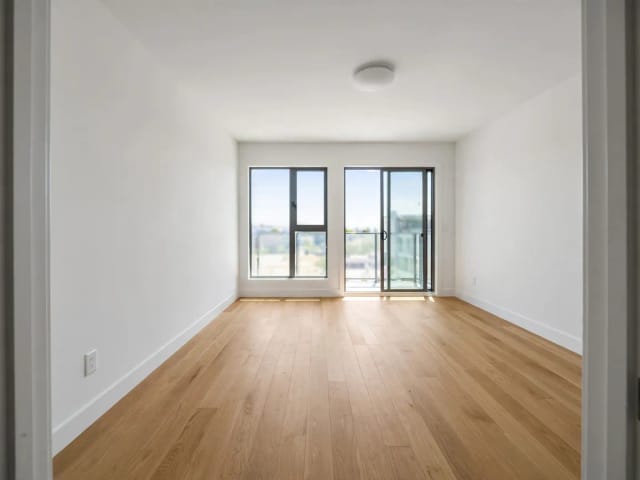
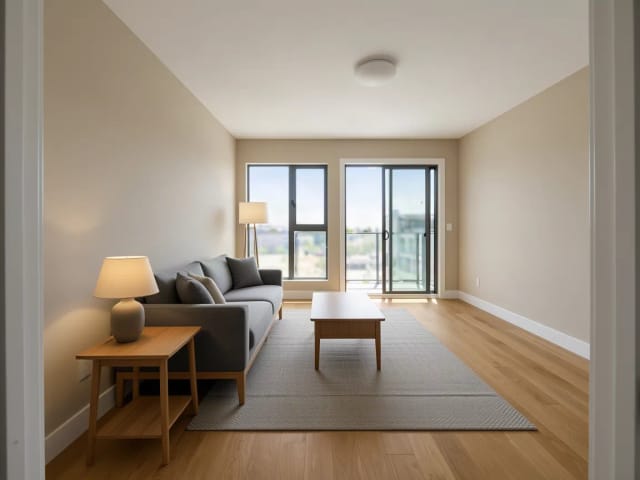
AI Room Designer
CreArt's free AI Room Designer redesigns a photo of any room in 14 interior styles and 8 room types, keeping your walls and windows, usually in under 20 seconds. No sign-up.
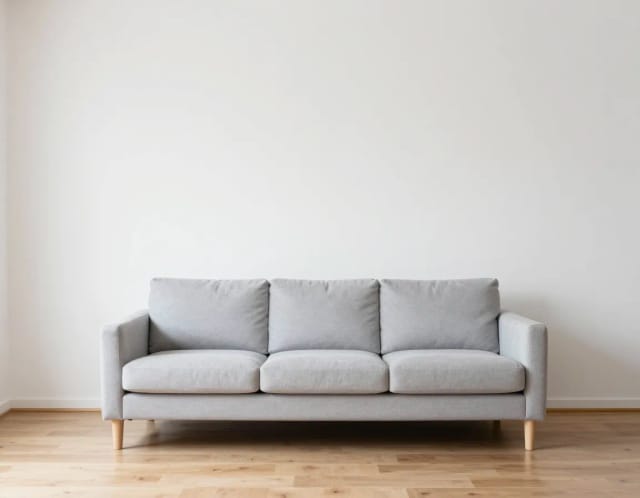
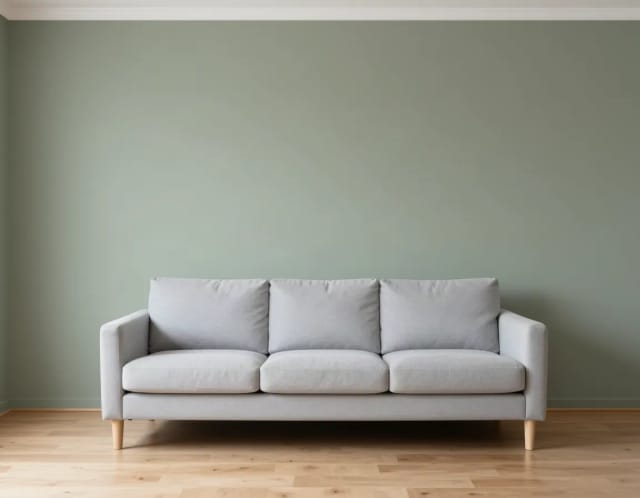
Paint Visualizer
CreArt's free Paint Visualizer repaints a room's walls or the outside of your house in 12 colors or any color you name, usually in under 20 seconds.
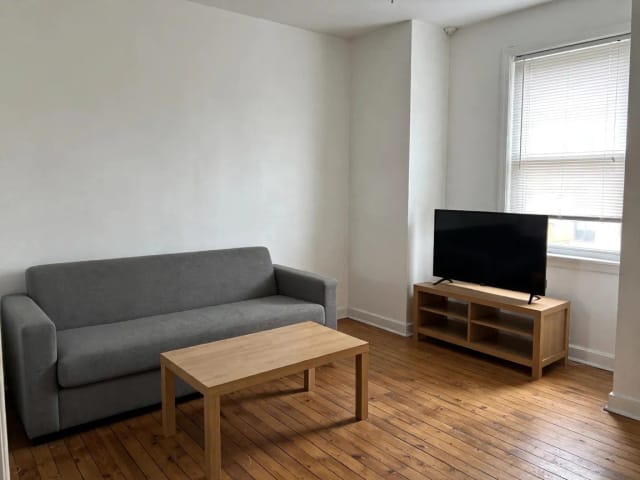
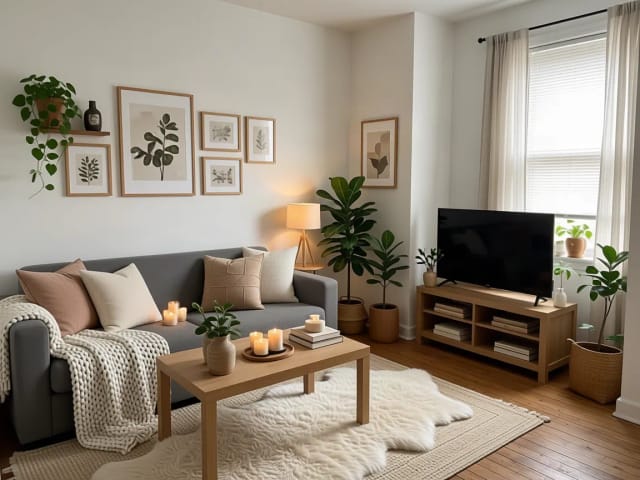
AI Home Decor
CreArt's free AI Home Decor adds plants, wall art, textiles and lighting to a photo of your room in 10 styles, without moving your furniture.
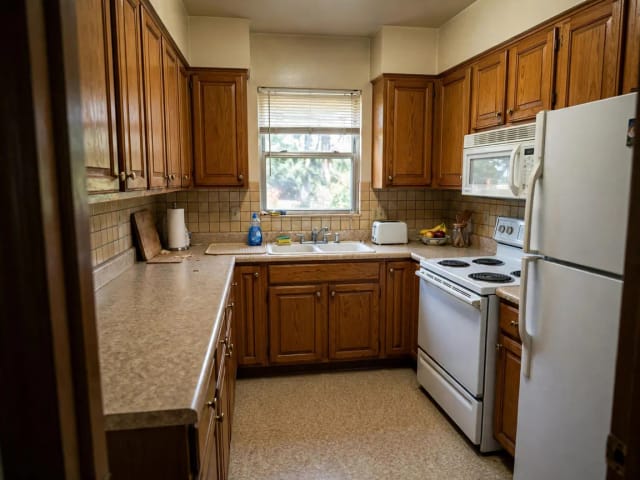
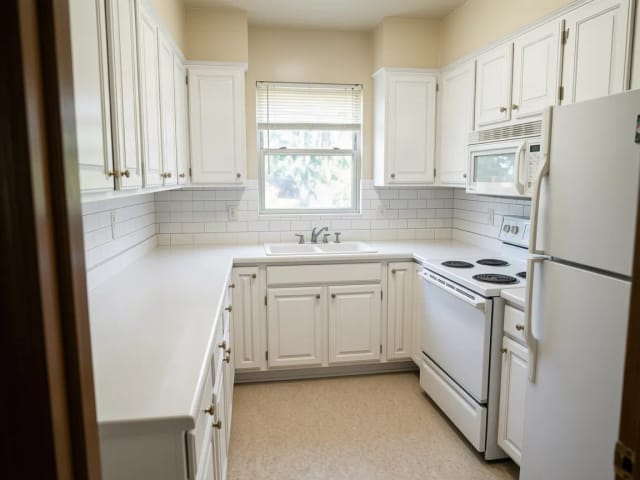
AI Kitchen Design
CreArt's free AI kitchen design remodels a photo of your kitchen in 8 styles, with any cabinet color, countertop and backsplash, usually in under 20 seconds. No sign-up.
AI Garden Design
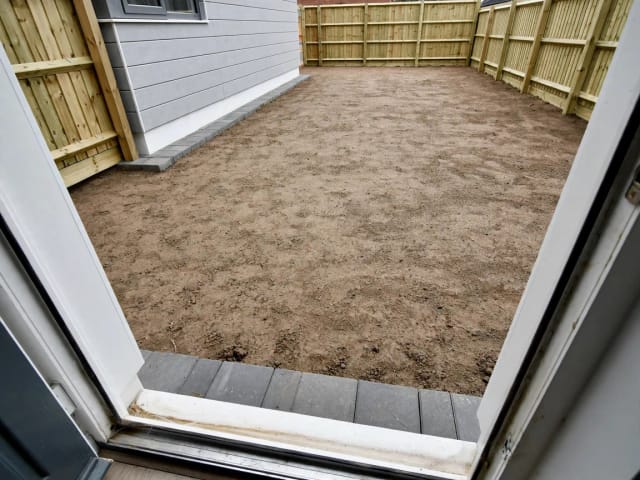
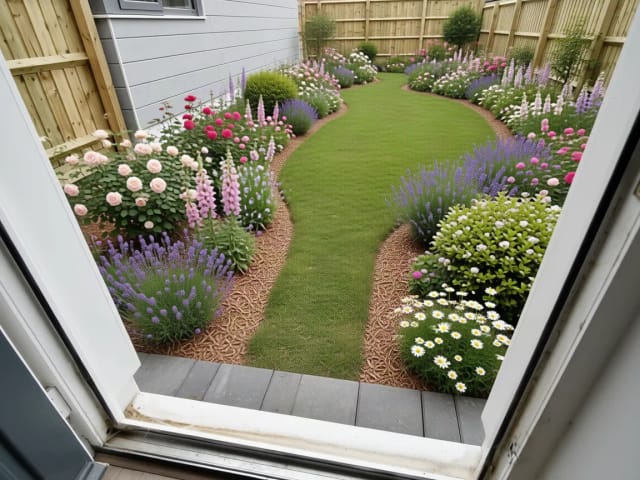
CreArt's free AI Garden Design replants a photo of your garden in 10 styles, for full sun, part shade or shade, usually in under 20 seconds. No sign-up.
AI Landscape Design
Turn a photo of your yard into realistic AI landscape design concepts in seconds. Pick a style, see the redesign, and plan before you dig — free to try online.
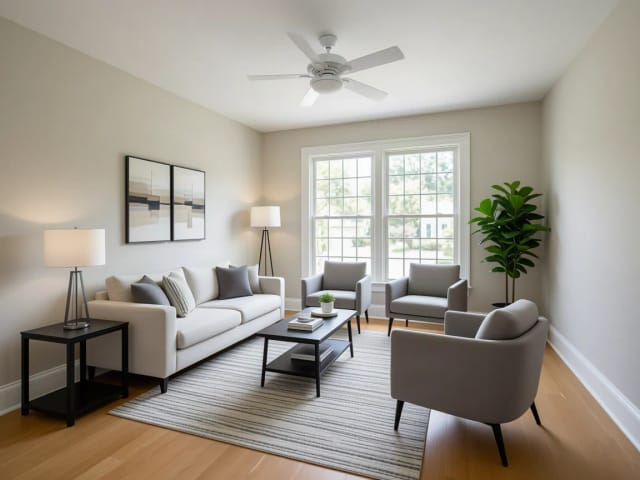
Virtual Staging AI
CreArt's free AI virtual staging furnishes a vacant listing photo in 10 buyer-friendly styles, or empties a furnished one, usually in under 20 seconds. No sign-up.
Ready to make something?
Open the tool, try the free Auto model and download the result.