
Caricature Maker
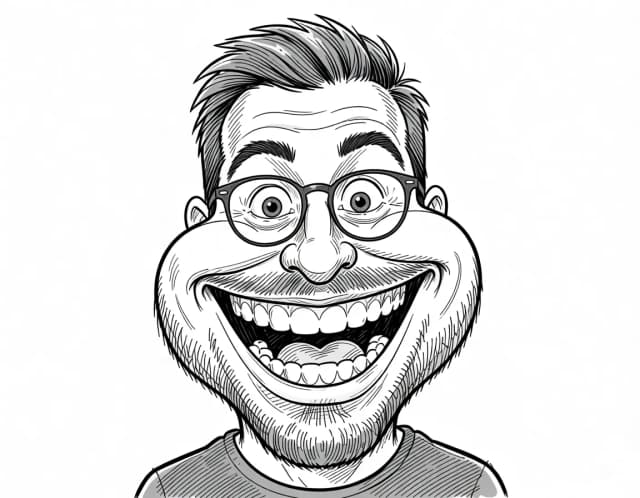
Upload a photo and turn it into a personalized caricature with a free AI caricature generator. Pick a style, exaggerate the features, and download a fun, shareable result in under 20 seconds.

Get started
How to make a caricature from a photo in 3 steps
No drawing skills needed — upload, pick a style, and download.
Upload your photo
Add a clear photo where the face is well lit and facing the camera. Selfies, couple shots, and even pet pictures all work.
Pick a caricature style
Choose from eight styles — Classic, Street artist, Digital color, Pencil, 3D cartoon, Airbrush, Comic or Watercolor. Each one gives the caricature a different look and level of exaggeration.
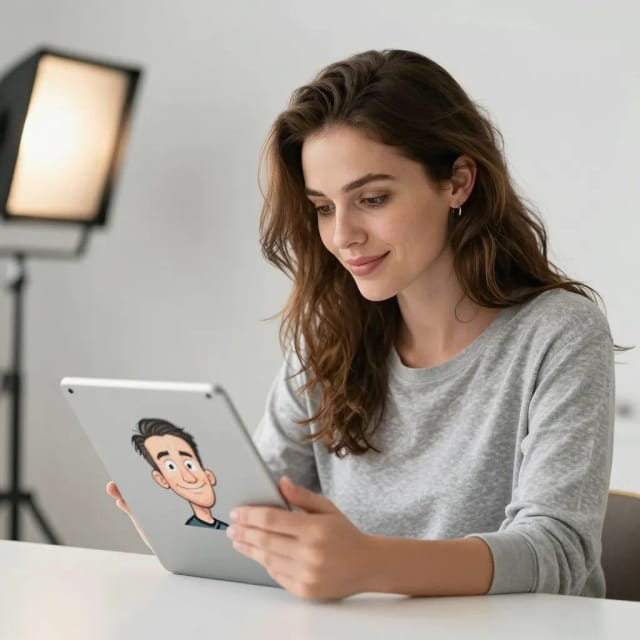
Generate and compare
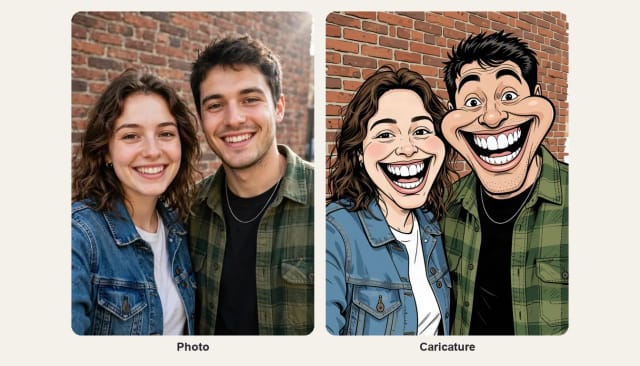
The AI redraws your photo as a caricature in seconds. See the cartoon version next to your original and regenerate if you want another take.
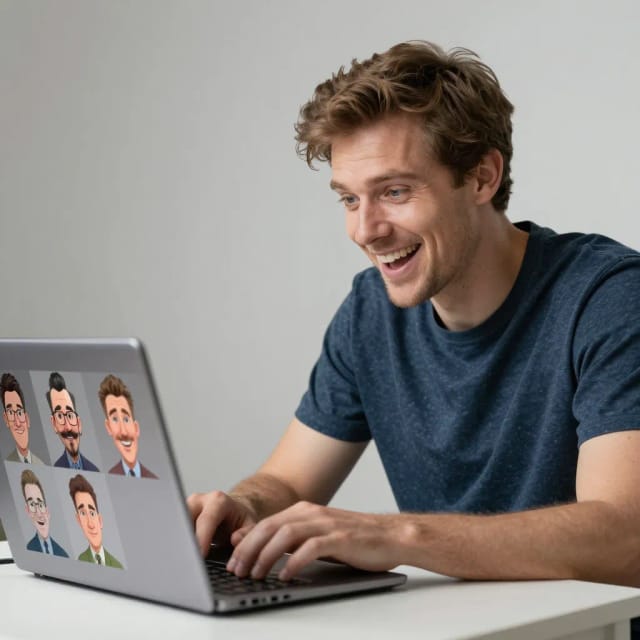
Download and share
Save the finished caricature and drop it into a chat, a story, or a print design. Try a different style anytime.
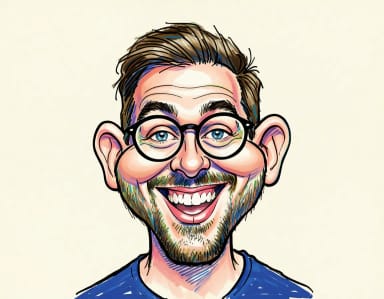
How exaggerated do you dare?
From gentle newspaper caricature to full street-artist distortion. Pick your level and the generator loads it.


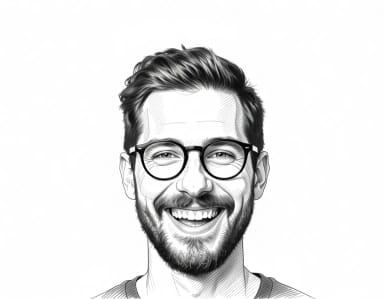

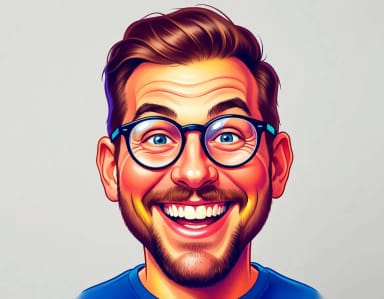
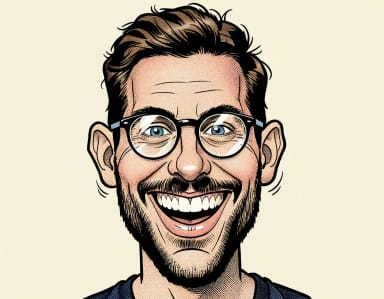
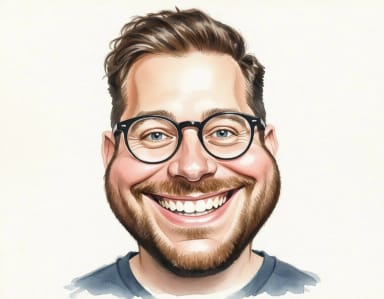
How it works
How the AI Caricature Maker works
From a plain photo to a caricature that still looks like you — here's what's going on.
A caricature maker is a tool that turns a normal photo into a caricature: a cartoon-style portrait that exaggerates a person's most recognizable features for a funny, flattering effect. CreArt's version does this with AI — you upload a picture, choose a style, and it redraws the face while keeping enough likeness that people instantly know who it is.
You don't need to draw anything or hire an artist to make a caricature of yourself. The AI reads the face in your photo — the smile, the hair, the glasses, the nose — and pushes those traits into a caricature look. It works on selfies, couple photos, and pet pictures alike, and the whole thing takes seconds instead of the days a hand-drawn commission would.

Your pose and expression survive the exaggeration
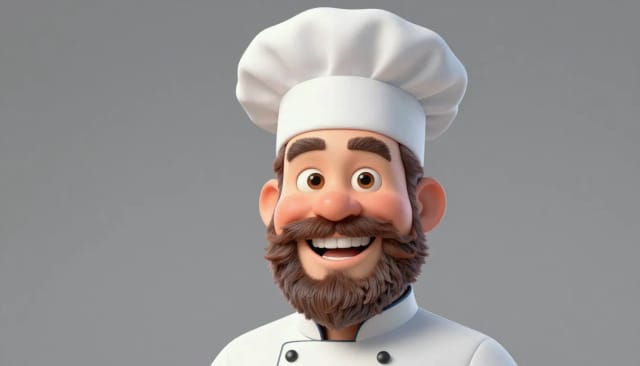
Behind the scenes, the caricature maker analyzes the uploaded photo and rebuilds it in the style you picked, from a soft classic cartoon to a bold, big-head look. Because it starts from your actual image, the result keeps the pose and expression rather than pasting a generic face onto a template.
If you like the cartoon direction, it pairs naturally with the rest of CreArt's face tools. Turn the same shot into a polished portrait with the AI portrait generator, sharpen an old or blurry source photo first with the photo enhancer, or build something completely from scratch using the AI art generator.
Made to be shared, easy to retry
Compared to drawing a caricature by hand or paying for a booth at an event, the appeal here is speed and low risk. You can make a photo into a caricature several times, try a different style, and only keep the version that gets a laugh — all before you've committed to printing or sharing anything.
The output is made to be shared: a caricature of the birthday person, a couple, or a coworker drops straight into a group chat or an Instagram story. Want to clean it up first? Run the caricature through the background remover to place it on a card, a mug mockup, or a T-shirt design.
Couples and groups
AI caricature generator for couples, families and groups
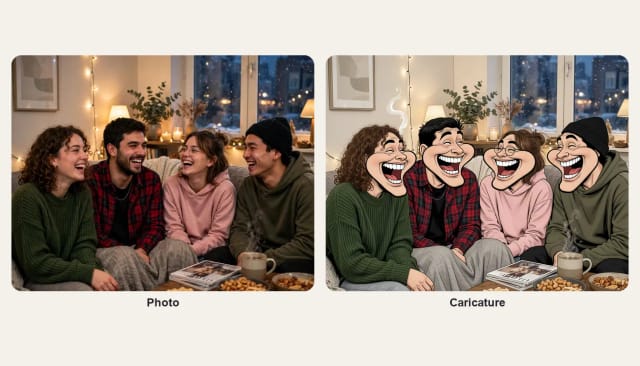
Upload a photo with two, four or more people and the AI caricature generator draws everyone in it, each with their own big grin, on the same background. Couples, families, friends and coworkers all fit in one picture, and each face keeps the hair, glasses and clothes that make it recognizable.
A couple caricature makes a fun wedding, anniversary or engagement card, and a family caricature is a gift the whole family can laugh at. Want your photo as a cartoon without the exaggeration? The AI photo to cartoon tool keeps everyone’s proportions.
Birthdays
Birthday caricatures and funny gifts
Turn a photo of the birthday person into a caricature for the group chat, the party invite or the cake topper. Pick Classic or Street artist for the biggest laugh, or Watercolor for something softer to frame.
Then put it on a card with the birthday card generator, or print it for a farewell, a retirement or an office party.
Who it's for
Who the caricature maker is for
Anyone who wants a fun, personal caricature without the wait or the cost of a hand-drawn one.
Gift givers
Turn a photo of the birthday person, a couple, or a friend into a caricature for a card, a print, or a last-minute surprise.
Social media users
Make a caricature of yourself for a profile picture or a story that stands out from a plain selfie.
Team leads and event planners
Create quick caricatures of coworkers for a farewell card, an awards slide, or a team page — no booth or artist needed.
Pet owners
Upload a pet photo and get a cartoon caricature to share or print as a keepsake.
Small shops and print sellers
Generate caricatures from customer photos for mugs, tees, and cards, then clean them up for product mockups.
Pricing
Caricature maker pricing
Start for free and upgrade when you want more generations and styles.
Free
$0
- 100 credits every day
- The Auto model, on our own servers
- No card needed
Paid plans
Basic · Starter · Creator
- 1,600 to 10,000 credits a month
- Every AI model, including premium ones
- AI video, and no ads in the mobile app
Why CreArt
Why use this caricature maker online
A fast, free way to turn any picture into a caricature that still looks like the person.
Free to try, no drawing needed
Make a caricature online free without hiring an artist or waiting days for a hand-drawn commission. Upload a photo and you're done.
Eight distinct styles
Switch between Classic, Street artist, Digital color, and Pencil to change how bold or soft the caricature turns out.
Keeps the likeness
The AI starts from your real photo, so the caricature exaggerates features while still looking clearly like the person in the picture.
Ready in seconds
Generate a caricature from photo almost instantly, then regenerate as many versions as you want before you pick a favorite.
Works on any face
Selfies, couples, groups, coworkers, and pets all work — great for birthdays, gifts, and group chats.
Built for sharing
Download a clean image that drops straight into a story, a card, a mug mockup, or a T-shirt design.
FAQ
Frequently asked questions about the caricature maker
Still have a question? Visit the help center →
How do I make a caricature of myself?
How do you make an AI caricature?
Can I make a photo into a caricature for free?
Does the caricature still look like me?
What kind of photos work best?
What caricature styles can I choose from?
Can I make a caricature of a couple or a pet?
Can I use the caricature on a card or a T-shirt?
Can I turn a group photo into a caricature?
Can I make a birthday caricature?
CreArt is not affiliated with, endorsed or sponsored by Instagram or LinkedIn. Instagram is a trademark of Meta Platforms, Inc. LinkedIn is a trademark of LinkedIn Corporation.
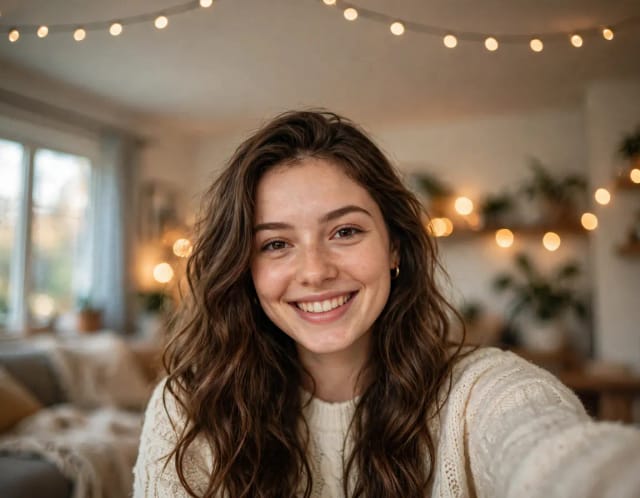
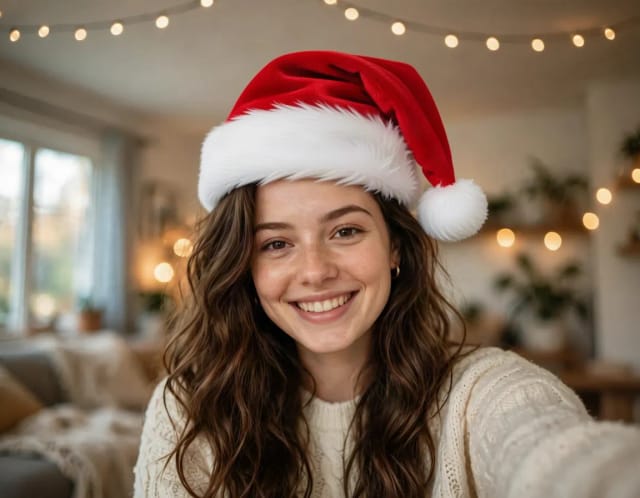
Add Santa Hat to Photo
Put a Santa hat on everyone in your photo, from selfies to group shots and pets. Pick a classic, knit, floppy, elf or reindeer hat. Free, no sign-up.

AI Headshot Generator
Turn an everyday selfie into a professional headshot with AI: a blazer or suit, a studio or office background and your own face, ready for LinkedIn and your CV in under 20 seconds.
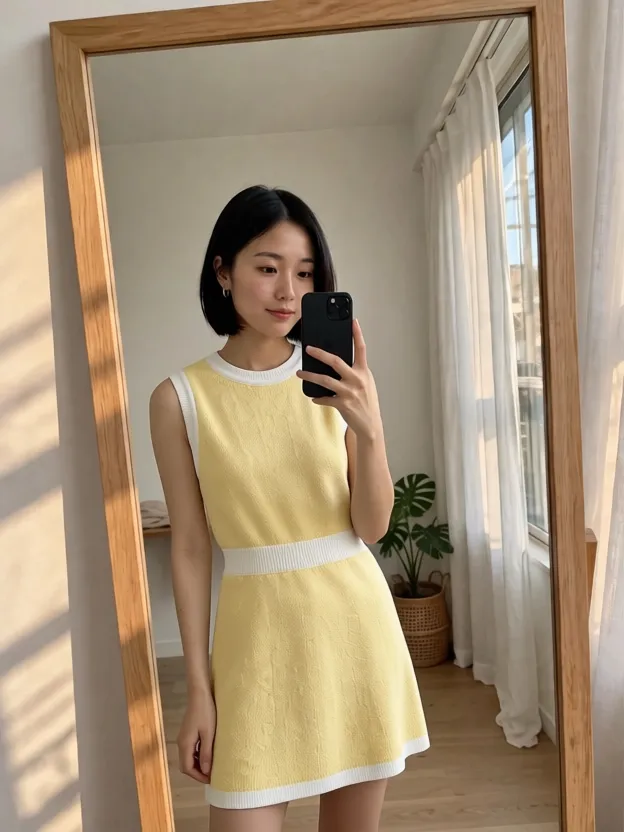
AI Clothes Changer
CreArt's free AI Clothes Changer dresses you in any garment from any shop, or in one of 14 styles, usually in under 20 seconds. No sign-up.
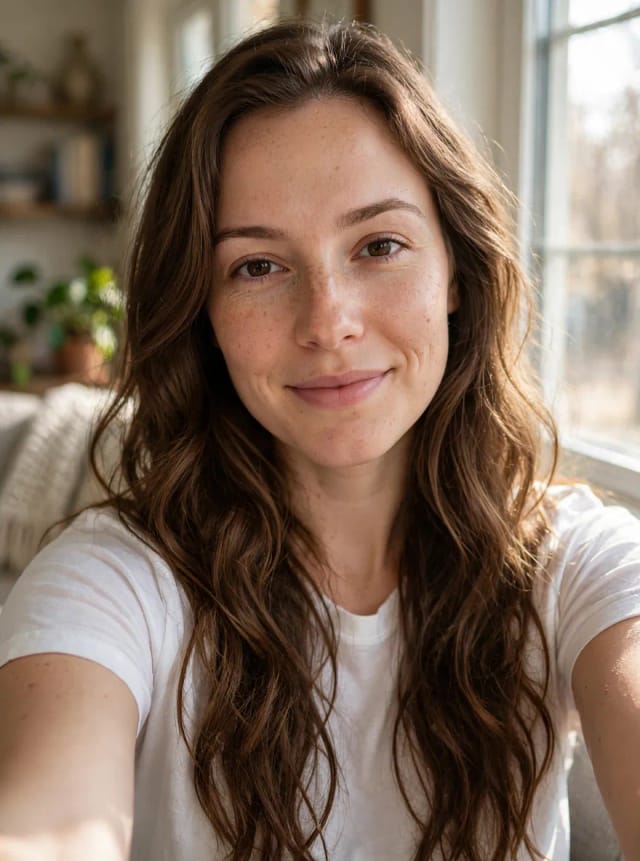
AI Hair Color Changer
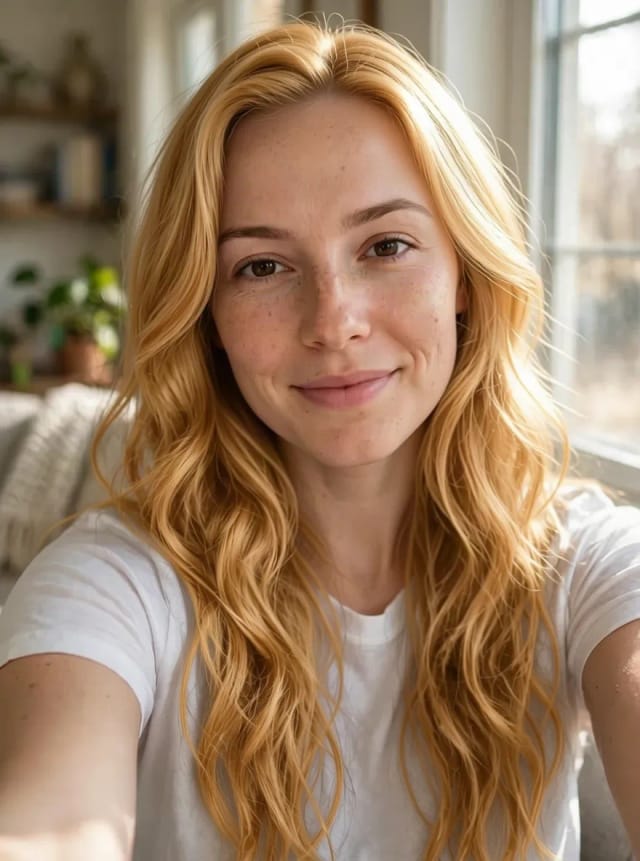
CreArt's free AI Hair Color Changer recolors only your hair in a selfie: 24 salon shades, balayage, ombré or any custom color, usually in under 20 seconds. No sign-up.
AI Profile Picture Maker
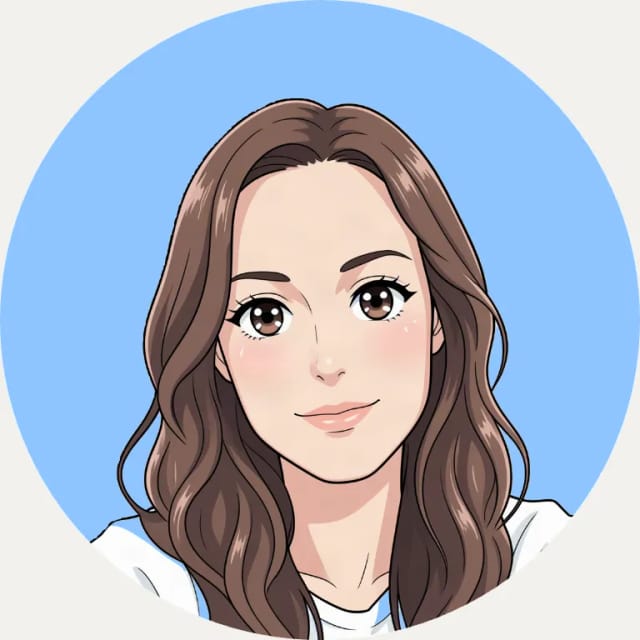
A free AI profile picture maker: your photo on a color background, sized for your social profiles, right in your browser. Or an anime, 3D, cartoon or pixel art avatar in under 20 seconds.
Wanted Poster Template & Generator
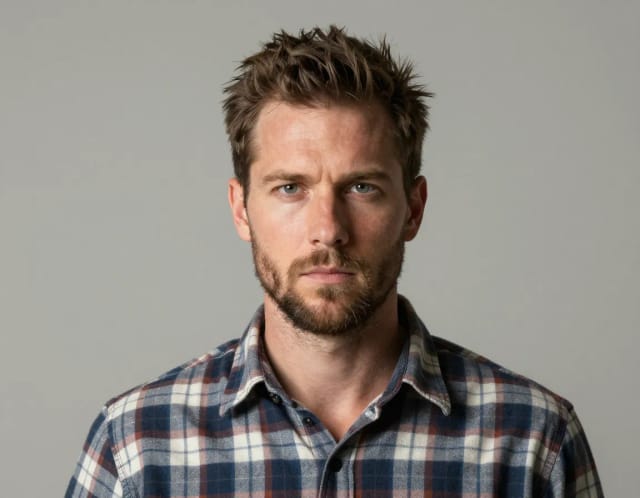
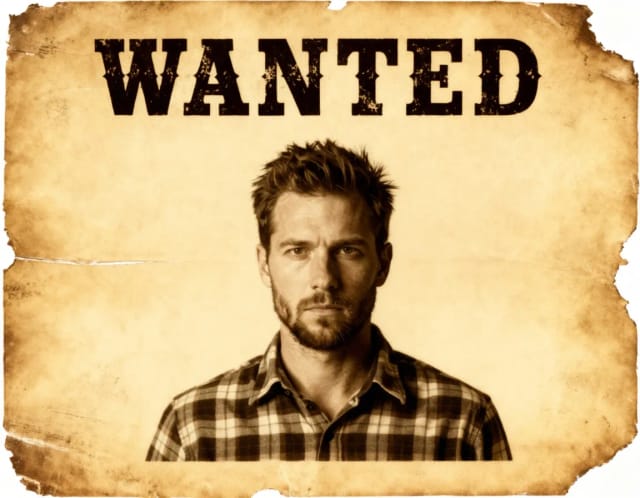
Turn any photo into a classic old-west wanted poster with your own name and reward, spelled exactly as you type them. Free to try — edit the text any time and download in seconds.
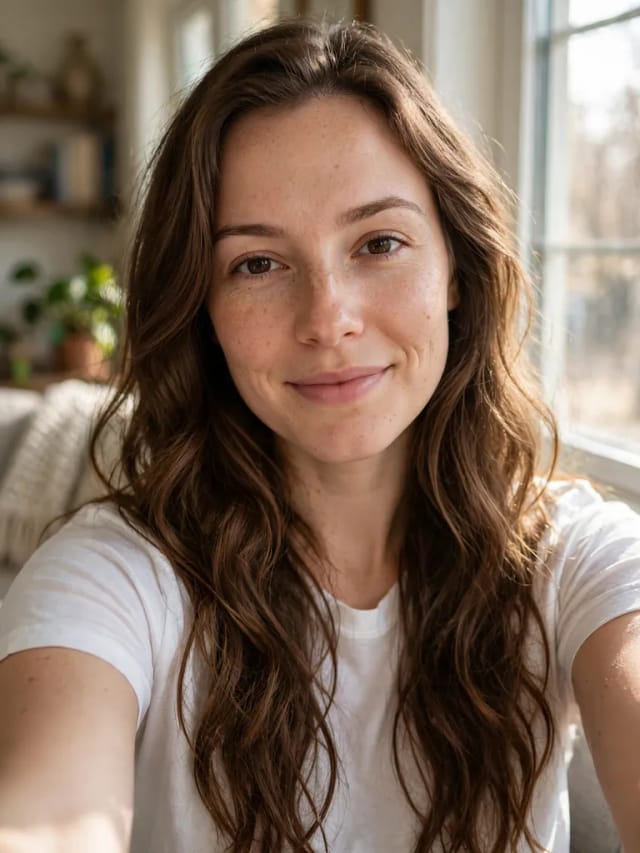
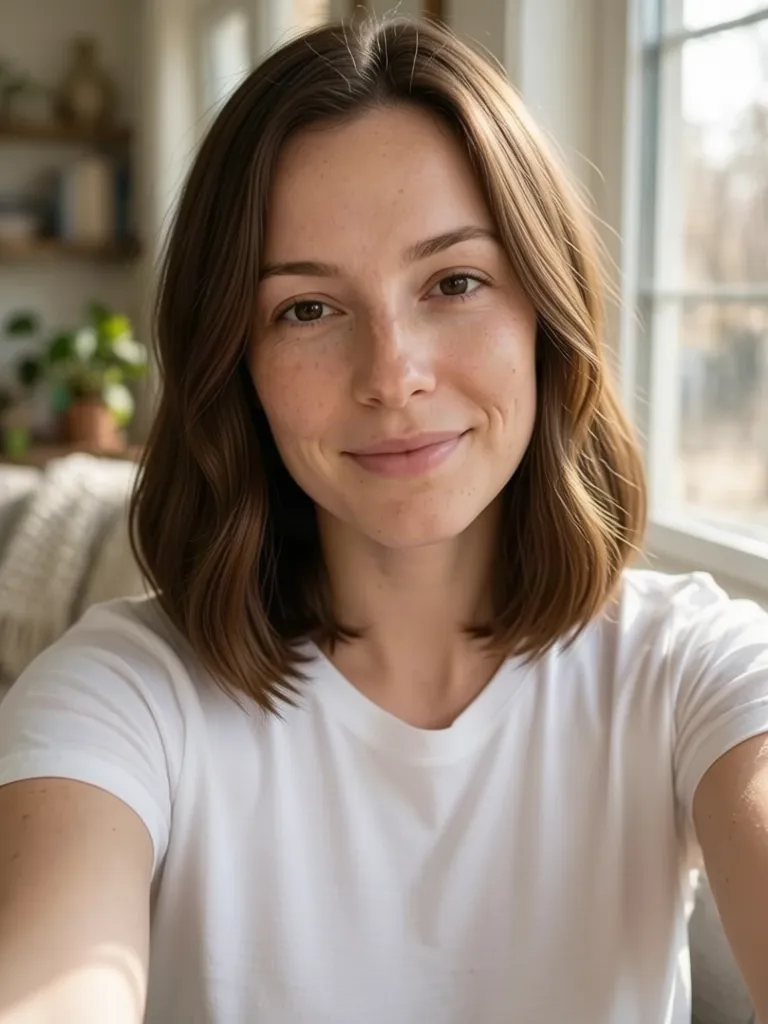
AI Hairstyle Changer
Upload a selfie and try 20 haircuts on your own face, from bangs or a pixie to a fade or a quiff, before you sit in the salon chair.
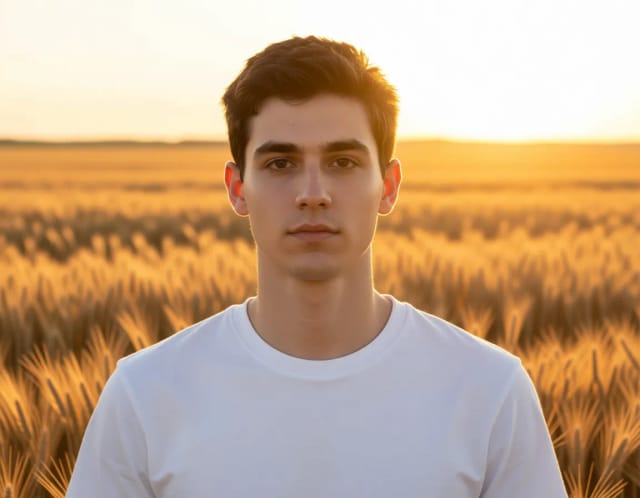
AI Photoshoot
Upload one selfie, pick a style and get a new photo of you in that setting in under 20 seconds. Try several styles with the same selfie to build your own photoshoot.
Ready to make something?
Open the tool, try the free Auto model and download the result.