
AI Character Generator
Describe your character and CreArt's free AI character generator draws it in 10 styles, from anime to claymation, with no sign-up. Then put the same character in any new scene.

How to use it
How to create a character and keep it in new scenes
Describe, pick a style, then reuse your character as often as you like.
Describe your character
Write who they are: age, hair, outfit and one detail that makes them theirs, like round glasses, a red scarf or a pet on the shoulder. No idea yet? Press the dice, or leave the field empty and press Generate for a random character.
Pick one of 10 styles
Choose anime, 3D cartoon, fantasy illustration, chibi, comic book, realistic, pixel art, watercolor, claymation and flat mascot. Every preview shows the same character, so you can see what each style changes before you generate.
Put them in a new scene
Press «Use this character in a new scene» under your result, or switch to New scene and upload your own drawing. Write where they are and what they do: the face, hair and outfit stay the same.
Consistent characters
Consistent characters: keep the same face in every scene
Most AI character generators draw a new face every time you press the button. Here you can keep the one you like: switch to New scene, upload your character (a drawing, a 3D render or one you made here) and write the scene. The AI keeps the same face, hair, outfit, colors and art style, and changes the place, the pose and the light.
In our own test with the Auto model, all 9 scenes kept the character: three different characters, three scenes each. It works best with one character seen from head to toe on a plain background. A pet or a robot sidekick usually comes along, though in a close-up it may stay out of the frame.
Want to turn a photo of yourself into a character instead? Use Photo to Anime or the AI Cartoon Generator.

Art styles
10 art styles for your OC, from anime to pixel art
Pick the style before you generate: anime, 3D cartoon, fantasy illustration, chibi, comic book, realistic, pixel art, watercolor, claymation and flat mascot. The previews all show the same girl in a yellow raincoat with her fox, so you can compare what each style changes and what it keeps.
Designing an anime OC or a cute mascot? Start with the anime, chibi or mascot styles, then try the same description in another style without rewriting it. Looking for anime pictures rather than a character to reuse? The AI Anime Generator is made for that.

Fantasy and RPG
Fantasy and tabletop RPG characters, the same in every scene
Create your ranger, mage or rogue once and then show them by the campfire, on the castle wall or reading a map in the tavern, always with the same face and gear. Useful for a campaign, a story or a game prototype, where the party has to look the same from one picture to the next.
Building a whole party? Make each character, keep the images and come back to New scene whenever the story moves on. To turn a character into a collectible figure, try the AI Action Figure Generator; for stickers, the AI Sticker Generator.

Who it's for
Who uses the AI character generator
Writers and storytellers
Give your cast a face and keep it the same from chapter to chapter, scene after scene.
Tabletop RPG players
A portrait for your new character, and the same character in every moment of the campaign.
Indie game developers
Prototype heroes and mascots in the style of your game, then show them in different places.
OC artists and fans
Try your original character in 10 styles before you draw it, or make references for a commission.
Content creators
An original mascot or avatar for your channel that looks the same in every post.
Pricing
Start free, scale when you need to
Create characters and new scenes for free with the Auto model, no account needed. Pick a plan when you want more images a day.
Free
$0
- 100 credits every day
- The Auto model, on our own servers
- No card needed
Paid plans
Basic · Starter · Creator
- 1,600 to 10,000 credits a month
- Every AI model, including premium ones
- AI video, and no ads in the mobile app
Why choose it
Why use this AI character generator
Design a character once and keep using it.
Same character, any scene
Upload your character or reuse one you made here, write the scene, and the face, hair and outfit stay the same.
10 styles with real previews
Every style preview shows the same character, made with the same tool you are using.
Describe it or roll the dice
Write your own description, press the dice for a random character, or leave the field empty and let the AI invent one.
Free with Auto, no sign-up
Create characters and new scenes for free with the Auto model, without creating an account.
The shape you need
Square for an avatar, tall for a poster, wide for a scene: pick the aspect ratio before you generate.
Works with the rest of CreArt
Put your character on a clean white background with the background remover, or make it sharper with the image upscaler.
Is there a free AI character generator?
How do I make a consistent character with AI?
Can I keep the same character in different images?
Can I make my own original character (OC)?
Can I upload my own character drawing?
What art styles can I use?
How long does it take?
What does it not do well yet?
Can I turn my own photo into a character?
Does a new scene cost more than a new character?
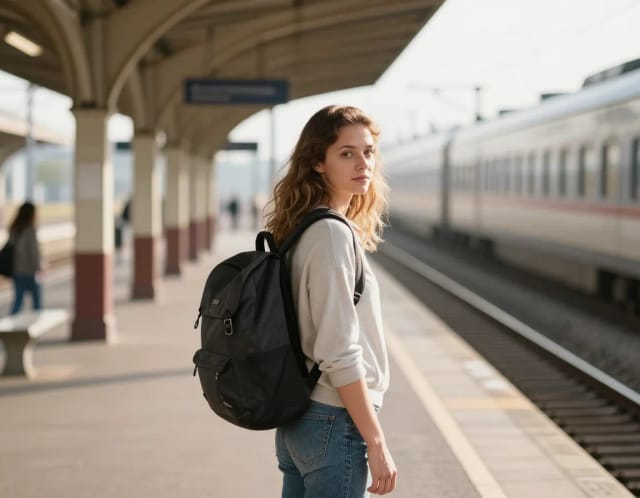
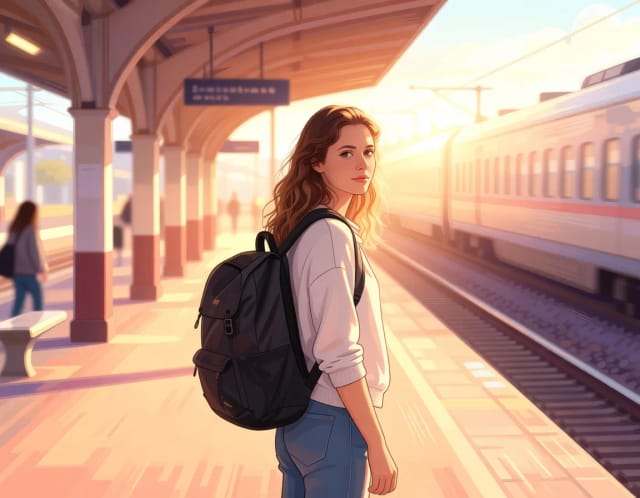
Photo to Anime
CreArt's photo to anime converter turns your photo into anime art, free and without sign-up. Pick one of 6 styles, from a soft, hand-painted film look to black and white manga; it usually takes under 20 seconds.
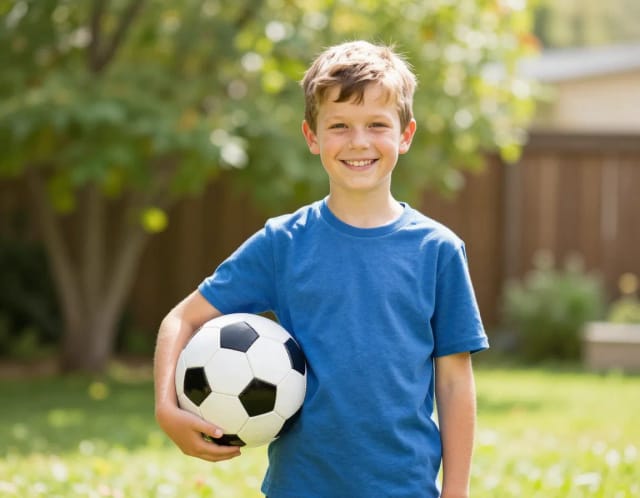
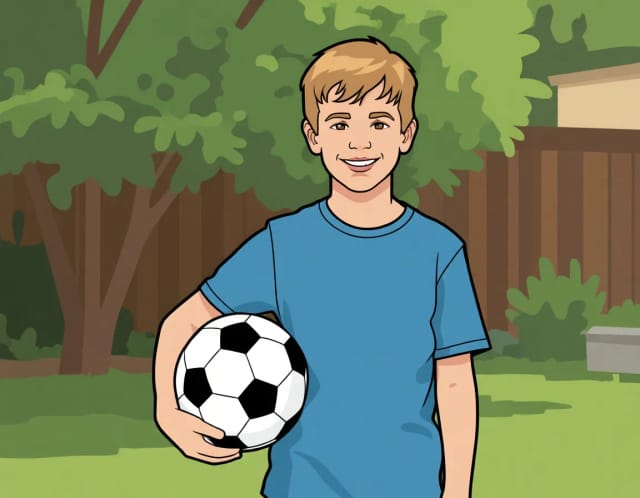
AI Photo to Cartoon
CreArt's photo to cartoon tool turns your photo into a cartoon, free and without sign-up. Pick one of 6 styles, from a 3D animated-movie look to comic and storybook; it usually takes under 20 seconds.
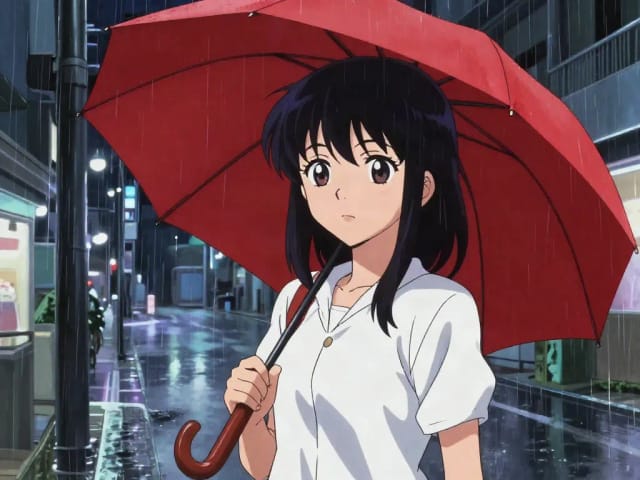
AI Anime Generator
Turn a text idea into anime-style art. Pick a look, generate and download it, usually in under 20 seconds — no drawing skills required.

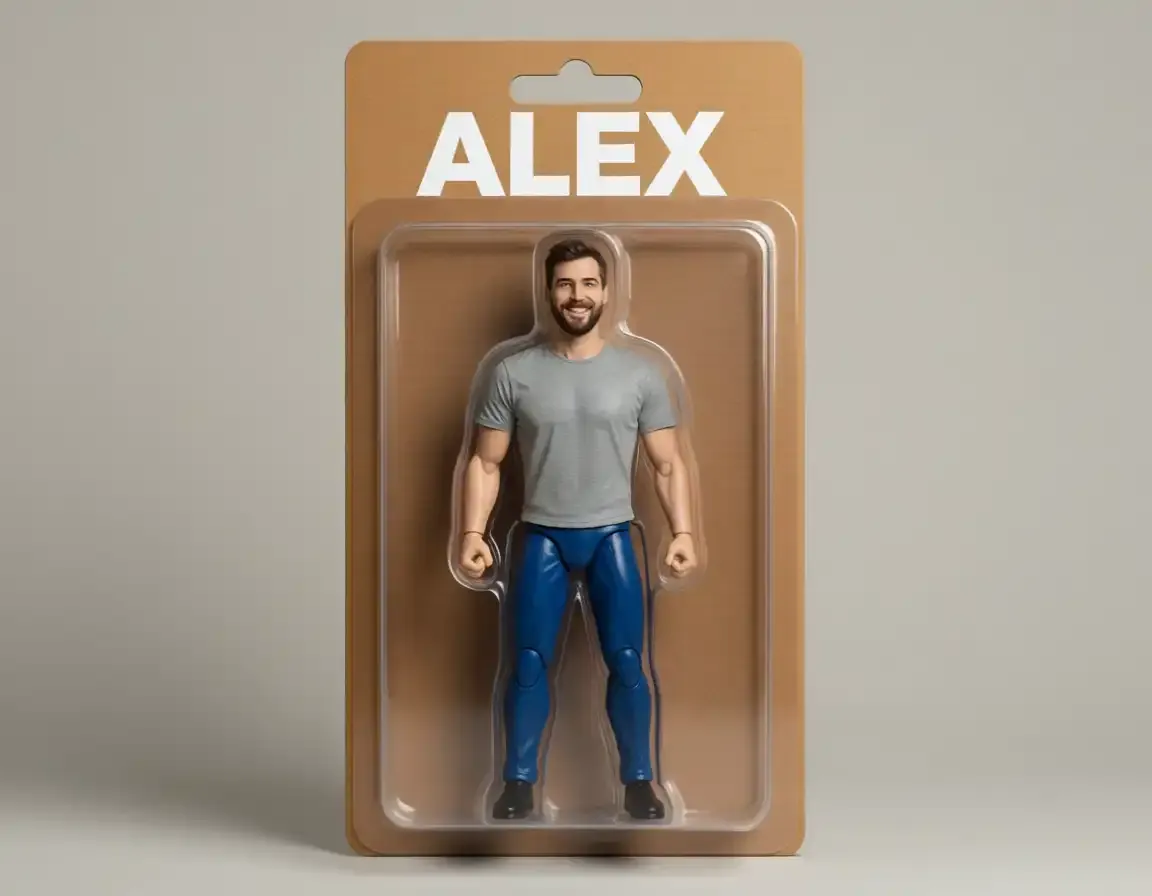
AI Action Figure Generator
CreArt's AI Action Figure Generator turns a photo into an image of a collectible figure, free and without sign-up: pick a blister pack, an anime figure, a vinyl toy or a superhero, add a name for the box, and get it usually in under 20 seconds.
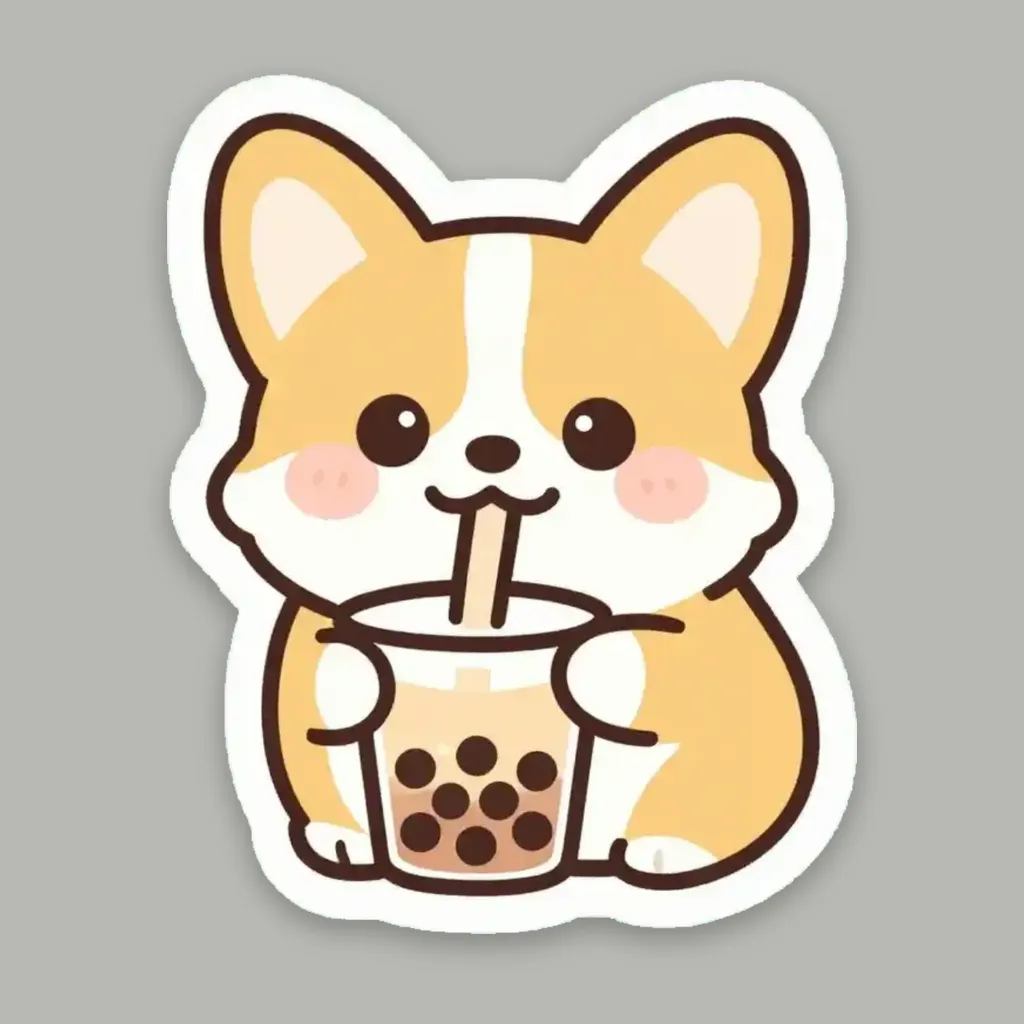
AI Sticker Generator
Turn a text idea or your own photo into a die-cut sticker, then print a sheet of 12.
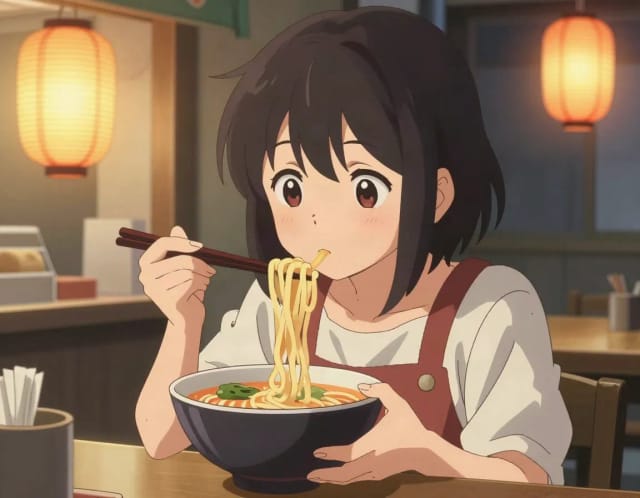
AI Art Generator
Turn a text idea or a photo into art: anime, oil painting, watercolor, pixel art, Van Gogh and more. Free with the Auto model and no sign-up, usually in under 20 seconds.
AI Tattoo Generator
Describe your idea, pick a style and try the tattoo on your skin before you ink. Add a name, get a stencil. Free, no sign-up.
AI Comic Generator
Describe a scene, pick an art style, and get finished comic panels in seconds — no drawing skills needed.
Ready to make something?
Open the tool, try the free Auto model and download the result.