
Photo to Painting
CreArt's photo to painting tool turns any photo into a painting, from a portrait painting to an oil painting look, free and without sign-up. Pick impressionist, baroque, palette knife, acrylic, expressionist or pop art; it usually takes under 20 seconds.
Your photo
Painting style · Impressionist
10 free tries a day with Auto · No sign-up
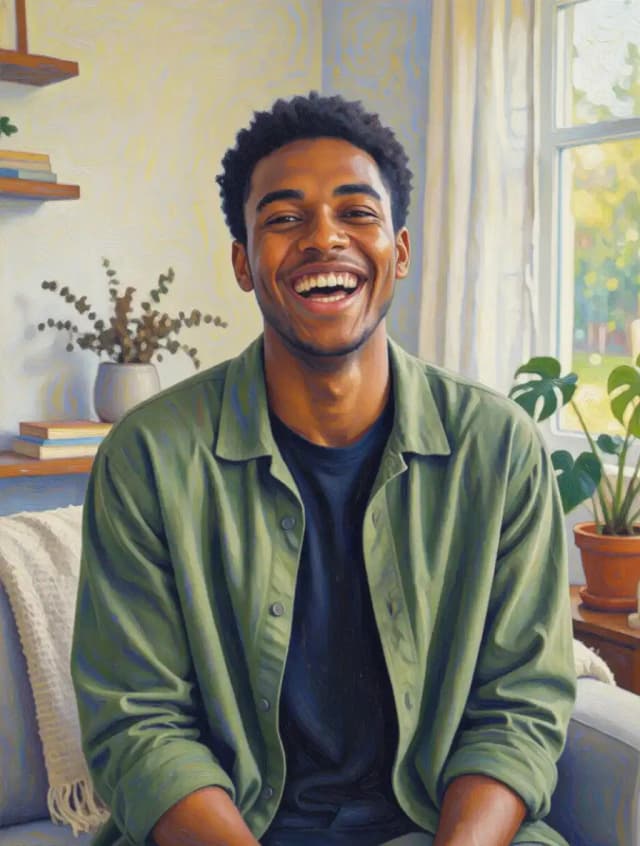

Which painter takes your photo?
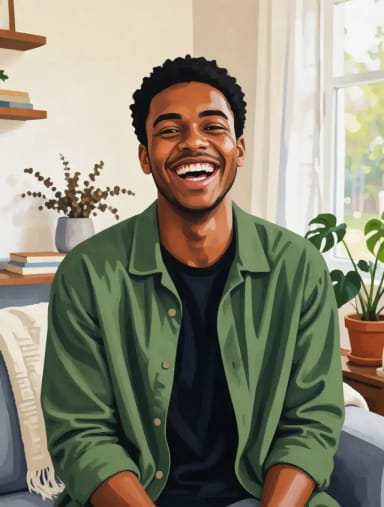
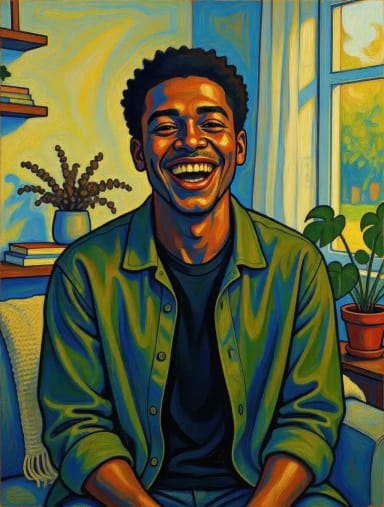
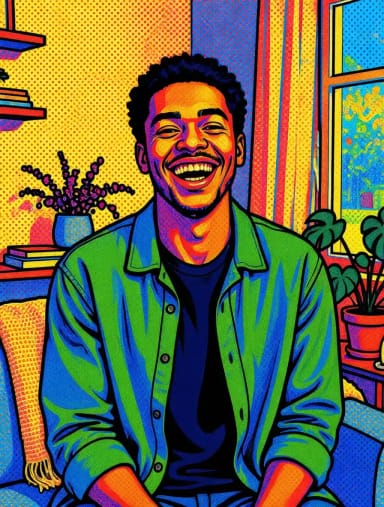
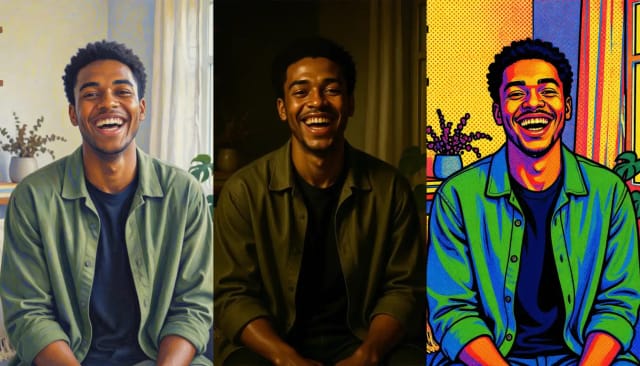
Impressionist light, baroque shadows, pop art color: the same portrait on six easels. Pick your brush.
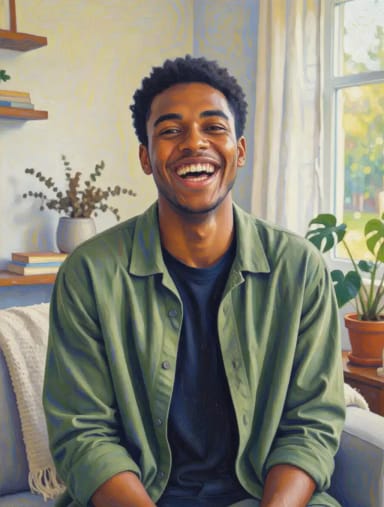
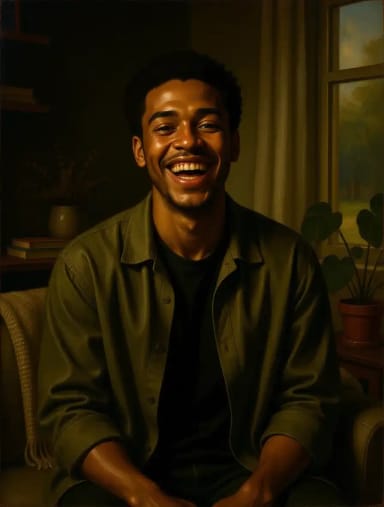
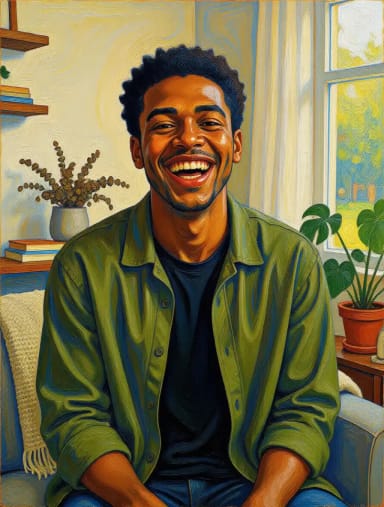
How to turn a photo into a painting
Convert a photo to a painting in 4 steps
No brushes, no software — just your photo and a style.
Upload your photo
Add a JPG or PNG straight from your phone, camera or computer. Portraits, pets and landscapes all work, or try one of the sample photos.
Pick a painting style
Choose impressionist, baroque, palette knife, acrylic, expressionist or pop art. Each one repaints your image with its own brushwork and color.
Let the AI paint it
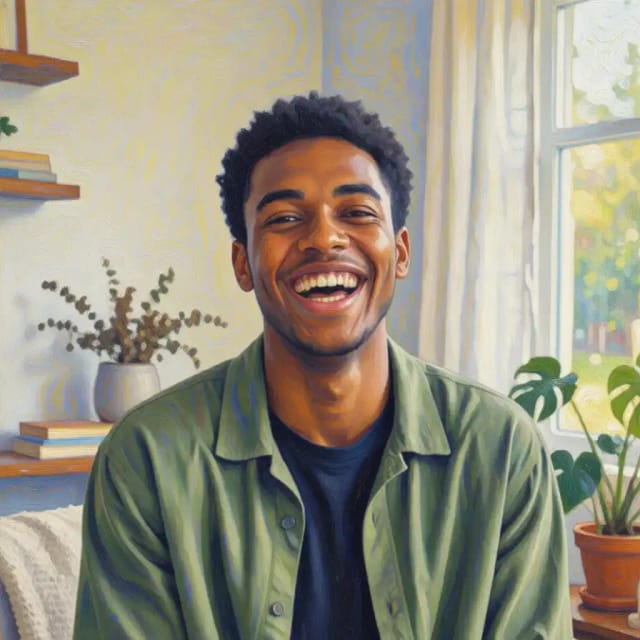
The AI reads the shapes and light in your picture and repaints them in the style you picked. It usually takes under 20 seconds.
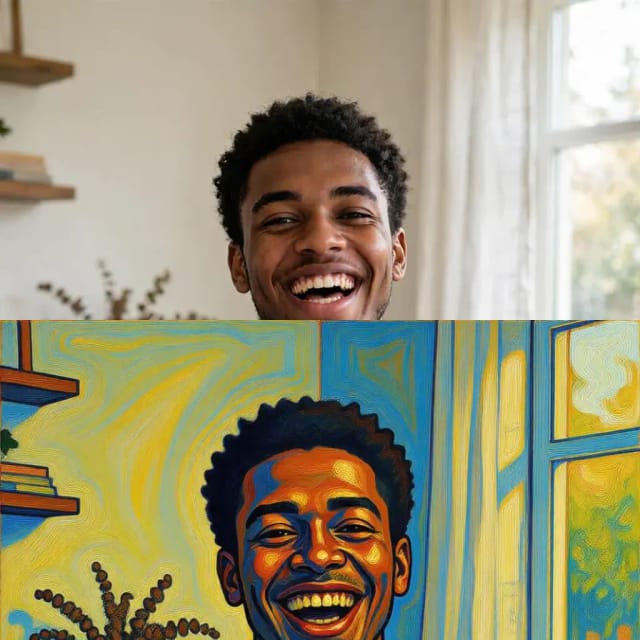
Download your artwork
Save the finished painting. Run it again with another style to compare looks on the same photo.
How it works
How Photo to Painting turns your picture into art
From uploading your picture to downloading finished artwork, here's what happens behind the scenes.
Photo to Painting is an AI tool that turns any photo into a painting. You upload a picture, choose a style such as impressionist, baroque, palette knife or pop art, and download the finished artwork, usually in under 20 seconds, with no drawing skills and no editing software.
The result keeps the subject and composition of your photo while repainting it with brushwork, texture and color that match the style you picked. A portrait becomes a painted portrait; a landscape becomes a painted landscape. CreArt makes a digital painting you download; it doesn't paint or ship a canvas. To hang it, any print shop can print the file on canvas.
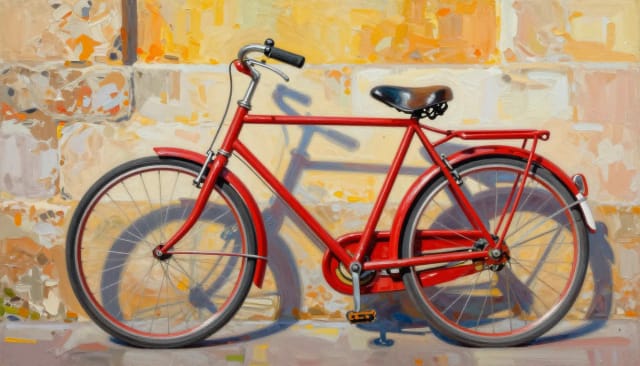
Turn a photo into a portrait painting
Portraits are what most people paint: a parent, a partner, a pet, yourself. The AI reads the shapes, edges and light in the photo and repaints them in the chosen style rather than dropping a flat filter on top, a technique known as style transfer. Faces stay recognizable because it starts from your actual photo, though small details can come out slightly different. For cinematic, fantasy or Renaissance portraits, try the AI Portrait Generator.
For a photo to oil painting look, pick Palette knife for thick impasto strokes or Baroque for dark, dramatic light. If your picture is small or a little soft, run it through the image upscaler first; the photo enhancer helps if the lighting is off.
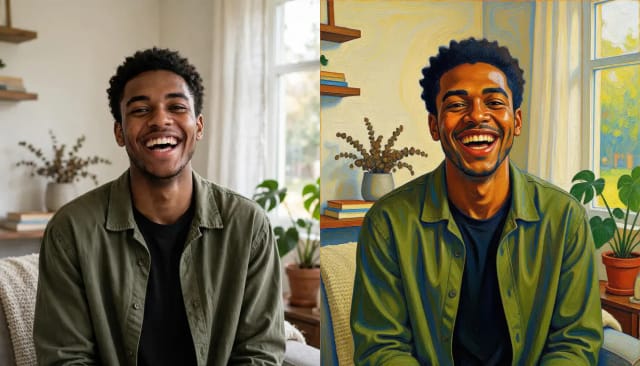
Try several painting styles, keep only one
Painting a portrait or landscape by hand takes hours of practice and the right materials. Here you get a painted version of your photo in a few clicks, try several styles on the same image and keep only the one you like.
Want a different look entirely? Turn a photo into a pencil sketch instead of a painting, or start from a blank canvas and describe your own scene with the AI art generator.
Who it's for
Who uses Photo to Painting
People making painted gifts
Turn a family photo, wedding shot, or pet picture into a painted keepsake to print, frame, or give without hiring an artist.
Social media creators
Give portraits and travel photos an artistic look that stands out in a feed, in impressionist, baroque or palette knife styles.
Photographers and hobbyists
Explore how a shot looks reinterpreted as a painting, and test several styles on the same image before choosing one.
Small businesses and sellers
Create painted product or profile visuals for shops, menus, and marketing without commissioning custom artwork.
Anyone curious about how a photo becomes a painting
Try turning your own pictures into art with no drawing skills, no materials, and no editing software to learn.
Pricing
Start painting for free
Try Photo to Painting at no cost, then pick a plan when you want more generations and styles on your photos.
Free
$0
- 100 credits every day
- The Auto model, on our own servers
- No card needed
Paid plans
Basic · Starter · Creator
- 1,600 to 10,000 credits a month
- Every AI model, including premium ones
- AI video, and no ads in the mobile app
Why choose it
Why use Photo to Painting
A faster way to get a painted version of your photo, without the practice or the mess.
Six painting styles on one photo
Paint the same photo as an impressionist, baroque, palette knife, acrylic, expressionist or pop art picture and keep whichever look fits best.
Real brushwork, not a flat filter
The AI rebuilds your image stroke by stroke, so you get texture and depth instead of an overlay slapped on top of the photo.
Faces and scenes stay true
Because it starts from your actual picture, portraits stay recognizable and landscapes keep their real composition.
Usually under 20 seconds
Skip hours of hand-painting: upload a picture and the painted artwork is usually ready in under 20 seconds.
No skills or software needed
You don't need to draw or learn an editing app. Pick a style and the tool does the painting for you.
Free to try
Convert a photo to a painting without paying up front, so you can see the result before committing.
How do I turn a photo into a painting?
How do you make a photo look like a painting?
Can I convert a photo to an oil painting?
Can I turn a photo into a portrait painting?
What painting styles are available?
Does the painting still look like the original photo?
What kind of photos work best?
Is Photo to Painting free to use?
Can I use the painted image anywhere I want?
Can you paint my photo on a real canvas?
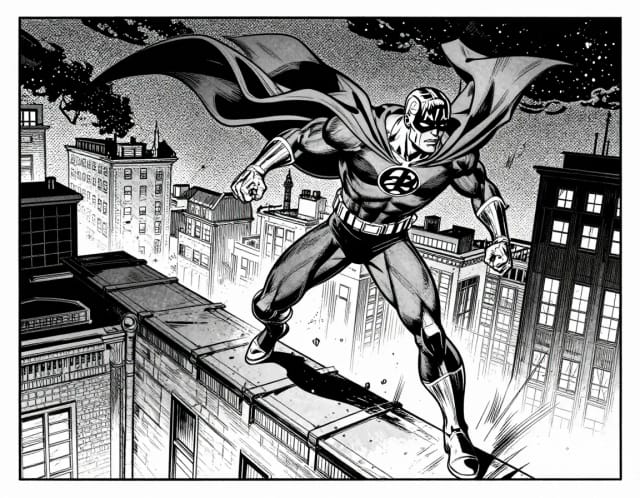
AI Comic Generator
Describe a scene, pick an art style, and get finished comic panels in seconds — no drawing skills needed.
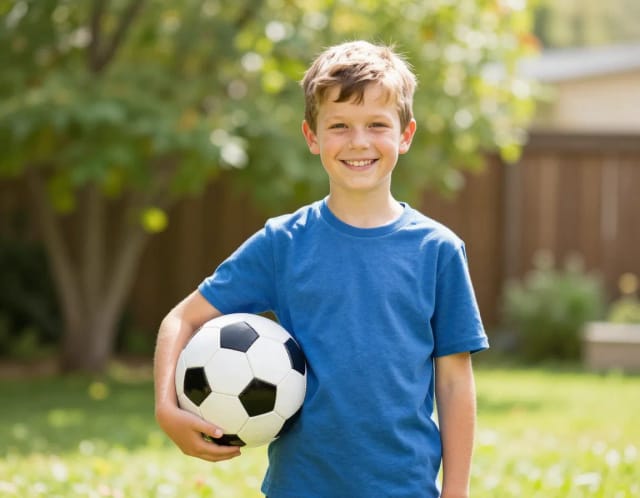
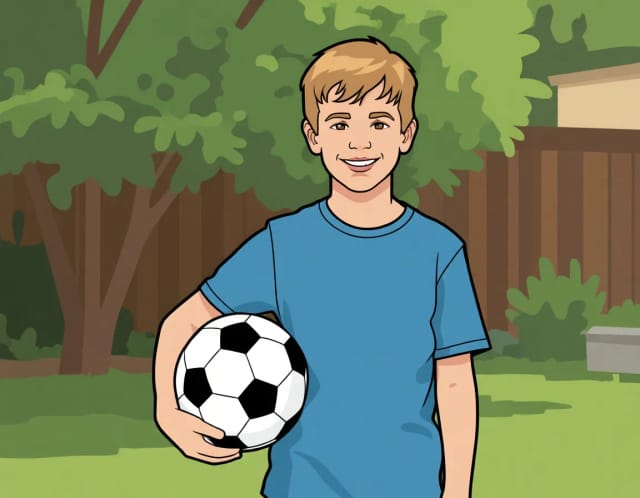
AI Photo to Cartoon
CreArt's photo to cartoon tool turns your photo into a cartoon, free and without sign-up. Pick one of 6 styles, from a 3D animated-movie look to comic and storybook; it usually takes under 20 seconds.
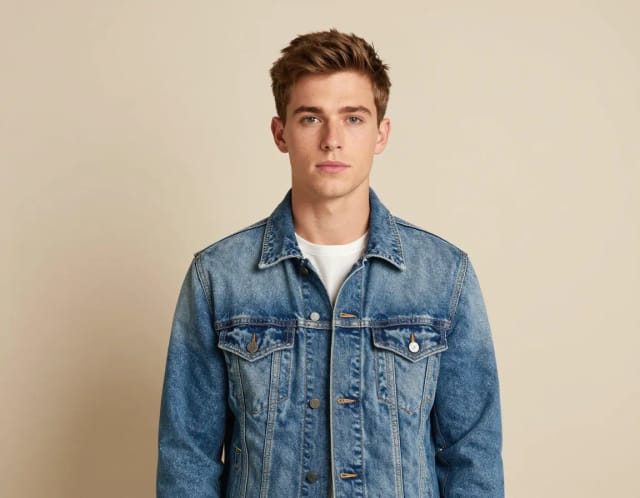
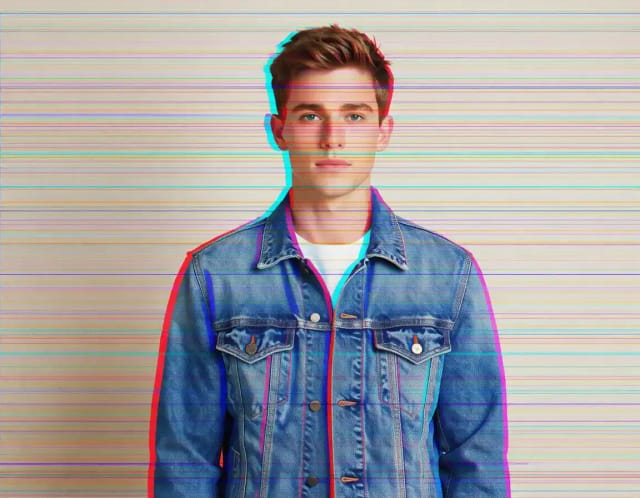
Glitch Effect for Photos
CreArt's Glitch Effect adds a glitch effect to any photo online, free and without sign-up: RGB shift, VHS, datamosh or cyber neon, usually in under 20 seconds.
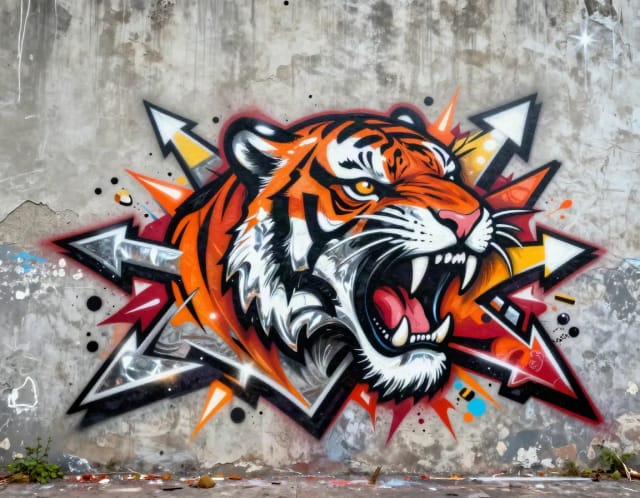
Graffiti Generator
Write your name or any word in graffiti letters, free and with no sign-up: 8 letter styles, 6 color sets and real walls, ready to download. Or turn an idea into AI graffiti art.
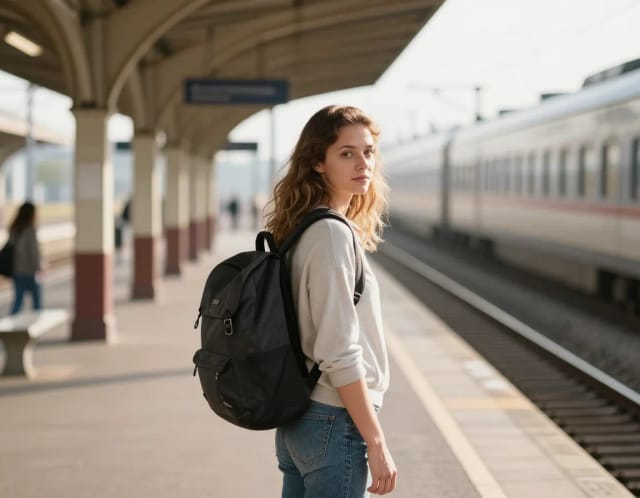
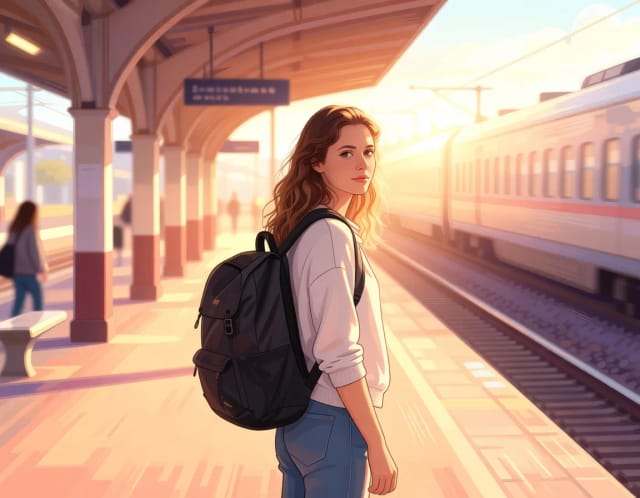
Photo to Anime
CreArt's photo to anime converter turns your photo into anime art, free and without sign-up. Pick one of 6 styles, from a soft, hand-painted film look to black and white manga; it usually takes under 20 seconds.
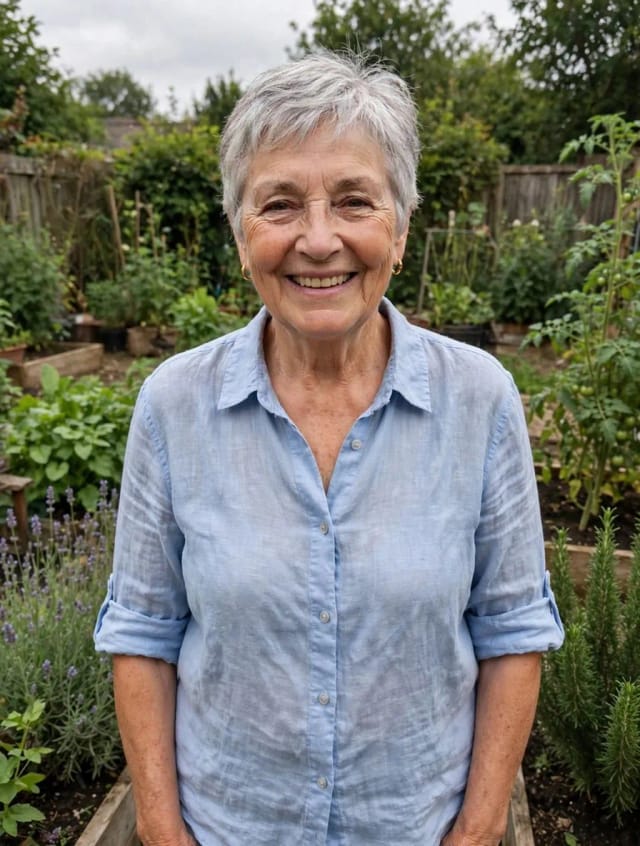
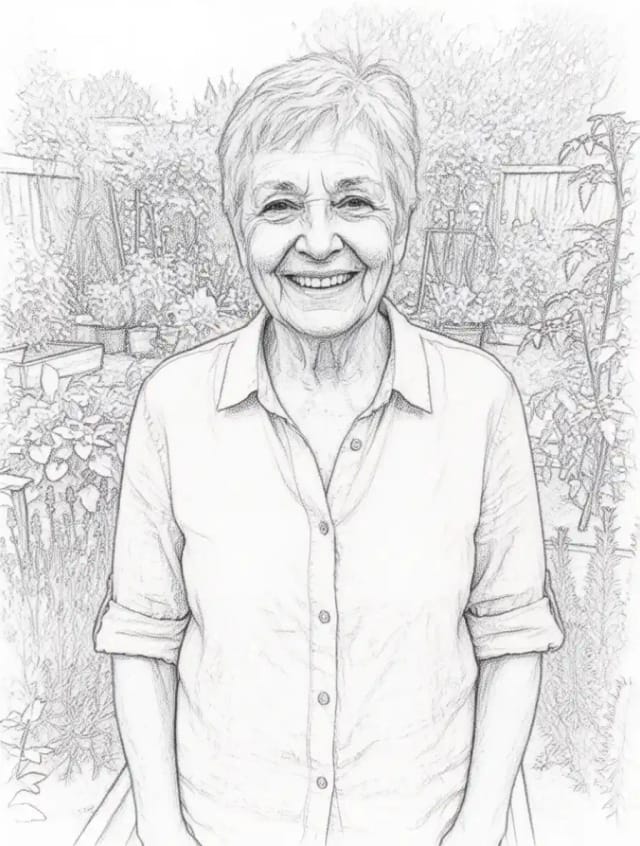
Photo to Sketch
CreArt's photo to drawing tool turns any photo into a pencil sketch, line drawing or eight other drawing styles for free, without sign-up, usually in under 20 seconds.
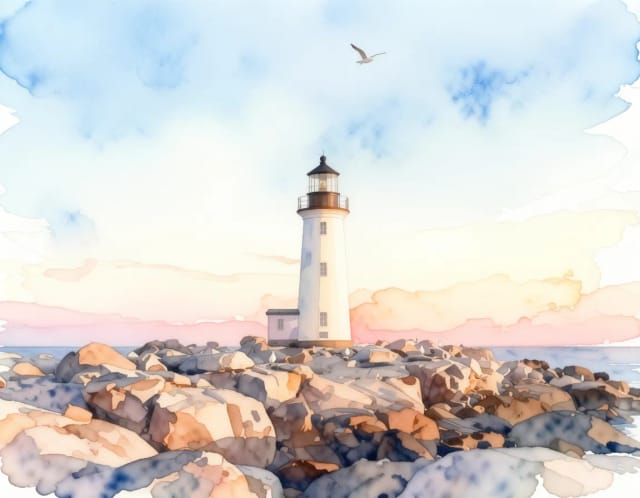
Photo to Watercolor
Turn any photo into a soft, hand-painted watercolor painting with AI — upload, pick a style, and download in seconds.
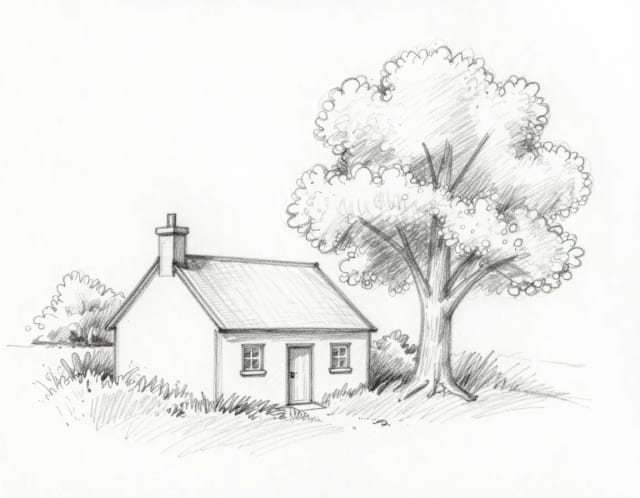
Sketch to Image
CreArt's sketch to image AI turns rough sketches, doodles and drawings into finished images. It is free, needs no sign-up and usually takes under 20 seconds: upload a drawing, pick a style like photorealistic, anime or watercolor, and add details if you want.
Ready to make something?
Open the tool, try the free Auto model and download the result.