AI Tools for Small Business
A set of AI tools built for small businesses: design logos, flyers, clean product photos and daily social content without hiring a designer.
The workflow
How the pros run it, start to finish
The design department your business doesn’t have — in the order you’ll need it.
- 1
Start with a logo that survives shrinking
Test it in one color at 32 px (a browser favicon). If it dies there, it dies on your invoice, your sign and your packaging.
- 2
Product photos on clean backgrounds
Shoot near a window, then cut the background. White for marketplaces, lifestyle scenes for social.
- 3
Print pieces that match your brand
Reuse the same two colors and one typeface everywhere; consistency reads as professionalism more than any single design.
- 4
Turn the product shot into an ad
A headline and a button over your product photo, sized for the feed or for stories.
Good to know (beyond the tools)
- Check the commercial-use terms before putting AI images on products you sell — see the copyright guide below.
- Register your business name before falling in love with a logo.
Related guides
How it works
From idea to finished asset in 4 steps
Pick the tool you need
Choose what you're making today — a logo, a flyer, a clean product shot or a social post. Each one is a focused tool, so there's nothing to configure.
Describe it in plain words
Type what you want and what your business does. Add your colors or upload a product photo when the tool asks for one — no design jargon required.
See the result
The AI returns an image in seconds. Not right yet? Change the style or the wording and generate again.
Download and use it
Export a print-ready or web-ready file and put it straight on your storefront, feed or flyer. Reuse the tool whenever you need more.
How it works
The design department your small business doesn't have yet
Logos, flyers, product photos and social posts — made in minutes, without a designer.
AI tools for small business are a set of design tools that let you create logos, flyers, product photos and social media posts yourself, without hiring a designer or learning software. You describe what you need, pick a style that fits your brand, and download print-ready results in minutes.
Each tool does one job well. Need a mark for your shop? The AI logo generator turns a short description into an original design that doesn't look like clip art. Running a weekend promotion? The flyer maker builds a poster you can print or post the same afternoon. It's the kind of output a small team usually can't justify paying an agency for.
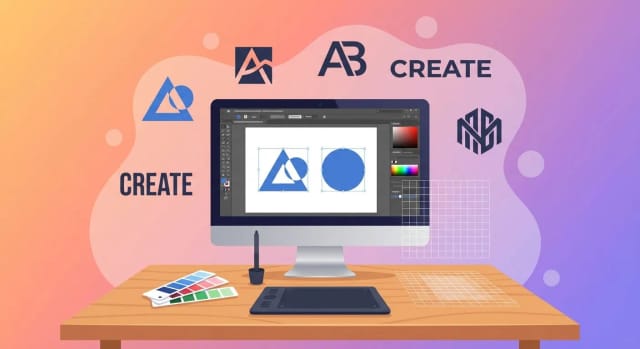
A deliberately short workflow for busy owners
The workflow is deliberately short because you're running a business, not a studio. Type what you want in plain language, choose a look, and generate again until one fits.
Product photography is where a lot of shops get stuck, so it's covered too. Shoot a product on your phone, run it through the background remover for a clean transparent cutout, and place it on any backdrop you like. If the original photo is soft or badly lit, the photo enhancer fixes lighting and sharpness before it goes on your listing or feed.
Professional output without a designer retainer
Hiring a freelance designer for a logo, a set of product shots and a month of social posts adds up fast, and turnaround is measured in days. These tools cut that to minutes, which matters when you're testing an idea or reacting to a promotion that starts tomorrow.
You stay in control of the brand. Every result is yours to download, tweak and reuse, and when you need a listing image to look crisp at full size you can push it through the image upscaler before publishing. Consistent, professional-looking output — without a retainer.
Who it's for
Who AI tools for small business are for
Shop and e-commerce owners
Turn phone photos into clean product images, remove distracting backgrounds and enhance lighting so every listing looks consistent and professional.
Local service businesses
Cafés, salons, gyms and tradespeople who need a logo, promotion flyers and steady social posts without a marketing budget or a designer on call.
Solo founders and side hustlers
Testing a new idea and need a brand to launch fast — get a logo, product mockups and launch content in an afternoon.
Social media and content managers
Keep a small business feed active with fresh, on-brand posts every day, without waiting on design handoffs for every asset.
Freelancers and consultants
Build a professional look for your own brand — a logo, a clean headshot and simple promo graphics — without outsourcing it.
Pricing
Plans that fit a small business budget
Start free and generate your first logos, flyers and product photos, then upgrade when you need more generations.
Free
$0
- 100 credits every day
- The Auto model, on our own servers
- No card needed
Paid plans
Basic · Starter · Creator
- 1,600 to 10,000 credits a month
- Every AI model, including premium ones
- AI video, and no ads in the mobile app
Why CreArt
Why small businesses use these tools
Professional design output without the cost or wait of an agency.
One brand, every asset
Logo, flyers, product photos and social posts all come from the same place, so your business looks consistent across your storefront, packaging and feed.
Try it before you pay
Make a logo, a flyer or a product shot with the free daily credits and see the result before you pay for anything.
Ready when a promotion is
Weekend sale starting tomorrow? Describe the flyer and post, and have both finished in minutes instead of waiting days on a designer.
Product photos without a studio
Turn phone snapshots into clean listing images — remove the background, drop in a fresh backdrop and enhance the lighting automatically.
No design skills needed
You describe what you want in plain language and choose a style. There's nothing to learn and no software to install.
Print and web ready
Download files sized for both print and screen, so the same flyer works on a shop window and in an Instagram story.
What are the best AI tools for small business?
Can AI make a logo for my business?
How does AI product photography work?
Are these AI marketing tools free to try?
Do I need design experience to use them?
Can I use the results commercially?
How much do these AI tools cost compared to a designer?
CreArt is not affiliated with, endorsed or sponsored by Instagram, LinkedIn or Kindle. Instagram is a trademark of Meta Platforms, Inc. LinkedIn is a trademark of LinkedIn Corporation. Kindle is a trademark of Amazon.com, Inc.
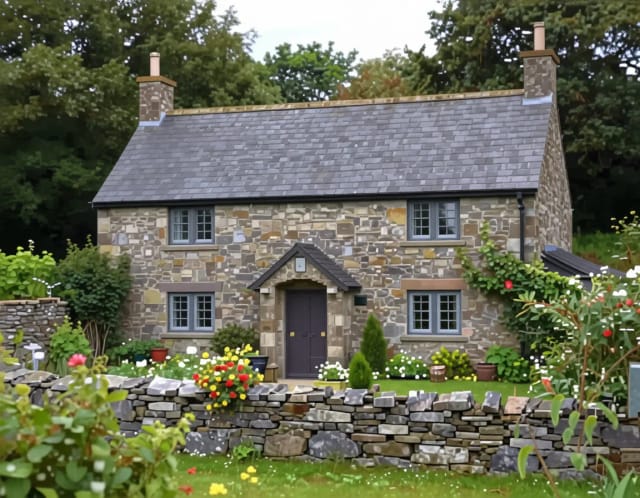
Brand your business
The identity pieces every business needs on day one — and every rebrand after.




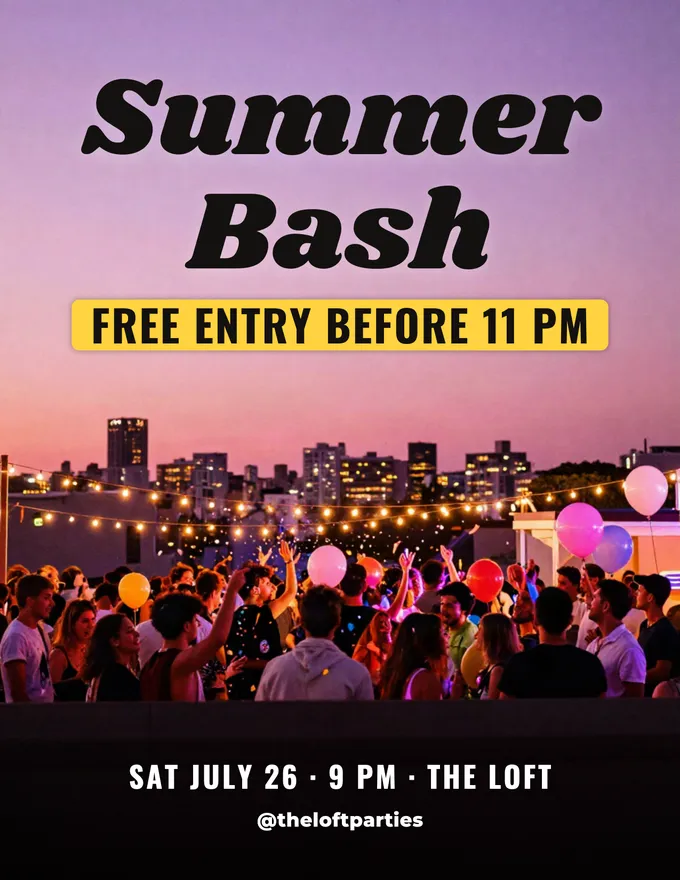
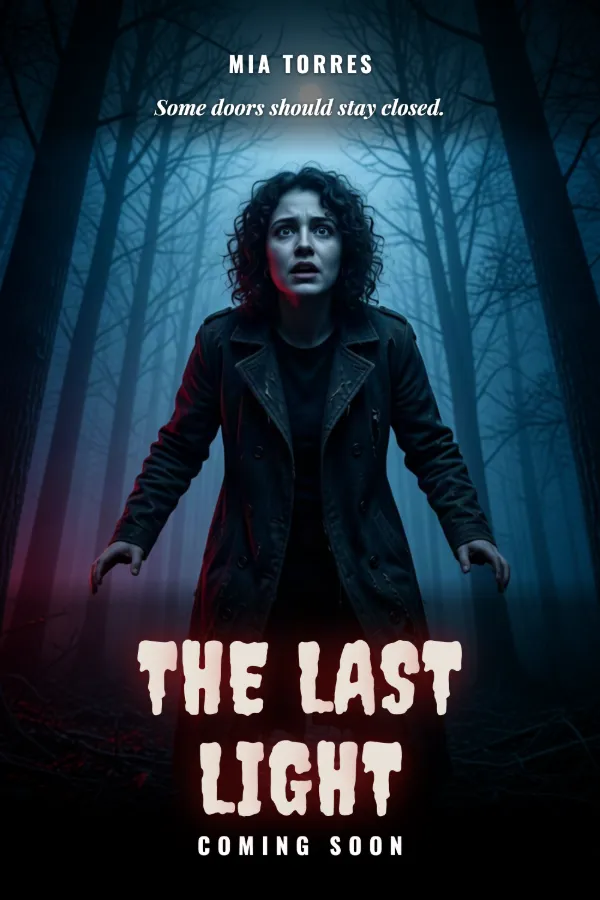
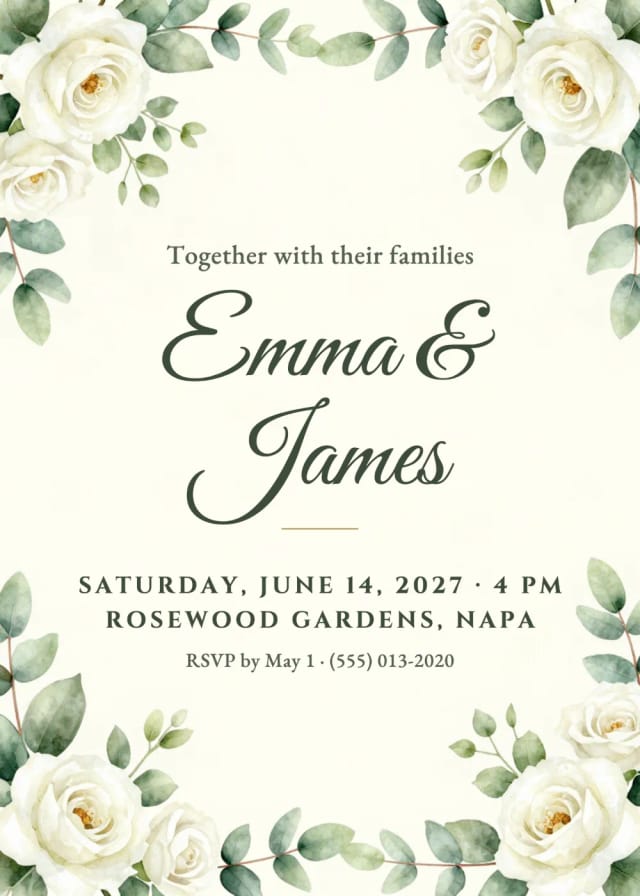
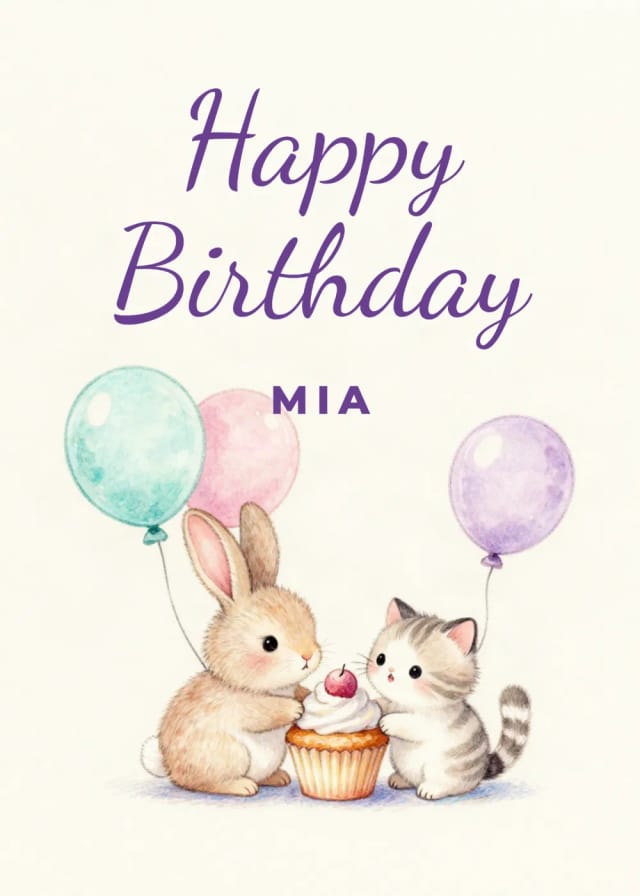
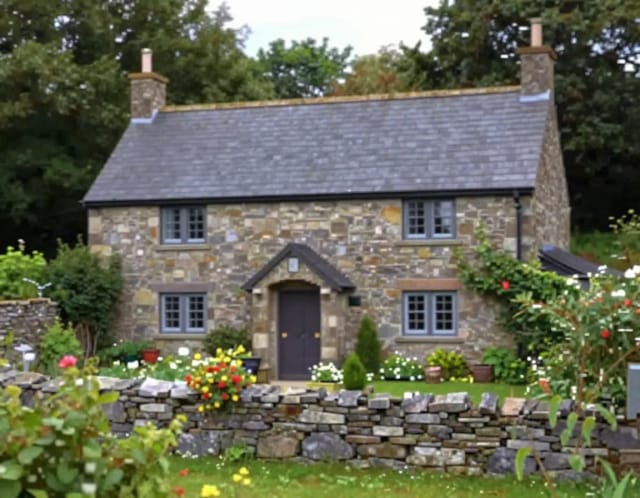
Promote every offer
Flyers, posters and invitations that look like you paid an agency.
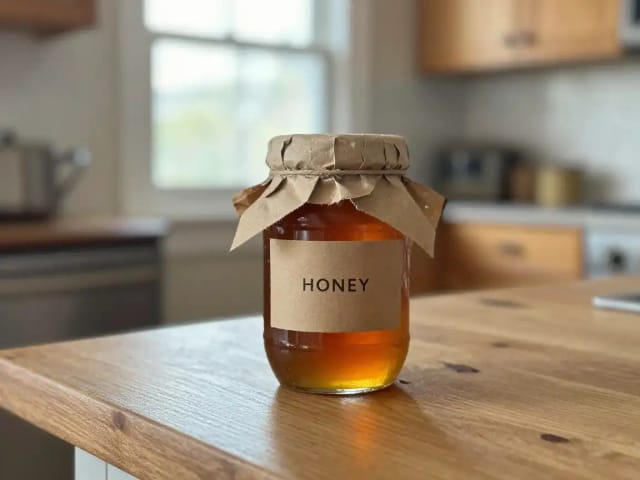
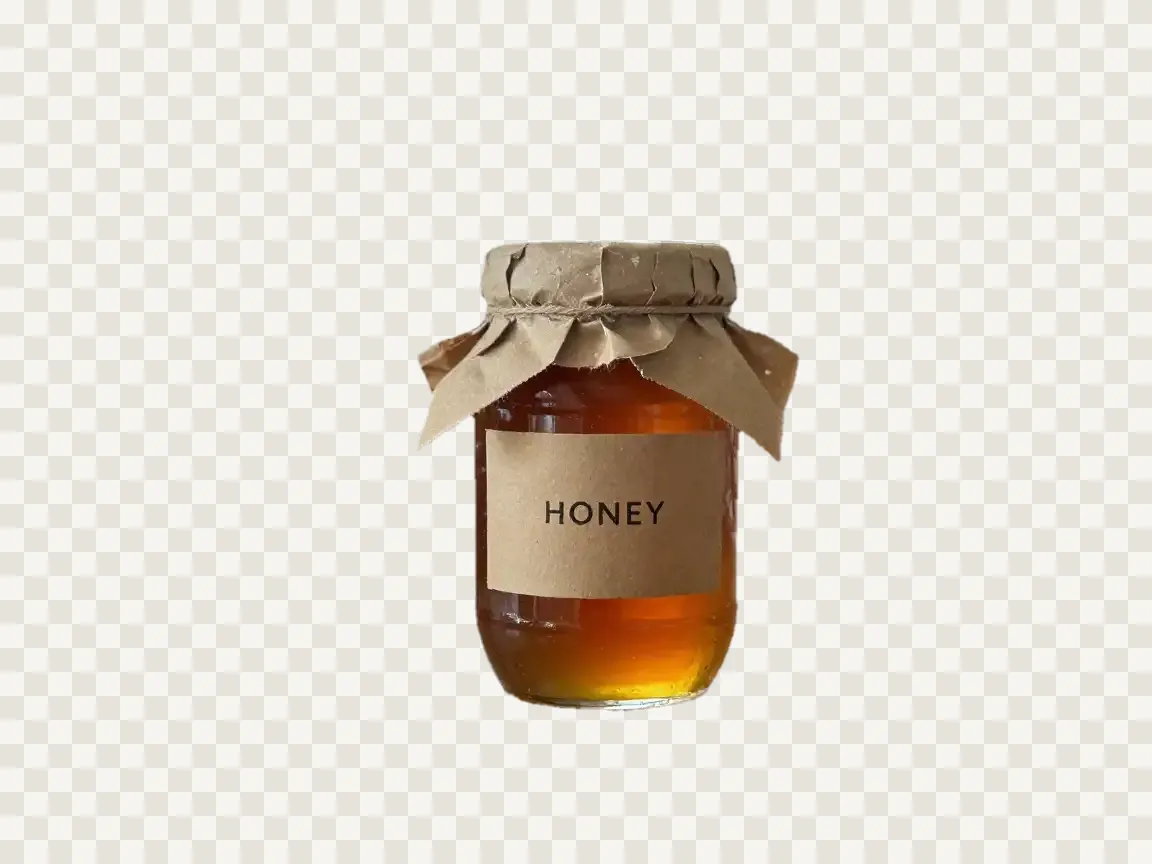
Make products look their best
Clean, professional product and team photos from what you shoot on your phone.

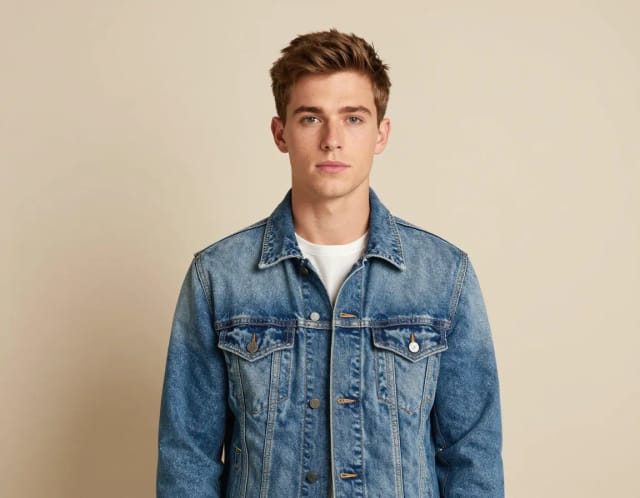

Feed your social media
Eye-catching visuals so your accounts never go quiet.