
AI Image Colorizer
CreArt's AI image colorizer turns black and white photos to color with its best guess of the original colors, free and without sign-up, usually in under 20 seconds. Add a color hint, like "red dress", when a detail matters.
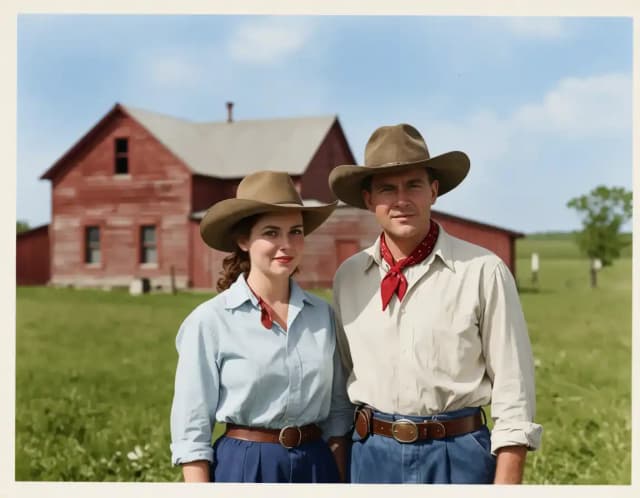

How to colorize black and white photos
Colorize a black and white photo in 4 steps
Upload, let the AI work, and download. It usually takes under 20 seconds.
Upload your black and white photo
Drop in any grayscale, faded, or vintage image — an old family portrait, an archival print, or a modern shot you want to see in color.
Add optional color hints
Leave it to the AI, or type a quick note like "blue coat, green field" to guide specific colors. Skip this if you want a fully automatic result.
Let the AI add color
The AI reads the whole scene and fills in its best guess of skin tones, sky, clothing and backgrounds, usually in under 20 seconds.
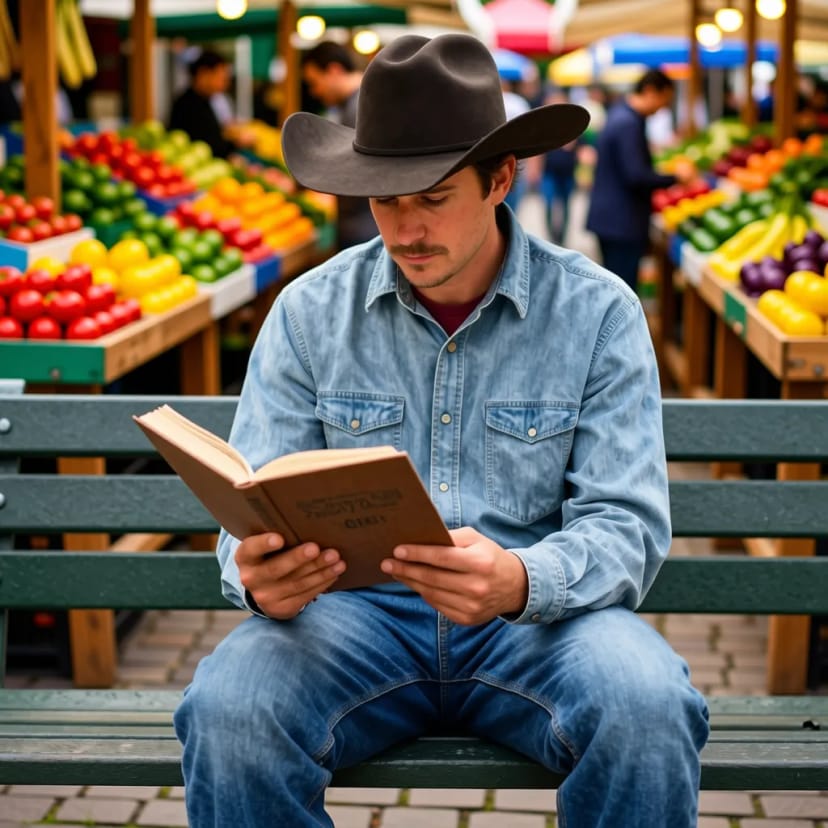 BeforeAfter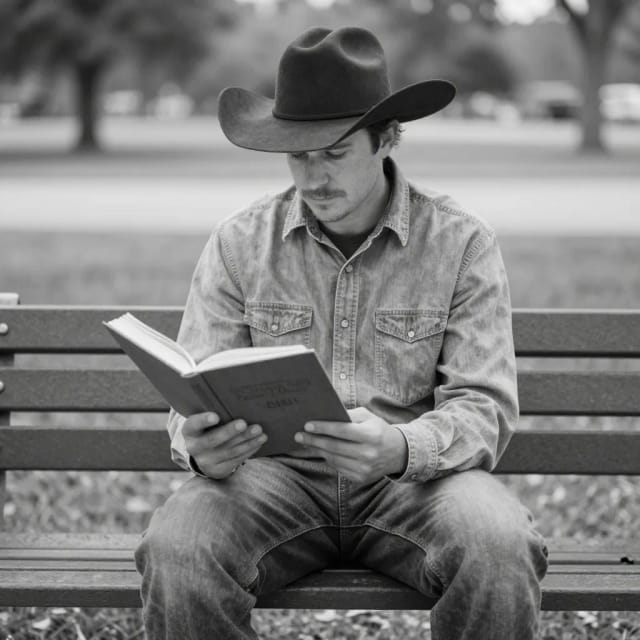
Compare and download
See the before and after side by side, then download your colorized photo — ready to print, share, or restore further.
How it works
How AI Image Colorizer brings old photos to life
From old family portraits to archival prints, here's what the tool does and how it does it.
AI Image Colorizer is a free online tool that adds color to black and white photos automatically. You upload a grayscale or faded image, and the AI predicts plausible skin tones, sky, clothing and backgrounds, usually in under 20 seconds, with no manual painting or editing software.
It works on old family portraits, vintage prints, archival photos and any modern shot you would like to see in color. Colorizing is usually the last step when you restore old photos: if your print is scratched, creased or torn, repair it first with AI photo restoration.
How the AI guesses the right colors
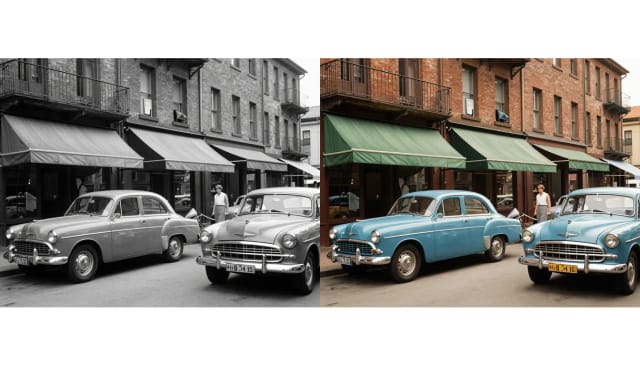
Behind the scenes, the model analyzes shapes, textures, and context in your image to figure out what each area most likely was — grass reads as green, a face gets believable skin tones, and a daytime sky turns blue rather than gray. Because it reasons about the whole scene, the color stays consistent instead of patchy. If you want to steer a specific detail, the optional color hints field lets you tell it, say, that a dress was red or a car was blue.
If your source photo is scratched, blurry, or low resolution, running it through the image upscaler first gives the colorizer cleaner detail to work with, and the final result looks noticeably sharper.
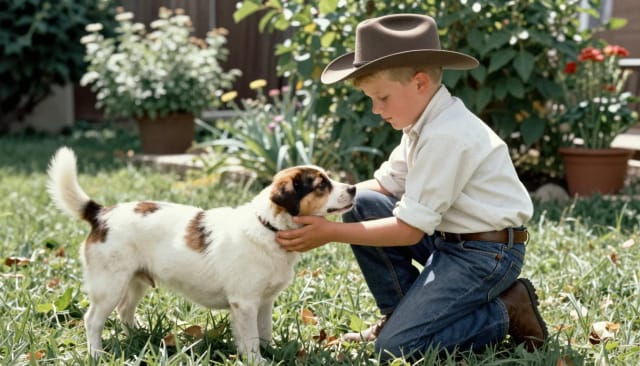
From gray to color in one upload
Doing this by hand in an editor means masking every region, sampling reference colors and blending edges for hours. The AI turns it into a single upload, which is why turning a black and white photo to color no longer takes an afternoon.
Once your photo has color, use the background remover to lift the subject out for a print, an album or a gift. It all works online, so there is nothing to install.
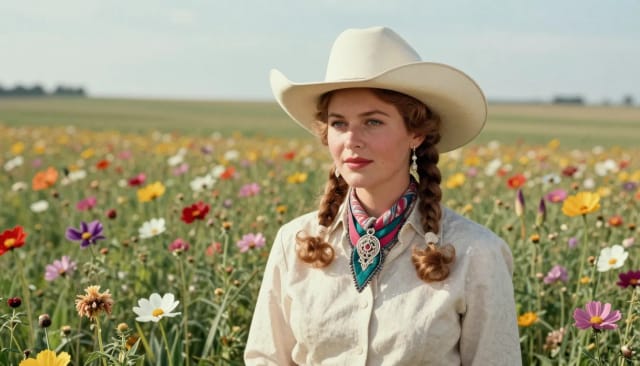
Who it's for
Who AI Image Colorizer is for
Families with old photos
Bring old family portraits and inherited prints back to life in color for albums, reunions, and gifts — no editing skills needed.
Genealogy and history enthusiasts
Add color to archival photos and vintage negatives to see ancestors and historical scenes the way they might have looked in person.
Photo restorers and print shops
Speed up jobs that would otherwise mean hours of manual masking, and colorize black and white photos before printing or framing.
Content creators and marketers
Turn a black and white photo to color for a post, thumbnail or campaign, then cut out the subject with the matching tools.
Anyone curious about a grayscale shot
Upload any black and white photo and see it in color, usually in under 20 seconds, to get an idea of how the scene may have looked.
Pricing
Pricing for AI Image Colorizer
Start colorizing for free, and upgrade when you need more.
Free
$0
- 100 credits every day
- The Auto model, on our own servers
- No card needed
Paid plans
Basic · Starter · Creator
- 1,600 to 10,000 credits a month
- Every AI model, including premium ones
- AI video, and no ads in the mobile app
Why choose it
Why use AI Image Colorizer
A faster, cleaner way to add color to a black and white photo without touching an editor.
Realistic, natural color
The AI aims for believable skin tones, blue skies, and true-to-life backgrounds instead of flat brown or purple washes, so faces and scenes look convincing.
Fully automatic
Upload and the colorizer does the rest — no masking, no layers, no sampling reference colors. Convert a black and white photo to color without any editing skill.
Optional color hints
Want a specific shade for a dress, a car, or a wall? Type a short note and the AI follows it, giving you control when you need it and automation when you don't.
Built for old and vintage photos
Great for old family portraits, archival prints, and scanned negatives — exactly the kind of grayscale images people most want to bring back to life.
Scene-consistent results
Because the model reasons about the whole image, colors stay coherent across the frame instead of turning patchy region by region.
Works online, nothing to install
Nothing to install and free to try. Pair it with restoration and upscaling tools to sharpen a damaged photo before or after colorizing.
Honest limits
How faithful are the colors, really
Skin, sky, foliage and common materials usually colorize convincingly. Family portraits and street scenes are its home ground.
It guesses. The dress that was actually red may come out blue: the photo carries no color information, so the AI picks the most plausible option. Historically specific colors (uniforms, flags, liveries) deserve a manual check, or a color hint.
How do you colorize black and white photos?
How do you add color to a black and white photo without editing software?
How do you turn a black and white photo to color?
Is it free to colorize black and white photos here?
Does it work on old and faded family photos?
How realistic is the color the AI adds?
Can I control which colors the AI uses?
How long does it take to colorize a photo?
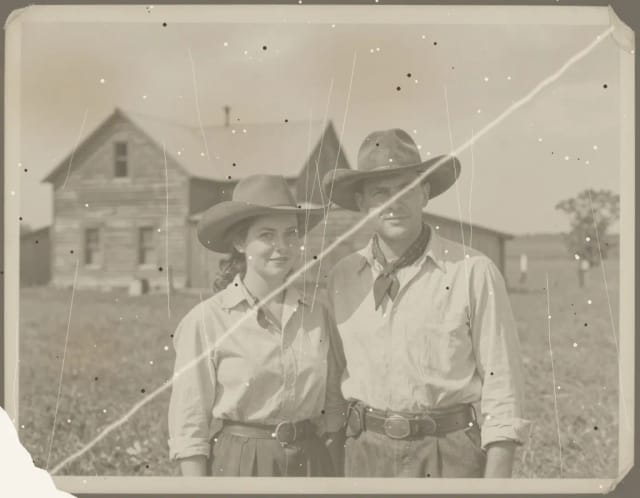
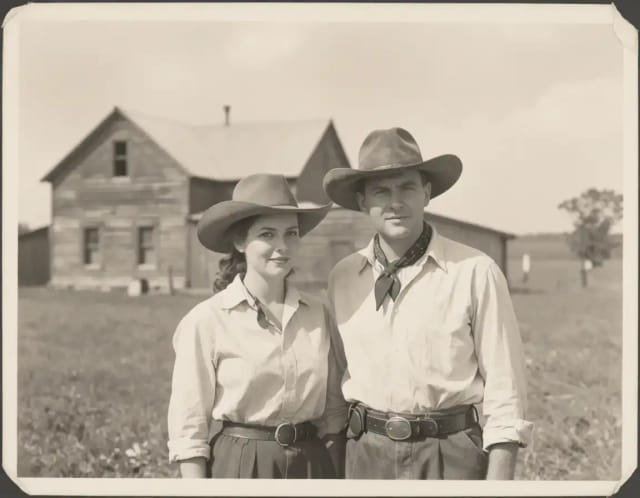
AI Photo Restoration
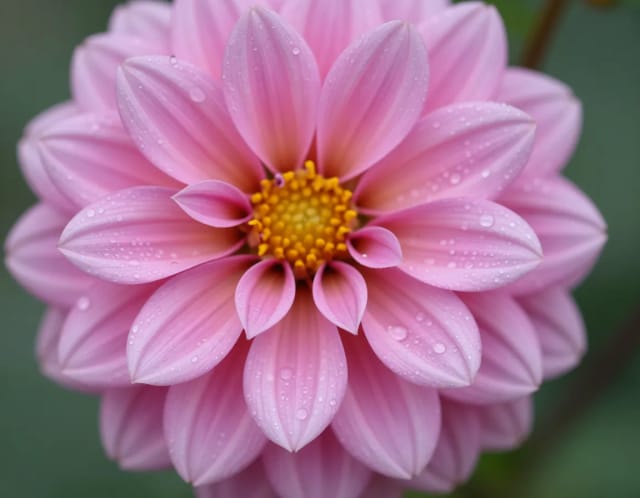
CreArt's AI photo restoration repairs old, damaged photos for free, without sign-up: it removes scratches, creases, stains and dust, rebuilds torn corners and brings back faded contrast, usually in under 20 seconds.
AI Image Sharpener
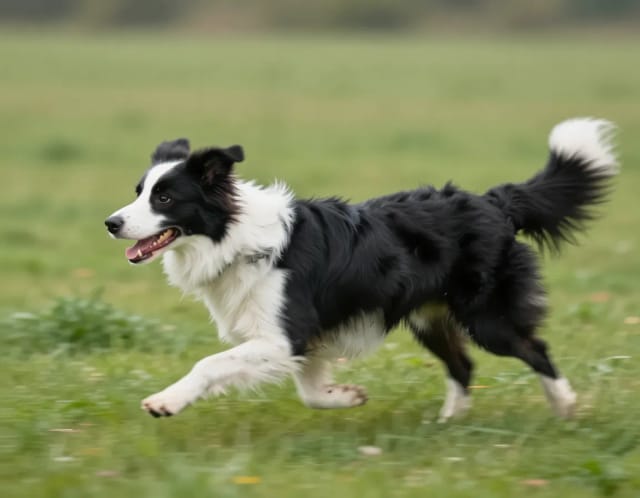
CreArt's AI Image Sharpener brings soft photos back into focus for free, without sign-up, usually in under 20 seconds: crisp edges in eyes, hair, text and product details. Tell it what should be sharpest, or leave it blank.
AI Unblur Image
CreArt's AI Unblur Image removes out-of-focus and motion blur from photos for free, without sign-up, usually in under 20 seconds. Turn on Prioritize faces to get eyes and skin back first.
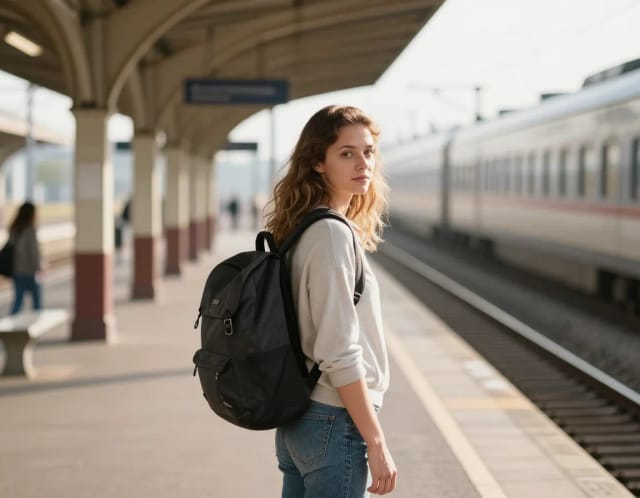
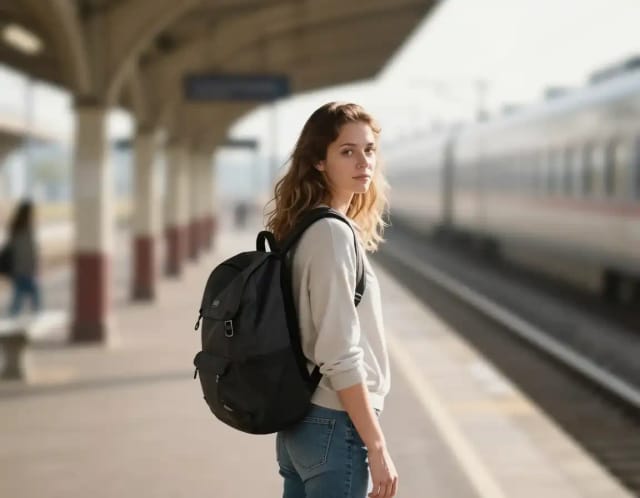
Blur Background
CreArt's Blur Background is a free AI tool that blurs the background of a photo and keeps the subject sharp, without sign-up and usually in under 20 seconds. Pick Strong blur for a clean portrait look or Cinematic bokeh for circles of light behind your subject.
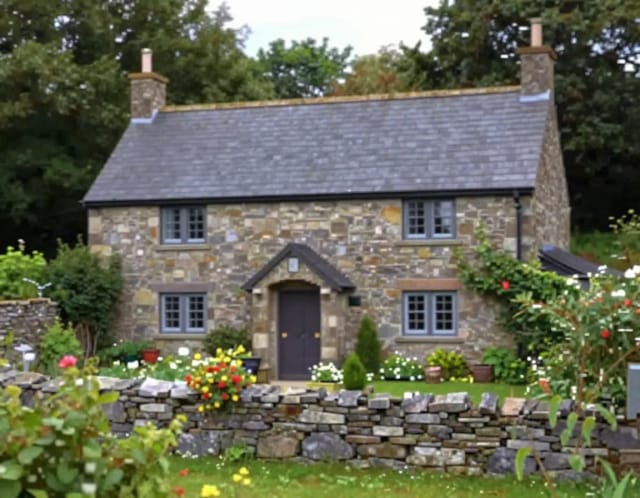
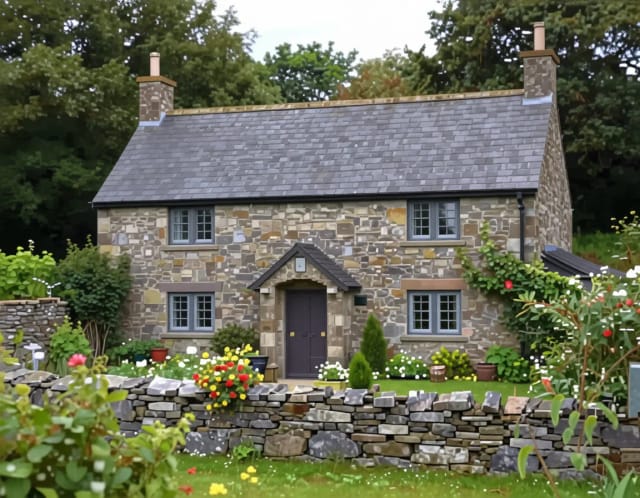
Image Upscaler
CreArt's Image Upscaler enlarges photos 2x or 4x with a dedicated AI upscaling model: a 1,000 × 1,500 px photo becomes 4,000 × 6,000 px. You see the exact output size before you start. Free to try, no sign-up.
AI Relight
Change the lighting of any photo with AI. Pick neon, warm, cool blue, spotlight or cinematic and let the AI re-light the scene in seconds.
Ready to make something?
Open the tool, try the free Auto model and download the result.