
AI Comic Generator
Describe a scene, pick an art style, and get finished comic panels in seconds — no drawing skills needed.
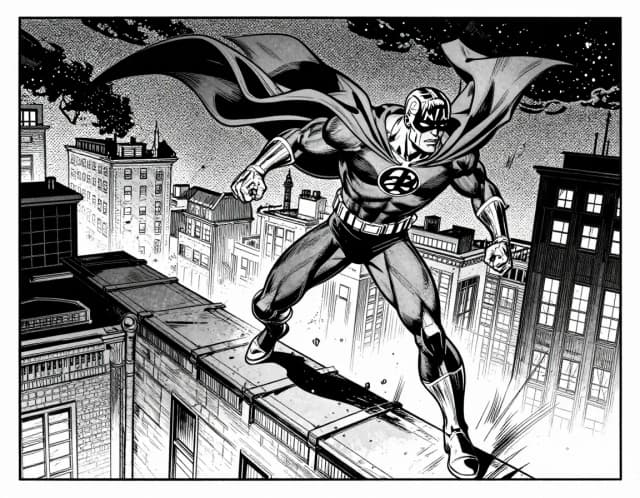
How to make a comic
How to generate comics with AI in 4 steps
Describe your scene
Type what happens in the panel — the characters, what they're doing, the setting, and the mood. The more specific you are, the closer the result lands to what you pictured.
Pick a comic style
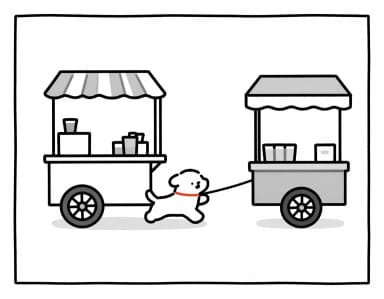
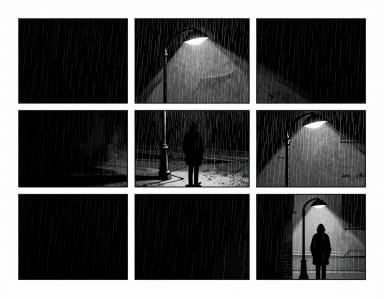
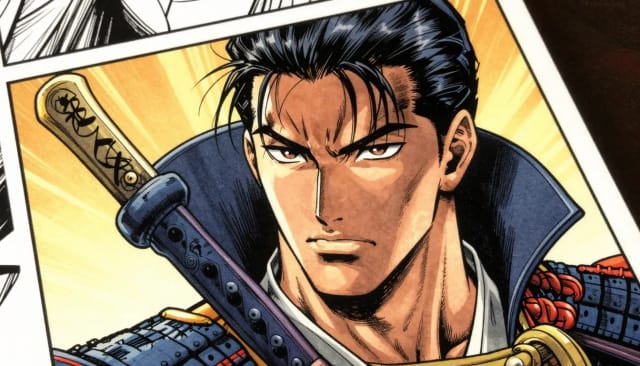
Choose from four looks: superhero, manga, newspaper strip, or noir graphic novel. Your choice sets the line work, coloring, and overall feel of the panel.
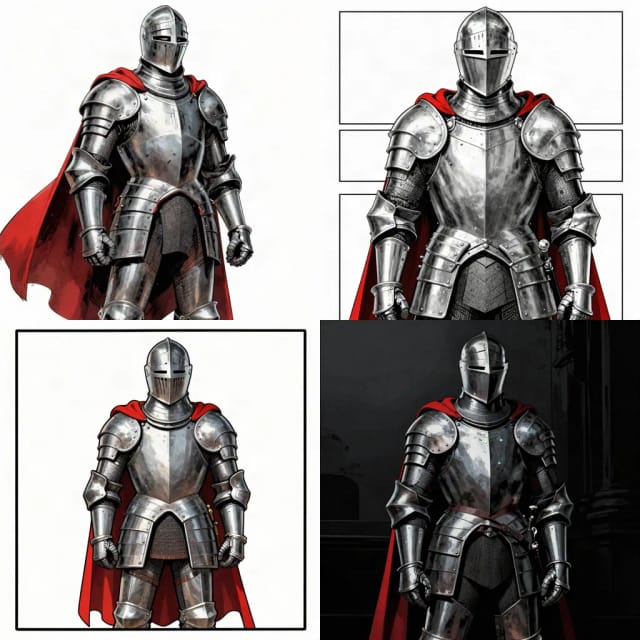
Set the aspect ratio
Select a shape for your panel, from a tall vertical frame to a wide landscape strip, so it fits where you plan to share or print it.
Generate and download
The AI renders your comic panel in seconds. Preview it, tweak the prompt if you want a different take, then download the finished art.
Six comic traditions
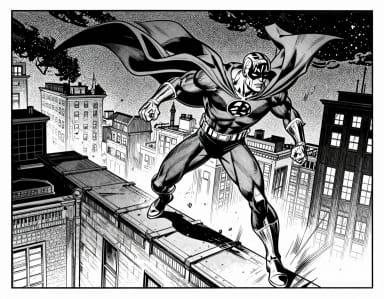
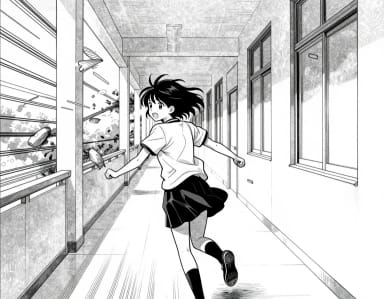
American ink, manga screentone, Franco-Belgian line — the same panel in each tradition.
How it works
How the AI Comic Generator turns your words into comic panels
The AI Comic Generator is an online tool that turns a written description into finished comic panels, so you can create a comic without knowing how to draw. You type what happens in the scene, pick an art style, and the AI renders the characters, backgrounds, and framing for you.
It works for a single striking panel or a full comic strip. Instead of sketching, inking, and coloring by hand, you describe the moment you have in mind and adjust the prompt until the panel matches your story. If you also want standalone illustrations for covers or promo art, the text-to-image art generator handles those from the same kind of text prompt.
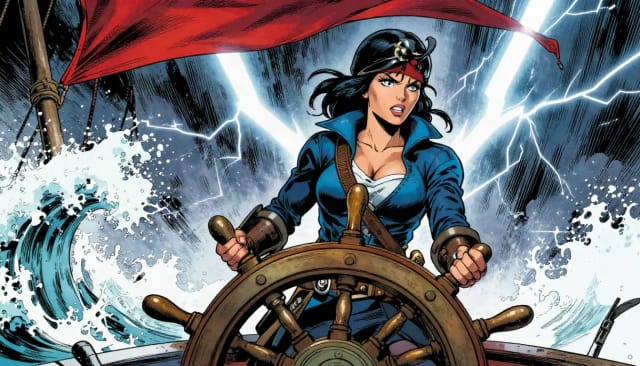
Under the hood, the generator reads your prompt and builds each panel around the details you give it — who is in the scene, what they're doing, the mood, and the setting. The comic style you choose steers everything else, from line weight to coloring, whether you want a bold superhero look, a softer manga feel, a black-and-white newspaper strip, or a moody noir graphic novel.
Because every panel starts from text, small edits to the prompt change the result fast. Swap "rainy alley at night" for "sunny rooftop at noon" and the whole scene shifts. When you want a character based on a real person, the photo to cartoon converter can turn a picture into a matching cartoon reference before you build your panels.
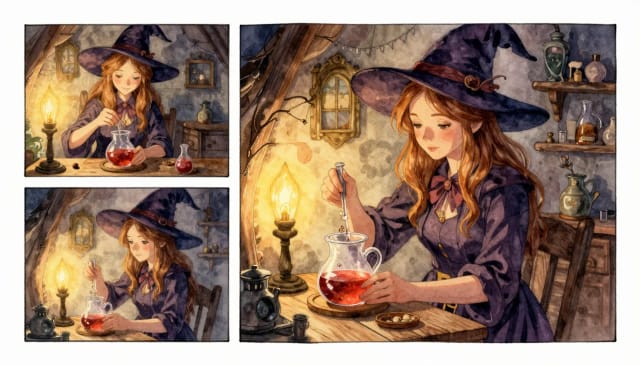
Drawing a comic by hand takes days of practice most people never get around to. As a comic maker, the AI gets you from idea to a usable panel in seconds, which makes it practical for anyone who wants to tell a story but was never going to learn to draw.
You stay in control of the writing and the look, and the AI handles the drawing. When a panel is ready, you can clean it up further — pull a character off its background with the AI background remover to drop them into a new layout, or push a finished page to a higher resolution with the image upscaler before you print or post it.
Who it's for
Who the AI Comic Generator is for
Aspiring comic creators
You have stories to tell but never learned to draw. Describe each scene and get panels that look the part, so you can build a comic around your writing.
Writers and storytellers
Turn a script or a single scene into visuals to see how it reads on the page, or to pitch an idea with art instead of just words.
Content creators and marketers
Make a quick comic strip for a social post, newsletter, or campaign in the style that fits your brand voice, without hiring an illustrator.
Teachers and students
Illustrate a lesson, a class project, or a story assignment as a comic, using a manga or newspaper-strip look to keep it engaging.
Hobbyists and fans
Sketch out fan scenes, gag strips, or one-off panels for fun, experimenting with styles you'd never be able to draw by hand.
Pricing
AI Comic Generator pricing
Start creating comic panels for free, and move up to a plan with more generations whenever you need to make more.
Free
$0
- 100 credits every day
- The Auto model, on our own servers
- No card needed
Paid plans
Basic · Starter · Creator
- 1,600 to 10,000 credits a month
- Every AI model, including premium ones
- AI video, and no ads in the mobile app
Why choose it
Why use the AI Comic Generator
No drawing skills required
You write, the AI draws. Characters, backgrounds, and framing come from your description, so you can make a comic even if you've never picked up a pencil.
Four distinct comic styles
Switch between superhero, manga, newspaper strip, and noir graphic novel to match the tone of your story without redrawing anything.
From single panel to full strip
Generate one standout panel or build out a whole comic strip one scene at a time, editing each prompt until the story reads right.
Fast edits from the prompt
Change a few words in your description and the scene updates in seconds — swap the setting, the weather, or the action without starting over.
Ready-to-share output
Pick the aspect ratio that fits your feed, page, or print, then download panels you can post, share, or drop straight into a layout.
Works alongside other tools
Clean up characters, upscale finished pages, or turn a photo into a cartoon reference using CreArt's other editors to polish your comic.
FAQ
Frequently asked questions about the AI Comic Generator
Still have a question? Visit the help center →
How do I generate comics with AI?
What AI should I use to generate a comic story?
What features does an AI comic generator have?
Do I need drawing skills to make a comic?
Can I make a manga-style comic?
Can I create a full comic strip or just one panel?
Is the AI Comic Generator free to use?
Can I put myself in a comic?

AI Photo to Cartoon
CreArt's photo to cartoon tool turns your photo into a cartoon, free and without sign-up. Pick one of 6 styles, from a 3D animated-movie look to comic and storybook; it usually takes under 20 seconds.

Glitch Effect for Photos
CreArt's Glitch Effect adds a glitch effect to any photo online, free and without sign-up: RGB shift, VHS, datamosh or cyber neon, usually in under 20 seconds.
Graffiti Generator
Write your name or any word in graffiti letters, free and with no sign-up: 8 letter styles, 6 color sets and real walls, ready to download. Or turn an idea into AI graffiti art.
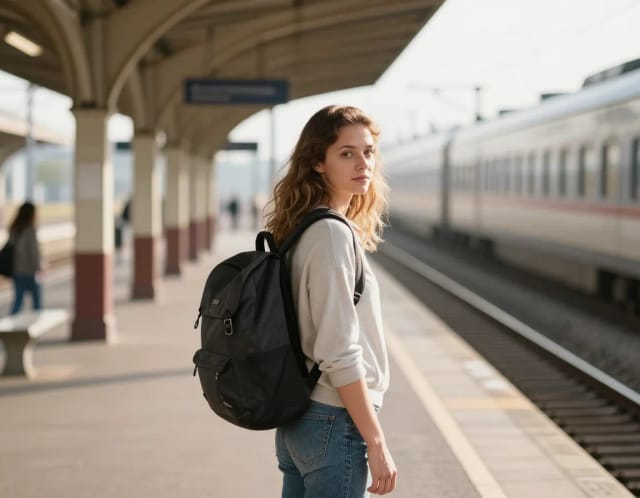
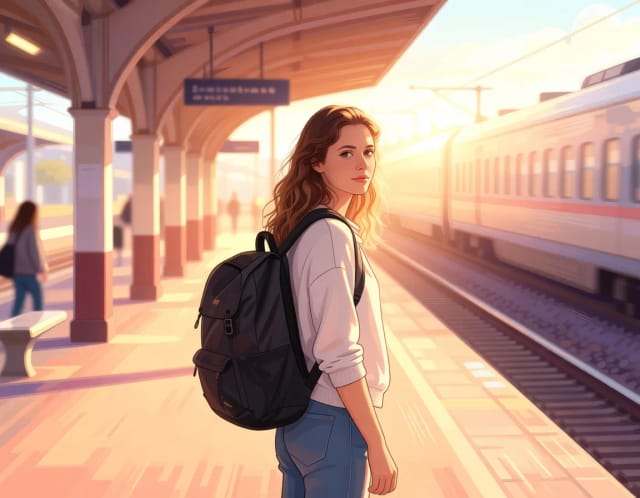
Photo to Anime
CreArt's photo to anime converter turns your photo into anime art, free and without sign-up. Pick one of 6 styles, from a soft, hand-painted film look to black and white manga; it usually takes under 20 seconds.

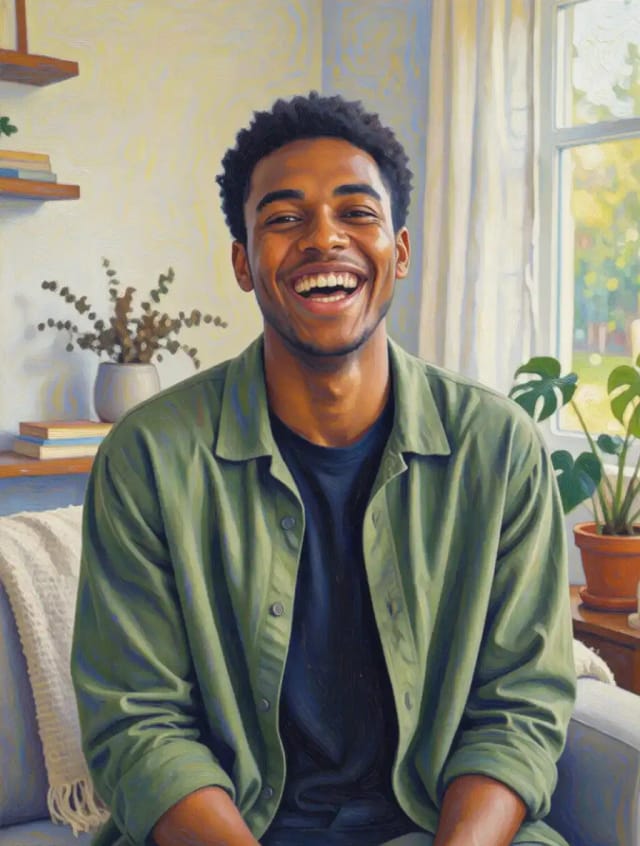
Photo to Painting
CreArt's photo to painting tool turns any photo into a painting, from a portrait painting to an oil painting look, free and without sign-up. Pick impressionist, baroque, palette knife, acrylic, expressionist or pop art; it usually takes under 20 seconds.
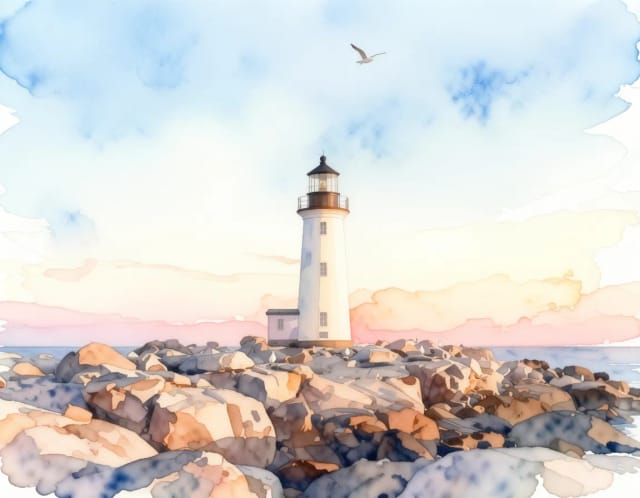
Photo to Watercolor
Turn any photo into a soft, hand-painted watercolor painting with AI — upload, pick a style, and download in seconds.

AI Art Generator
Turn a text idea or a photo into art: anime, oil painting, watercolor, pixel art, Van Gogh and more. Free with the Auto model and no sign-up, usually in under 20 seconds.
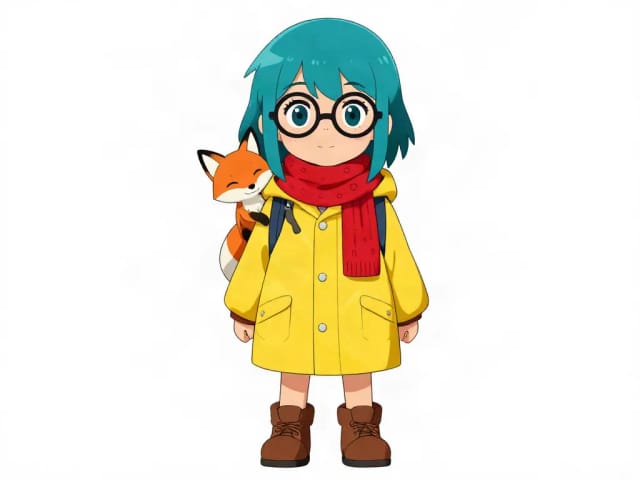
AI Character Generator
Describe your character and CreArt's free AI character generator draws it in 10 styles, from anime to claymation, with no sign-up. Then put the same character in any new scene.
Ready to make something?
Open the tool, try the free Auto model and download the result.