
AI Design Generator
Describe what you need and we open the studio that makes it, or pick one: logos, posters, flyers, invitations, ads and more, free with Auto.
What do you want to design?
Or pick one. Each studio is free with Auto, and where there is text, it is set in real fonts.
 FreeAI Logo Generator
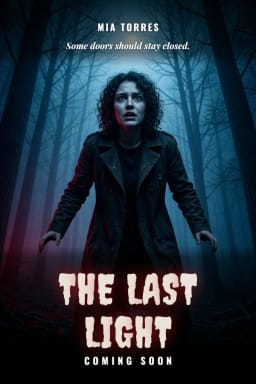 FreeAI Poster Generator
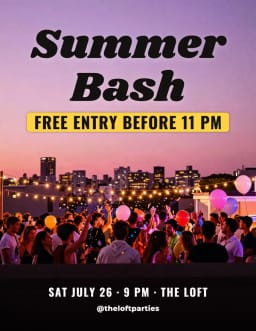 FreeAI Flyer Generator
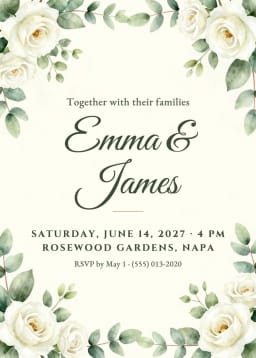 FreeAI Invitation Maker
 FreeBirthday Card Generator
- FreeChristmas Card Maker
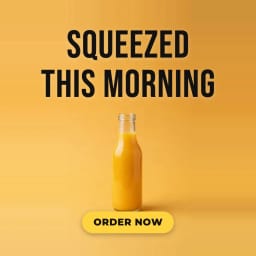 FreeAI Ad Maker
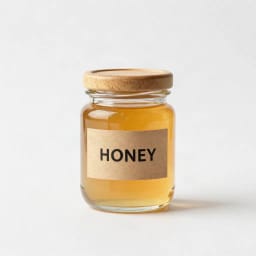 FreeAI UGC Ads Generator
 FreeAI Sticker Generator
 FreeThumbnail Maker for YouTube
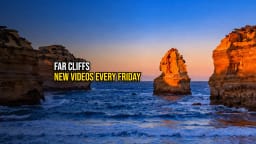 FreeBanner Maker for YouTube
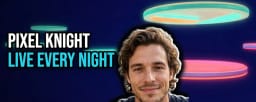 FreeBanner Maker for Twitch
 FreeEmote Maker for Twitch
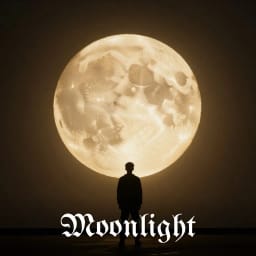 FreeAI Album Cover Maker
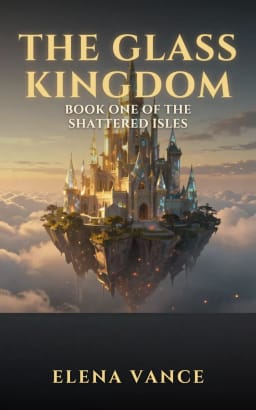 FreeBook Cover Generator
 FreeAI Mockup Generator
Something else? Make it with AI
Describe any other picture and the AI makes it, with no text in it. For words on it, pick a studio above.
All AI Design Generator tools
26 tools in this category. Pick the one that matches your task.
 AI Album Cover MakerMake an album cover with AI: describe your music, pick one of 16 styles and add your name and title, spelled right. Free, no sign-up.
 AI Logo GeneratorFree AI logo maker: the AI draws your symbol and your name is set in real fonts, never misspelled.
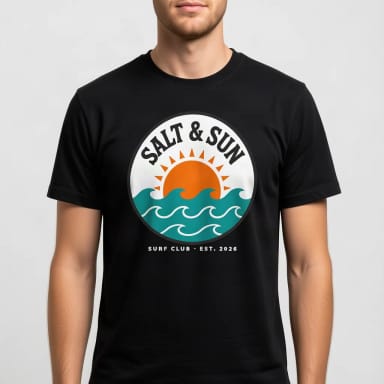 T-Shirt Mockup GeneratorCreArt's free T-Shirt Mockup Generator puts your design on 7 garments in 12 colors, front or back, usually in under 20 seconds. No sign-up.
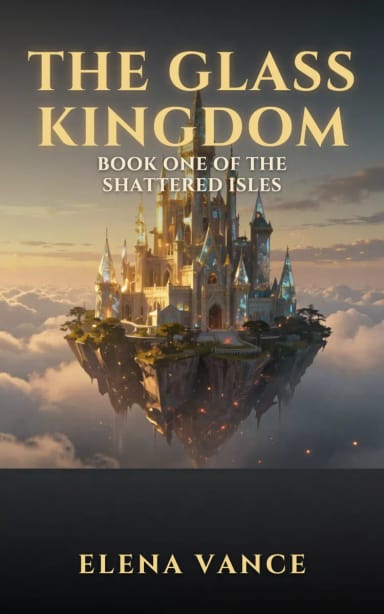 Book Cover GeneratorMake a book cover with AI: describe it, pick a genre, type your title.
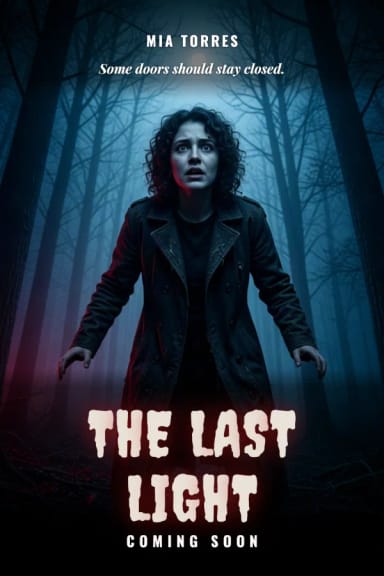 AI Poster GeneratorTurn your photo into a movie poster: pick a genre and type your title.
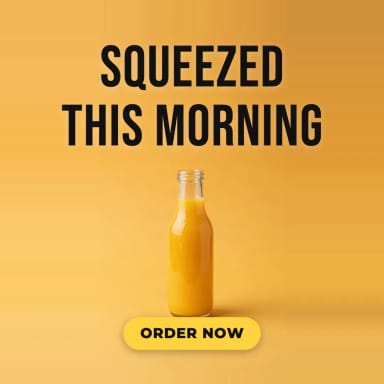 AI Ad MakerFree AI ad maker: get an ad with your headline and button for Instagram and Facebook, in every size.
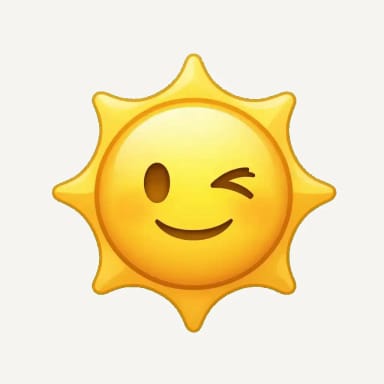 AI Emoji GeneratorCreArt's AI Emoji Generator turns a short description into a custom emoji, free and without sign-up: pick one of 6 styles, from Classic to Pixel and Kawaii, and get it usually in under 20 seconds, as a transparent PNG for chat and streaming.
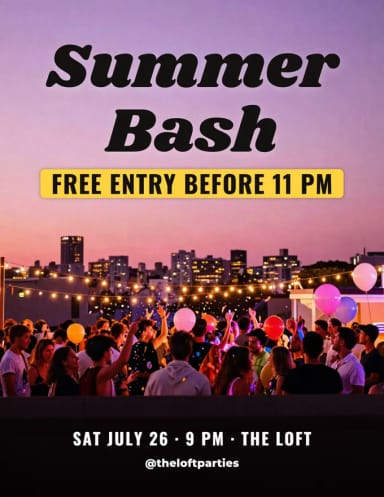 AI Flyer GeneratorMake a flyer with AI: pick a type, add your text, download it to print.
 AI Icon GeneratorCreArt's AI Icon Generator turns a text prompt into app and web icons, free and without sign-up: a full app icon with every iOS and Android size, a transparent UI icon or a matching set, in Flat, 3D, Line, Glassmorphism or Gradient, usually in under 20 seconds.
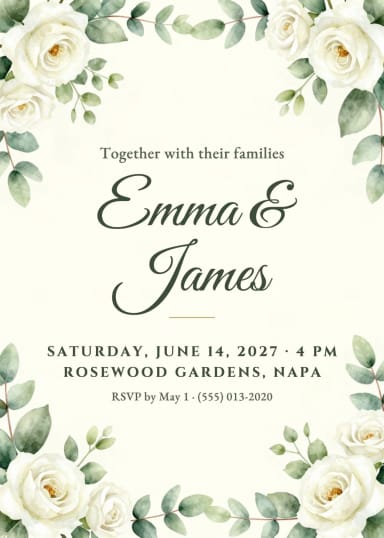 AI Invitation MakerFree AI invitation maker: pick a style, add your details and a photo, then print it or send it.
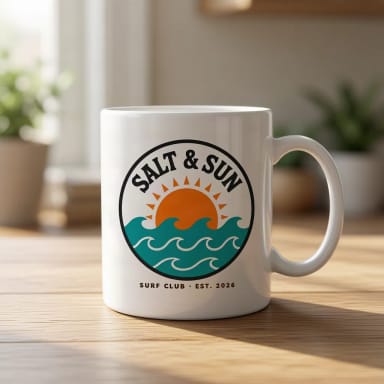 AI Mockup GeneratorCreArt's free AI Mockup Generator puts your design on 15 products, from mugs and posters to book covers, usually in under 20 seconds. No sign-up.
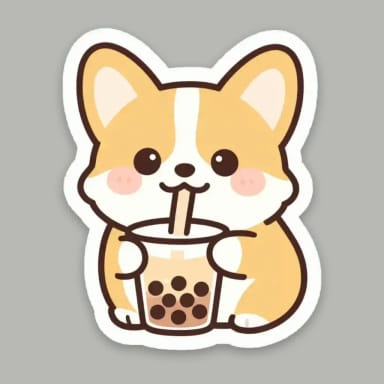 AI Sticker GeneratorTurn a text idea or your own photo into a die-cut sticker, then print a sheet of 12.
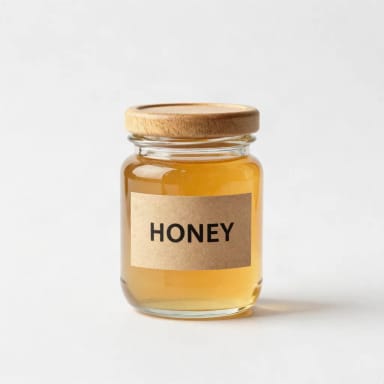 AI UGC Ads GeneratorFree AI UGC ads generator: upload a product photo and get UGC-style photos of it in hand, unboxed or in use, with no captions added.
 AI Wallpaper GeneratorTurn any idea into a custom wallpaper for your phone or desktop. Describe a theme, pick a style, set the aspect ratio, and download high-resolution art in seconds.
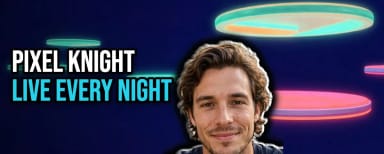 Banner Maker for TwitchMake a banner for your Twitch channel in your browser: a new AI background or your own image, your channel name in big letters and your face cut out. Free, no sign-up.
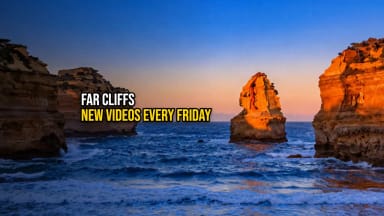 Banner Maker for YouTubeMake a banner for your YouTube channel in your browser: a new AI background or your own image, your channel name and your face, inside the strip every device shows. Free, no sign-up.
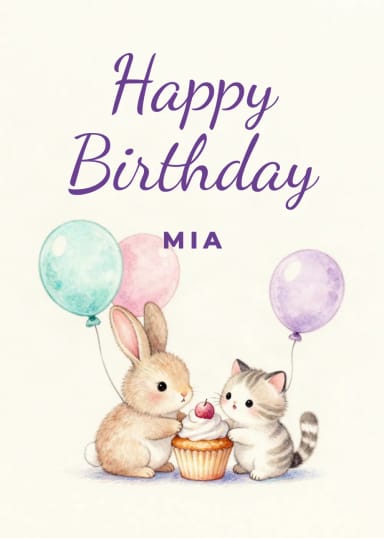 Birthday Card GeneratorMake a birthday card with AI: pick a style, add a photo and your words.
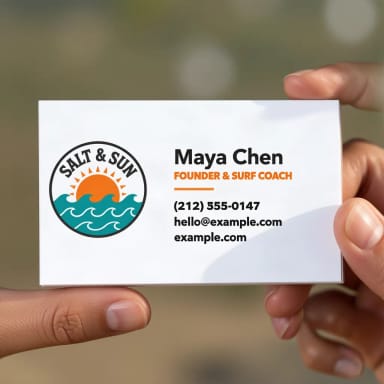 Business Card Mockup GeneratorSee your logo or card design on a business card, in hand or on a desk.
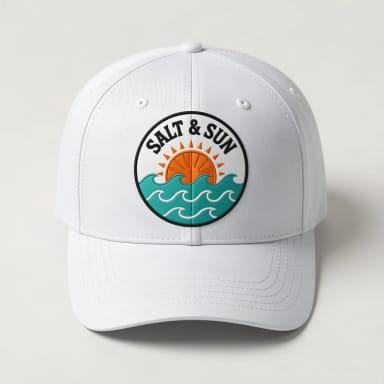 Cap & Hat Mockup GeneratorSee your logo on a cap, trucker, bucket hat or beanie, embroidered or printed.
- Christmas Card MakerMake a Christmas card with AI: pick a style, add a photo and your words.
 Emote Maker for TwitchCreArt's Emote Maker for Twitch turns a short description or your selfie into a custom emote, free and without sign-up: pick Bold, Chibi, Pixel or Sticker and download a transparent PNG in 112, 56 and 28 pixels, usually in under 30 seconds.
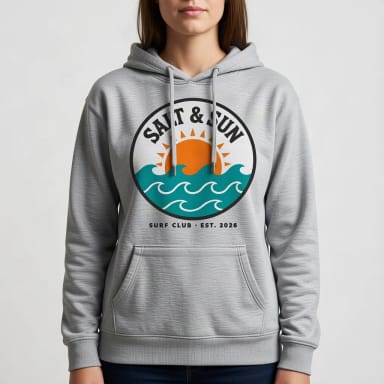 Hoodie Mockup GeneratorCreArt's free Hoodie Mockup Generator puts your design on a pullover or zip-up hoodie or a crewneck sweatshirt in 12 colors, front or back, usually in under 20 seconds. No sign-up.
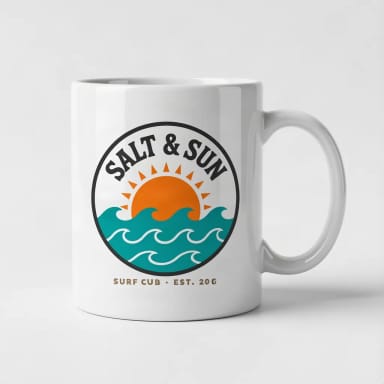 Mug Mockup GeneratorSee your design on a coffee, two-tone, enamel or travel mug, in hand or as a gift.
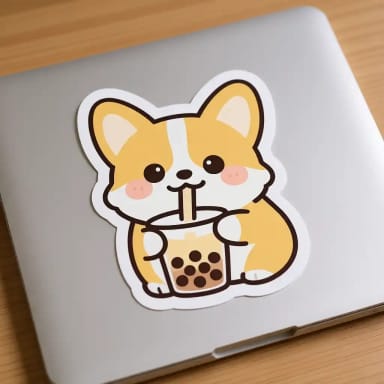 Sticker Mockup GeneratorSee your design as a die-cut, round or holographic sticker on a laptop or a bottle.
 Thumbnail Maker for YouTubeMake a thumbnail for YouTube in your browser: a new AI scene or a frame from your video, your face cut out, and a big title that is always spelled right. Free, no sign-up.
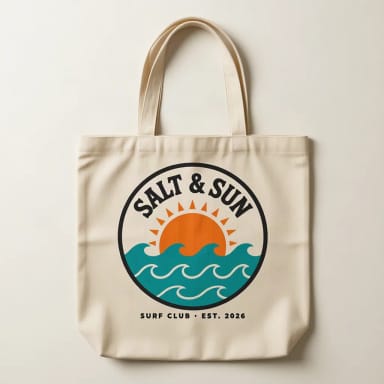 Tote Bag Mockup GeneratorSee your design on a canvas tote bag, flat, hanging or on a shoulder.
By destination
Where is your design going?
Every channel with its pieces — and the size guide so it fits the first time.
Twitch
Your brand
How it works
How to create a design with AI in 4 steps
Say what you need, open its studio, add your text and download.
Describe what you need
Type it in the box at the top, such as "a flyer for a bake sale on Saturday". Below the box you see which studio it opens.
Open the studio that makes it
Each kind of design has its own studio, with the right size and layout: a logo, a poster, an invitation, a YouTube thumbnail and more. Or pick one from the grid yourself.
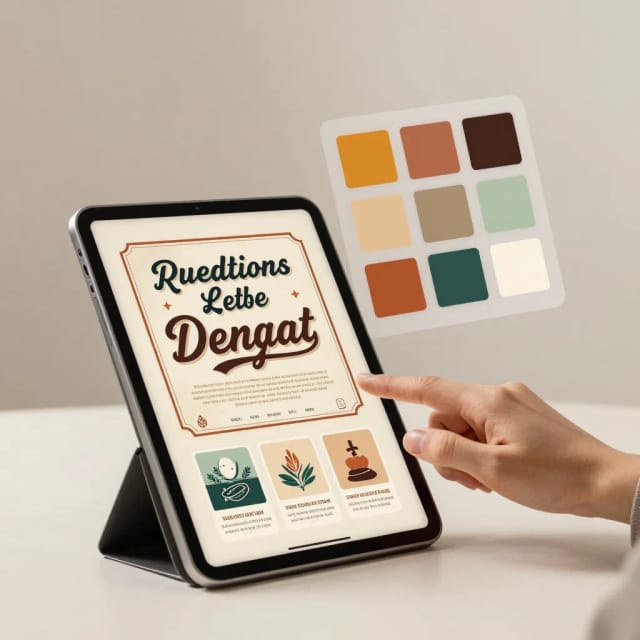
Add your text and your photo
Write the words that go on the design. The AI paints the picture and your browser sets the text in real fonts, so it is spelled right. Some studios also take your photo or your product.
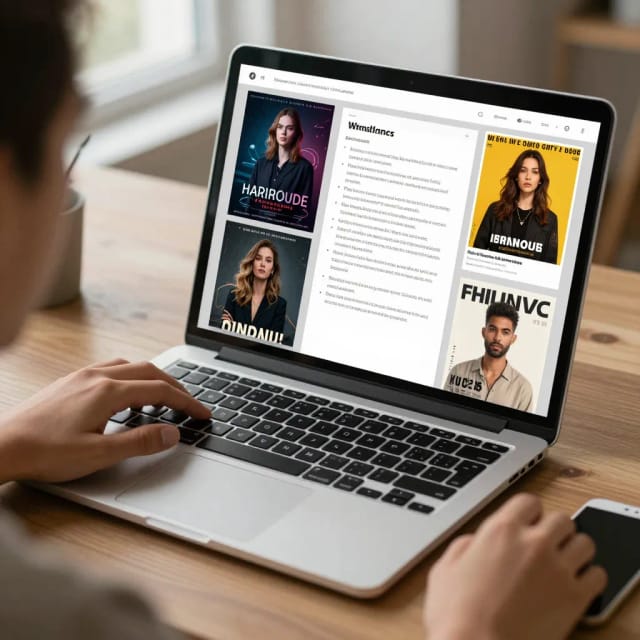
Download and use it
Download the design in the sizes the studio offers, ready to post, print or send.
One page, 16 studios
What the AI Design Generator does
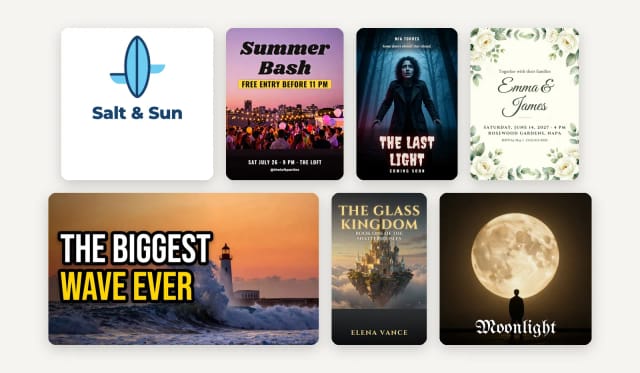
The AI Design Generator turns a written idea into a finished design. Instead of one tool that tries to do everything, it sends you to the studio built for that design: the AI logo generator, the poster maker, the flyer generator, the invitation maker, the birthday card generator, the Christmas card maker and the ad maker.
For creators there are the thumbnail maker for YouTube, the banner makers for YouTube and Twitch and the emote maker; for releases, the album cover maker and the book cover generator; and for products, UGC-style photos, stickers and mockups. All of them are in the grid at the top.
Your text
Your text, spelled right
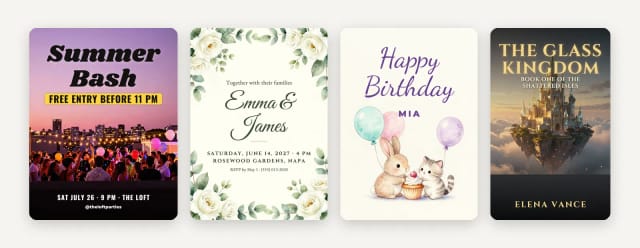
AI image models are good at pictures and bad at spelling: ask one for a poster and the title often comes out with broken or invented letters. In these studios the AI paints only the picture, and your browser sets your words on top in real fonts, spelled exactly as you type them.
That is why names, dates and places on an invitation or a flyer come out right the first time, in the font of the style you pick.
Something else
Anything else: the image, without text
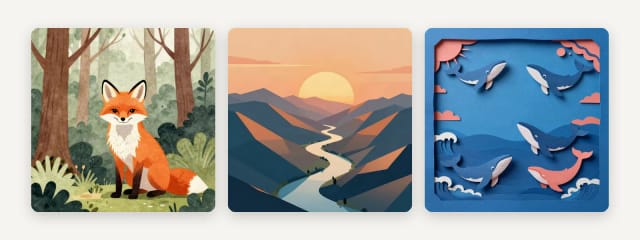
If what you need is not on the list, describe it in the box and the generator below makes it: an illustration for a wall, a picture for a blog post or a background for your own layout. It makes the image only, with no text in it, free with Auto.
For more styles and image models, try the AI image generator.
Who it's for
Who the AI Design Generator is for
Small business owners
A logo, a flyer for an offer or an ad for Instagram, without hiring a designer.
Event organizers and families
Invitations, birthday and Christmas cards, and party flyers with the names, dates and places spelled right.
Streamers and YouTubers
Thumbnails with your face and title, banners for Twitch and emotes in the sizes Twitch and Discord ask for.
Musicians and writers
Album covers and book covers with your title and name set in real fonts.
Online sellers and marketers
Ads in every size, UGC-style product photos and mockups of your design on t-shirts, mugs and more.
Pricing
AI Design Generator pricing
Every studio opens free with the Auto model. Pick a plan when you want more designs a day or other image models.
Free
$0
- 100 credits every day
- The Auto model, on our own servers
- No card needed
Paid plans
Basic · Starter · Creator
- 1,600 to 10,000 credits a month
- Every AI model, including premium ones
- AI video, and no ads in the mobile app
Why use it
Why use this AI design generator
The right studio for each design, with your words spelled right.
A studio for each design
Logos, posters, flyers, invitations, cards, ads, thumbnails, covers and more, each with its own size and layout.
Text in real fonts
The AI paints the picture and your browser sets the words, so they are spelled exactly as you type them.
Free with Auto
Every studio opens with the Auto model, free every day.
Your photo or product in it
Put your face on a thumbnail, your photo on a birthday card or your product in an ad.
Sizes ready to use
Feed, portrait and story sizes for ads, 1280 × 720 for YouTube thumbnails, and US Letter and A4 for flyers.
No design software
Nothing to install or learn: describe it, fill in your text and download.
Everything a small brand needs to launch
Design a logo and brand kit
Make a logo, then use the same colors on flyers, ads and social posts.
Create content for your channels
Make YouTube thumbnails, Twitch banners and emotes, and ads for Instagram, in one place.
Make event and party materials
Design invitations, flyers, and birthday cards without hiring a designer for a one-off event.
Publish a book or release music
Make a book cover or an album cover with your title and name set in real fonts.
What is an AI design generator?
Is there a free AI designer?
Is there a ChatGPT for design?
Which AI is best for generating designs?
What kinds of designs can I make?
Why does the text come out spelled right?
Do I need design software or experience?
Can I use the designs commercially?
CreArt is not affiliated with, endorsed or sponsored by YouTube, Twitch, Discord, Instagram or Facebook. YouTube is a trademark of Google LLC. Twitch is a trademark of Twitch Interactive, Inc. Discord is a trademark of Discord Inc. Instagram and Facebook are trademarks of Meta Platforms, Inc.
Related tools


Ready to make something?
Open the tool, try the free Auto model and download the result.