
Glitch Effect for Photos
CreArt's Glitch Effect adds a glitch effect to any photo online, free and without sign-up: RGB shift, VHS, datamosh or cyber neon, usually in under 20 seconds.
Your photo
Glitch style · RGB shift
10 free tries a day with Auto · No sign-up

How to make a glitch effect
Add a glitch effect to a photo in 4 steps
No layers, no channel-splitting — just upload, pick a style, and download.
Upload your photo
Drop in any image — a portrait, a screenshot, a poster mockup, or a logo. JPG and PNG both work.
Pick a glitch style
Choose from RGB shift, VHS, Datamosh, or Cyber neon. Each one distorts the frame in a different way, from subtle offset channels to a full corrupted-screen look.
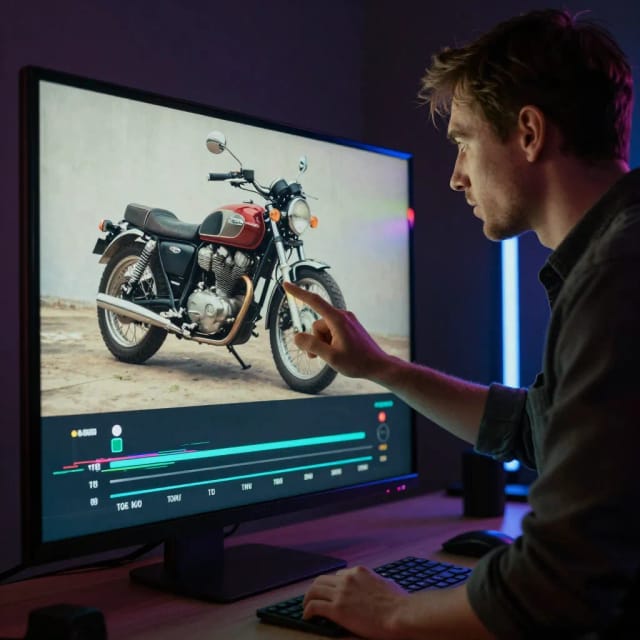
Generate the glitch
The AI splits color channels, adds scan lines and shifts blocks of the picture out of place, then returns a finished frame, usually in under 20 seconds.
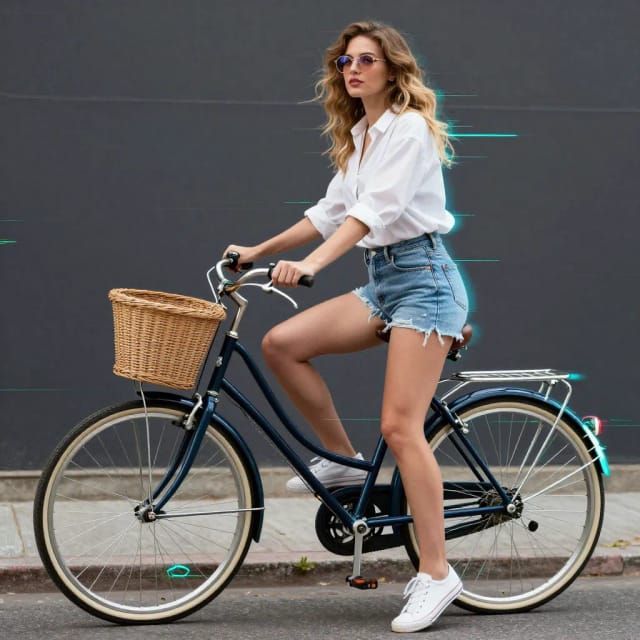
Download your image
Save the glitched version to use as a thumbnail, cover art, wallpaper, or a social post. Try another style if you want to compare.
Choose your kind of broken
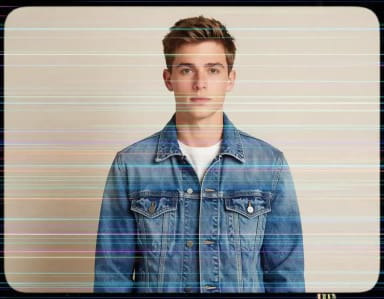
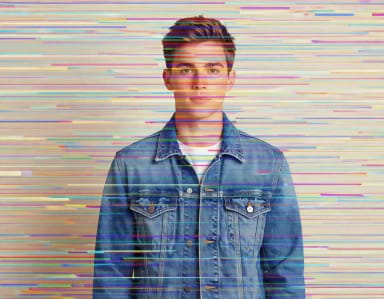
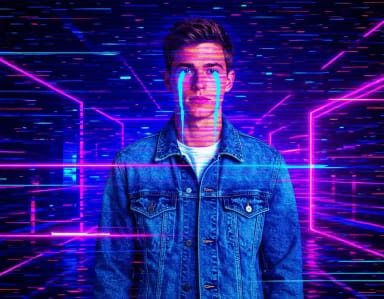
RGB tears, VHS tracking, datamosh — each glitch wrecks the photo differently. Pick the damage you want.
How it works
What the Glitch Effect tool does
From corrupted-signal aesthetics to a finished image, without layers.
The Glitch Effect tool applies a digital distortion look to your photos, adding RGB color splits, scan lines, pixel shifts, and broken-screen artifacts with AI. You upload an image, choose a glitch style, and download a version that looks like a corrupted video frame or a glitching monitor.
The look comes from a real place: old CRT TVs, VHS tapes, and failing digital signals used to break in exactly this way. That accident became an aesthetic. Now it shows up on album covers, streetwear, music videos, and cyberpunk artwork. If you want the same energy from scratch instead of an existing photo, the AI image generator can build glitched scenes straight from a text prompt.
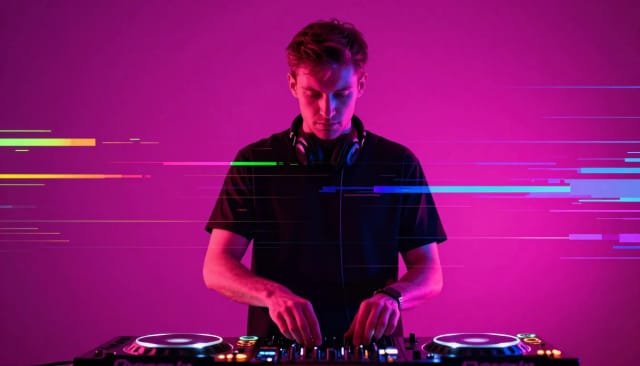
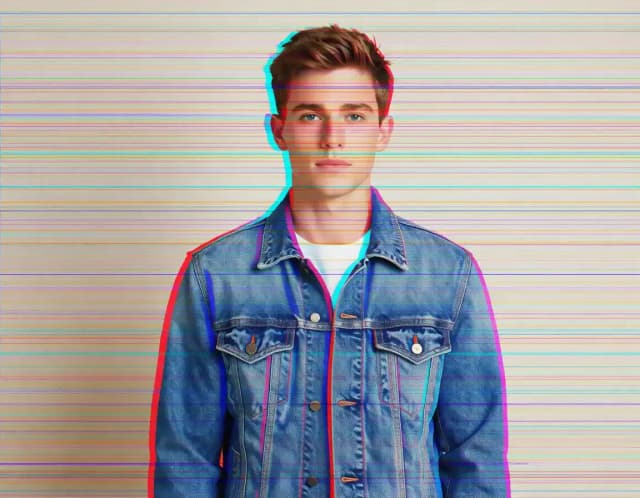
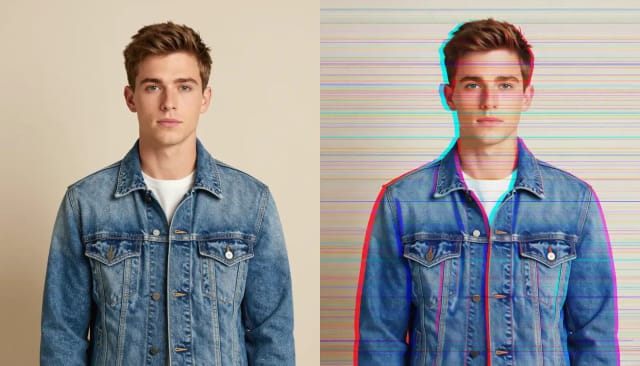
RGB split (chromatic aberration) on a photo
RGB shift pulls the red, green and blue channels of your photo apart, so edges get colored fringes and thin bands run across the frame: the look also called RGB split or chromatic aberration. It is the lightest of the four styles, so faces stay readable.
The four glitch styles change the character of the result. RGB shift keeps the classic offset-channel look, VHS adds that tracking-error tape feel, Datamosh smears blocks into each other, and Cyber neon swaps the backdrop for neon light and digital noise. It pairs well with other stylized edits — you can push a photo toward a hand-drawn look with the AI art generator before glitching it, or start from a fully generated image.
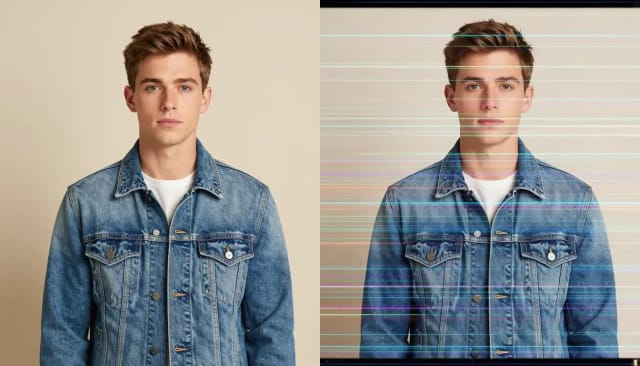
VHS effect on a photo
VHS turns a photo into a frame from a worn videotape: scan lines, tracking errors, washed-out colors and the rounded edges of an old TV screen. It works well for album covers and throwback posts.
It adds no timestamp or on-screen text, so the photo stays clean to use as it is.
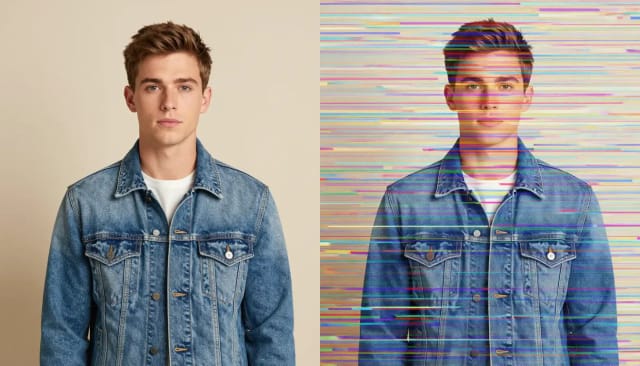
Datamosh a photo
Datamosh smears blocks of the picture sideways, as if the file had been corrupted while it played. Video editors get it by breaking compression frames; here you get the same broken look on a still photo.
It breaks the frame more than RGB shift, so pick it when you want the image to look damaged rather than just shifted.
Compare glitch looks without layers
Doing a glitch effect by hand in editing software means splitting channels, masking, and stacking adjustment layers — doable, but slow, and easy to get wrong. This tool does the tedious part for you and hands back a finished image, usually in under 20 seconds.
That speed matters when you're testing looks for a thumbnail, a poster, or a social post and want to compare a few versions fast. When you need the subject cut cleanly from its background before or after glitching, the background remover handles that step so the distortion lands only where you want it, and the image upscaler can bump the final resolution back up if you plan to print it.
Who it's for
Who the Glitch Effect tool is for
YouTubers and streamers
Give thumbnails and channel art a glitch screen effect that grabs attention in a crowded feed, without opening an editor.
Musicians and cover artists
Build cyberpunk, corrupted-signal cover art for singles, EPs, and playlists in the aesthetic that fits electronic and hyperpop releases.
Designers and content creators
Test distortion looks fast for posters, ads, and social posts, then compare a few glitch styles before picking one.
Streetwear and print designers
Turn photos into glitched graphics for tees and merch, and pair with an upscaler when you need print-ready resolution.
Anyone chasing a retro-futuristic look
You don't need to know how to make a glitch effect by hand: pick a style and get the VHS or neon vibe.
Pricing
Simple pricing for the Glitch Effect tool
Start free and upgrade when you want higher limits and larger exports.
Free
$0
- 100 credits every day
- The Auto model, on our own servers
- No card needed
Paid plans
Basic · Starter · Creator
- 1,600 to 10,000 credits a month
- Every AI model, including premium ones
- AI video, and no ads in the mobile app
Why use it
Why choose this glitch effect tool
Everything you'd do by hand in photo editing software, without the layers.
Four distinct glitch styles
RGB shift, VHS, Datamosh, and Cyber neon each break the image a different way, so you can match the mood instead of settling for one preset.
RGB splits and scan lines
Color channels pulled apart, scan lines across the frame and blocks out of place, built into the image rather than a flat overlay stuck on top.
Usually under 20 seconds
Skip the channel-splitting, masking, and adjustment layers of a manual glitch effect in photo editing software. Upload, choose, and download a finished frame fast.
No design skills needed
You don't need to know how to make a glitch effect from scratch. Pick a style and the tool handles the distortion for you.
Great for thumbnails and cover art
The glitch screen effect reads well at small sizes, which makes it a fast way to give a thumbnail, poster, or album cover a cyberpunk edge.
Test looks quickly
Run the same photo through different glitch styles and compare versions side by side before you commit to one.
How do you make a glitch effect on a photo?
How do you make a glitch effect without photo editing software?
What glitch styles are available?
Is the glitch effect free to use?
What is a glitch effect?
What is the glitch effect called?
Can I control how strong the glitch is?
What photos work best with a glitch effect?
Can I use the glitched image commercially?
CreArt is not affiliated with, endorsed or sponsored by YouTube. YouTube is a trademark of Google LLC.
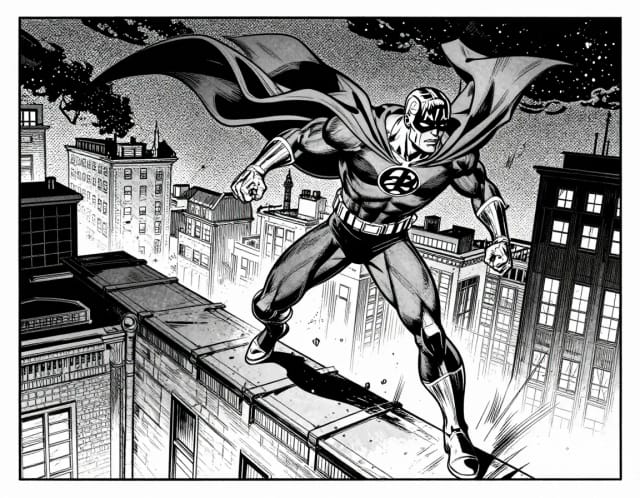
AI Comic Generator
Describe a scene, pick an art style, and get finished comic panels in seconds — no drawing skills needed.
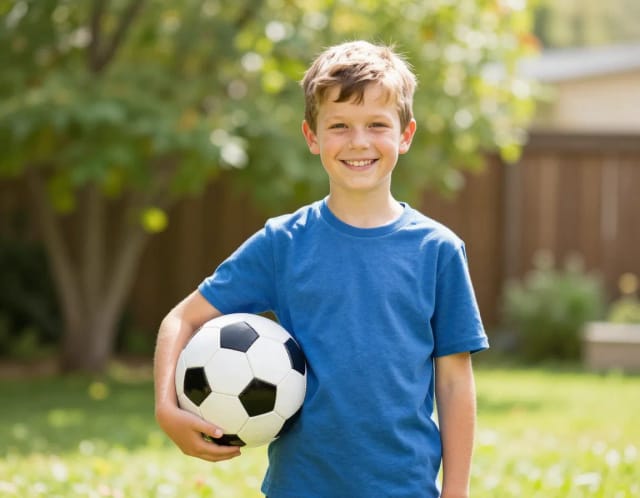
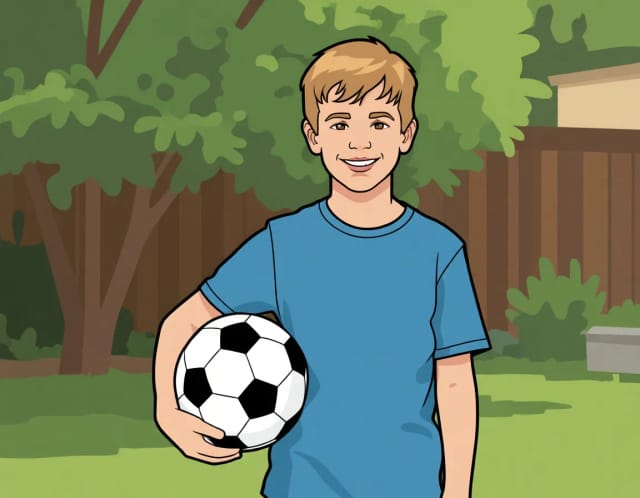
AI Photo to Cartoon
CreArt's photo to cartoon tool turns your photo into a cartoon, free and without sign-up. Pick one of 6 styles, from a 3D animated-movie look to comic and storybook; it usually takes under 20 seconds.
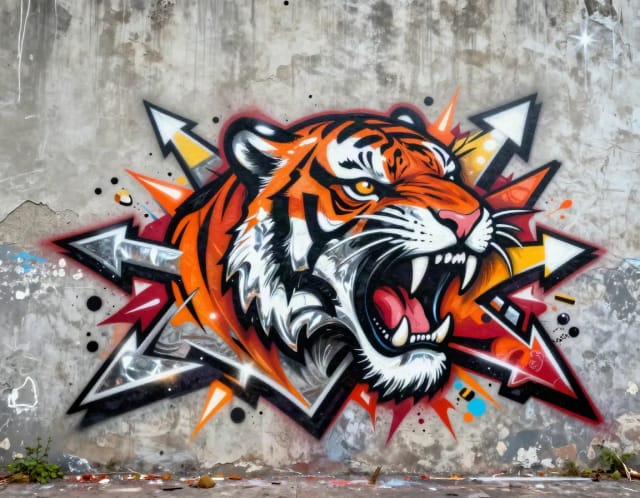
Graffiti Generator
Write your name or any word in graffiti letters, free and with no sign-up: 8 letter styles, 6 color sets and real walls, ready to download. Or turn an idea into AI graffiti art.
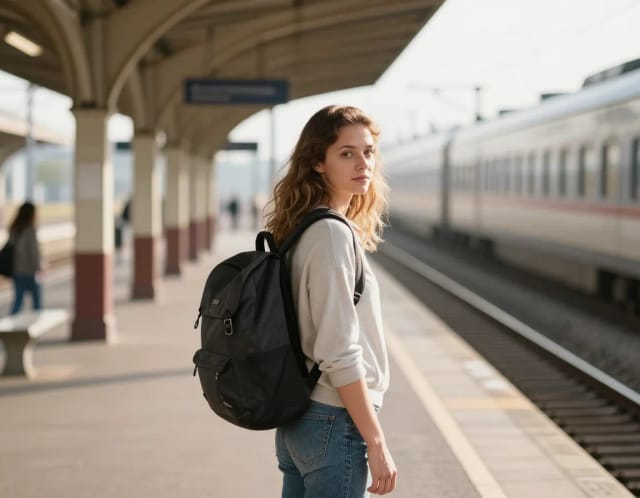
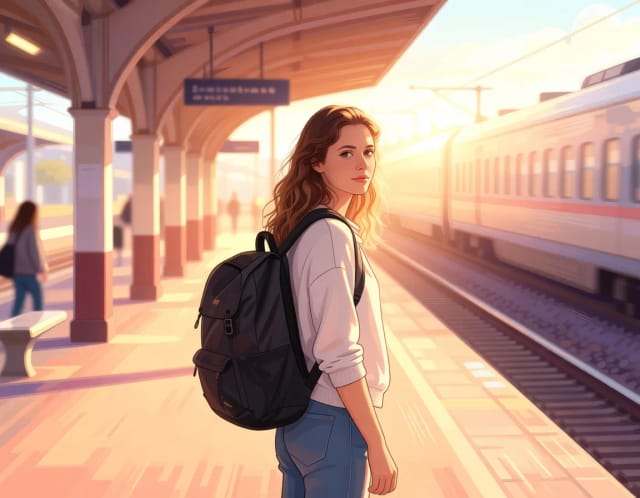
Photo to Anime
CreArt's photo to anime converter turns your photo into anime art, free and without sign-up. Pick one of 6 styles, from a soft, hand-painted film look to black and white manga; it usually takes under 20 seconds.
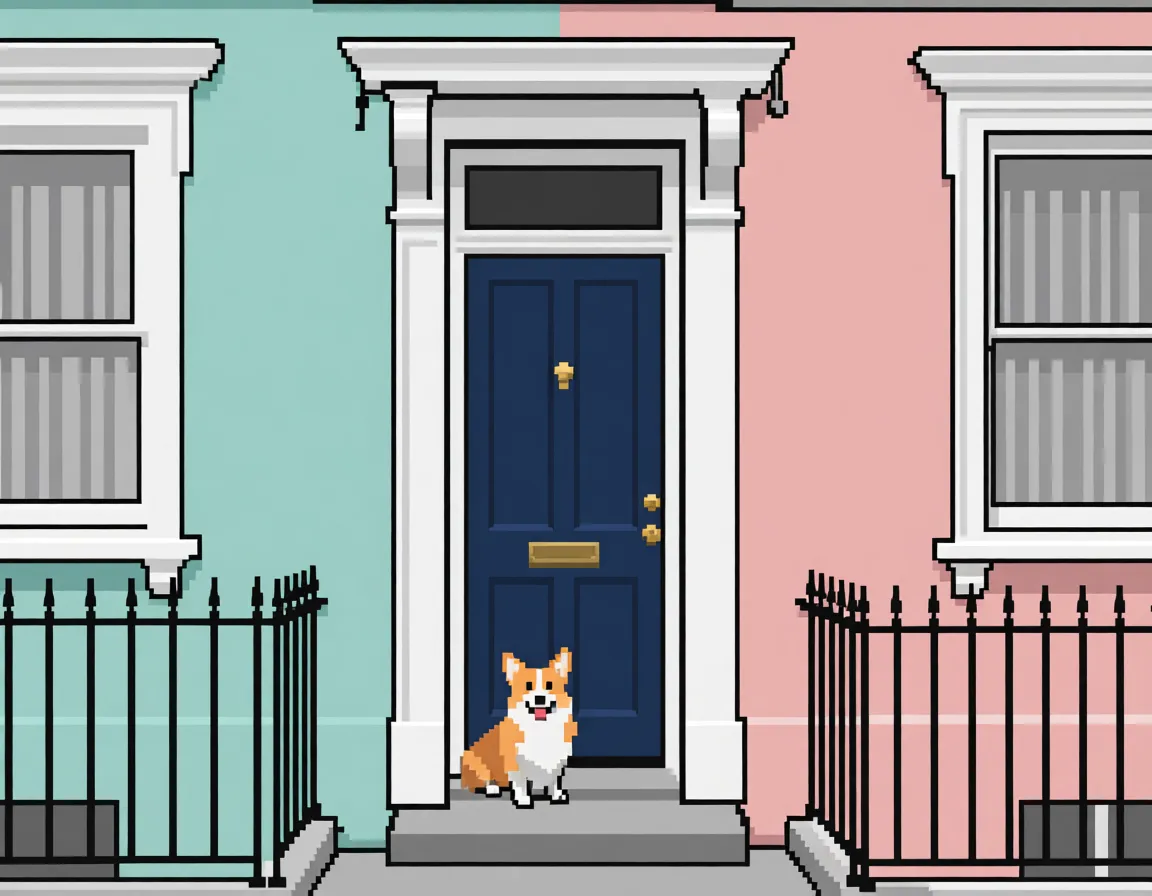
Pixel Art Converter
Turn any photo into pixel art online. Choose a pixel size and palette, then download clean retro-style artwork in seconds.
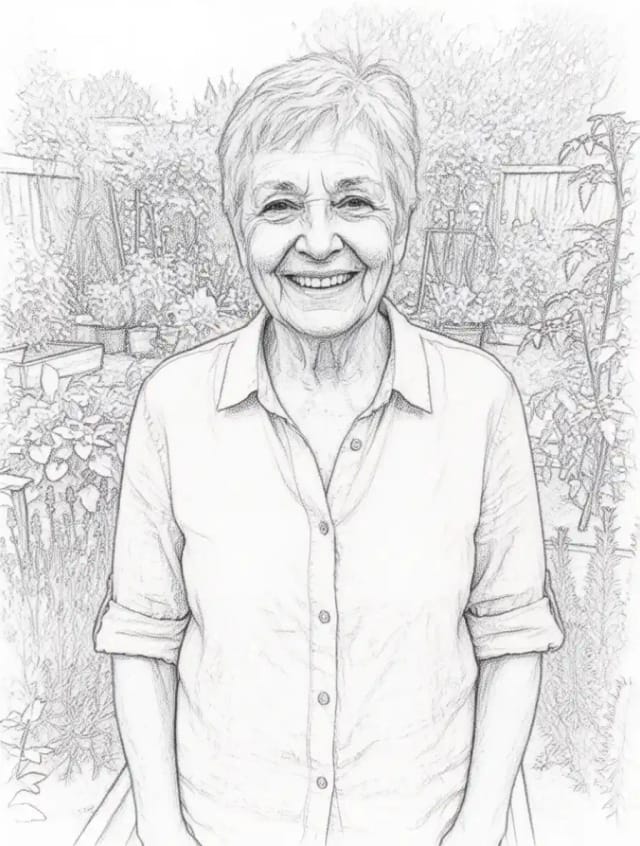
Photo to Sketch
CreArt's photo to drawing tool turns any photo into a pencil sketch, line drawing or eight other drawing styles for free, without sign-up, usually in under 20 seconds.
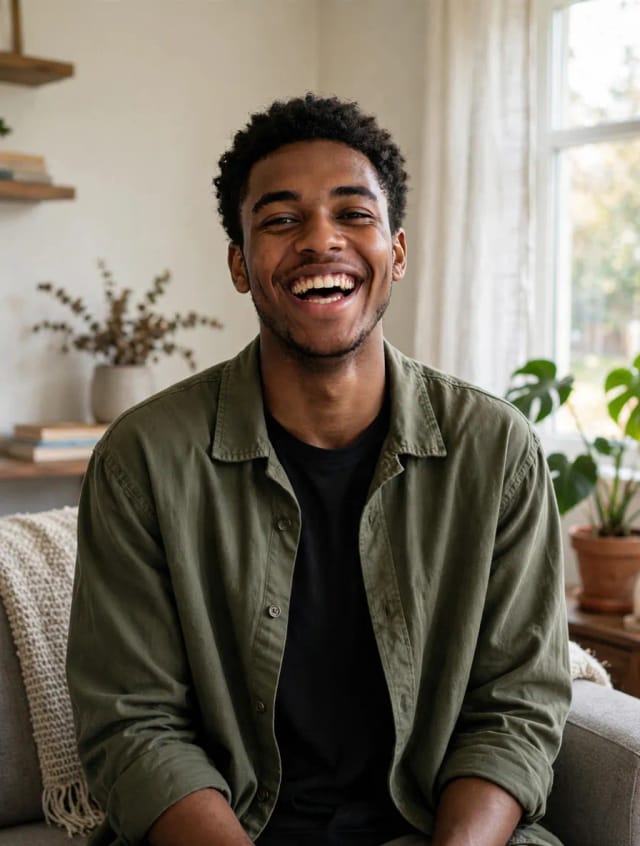
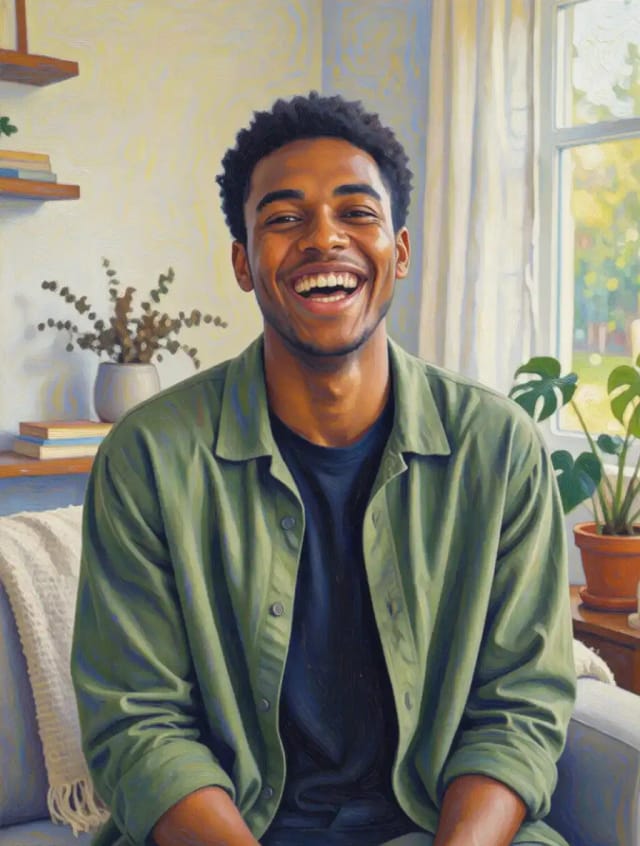
Photo to Painting
CreArt's photo to painting tool turns any photo into a painting, from a portrait painting to an oil painting look, free and without sign-up. Pick impressionist, baroque, palette knife, acrylic, expressionist or pop art; it usually takes under 20 seconds.
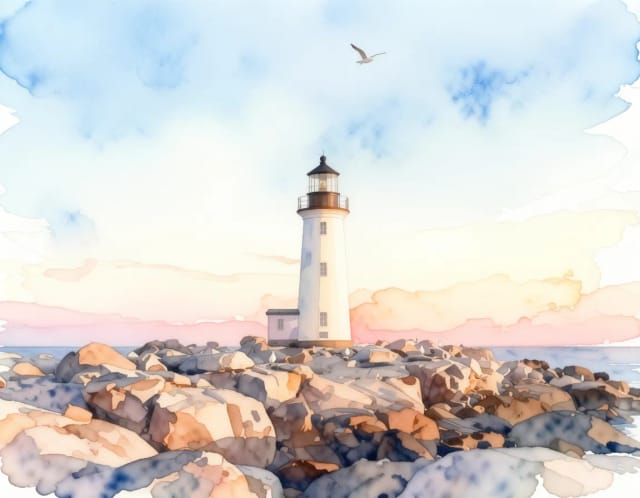
Photo to Watercolor
Turn any photo into a soft, hand-painted watercolor painting with AI — upload, pick a style, and download in seconds.
Ready to make something?
Open the tool, try the free Auto model and download the result.