
Background Remover
CreArt's Background Remover cuts the subject out of any photo for free, without sign-up, and gives you a transparent PNG, a pure white background or a solid color, usually in under 20 seconds.
Your photo
Background · Transparent
Change the background or its color afterwards for free, without generating again.
10 free tries a day with Auto · No sign-up
10 free tries a day with Auto · No sign-up
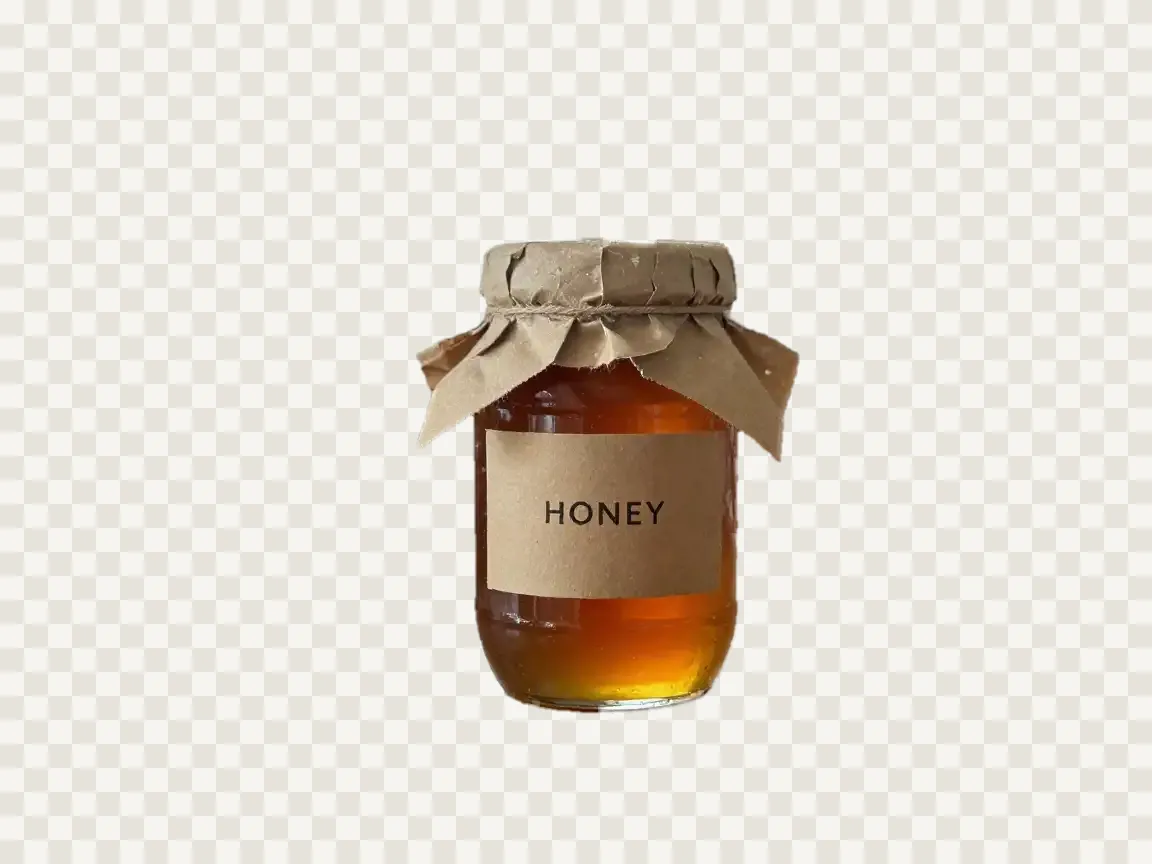

How to remove a background
Remove the background from an image in 3 steps
From your photo to a transparent PNG, without selecting anything by hand.
Upload your photo
A JPG, PNG or WebP of a product, a person, a pet or an object. Or try one of the sample photos.
Pick the background
Transparent for a PNG with no background, White for a pure #FFFFFF backdrop, or Color for a solid color you choose.
Remove it and download
The cutout appears with the background you picked. Switch between transparent, white and colors for free, then download a PNG.
How it works
How the AI background remover works
The AI finds the outline; the pixels are the ones in your photo.
CreArt's Background Remover is a free AI tool that removes the background from a photo and leaves the subject on a transparent, white or colored background. You upload the photo, the AI finds the person, product or object in focus, and everything around it goes, including the table or floor it stands on.
The AI is only used to find the outline. The cutout keeps the pixels of your own photo, so faces, labels and the small text on a product stay exactly as they were, at the size you uploaded (up to 2048 pixels on the long side).
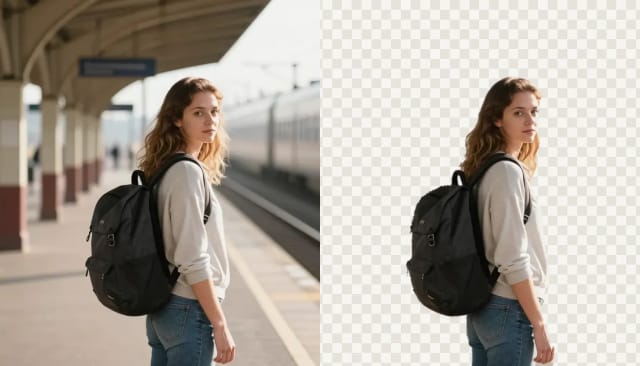
Make a background transparent, white or a color
One cutout, three backgrounds, and you can switch between them for free.
Transparent gives you a PNG with no background at all, ready for a slide, a design, a sticker or a profile picture. White puts the subject on pure white, and Color on any solid color: pick one of the swatches or your own.
Changing the background after the cutout is free and instant, because it happens in your browser. If you want a new scene instead of a plain background, such as a beach or a studio, use the AI background changer.
For a signature on paper, use the signature background remover: it keeps only the ink, in black or blue, and the photo never leaves your device.
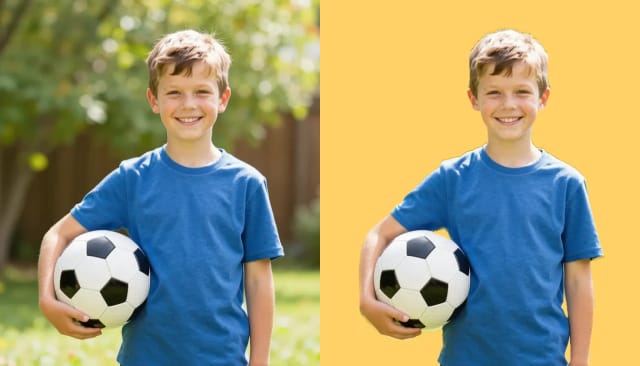
White background for product photos
Pure #FFFFFF, the background marketplaces ask for.
White puts your product on pure white, #FFFFFF, with no gray and no gradient. Amazon asks for pure white (RGB 255, 255, 255) in the main image of a listing, and a clean white background keeps a whole catalog consistent without a lightbox.
The product is cut out of your own photo, so its label, colors and details stay as you shot them. If the photo is small or soft, run it through the image upscaler first; if the light is off, the photo enhancer helps.
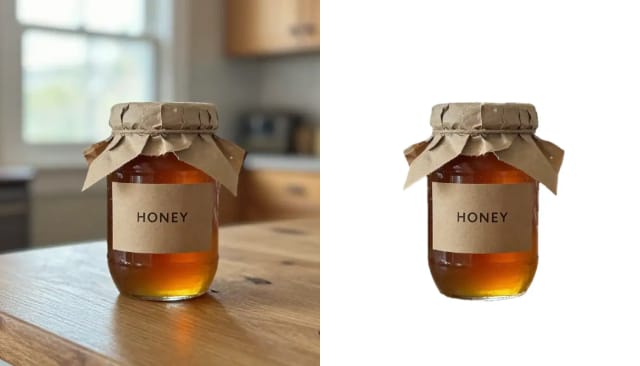
Who it's for
Who the Background Remover is for
Anyone who needs a clean cutout without opening an editor.
Online sellers
Put products on pure white for listings, or on a transparent background to drop into banners and ads, with the label and colors exactly as you shot them.
Designers & marketers
Get a transparent PNG of a person or a product to place straight into slides, mockups, thumbnails and social posts.
Creators
Cut yourself out for a thumbnail or a profile picture, then try it on a few colors for free before you download.
Small businesses
Turn phone photos of your products into clean catalog images without hiring an editor or learning masking tools.
Anyone who needs a quick cutout
Remove the background once, download a PNG and move on: no software, no account.
Pricing
Start removing backgrounds for free
Try the background remover free with Auto, and move up to a plan when you need more volume.
Free
$0
- 100 credits every day
- The Auto model, on our own servers
- No card needed
Paid plans
Basic · Starter · Creator
- 1,600 to 10,000 credits a month
- Every AI model, including premium ones
- AI video, and no ads in the mobile app
Why use it
Why choose this AI background remover
A transparent PNG first, and the backgrounds people ask for next.
Transparent PNG
A PNG with no background, at the size of your photo (up to 2048 pixels on the long side).
Pure white or any color
White is exactly #FFFFFF. Color is any solid color, from the swatches or your own.
Change it for free
Switching between transparent, white and colors happens in your browser, without generating again.
Your photo, not a copy
The AI only finds the outline. The pixels of the subject are the ones you uploaded, so faces and product text do not change.
Nothing to select
No lasso and no brush: the AI finds the subject in focus and removes the rest, including the surface it stands on.
Free, no sign-up
Free to try with Auto, without an account, usually in under 20 seconds.
Honest limits
What it does well, and what it doesn't
It works best with one clear subject: products, objects, pets, logos on a photo and people with tidy hair, with some space around them. The edges come out clean and the subject keeps every detail of your photo.
Loose, fine hair against a bright or busy background is the hard case: some strands can be lost or keep a faint edge, and a dedicated cutout tool may do better there. Glass and see-through objects come out solid. If the subject fills the whole photo, or the cutout fails, try again: every try is different. To remove an object instead of the background, use the object remover; to keep the scene and only soften it, blur the background.
How do I remove the background from an image?
Is the background remover free? Do I need an account?
How do I make a background transparent?
Does it change my photo?
Can I put my product on a white background for Amazon?
Can I change the background color?
Does it work on hair and fur?
What format and size is the download?
Can I remove a background on a Mac or Windows without a website?
What if the cutout does not work?
CreArt is not affiliated with, endorsed or sponsored by Amazon, Microsoft or Mac. Amazon is a trademark of Amazon.com, Inc. Microsoft is a trademark of Microsoft Corporation. Mac is a trademark of Apple Inc.
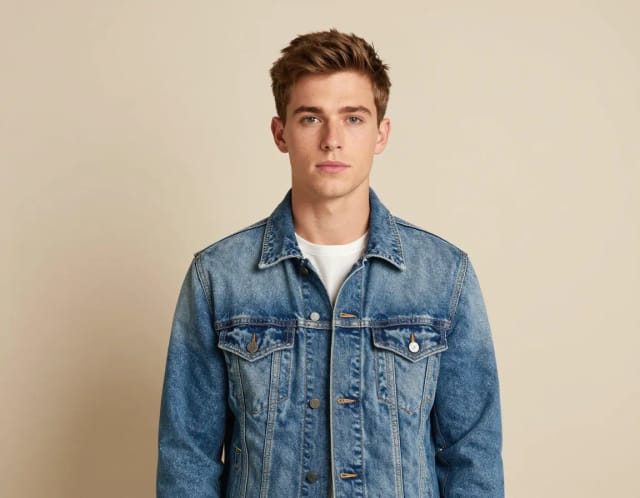
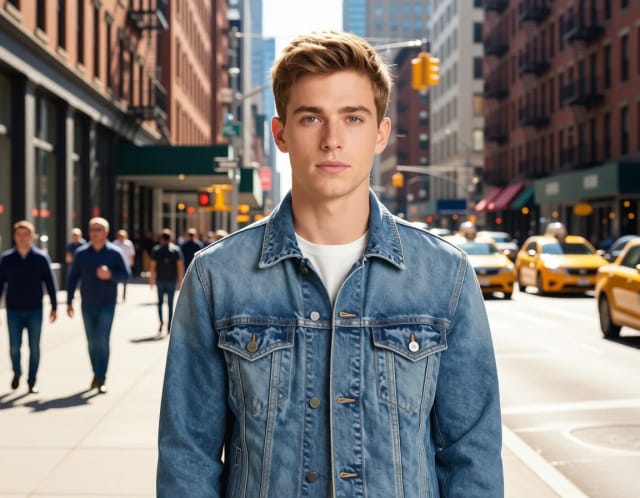
AI Background Changer
CreArt's AI background changer replaces the background of any photo for free, without sign-up, usually in under 20 seconds: pick one of 10 scenes or describe your own.
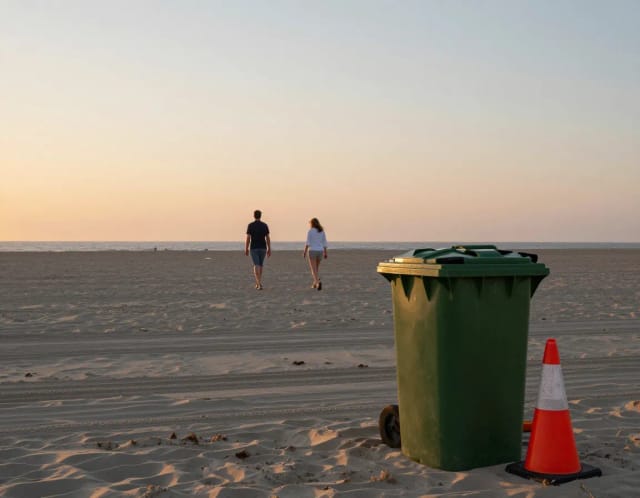
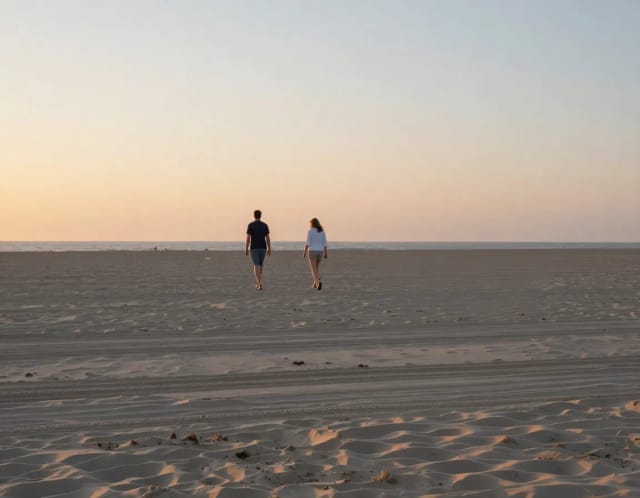
AI Object Remover
CreArt's AI Object Remover is a free tool that erases unwanted objects and people from a photo: paint over them and the AI rebuilds the background, without sign-up and usually in under 20 seconds.
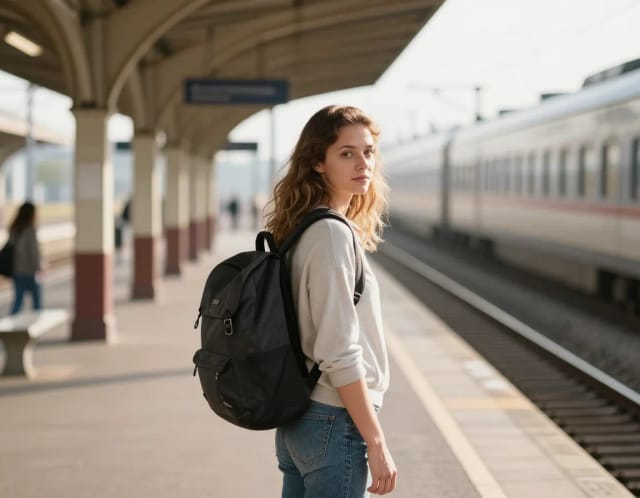
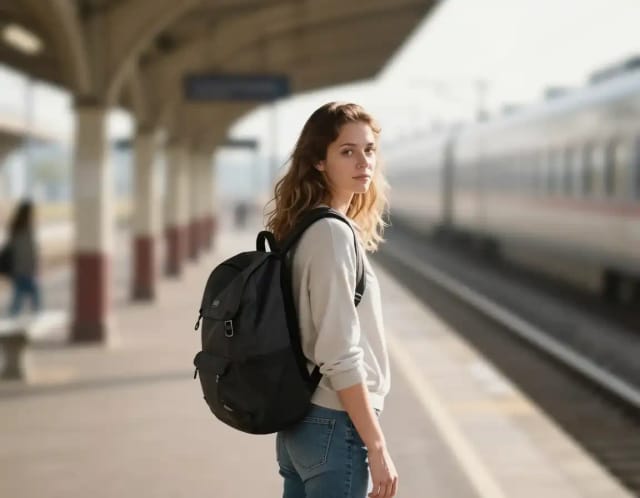
Blur Background
CreArt's Blur Background is a free AI tool that blurs the background of a photo and keeps the subject sharp, without sign-up and usually in under 20 seconds. Pick Strong blur for a clean portrait look or Cinematic bokeh for circles of light behind your subject.

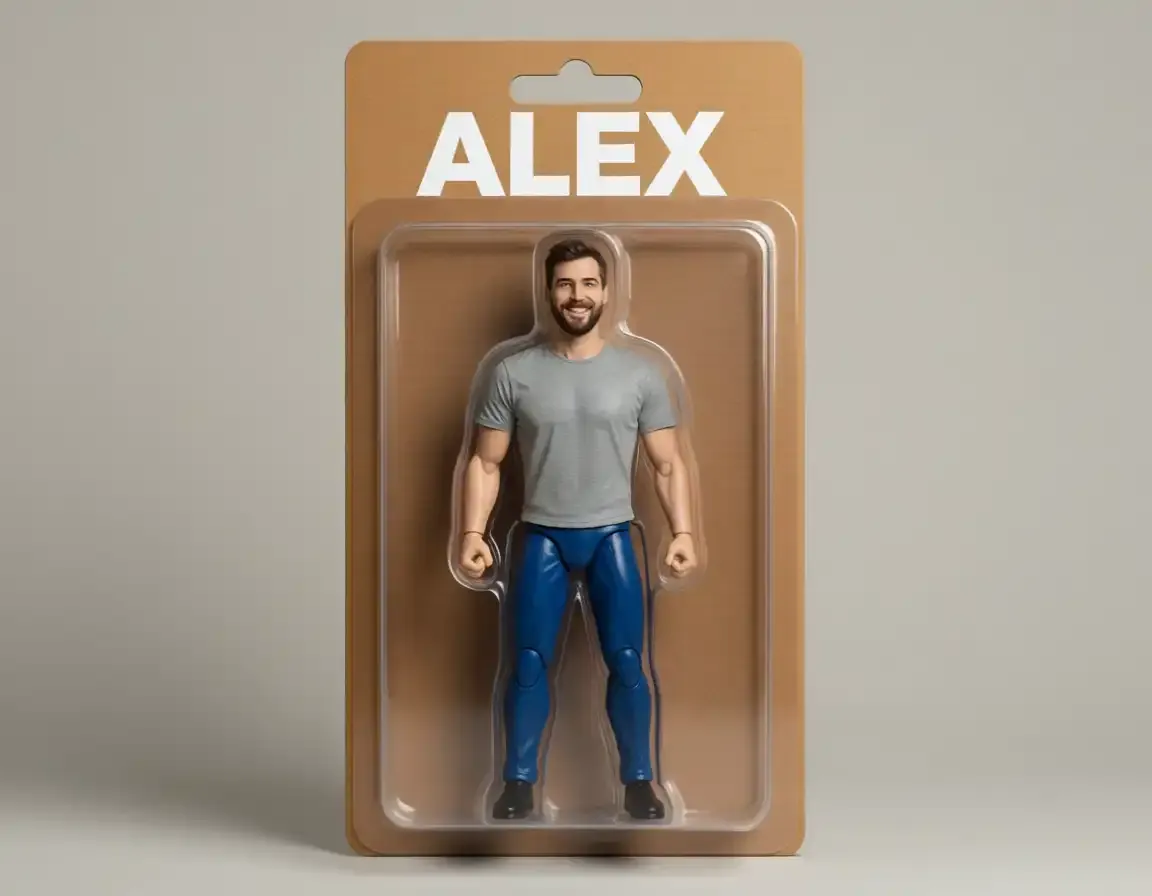
AI Action Figure Generator
CreArt's AI Action Figure Generator turns a photo into an image of a collectible figure, free and without sign-up: pick a blister pack, an anime figure, a vinyl toy or a superhero, add a name for the box, and get it usually in under 20 seconds.
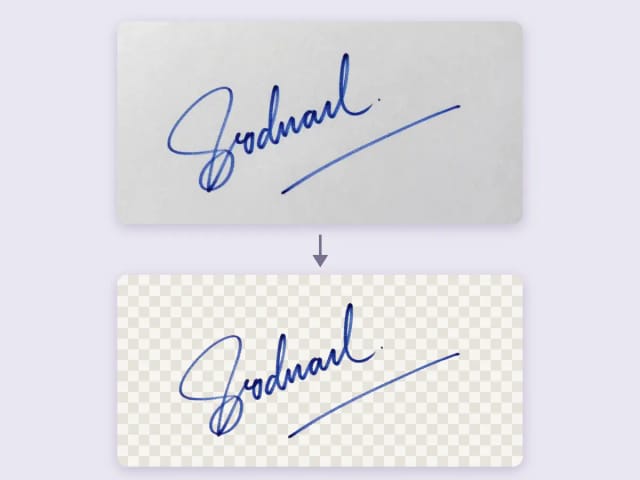
Remove Background from Signature
Remove the background from a photo of your signature for free, right in your browser: your signature never leaves your device. Keep the ink or make it black or blue, crop it to the edge and download a transparent PNG, with no sign-up and no watermark.
Ready to make something?
Open the tool, try the free Auto model and download the result.