
AI Unblur Image
CreArt's AI Unblur Image removes out-of-focus and motion blur from photos for free, without sign-up, usually in under 20 seconds. Turn on Prioritize faces to get eyes and skin back first.

How to unblur an image with AI
Unblur an image in 4 steps
Upload your blurry photo
Drag in the out-of-focus, motion-blurred or fuzzy image you want to fix. JPG and PNG both work, and nothing gets installed.
Prioritize faces if you need to
Turn on the Prioritize faces option when you're unblurring a portrait, so the AI puts extra detail into eyes, skin and expression.
Let the AI unblur the image
The AI reconstructs real edges and textures and returns a sharper version, usually in under 20 seconds.
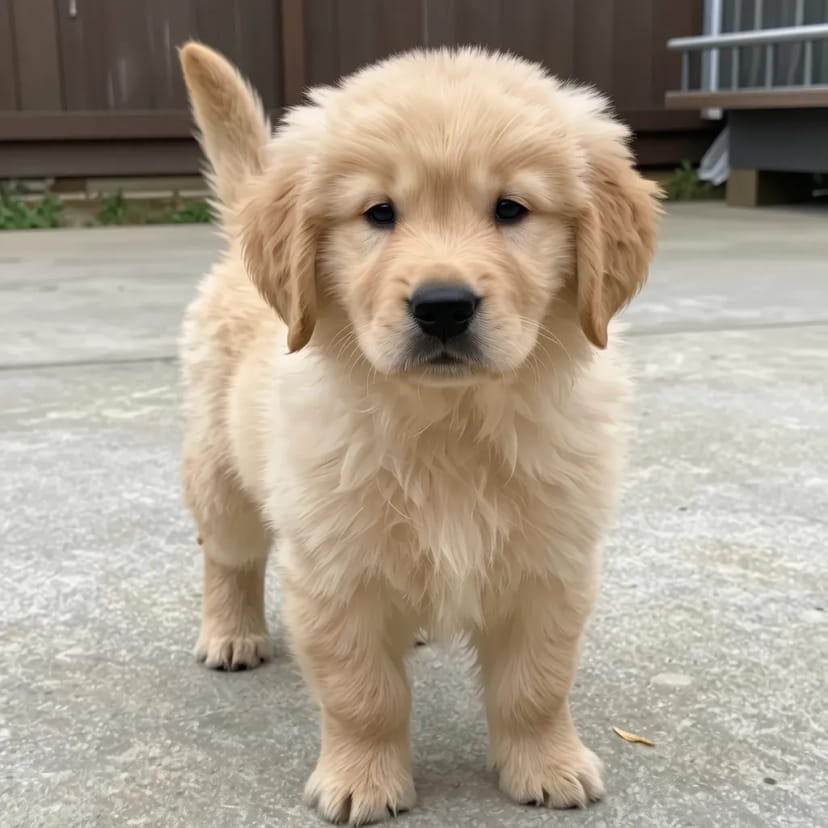 BeforeAfter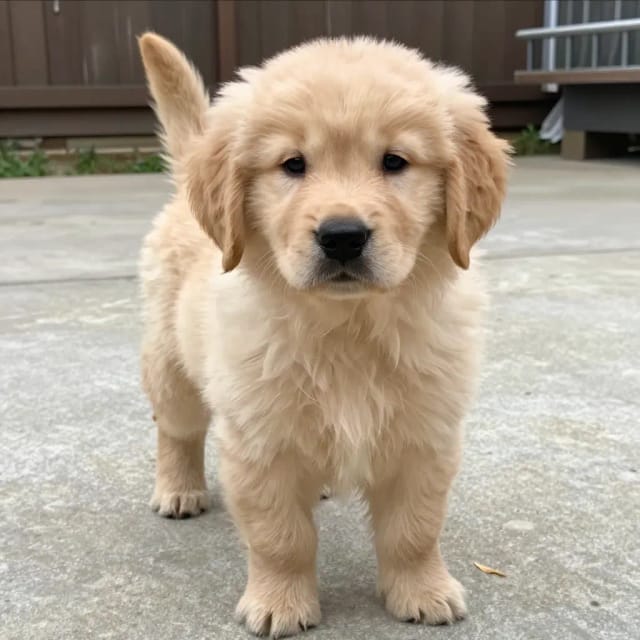
Compare and download the result
Check the unblurred image against the original, then download it.
How it works
How AI Unblur Image sharpens your photos
AI Unblur Image is a free online tool that removes blur from photos and rebuilds the detail the blur wiped out. You upload a blurry image, the AI analyzes what went soft, and it returns a sharper version with cleaner edges, clearer faces and more legible text — usually in under 20 seconds.
It handles the common kinds of blur people actually deal with: a slightly out-of-focus portrait, a shaky handheld shot with motion blur, or a screenshot that came out fuzzy. If your photo also looks low-resolution, running it through the AI photo enhancer or bumping up the size with the image upscaler gets you a crisper result.
Reconstruction, not just extra contrast
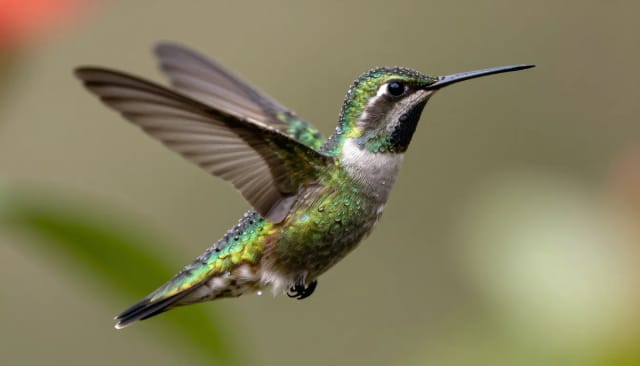
Under the hood, the model doesn't just crank up contrast like an old sharpen slider. It predicts where real edges and textures should sit — the line of an eyebrow, the grain of a fabric, the strokes of a letter — and reconstructs them so the image reads as focused instead of just harsh.
Because it works on the whole frame at once, faces, backgrounds and small text all get treated intelligently rather than uniformly over-sharpened. Turn on the Prioritize faces option and the AI spends extra attention on facial detail, which matters most when you're unblurring a portrait to use in an AI headshot.
One upload, no sharpening masks to fight
Fixing blur by hand in an editor means fighting with sharpen masks, deconvolution filters and layers, and the result often looks noisy or fake. AI Unblur Image skips all of that: one upload, one result, no manual tweaking required.
It works online, so there's nothing to install, and it's free to try. When you want to keep going after unblurring — fixing lighting and color or cutting the subject out — the relight tool and the background remover pick up from the same image.
Who it's for
Who AI Unblur Image is for
Everyday photographers
Anyone with a shaky handheld shot or a slightly out-of-focus portrait they don't want to throw away can recover a usable version in under 20 seconds.
Online sellers and marketplace listers
Product photos that came out soft look more trustworthy once they're sharp, without needing to reshoot the whole item.
Social media creators
Salvage a great moment that turned out blurry so it's clear enough to post to a profile or feed instead of deleting it.
People working with screenshots and documents
Fuzzy screenshots and photographed text get sharper and more legible, which helps when the words themselves matter.
Anyone editing without design skills
If manual sharpen masks and filters feel like too much, this does the whole job with one upload and no tweaking.
Pricing
Unblur images free, upgrade when you need more
Try AI Unblur Image for free and move to a paid plan when you want more volume and higher-quality output.
Free
$0
- 100 credits every day
- The Auto model, on our own servers
- No card needed
Paid plans
Basic · Starter · Creator
- 1,600 to 10,000 credits a month
- Every AI model, including premium ones
- AI video, and no ads in the mobile app
Why choose it
Why use AI to unblur an image
Fixes real-world blur
Out-of-focus shots, shaky handheld photos with motion blur, and fuzzy screenshots all get sharpened — not just one narrow type of blur.
Rebuilds detail, doesn't just sharpen
Instead of raising contrast like a slider, the AI predicts where edges and textures belong and reconstructs them, so results look focused rather than crunchy.
Clearer faces on demand
Prioritize faces tells the AI to spend extra attention on portraits, recovering eyes, skin and expression that heavy blur usually hides.
Usually under 20 seconds
Upload, unblur, download. There's no editing knowledge required and no waiting around for a render queue.
Works online, free to try
Nothing to install and no design skills needed — the whole thing works online and is free to test on your own photos.
Works alongside other fixes
Pair it with an upscaler for low-resolution shots or an enhancer for lighting and color when unblurring alone isn't enough.
Honest limits
Which blur it can undo
Mild camera shake and focus misses recover well: the information is still in the frame, just displaced, and the model knows how to put it back.
A face that is a smudge stays a smudge — deblurring cannot testify to what was never recorded. If the subject is unrecognizable to you, the AI will produce someone plausible, which is not the same thing.
If the photo is only slightly soft rather than blurred, the AI Image Sharpener is the lighter touch.
Can AI unblur an image?
How do you unblur an image with AI?
Is there an AI that can unblur images?
What kinds of blur can it fix?
Can AI unblur images for free?
Does it work on faces?
Will the unblurred image look fake or noisy?
What if my photo is also low resolution?
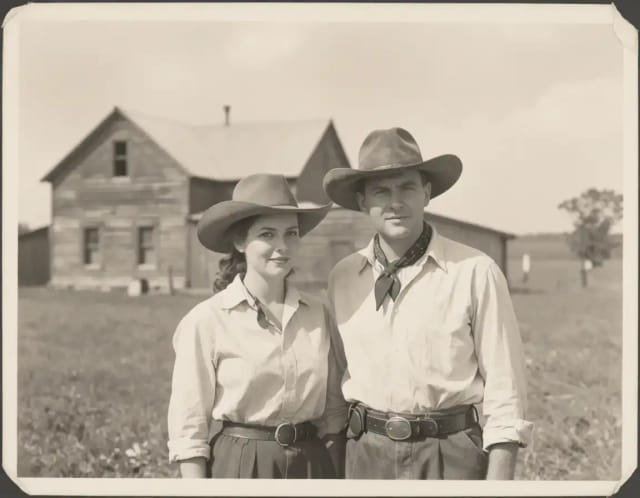
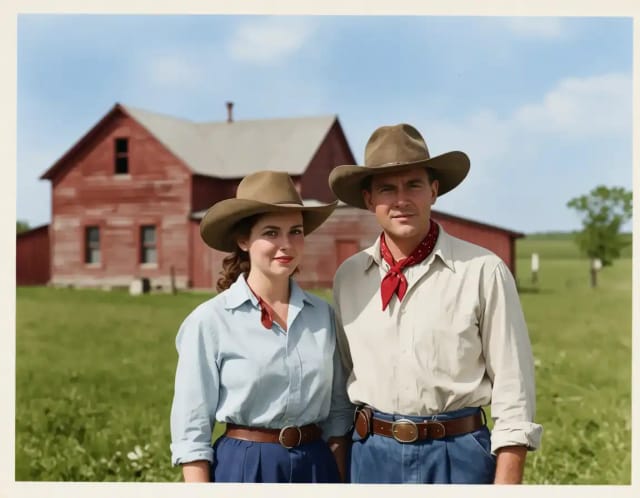
AI Image Colorizer
CreArt's AI image colorizer turns black and white photos to color with its best guess of the original colors, free and without sign-up, usually in under 20 seconds. Add a color hint, like "red dress", when a detail matters.
AI Image Sharpener
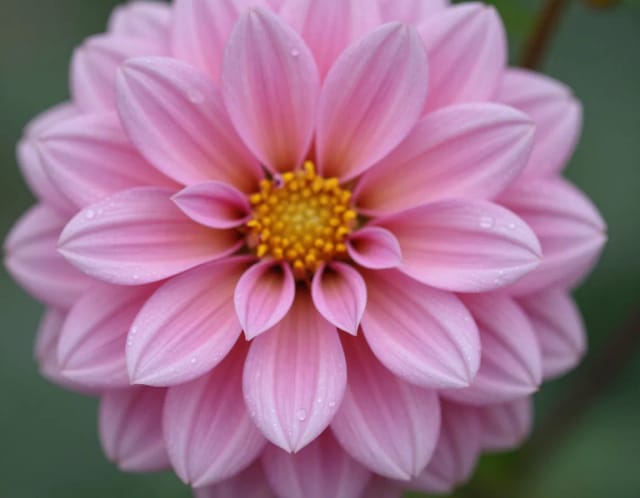
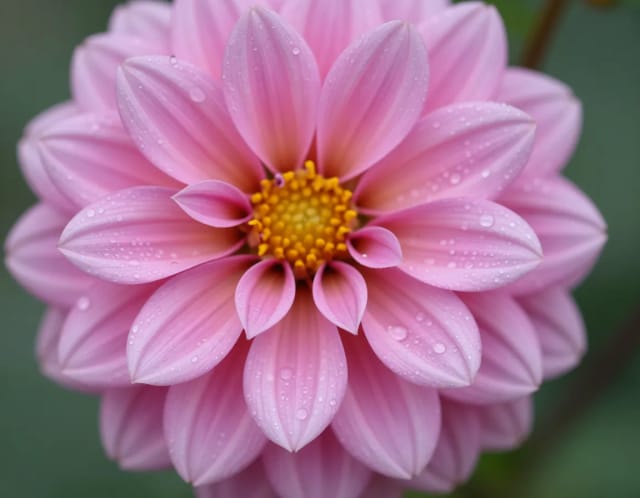
CreArt's AI Image Sharpener brings soft photos back into focus for free, without sign-up, usually in under 20 seconds: crisp edges in eyes, hair, text and product details. Tell it what should be sharpest, or leave it blank.
AI Photo Restoration
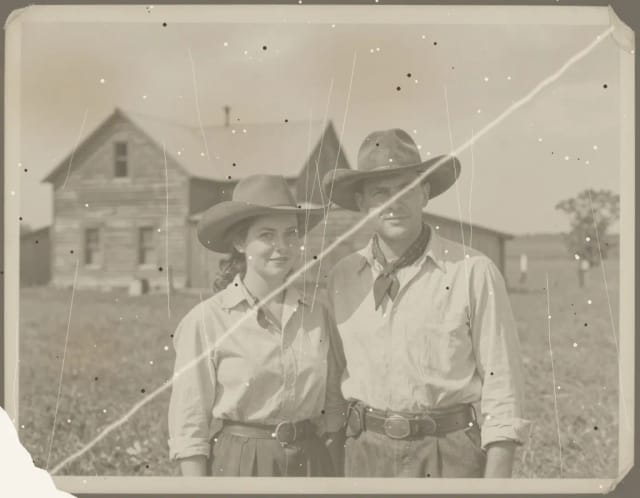
CreArt's AI photo restoration repairs old, damaged photos for free, without sign-up: it removes scratches, creases, stains and dust, rebuilds torn corners and brings back faded contrast, usually in under 20 seconds.
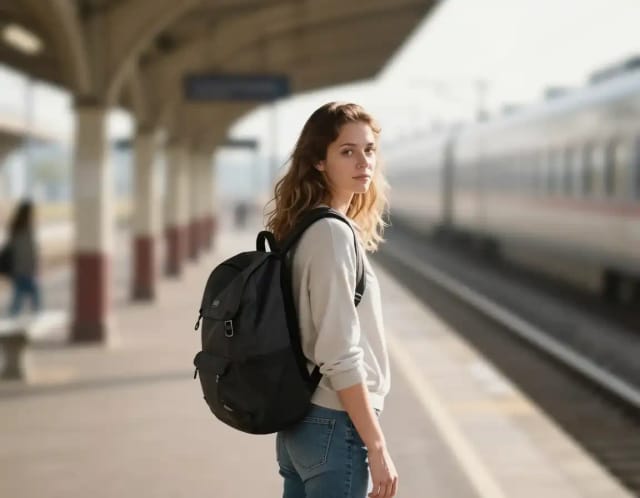
Blur Background
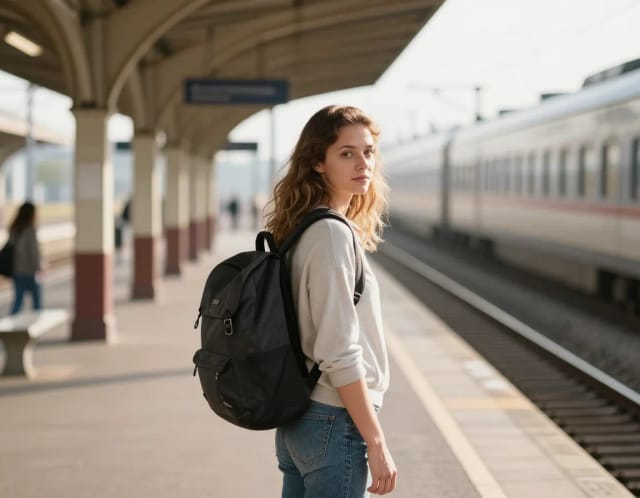
CreArt's Blur Background is a free AI tool that blurs the background of a photo and keeps the subject sharp, without sign-up and usually in under 20 seconds. Pick Strong blur for a clean portrait look or Cinematic bokeh for circles of light behind your subject.
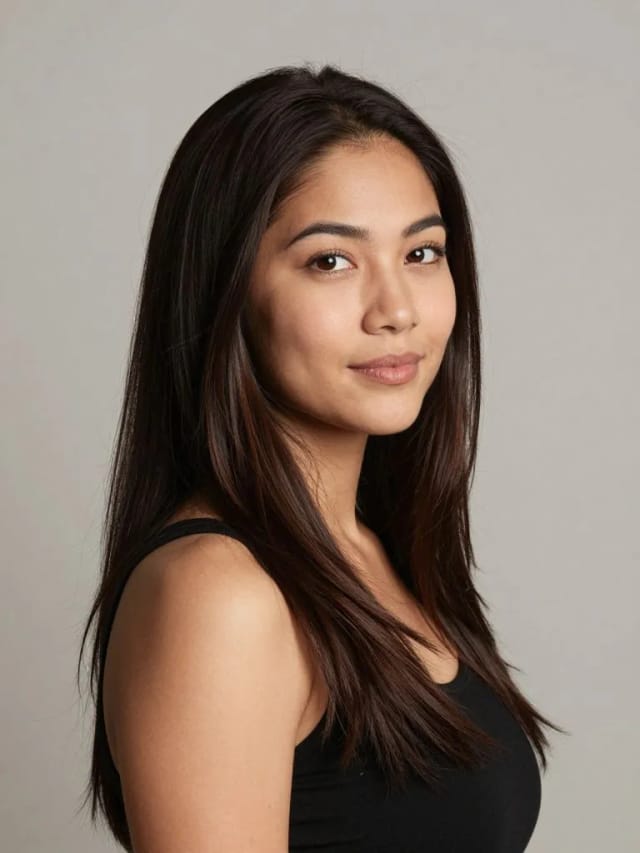
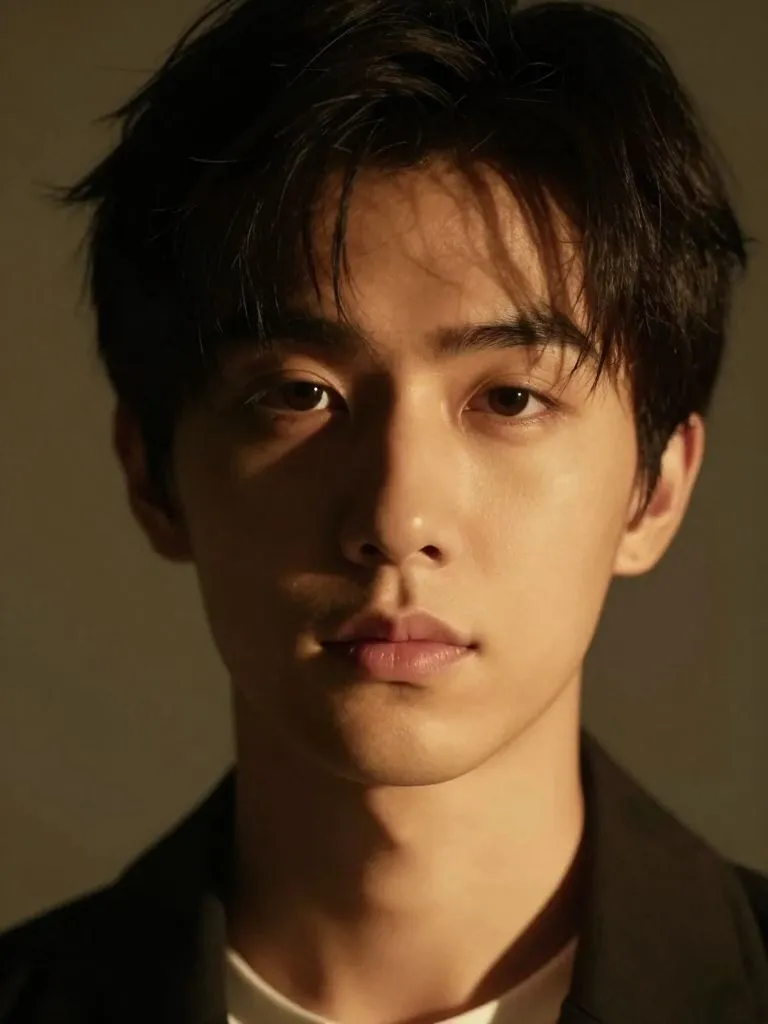
AI Relight
Change the lighting of any photo with AI. Pick neon, warm, cool blue, spotlight or cinematic and let the AI re-light the scene in seconds.
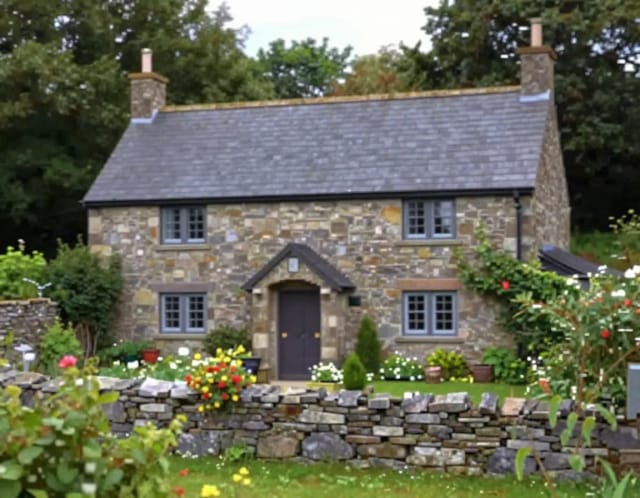
Image Upscaler
CreArt's Image Upscaler enlarges photos 2x or 4x with a dedicated AI upscaling model: a 1,000 × 1,500 px photo becomes 4,000 × 6,000 px. You see the exact output size before you start. Free to try, no sign-up.
Ready to make something?
Open the tool, try the free Auto model and download the result.