
AI Logo Generator
Free AI logo maker: the AI draws your symbol and your name is set in real fonts, never misspelled.
Your brand
What the AI draws
Logo style· Minimal geometric
20 free tries a day with Auto · No sign-up · Transparent PNG, no watermark.
Your brand
What the AI draws
Logo style· Minimal geometric
Setting your logo…
How it works
How to make a logo with AI in 4 steps
Type your name, say what the AI should draw, pick a style and download.
Type your brand name
Add your business name and, if you like, a slogan such as "Surf lessons since 2010". Your browser sets them in real fonts, so they are always spelled exactly as you type them.
Say what the AI should draw
Describe your business in a few words, such as "surf school" or "dog grooming", and add colors if you have them. For a mascot or esports logo, describe the character: "a wildcat with orange fur". The AI draws only the symbol and never sees your name.
Pick one of 7 styles
Minimal, badge, mascot, esports, lettermark, abstract or vintage. The lettermark is free and instant: your initials in a circle, drawn by your browser.

Adjust it and download
Change the layout, the font and the color as often as you like, without generating again. Download a transparent PNG, a version on white, one on dark and a 512 px square icon for profile pictures and favicons.
Seven directions for your logo
Each sample was made with this tool: the symbol by the AI, the name in real fonts. Tap one to start from that style.


How it works
Your name in real fonts, never misspelled
AI image models often get letters wrong, so this logo maker splits the job. The AI draws an original symbol from what your business does, and your browser sets your brand name and slogan in real fonts, spelled exactly as you type them.
Then play with it for free: put the symbol on top or to the left, turn the logo into a round badge or use the name on its own, in five fonts and six colors. Every change redraws at once, without generating again. To see it on a product, try the business card mockup or the cap mockup.

Lettermark
Monogram and lettermark logos, free
Pick Lettermark and the tool makes a monogram from your initials: two letters in a circle, in the font and color you choose. Your browser draws it, so it is free, instant and needs no generation.
A lettermark suits law firms, studios, consultants and any brand with a long name. Download it as a transparent PNG, or as a square icon for your profile picture and favicon.

Esports
Esports and gaming logo maker
Pick Esports for a bold mascot head with thick outlines, the look of gaming teams and streamers. Describe the character in "What the AI draws", such as "a wildcat with orange fur" or "a wolf with a red mask". The AI does not read your team name, so "Night Owls" alone will not draw an owl.
The AI is asked for an original creature, not one based on a real team logo. Your team name goes in a heavy sports font, and on dark a colorful mascot gets a white outline. Use the square icon as your Discord or Twitch avatar, and make matching emotes with the AI emoji generator.

Mascot
Mascot logo maker
Pick Mascot for a friendly character head with a clear expression: a dog for a grooming salon, a smiling croissant for a bakery, an owl for a bookshop. Describe the character in a few words and the AI draws an original one, not based on any existing character.
Mascot logos work well on shop signs, packaging and merch. To see yours on a product, try the sticker mockup or the mug mockup.

Download
Transparent logo PNG, no watermark
Every logo downloads as a 2048 × 2048 PNG with a transparent background and no watermark, ready for a website, a photo or a T-shirt design. You also get a version on white and one on dark, where the dark ink turns white so the logo still reads.
The 512 px square icon is for profile pictures and favicons. The files are PNG, not vector (SVG): sharp on the web, on social media and in small prints. For a large print, run the PNG through the image upscaler.

Who it's for
Who the AI Logo Generator is for
Anyone who needs a logo today and has no designer.
Founders and small business owners
Get a clean logo for a launch, a shop sign or a website, and try different styles until one fits.
Freelancers and side projects
Make a mark for a new service, shop or portfolio in a few minutes, with your name spelled right.
Streamers and gaming teams
Make an esports mascot with your team name, plus a square icon for Discord and Twitch.
Marketers and social managers
Download the square icon for profile pictures and the transparent PNG for posts and banners.
Anyone naming a new venture
See how a name looks as a logo before you print anything, in five fonts and four layouts.
Pricing
AI Logo Generator pricing
Make logos for free with the Auto model, no account needed, and lettermarks for free at any time. Pick a plan when you want more generations a day or other image models.
Free
$0
- 100 credits every day
- The Auto model, on our own servers
- No card needed
Paid plans
Basic · Starter · Creator
- 1,600 to 10,000 credits a month
- Every AI model, including premium ones
- AI video, and no ads in the mobile app
Why CreArt
Why use this AI logo generator
A logo you can use, not just a picture of one.
Name never misspelled
Your brand name and slogan are set in real fonts by your browser, exactly as you type them.
An original symbol
The AI draws a new symbol from what your business does, not a stock icon next to your name.
Seven styles
Minimal, badge, mascot, esports, lettermark, abstract and vintage.
Free tweaks
Change the layout, the font and the color as often as you like: the logo redraws without generating again.
Transparent PNG
Download with a transparent background and no watermark, plus versions on white and on dark and a square icon.
Free, no sign-up
Make logos with the Auto model for free every day, without an account. Lettermarks are always free.
Is there a free AI logo generator?
Can ChatGPT create a logo?
Can I legally use a logo created by AI?
Which AI is best for logos?
What logo styles can I choose from?
How do I make an esports or mascot logo?
Can I download my logo with a transparent background?
Can I get my logo as a vector (SVG)?
Can I change the font or the colors after making the logo?
CreArt is not affiliated with, endorsed or sponsored by Twitch or Discord. Twitch is a trademark of Twitch Interactive, Inc. Discord is a trademark of Discord Inc.
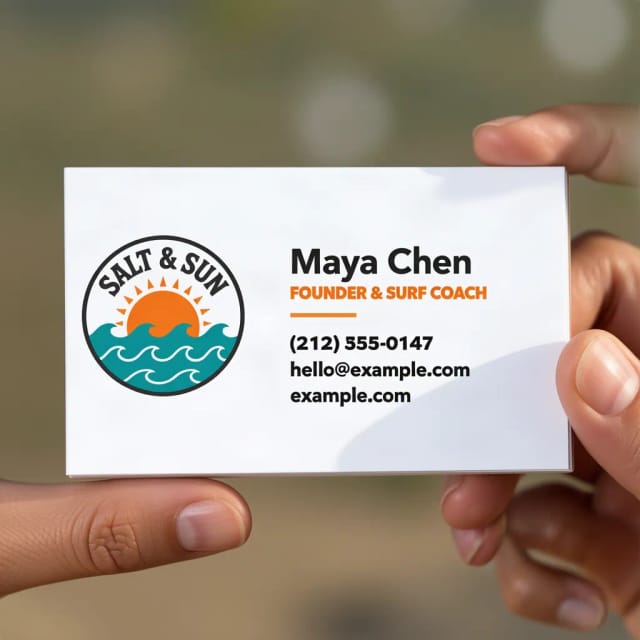
Business Card Mockup Generator
See your logo or card design on a business card, in hand or on a desk.
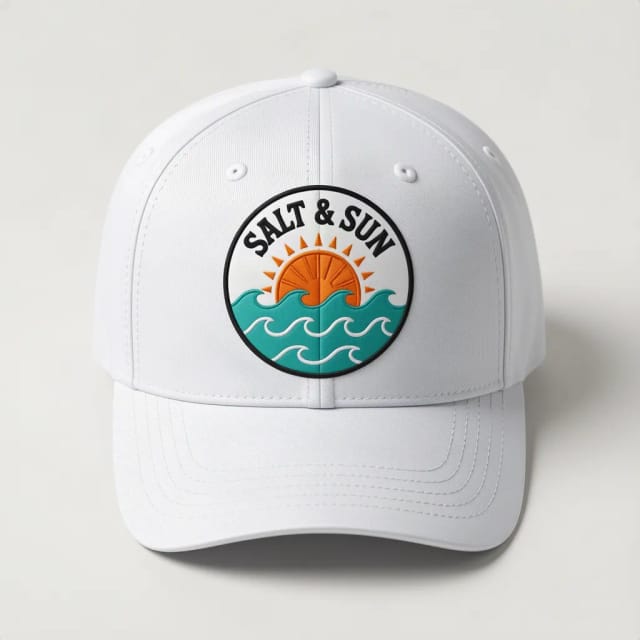
Cap & Hat Mockup Generator
See your logo on a cap, trucker, bucket hat or beanie, embroidered or printed.
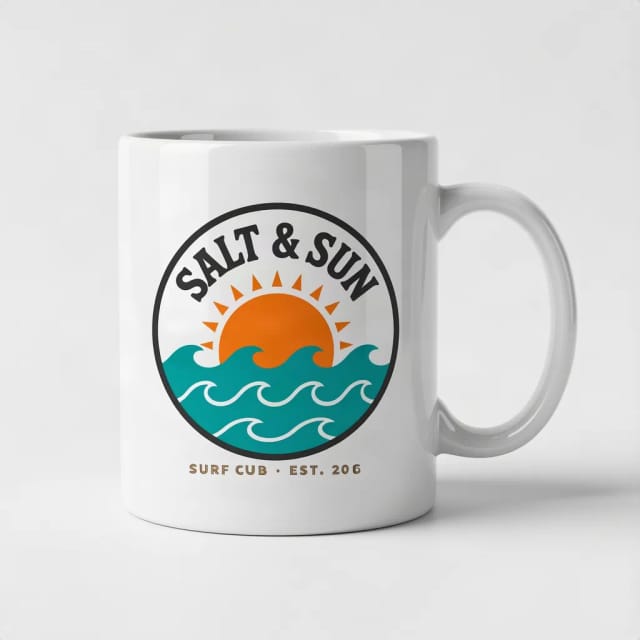
Mug Mockup Generator
See your design on a coffee, two-tone, enamel or travel mug, in hand or as a gift.
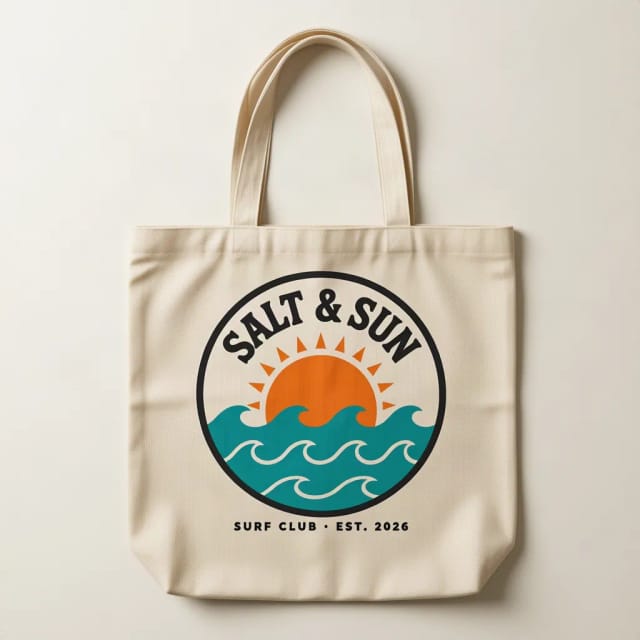
Tote Bag Mockup Generator
See your design on a canvas tote bag, flat, hanging or on a shoulder.
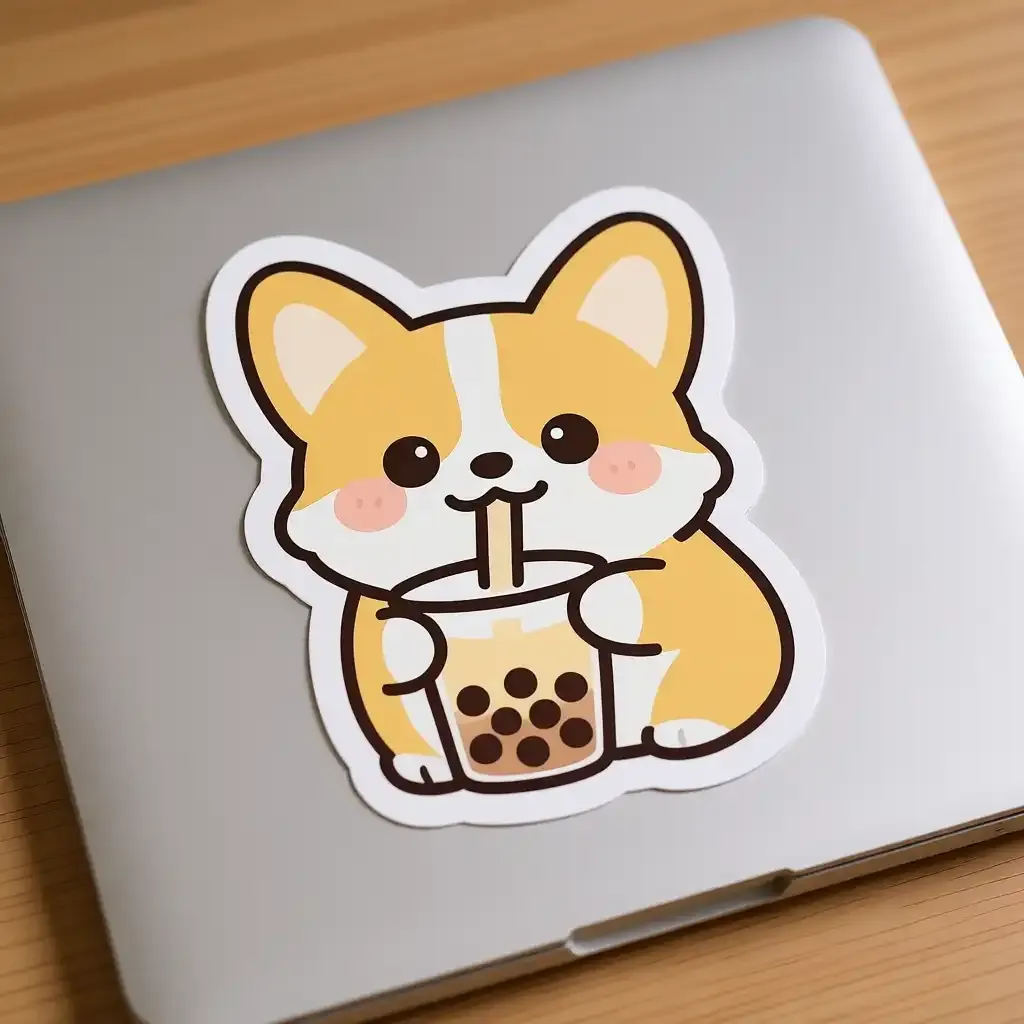
Sticker Mockup Generator
See your design as a die-cut, round or holographic sticker on a laptop or a bottle.
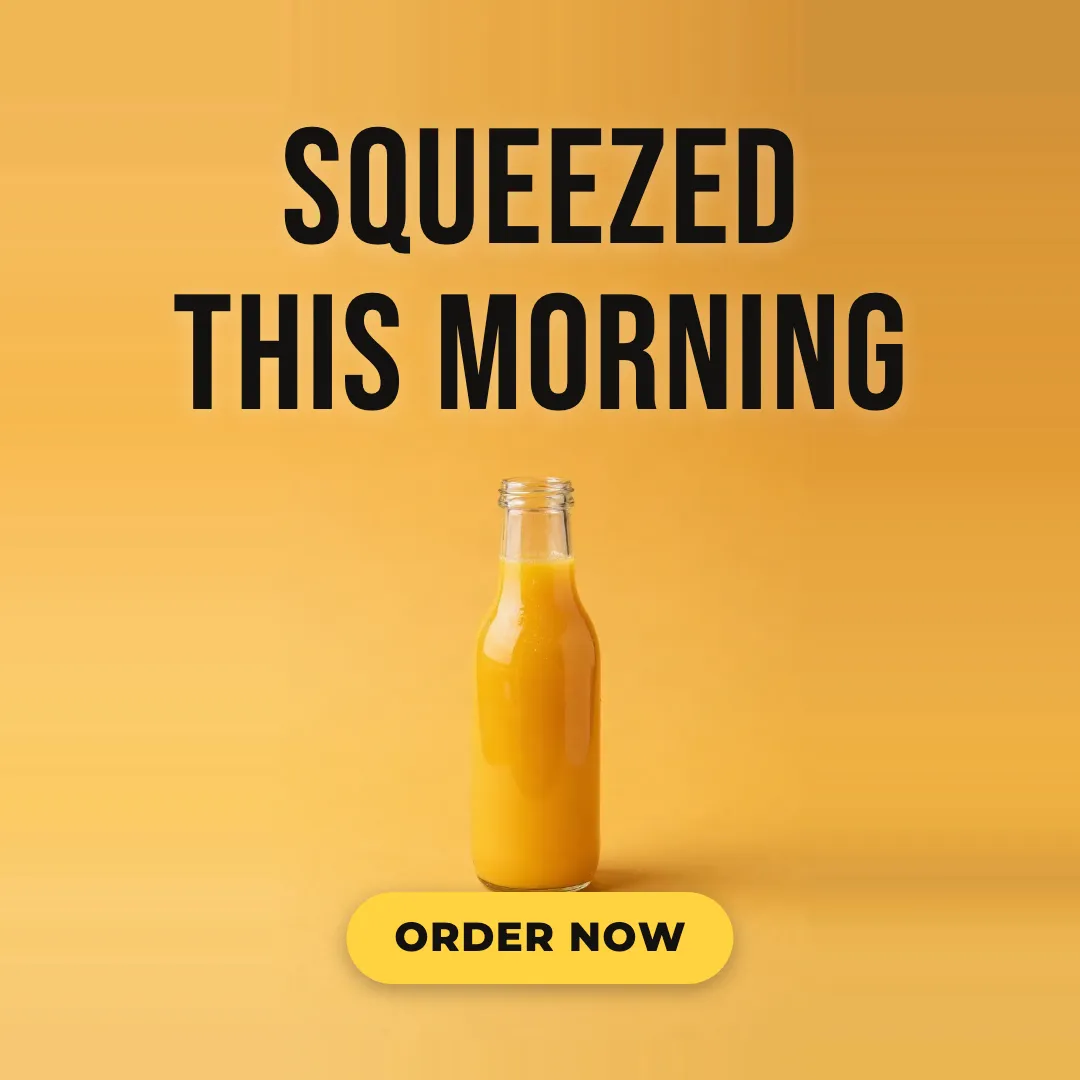
AI Ad Maker
Free AI ad maker: get an ad with your headline and button for Instagram and Facebook, in every size.

AI Album Cover Maker
Make an album cover with AI: describe your music, pick one of 16 styles and add your name and title, spelled right. Free, no sign-up.
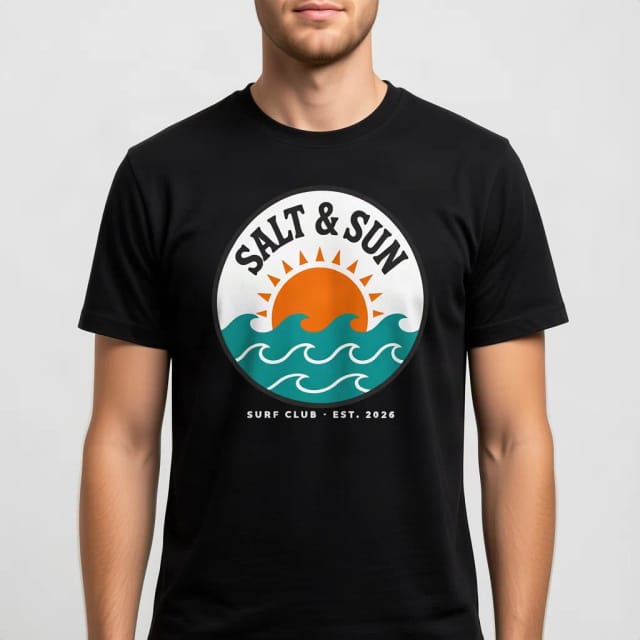
T-Shirt Mockup Generator
CreArt's free T-Shirt Mockup Generator puts your design on 7 garments in 12 colors, front or back, usually in under 20 seconds. No sign-up.
Ready to make something?
Open the tool, try the free Auto model and download the result.