
AI Anime Generator
Turn a text idea into anime-style art. Pick a look, generate and download it, usually in under 20 seconds — no drawing skills required.

How to use it
How to make anime art from text in 3 steps
From a sentence to a finished anime illustration.
Describe your scene
Write who is there, what they are doing and where. «A girl with a red umbrella on a rainy street at night» is enough. Want a pose or a composition to follow? Add a reference image; it is optional.
Pick one of 10 anime styles
Choose Modern Shonen, Retro 90s, Dark Fantasy, Slice of Life, Cyberpunk, Painterly, Webtoon, Magical Girl, Ukiyo-e and Manga Panel. Every preview shows the same rainy-street scene, so you can see what each style changes.
Generate and download
Your anime illustration is usually ready in under 20 seconds, free with the Auto model and with no sign-up. Change a few words or the style and generate again.
Find your anime era
Modern shonen ink, soft 90s cels, a ukiyo-e print: the same rainy street in every style. Tap the one that feels right.


From text
How the AI Anime Generator turns your idea into anime art
Describe a scene in words and pick a style.
CreArt's AI Anime Generator turns a written idea into anime-style art. You describe the scene (who is in it, what they are doing, the place and the light), pick one of 10 anime styles and get an illustration in under 20 seconds, free with the Auto model and with no sign-up.
It is made for scenes, illustrations, backgrounds and manga panels: a samurai on a hill at sunset, two friends on a rooftop at dusk, a rainy street lit by shop windows. You can add an image as a reference for the pose and composition, and the result is redrawn as anime.
To turn your own selfie into anime, use Photo to Anime: it is made for that and keeps your face recognizable. Want the same character in every scene? The AI Character Generator keeps your character from one image to the next.

Anime styles
Ten anime styles, one scene
Each style changes the line work, the palette and the light: Modern Shonen, Retro 90s, Dark Fantasy, Slice of Life, Cyberpunk, Painterly, Webtoon, Magical Girl, Ukiyo-e and Manga Panel. The previews all show the same girl with a red umbrella on a rainy street, so you can compare them before you generate.
Painterly gives the look of a hand-painted film background, Webtoon the clean digital color of Korean comics and Ukiyo-e the flat colors of a Japanese woodblock print. Manga Panel gives a black-and-white manga look; a color named in your idea may stay as an accent.

Who it's for
Who the AI Anime Generator is for
Anime and manga fans
Picture a scene from a story you love or one you invented, in the style of your favorite era.
Writers and worldbuilders
Quick visual references for the places, moods and moments in your story.
Content creators
Thumbnails, banners and post art in an anime style, made from a sentence.
Gamers and communities
An anime illustration for a server banner, a profile or a forum post.
Curious first-timers
Type an idea, try ten styles and see what comes back, with no software and no drawing skills.
Pricing
Plans for the AI Anime Generator
Make anime art for free with the Auto model, no account needed. Pick a plan when you want more images a day.
Free
$0
- 100 credits every day
- The Auto model, on our own servers
- No card needed
Paid plans
Basic · Starter · Creator
- 1,600 to 10,000 credits a month
- Every AI model, including premium ones
- AI video, and no ads in the mobile app
Why use it
Why choose this AI anime generator
What you get beyond a single button that says «generate».
Text first
Describe a scene in your own words: no photo, no drawing and no settings to learn.
10 anime styles
From modern shonen and retro 90s to painterly backgrounds, webtoon, ukiyo-e and manga panels.
A reference if you want one
Add an image to follow its pose and composition; the result is redrawn as anime.
Free with Auto, no sign-up
Make anime art for free with the Auto model every day, without creating an account.
Usually under 20 seconds
No queue and no revisions round-trip: type, pick a style and generate.
Works with the rest of CreArt
Put the result on a clean white background with the background remover, or make it sharper with the image upscaler.
Anime prompts to remix
Three scenes with their full prompts. Load one and make it yours.
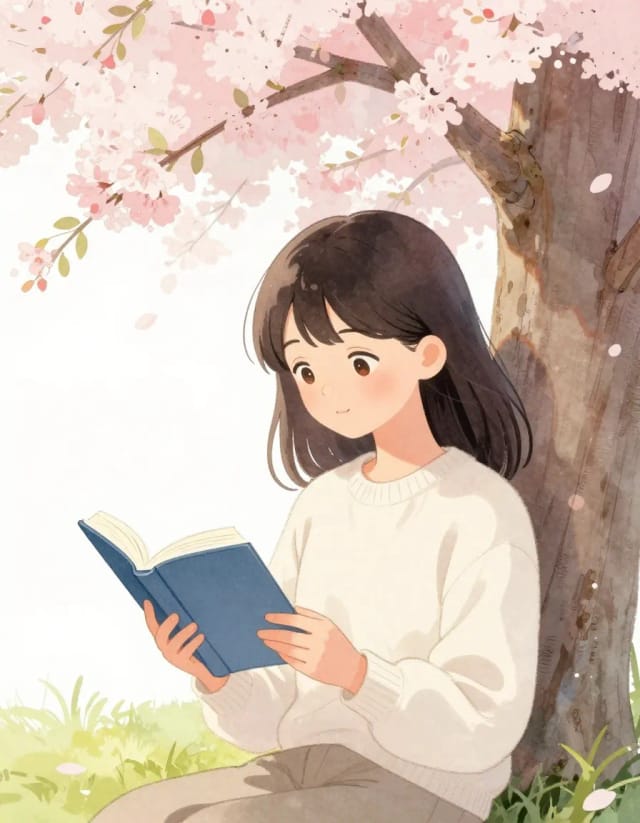
Soft slice-of-life
soft anime illustration of a girl reading under a tree in spring, pastel watercolor tones, gentle expression, studio background art style
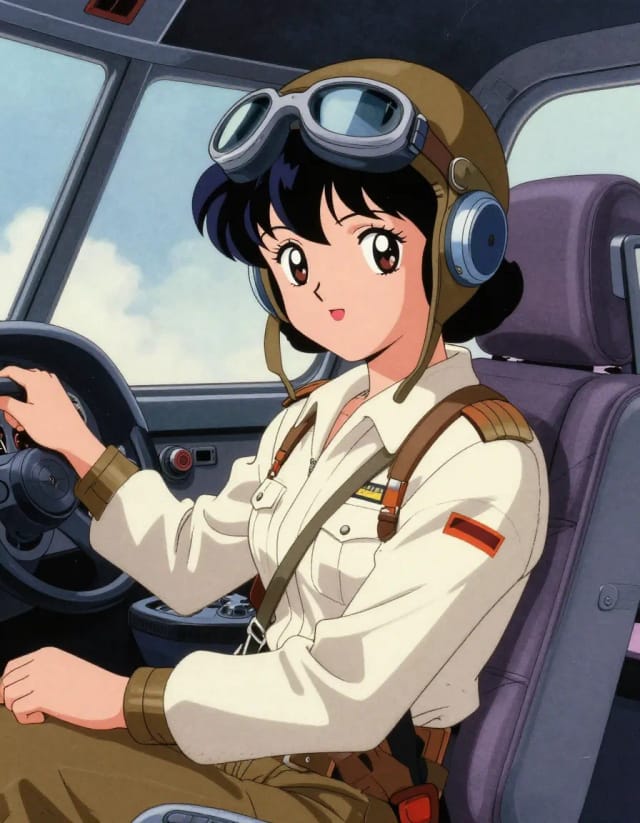
Retro 90s cel
retro 90s anime style illustration of a pilot girl in a cockpit, cel shading with film grain, muted vintage colors
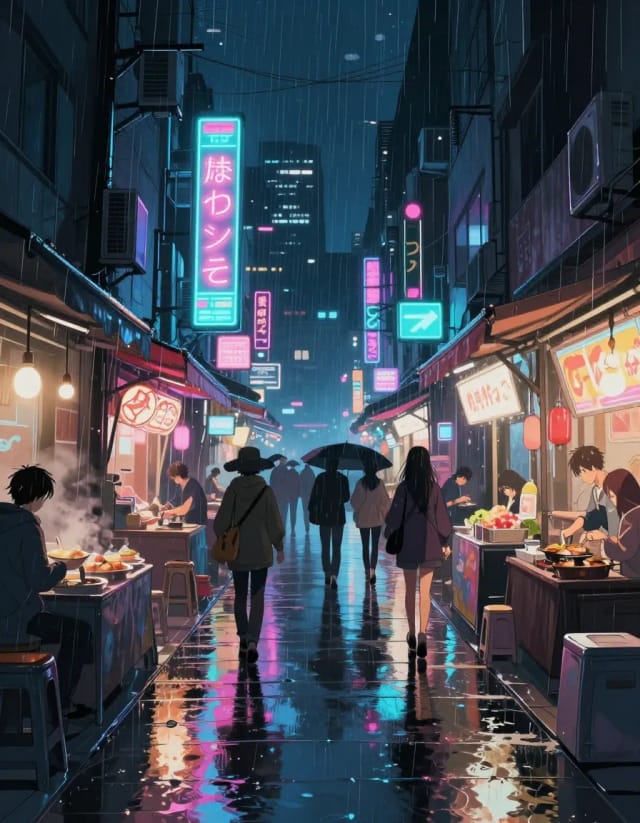
Cyberpunk night market
anime background art of a neon cyberpunk night market alley, rain reflections, detailed environment, cinematic angle
What is an AI anime generator?
Is the AI anime generator free to use?
Can I turn my own photo into anime?
What anime styles can I choose from?
How do I make anime art from text?
Can I keep the same character in several images?
How long does it take?
Does the AI anime generator replace a human artist?
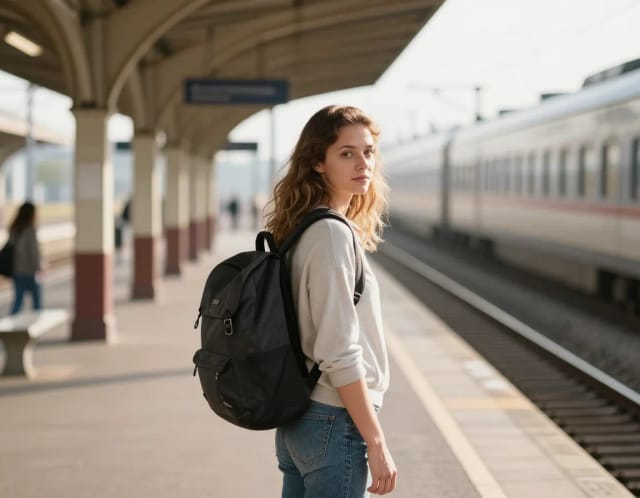
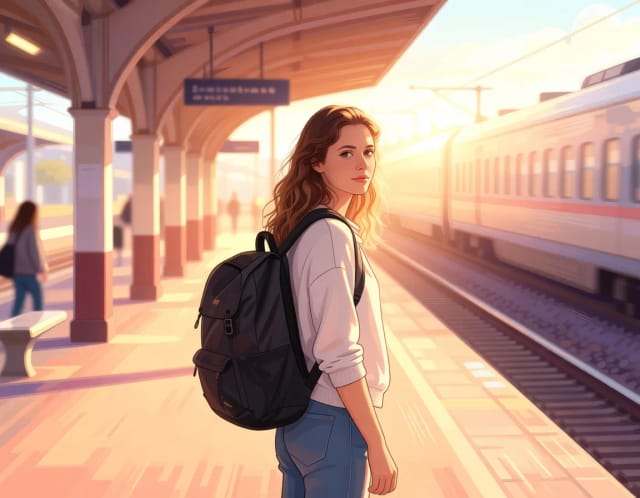
Photo to Anime
CreArt's photo to anime converter turns your photo into anime art, free and without sign-up. Pick one of 6 styles, from a soft, hand-painted film look to black and white manga; it usually takes under 20 seconds.
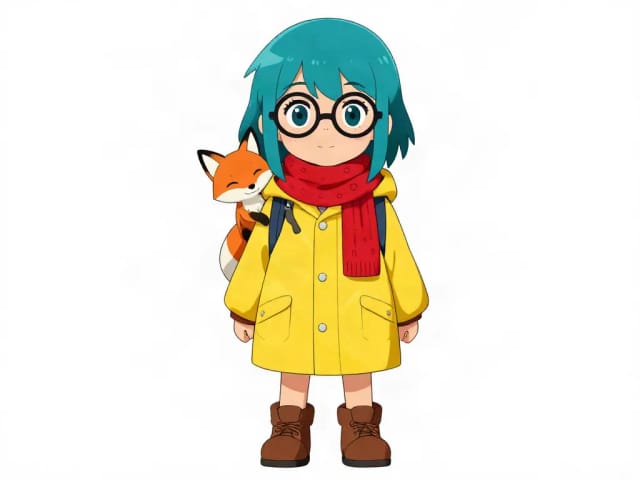
AI Character Generator
Describe your character and CreArt's free AI character generator draws it in 10 styles, from anime to claymation, with no sign-up. Then put the same character in any new scene.
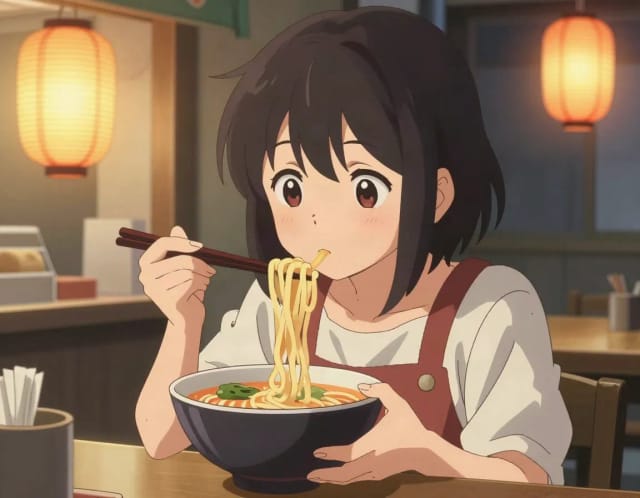
AI Art Generator
Turn a text idea or a photo into art: anime, oil painting, watercolor, pixel art, Van Gogh and more. Free with the Auto model and no sign-up, usually in under 20 seconds.
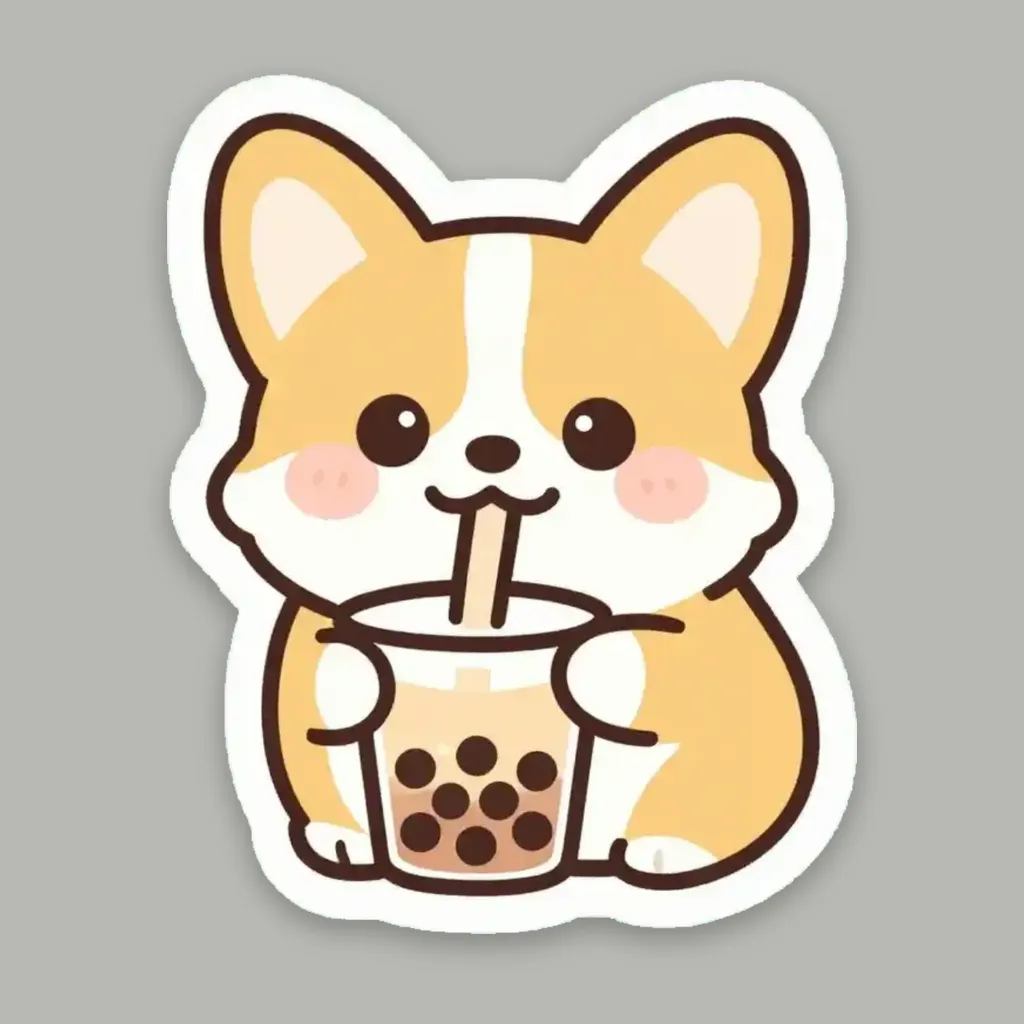
AI Sticker Generator
Turn a text idea or your own photo into a die-cut sticker, then print a sheet of 12.
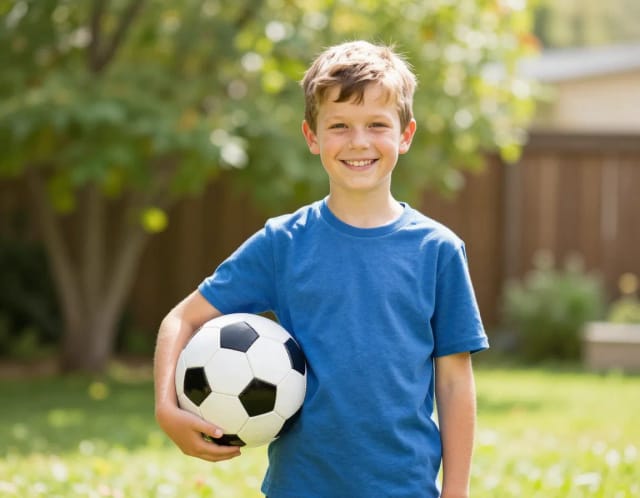
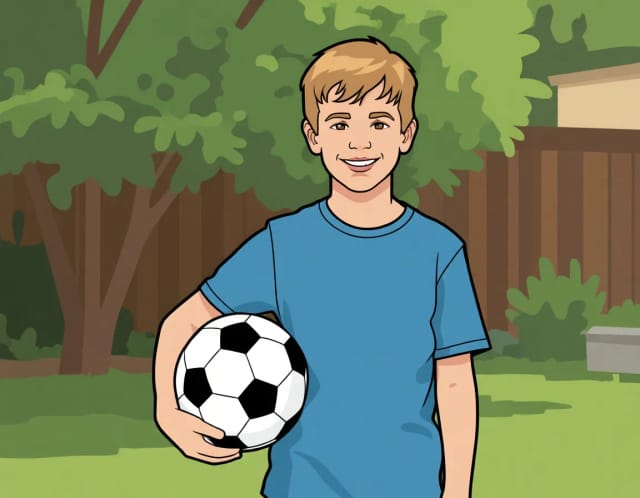
AI Photo to Cartoon
CreArt's photo to cartoon tool turns your photo into a cartoon, free and without sign-up. Pick one of 6 styles, from a 3D animated-movie look to comic and storybook; it usually takes under 20 seconds.
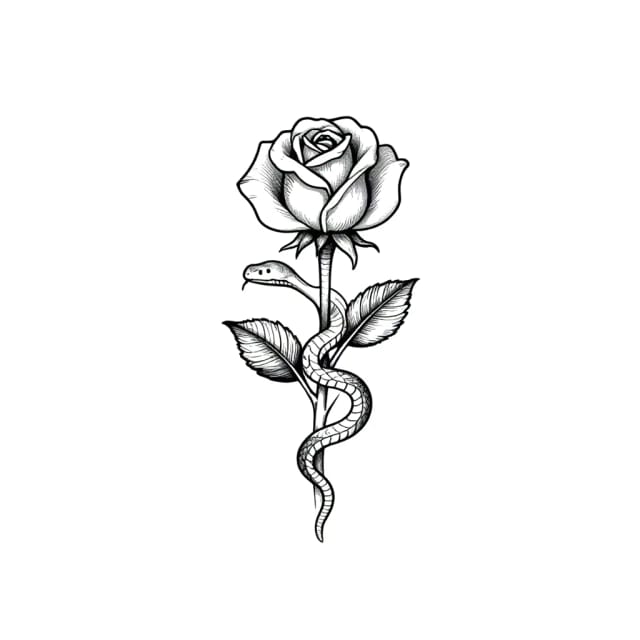
AI Tattoo Generator
Describe your idea, pick a style and try the tattoo on your skin before you ink. Add a name, get a stencil. Free, no sign-up.
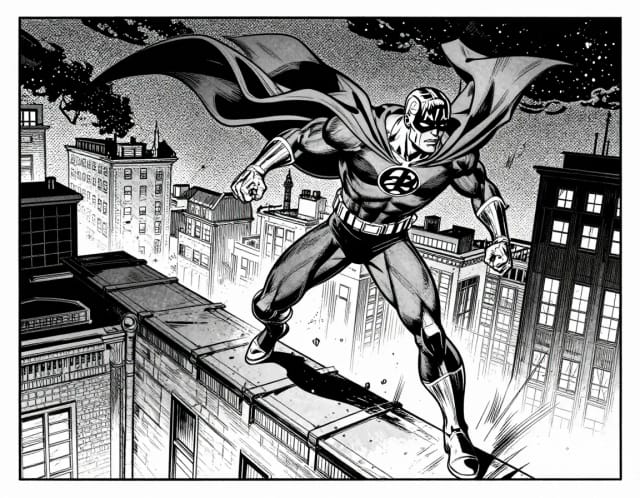
AI Comic Generator
Describe a scene, pick an art style, and get finished comic panels in seconds — no drawing skills needed.
AI Coloring Page Generator
Turn a photo or a text idea into a printable black-and-white coloring page, free and with no sign-up. Clean line art for kids, classrooms and relaxed coloring, usually in under 20 seconds.
Ready to make something?
Open the tool, try the free Auto model and download the result.