
AI Image Generator
Describe what you want and CreArt's AI Image Generator builds it — realistic photos, anime, watercolor, oil painting and more, in the aspect ratio you need. Free, no account needed.
20 free tries a day with Auto · No sign-up
All AI Image Generator tools
8 tools in this category. Pick the one that matches your task.
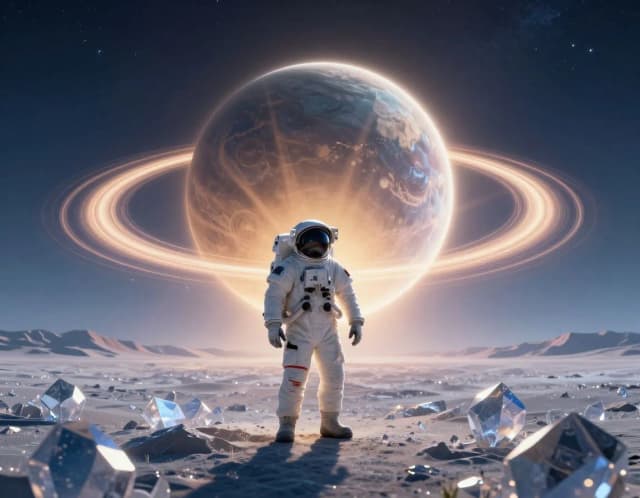
 AI Art GeneratorTurn a text idea or a photo into art: anime, oil painting, watercolor, pixel art, Van Gogh and more. Free with the Auto model and no sign-up, usually in under 20 seconds.
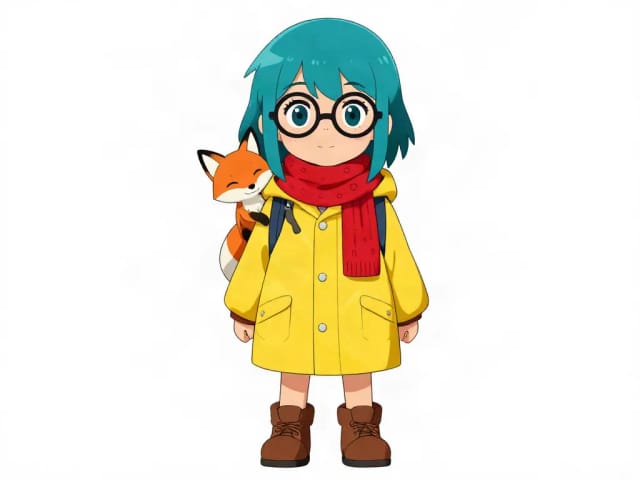
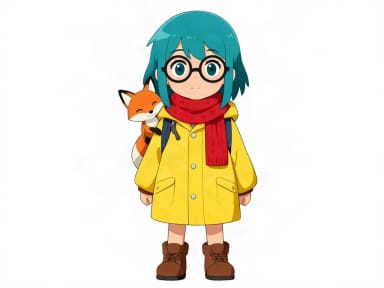 AI Character GeneratorDescribe your character and CreArt's free AI character generator draws it in 10 styles, from anime to claymation, with no sign-up. Then put the same character in any new scene.
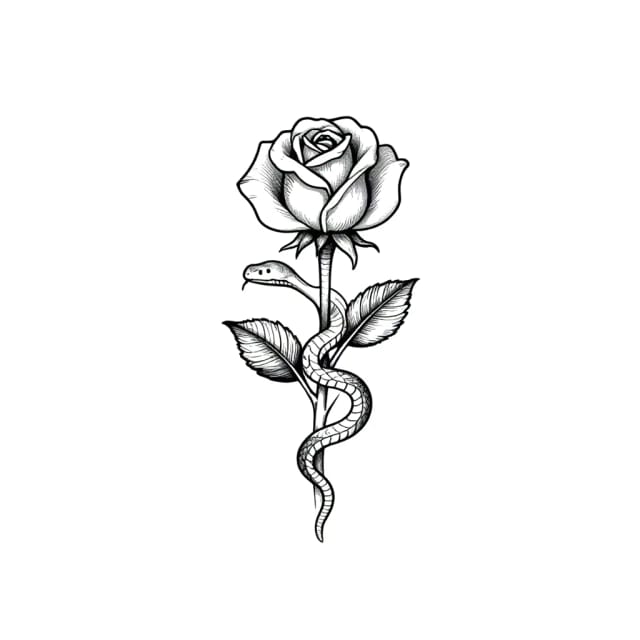
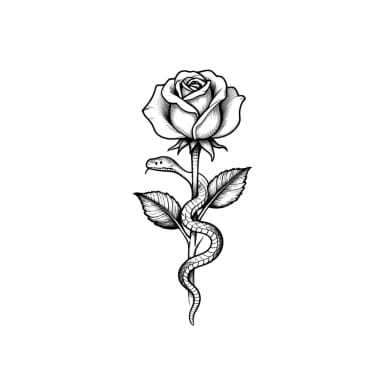 AI Tattoo GeneratorDescribe your idea, pick a style and try the tattoo on your skin before you ink. Add a name, get a stencil. Free, no sign-up.
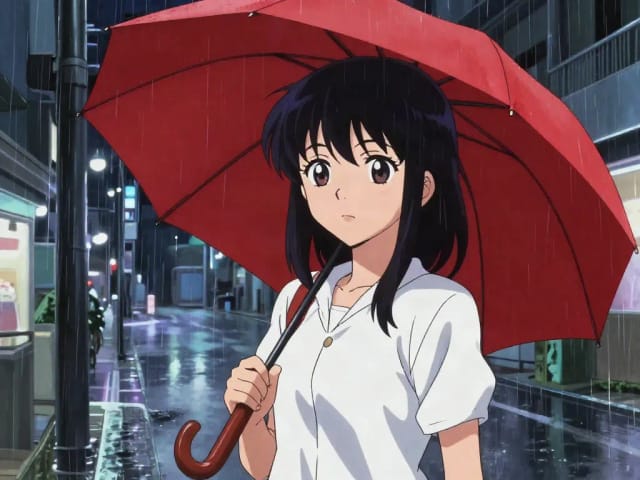
 AI Anime GeneratorTurn a text idea into anime-style art. Pick a look, generate and download it, usually in under 20 seconds — no drawing skills required.
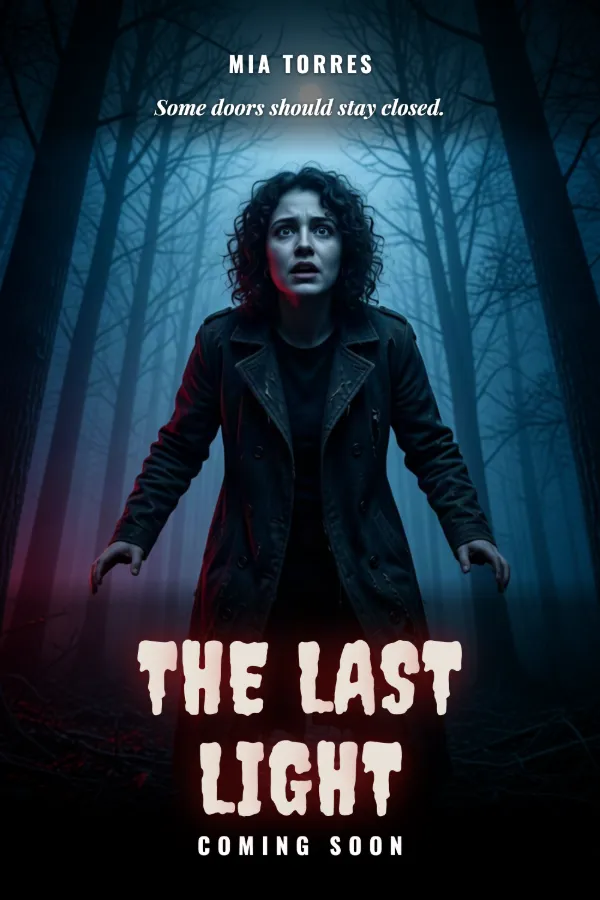
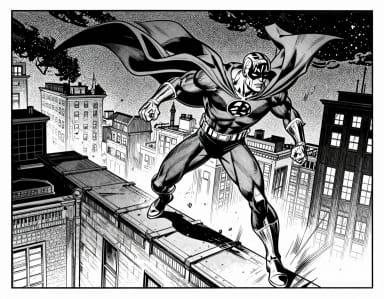 AI Comic GeneratorDescribe a scene, pick an art style, and get finished comic panels in seconds — no drawing skills needed.
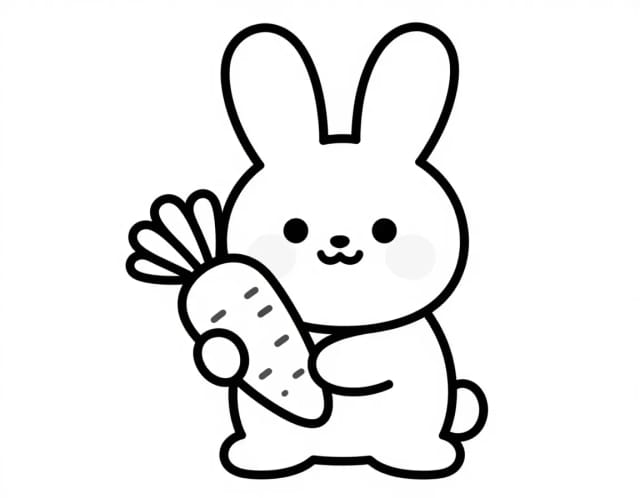
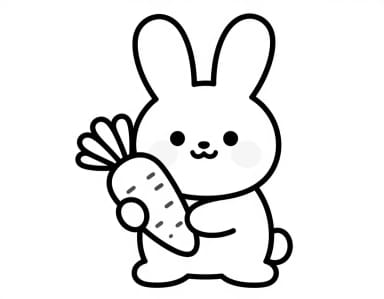 AI Coloring Page GeneratorTurn a photo or a text idea into a printable black-and-white coloring page, free and with no sign-up. Clean line art for kids, classrooms and relaxed coloring, usually in under 20 seconds.
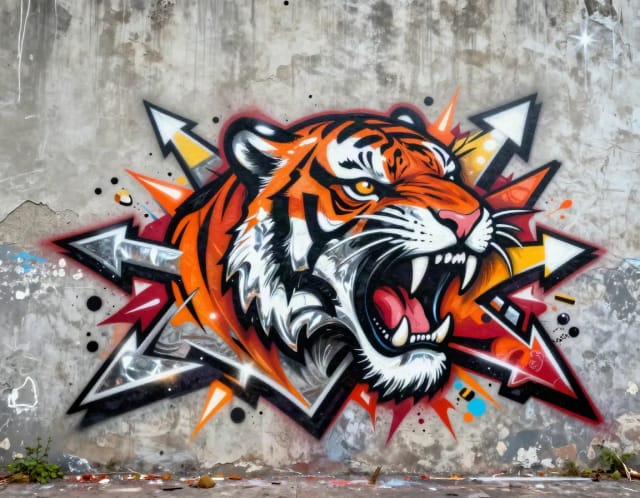
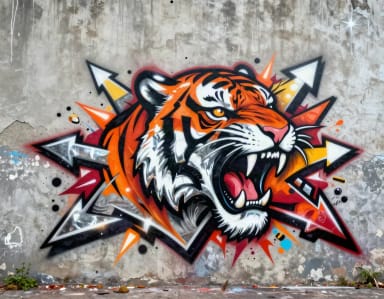 Graffiti GeneratorWrite your name or any word in graffiti letters, free and with no sign-up: 8 letter styles, 6 color sets and real walls, ready to download. Or turn an idea into AI graffiti art.
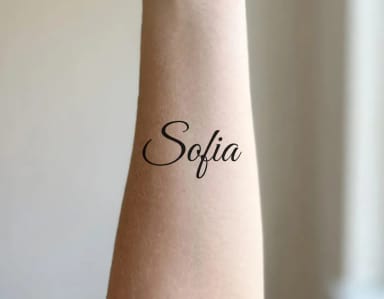 Tattoo Font GeneratorType a name or a date, see it in 36 tattoo fonts and try it on your skin. Curve it, space it and download a PNG. Free, no sign-up.
Real prompts, real results
Steal a prompt to get started
Tap one and it lands in the generator with the style already set.
 Cinematic“a futuristic soldier eating in a bar”Use this prompt
 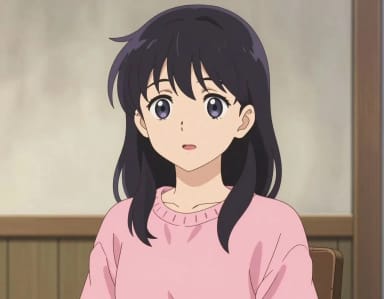 Anime“woman in a pink sweater”Use this prompt
 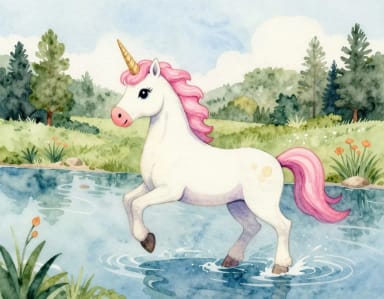 Watercolor“a unicorn in a river”Use this prompt
 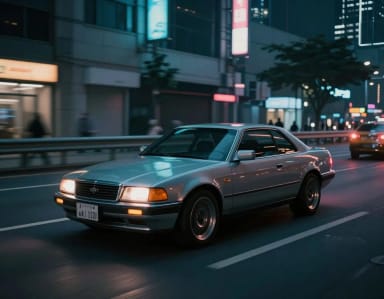 Cyberpunk“a car on the road”Use this prompt
 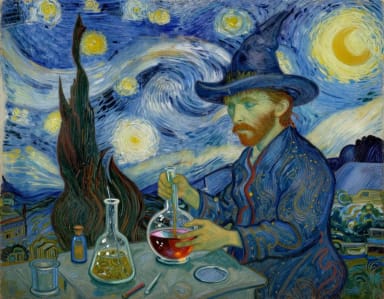 Van Gogh“witch brewing a potion”Use this prompt
 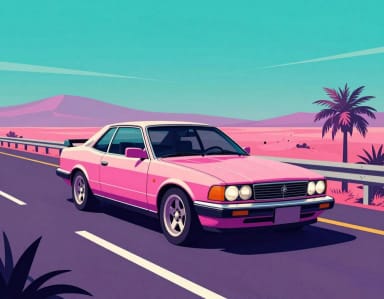 Synthwave“a car on the road”Use this prompt
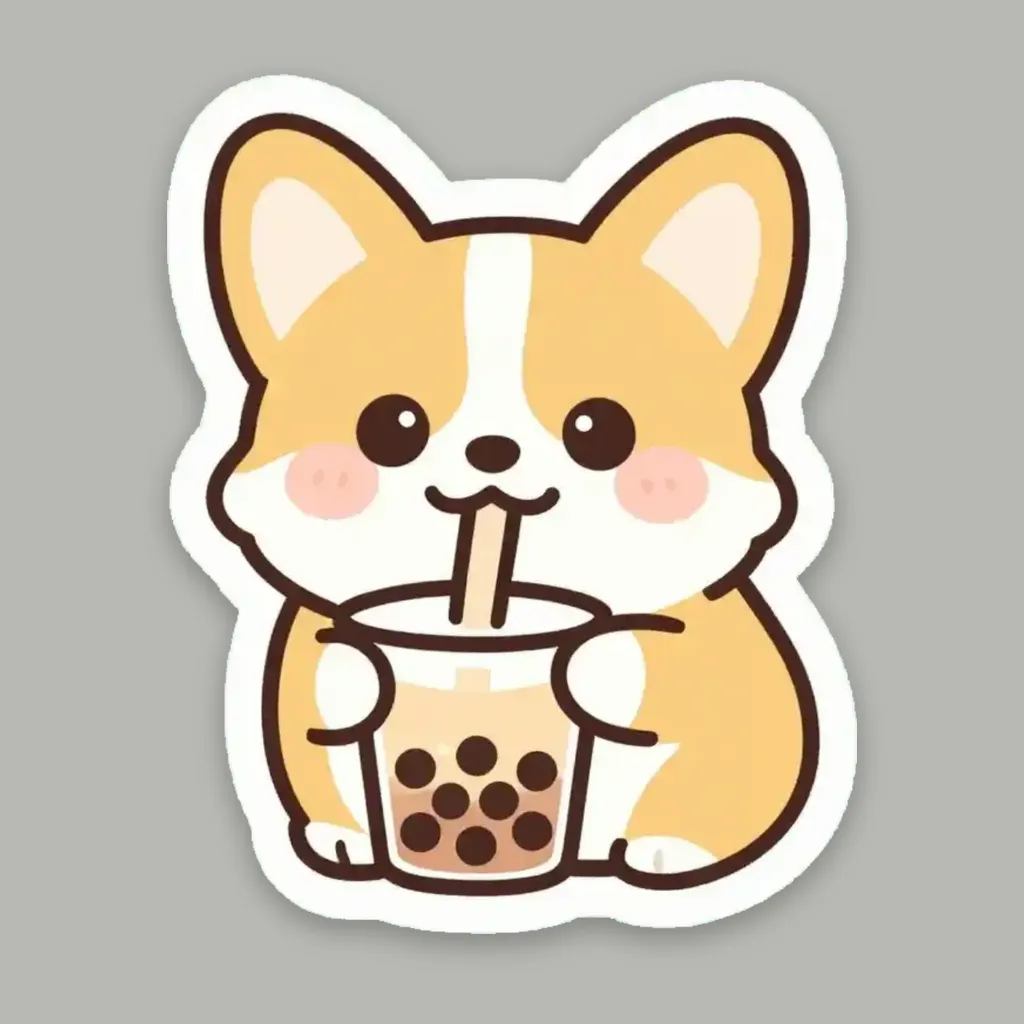
 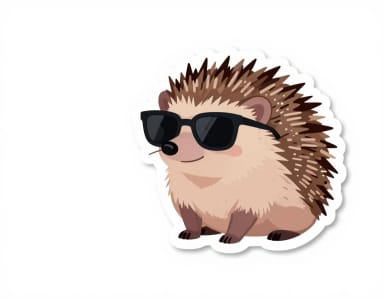 Sticker“hedgehog with sunglasses”Use this prompt
 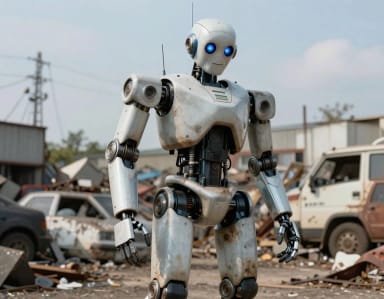 Realistic“a robot in a junkyard”Use this prompt
 How to generate AI images
How to generate AI images from text in 4 steps
Describe your image
Type what you want to see — the subject, setting, lighting and mood. The more detail you add, the closer the generated image matches what's in your head.
Pick a style
Choose from 50+ styles like Realistic, Anime, Watercolor, Cyberpunk and Pop Art. Your prompt stays the same; only the look changes, so you can compare directions fast.
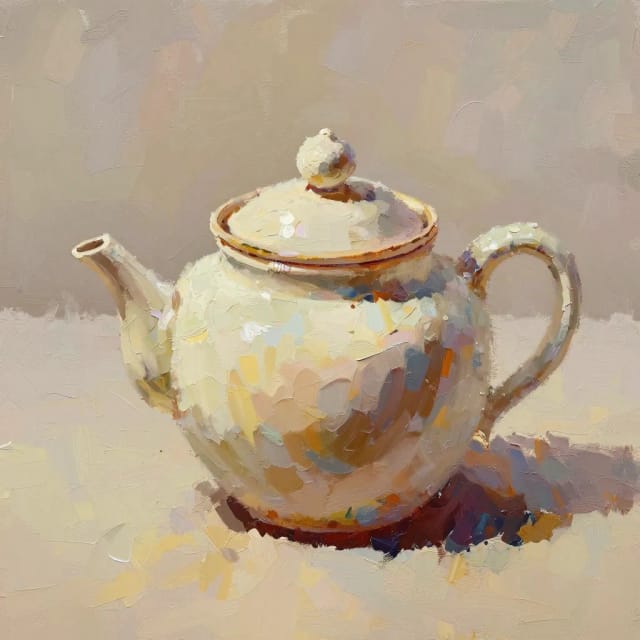
Set the aspect ratio
Select square, landscape or portrait before you generate so the image is composed for its final home — a feed post, a banner or a phone screen — with no cropping later.
Generate and download
Hit generate and, with Auto, your image is usually ready in under 20 seconds. Download it, or send it to the upscaler or background remover to finish the job.
Free to use
Text to image, no sign-up
You don't need an account to use the AI Image Generator: type a prompt, press Generate and download the result. There is no email to confirm and nothing to install, and the free daily credits cover the Auto model. Your balance is shown at the top of the page, and it resets every day.
Auto is the free model. The other models in the Image model menu need a paid plan.
With Auto, an image is usually ready in under 20 seconds. It comes without a watermark: what you download is the image the model made, and when you share it, the link shows that same image.
As a guest, your images stay in your history for 24 hours. Sign in to keep them.
How it works
How CreArt's AI Image Generator turns text into images
From a written prompt to a finished image in the style and shape you need.
CreArt's AI Image Generator is a text-to-image tool that reads your written prompt and produces an original image built around it. You describe the scene — a fox reading by candlelight, a product shot on marble, a portrait in soft morning light — and the model handles composition, color and detail.
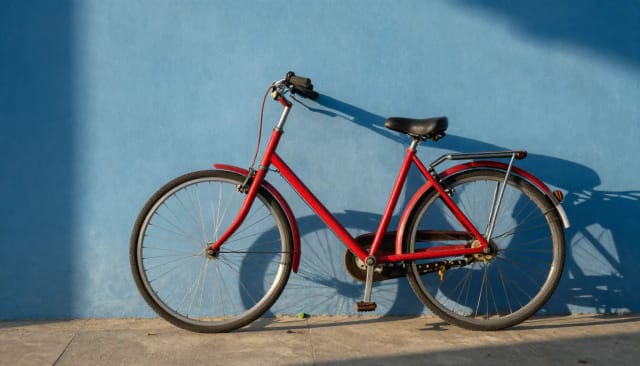
The more specific you are, the closer the result. Subject, setting, lighting, mood and camera angle all steer the output, so a prompt like "a red bicycle leaning against a blue wall, late afternoon sun, shallow depth of field" gives you far more control than a single word. You can also upload a reference image to guide the look before you generate, which helps when you already have a color palette or framing in mind. If your idea is a person or creature with a backstory, the same prompt-first approach powers focused tools like the AI headshot generator for clean professional portraits.
For phone or desktop backgrounds, the AI wallpaper generator frames the same ideas at exactly your screen size.
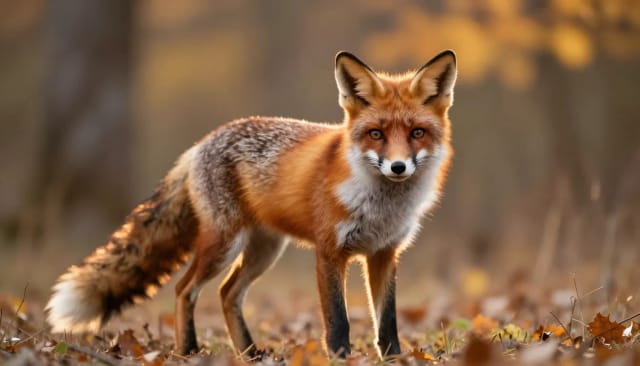
Style is a single choice, not a rewrite. Keep your prompt exactly as it is and switch between Realistic, Anime, Watercolor, Cyberpunk, Pop Art, Pixel Art and dozens more to see the same subject rendered a different way each time.
That makes it easy to compare directions without starting over. Draft a concept in Sketch to check the composition, then run it again in Realistic for a polished final, or in Pixel Art when you want a pixel-art look. Each of the 50+ styles shapes texture, edges and color palette to match its medium. When you want painterly, gallery-style pieces in oil, watercolor and more, the AI art generator leans into that look, and describing a brand instead gives you the AI logo generator for clean, original marks.
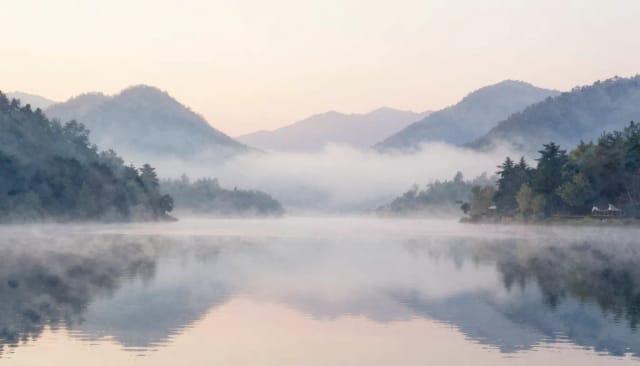
Pick the aspect ratio before you generate, not after. An Instagram post, a widescreen banner and a phone wallpaper all want different shapes, so setting the frame up front means the image is composed for that space from the start instead of being cropped later.
Square works for profile art and feed posts, landscape suits headers and thumbnails, and portrait fits stories and mobile screens. Generating at the right ratio saves you the round-trip of exporting and cropping. Once an image is made, you can push it further with the image upscaler for a sharper, higher-resolution version, or the background remover when you need a clean cutout to drop into a design.
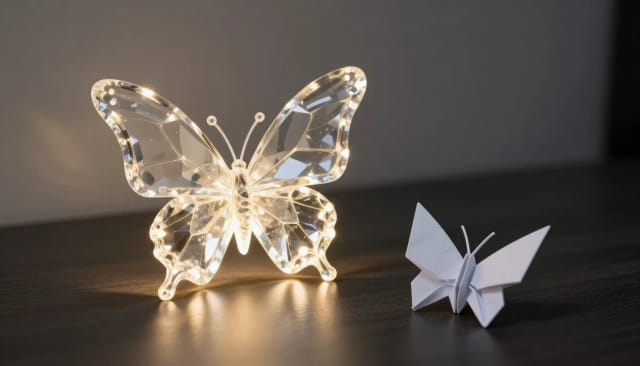
By what you want to make
Pick the right tool
This generator makes any image from text. For some jobs, a tool built for it starts with the right options already set.
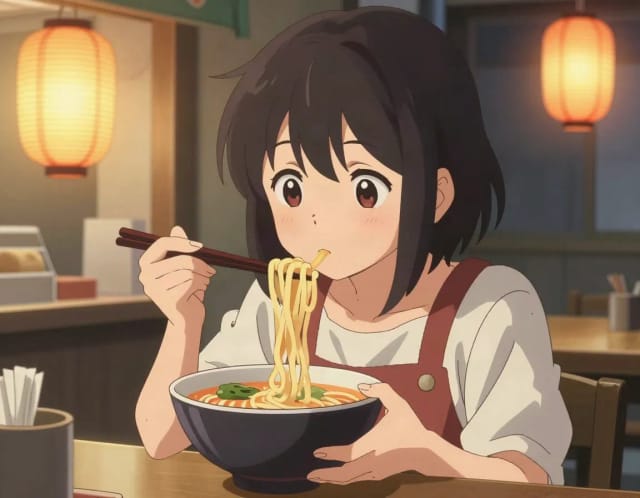

Who it's for
Who the AI Image Generator is for
Social media creators
Generate on-brand visuals for posts, stories and thumbnails at the exact aspect ratio each platform wants, without hunting for stock photos.
Designers and marketers
Draft concepts, mockups and campaign visuals fast, then compare styles side by side before committing to a direction.
Writers and worldbuilders
Picture a scene, character or setting from a written description — useful for blog art, book covers and story concepts.
Small business owners
Create product visuals, promos and website imagery in-house, in the shape and style you need, without hiring out every asset.
Hobbyists and curious first-timers
Type an idea and see it rendered as a realistic photo, anime frame or a pixel-art look — a low-effort way to learn how to generate AI images.
Pricing
Start free, scale when you need to
Try the AI Image Generator for free, then move to a paid plan when you want more capacity for heavier, ongoing use.
Free
$0
- 100 credits every day
- The Auto model, on our own servers
- No card needed
Paid plans
Basic · Starter · Creator
- 1,600 to 10,000 credits a month
- Every AI model, including premium ones
- AI video, and no ads in the mobile app
Why choose it
Why choose CreArt's AI Image Generator
50+ styles from one prompt
Realistic, Anime, Watercolor, Oil-inspired, Pixel Art, Cyberpunk and dozens more. Switch styles without rewriting your prompt to see the same idea a different way.
Set the shape before you generate
Choose the aspect ratio up front so the image is framed for a post, a banner or a wallpaper from the start, instead of being cropped after the fact.
Guide it with a reference image
Upload a photo before generating to steer the color, framing or composition when you already have a specific look in mind.
Results in under 20 seconds
Type a prompt, pick a style, and with Auto the image is usually ready in under 20 seconds, quick enough to try several directions in one sitting.
Free to start, no download needed
Generate AI images straight in your browser. Start for free and only upgrade if you need more.
Finish the image in the same place
Send any result to the image upscaler for a sharper version or the background remover for a clean cutout, without leaving CreArt.
FAQ
Frequently asked questions about the AI Image Generator
Still have a question? Visit the help center →
How do you generate AI images?
What AI can generate images from text?
Is there a free AI image generator with no sign-up?
How many free images can I make?
Do the images have a watermark?
Can I use the images commercially?
What is the difference between text to image and image to image?
How can you tell if an image is AI generated?
How do you put yourself into an AI image generator?
What's the best way to write a prompt?
Can I change the style without rewriting my prompt?
What aspect ratios can I generate?
Can I fix the seed or use a negative prompt?
What is a diffusion model?
CreArt is not affiliated with, endorsed or sponsored by Instagram. Instagram is a trademark of Meta Platforms, Inc.
Related tools
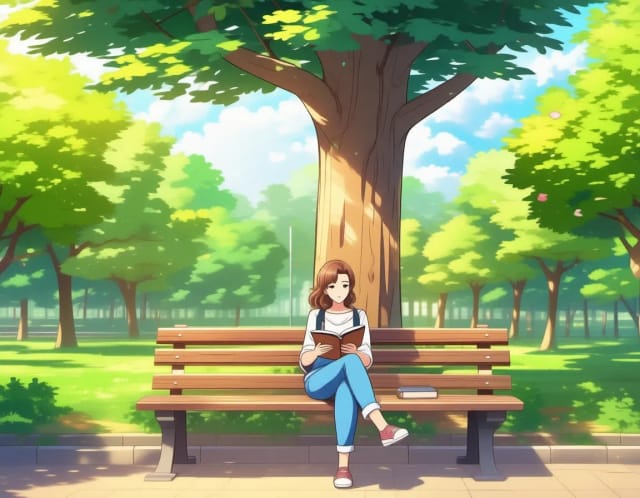
Real use cases
Typical scenarios where this generator delivers immediate value.
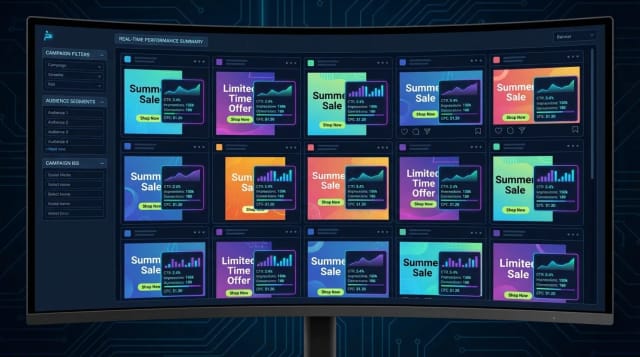
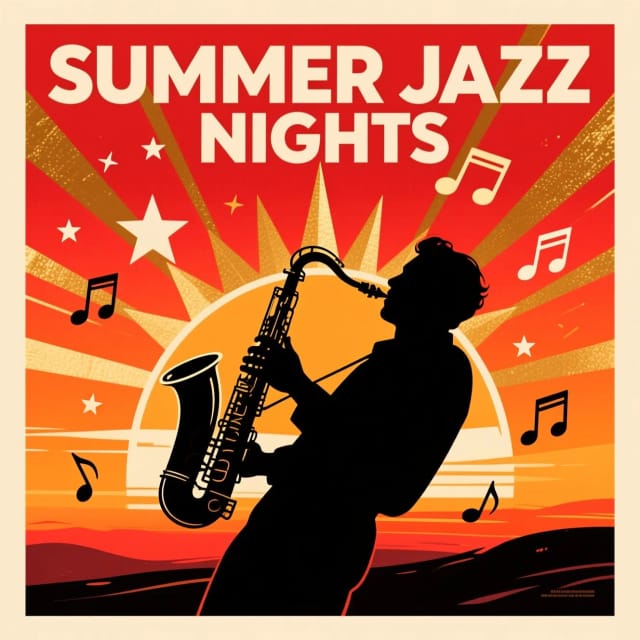
Ad creatives
Generate visual concepts for paid media and A/B testing.
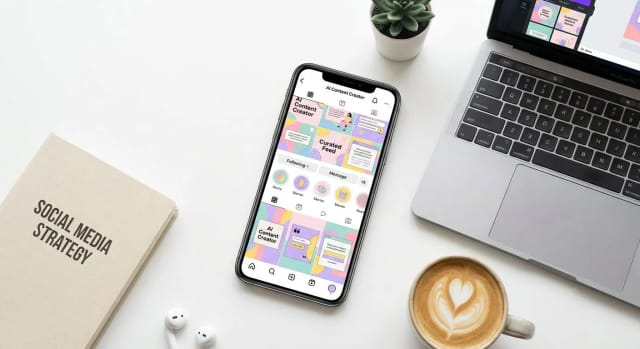
Social media content
Create on-brand images for posts, stories, and covers with a consistent style.
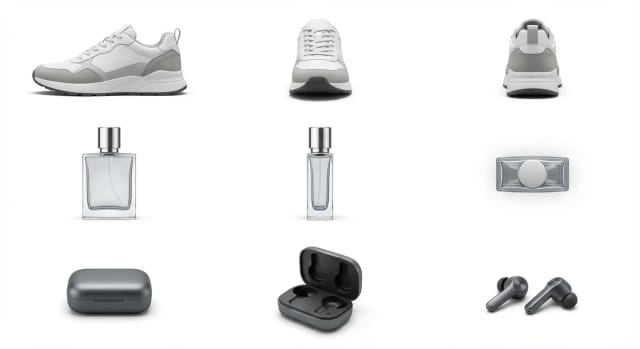
Product mockups
Produce visual variations for e-commerce listings and product landing pages.
Ready to make something?
Open the tool, try the free Auto model and download the result.