
AI Selfie Generator
Upload a selfie, pick a style and get an AI photo of yourself in under 20 seconds: a professional headshot, glamour, vintage film, a painting, black and white or fantasy.
Your selfie
Style · Pro headshot
10 free tries a day with Auto · No sign-up

All AI Portrait Studio tools
13 tools in this category. Pick the one that matches your task.
 AI Clothes ChangerCreArt's free AI Clothes Changer dresses you in any garment from any shop, or in one of 14 styles, usually in under 20 seconds. No sign-up.
 AI Hair Color ChangerCreArt's free AI Hair Color Changer recolors only your hair in a selfie: 24 salon shades, balayage, ombré or any custom color, usually in under 20 seconds. No sign-up.
 Caricature MakerUpload a photo and turn it into a personalized caricature with a free AI caricature generator. Pick a style, exaggerate the features, and download a fun, shareable result in under 20 seconds.
 AI Profile Picture MakerA free AI profile picture maker: your photo on a color background, sized for your social profiles, right in your browser. Or an anime, 3D, cartoon or pixel art avatar in under 20 seconds.
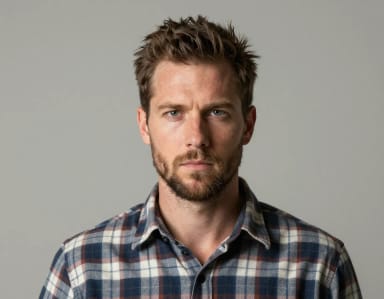 Wanted Poster Template & GeneratorTurn any photo into a classic old-west wanted poster with your own name and reward, spelled exactly as you type them. Free to try — edit the text any time and download in seconds.
 Add Santa Hat to PhotoPut a Santa hat on everyone in your photo, from selfies to group shots and pets. Pick a classic, knit, floppy, elf or reindeer hat. Free, no sign-up.
 AI Hairstyle ChangerUpload a selfie and try 20 haircuts on your own face, from bangs or a pixie to a fade or a quiff, before you sit in the salon chair.
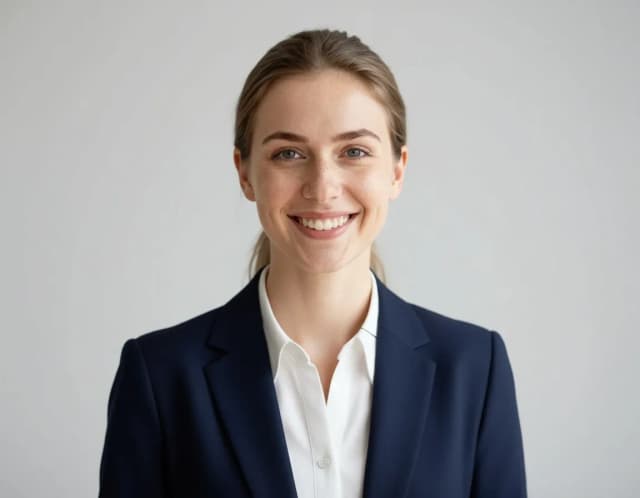
 AI Headshot GeneratorTurn an everyday selfie into a professional headshot with AI: a blazer or suit, a studio or office background and your own face, ready for LinkedIn and your CV in under 20 seconds.
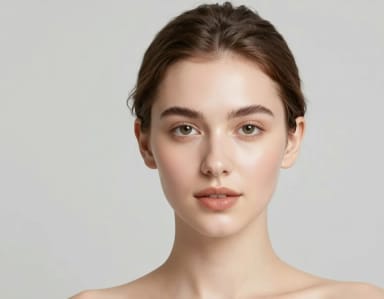 AI Makeup GeneratorA free AI Makeup Generator that applies realistic lipstick, eyeshadow, blush and full glam looks to your own photo in under 20 seconds. No sign-up needed.
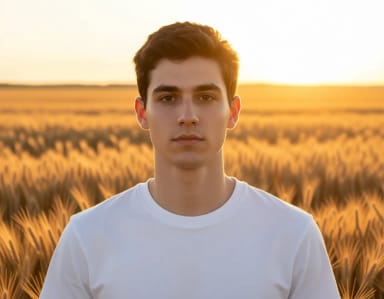 AI PhotoshootUpload one selfie, pick a style and get a new photo of you in that setting in under 20 seconds. Try several styles with the same selfie to build your own photoshoot.
 AI Portrait GeneratorUpload a photo, pick one of 9 styles and get an AI portrait of you in under 20 seconds: cinematic, black and white, fantasy, Renaissance, pop art or a painted look.
 Birthday PhotoshootUpload a selfie, pick a birthday style and get a party photo of you in under 20 seconds: balloons, a cake smash, giant number balloons, a photobooth or golden hour.
 Musician PhotoshootTry musician photoshoot ideas on your own selfie: pick a style and get a press-style photo of you on stage, in a studio or under neon light in under 20 seconds.
Same photo, every you
One photo in, every version of you out
All eight cards below started from this exact photo. Yours works the same way.
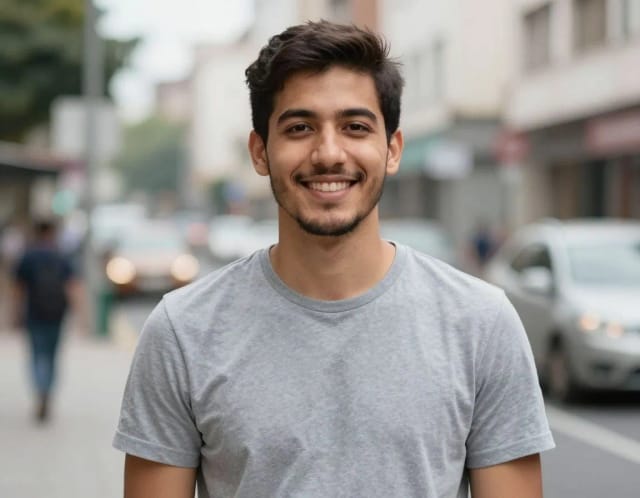
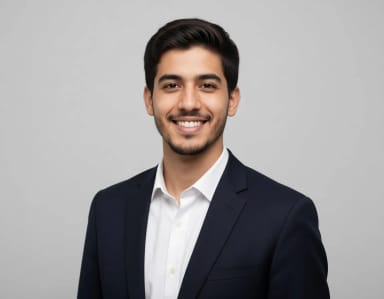
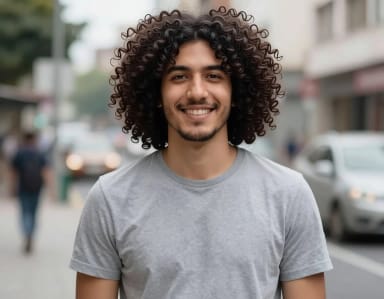
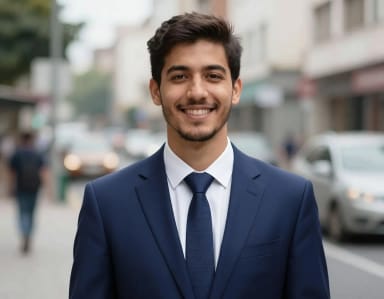
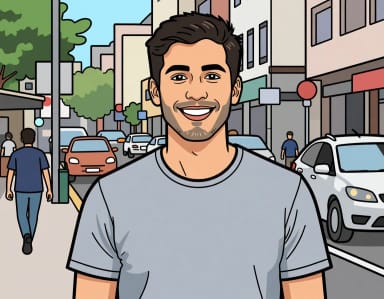
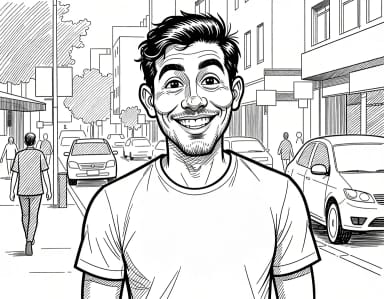
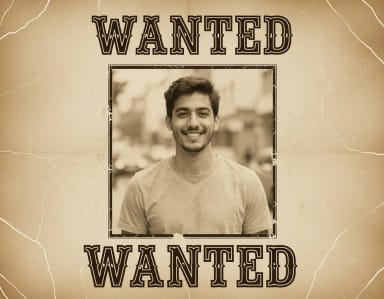
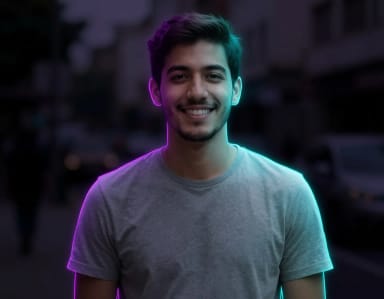
How to use it
How to make an AI selfie in 4 steps
One selfie and one style per photo. Add details only if you want them.
Upload a selfie
Add a clear photo of your face in even light. One selfie is enough.
Pick a style
Choose Pro headshot, Glamour, Vintage film, Painting, Black & white or Fantasy. Each one sets the outfit, the light and the finish.

Add details (optional)
Write what to keep or change, like “keep my glasses” or “a warmer background”. It is added to the style you picked.
Get your photo
In under 20 seconds you get a new photo of yourself in that style, with your face kept. Download it or try another style.

AI selfie generator
An AI photo of yourself from one selfie
Six styles, one selfie, no studio.
Upload a selfie, pick a style and the AI turns it into a new photo of you: a professional headshot in a blazer, a glamour shot with full makeup, a warm vintage film photo, a classical painting, a black and white portrait or a fantasy portrait with glowing light. Your face stays yours in every style.
Want more of one kind? The AI portrait generator has nine art and photo styles, from Renaissance to pop art, and the AI headshot generator has seven work looks.

Find the right tool
Which AI selfie tool do you need?
Hair and makeup: try a new cut with the AI hairstyle changer or a new look with the AI makeup generator, on your own photo.
Photo sessions: golden hour, studio, street or beach photos of you with the AI photoshoot, plus birthday and musician sessions.
Profile pictures: your photo on a color background, sized for your social profiles, with the AI profile picture maker.
For fun: caricatures, new outfits and festive hats. Every tool is in the list at the top of this page.

Tips
How to get a good AI selfie
Use a sharp, front-facing selfie in daylight, with your whole face visible and nothing covering your eyes. The angle of your selfie carries into the result.
Add short details only when you need them: “keep my glasses”, “longer hair”, “a warmer background”. They are added to the style you picked.

Who it's for
Who the AI selfie generator is for
Anyone who needs a work photo
A professional headshot for LinkedIn, a CV or a team page from a normal selfie.
People refreshing their profile pictures
A glamour, vintage or black and white photo of yourself for your profiles.
Creators
New photos of yourself for posts and thumbnails without a photo shoot.
Anyone making a gift
A painted or fantasy portrait of someone you love, ready to print.
Anyone curious
See yourself in six styles from one selfie, free to try.
Pricing
Start free, upgrade when you need more
The AI selfie generator is free to try every day, with no sign-up. Upgrade any time for more generations.
Free
$0
- 100 credits every day
- The Auto model, on our own servers
- No card needed
Paid plans
Basic · Starter · Creator
- 1,600 to 10,000 credits a month
- Every AI model, including premium ones
- AI video, and no ads in the mobile app
Why choose it
Why use CreArt's AI selfie generator
One selfie, six styles, and a tool for every other kind of portrait.
Six styles in one place
Pro headshot, Glamour, Vintage film, Painting, Black & white and Fantasy.
Keeps your face
Your face and expression stay recognizable; the outfit, the light and the finish change.
Add your own details
Write what to keep or change and it is added to the style.
Same shape as your selfie
A vertical selfie gives a vertical photo, and a wide one stays wide.
Under 20 seconds per photo
Pick a style and the photo is ready almost straight away.
Free to try online
No app to install and no sign-up.
AI photos of yourself for work, fun and everything between
Work photos without a studio
A polished LinkedIn or company photo from a normal selfie.
A new look before the salon
Preview a haircut, a hair color or a makeup look on your own face.
Just for fun
Add a festive hat, turn yourself into a caricature or try a new outfit.
Special days
Birthday and musician photos for invites, covers and posts.
What is an AI selfie generator?
How can I generate an AI photo of myself?
What is the best AI selfie generator?
Is the AI selfie generator free?
What styles can I use?
Will the photo look like me?
Can I add my own instructions?
Can I make a professional headshot here?
CreArt is not affiliated with, endorsed or sponsored by LinkedIn. LinkedIn is a trademark of LinkedIn Corporation.
Related tools


Ready to make something?
Open the tool, try the free Auto model and download the result.