
AI Animation Generator
Turn a still photo into a short, stylized animation clip. Pick a style, generate, and download — no animation software needed.
How it works
Make an AI animation in 4 steps
From a blank prompt to a finished motion clip in about a minute.
Upload a photo or write a prompt
Drop in a still image you want to bring to life, or describe the scene you want animated in a sentence or two. You can do either — or both.
Pick an animation style
Choose from 2D cartoon, anime loop, claymation, or flipbook. The style sets the whole look, so you can go from a smooth anime image generator vibe to a hand-drawn flipbook feel.
Generate your motion clip
The AI reads your image and builds a short animated clip, which takes a minute or more. No timeline, no keyframes, nothing to edit by hand.
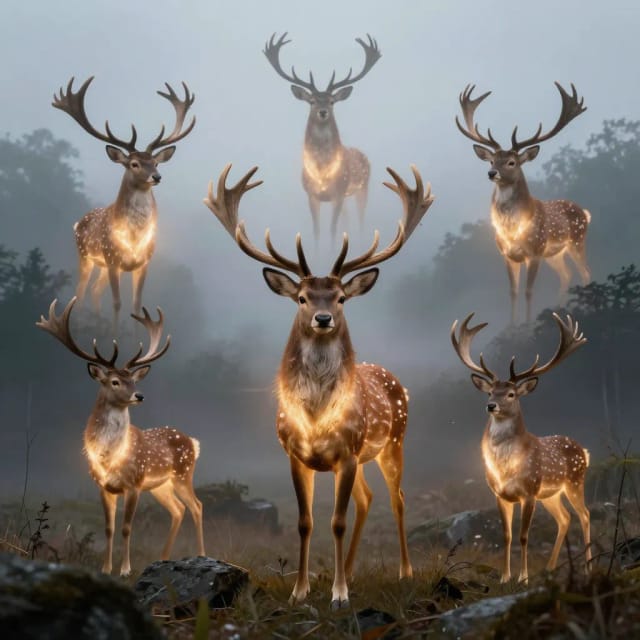
Download and share
Save your clip with no watermark and post it straight to social, drop it in a project, or run it again with a different style.
How it works
From a still photo to a moving clip
From a prompt or a photo to a moving clip, without touching a timeline.
The AI Animation Generator is an online tool that turns a still image into a short, stylized motion clip. You upload a picture, choose an animation style, and the AI produces a moving clip — no keyframes, no timeline, no animation software.
It's built for people who want motion without learning motion. Where traditional animation means rigging, frame-by-frame drawing, or long hours inside complex editors, here the whole process is a photo and a click. If you already build visuals with the AI Art Generator, animating them is the natural next step, and the same idea works as an ai anime generator when you pick an anime style.
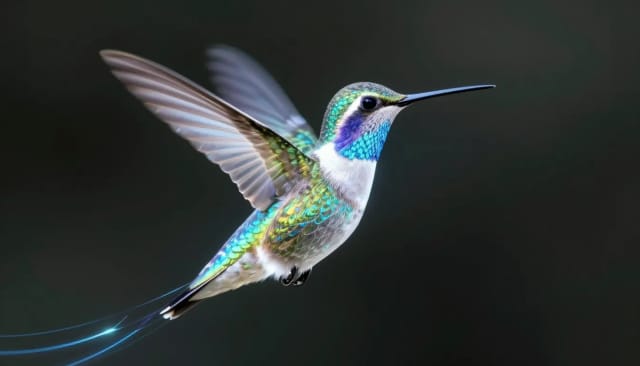
How a static frame learns to move
Under the hood, the generator reads your prompt or analyzes the composition, colors, and subject of your uploaded image, then predicts how those elements should move. From a text idea it builds the scene and then animates it; from a photo it adds camera movement, drifting elements, and subtle life to a frame that started static.
You can feed it a cleaned-up picture with the background stripped out using the background remover, so the motion sits on exactly the subject you want. If your source photo looks soft, running it through the AI photo enhancer first gives the animation crisper detail to work with. The tighter your prompt, the more predictable the result — short, concrete descriptions of what should move tend to work best.
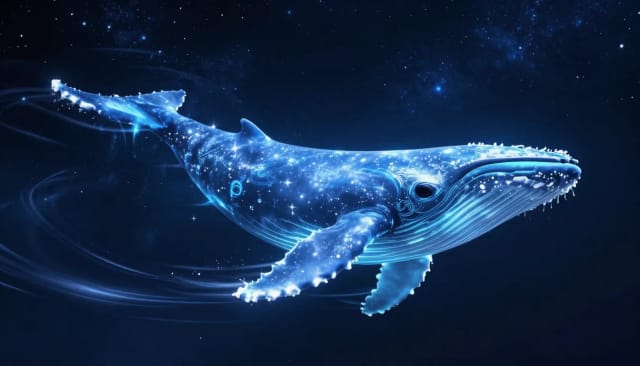
Which animation path fits your starting point?
Doing this by hand is slow and technical. A few seconds of animation can take a professional hours to storyboard, illustrate, and render, and most people never get past the software learning curve. This ai animation video generator skips all of that and hands you a usable clip while the idea is still fresh.
Want to animate a specific photo instead of describing a scene? The image to video tool is tuned for bringing a single still to life, and if you'd rather start from words with more control over aspect ratio, the text to video generator covers that path. You stay in control of the concept, and the tool handles the frames in between.
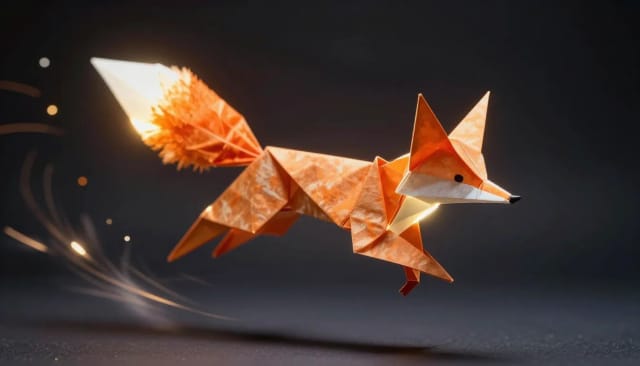
Who it's for
Who the AI Animation Generator is for
Anyone who wants motion without the animation learning curve.
Social media creators
Turn a single idea or photo into scroll-stopping motion clips for TikTok, Reels, and Shorts without opening editing software.
Small businesses and marketers
Make quick animated posts, product teasers, and explainer clips in-house instead of hiring an animator for every short.
Illustrators and digital artists
Bring finished artwork to life with an anime loop or 2D cartoon style, so a static piece becomes a shareable moving clip.
Hobbyists and anime fans
Use it as an anime AI generator to animate characters and scenes for fun, with claymation and flipbook styles for a different feel.
Students and content beginners
Add animation to projects and posts with no experience — describe the scene, pick a style, and generate.
Pricing
Start animating
Try the generator at no cost, then pick the plan that fits how much you create.
Free
$0
- 100 credits every day
- The Auto model, on our own servers
- No card needed
Paid plans
Basic · Starter · Creator
- 1,600 to 10,000 credits a month
- Every AI model, including premium ones
- AI video, and no ads in the mobile app
Why use it
Why creators pick this AI animation generator
Motion clips without the software, the render times, or the learning curve.
No watermark
Generate animations online and download the result clean — no logo stamped across your clip and nothing to install.
Photo to motion
Upload a photo and pick a style. As an AI animated video generator it turns a still image into motion, and you can add a short note on what should move.
Four distinct styles
Switch between 2D cartoon, anime loop, claymation, and flipbook to match the mood — the same subject can look completely different per style.
No storyboarding
No storyboard, rig or frame-by-frame drawing. A clip takes a minute or more, so you can try several styles in one sitting.
Nothing to install
No animation app to learn. Open the page, upload a photo, generate, and you're done.
You keep the concept, AI does the frames
You describe what should move and the tool fills in the in-between frames, so you stay in control of the look without touching a timeline.
Is this AI animation generator free?
How do I make an AI animation from a photo?
Can I create an anime animation with it?
Do I need animation software or experience?
What animation styles are available?
How long does it take to generate a clip?
Can I use text instead of an image?
Where can I use the animations I make?
CreArt is not affiliated with, endorsed or sponsored by Discord, WhatsApp, TikTok or X (Twitter). Discord is a trademark of Discord Inc. WhatsApp is a trademark of Meta Platforms, Inc. TikTok is a trademark of ByteDance Ltd. X (Twitter) is a trademark of X Corp.
Ready to make something?
Open the tool, try the free Auto model and download the result.