AI Makeup Generator
A free AI Makeup Generator that applies realistic lipstick, eyeshadow, blush and full glam looks to your own photo in seconds.

Try on makeup with AI in 4 steps
From selfie to full glam in under a minute.
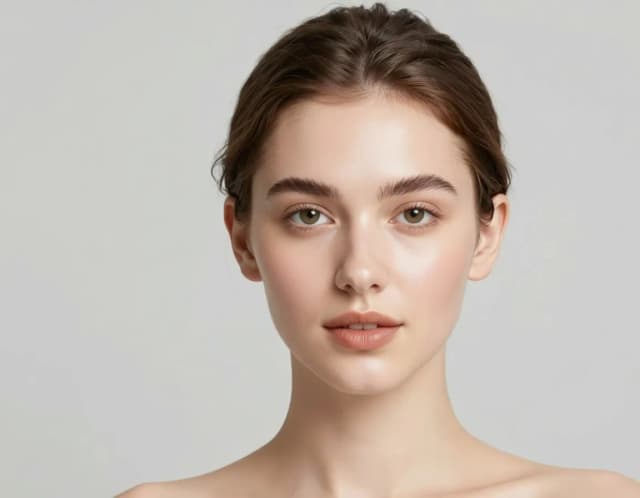
Upload your photo
Add a clear, front-facing selfie with your face well lit. The AI works best when your eyes and lips are visible and not covered.
Pick a makeup look
Choose from nine styles — from natural glow and K-beauty to full glam, bridal or editorial. Each one applies a different combination of lipstick, shadow and blush.

Let the AI apply it
CreArt maps the makeup onto your exact features in seconds, following the shape of your lips, eyes and cheekbones instead of pasting a flat filter.
Compare and download
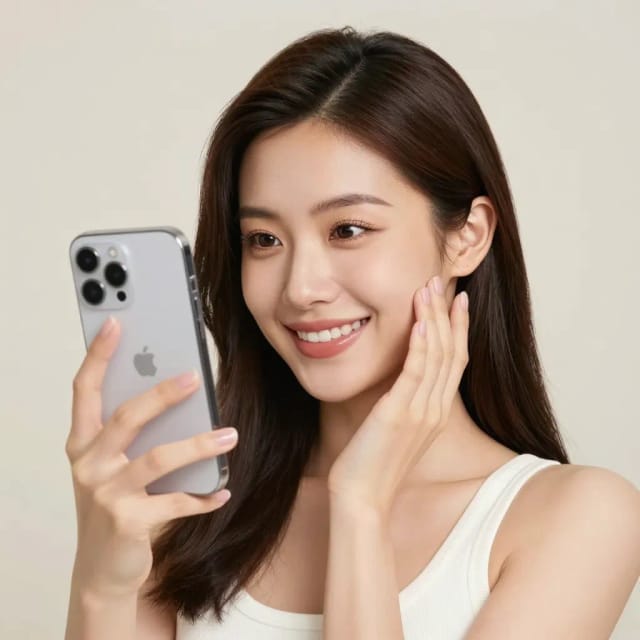
See the before and after side by side, switch looks to test another shade, then download the result to save or share.
From natural glow to full glam
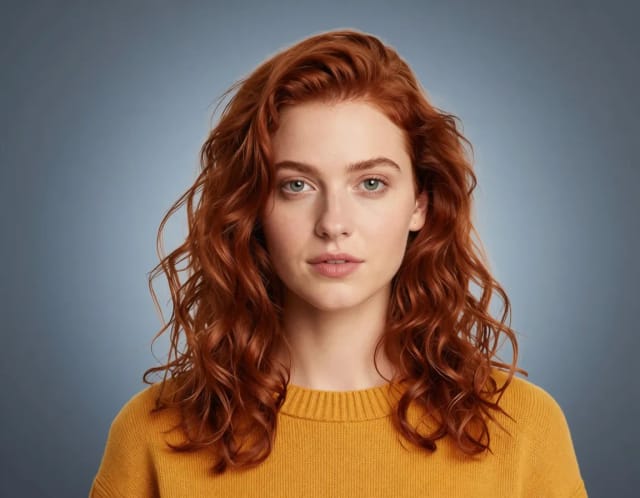
Nine makeup looks on the same face. Pick the one for tonight — or the one for the meeting.
What the AI Makeup Generator does
See exactly how CreArt applies realistic makeup to your own photo.
How it works
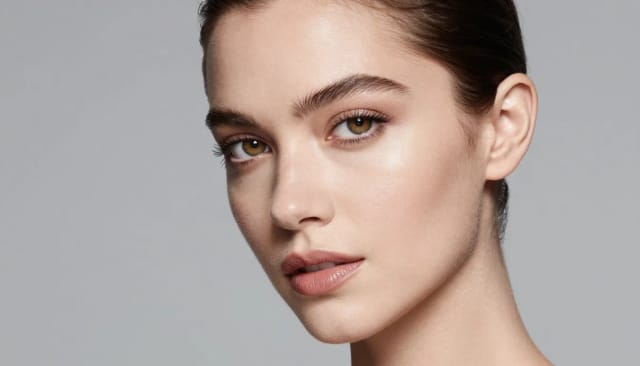
The AI Makeup Generator is a free online tool that applies realistic makeup to a photo of your face. You upload a selfie, pick a look, and the AI adds lipstick, eyeshadow, blush, eyeliner and more while keeping your own features intact.
Instead of smudging on product to see whether a shade suits you, you preview the whole look on screen first. It works the same way you might test a new haircut with the AI Hairstyle Changer or clean up a shot with the AI Photo Enhancer — you experiment on your actual photo before committing to anything.
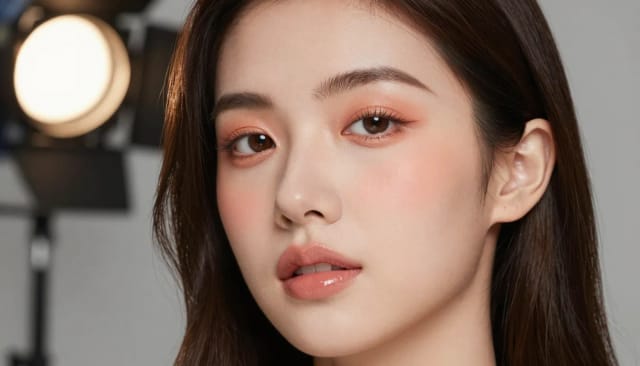
Under the hood, the tool reads the geometry of your face — the shape of your lips, eyes and cheekbones — and paints the makeup onto those exact contours. That's why a bold red lip lands on your lips and a smoky shadow follows your natural eye shape, rather than sitting on top like a flat sticker.
Because it maps to your features, the same look renders differently on every face, which is the point. You see how a shade actually reads on your skin tone and lighting, not on a model's. This is where an AI contour makeup generator earns its keep: the placement tracks your bone structure instead of a generic template.
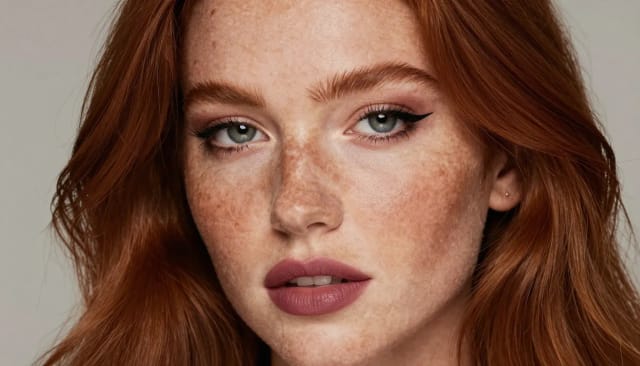
Doing this by hand means buying products, testing them, and hoping the shade works. With AI-generated makeup you skip all of that and compare looks side by side in minutes. Try a natural everyday face, then a full glam evening look, then something more experimental, all on the same photo.
If you like building complete looks, pair it with other CreArt tools — drop out the background with the Background Remover for a clean beauty shot, or sharpen an old low-res selfie first with the Image Upscaler so the makeup renders on crisp detail — and keep everything consistent.
Who the AI Makeup Generator is for
Anyone testing a new look
Preview a bold lip or a smoky eye on your own face before spending on products or booking a chair, so you know the shade suits you first.
Content creators and influencers
Generate multiple makeup looks for the same shot without a full glam session, and pick the one that fits the post.
Beauty shoppers
Try on shades from home instead of swatching at the counter, and compare a natural face against a full glam look side by side.
Photographers and editors
Add a finished makeup look to a portrait in seconds when a reshoot isn't worth it, keeping the edit on the subject's real features.
Special occasion planning
Test bridal, evening or editorial looks ahead of an event so you walk into the appointment knowing what you want.
CreArt Solutions
Every tool, curated for how you work
AI Tools for Real Estate
AI tools for real estate agents: virtually stage empty rooms, fix dark listing photos, and turn one set of photos into flyers, "Just Listed" posts and walkthrough videos.
Explore the toolkit →AI Tools for Content Creators
AI tools that turn a video title and a selfie into thumbnails, banners, avatars, emotes and brand-deal ads — a full channel kit from assets you already have.
Explore the toolkit →AI Tools for Small Business
A set of AI tools built for small businesses: design logos, flyers, clean product photos and daily social content without hiring a designer.
Explore the toolkit →AI Tools for Photographers
AI tools for photographers that run your marketing side: mini-session flyers, booking posts, session reels and price guides built from photos you already have.
Explore the toolkit →AI Tools for Musicians
A release-day visual kit for independent artists: build one album cover with AI, then spin off the Spotify Canvas, gig poster and "out now" ads from it.
Explore the toolkit →AI Tools for Authors & Writers
Design your book cover once and reuse it for the trailer, the countdown posts, the teaser quotes and the character art — a full self-publishing launch kit powered by AI.
Explore the toolkit →AI Tools for Teachers
Free AI tools for teachers: turn any topic into coloring pages, classroom posters and explainer comics in minutes — type it, pick a style, print.
Explore the toolkit →AI Tools for Influencers & UGC Creators
A content studio for influencers and UGC creators: brand-ready UGC ads, tappable thumbnails and on-brand profile pictures, all from a phone photo or a text idea.
Explore the toolkit →AI Tools for E-commerce Sellers
Turn one product photo into a full listing kit — clean white-background shot, lifestyle scenes, a UGC-style ad and a short video, without a studio day or an agency.
Explore the toolkit →AI Makeup Generator pricing
Start free and upgrade when you want more generations and higher-resolution downloads.
How far do credits go? The cost depends on the tool, model and settings. The Generate button shows the price before each creation.
Free
- 100 credits every day
- Access to basic tools
- 100 MB cloud storage (signed in)
Starter
- 4,000 credits every month
- Create videos with AI
- Use every AI model
- No ads
- No watermarks
- Keep posts private anytime
- You own what you create
- 1 GB cloud storage (signed in)
Creator
- 10,000 credits every month
- Create videos with AI
- Use every AI model
- No ads
- No watermarks
- Keep posts private anytime
- You own what you create
- 5 GB cloud storage (signed in)
Pro
- 25,000 credits every month
- Create videos with AI
- Use every AI model
- No ads
- No watermarks
- Keep posts private anytime
- You own what you create
- 10 GB cloud storage (signed in)
Why choose the CreArt AI Makeup Generator
Realistic results that fit your face, not a generic overlay.
Makeup that follows your face
The AI tracks the geometry of your lips, eyes and cheekbones, so the look sits on your real contours instead of floating on top like a sticker.
Realistic on every skin tone
Because the makeup maps to your features and lighting, you see how a shade actually reads on your own skin rather than on a model's.
Compare looks side by side
Test a natural everyday face, then a bold glam look, then something editorial — all on the same photo, in minutes.
No products, no mess
Skip buying and swatching shades. Preview the whole look on screen before you spend anything at the counter.
Free to try, no skills needed
This free AI makeup generator works online with no download and no makeup experience — pick a preset and the AI handles the rest.
Results in seconds
Each look renders in seconds, so you can cycle through shades and styles as fast as you can decide.