Birthday Photoshoot
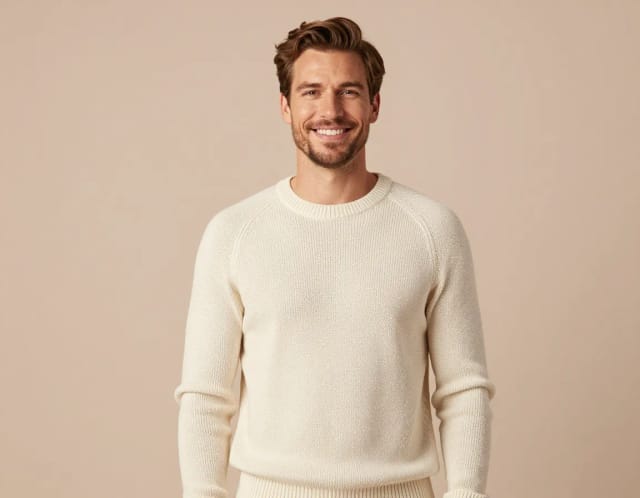
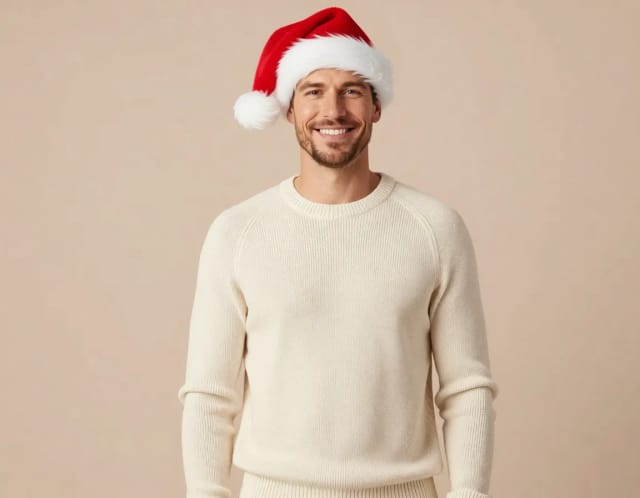
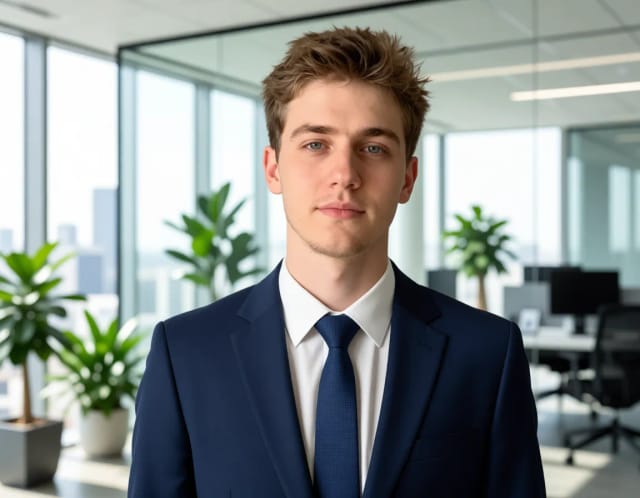
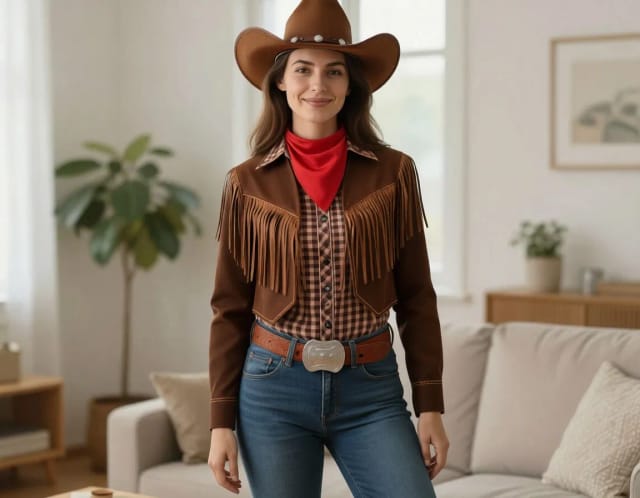
Turn a single selfie into a full birthday photoshoot — multiple styles, outfits and backgrounds, generated in seconds without a studio or photographer.
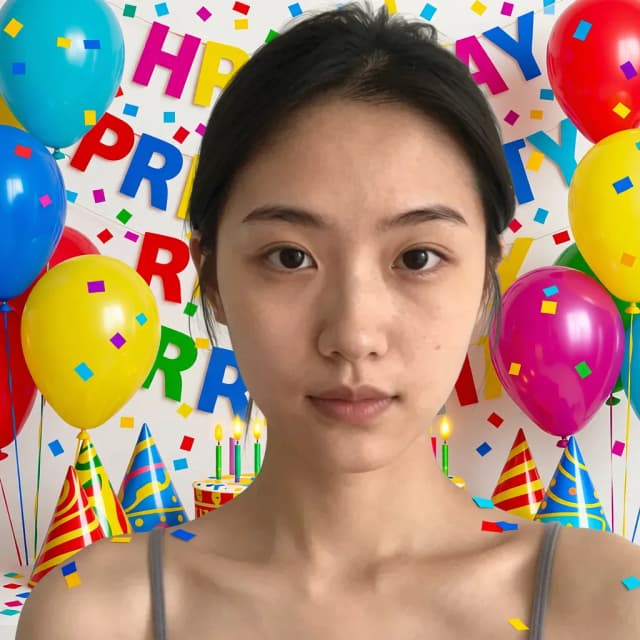

How to create a birthday photoshoot in 4 steps
From selfie to a full set of birthday photos, start to finish.
Upload your photo
Add one clear, well-lit selfie where your face is easy to see. A straight-on shot with no heavy shadows gives the AI the most to work with.
Pick a photoshoot style
Choose from five styles — Balloons, Cake smash, Number backdrop, Photobooth and Golden hour — each one sets its own outfit, lighting and background.

Generate your set
The AI keeps your likeness consistent and produces a gallery of birthday shots in seconds, so you can compare looks side by side.

Download your favorites
Save the shots you like in full quality, ready to post, print or drop into a birthday card.
Five birthday setups, one photo
Balloons, cake smash, number backdrop — the same celebration styled each way.
How the Birthday Photoshoot works
One clear selfie in, a full gallery of birthday-ready shots out.
How it works
Birthday Photoshoot is an AI tool that turns a single selfie into a full birthday photoshoot, generating multiple styles, outfits and backgrounds from one photo. You upload a clear picture of yourself, pick a look, and the AI produces a set of polished images that read like a studio session — no photographer, no location rental, no scheduling.
The value is variety from one input. Instead of a single edited headshot, you get a spread of birthday photoshoot ideas — different lighting, wardrobe and settings — so you can choose the shots that fit each use, from an Instagram post to a printed photo card. If all you need is one clean portrait, the AI Portrait Generator handles that; this tool is for when you want the whole birthday gallery.
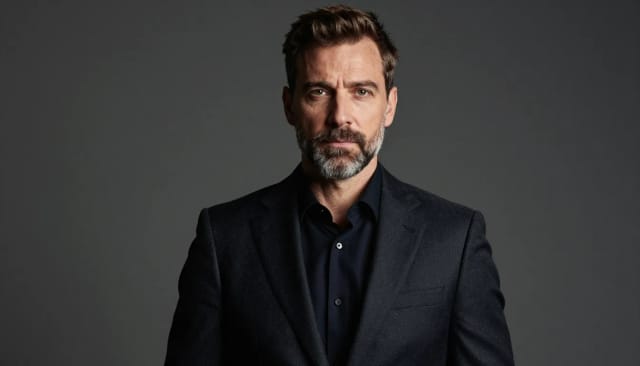
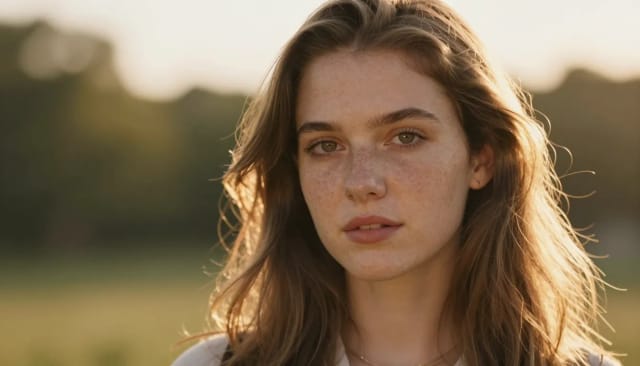
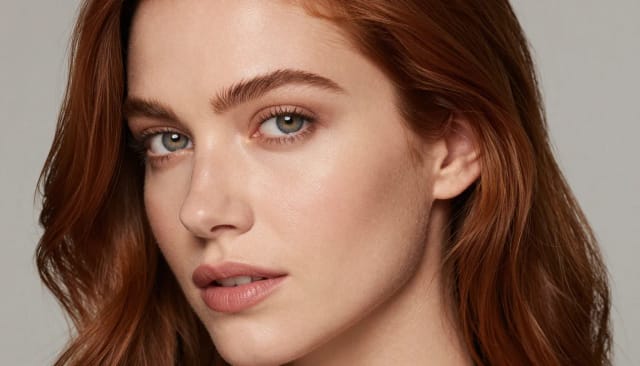
The AI reads your face and features from the photo you upload and keeps them consistent across every generated image. It then places that likeness into a new scene — a soft studio backdrop, golden-hour outdoors, an urban street, a beach editorial — and adjusts clothing, lighting and framing to match the style you chose.
Because each style is a different combination of outfit and background, one selfie can become dozens of distinct shots. Want to test a look before you run the set? You can preview a fresh cut with the AI Hairstyle Changer or swap what you're wearing with the AI Clothes Changer, then generate the photoshoot on the version you like best.
A traditional birthday photoshoot means booking a slot, traveling, changing outfits and losing hours of your day, plus editing afterward — and the cost of a studio session adds up fast. This tool compresses all of that into a few minutes: upload once, choose your styles, and download the results.
It fits when you want current, on-brand birthday images and don't have the budget or time for a studio near you. You keep full control over the final selection, and you can clean up any shot further — for example, dropping your favorite into a fresh setting with the Background Remover — before you print it or post it. Pair the photos with birthday card ideas to round out the whole thing.
Who the Birthday Photoshoot is for
Anyone celebrating a milestone birthday
Turning 16, 21, 30 or 40 and want photos to mark it? Generate a styled set for the occasion without booking a session or planning outfits.
People who hate posing for the camera
If a full studio shoot feels like too much, upload one selfie and let the AI handle the wardrobe, lighting and backgrounds for you.
Content creators and influencers
Need fresh birthday content across a few looks? Get a batch of on-brand shots in different styles from a single photo, ready to post.
Budget-conscious celebrators
When a birthday photoshoot near you costs more than you want to spend, generate the photos yourself and put the savings toward the party.
Anyone making a birthday card or gift
Create a personal photo to drop into a card or print, then match it with a message that fits the person and the moment.
CreArt Solutions
Every tool, curated for how you work
AI Tools for Real Estate
AI tools for real estate agents: virtually stage empty rooms, fix dark listing photos, and turn one set of photos into flyers, "Just Listed" posts and walkthrough videos.
Explore the toolkit →AI Tools for Content Creators
AI tools that turn a video title and a selfie into thumbnails, banners, avatars, emotes and brand-deal ads — a full channel kit from assets you already have.
Explore the toolkit →AI Tools for Small Business
A set of AI tools built for small businesses: design logos, flyers, clean product photos and daily social content without hiring a designer.
Explore the toolkit →AI Tools for Photographers
AI tools for photographers that run your marketing side: mini-session flyers, booking posts, session reels and price guides built from photos you already have.
Explore the toolkit →AI Tools for Musicians
A release-day visual kit for independent artists: build one album cover with AI, then spin off the Spotify Canvas, gig poster and "out now" ads from it.
Explore the toolkit →AI Tools for Authors & Writers
Design your book cover once and reuse it for the trailer, the countdown posts, the teaser quotes and the character art — a full self-publishing launch kit powered by AI.
Explore the toolkit →AI Tools for Teachers
Free AI tools for teachers: turn any topic into coloring pages, classroom posters and explainer comics in minutes — type it, pick a style, print.
Explore the toolkit →AI Tools for Influencers & UGC Creators
A content studio for influencers and UGC creators: brand-ready UGC ads, tappable thumbnails and on-brand profile pictures, all from a phone photo or a text idea.
Explore the toolkit →AI Tools for E-commerce Sellers
Turn one product photo into a full listing kit — clean white-background shot, lifestyle scenes, a UGC-style ad and a short video, without a studio day or an agency.
Explore the toolkit →Try the Birthday Photoshoot free
Start generating birthday photos at no cost, and upgrade when you want more styles and higher-quality downloads.
How far do credits go? The cost depends on the tool, model and settings. The Generate button shows the price before each creation.
Free
- 100 credits every day
- Access to basic tools
- 100 MB cloud storage (signed in)
Starter
- 4,000 credits every month
- Create videos with AI
- Use every AI model
- No ads
- No watermarks
- Keep posts private anytime
- You own what you create
- 1 GB cloud storage (signed in)
Creator
- 10,000 credits every month
- Create videos with AI
- Use every AI model
- No ads
- No watermarks
- Keep posts private anytime
- You own what you create
- 5 GB cloud storage (signed in)
Pro
- 25,000 credits every month
- Create videos with AI
- Use every AI model
- No ads
- No watermarks
- Keep posts private anytime
- You own what you create
- 10 GB cloud storage (signed in)
Why choose the AI Birthday Photoshoot
Studio-style birthday photos without the studio.
A whole gallery from one selfie
One upload turns into a range of looks — different outfits, lighting and settings — instead of a single edited photo. Pick the shots that fit each birthday post or print.
Five ready-made styles
Balloons, Cake smash, Number backdrop, Photobooth and Golden hour each come with their own wardrobe and backdrop, so you're not starting from a blank prompt.
Cheaper than a studio near you
Skip the cost of booking a photographer and renting a location. You get birthday photoshoot results for a fraction of what a session usually runs.
Your face, kept consistent
The AI holds your features steady across every generated image, so the whole set looks like the same person on the same day.
Ready in seconds
No scheduling, travel or wardrobe changes. Upload, choose a style and download — the full turnaround is minutes, not an afternoon.
Yours to refine
Keep control over the final selection and clean up any shot further, like changing the background or the outfit, before you publish it.