
AI Coloring Page Generator
Turn a photo or a text idea into a printable black-and-white coloring page, free and with no sign-up. Clean line art for kids, classrooms and relaxed coloring, usually in under 20 seconds.
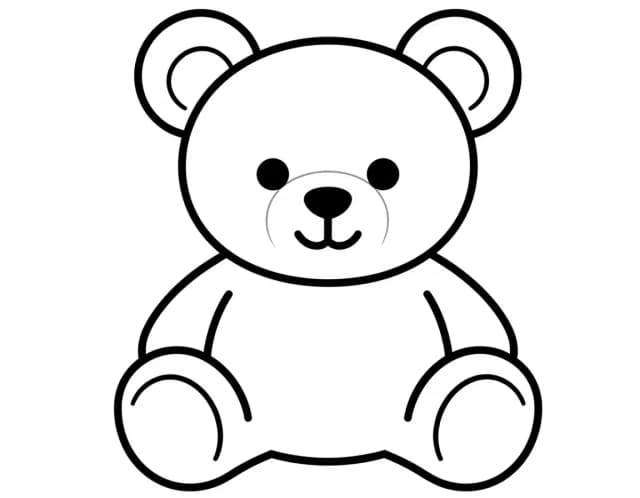
Your coloring book
Add the pages you like and download one PDF with a cover and a name page.
How to use it
How to make a coloring page from a photo or text in 3 steps
Upload or describe, pick the detail, print.
Upload a photo or describe your idea
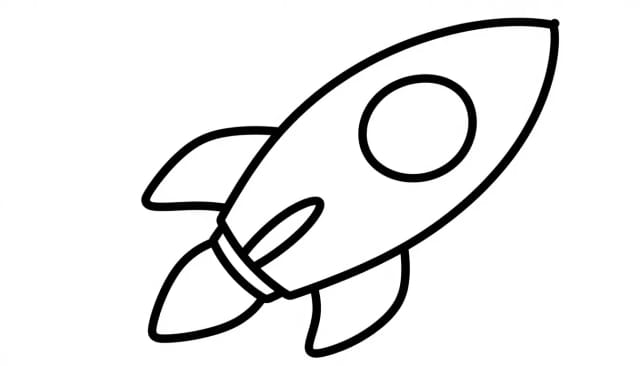
Choose From a photo to turn a picture of your pet, your kid, a cake or a place into line art, or From text to describe the page: «a fox reading a book», «a rocket over a city».
Pick a detail level
Simple gives big shapes for small hands, and Detailed adds the background and fine patterns for adults.
Generate, download and print
Your page is usually ready in under 20 seconds, free with the Auto model and with no sign-up: black lines on white that print cleanly at home or at school.
From a photo
Photo to coloring page: turn any picture into line art
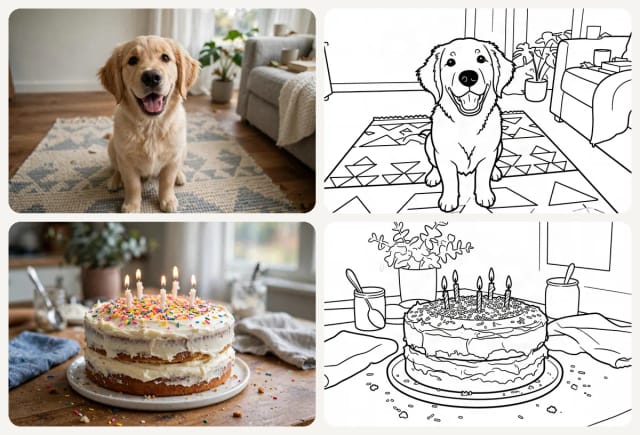
Switch to From a photo, upload a picture (or try the puppy or the birthday cake) and the AI redraws it as a black-and-white coloring page: clean black outlines, no shading and no gray, with the people, pets and things in the photo still recognizable. Pick Simple for young kids or Detailed to keep the background.
Busy photos make busy pages: a harbor full of boats stays full of boats. For young kids, use a photo with one main subject, like a pet on the sofa or a birthday cake. You can add a note too, such as «leave out the background».
Want a pencil or charcoal drawing of a photo instead of lines to color? Use Photo to Sketch.
Coloring book
Make a coloring book (PDF)
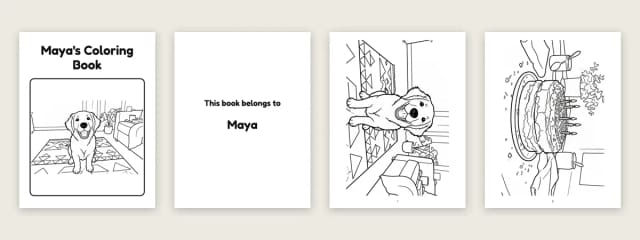
Turn your pages into a printable coloring book. Under the canvas, press Add this page on every page you like, from text or from your photos, then give the book a title and the name of who it belongs to. Download book (PDF) puts together a cover, a «This book belongs to» page and all your pages, ready to print on Letter or A4.
The book is put together in your browser, so it costs nothing extra: you only spend credits on the pages you generate, and the free daily credits cover pages made with the Auto model, no account needed. A book holds up to 24 pages.
Family photos make the best personal books: the dog, the kids at the beach, a birthday cake. Wide pages are turned sideways to fill the sheet.
How it works
How the AI Coloring Page Generator works
CreArt's AI Coloring Page Generator turns a photo or a text idea into a printable black-and-white coloring page, free and with no sign-up. Describe what you want (a friendly dinosaur, a bunch of balloons, a castle under the stars) or upload a picture, choose how much detail you want, and you get clean line art you can send straight to the printer.
Every page comes back as black outlines on white, with no shading or color, sized to the page you picked. Short prompts work well; add a detail or two if you want something specific in the picture.
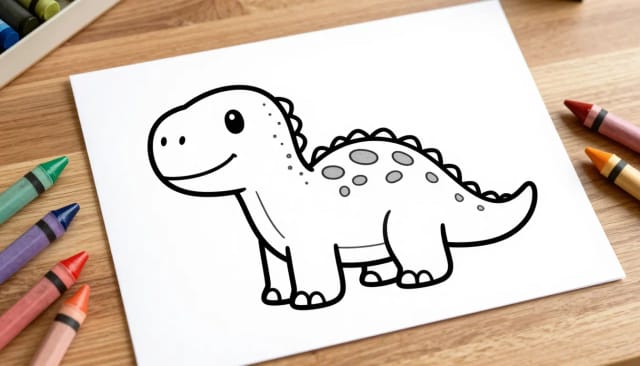
Behind the scenes, the generator reads your prompt and builds an image made of outlines rather than filled color or photographic detail. It favors thick, continuous lines and clear shapes over fine texture, which is exactly what makes a page fun and forgiving to color in.
You can keep prompts short ("a smiling octopus") or add detail ("a smiling octopus wearing a party hat, surrounded by bubbles"). Choose how much detail you want, and set the page size before you generate. If you already enjoy describing scenes to our general-purpose image generator, you'll feel right at home — the difference is that every result comes back ready to print in black and white.
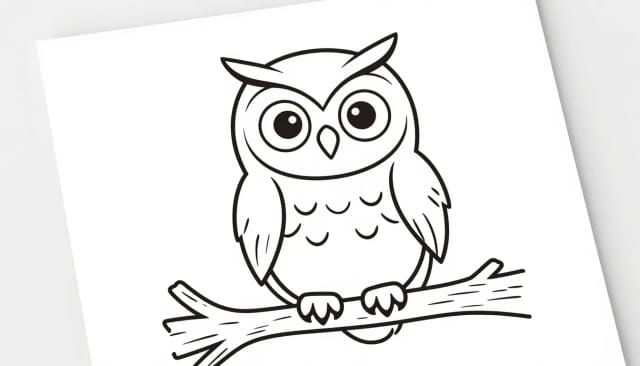
Making coloring sheets by hand means hunting for clip art, tracing, or paying an illustrator for every new theme. This does it in under 20 seconds for whatever topic you type, so a teacher can spin up a worksheet on planets before lunch and a parent can match a page to this weekend's birthday theme.
Because each AI generated coloring page starts from your own words, you're not stuck with generic printables. Want a page to print bigger and sharper? Run your finished line art through the image upscaler for crisp results at larger sizes.
Who it's for
Who the AI coloring page generator is for
Parents
Make a coloring page that matches whatever your kid is into this week — dinosaurs, trucks, unicorns — or tie one to a birthday theme without buying printables.
Teachers and educators
Spin up a subject-specific worksheet before class and print a full set. Match the page to a lesson on planets, animals or the seasons in a couple of minutes.
Adults who color to unwind
Generate detailed mandalas and intricate patterns for relaxed, mindful coloring, with the Detailed setting for finer line work.
Daycares and activity leaders
Keep a stack of simple, big-outline pages ready for young kids, party stations or rainy-day activities without scouring the internet for clip art.
Crafters and print-on-demand sellers
Draft original coloring line art from your own ideas for activity books, printables or event favors, then upscale it for cleaner large prints.
Pricing
Pricing
Make coloring pages for free with the Auto model, no account needed. Pick a plan when you want more pages a day.
Free
$0
- 100 credits every day
- The Auto model, on our own servers
- No card needed
Paid plans
Basic · Starter · Creator
- 1,600 to 10,000 credits a month
- Every AI model, including premium ones
- AI video, and no ads in the mobile app
Why use it
Why choose this AI coloring page generator
From a photo or from text
Turn a picture of your pet, your kid or a place into line art, or describe any idea in words.
Ready-to-print line art
Black outlines on white, open shapes and no shading, so pages print cleanly and are easy to color.
Two detail levels
Simple for small hands, and Detailed for adults who like fine patterns.
Free with Auto, no sign-up
Make coloring pages for free with the Auto model every day, without creating an account.
Pick your page size
Set the page size before you generate so your sheet fits standard paper without awkward cropping.
Usually under 20 seconds
No tracing, no clip-art hunting and no illustrator needed for each new topic.
FAQ
Frequently asked questions about the AI coloring page generator
Still have a question? Visit the help center →
Is there a free AI coloring page generator?
Can I turn a photo into a coloring page?
Can ChatGPT turn a picture into a coloring page?
How do I turn a photo into a coloring page without AI?
How do I make AI generated coloring pages?
Are the coloring pages good for young kids?
Can I print the coloring pages at home?
Can I make coloring pages for a whole classroom?
How do I get sharper pages for large prints?
Can I make a whole coloring book?
Can I turn my photos into a coloring book?
Can ChatGPT make a coloring book?
Which AI is best for coloring books?
Can I sell AI-generated coloring books on Amazon?
CreArt is not affiliated with, endorsed or sponsored by Amazon. Amazon is a trademark of Amazon.com, Inc.
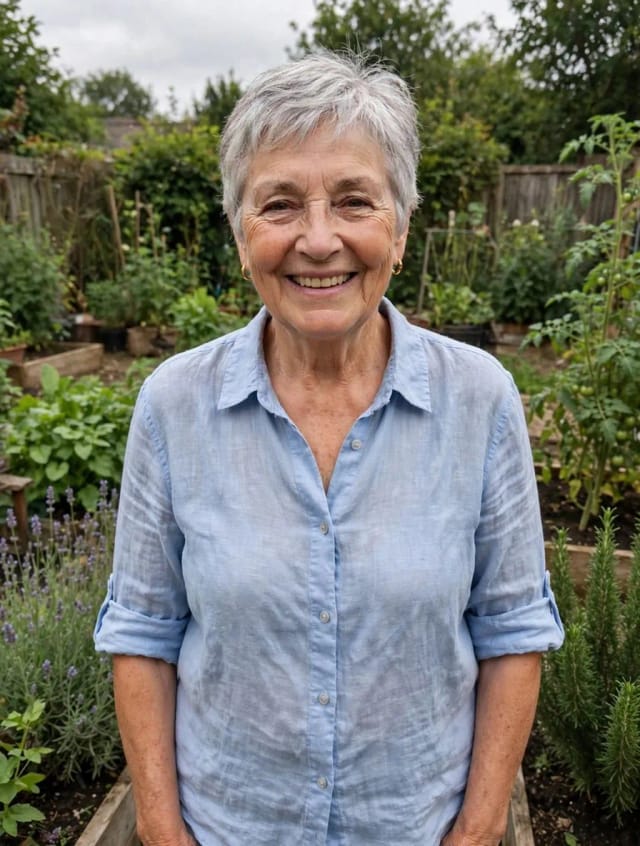
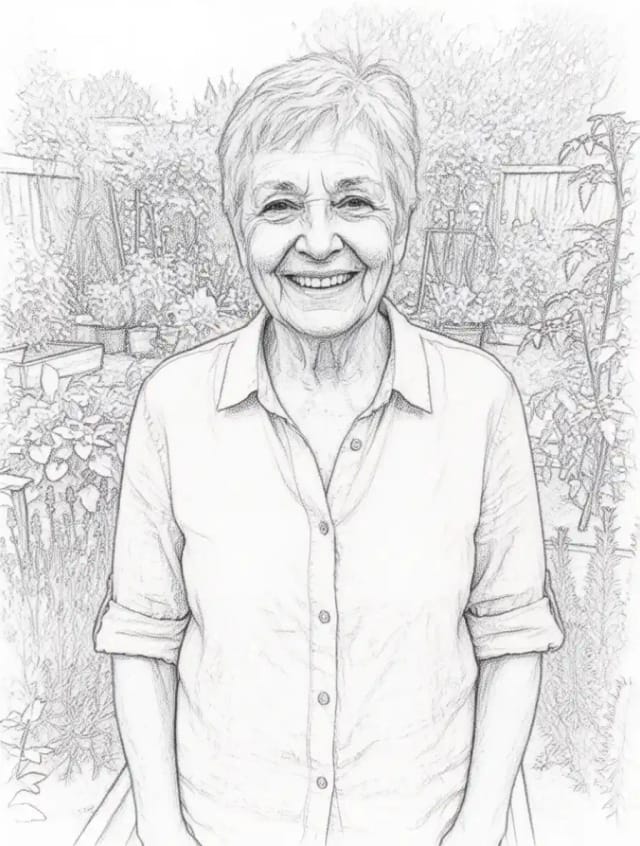
Photo to Sketch
CreArt's photo to drawing tool turns any photo into a pencil sketch, line drawing or eight other drawing styles for free, without sign-up, usually in under 20 seconds.

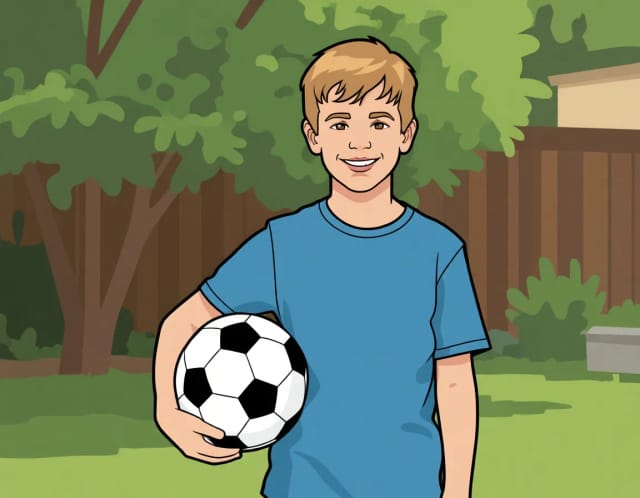
AI Photo to Cartoon
CreArt's photo to cartoon tool turns your photo into a cartoon, free and without sign-up. Pick one of 6 styles, from a 3D animated-movie look to comic and storybook; it usually takes under 20 seconds.

AI Sticker Generator
Turn a text idea or your own photo into a die-cut sticker, then print a sheet of 12.
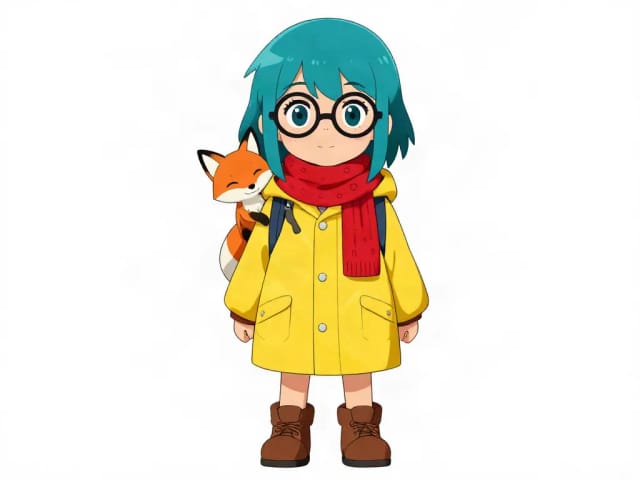
AI Character Generator
Describe your character and CreArt's free AI character generator draws it in 10 styles, from anime to claymation, with no sign-up. Then put the same character in any new scene.

AI Art Generator
Turn a text idea or a photo into art: anime, oil painting, watercolor, pixel art, Van Gogh and more. Free with the Auto model and no sign-up, usually in under 20 seconds.

AI Tattoo Generator
Describe your idea, pick a style and try the tattoo on your skin before you ink. Add a name, get a stencil. Free, no sign-up.
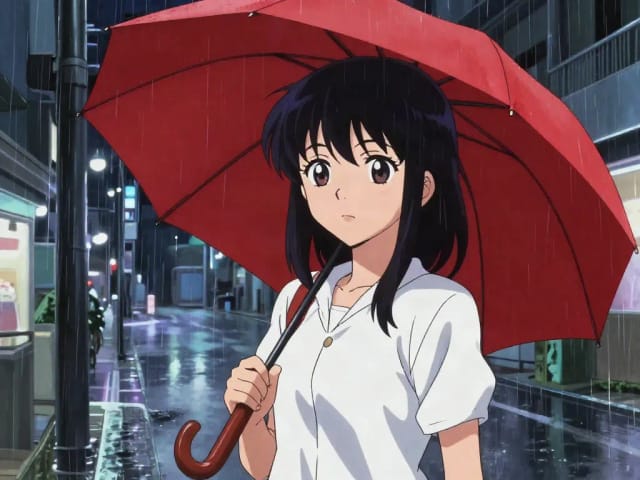
AI Anime Generator
Turn a text idea into anime-style art. Pick a look, generate and download it, usually in under 20 seconds — no drawing skills required.
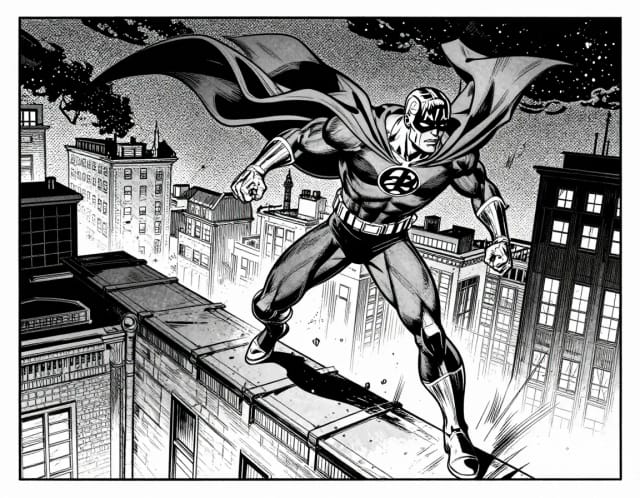
AI Comic Generator
Describe a scene, pick an art style, and get finished comic panels in seconds — no drawing skills needed.
Ready to make something?
Open the tool, try the free Auto model and download the result.