
AI Sticker Generator
Turn a text idea or your own photo into a die-cut sticker, then print a sheet of 12.
20 free tries a day with Auto · No sign-up
20 free tries a day with Auto · No sign-up
How to use it
How to make a sticker with AI in 4 steps
From an idea or a photo to a print-ready sticker.
Start from text or a photo
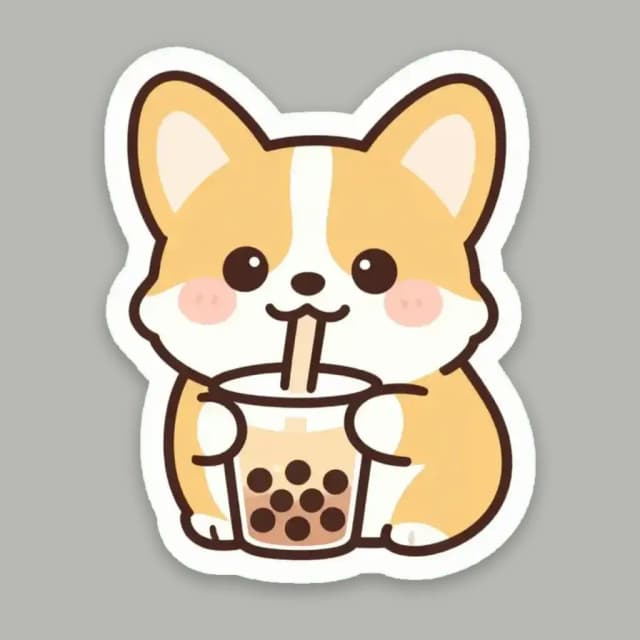
Describe your sticker, like a corgi drinking bubble tea, or switch to From a photo and upload your pet, yourself or an object. No photo handy? Try a sample.
Pick a sticker style
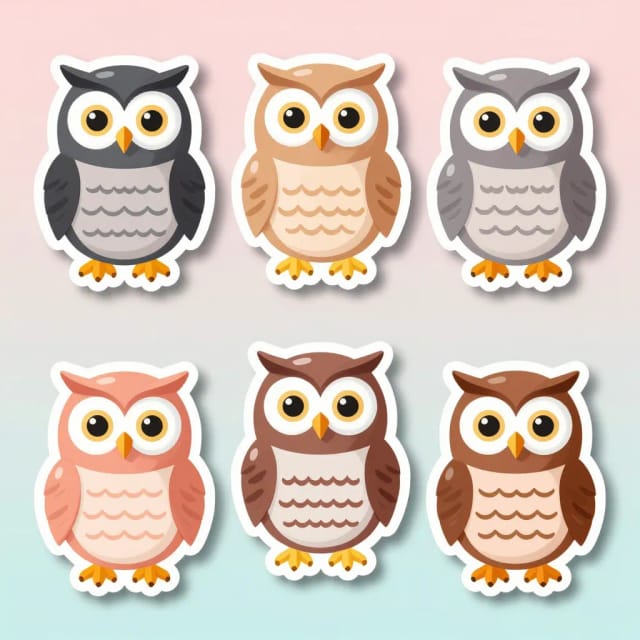
Kawaii, cartoon, holographic, retro Y2K or watercolor. With a photo there is also Photo cutout.
Add text if you like
Type a word, a name or a short message. Your browser sets it in bold letters with a white outline, so it is always spelled right, inside the same die-cut border.
Download or print
Download the sticker as a PNG, or a print sheet of 12 for US Letter or A4 with a grey cut line. It is usually ready in under 20 seconds.
One corgi, five sticker styles
The same idea made with this tool in each style. Tap one to start with it.

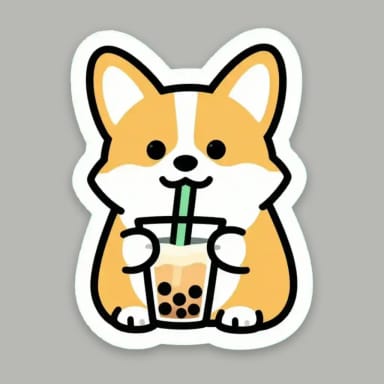
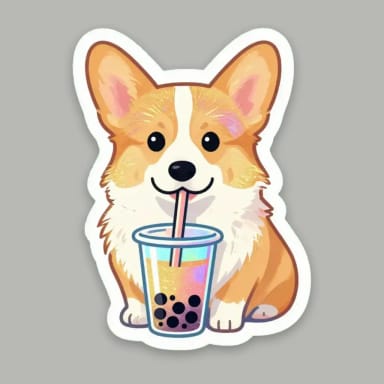
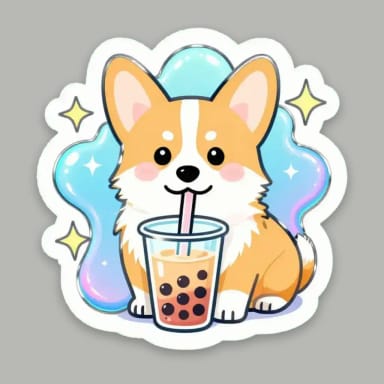
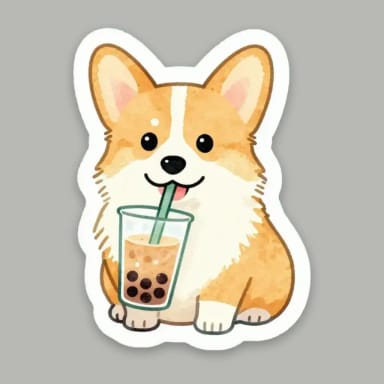
Photo to sticker
Turn a photo into a sticker
Two ways in, one clean die-cut result.
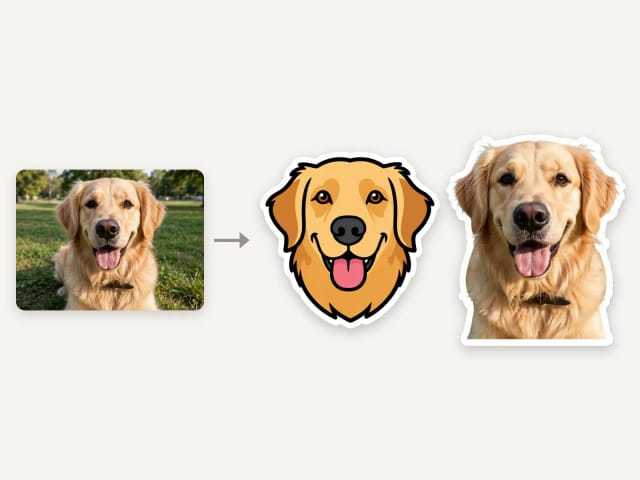
Switch to From a photo and upload a picture of your pet, yourself, a friend or an object. The AI turns the main subject into a die-cut sticker in the style you pick, keeping what makes it recognizable: the face, the colors and the markings.
Photo cutout keeps the look of your photo and cuts it out with a white border. It goes through the AI, so the framing and small details can change. Use a clear photo where the subject fills most of the picture; a busy background is left out.
Printable stickers
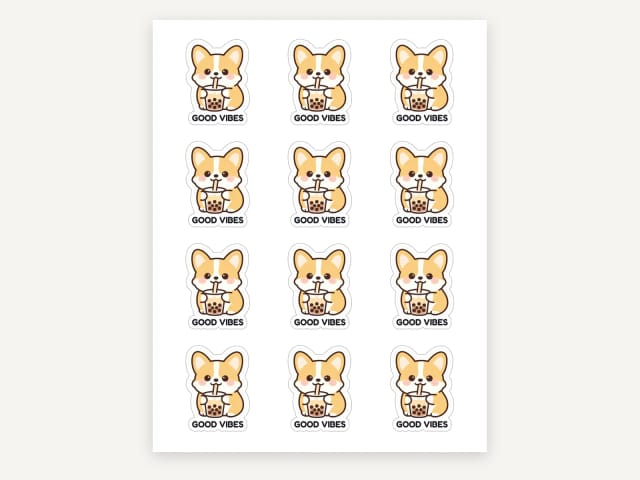
Print a sheet of 12 stickers at home
Every sticker comes with a print sheet: 12 copies on a US Letter or A4 page, each with a thin grey cut line. Print the PDF at actual size (100%) on sticker paper and cut along the lines, by hand or with a cutting machine.
Prefer a print shop or a sticker service? Download the PNG and send it to them. Want to see it on a laptop or a water bottle first? Try the sticker mockup generator. For a quick test, print the sheet on plain paper first.
Text on your sticker
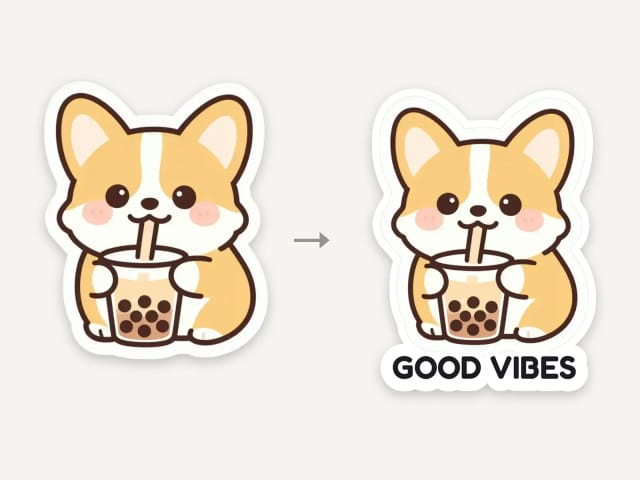
Add a word or a name, spelled right
AI image models often misspell words. Here the AI only draws the sticker; your text is added by your browser in bold, rounded letters with a white outline, so names, captions and messages come out exactly as you typed them.
The text sits under the drawing, inside the same die-cut border, so the sticker cuts out in one piece. Keep it short: one to three words read best on a sticker. Need emoji-style icons instead? Try the AI emoji generator.
Who it's for
Who the AI Sticker Generator is for
Small shops and creators selling merch
Turn a mascot, product or logo into a sticker sheet for packaging, freebies and merch drops without hiring an illustrator.
Streamers and community managers
Make custom emotes and chat stickers that share one style, so your Discord or channel has a consistent look.
Crafters and Cricut users
Generate print-ready die-cut art with bold outlines to cut at home for planners, laptops and water bottles.
Teachers, parents and gift-makers
Create personalized stickers of pets, kids' drawings or names for rewards, labels and handmade gifts.
Social media and content creators
Spin up on-brand cartoon and kawaii stickers to reuse across posts, stories and captions.
Pricing
Plans for the AI Sticker Generator
Start free and upgrade when you need more generations and higher output for full sticker packs.
Free
$0
- 100 credits every day
- The Auto model, on our own servers
- No card needed
Paid plans
Basic · Starter · Creator
- 1,600 to 10,000 credits a month
- Every AI model, including premium ones
- AI video, and no ads in the mobile app
Why use it
Why use this AI sticker generator
Print-ready stickers from text or photos, without a design app.
Text or photo, your choice
Start from a written idea or from a photo of your pet, yourself or anything you love.
Clean die-cut edges
Every sticker has a thick white die-cut border, ready to cut out.
Five styles, plus Photo cutout
Kawaii, cartoon, holographic, retro Y2K and watercolor; Photo cutout for photos.
Free, no sign-up
Make stickers with the Auto model for free every day, without an account.
Text spelled right
Your words are set by your browser in bold letters with a white outline, never misspelled.
Print a sheet of 12
A PDF for US Letter or A4 with 12 stickers and a grey cut line, ready for sticker paper.
What is an AI sticker generator?
Is this AI sticker generator free?
How can I create my own stickers?
Can I turn a photo into a sticker?
Can I add text to my sticker?
Can I print the stickers?
Do the stickers have a transparent background?
Can ChatGPT make stickers?
What sticker styles can I choose from?
Can I make emoji stickers here?
CreArt is not affiliated with, endorsed or sponsored by Discord or Cricut. Discord is a trademark of Discord Inc. Cricut is a trademark of Cricut, Inc.
AI Emoji Generator
CreArt's AI Emoji Generator turns a short description into a custom emoji, free and without sign-up: pick one of 6 styles, from Classic to Pixel and Kawaii, and get it usually in under 20 seconds, as a transparent PNG for chat and streaming.
Sticker Mockup Generator
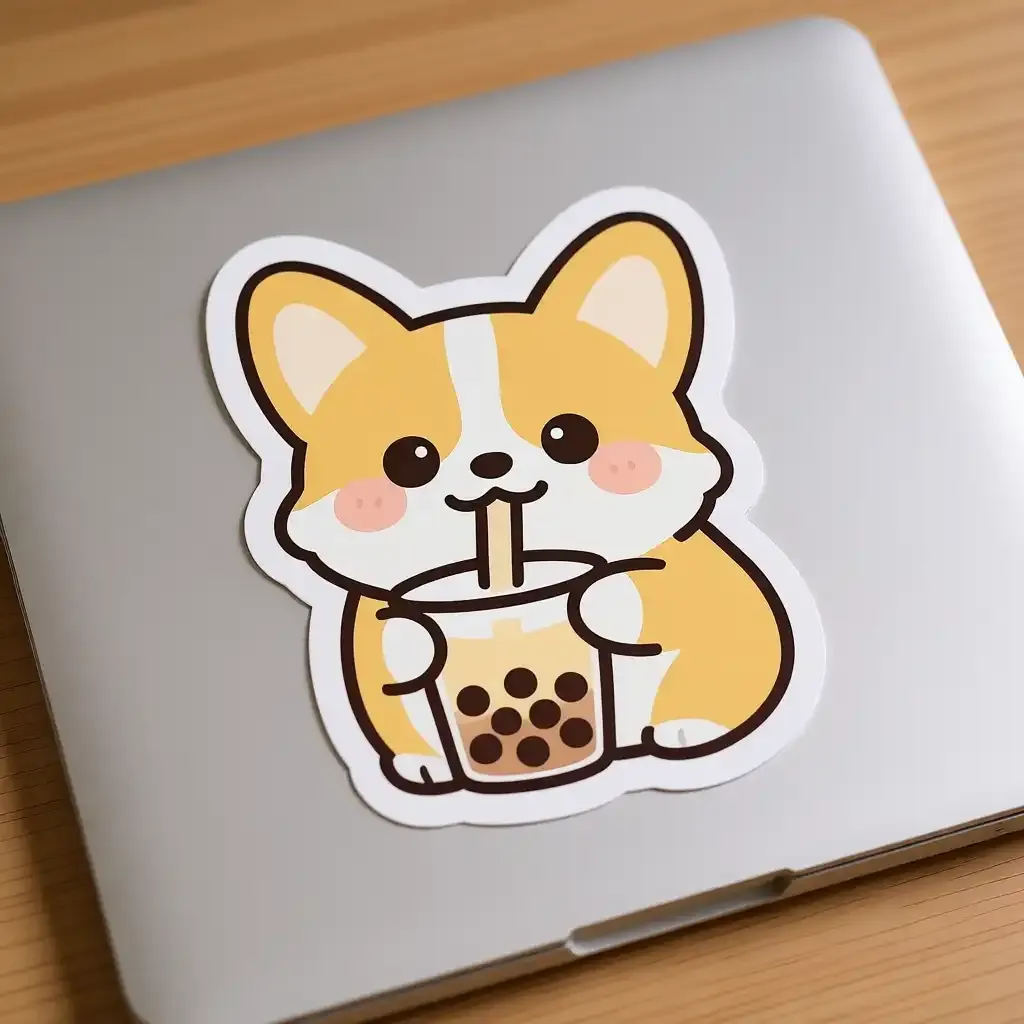
See your design as a die-cut, round or holographic sticker on a laptop or a bottle.
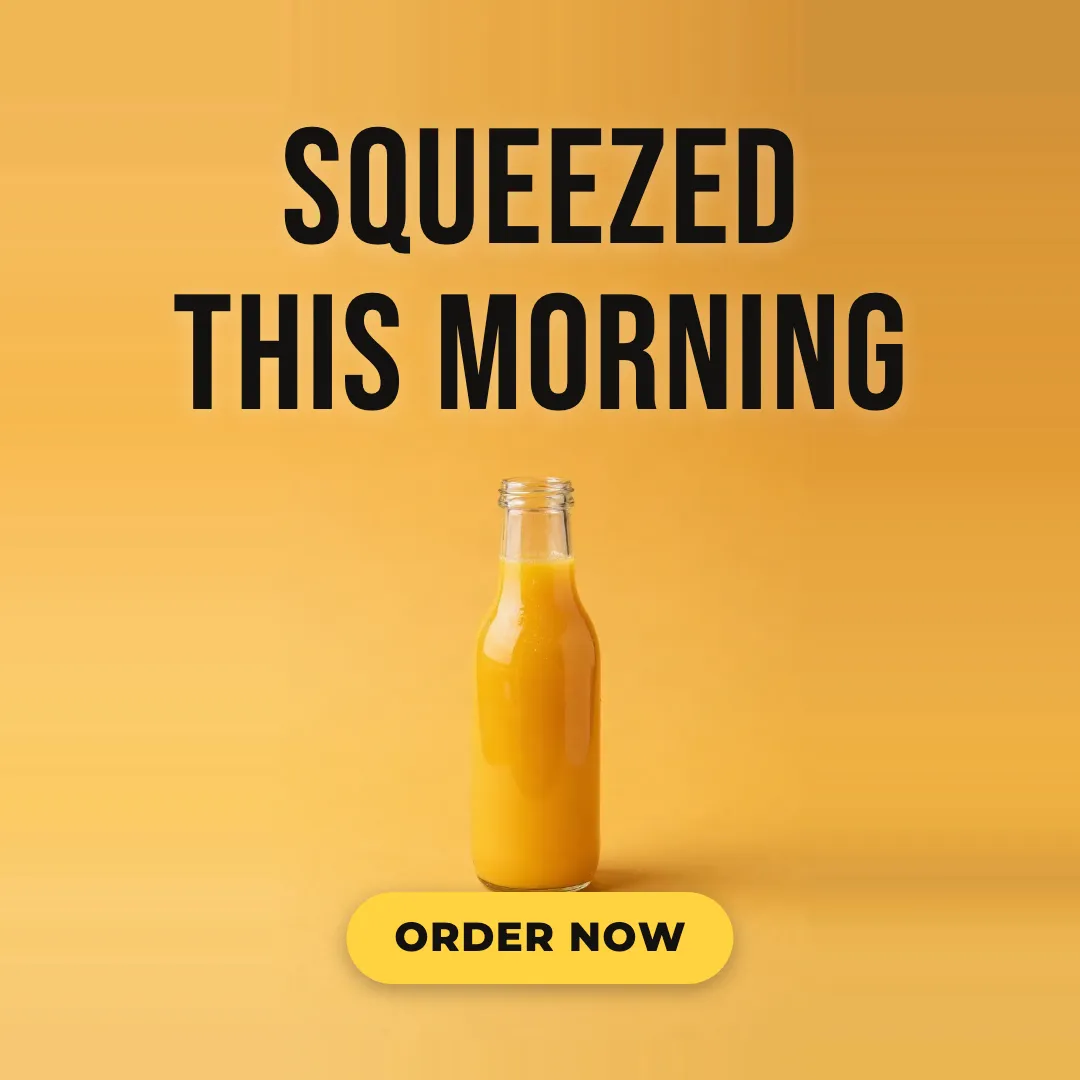
AI Ad Maker
Free AI ad maker: get an ad with your headline and button for Instagram and Facebook, in every size.

AI Album Cover Maker
Make an album cover with AI: describe your music, pick one of 16 styles and add your name and title, spelled right. Free, no sign-up.
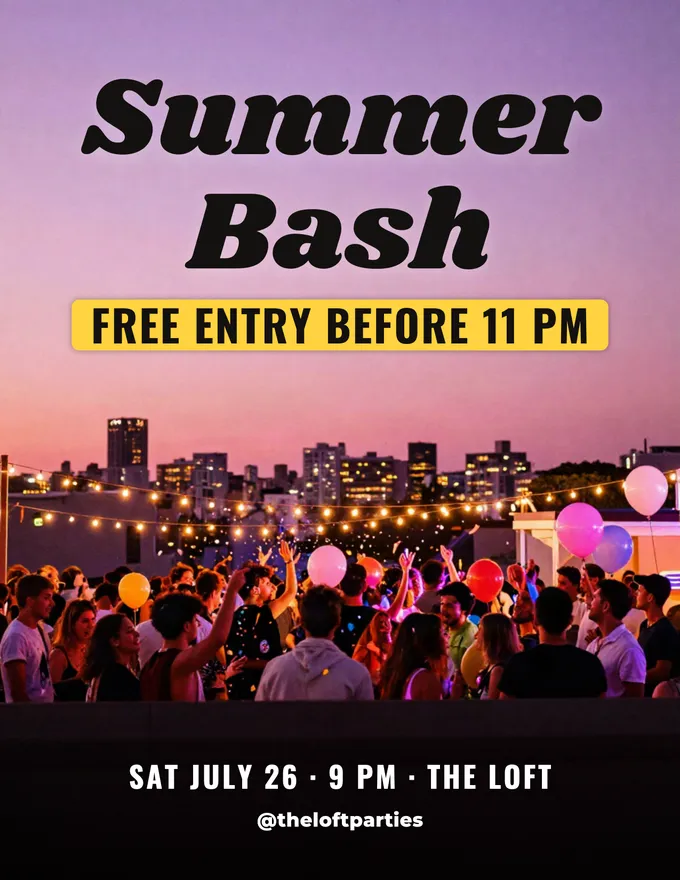
AI Flyer Generator
Make a flyer with AI: pick a type, add your text, download it to print.
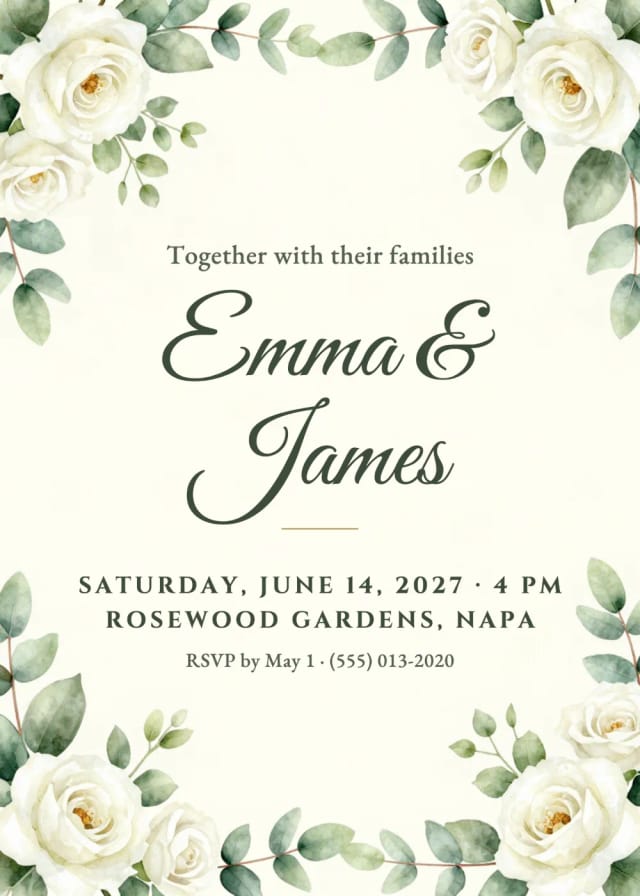
AI Invitation Maker
Free AI invitation maker: pick a style, add your details and a photo, then print it or send it.

AI Logo Generator
Free AI logo maker: the AI draws your symbol and your name is set in real fonts, never misspelled.
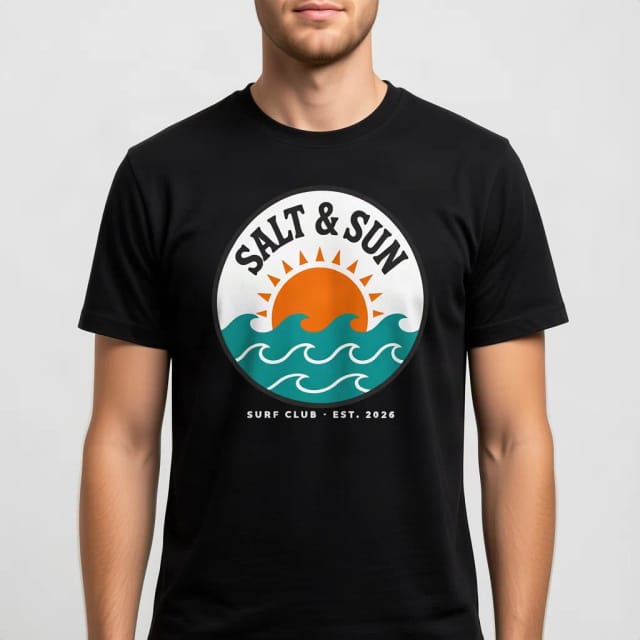
T-Shirt Mockup Generator
CreArt's free T-Shirt Mockup Generator puts your design on 7 garments in 12 colors, front or back, usually in under 20 seconds. No sign-up.
Ready to make something?
Open the tool, try the free Auto model and download the result.