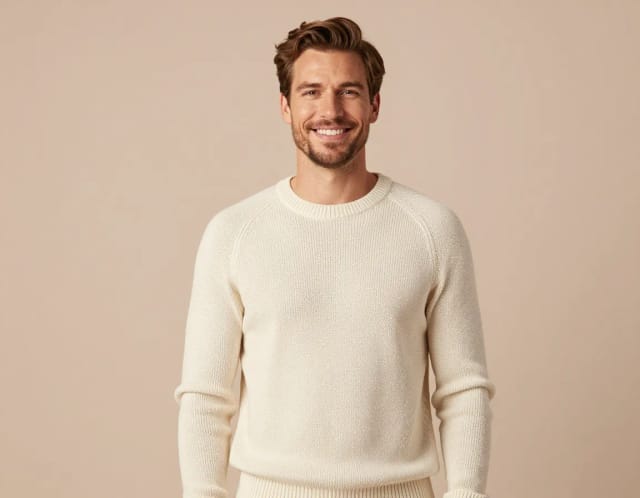
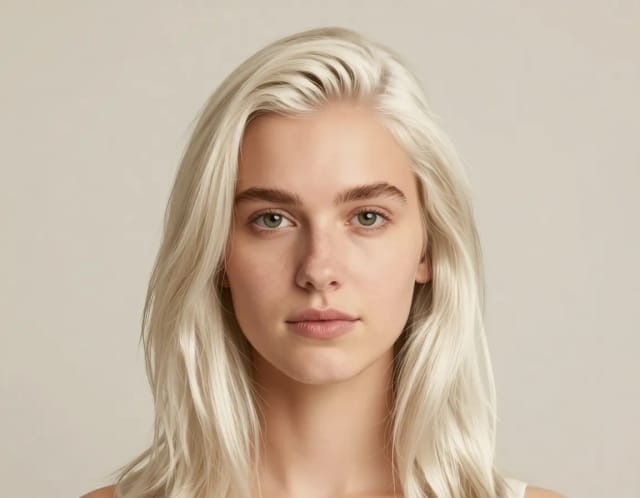
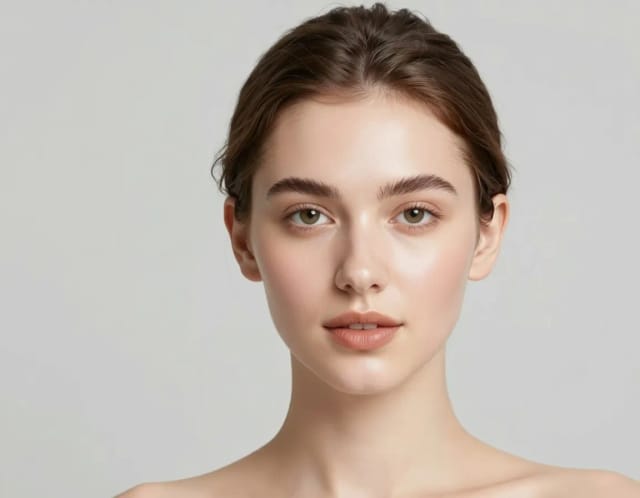
AI Clothes Changer
Swap the outfit in any photo with AI. Upload a picture, describe or pick the clothes you want, and get a realistic result that keeps the pose, face and lighting intact.

How to change clothes in a photo using AI in 4 steps
From upload to finished outfit swap, the whole thing takes a few clicks.
Upload your photo
Add the picture you want to restyle — a portrait, a full-body shot, a product photo on a model. Clear lighting and a visible outfit give the AI the most to work with.
Pick or describe the new outfit
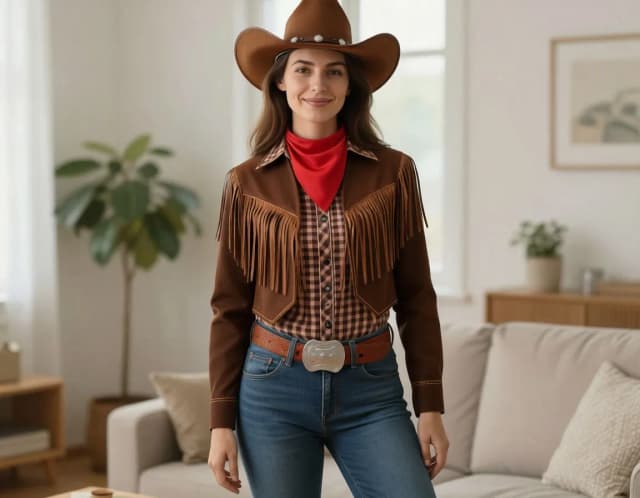
Choose one of the 18 preset looks — suit, wedding dress, cowboy, knight, princess, wizard and more — or type your own description for a specific color, fabric or style.
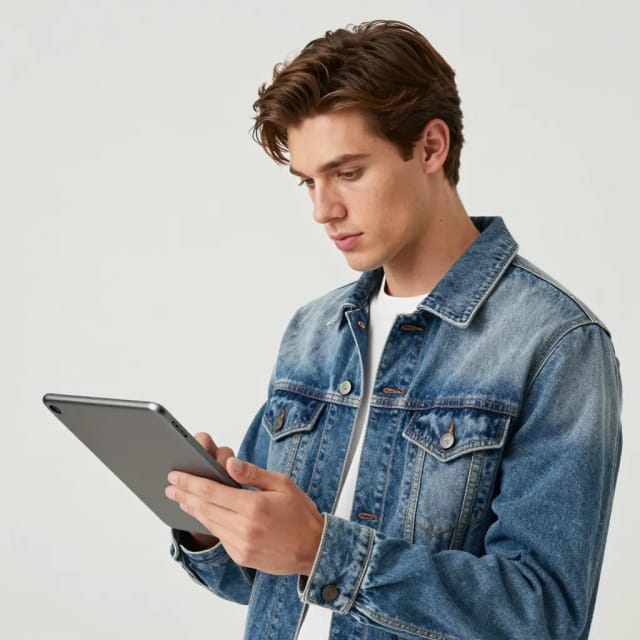
Generate the outfit swap
The AI repaints the clothing in seconds, following the original folds, pose and shadows so the new outfit sits naturally on the person.
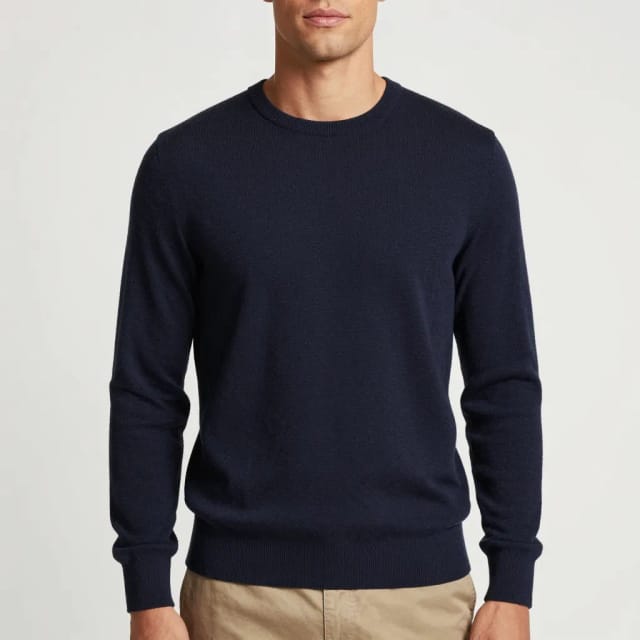
Compare and download
See the finished result next to your original, tweak the prompt if you want a different fit, then download the image.
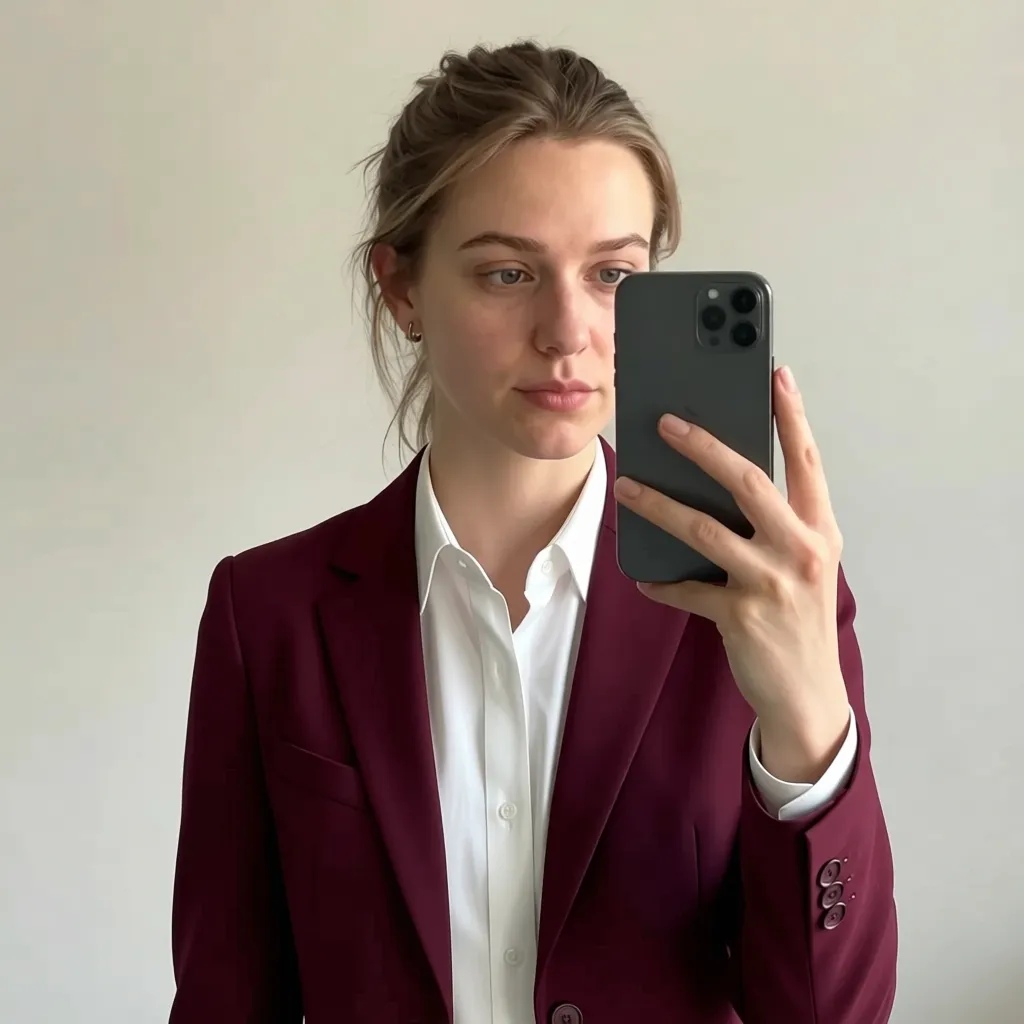
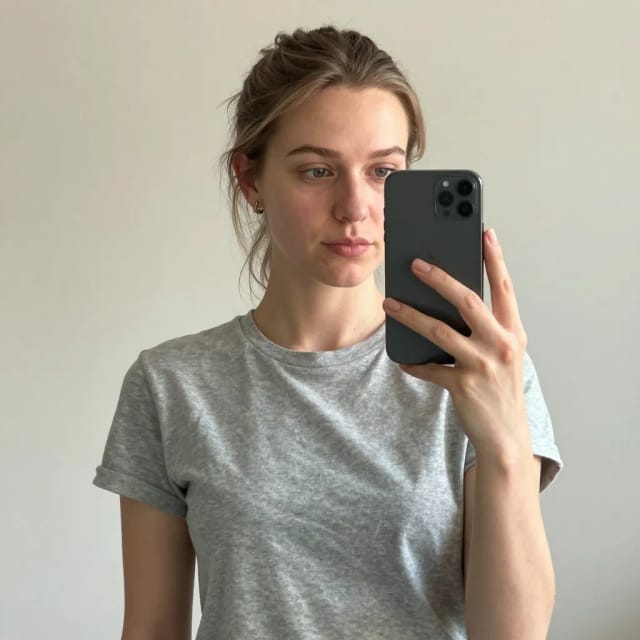
Eighteen outfits, one photo
Suit, wedding, cowboy — the same pose dressed every way. Tap an outfit to try it on your photo.
How AI Clothes Changer swaps outfits in your photos
How it works
AI Clothes Changer is an online tool that swaps the outfit in a photo for a different one using AI. You upload a picture, tell it what clothing you want — a suit, a summer dress, a hoodie, a specific color or fabric — and it repaints the clothes while keeping the person's face, pose and body proportions the same.
The point is to see a new look on the actual photo, not a generic stock model. Because the face and background stay put, the result reads like the same photo taken in different clothes rather than a cut-and-paste job. It's the same idea behind trying a new haircut on your own selfie before booking a salon — you preview the change on yourself first.
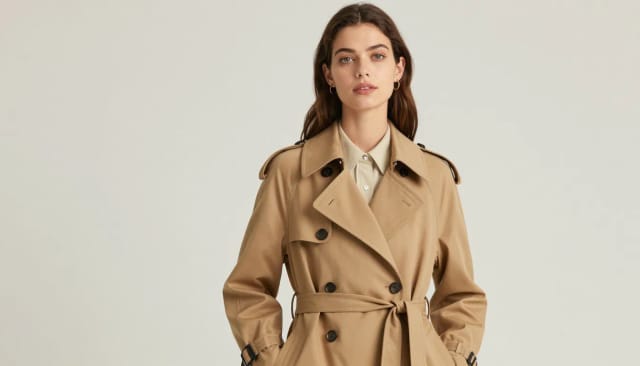
Under the hood, the tool reads the shape of the body in your photo and generates new fabric that follows the original folds, lighting and shadows. That's why patterns wrap around the arms correctly and the outfit doesn't float over the person.
You can start from a plain description or pick one of the 18 preset styles, then refine with your own prompt. If you also want to isolate the subject afterwards — for a product listing or a clean portrait — you can run the result through the background remover to drop the person onto any backdrop.
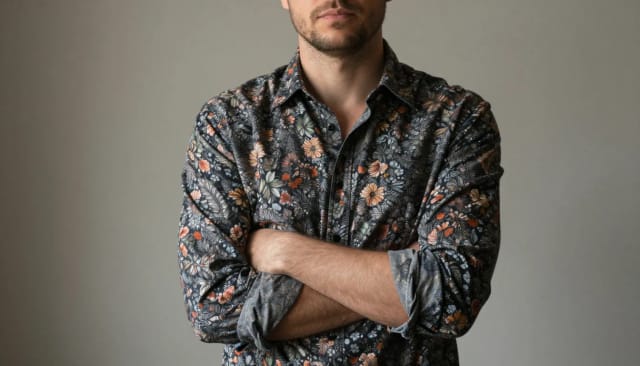
Doing this clothes swap by hand in a photo editing program means masking, warping fabric, matching light and cloning textures for an hour, and the seams still show. The AI handles the tedious parts in one pass, so a full outfit change takes seconds instead of an evening.
It fits alongside the rest of CreArt's photo tools. Once you've got the outfit right you might restyle the whole scene with the AI Image Generator or clean up the shot with the photo enhancer, all from the same account.
Who uses AI Clothes Changer
Online shoppers
Preview how a suit, dress or costume would look on you before buying, without leaving the fitting room or ordering to return it.
Store owners and sellers
Turn a flat-lay or plain product photo into an on-model look, or restyle the same model into several outfits for a listing.
Content creators
Restyle yourself into a cowboy, knight, princess or vampire for themed posts and thumbnails, all from one selfie.
Cosplayers and party planners
Test a costume concept — pirate, wizard, fairy, Victorian — on a real photo before committing to buying or sewing it.
Designers and hobbyists
Quickly mock up an outfit idea on a photo and refine it with a prompt instead of masking and warping fabric by hand.
CreArt Solutions
Every tool, curated for how you work
AI Tools for Real Estate
AI tools for real estate agents: virtually stage empty rooms, fix dark listing photos, and turn one set of photos into flyers, "Just Listed" posts and walkthrough videos.
Explore the toolkit →AI Tools for Content Creators
AI tools that turn a video title and a selfie into thumbnails, banners, avatars, emotes and brand-deal ads — a full channel kit from assets you already have.
Explore the toolkit →AI Tools for Small Business
A set of AI tools built for small businesses: design logos, flyers, clean product photos and daily social content without hiring a designer.
Explore the toolkit →AI Tools for Photographers
AI tools for photographers that run your marketing side: mini-session flyers, booking posts, session reels and price guides built from photos you already have.
Explore the toolkit →AI Tools for Musicians
A release-day visual kit for independent artists: build one album cover with AI, then spin off the Spotify Canvas, gig poster and "out now" ads from it.
Explore the toolkit →AI Tools for Authors & Writers
Design your book cover once and reuse it for the trailer, the countdown posts, the teaser quotes and the character art — a full self-publishing launch kit powered by AI.
Explore the toolkit →AI Tools for Teachers
Free AI tools for teachers: turn any topic into coloring pages, classroom posters and explainer comics in minutes — type it, pick a style, print.
Explore the toolkit →AI Tools for Influencers & UGC Creators
A content studio for influencers and UGC creators: brand-ready UGC ads, tappable thumbnails and on-brand profile pictures, all from a phone photo or a text idea.
Explore the toolkit →AI Tools for E-commerce Sellers
Turn one product photo into a full listing kit — clean white-background shot, lifestyle scenes, a UGC-style ad and a short video, without a studio day or an agency.
Explore the toolkit →Start free, upgrade when you need more
Try your first clothes swap without an account, then pick a plan when you want more images and outfits.
How far do credits go? The cost depends on the tool, model and settings. The Generate button shows the price before each creation.
Free
- 100 credits every day
- Access to basic tools
- 100 MB cloud storage (signed in)
Starter
- 4,000 credits every month
- Create videos with AI
- Use every AI model
- No ads
- No watermarks
- Keep posts private anytime
- You own what you create
- 1 GB cloud storage (signed in)
Creator
- 10,000 credits every month
- Create videos with AI
- Use every AI model
- No ads
- No watermarks
- Keep posts private anytime
- You own what you create
- 5 GB cloud storage (signed in)
Pro
- 25,000 credits every month
- Create videos with AI
- Use every AI model
- No ads
- No watermarks
- Keep posts private anytime
- You own what you create
- 10 GB cloud storage (signed in)
Why use this AI clothes changer
Built to change clothes in a photo without the manual photo editing work.
Keeps the face and pose intact
The AI only repaints the clothing. Your face, hands, hair and body proportions stay exactly as they were, so it still looks like the same person.
Fabric that follows the light
New clothes are generated over the original folds and shadows, so patterns wrap around the body correctly instead of floating flat on top.
18 ready-made outfits
Swap into a suit, wedding dress, pirate, soldier, doctor, vampire, fairy and more in one click — no prompt writing needed if you don't want to.
Free to try, no login
Run your first clothes swap without an account. Upload a photo, change the outfit, and see the result before you decide to sign up.
Describe any outfit in words
Beyond the presets, type exactly what you want — a red velvet coat, a linen shirt, a specific era of clothing — and the AI builds it onto your photo.
Results in seconds
A full outfit change takes seconds instead of the hour of masking and cloning it would take by hand.