
Photo to Watercolor
Turn any photo into a soft, hand-painted watercolor painting with AI — upload, pick a style, and download in seconds.
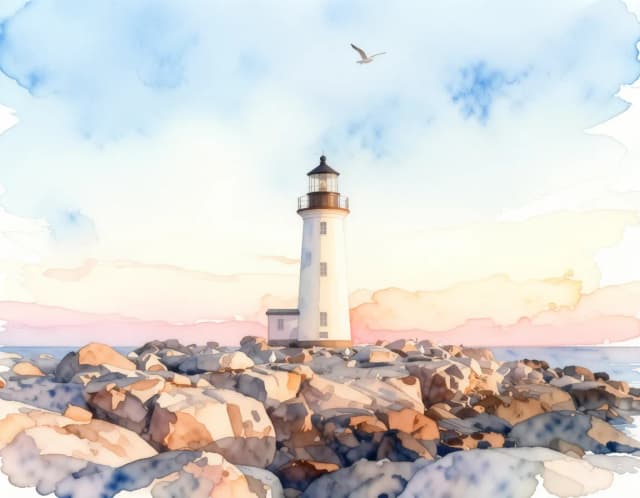

How it works
How to Turn a Photo Into a Watercolor Painting in 4 Steps
Upload your photo
Add a portrait, landscape, pet or travel shot from your device. Clear, well-lit photos give the watercolor the cleanest shapes to paint from.
Pick a watercolor style
Choose from four watercolor styles — Soft wash, Vivid wet-on-wet, Ink & wash, or Botanical — depending on how loose or bold you want the result.
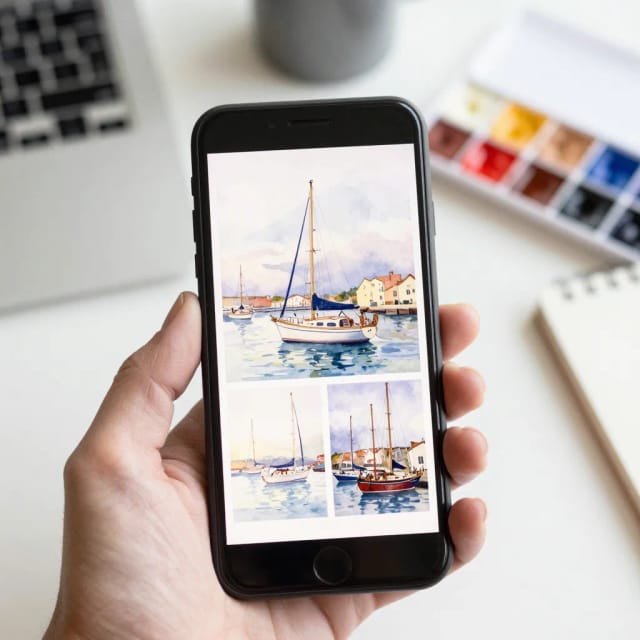
Generate the painting
The AI repaints your photo with washes, bleeding edges and paper texture in seconds. Run it again for a looser or moodier take if you like.
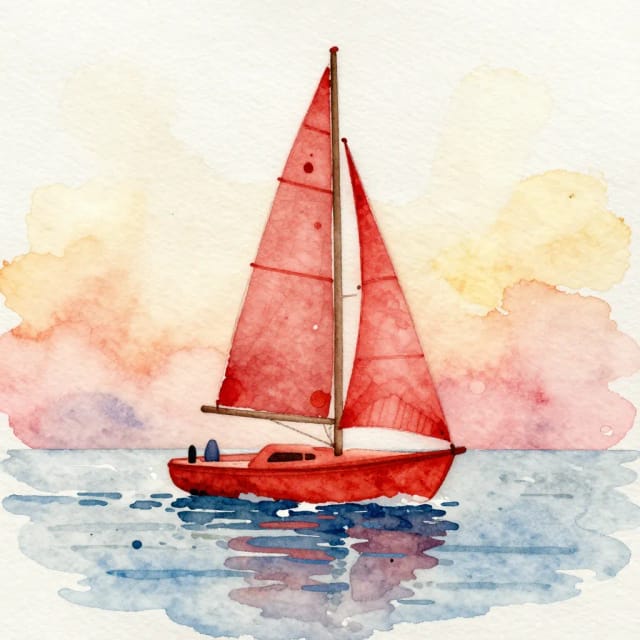
Download your watercolor
Save the finished artwork to your device, ready to frame, print on canvas, or share.
How wet do you want the paint?
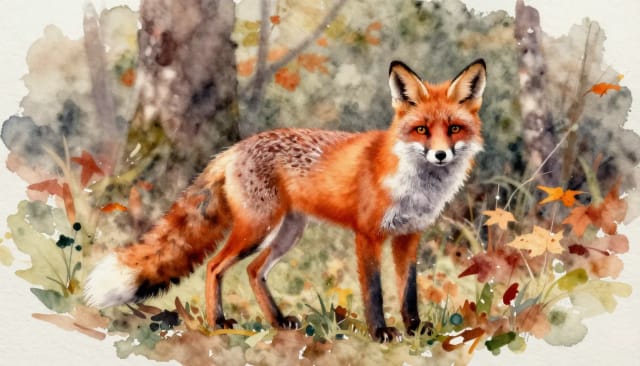
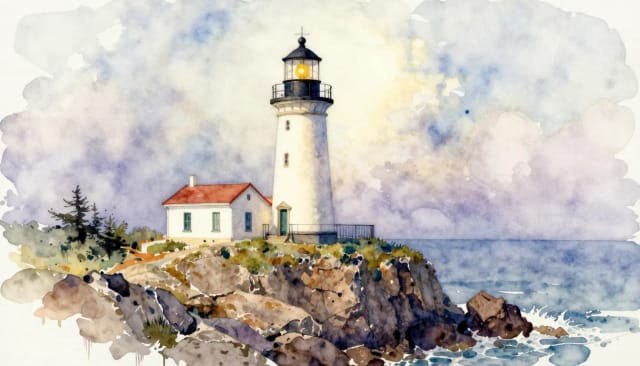
Soft washes, vivid wet-on-wet, ink and wash — the same photo, three ways to bleed. Pick your favorite.
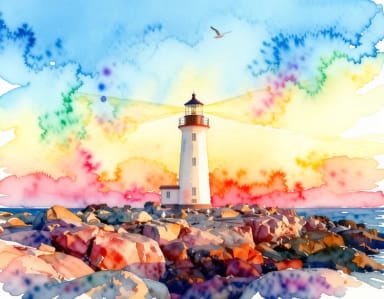
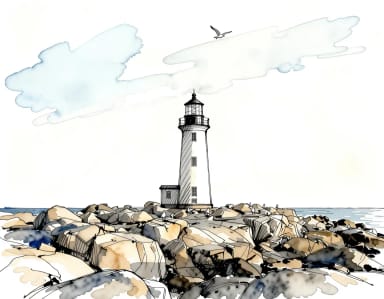
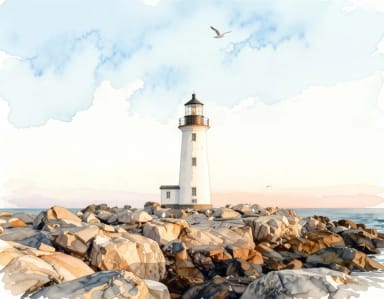
How it works
How Photo to Watercolor Turns Your Pictures Into Paintings
Photo to Watercolor is an AI tool that turns any photo into a watercolor painting. You upload a picture, the AI reads its shapes, colors and light, and it repaints the scene with the soft washes, bleeding edges and paper texture of a real watercolor.
The point is to get that hand-painted look without owning a brush. A portrait keeps its likeness but gains loose, translucent color; a landscape softens into layered washes; a pet photo turns into something you'd frame. If you want to explore other art directions afterwards, the same photo works just as well through the open-ended AI art generator.
Where the Color Pools and the Paper Shows
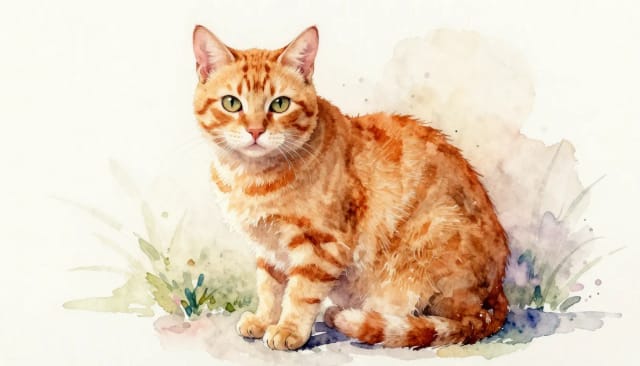
Behind the scenes, the AI doesn't just drop a filter on top of your image. It analyzes the composition first, then rebuilds it stroke by stroke — deciding where the color should pool, where the paper should show through, and where a hard edge should soften into a wet blend. This is style transfer in action: the content stays, the medium changes.
That's why the result reads like an actual painting instead of a color-shifted photo. Faces stay recognizable, backgrounds get that airy watercolor haze, and the whole thing keeps the mood of the original shot. If your source picture is a little dark or blurry, running it through the AI photo enhancer first gives the watercolor cleaner shapes to work from.
Watercolor Experiments You'd Never Risk on Paper
Doing this by hand means real paint, real drying time, and years of practice to control how pigment moves on wet paper. Most of us don't have that. The AI compresses the whole process into a few seconds and one upload, so you can turn a photo into a watercolor painting without any prior experience.
You also get to try variations you'd never risk on paper — tighter or looser washes, different color moods, several takes of the same photo. If you're planning to print the result large, the image upscaler can push the finished piece to a higher resolution for canvas or wall prints.
Who it's for
Who Photo to Watercolor Is For
People who want custom wall art
Turn a favorite photo into a watercolor to frame, print on canvas, or hang — a personal piece without commissioning an artist.
Gift makers
Convert a wedding, pet or family photo into a watercolor painting for a personalized, hand-painted-looking gift.
Social media creators
Give your feed a soft, artistic look by posting watercolor versions of your travel, food and portrait shots.
Small shops and print sellers
Offer watercolor portraits and prints from customer photos without owning painting skills or expensive software.
Hobbyists and the artistically curious
Anyone who wants the watercolor look but never learned to paint — experiment with styles and moods on any picture.
Pricing
Pricing
Start turning photos into watercolor paintings for free, and upgrade when you need more conversions and full-resolution downloads.
Free
$0
- 100 credits every day
- The Auto model, on our own servers
- No card needed
Paid plans
Basic · Starter · Creator
- 1,600 to 10,000 credits a month
- Every AI model, including premium ones
- AI video, and no ads in the mobile app
Why CreArt
Why Use Photo to Watercolor
Real watercolor look, not a filter
The AI rebuilds your image stroke by stroke with soft washes, bleeding edges and visible paper grain, so it reads like a hand-painted piece instead of a recolored photo.
Four distinct styles
Switch between Soft wash, Vivid wet-on-wet, Ink & wash and Botanical to change how loose, bold or line-driven the painting feels — all from the same photo.
Faces stay recognizable
Portraits keep their likeness while gaining translucent, loose color, so the person in the painting still looks like themselves.
Ready in seconds
No drying time, no brushes, no practice. Upload a picture and the AI hands you a finished watercolor painting a few seconds later.
Works on any subject
Portraits, landscapes, pets, food and travel shots all convert well — each gets the watercolor treatment suited to its shapes and light.
Print-ready results
Download the artwork to frame it, order a canvas, or make a watercolor print — pair it with the upscaler for larger sizes.
FAQ
Frequently Asked Questions About Photo to Watercolor
Still have a question? Visit the help center →
How do you turn a photo into a watercolor?
How do I turn a photo into a watercolor painting online for free?
How do you add a watercolor effect to photos?
How is this different from doing it in photo editing software?
Will faces still look like the real person?
Can I use the watercolor for prints or canvas?
What kinds of photos work best?
How many watercolor styles are available?
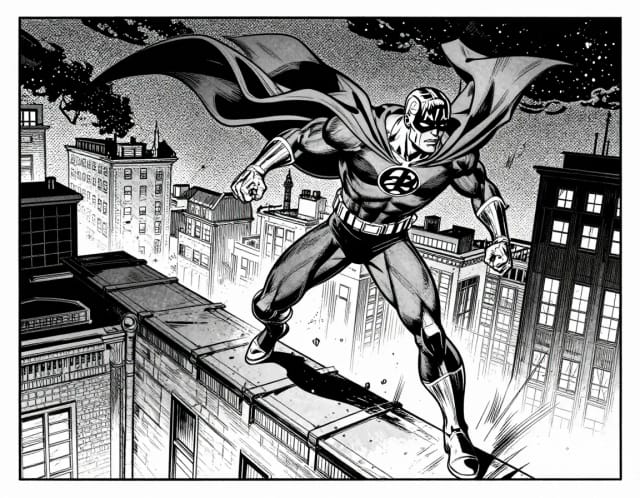
AI Comic Generator
Describe a scene, pick an art style, and get finished comic panels in seconds — no drawing skills needed.
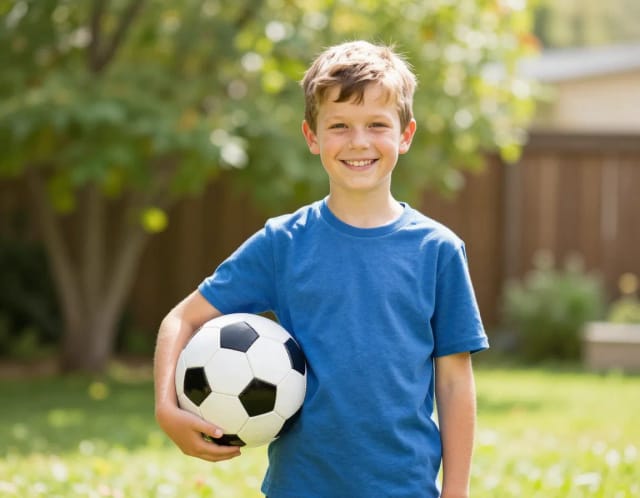
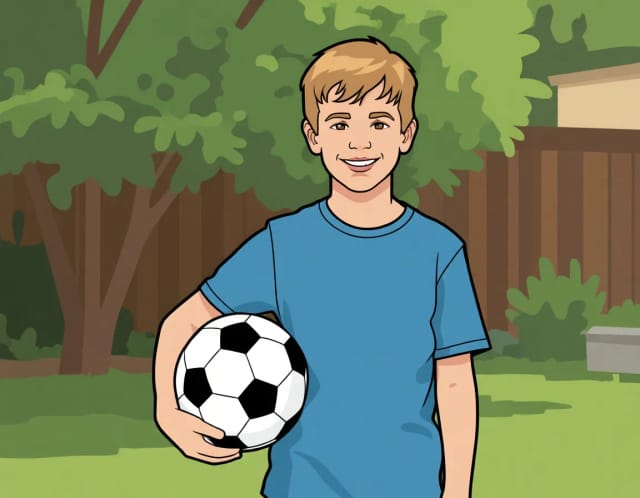
AI Photo to Cartoon
CreArt's photo to cartoon tool turns your photo into a cartoon, free and without sign-up. Pick one of 6 styles, from a 3D animated-movie look to comic and storybook; it usually takes under 20 seconds.
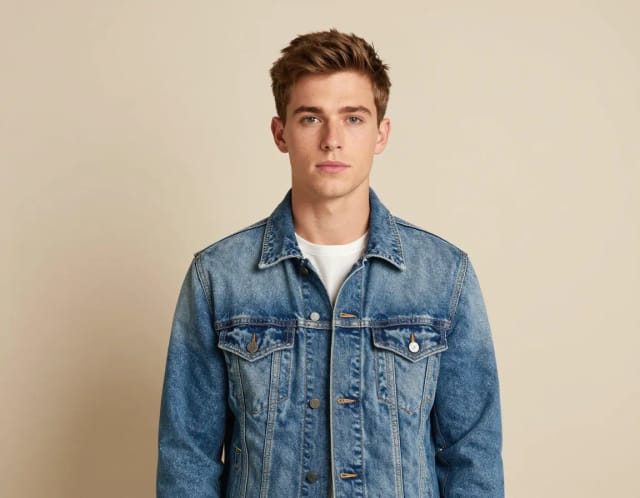
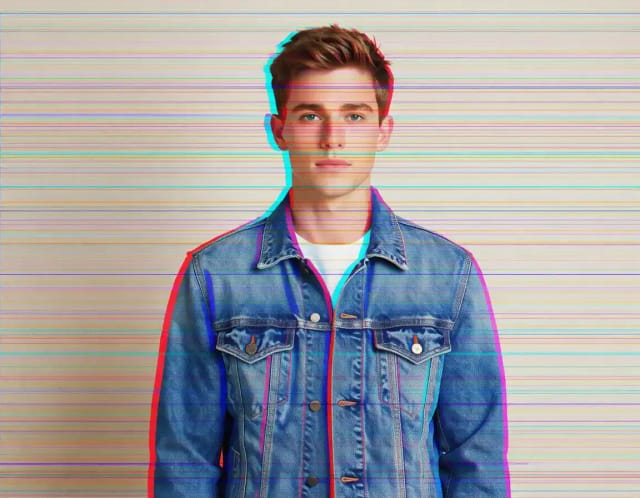
Glitch Effect for Photos
CreArt's Glitch Effect adds a glitch effect to any photo online, free and without sign-up: RGB shift, VHS, datamosh or cyber neon, usually in under 20 seconds.
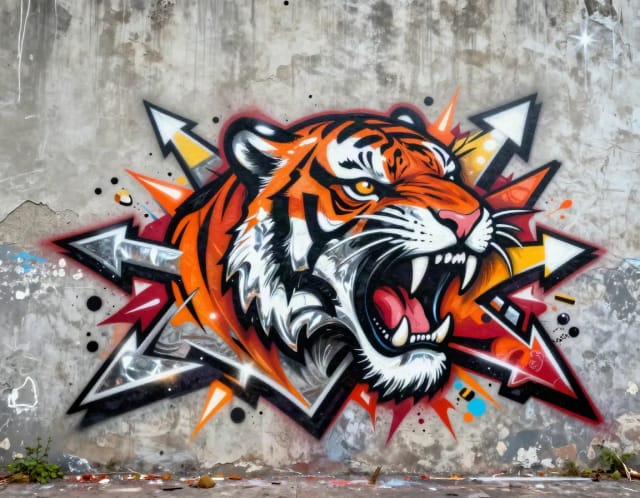
Graffiti Generator
Write your name or any word in graffiti letters, free and with no sign-up: 8 letter styles, 6 color sets and real walls, ready to download. Or turn an idea into AI graffiti art.
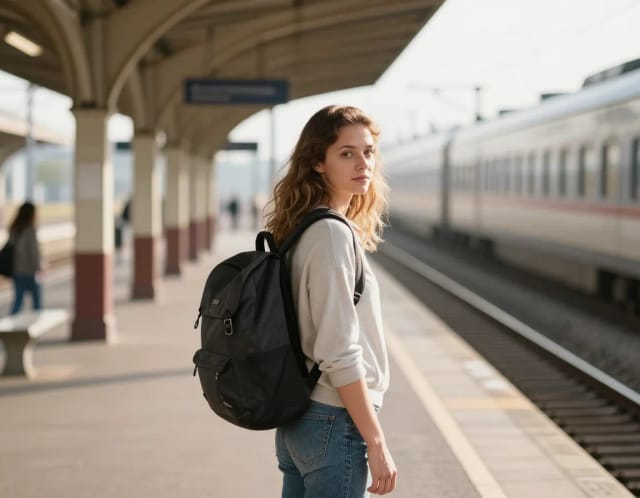
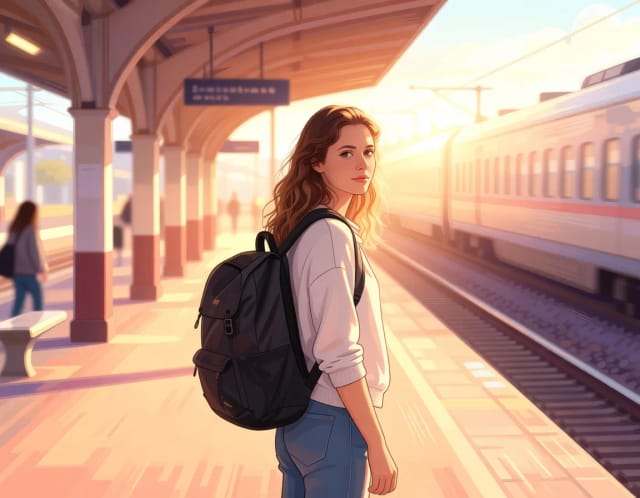
Photo to Anime
CreArt's photo to anime converter turns your photo into anime art, free and without sign-up. Pick one of 6 styles, from a soft, hand-painted film look to black and white manga; it usually takes under 20 seconds.
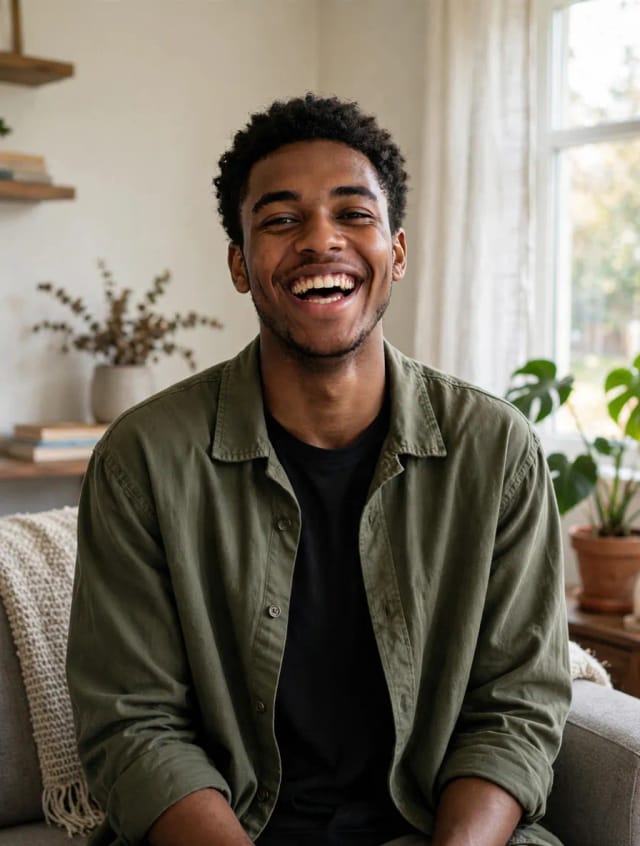
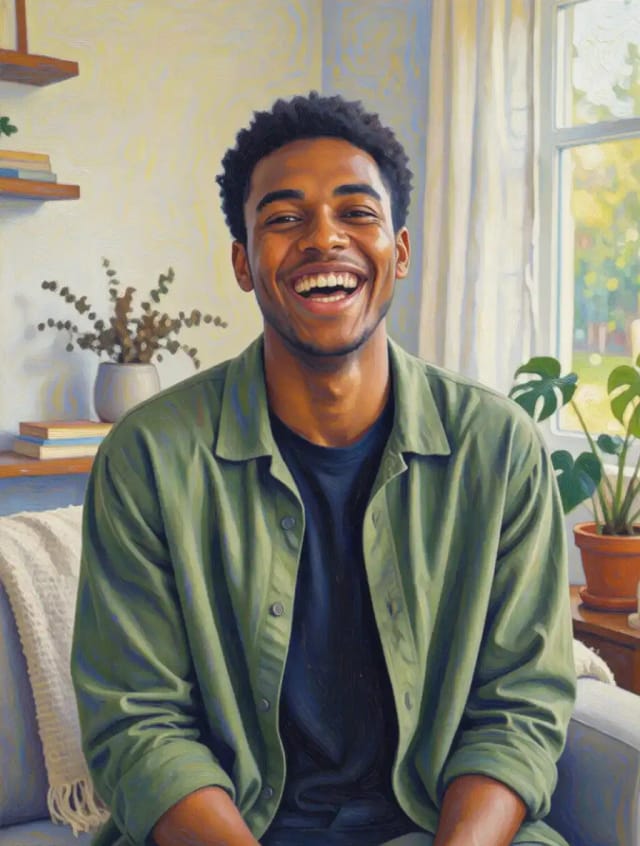
Photo to Painting
CreArt's photo to painting tool turns any photo into a painting, from a portrait painting to an oil painting look, free and without sign-up. Pick impressionist, baroque, palette knife, acrylic, expressionist or pop art; it usually takes under 20 seconds.
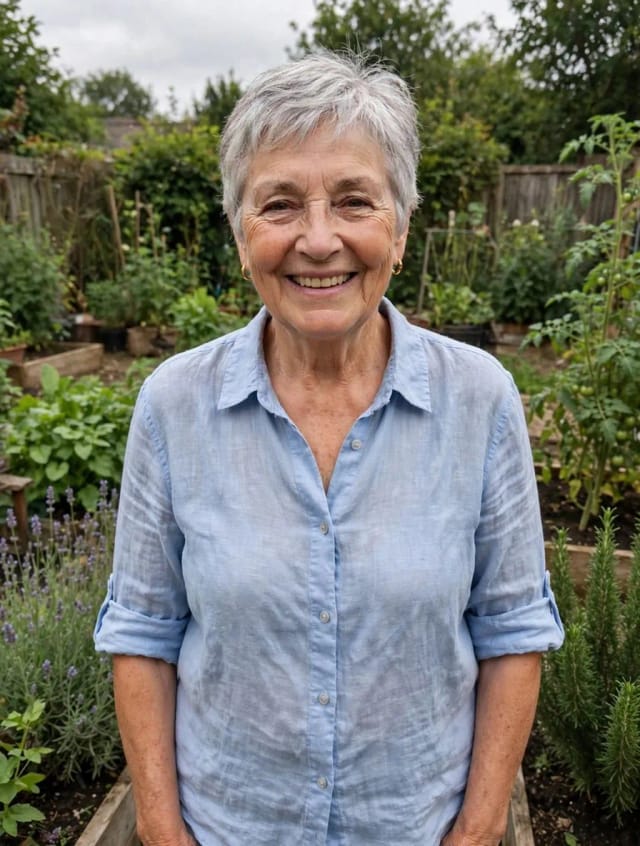
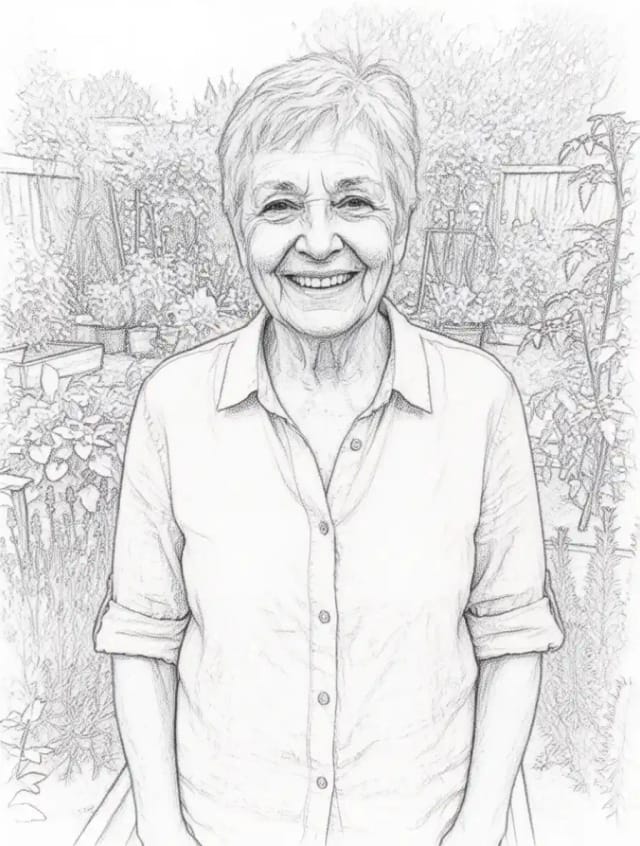
Photo to Sketch
CreArt's photo to drawing tool turns any photo into a pencil sketch, line drawing or eight other drawing styles for free, without sign-up, usually in under 20 seconds.
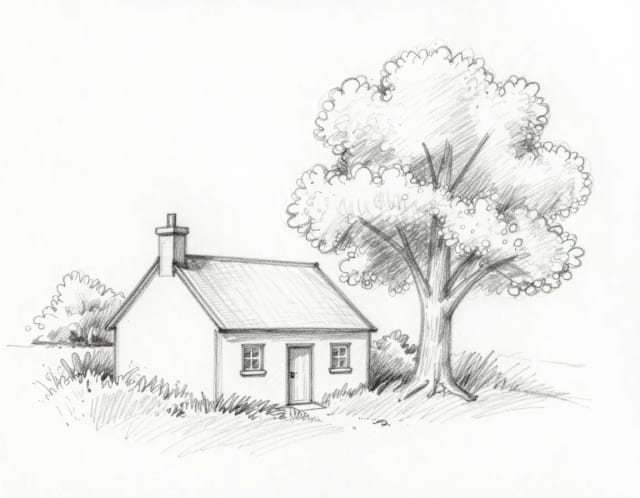
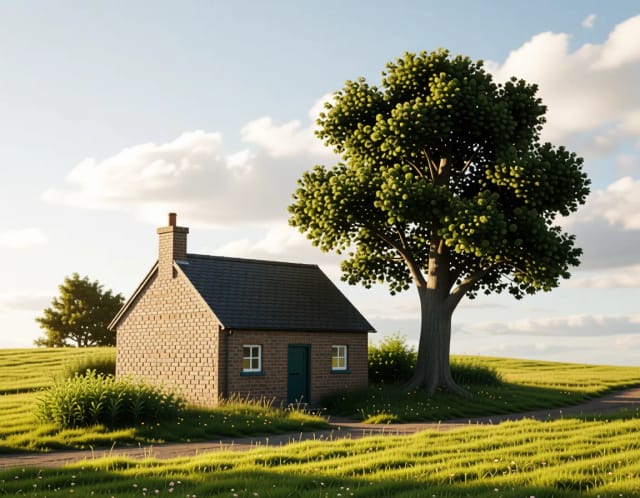
Sketch to Image
CreArt's sketch to image AI turns rough sketches, doodles and drawings into finished images. It is free, needs no sign-up and usually takes under 20 seconds: upload a drawing, pick a style like photorealistic, anime or watercolor, and add details if you want.
Ready to make something?
Open the tool, try the free Auto model and download the result.