
AI Headshot Generator
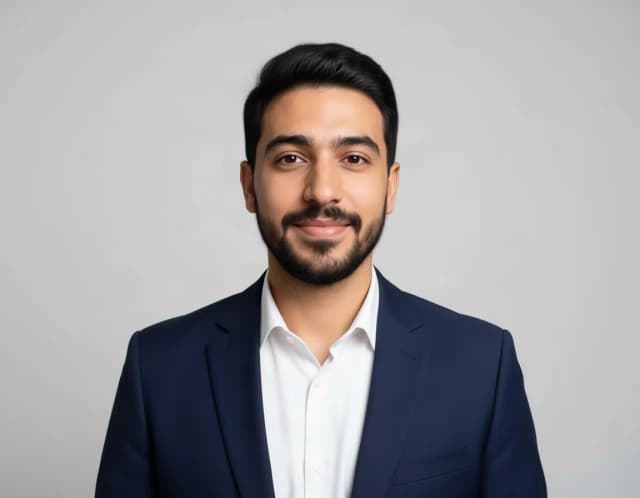
Turn an everyday selfie into a professional headshot with AI: a blazer or suit, a studio or office background and your own face, ready for LinkedIn and your CV in under 20 seconds.
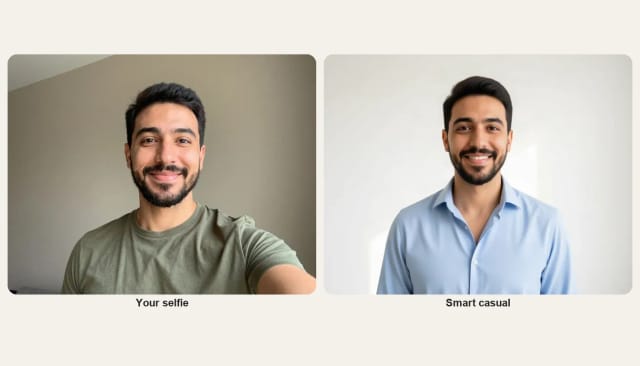
Your selfie
Headshot look · Corporate
10 free tries a day with Auto · No sign-up

How it works
How to make an AI headshot in 4 steps
Upload a selfie, pick a look, generate and download. No studio and no photographer.
Upload your photo
Add a clear selfie or phone photo with your face in even light. A shot taken by a window works well.
Pick a headshot look
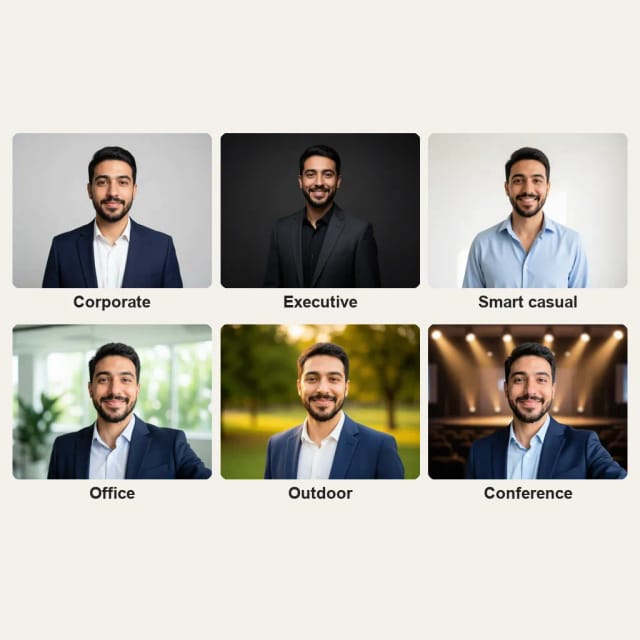
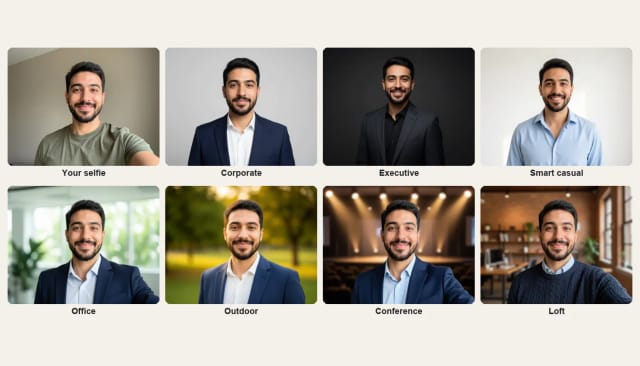
Choose Corporate, Executive, Smart casual, Office, Outdoor, Conference or Loft. Each look brings its own outfit, backdrop and light.
Generate your headshot
In under 20 seconds you get the same face in a blazer or a smart shirt, on a studio, office or outdoor background.
Download and use it
Save your headshot and upload it to LinkedIn, your CV or your company page. Try another look whenever you like.
Which headshot does your industry expect?
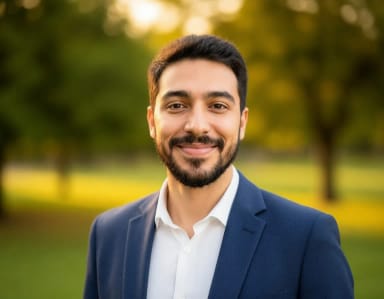
Corporate, executive, smart casual — the same person, dressed for each room. Choose your setting.



How it works
From selfie to professional headshot with AI
From a phone snapshot to a polished portrait, without a studio or a photographer.
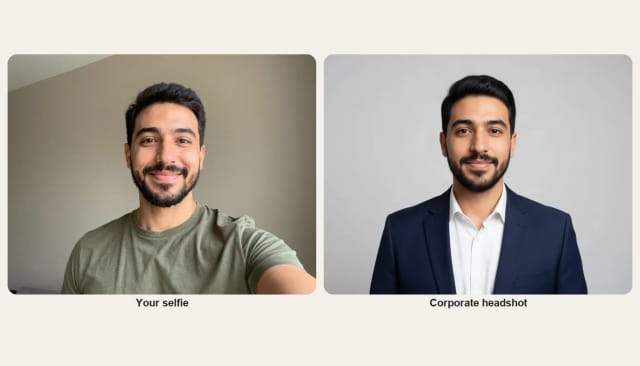
The AI Headshot Generator turns an ordinary selfie into a professional headshot. You upload a photo, choose a look, and the AI dresses you for it and puts a clean studio, office or outdoor background behind you. Your face, skin tone and expression stay as they are, so the headshot looks like you on a good day.
There is no studio to book and no photographer to pay: a phone selfie is enough. Planning a new haircut before a real shoot? Preview it first with the AI Hairstyle Changer.
Business headshots
Business headshots: suit, office and team photos
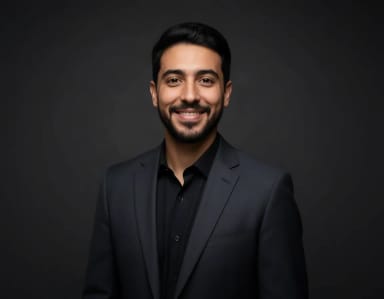
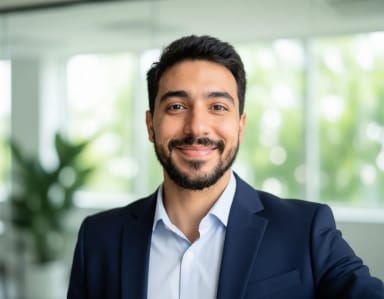
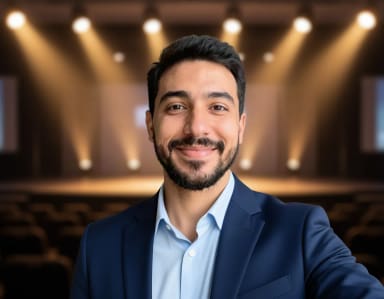
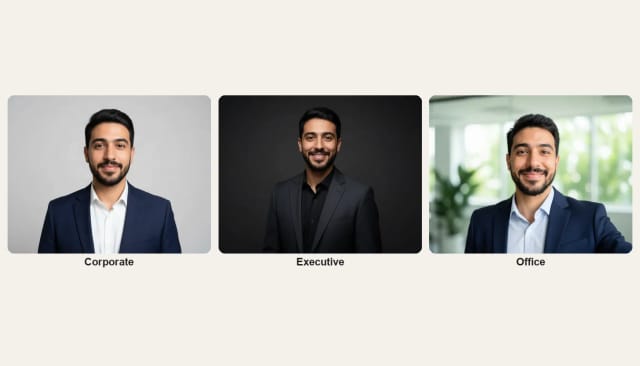
Pick Corporate or Executive for a business headshot in a blazer or a suit jacket on a studio backdrop, or Office for a bright, softly blurred workplace behind you. The outfit changes with the look, so a T-shirt selfie comes back in a navy blazer and a crisp shirt: a free AI suit photo in one click. Conference puts you on a stage for a speaker bio, and Loft gives you a relaxed startup feel in a brick office.
For a team page, ask everyone for a front-facing selfie and use the same look for all of them. Matching outfits and backgrounds make the About page, the company directory and email signatures look like one shoot.
A LinkedIn headshot from a selfie
LinkedIn shows your photo as a small circle, so a headshot with your face centered, a plain background and good light stands out. Corporate and Smart casual work well there. The profile picture size guide has the exact size for LinkedIn and every other network.
For social profiles where a bright color suits you better than a blazer, the AI profile picture maker puts you on a color background, sized for each network.
Tips
How to get a good AI headshot
Start with a front-facing photo taken at eye level, with your face in even light, near a window for example. Look at the camera and smile the way you would for a real headshot: the AI keeps your face and expression, changes the outfit and the background, and turns the selfie pose into a straight-on headshot.
Try two or three looks and keep the one that suits your job. To change only the background, use the AI background changer; for any other outfit, the AI clothes changer dresses you in the garment you choose.
Who it's for
Who the AI Headshot Generator is for
Job seekers
Anyone updating a CV or LinkedIn who needs a current, professional photo without booking a photographer.
Remote professionals and freelancers
A consistent, polished headshot for client decks, portfolios and profile pages, made from a photo taken at home.
Small teams and startups
Matching business headshots for an About page or a team directory: the same look for everyone, without a group shoot.
Anyone with an outdated photo
Upload a recent selfie and get a fresh professional headshot that looks like you today.
Pricing
Try it free, upgrade when you need more
Start generating headshots at no cost and move to a plan when you want more looks and variations.
Free
$0
- 100 credits every day
- The Auto model, on our own servers
- No card needed
Paid plans
Basic · Starter · Creator
- 1,600 to 10,000 credits a month
- Every AI model, including premium ones
- AI video, and no ads in the mobile app
Why choose it
Why use the AI Headshot Generator
Professional headshot photos without the studio, the schedule or the price.
Looks like you
Your face, skin tone and expression stay as they are in your photo.
Seven professional looks
Corporate, Executive, Smart casual, Office, Outdoor, Conference and Loft, from a formal CV to a speaker bio.
The outfit changes too
A blazer, a suit jacket or a smart shirt comes with each look, so any selfie works.
Under 20 seconds
Upload, pick a look and generate: the headshot is ready almost straight away.
Try every look
Try every look and keep the one that fits.
Free to try online
No app to install and no sign-up: a free AI headshot generator to test first.
Can ChatGPT make you a headshot?
What AI is best for headshots?
How do I create a good headshot with AI?
Is there a free AI suit photo generator?
Is there a free AI headshot generator?
Does the AI headshot still look like me?
What photo works best for an AI headshot?
Can I make matching headshots for my team?
Can I use AI-generated headshots on LinkedIn or a CV?
CreArt is not affiliated with, endorsed or sponsored by LinkedIn. LinkedIn is a trademark of LinkedIn Corporation.
AI Clothes Changer
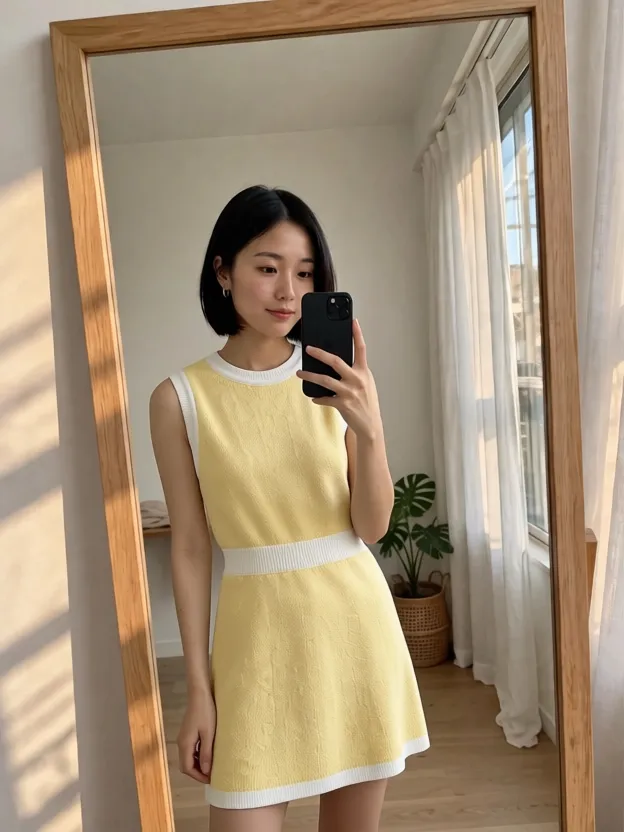
CreArt's free AI Clothes Changer dresses you in any garment from any shop, or in one of 14 styles, usually in under 20 seconds. No sign-up.
AI Profile Picture Maker
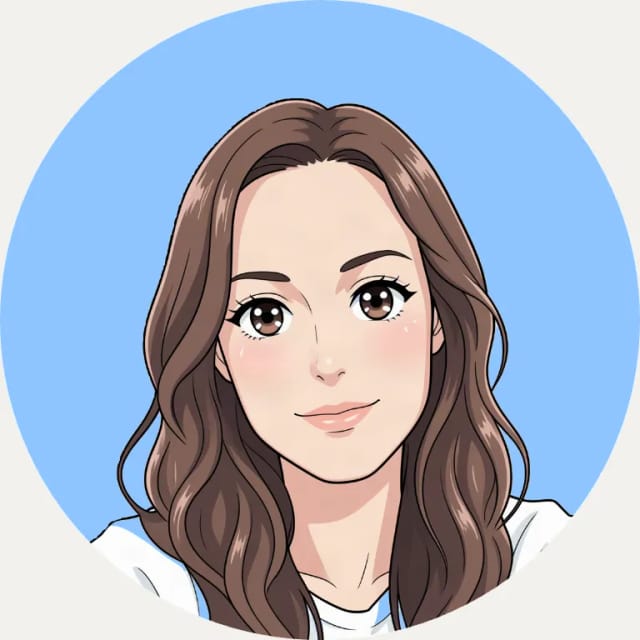
A free AI profile picture maker: your photo on a color background, sized for your social profiles, right in your browser. Or an anime, 3D, cartoon or pixel art avatar in under 20 seconds.
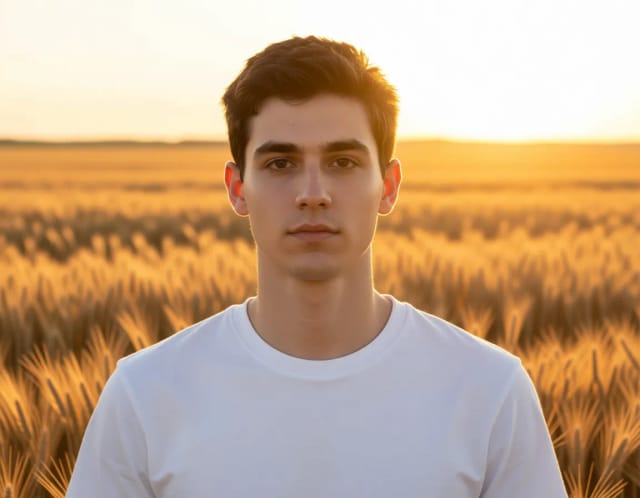
AI Photoshoot
Upload one selfie, pick a style and get a new photo of you in that setting in under 20 seconds. Try several styles with the same selfie to build your own photoshoot.
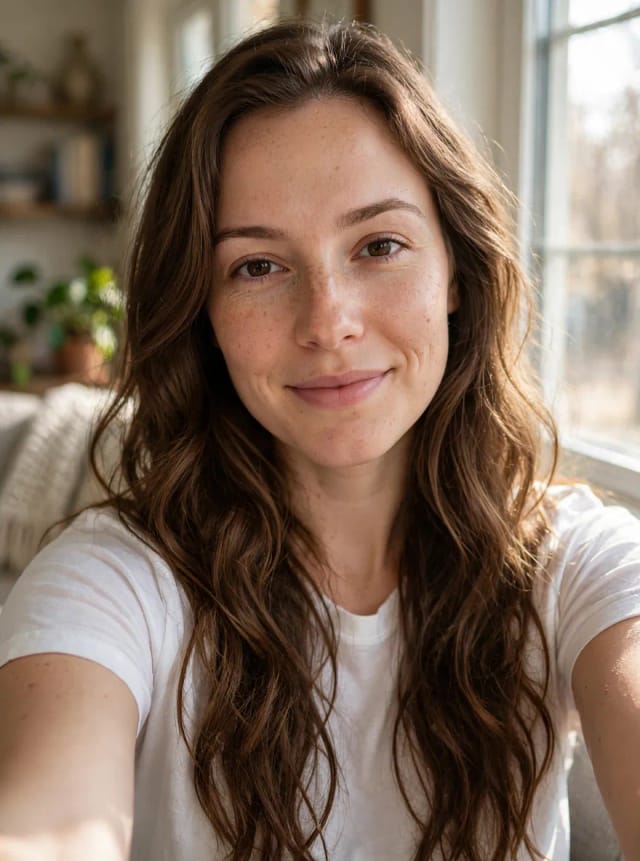
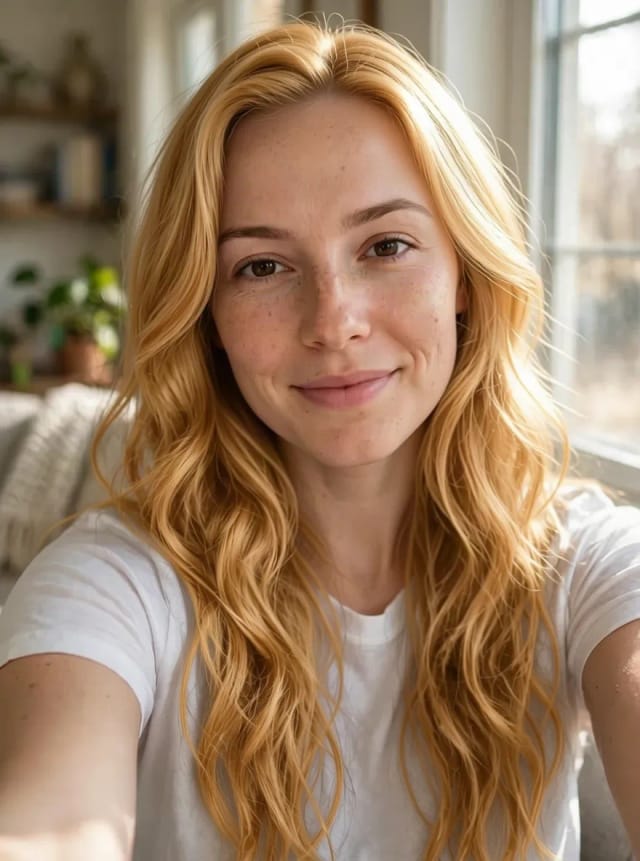
AI Hair Color Changer
CreArt's free AI Hair Color Changer recolors only your hair in a selfie: 24 salon shades, balayage, ombré or any custom color, usually in under 20 seconds. No sign-up.
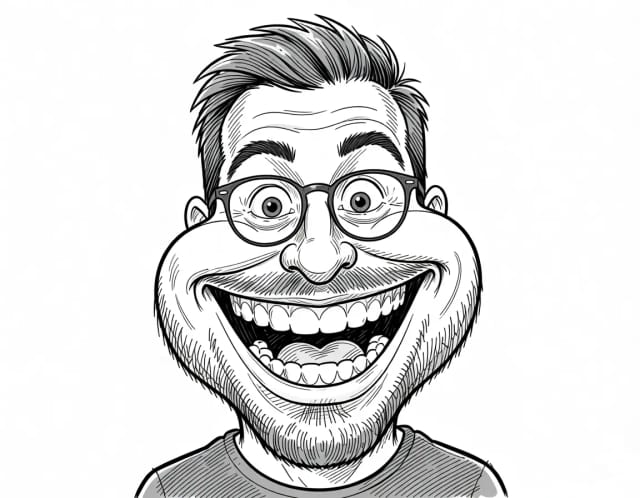
Caricature Maker
Upload a photo and turn it into a personalized caricature with a free AI caricature generator. Pick a style, exaggerate the features, and download a fun, shareable result in under 20 seconds.
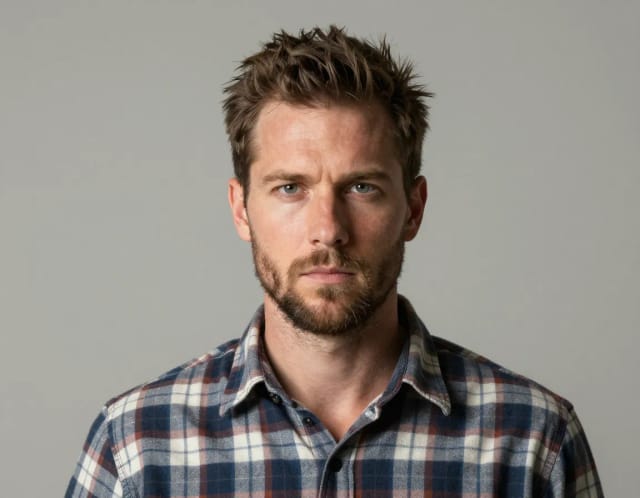
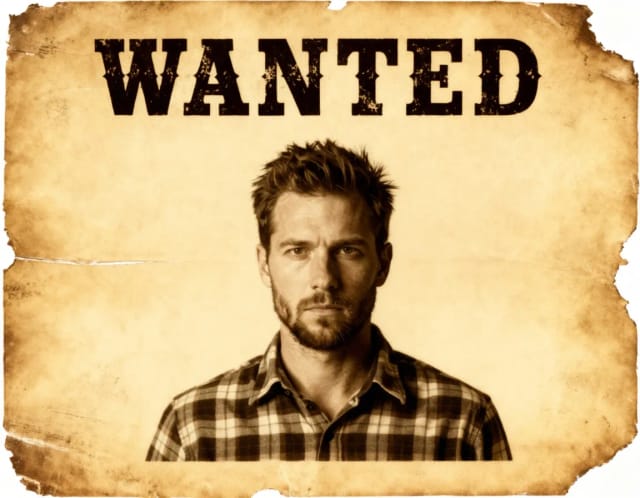
Wanted Poster Template & Generator
Turn any photo into a classic old-west wanted poster with your own name and reward, spelled exactly as you type them. Free to try — edit the text any time and download in seconds.
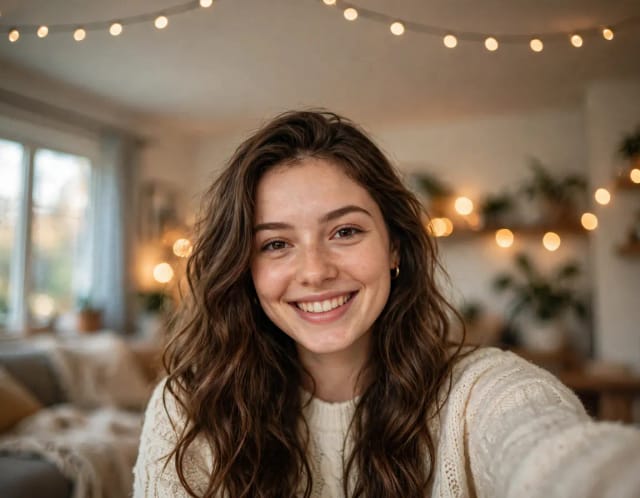
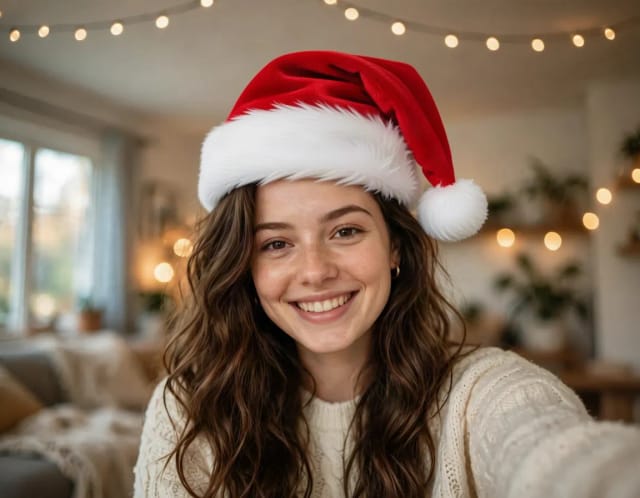
Add Santa Hat to Photo
Put a Santa hat on everyone in your photo, from selfies to group shots and pets. Pick a classic, knit, floppy, elf or reindeer hat. Free, no sign-up.
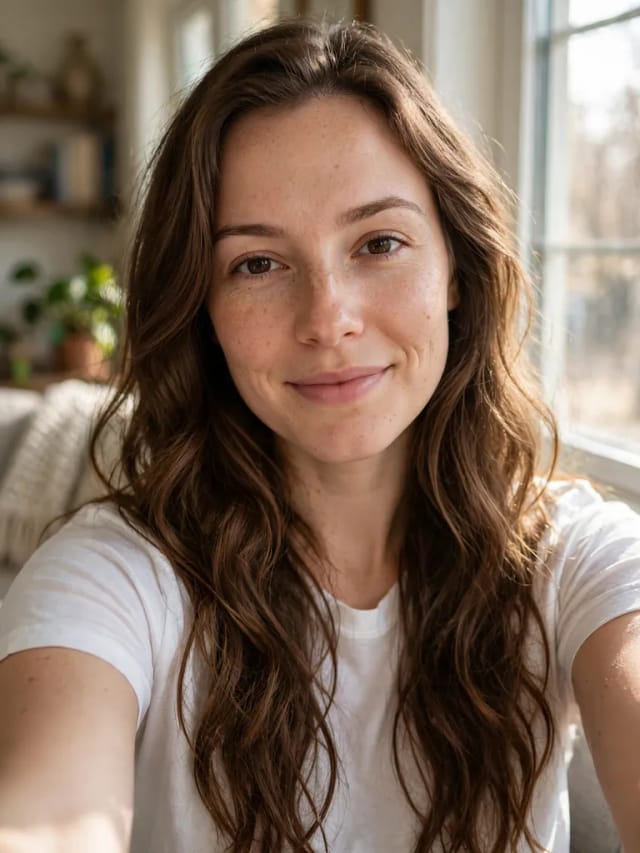
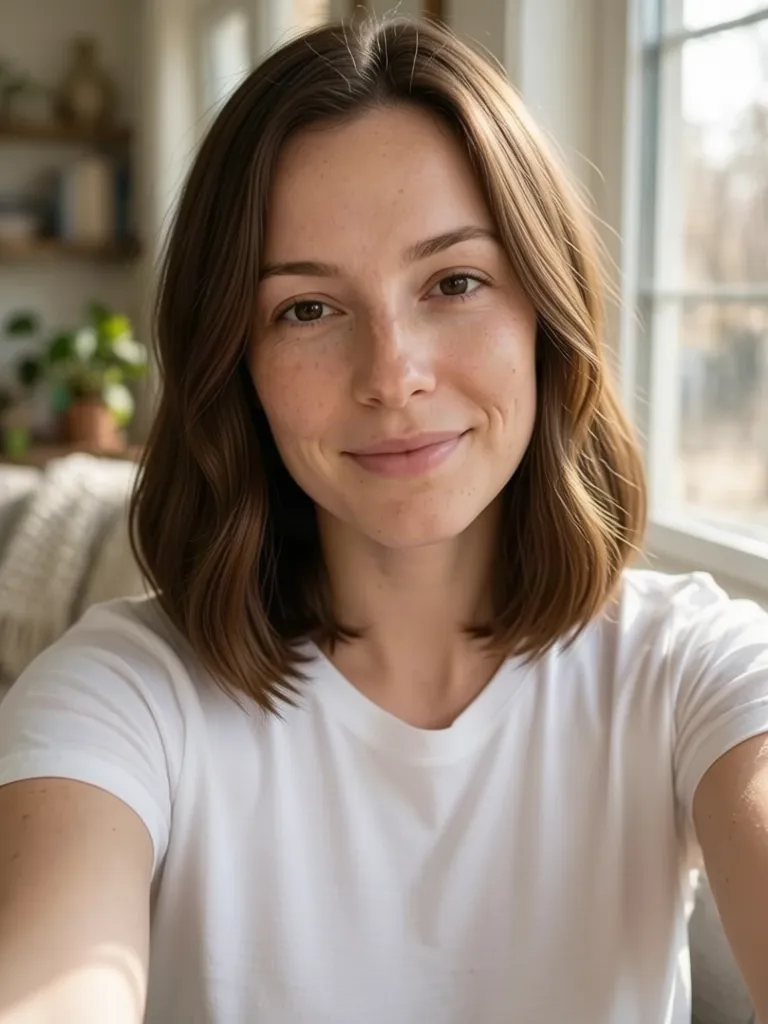
AI Hairstyle Changer
Upload a selfie and try 20 haircuts on your own face, from bangs or a pixie to a fade or a quiff, before you sit in the salon chair.
Ready to make something?
Open the tool, try the free Auto model and download the result.