
Add Santa Hat to Photo
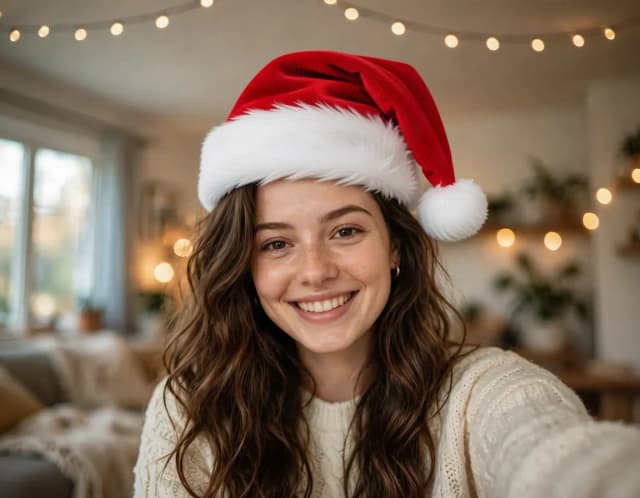
Put a Santa hat on everyone in your photo, from selfies to group shots and pets. Pick a classic, knit, floppy, elf or reindeer hat. Free, no sign-up.
Your photo
Hat · Classic
One hat on every head, people and pets alike.
10 free tries a day with Auto · No sign-up

How to use it
How to add a Santa hat to a photo in 3 steps
Upload, pick a hat, download. Every head in the picture gets its own.
Upload your photo
A selfie, a family picture, friends on the sofa or your dog by the tree. Make sure every face you want in a hat is visible. No photo at hand? Try one of the samples.
Pick a hat
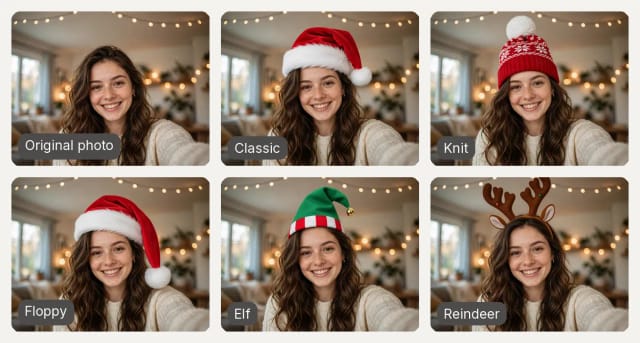
A classic red Santa hat, a knit Christmas beanie with a pompom, a long floppy Santa hat, a green elf hat or reindeer antlers. The previews show each one on the same person.
Download and share
Generate and get the same photo with a hat on every head, in the shape of your original picture. Free with the Auto model and no sign-up.
Groups and pets
A Santa hat on every head: groups, couples and pets
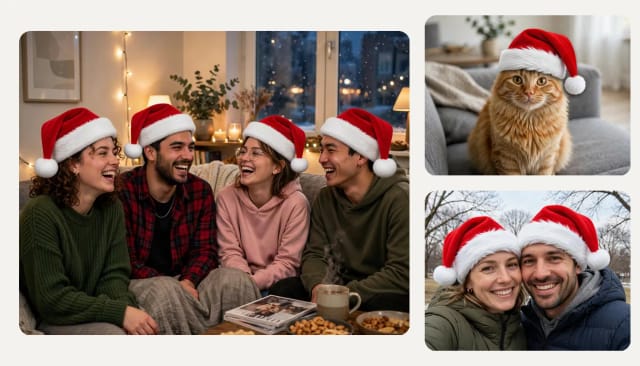
Upload a group photo and everyone gets their own Christmas hat, sized and angled for each head, with the same light as the rest of the picture. Friends on a sofa, a family on the stairs or a couple in the snow. In a big group, if someone ends up without a hat, generate again.
It works on pets too, so the cat and the dog can join the Christmas card. And if someone is already wearing a beanie or a cap, it is swapped for the hat you picked, so the whole photo matches.
Hat styles
Five Christmas hats: Santa, knit, floppy, elf and reindeer
The classic red Santa hat with a white fur trim is the one most people want, but not the only one. Pick a red and white knit beanie with a big pompom for a cosier look, a long floppy Santa hat with the tip falling over one ear, a green elf hat with a little bell, or a reindeer antlers headband.
Each preview shows the hat on the same person, so you can compare them before you generate. Whatever you pick goes on every head in the photo. Want the full Santa suit? Try the AI Clothes Changer. Need the result without its background? Use the Background Remover.
Profile pictures
A Christmas profile picture in seconds
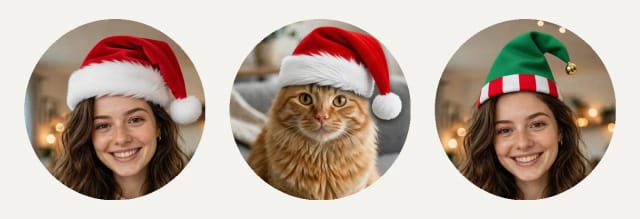
A Santa hat is the quickest way to make a Christmas profile picture for social media, chats or work tools: upload your usual photo, add the hat and crop it to a circle. Your face, your background and your light stay as they were.
Want a new portrait instead of your old photo? Try the AI Profile Picture Maker, then come back to give it a hat.
Getting the house ready too? Decorate your room for Christmas with AI, from one photo of the room.
Who it's for
Who adds a Christmas hat to their photos
Families making Christmas cards
Put a Santa hat on everyone in the family photo, kids and grandparents included, and print it or send it.
Pet owners
Give the dog or the cat a Christmas hat without trying to keep a real one on their head.
Friends and couples
Turn a group selfie or a couple photo into a festive post, with a hat on every head.
Your social profiles
Make a Christmas profile picture from the photo you already use, in a few seconds.
Pricing
Pricing
Add Christmas hats for free with the Auto model, no account needed. Pick a plan when you want more photos a day.
Free
$0
- 100 credits every day
- The Auto model, on our own servers
- No card needed
Paid plans
Basic · Starter · Creator
- 1,600 to 10,000 credits a month
- Every AI model, including premium ones
- AI video, and no ads in the mobile app
Why use it
Why use this free Santa hat filter
A real edit of your photo, not a sticker pasted on top.
One hat on every head
Everyone in the picture gets their own hat, pets included, each one sized and angled to fit.
Five hat styles
Classic Santa hat, knit beanie, long floppy hat, elf hat or reindeer antlers.
Swaps the hats already there
A beanie or a cap in the photo is replaced by the hat you picked, so the whole photo matches.
Matches your photo
The hat takes the light, shadows and angle of your picture, and the rest of the photo stays the same.
Keeps the shape of your photo
A vertical selfie stays vertical and a wide group shot stays wide: nothing is cropped away.
Free with Auto, no sign-up
Add Christmas hats for free with the Auto model, without creating an account.
Can AI add a hat to a photo?
How do I add a Santa hat to a photo?
Can I add a Santa hat to a group photo?
Can I put a Santa hat on my dog or cat?
What if someone is already wearing a hat?
Is it free?
How do I add a hat onto a photo without editing skills?
Can I get a Santa hat PNG with a transparent background?
How do I add Santa Claus to a photo?
AI Profile Picture Maker
A free AI profile picture maker: your photo on a color background, sized for your social profiles, right in your browser. Or an anime, 3D, cartoon or pixel art avatar in under 20 seconds.
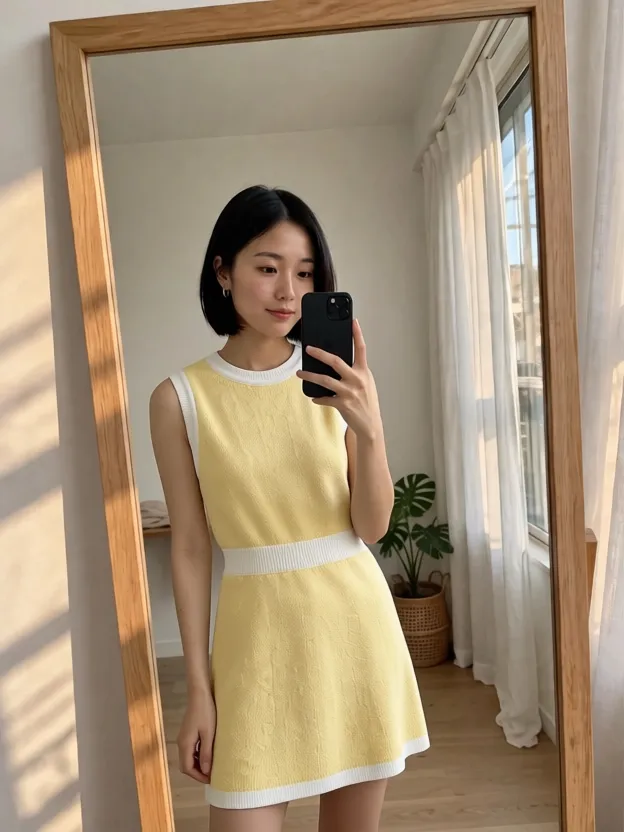
AI Clothes Changer
CreArt's free AI Clothes Changer dresses you in any garment from any shop, or in one of 14 styles, usually in under 20 seconds. No sign-up.
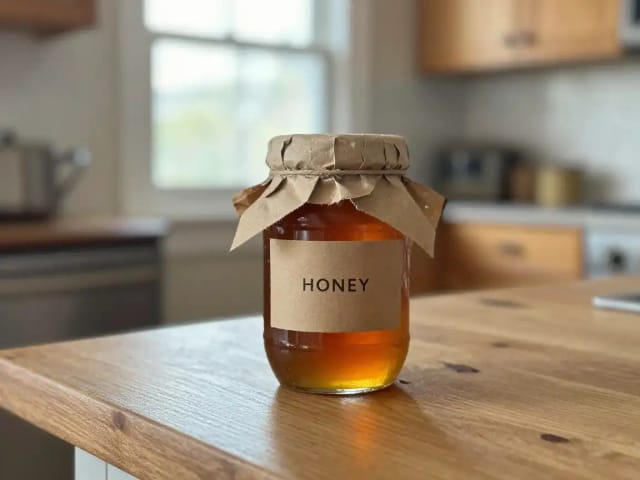
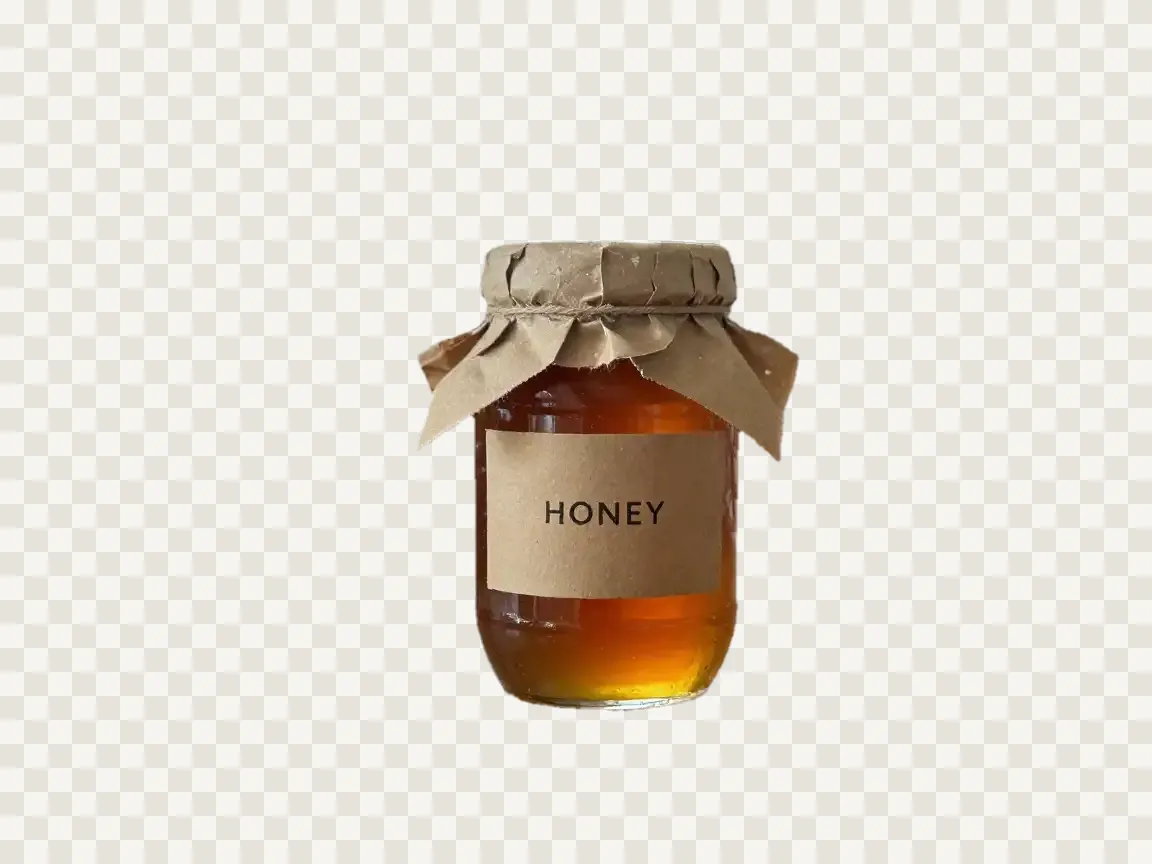
Background Remover
CreArt's Background Remover cuts the subject out of any photo for free, without sign-up, and gives you a transparent PNG, a pure white background or a solid color, usually in under 20 seconds.
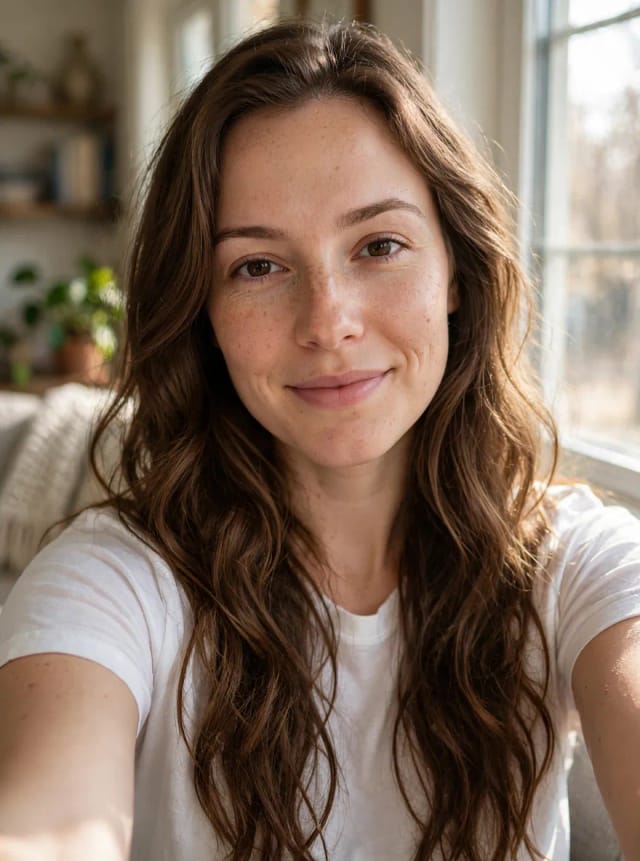
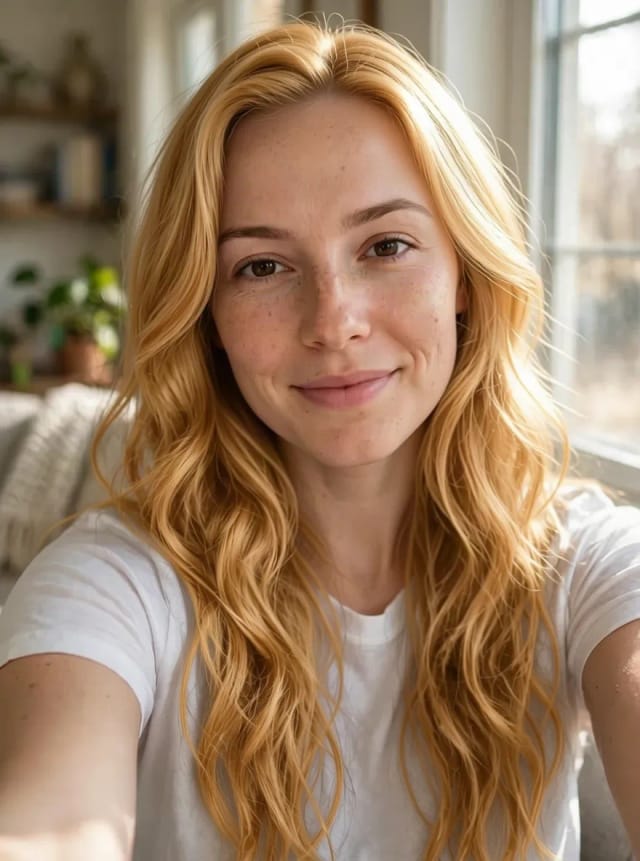
AI Hair Color Changer
CreArt's free AI Hair Color Changer recolors only your hair in a selfie: 24 salon shades, balayage, ombré or any custom color, usually in under 20 seconds. No sign-up.
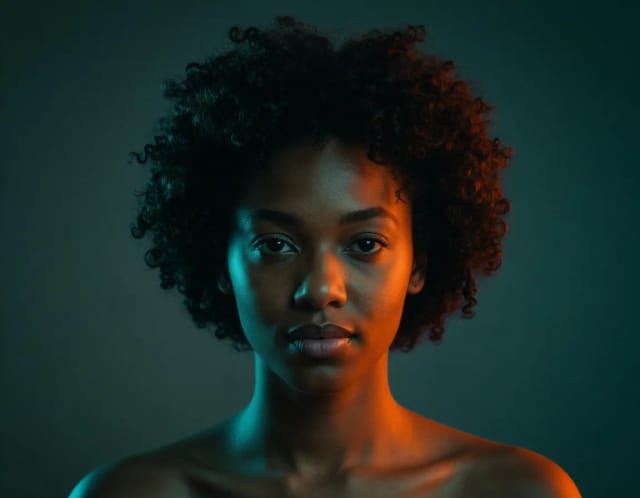
AI Portrait Generator
Upload a photo, pick one of 9 styles and get an AI portrait of you in under 20 seconds: cinematic, black and white, fantasy, Renaissance, pop art or a painted look.
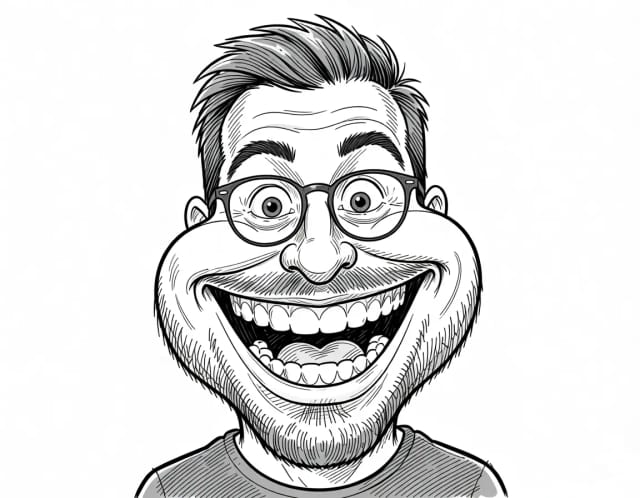
Caricature Maker
Upload a photo and turn it into a personalized caricature with a free AI caricature generator. Pick a style, exaggerate the features, and download a fun, shareable result in under 20 seconds.
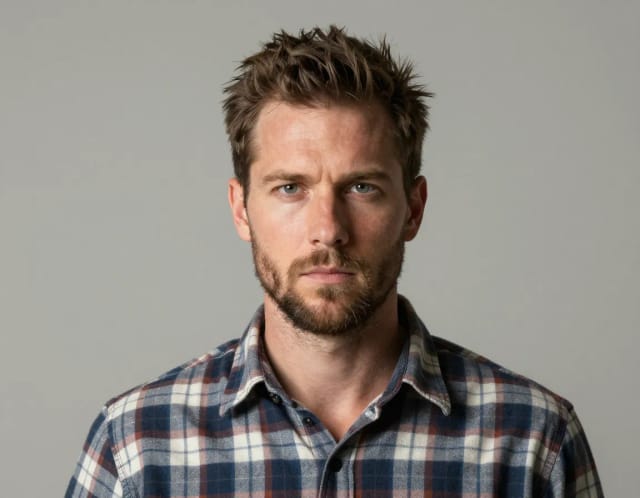
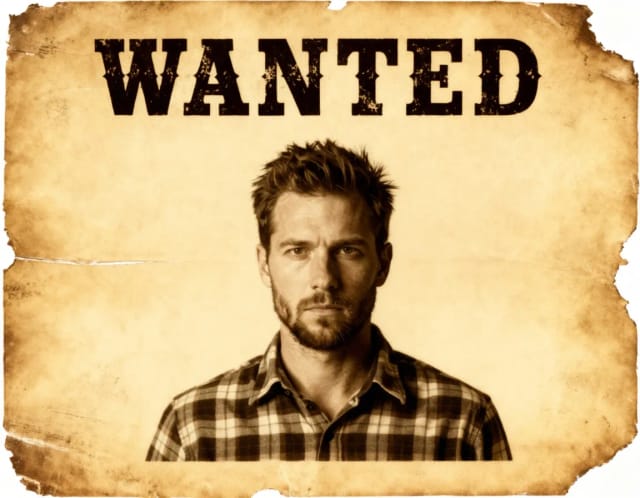
Wanted Poster Template & Generator
Turn any photo into a classic old-west wanted poster with your own name and reward, spelled exactly as you type them. Free to try — edit the text any time and download in seconds.

AI Headshot Generator
Turn an everyday selfie into a professional headshot with AI: a blazer or suit, a studio or office background and your own face, ready for LinkedIn and your CV in under 20 seconds.
Ready to make something?
Open the tool, try the free Auto model and download the result.