
AI Image Sharpener
CreArt's AI Image Sharpener brings soft photos back into focus for free, without sign-up, usually in under 20 seconds: crisp edges in eyes, hair, text and product details. Tell it what should be sharpest, or leave it blank.

How to use it
How to sharpen a blurry image with AI in 3 steps
No editing skills needed — upload, let the AI work, and download.
Upload your photo
Drag in or select the soft or blurry image you want to fix. Portraits, product shots, screenshots and old scans all work. If one part matters most — the eyes, a label, a line of text — write it in “What should be sharpest?”.
Let the AI sharpen it
The AI reads the image region by region, finds the fuzzy edges and textures, and rebuilds fine detail while leaving smooth areas untouched. This usually takes under 20 seconds.

Compare and download
Check the sharpened result against your original, then download the clearer version. If it still needs more resolution, send it to the upscaler.
How it works
What the AI Image Sharpener does and why it beats manual sharpening
From what the tool actually does to why it beats manual sharpening, here's the full picture.
AI Image Sharpener is an online tool that analyzes a photo and rebuilds the fine detail lost to softness, slight camera shake, or focus that just missed. You upload an image, the AI detects where edges and textures have gone fuzzy, and it returns a sharper version, usually in under 20 seconds — no sliders to fiddle with, no desktop software to install.
It works online, so you can drop in a portrait, a product shot, or an old family photo and get a clearer result without touching a single manual setting. If a picture is beyond simple sharpening and genuinely out of focus, our dedicated unblur and detail-recovery enhancer is built for that heavier lifting.
Instead of applying one blanket sharpening filter to the whole frame — the way most classic editors do — the AI reads the image region by region. It finds soft edges, hair, text, and texture, then reconstructs detail where it's actually missing while leaving smooth areas like skin and sky alone. That's why the result looks natural instead of crunchy or over-processed.
The same engine that powers our automatic photo enhancer handles clarity here, so AI image sharpening comes without the harsh halos and noise you get from dragging a sharpen slider too far.
Manual sharpening in photo editing software means masking, unsharp masks, and constant back-and-forth to avoid over-doing it. Most people either under-sharpen and keep the blur, or over-sharpen and add ugly outlines. The AI skips that trade-off by deciding how much detail each area needs on its own.
If your photo also needs more pixels rather than just crisper ones, pair sharpening with our AI image upscaler to enlarge low-resolution shots, or clean up a busy shot afterwards with the background remover.
Who it's for
Who the AI Image Sharpener is for
Anyone with a soft photo and no time to fight with editing software.
E-commerce sellers
Sharpen product shots so listings look crisp and professional, without hiring a retoucher or learning photo editing software.
Content creators and social managers
Rescue slightly blurry captures and screenshots so they hold up on high-resolution feeds and thumbnails.
Families with old photos
Bring softness and focus misses in scanned prints back to clarity so faces and details read clearly again.
Bloggers and small teams
Get clear, ready-to-publish images in under 20 seconds with a free AI image sharpener, no design budget required.
Photographers in a hurry
Fix a shot that just missed focus without opening photo editing software, masking edges, or fiddling with unsharp masks.
Pricing
Sharpen photos free, upgrade when you need more
Start sharpening images online at no cost, and move to a paid plan when you want higher volume and more output.
Free
$0
- 100 credits every day
- The Auto model, on our own servers
- No card needed
Paid plans
Basic · Starter · Creator
- 1,600 to 10,000 credits a month
- Every AI model, including premium ones
- AI video, and no ads in the mobile app
Why choose it
Why use this AI image sharpener
Crisper detail without the guesswork of manual sliders.
Detail rebuilt, not just faked
The AI reconstructs edges and texture where they've actually gone soft, instead of pushing a single sharpen filter across the whole frame.
No halos or crunchy edges
Because smooth areas like skin and sky are left alone, you get a clean result without the ugly outlines that over-sharpening usually adds.
Free to try online, no sign-up
This is a free AI image sharpener that runs online with no install and no plugin. Upload, sharpen, and see the result before spending anything.
Usually under 20 seconds
Drop in a photo and the sharpened version usually comes back in under 20 seconds — no masking, no unsharp masks, no back-and-forth.
Works on all kinds of photos
Portraits, e-commerce product shots, scanned documents, screenshots, and old family pictures all sharpen the same simple way.
Part of a full editing toolkit
Chain sharpening with upscaling, enhancing, or background removal to fix a photo end to end without switching apps.
Honest limits
Sharpening is not deblurring
Slightly soft photos — gentle focus misses, light compression mush — tighten up well, and text becomes readable again more often than not.
Heavy motion blur is a different problem: the information is smeared across the frame, and sharpening smeared data produces crisp-looking artifacts, not the original scene. For camera-shake blur, try the unblur tool instead.
How do I sharpen a blurry image with AI?
What does “What should be sharpest?” do?
Is there a free AI image sharpener?
Where is the AI image sharpener in photo editing software?
Will AI sharpening make my photo look over-processed?
What kinds of photos can I sharpen?
What's the difference between sharpening and upscaling an image?
Can AI fix a completely out-of-focus photo?
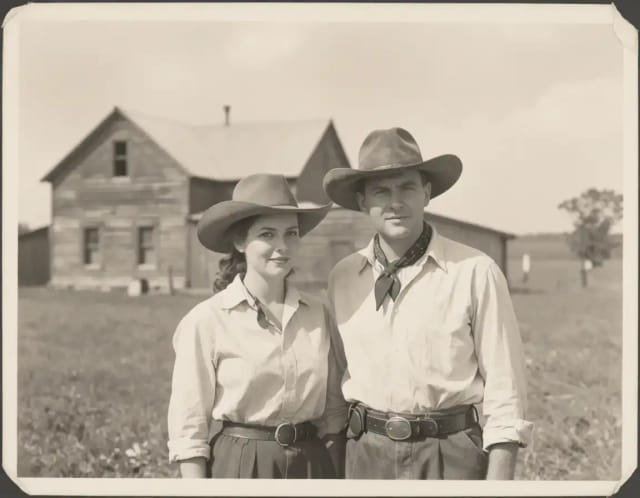
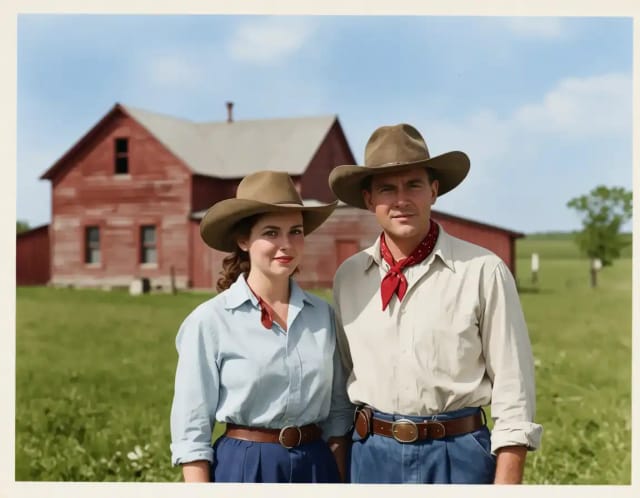
AI Image Colorizer
CreArt's AI image colorizer turns black and white photos to color with its best guess of the original colors, free and without sign-up, usually in under 20 seconds. Add a color hint, like "red dress", when a detail matters.
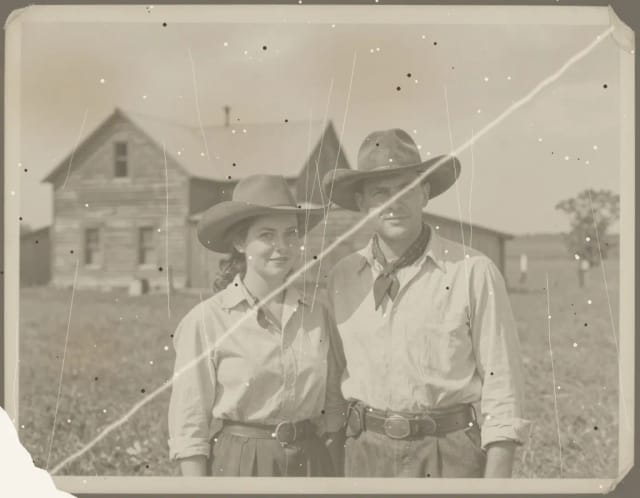
AI Photo Restoration
CreArt's AI photo restoration repairs old, damaged photos for free, without sign-up: it removes scratches, creases, stains and dust, rebuilds torn corners and brings back faded contrast, usually in under 20 seconds.
AI Unblur Image
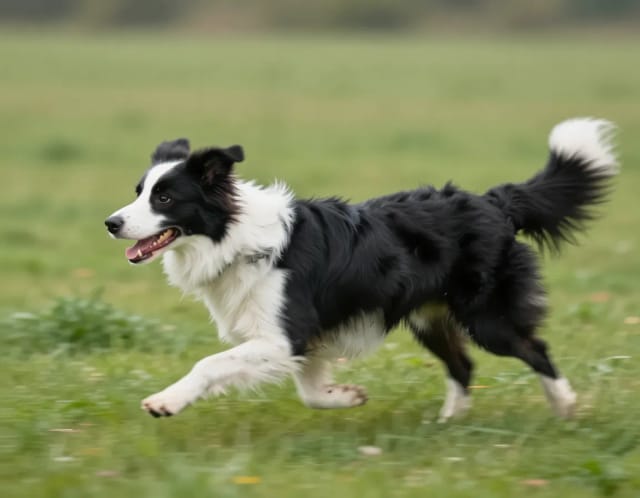
CreArt's AI Unblur Image removes out-of-focus and motion blur from photos for free, without sign-up, usually in under 20 seconds. Turn on Prioritize faces to get eyes and skin back first.
Blur Background
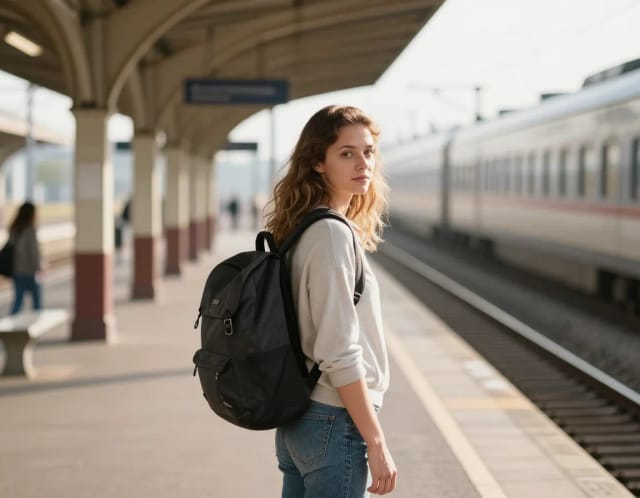
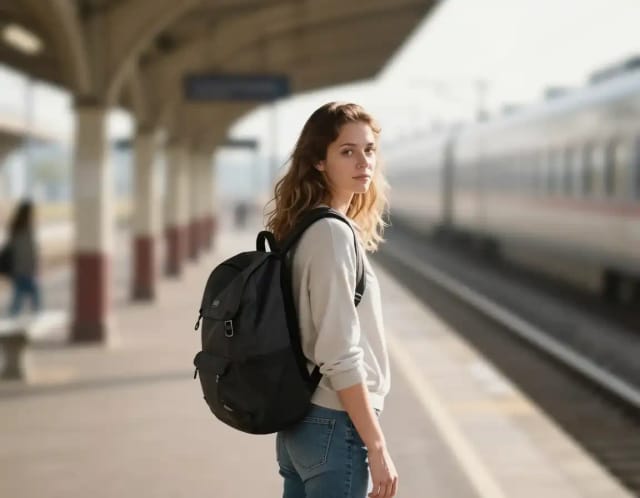
CreArt's Blur Background is a free AI tool that blurs the background of a photo and keeps the subject sharp, without sign-up and usually in under 20 seconds. Pick Strong blur for a clean portrait look or Cinematic bokeh for circles of light behind your subject.
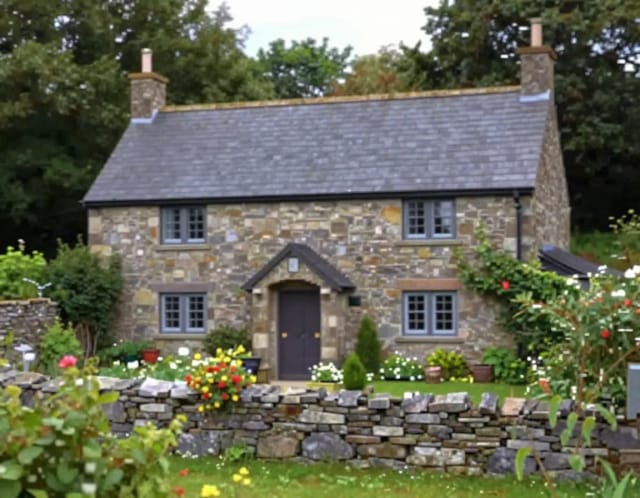
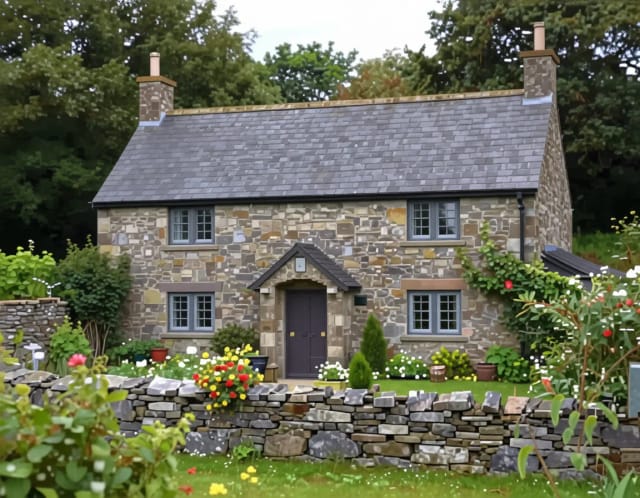
Image Upscaler
CreArt's Image Upscaler enlarges photos 2x or 4x with a dedicated AI upscaling model: a 1,000 × 1,500 px photo becomes 4,000 × 6,000 px. You see the exact output size before you start. Free to try, no sign-up.


AI Photo Enhancer
CreArt's AI photo enhancer fixes blurry, grainy, dark and dull photos for free, without sign-up, usually in under 20 seconds. Pick what's wrong, or let Fix all do everything at once.
AI Relight
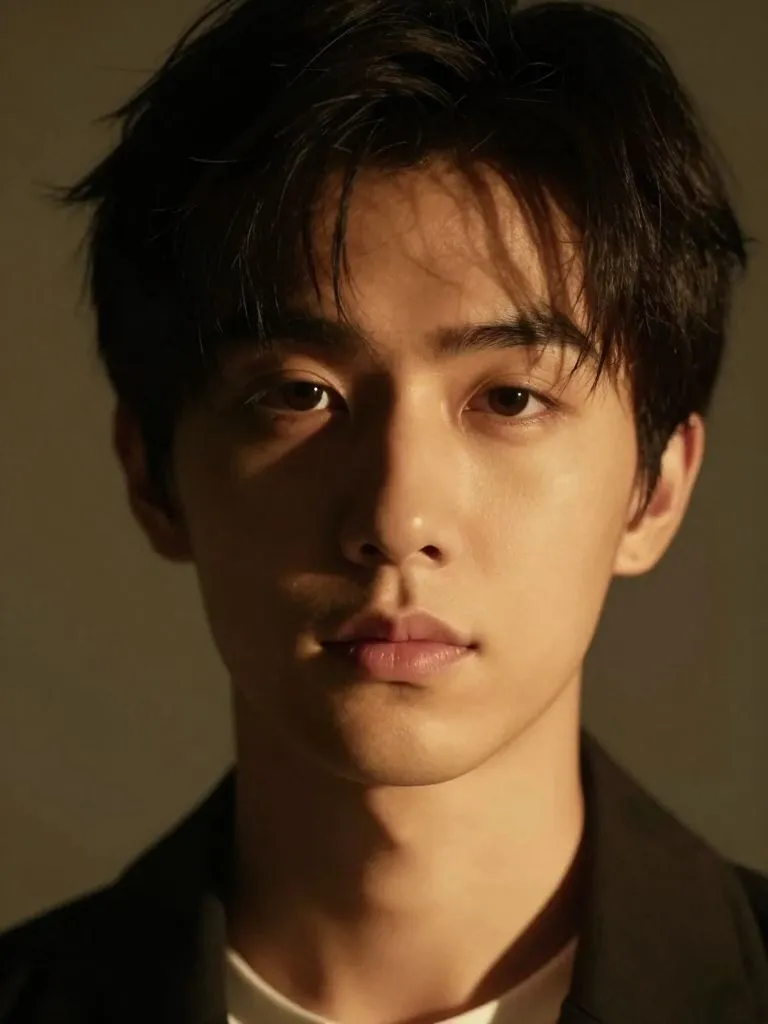
Change the lighting of any photo with AI. Pick neon, warm, cool blue, spotlight or cinematic and let the AI re-light the scene in seconds.
Ready to make something?
Open the tool, try the free Auto model and download the result.