
Blur Background
CreArt's Blur Background is a free AI tool that blurs the background of a photo and keeps the subject sharp, without sign-up and usually in under 20 seconds. Pick Strong blur for a clean portrait look or Cinematic bokeh for circles of light behind your subject.
Your photo
Blur style · Strong blur
10 free tries a day with Auto · No sign-up
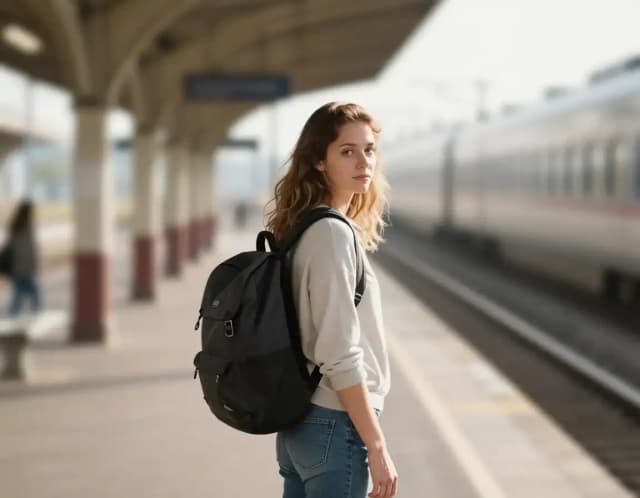

How to blur a background
How to blur the background of a photo in 4 steps
Upload your photo
Drag in or select the image you want to work on. Portraits, product shots and pet photos all work: the subject just needs to stand out from what is behind it.
Pick a blur style
Choose Strong blur to melt a busy backdrop into soft shapes, or Cinematic bokeh for a shallow depth-of-field look with circles of light behind your subject.

Let the AI blur the background
The AI finds your subject, keeps it sharp and blurs everything behind it, usually in under 20 seconds. No masking, no brush work, no cut-out edges.
Download your photo with the background blurred
Preview the result and save it, ready for LinkedIn, a store listing, a portfolio or social. Want a different look? Switch style and try again.
How it works
How Blur Background works
Blur Background is a free online tool that blurs the backdrop of a photo while keeping the main subject sharp, the depth-of-field look you would normally get from a fast camera lens. You upload an image, the AI finds the subject, and the background is blurred, usually in under 20 seconds, with no masking or editing skills needed.
It is the opposite of unblurring an image: that tool sharpens a blurry photo, this one blurs only what is behind your subject. If you would rather drop the backdrop entirely, use the background remover, and for a plain studio backdrop instead of a blurred one, the AI background changer.
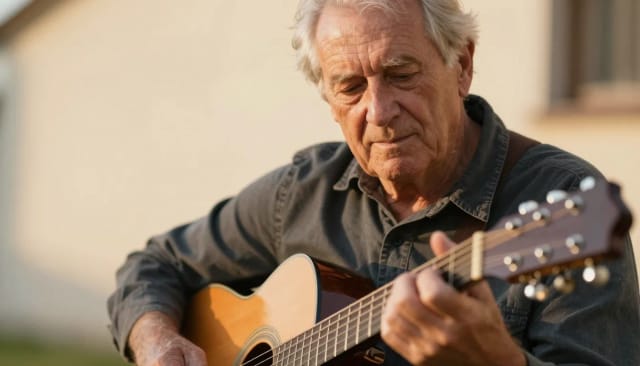
Bokeh effect
Add a bokeh effect to any photo
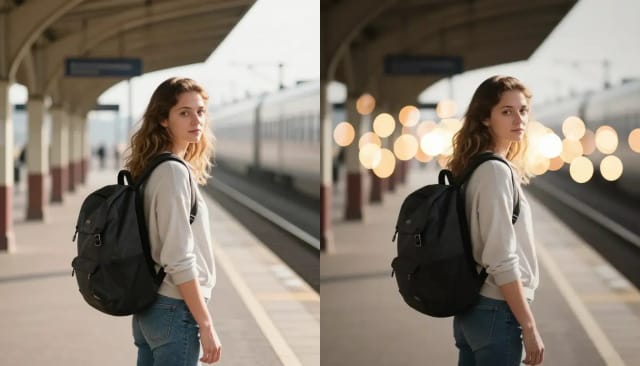
Bokeh is the soft, out-of-focus glow behind a subject, often with round or oval circles of light, that fast lenses give at wide apertures. Pick Cinematic bokeh and the AI blurs the background and adds those circles of light behind your subject, while the person stays sharp.
The lights are added by the AI, so they will not match the real lamps in your scene. For a clean look without circles of light, choose Strong blur.
Why the blur looks natural, not cut-out
The AI separates foreground from background by recognizing the edges of the subject (hair, shoulders, product outlines) instead of blurring the whole frame evenly. That is what keeps the line between the sharp subject and the soft backdrop looking natural, the part people usually get wrong when they blur the background of a picture by hand.
Because it works on the pixels you upload, image quality matters going in. If your original is a little soft to begin with, run it through the AI photo enhancer first so the blur has a crisper subject to work against.
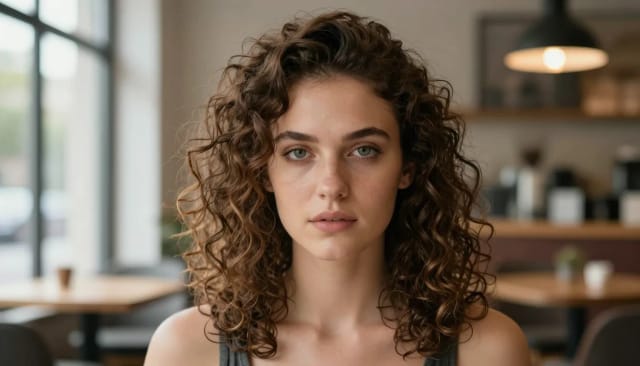
Studio-style depth without camera settings
Doing this by hand in photo editing software means masking the subject, feathering edges and painting in a gradient blur: slow, fiddly, and easy to get wrong around fine detail like hair. Blur Background does the masking for you; check fine detail at full size before you publish.
It pairs well with the rest of the toolkit too. You can adjust the mood and lighting with AI relight before you blur, or generate a polished profile shot with the AI headshot generator, and you have a portrait or product image that looks studio-made without touching a camera setting.

Who it's for
Who Blur Background is for
Freelancers and job seekers
Turn a phone selfie into a clean profile shot with a blurred background that reads professional on LinkedIn, a résumé or an about page.
Online sellers and creators
Blur the messy room behind a product so the item stands out in listings, thumbnails and social posts without a photo studio.
Photographers and hobbyists
Add a shallow depth-of-field, cinematic look to shots taken on a phone or a kit lens that couldn't blur the background on its own.
Social media and content teams
Clean up distracting backgrounds fast so posts, reels and stories keep the focus on the subject and stay on-brand.
Anyone with a cluttered background
Snap a photo anywhere and blur the background of the picture afterward, so a busy café or a cluttered desk quietly fades away.
Pricing
Blur backgrounds free, upgrade when you need more
Start blurring photo backgrounds at no cost, and move to a paid plan when you want more generations and higher throughput.
Free
$0
- 100 credits every day
- The Auto model, on our own servers
- No card needed
Paid plans
Basic · Starter · Creator
- 1,600 to 10,000 credits a month
- Every AI model, including premium ones
- AI video, and no ads in the mobile app
Why choose it
Why blur your background with AI
Sharp subject, soft backdrop
The AI reads the edges of your subject — including tricky detail like hair — so the sharp-to-blurred transition looks natural, not like a pasted cut-out.
Two blur styles
Strong blur melts a distracting scene into soft shapes. Cinematic bokeh gives a shallow depth-of-field look with circles of light behind the subject.
No editing skills needed
Skip the manual masking, feathering and gradient painting. Upload a picture, pick a style, and the background is blurred, usually in under 20 seconds.
Works on any photo
Portraits, headshots, product photos, pets and everyday shots all work. Great for cleaning up a busy background of a photo before you post or list it.
Professional depth of field
Get the look of a camera with a wide aperture without owning one — the kind of blurred background that makes a profile shot or product image read as studio-made.
Free to try, no signup
Blur the background of a photo online, free with Auto. No account required to start, and nothing to install.
Honest limits
When the fake bokeh shows
Portraits with a clear subject get a convincing depth-of-field effect, including gradual falloff that cheap lens filters get wrong.
Fine structures crossing the depth boundary — bicycle spokes, glassware, wisps of hair — are where synthetic blur differs from a real lens. Check those edges at full size before publishing.
How can you blur the background of a photo?
How do I add a bokeh effect to a photo?
How can we blur the background of a picture without photo editing software?
How do I blur the background of a photo on iPhone?
Does blurring the background lower my photo's quality?
Which blur style should I choose?
What kinds of photos work best?
Can I remove the background instead of blurring it?
Is Blur Background free to use?
CreArt is not affiliated with, endorsed or sponsored by LinkedIn or iPhone. LinkedIn is a trademark of LinkedIn Corporation. iPhone is a trademark of Apple Inc.
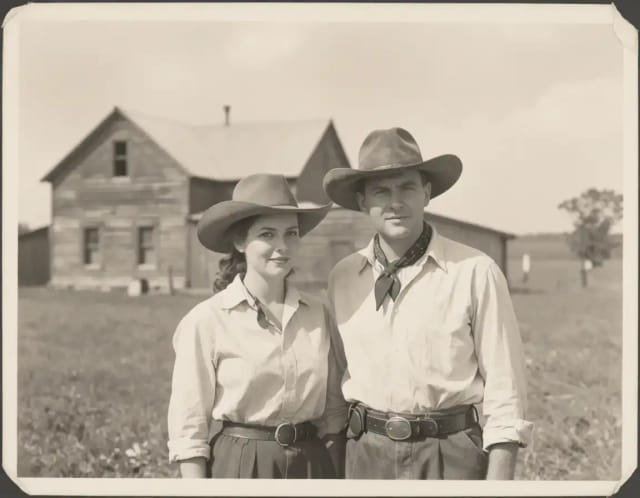
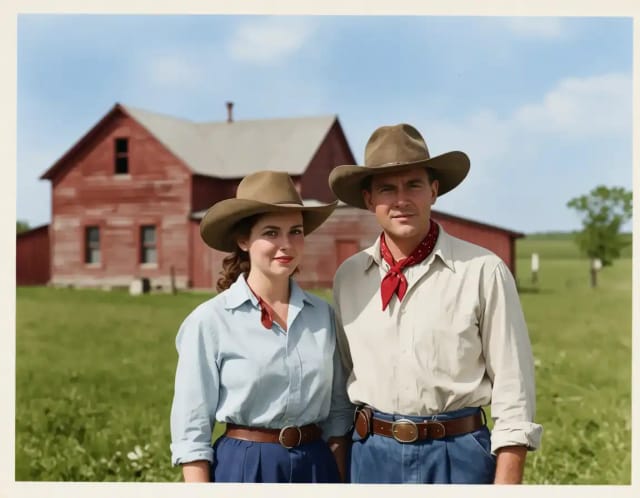
AI Image Colorizer
CreArt's AI image colorizer turns black and white photos to color with its best guess of the original colors, free and without sign-up, usually in under 20 seconds. Add a color hint, like "red dress", when a detail matters.
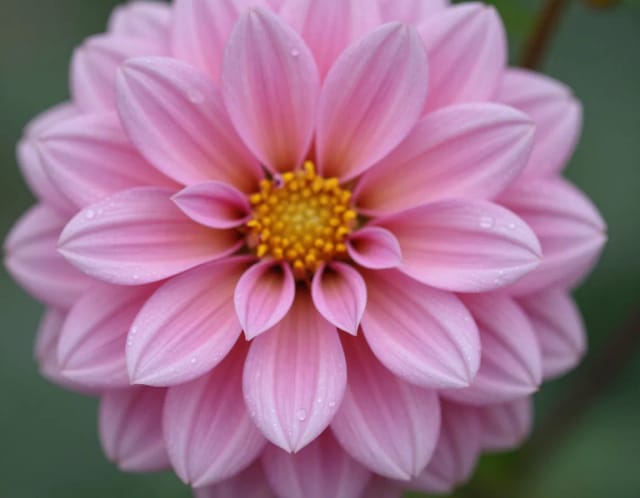
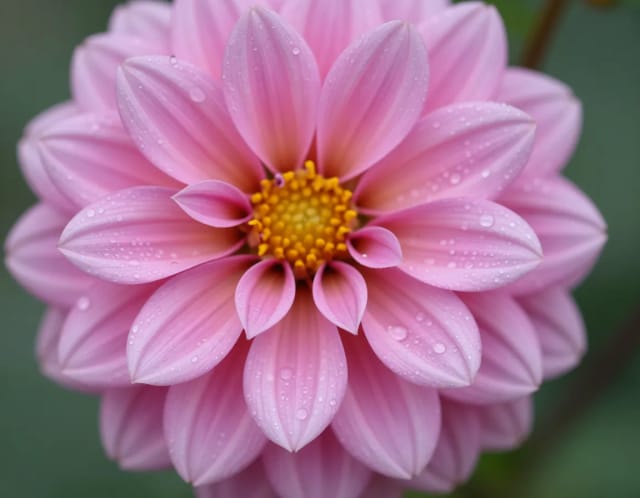
AI Image Sharpener
CreArt's AI Image Sharpener brings soft photos back into focus for free, without sign-up, usually in under 20 seconds: crisp edges in eyes, hair, text and product details. Tell it what should be sharpest, or leave it blank.
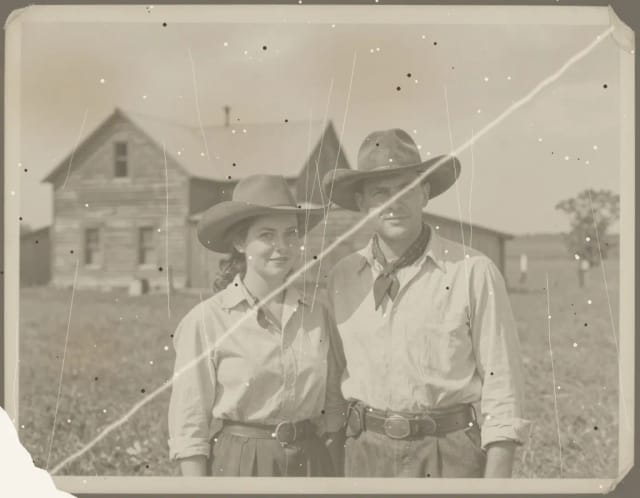
AI Photo Restoration
CreArt's AI photo restoration repairs old, damaged photos for free, without sign-up: it removes scratches, creases, stains and dust, rebuilds torn corners and brings back faded contrast, usually in under 20 seconds.
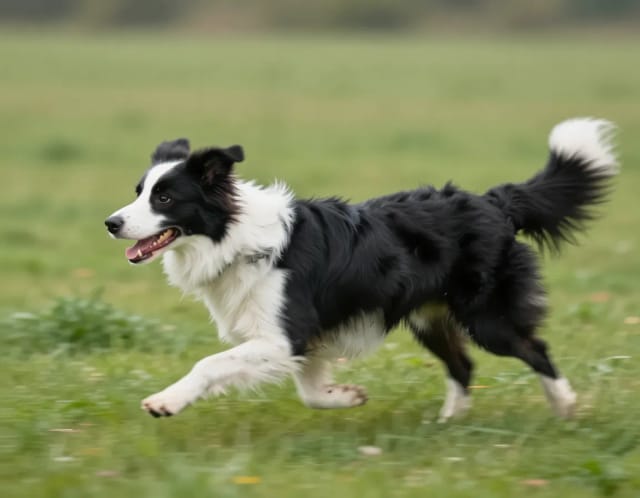
AI Unblur Image
CreArt's AI Unblur Image removes out-of-focus and motion blur from photos for free, without sign-up, usually in under 20 seconds. Turn on Prioritize faces to get eyes and skin back first.
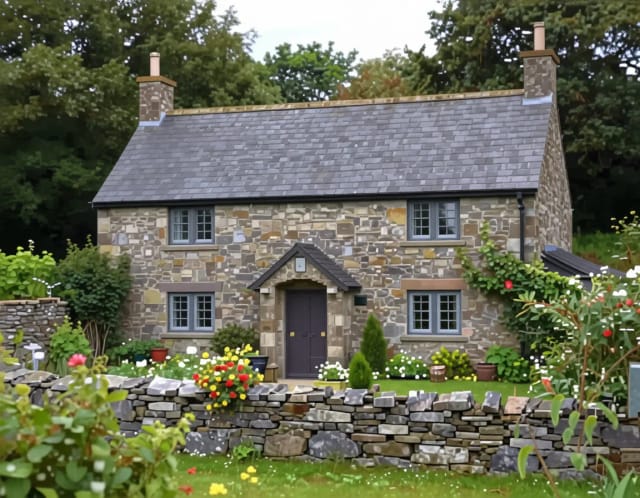
Image Upscaler
CreArt's Image Upscaler enlarges photos 2x or 4x with a dedicated AI upscaling model: a 1,000 × 1,500 px photo becomes 4,000 × 6,000 px. You see the exact output size before you start. Free to try, no sign-up.

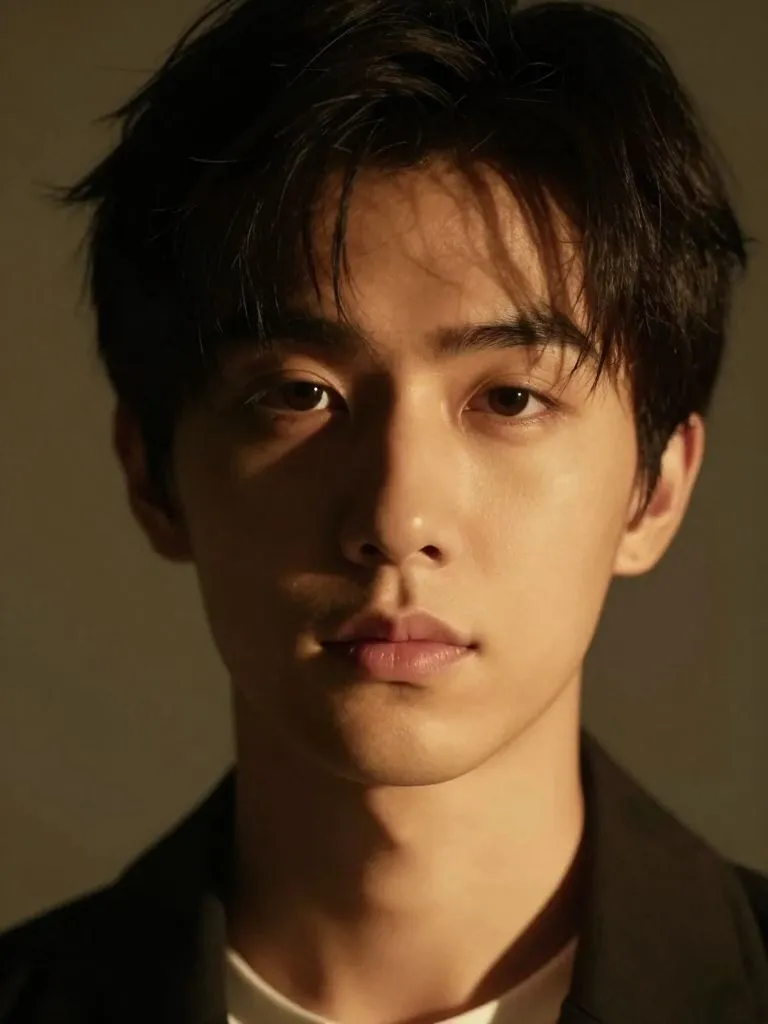
AI Relight
Change the lighting of any photo with AI. Pick neon, warm, cool blue, spotlight or cinematic and let the AI re-light the scene in seconds.
Ready to make something?
Open the tool, try the free Auto model and download the result.