
AI Photoshoot
Upload one selfie, pick a style and get a new photo of you in that setting in under 20 seconds. Try several styles with the same selfie to build your own photoshoot.
Your selfie
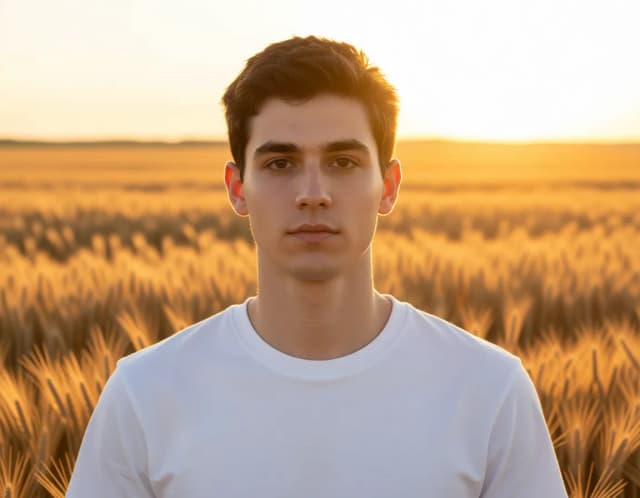
Photoshoot style · Golden hour
10 free tries a day with Auto · No sign-up

How it works
How to do an AI photoshoot in 4 steps
One selfie and one style per photo. Try other styles with the same selfie.
Upload one clear selfie
Add a well-lit photo with your face clearly visible and looking toward the camera.
Pick your photoshoot style
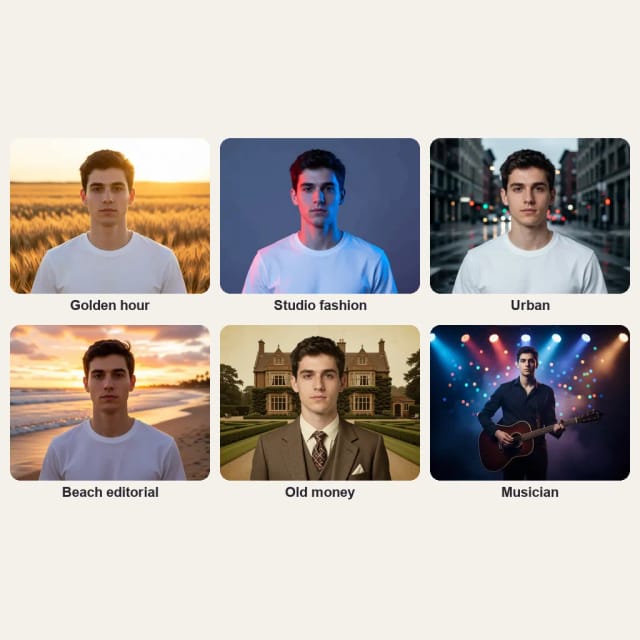
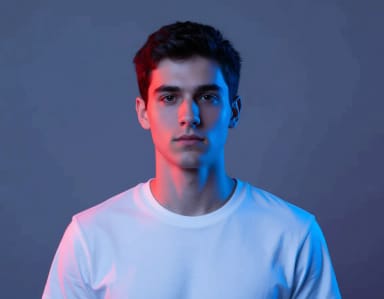
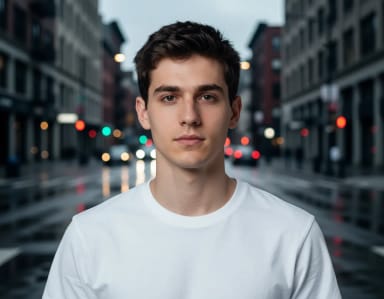
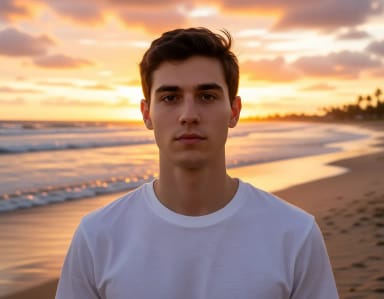
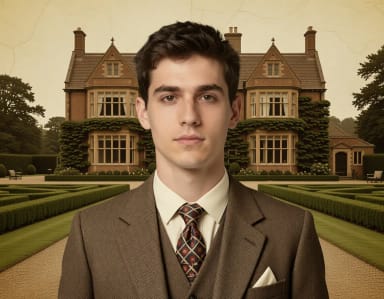
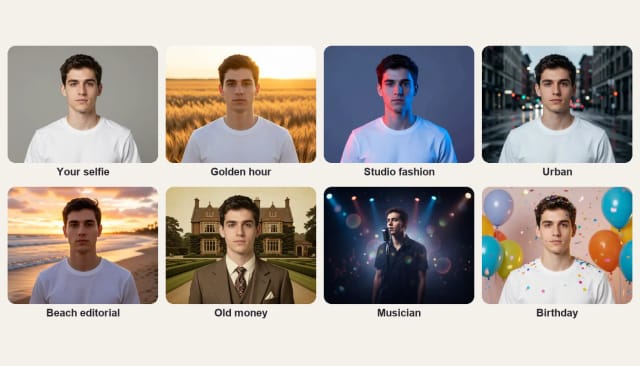
Choose Golden hour, Studio fashion, Urban, Beach editorial, Old money, Musician or Birthday. Each one brings its own setting and light.
Get your photo
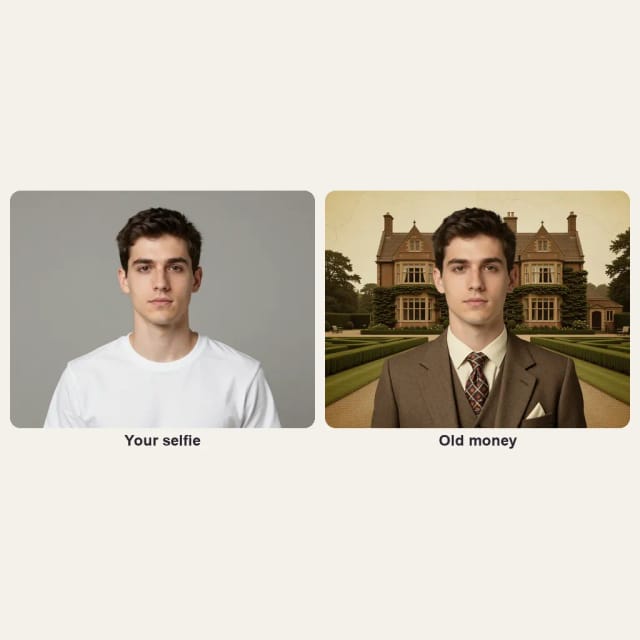
In under 20 seconds you get a new photo of you in that style, with your face, hair and expression kept.
Build your set
Pick another style with the same selfie for the next shot, and download the ones you like.
Seven photoshoot styles, one selfie
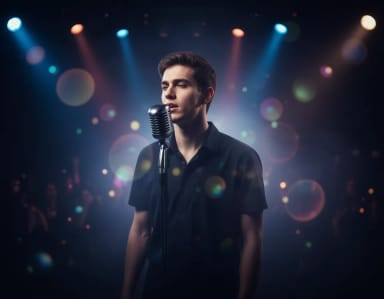
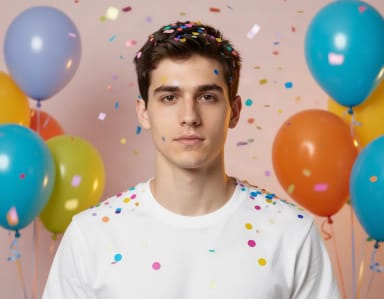
Golden hour, studio fashion, urban, beach editorial, old money, musician and birthday: the same person in each setup.
How it works
Photoshoot AI: a new photo of you for every style
From one selfie to a set of new photos, without a studio or a photographer.
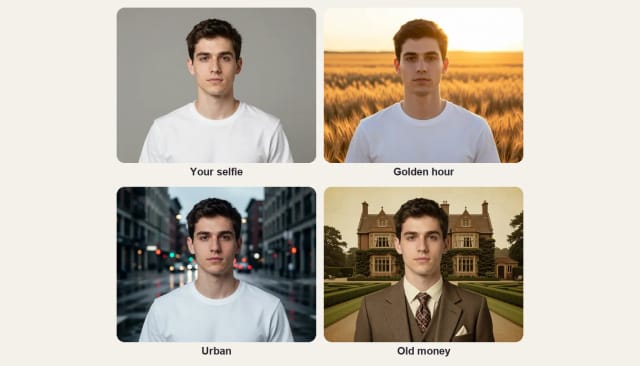
Photoshoot AI turns one selfie into new photos of you in different settings. Each click gives you one photo in the style you pick: golden hour in a wheat field, a moody city street, an old money look with a tweed blazer and more. Use the same selfie with several styles and you have a whole photoshoot without booking a studio.
It is made for photos of people: profile pictures, a portfolio, a dating app or a fresh post. For a professional photo for LinkedIn or your CV, the AI headshot generator dresses you in a blazer on a studio or office background.
Themed shoots
Birthday and musician photoshoots from a selfie
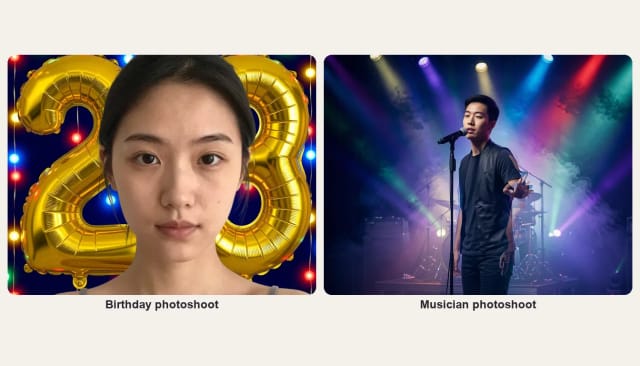
For a birthday, the AI birthday photoshoot puts you among balloons, in front of a giant number or in a party photobooth. For a band or a solo artist, the musician photoshoot puts you on stage, in a recording studio or on a city street.
Here you also have a Birthday and a Musician style, for one photo of each next to the rest of your set.
Tips
How to get the best photos from an AI photoshoot
Start with a clear, front-facing selfie in even light, with your whole face visible. The AI keeps your face, hair and expression and changes the setting and the light; some styles bring an outfit too, like the tweed blazer of Old money.
For a consistent set, use the same selfie for every style. To change only the background of a photo, try the AI background changer; for a new outfit, the AI clothes changer.
Who it's for
Who AI Photoshoot is for
Profile pictures and dating apps
Fresh, flattering photos of you in different settings, from one selfie.
Creators and personal brands
A steady set of on-brand photos for posts, stories and your portfolio.
Musicians and artists
Stage and press-style photos with your own face for covers and social posts.
People marking a special moment
A birthday photo with balloons or a golden hour photo for a milestone.
Pricing
Simple pricing for your AI photoshoot
Photoshoot AI is free to try every day, with no sign-up. Upgrade any time for more generations.
Free
$0
- 100 credits every day
- The Auto model, on our own servers
- No card needed
Paid plans
Basic · Starter · Creator
- 1,600 to 10,000 credits a month
- Every AI model, including premium ones
- AI video, and no ads in the mobile app
Why AI Photoshoot
Why choose AI Photoshoot over a studio session
A new photo for every style
Each click gives you one photo in the style you pick; try several for a full set.
Looks like you
Your face, hair and expression stay as they are in your selfie.
Seven photoshoot styles
Golden hour, Studio fashion, Urban, Beach editorial, Old money, Musician and Birthday.
Under 20 seconds per photo
Pick a style and the photo is ready almost straight away.
No studio, no photographer
One selfie at home is all it takes.
Free to try online
No app to install and no sign-up.
Which AI is best for photoshoots?
Can I use AI to create a photoshoot?
Can ChatGPT make AI photos?
How many photos do I get?
Is there a free AI photoshoot tool?
Do the photos look like me?
What photo should I upload?
Can I make product photos?
CreArt is not affiliated with, endorsed or sponsored by LinkedIn. LinkedIn is a trademark of LinkedIn Corporation.
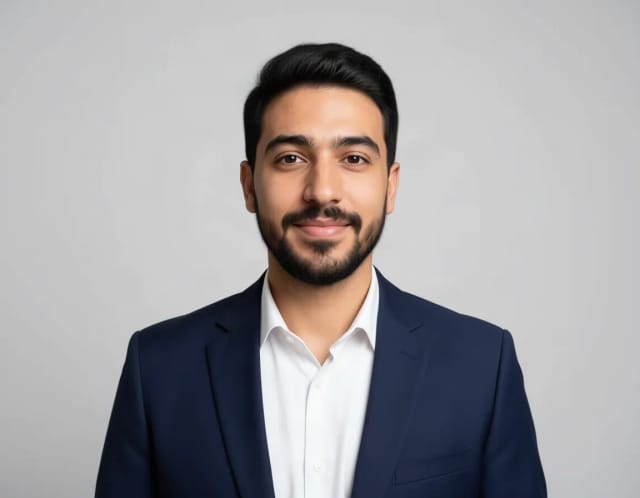
AI Headshot Generator
Turn an everyday selfie into a professional headshot with AI: a blazer or suit, a studio or office background and your own face, ready for LinkedIn and your CV in under 20 seconds.
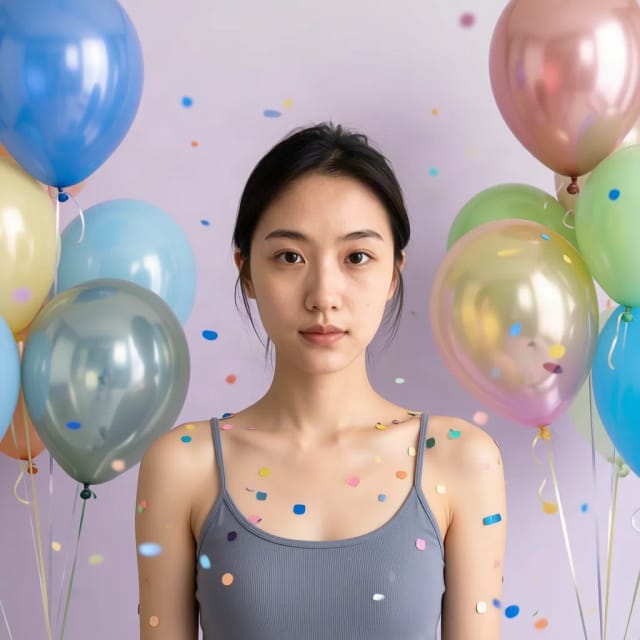
Birthday Photoshoot
Upload a selfie, pick a birthday style and get a party photo of you in under 20 seconds: balloons, a cake smash, giant number balloons, a photobooth or golden hour.
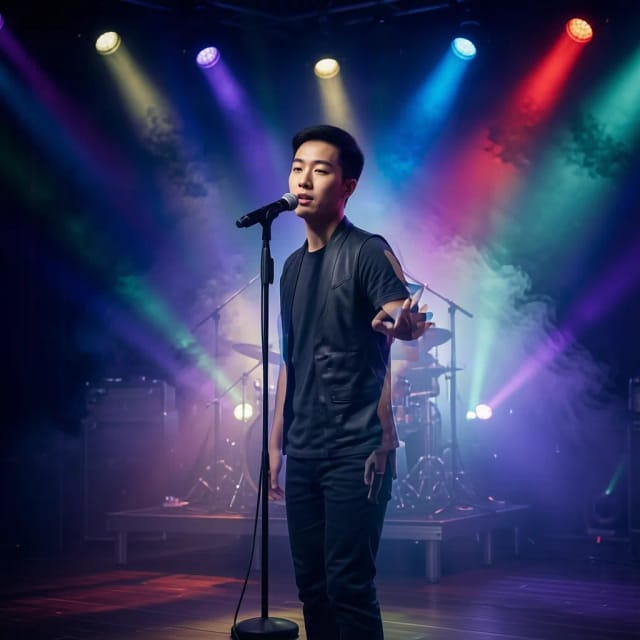
Musician Photoshoot
Try musician photoshoot ideas on your own selfie: pick a style and get a press-style photo of you on stage, in a studio or under neon light in under 20 seconds.
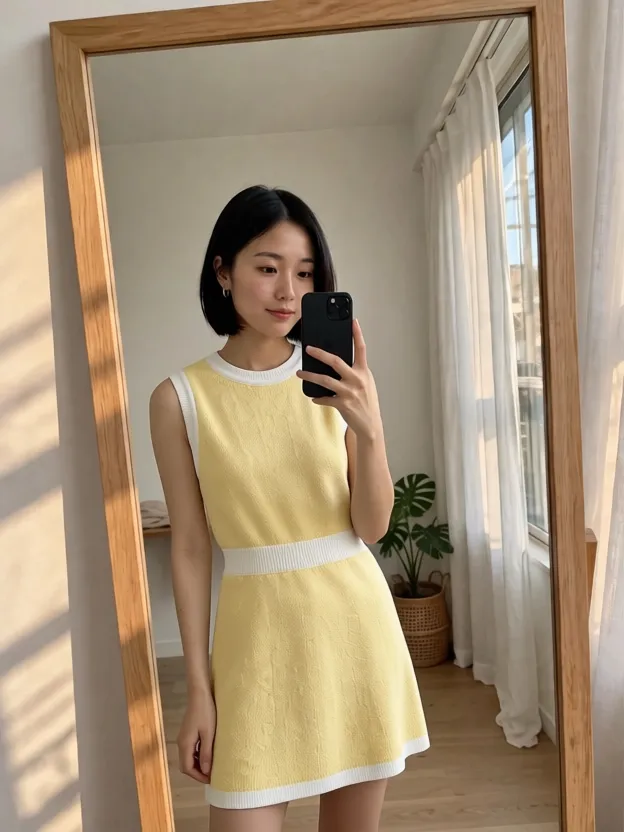
AI Clothes Changer
CreArt's free AI Clothes Changer dresses you in any garment from any shop, or in one of 14 styles, usually in under 20 seconds. No sign-up.
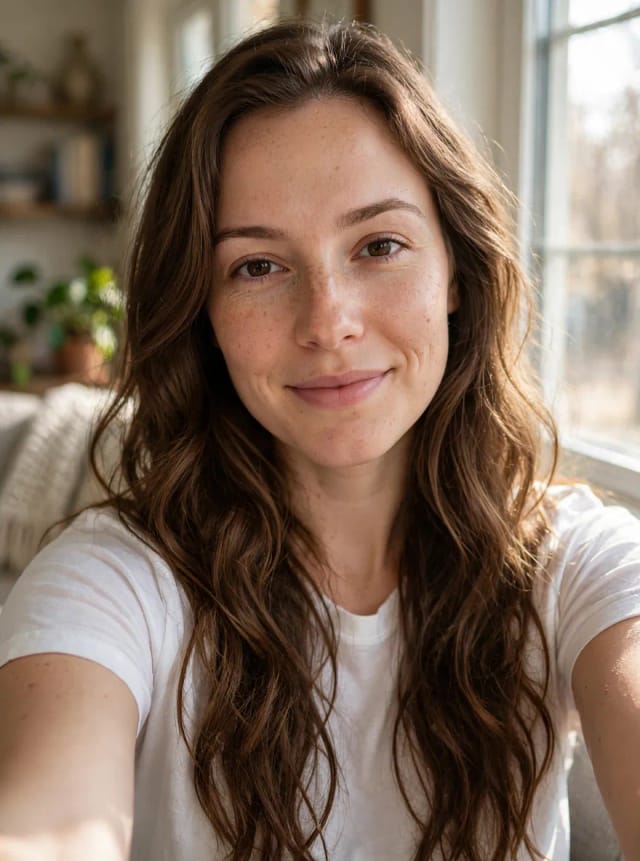
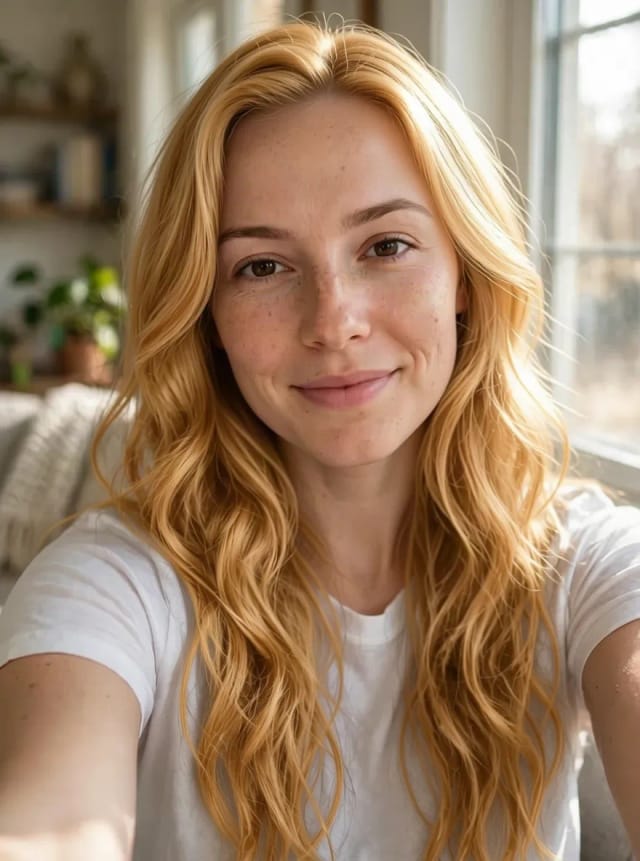
AI Hair Color Changer
CreArt's free AI Hair Color Changer recolors only your hair in a selfie: 24 salon shades, balayage, ombré or any custom color, usually in under 20 seconds. No sign-up.
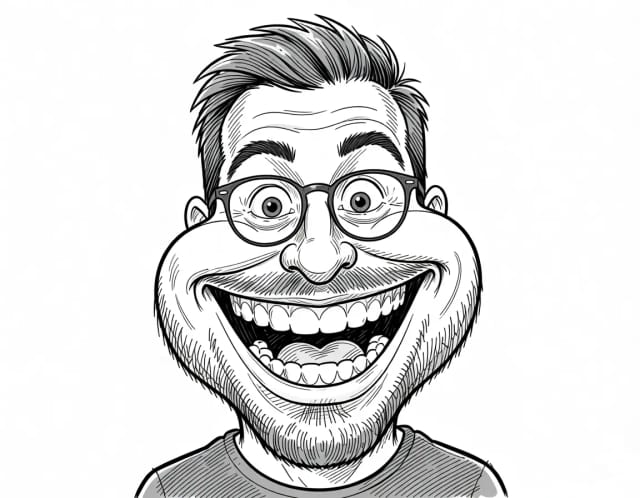
Caricature Maker
Upload a photo and turn it into a personalized caricature with a free AI caricature generator. Pick a style, exaggerate the features, and download a fun, shareable result in under 20 seconds.
AI Profile Picture Maker
A free AI profile picture maker: your photo on a color background, sized for your social profiles, right in your browser. Or an anime, 3D, cartoon or pixel art avatar in under 20 seconds.
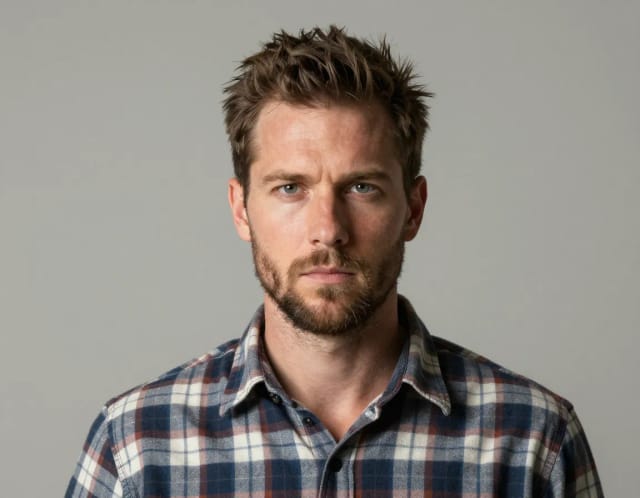
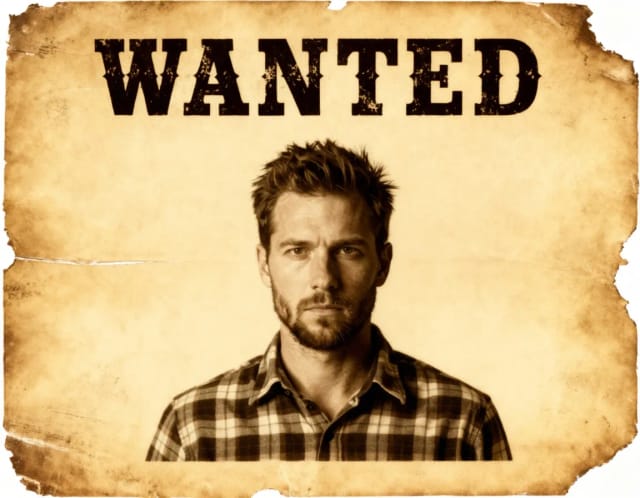
Wanted Poster Template & Generator
Turn any photo into a classic old-west wanted poster with your own name and reward, spelled exactly as you type them. Free to try — edit the text any time and download in seconds.
Ready to make something?
Open the tool, try the free Auto model and download the result.