
AI Portrait Generator
Upload a photo, pick one of 9 styles and get an AI portrait of you in under 20 seconds: cinematic, black and white, fantasy, Renaissance, pop art or a painted look.
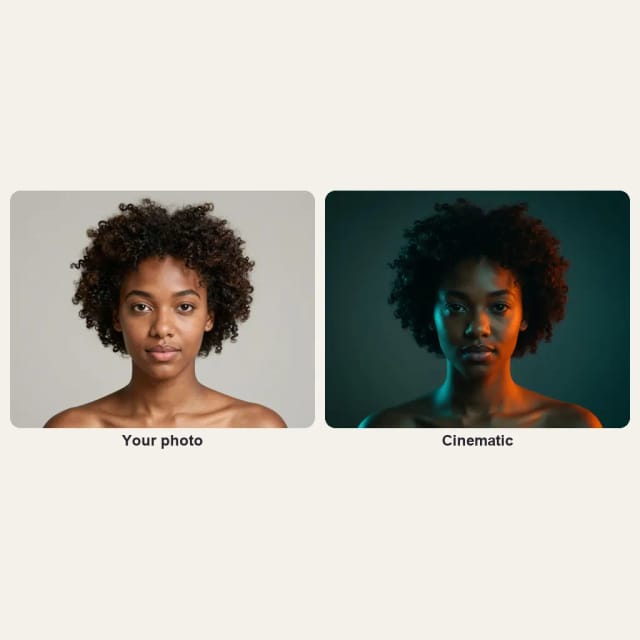
Your photo
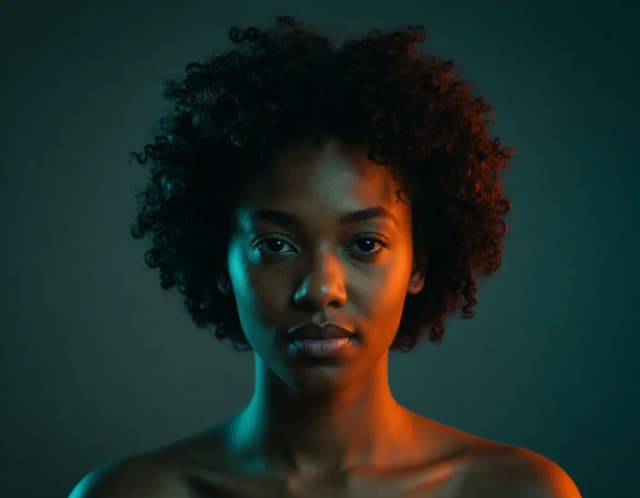
Portrait style · Cinematic
10 free tries a day with Auto · No sign-up

How to use it
How to make an AI portrait from a photo in 4 steps
One photo and one style per portrait. Try another style with the same photo to compare.
Upload your photo
Add a clear, front-facing photo of one face in even light. A selfie works.
Pick a portrait style
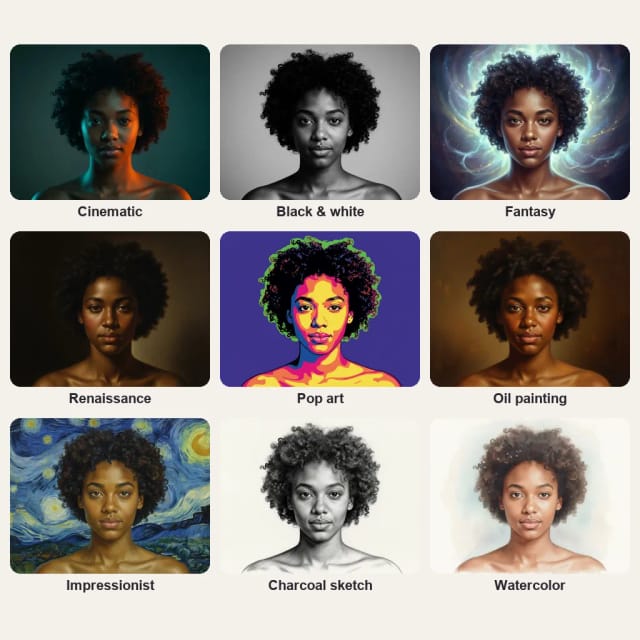
Choose Cinematic, Black & white, Fantasy, Renaissance or Pop art, or a painted style: Oil painting, Impressionist, Charcoal sketch or Watercolor.
Get your portrait
In under 20 seconds you get the portrait in that style, with your face kept and the same shape as your photo.
Download and share
Save it for a profile picture, a post, a print or a gift.
Nine portrait styles, one photo
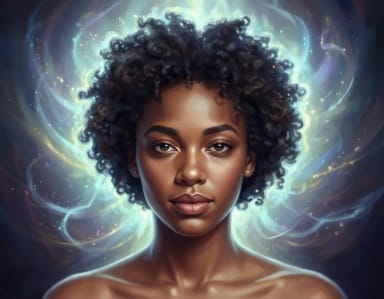
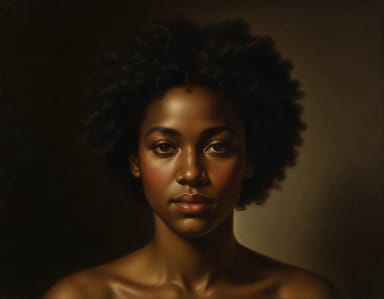
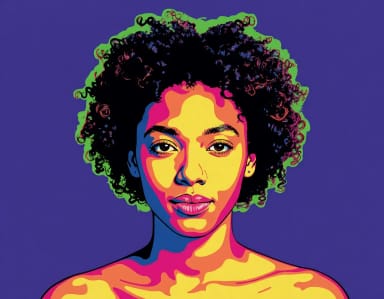
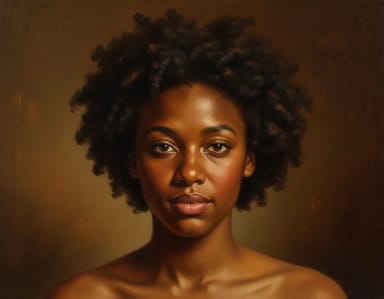
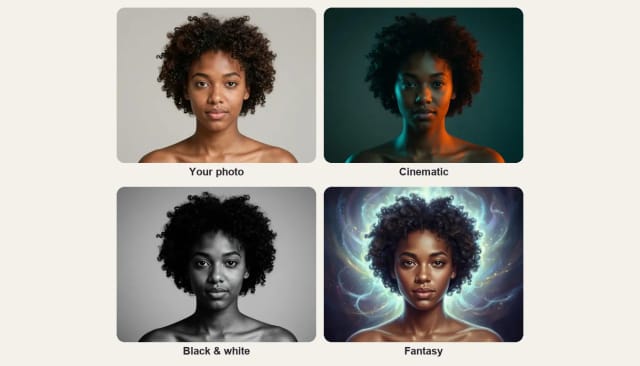
Cinematic, black and white and fantasy, Renaissance and pop art, plus four painted styles: the same face in each.

How it works
AI portrait generator: one photo, nine styles
A portrait of you without a studio, a photographer or an editing app.
Upload a photo of a face, pick a style and the AI turns it into a portrait: a cinematic film still with moody light, a fine-art black and white portrait, a fantasy portrait with glowing light, a Renaissance portrait or a pop art portrait. Your face and expression stay recognizable in every style.
Need a clean photo for work instead? The AI headshot generator makes business headshots from a selfie.
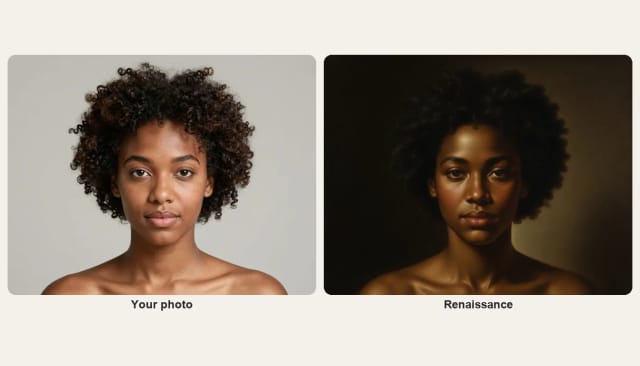
Renaissance
Renaissance portrait from your photo
The Renaissance style paints your photo like an old-master portrait: a dark background, warm light falling across the face and the soft shadows of a museum painting. A front-facing photo with a calm expression gives the most classical result.
It makes a striking gift: print it and frame it like a painting.
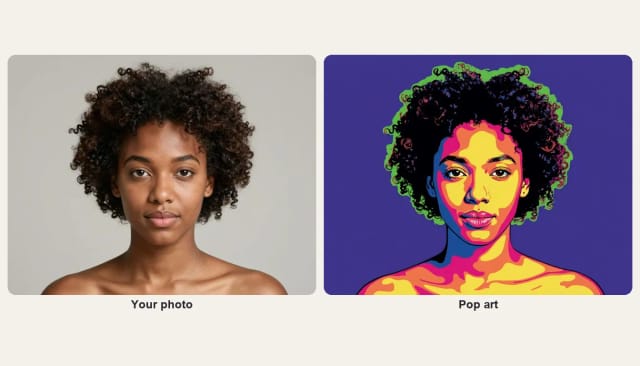
Pop art
Pop art portrait from your photo
Pop art turns your photo into flat, bold color blocks with a thick black outline, like a 1960s screen print: yellow, pink and orange tones on a solid colored background. It stands out as a profile picture and on a poster, and it still reads well small.
For a profile picture made for social apps, try the AI profile picture maker.
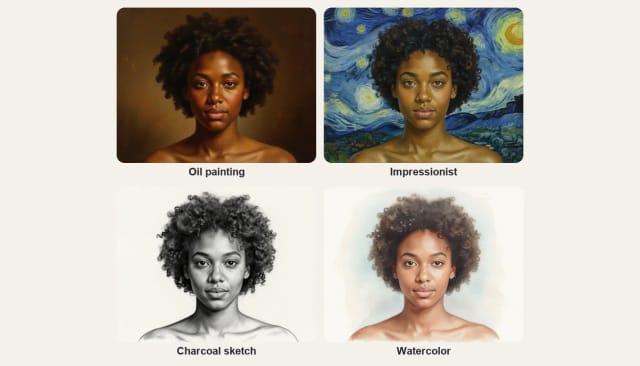
Painted styles
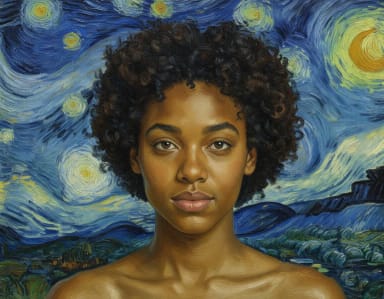
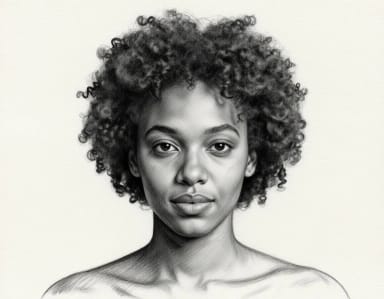
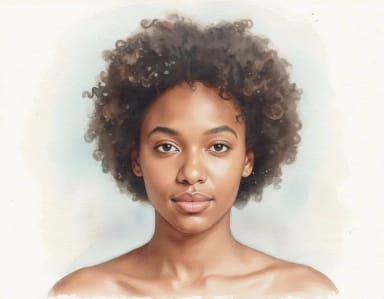
Oil painting, impressionist, charcoal and watercolor
Four styles turn your photo into a painting or a drawing: Oil painting, with visible brushstrokes on a dark background; Impressionist, with thick swirling brushwork; a Charcoal sketch on textured paper; or a soft Watercolor.
To paint a landscape, a pet or a whole scene instead of a face, use Photo to Painting. For a pencil or charcoal drawing of any photo, use Photo to Sketch.
Who it's for
Who the AI portrait generator is for
People who want a new profile picture
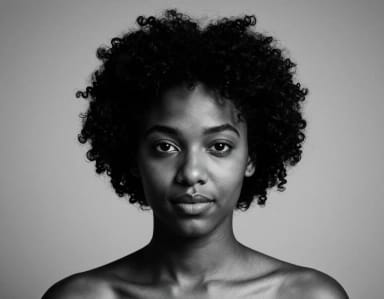
A cinematic, black and white or pop art portrait for your profiles, from a photo you already have.
Anyone making a gift
A Renaissance or painted portrait of someone you love, ready to print and frame.
Artists and designers
See a face in nine styles to test a look or a mood before you start.
Creators and marketers
Distinct portraits for posts, thumbnails and channel art.
Writers and role-players
A fantasy portrait of yourself as a character for a story, a game or an avatar.
Pricing
AI portrait generator pricing
The AI portrait generator is free to try every day, with no sign-up. Upgrade any time for more generations.
Free
$0
- 100 credits every day
- The Auto model, on our own servers
- No card needed
Paid plans
Basic · Starter · Creator
- 1,600 to 10,000 credits a month
- Every AI model, including premium ones
- AI video, and no ads in the mobile app
Why choose it
Why use CreArt's AI portrait generator
More than a photo filter: the light, the background and the finish change with the style.
Nine portrait styles
Cinematic, Black & white, Fantasy, Renaissance and Pop art, plus Oil painting, Impressionist, Charcoal sketch and Watercolor.
Keeps your face
Your face and expression stay recognizable; the light, the background and the finish change.
Under 20 seconds per portrait
Pick a style and the portrait is ready almost straight away.
Same shape as your photo
A vertical photo gives a vertical portrait, and a wide one stays wide.
Free to try online
No app to install and no sign-up.
Ready to post or print
Download the portrait for a profile picture, a post or a print.
FAQ
Frequently asked questions about the AI Portrait Generator
Still have a question? Visit the help center →
What is an AI portrait generator?
Is the AI portrait generator free?
What portrait styles are there?
Does the portrait look like me?
Can I make a pop art portrait from a photo?
Can I turn my photo into a Renaissance painting?
How many portraits do I get?
Can I use the portrait as a profile picture or print it?
CreArt is not affiliated with, endorsed or sponsored by LinkedIn. LinkedIn is a trademark of LinkedIn Corporation.

AI Headshot Generator
Turn an everyday selfie into a professional headshot with AI: a blazer or suit, a studio or office background and your own face, ready for LinkedIn and your CV in under 20 seconds.
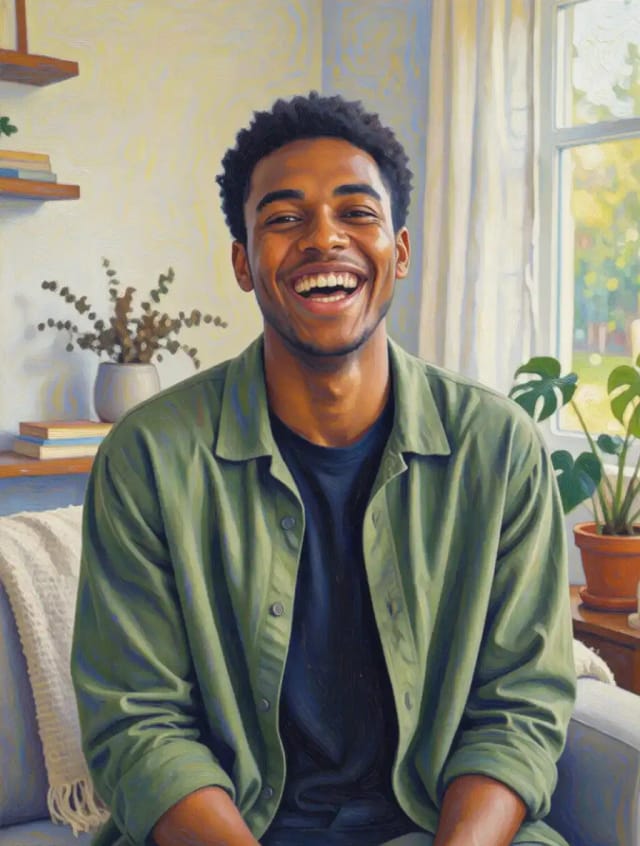
Photo to Painting
CreArt's photo to painting tool turns any photo into a painting, from a portrait painting to an oil painting look, free and without sign-up. Pick impressionist, baroque, palette knife, acrylic, expressionist or pop art; it usually takes under 20 seconds.
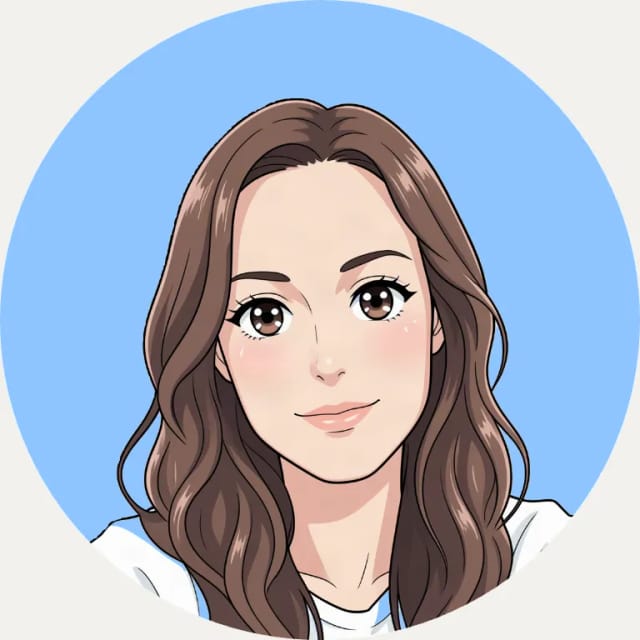
AI Profile Picture Maker
A free AI profile picture maker: your photo on a color background, sized for your social profiles, right in your browser. Or an anime, 3D, cartoon or pixel art avatar in under 20 seconds.
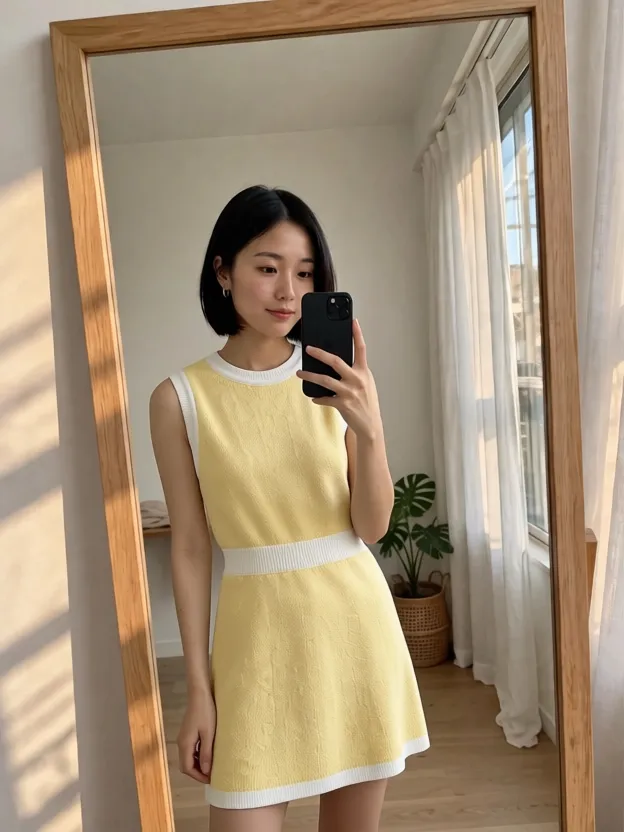
AI Clothes Changer
CreArt's free AI Clothes Changer dresses you in any garment from any shop, or in one of 14 styles, usually in under 20 seconds. No sign-up.
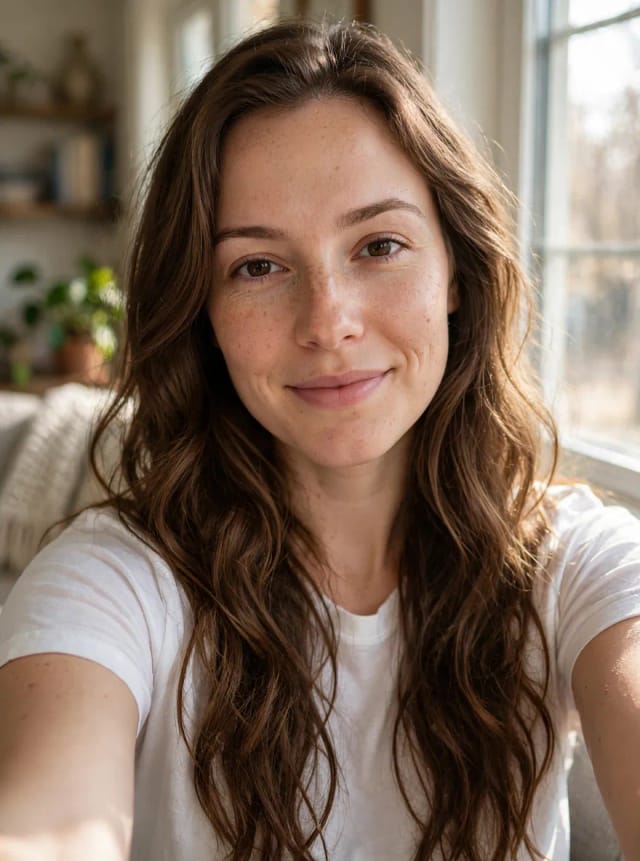
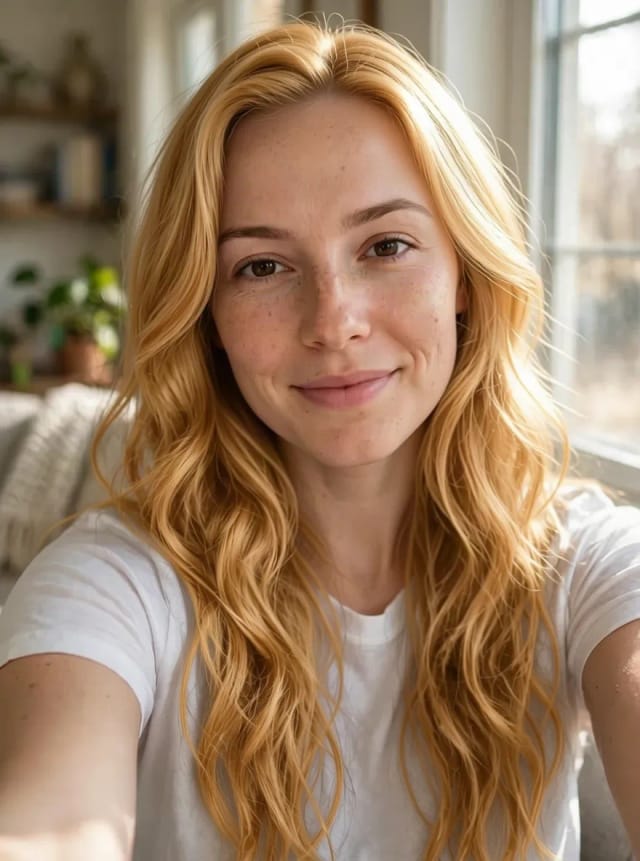
AI Hair Color Changer
CreArt's free AI Hair Color Changer recolors only your hair in a selfie: 24 salon shades, balayage, ombré or any custom color, usually in under 20 seconds. No sign-up.
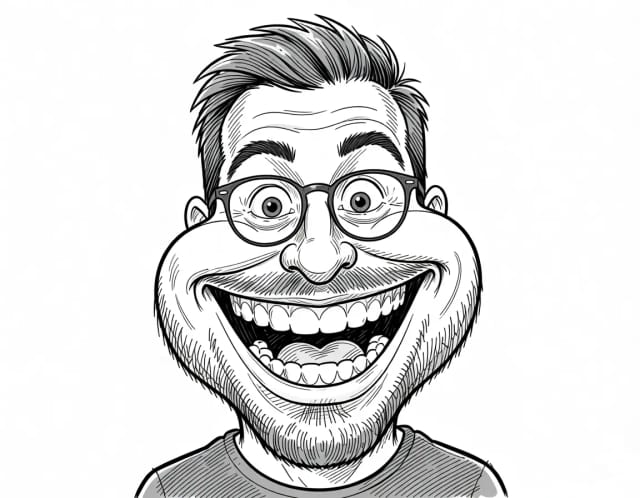
Caricature Maker
Upload a photo and turn it into a personalized caricature with a free AI caricature generator. Pick a style, exaggerate the features, and download a fun, shareable result in under 20 seconds.
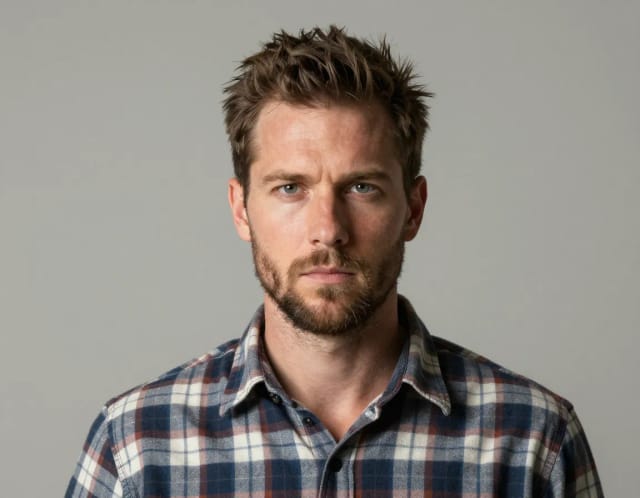
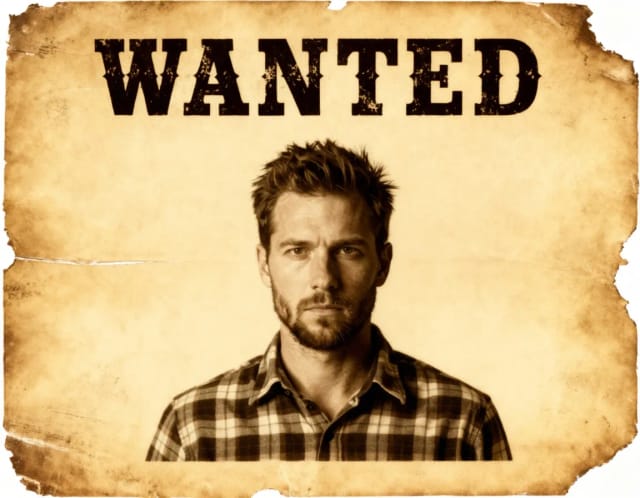
Wanted Poster Template & Generator
Turn any photo into a classic old-west wanted poster with your own name and reward, spelled exactly as you type them. Free to try — edit the text any time and download in seconds.
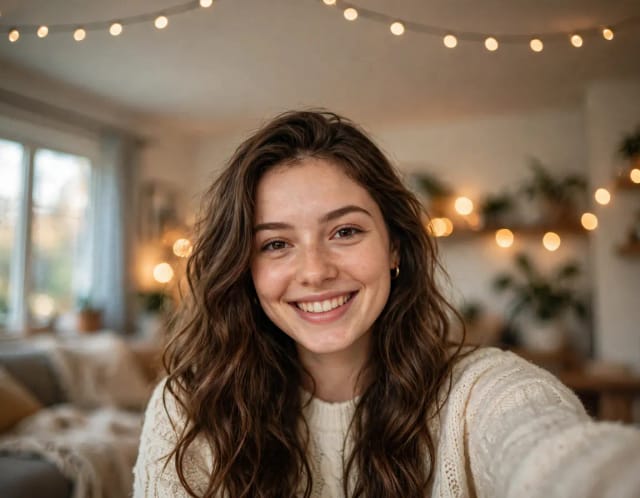
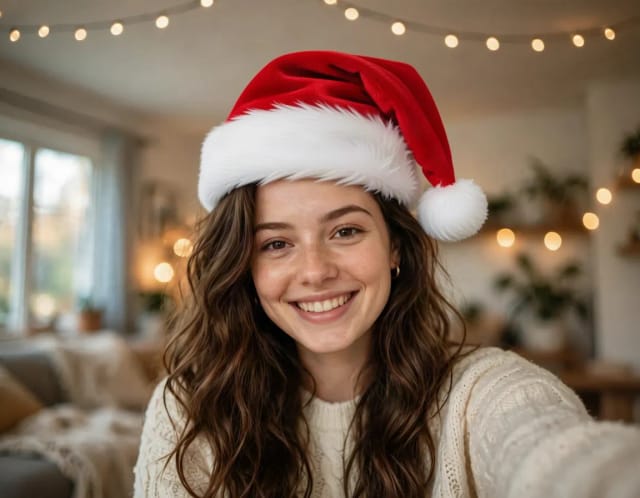
Add Santa Hat to Photo
Put a Santa hat on everyone in your photo, from selfies to group shots and pets. Pick a classic, knit, floppy, elf or reindeer hat. Free, no sign-up.
Ready to make something?
Open the tool, try the free Auto model and download the result.